
Okular
KDE's universal document viewer with annotations
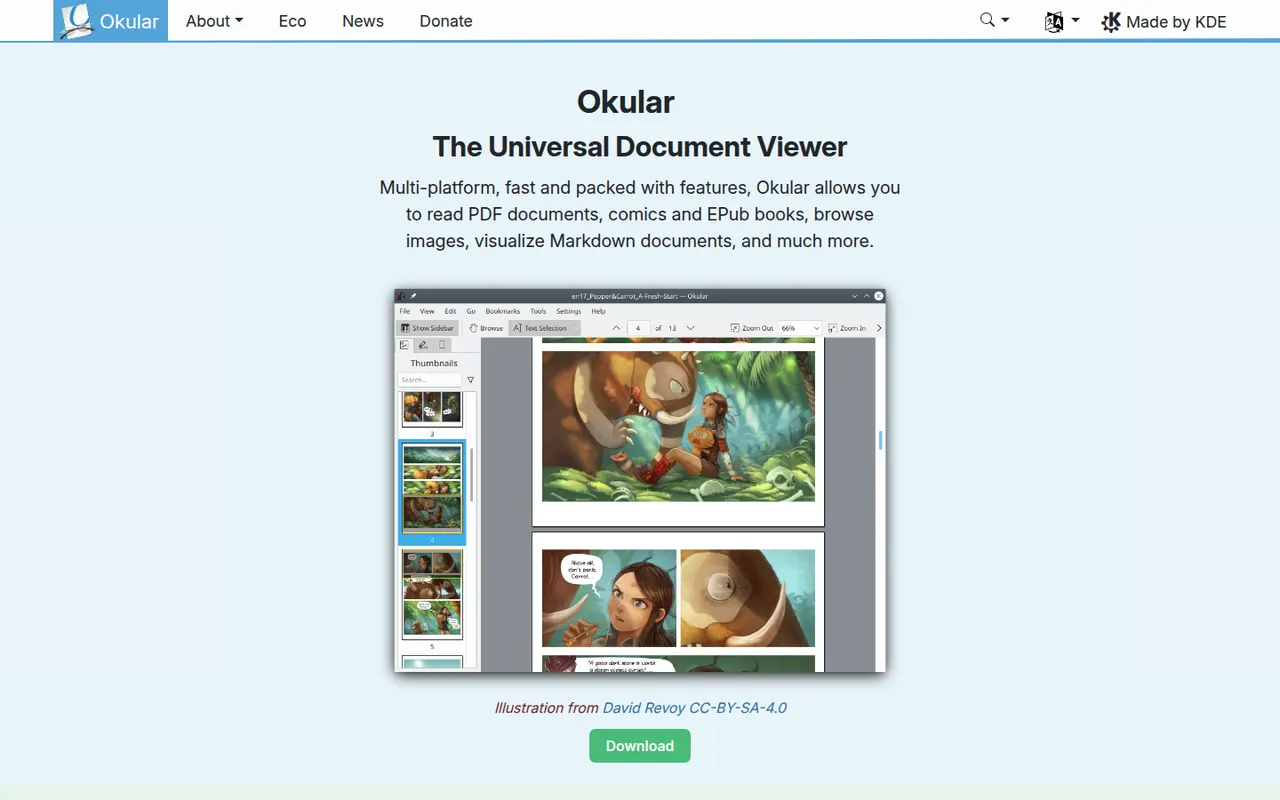
Okular is the document viewer developed by the KDE community, opening PDF, EPUB, DjVu, XPS, comic books and other formats in one application. It supports highlighting, notes and other annotations, form filling and digital signatures for PDFs. Okular is free and open source, is usually installed with the KDE Plasma desktop on Linux and is also available for Windows.
- features
- 4
- alternatives
- 6
- platforms
- 2
- Updated
- Oct 12, 2026
Features
Our take
Pros
- Opens PDF, EPUB, DjVu, XPS and comics in one viewer
- Highlights, notes, form filling and digital signatures
- Free and open source, with no ads
Cons
- Cannot edit the text or images of a PDF
- Works best on KDE Plasma and feels less native elsewhere
Editorial assessment by the Alternatives.tools team, based on what the product is known for. Not a user review.
Best Okular alternatives
See all 6 alternatives Sumatra PDFFreeOpen source
Lightweight open source PDF and ebook reader for Windows
17.7Kstars Adobe AcrobatFreemium
Adobe's PDF software for viewing, editing, signing and converting
2.2(646) · App Store PDFgearFree
Free PDF editor with an AI chat assistant, no sign-up required
4.7(8.8K) · App Store Foxit PDF EditorFree trial
Business PDF editor for Windows, Mac, mobile and the web
4.5(4.8K) · App Store PDF24 ToolsFree
Free PDF tools online and as a Windows desktop app
 Stirling-PDFFreemiumOpen source
Self-hosted PDF toolbox with dozens of editing and conversion tools
94Kstars
User reviews
No reviews yet. Be the first to share your experience with Okular.