Apps with PDF annotation
4 apps
Top PDF annotation apps ranked by the community
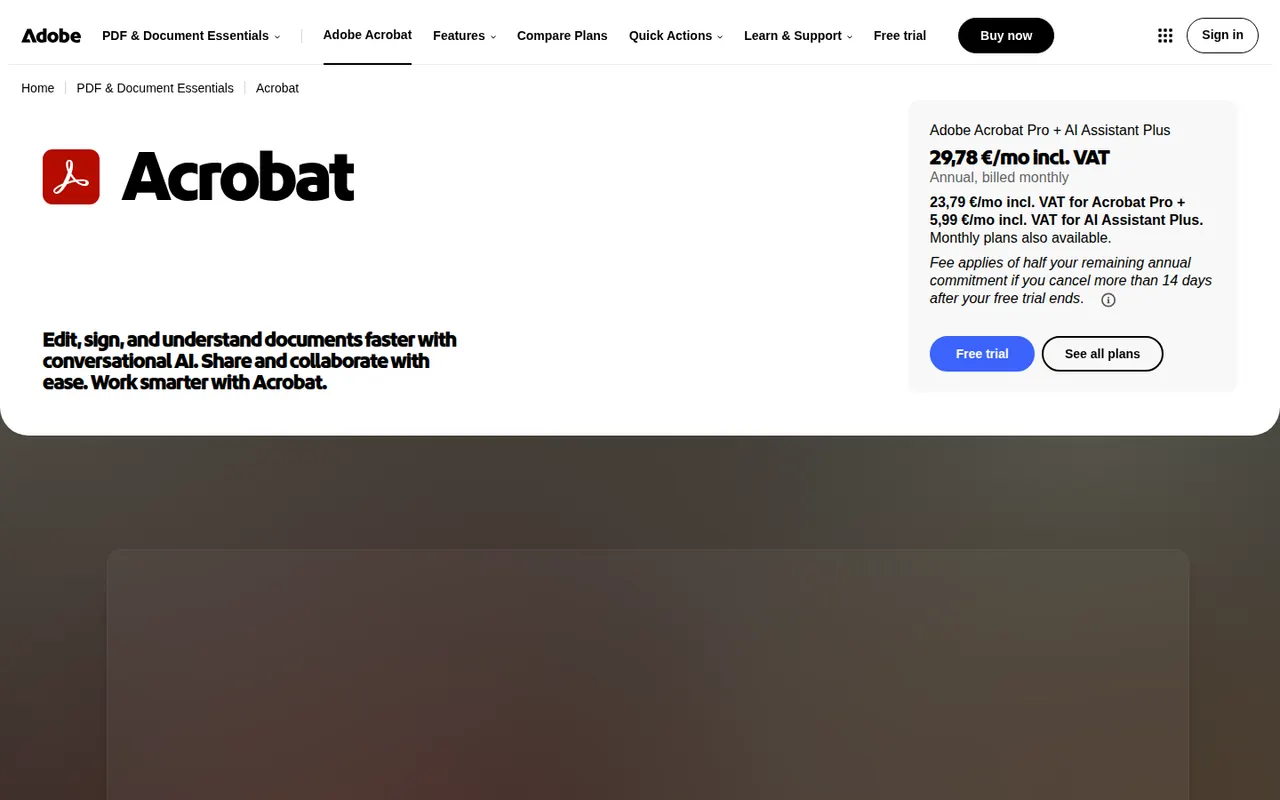
Adobe Acrobat is the PDF application from Adobe, the company that created the format. The free Acrobat Reader views, annotates and signs files, while paid Acrobat Standard and Pro add text and image editing, OCR, conversion to and from Office formats, redaction, comparison and e-signature requests. An AI Assistant can summarise documents and answer questions about them.
11 Adobe Acrobat alternativesPros
- Reference PDF tool from the company that created the format
- Free Reader for viewing, annotating and signing
- Pro adds editing, OCR, redaction, comparison and signature requests
Cons
- Editing and conversion require a costly subscription
- Heavy app with frequent prompts to upgrade
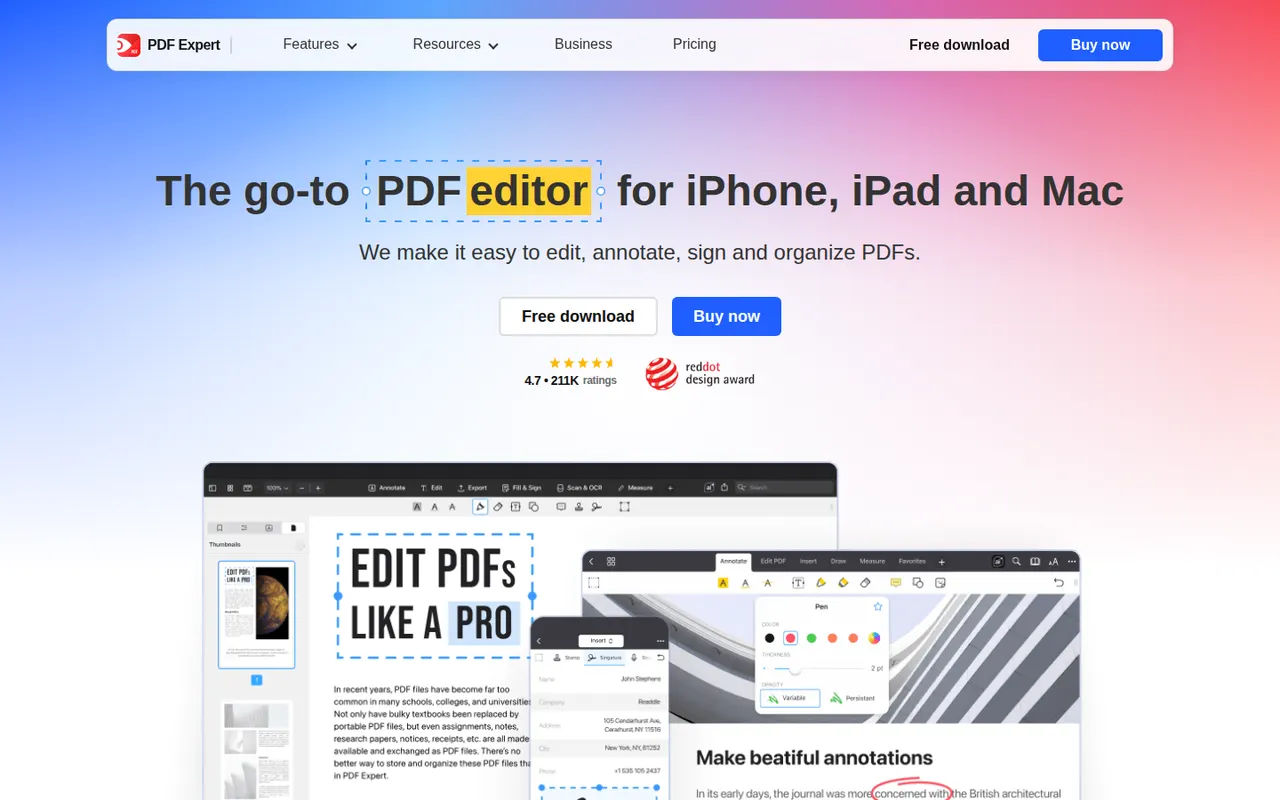
Cost / LicenseFreemiumProprietaryCategoriesPDF Expert is a PDF app from Readdle designed for Apple devices. Reading, annotating, highlighting and filling forms are free, while a subscription unlocks text and image editing, OCR for scanned pages, page management, conversion and signatures. Its native interface is designed to stay responsive with large documents.
8 PDF Expert alternativesPros
- Native Apple design that stays fast with large documents
- Reading, annotation and form filling are free
- Clean tools for editing text, images and pages
Cons
- Editing, OCR and conversion require a subscription
- Fewer enterprise and automation features than Acrobat
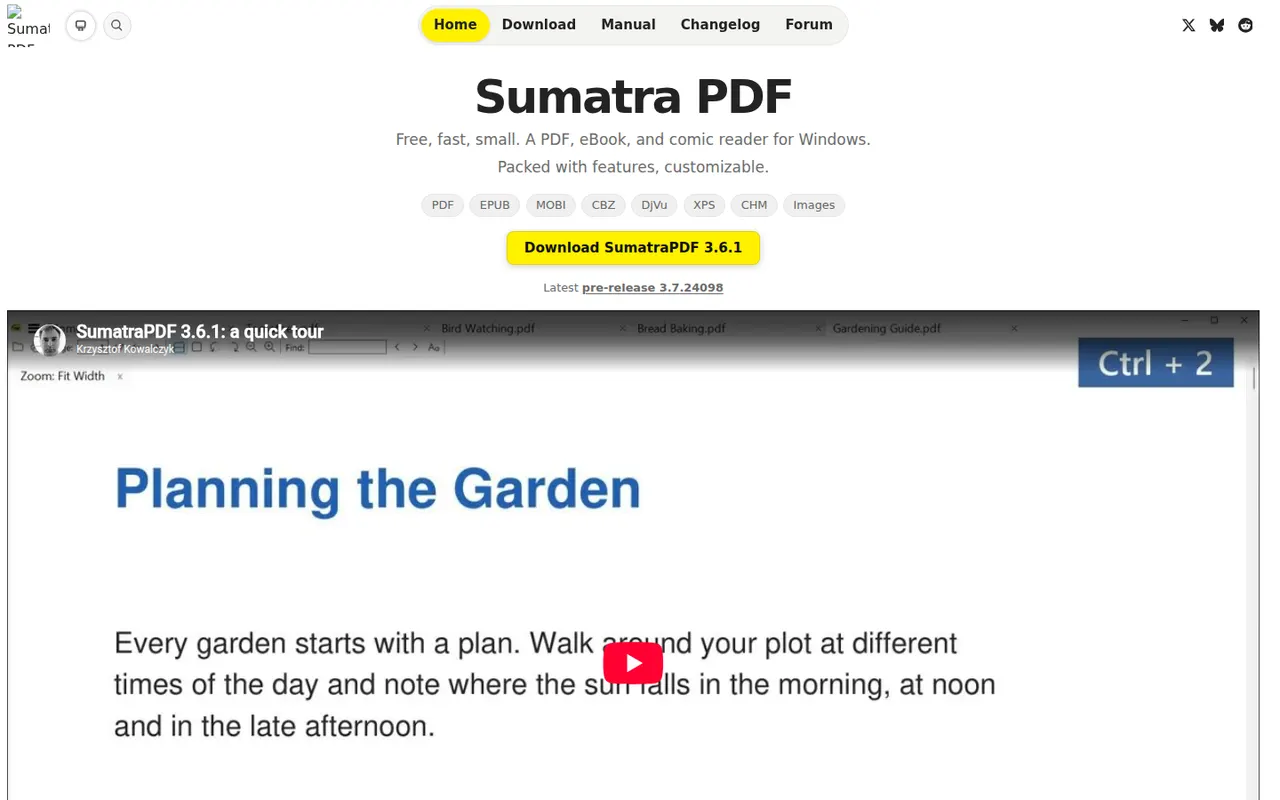
Cost / LicenseFreemiumProprietaryCategoriesSumatra PDF is a small, fast document reader for Windows that opens PDF, EPUB, MOBI, XPS, DjVu and comic book files. It focuses on quick startup and a minimal interface rather than editing, with basic annotation support and a portable version that runs without installation. It is free and open source under the GPLv3.
6 Sumatra PDF alternativesPros
- Very fast startup and a minimal interface
- Opens PDF, EPUB, MOBI, DjVu and comic book files
- Portable version runs without installation
Cons
- Available on Windows only, with no Mac or Linux version
- No PDF editing and only basic annotations
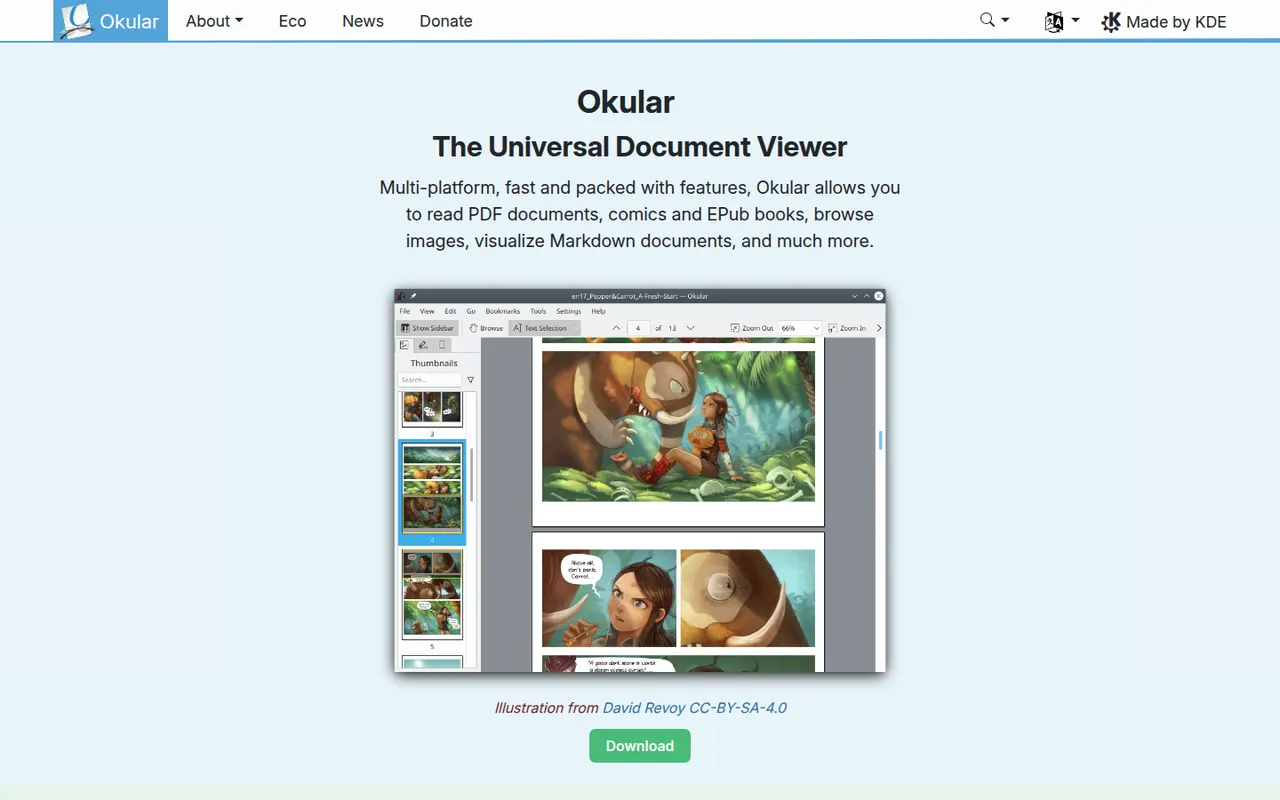
Cost / LicenseFreeOpen sourceCategoriesPlatformsOkular is the document viewer developed by the KDE community, opening PDF, EPUB, DjVu, XPS, comic books and other formats in one application. It supports highlighting, notes and other annotations, form filling and digital signatures for PDFs. Okular is free and open source, is usually installed with the KDE Plasma desktop on Linux and is also available for Windows.
6 Okular alternativesPros
- Opens PDF, EPUB, DjVu, XPS and comics in one viewer
- Highlights, notes, form filling and digital signatures
- Free and open source, with no ads
Cons
- Cannot edit the text or images of a PDF
- Works best on KDE Plasma and feels less native elsewhere
Cost / LicenseFreeOpen sourceCategories