

Writing studio for novels, screenplays and long research projects
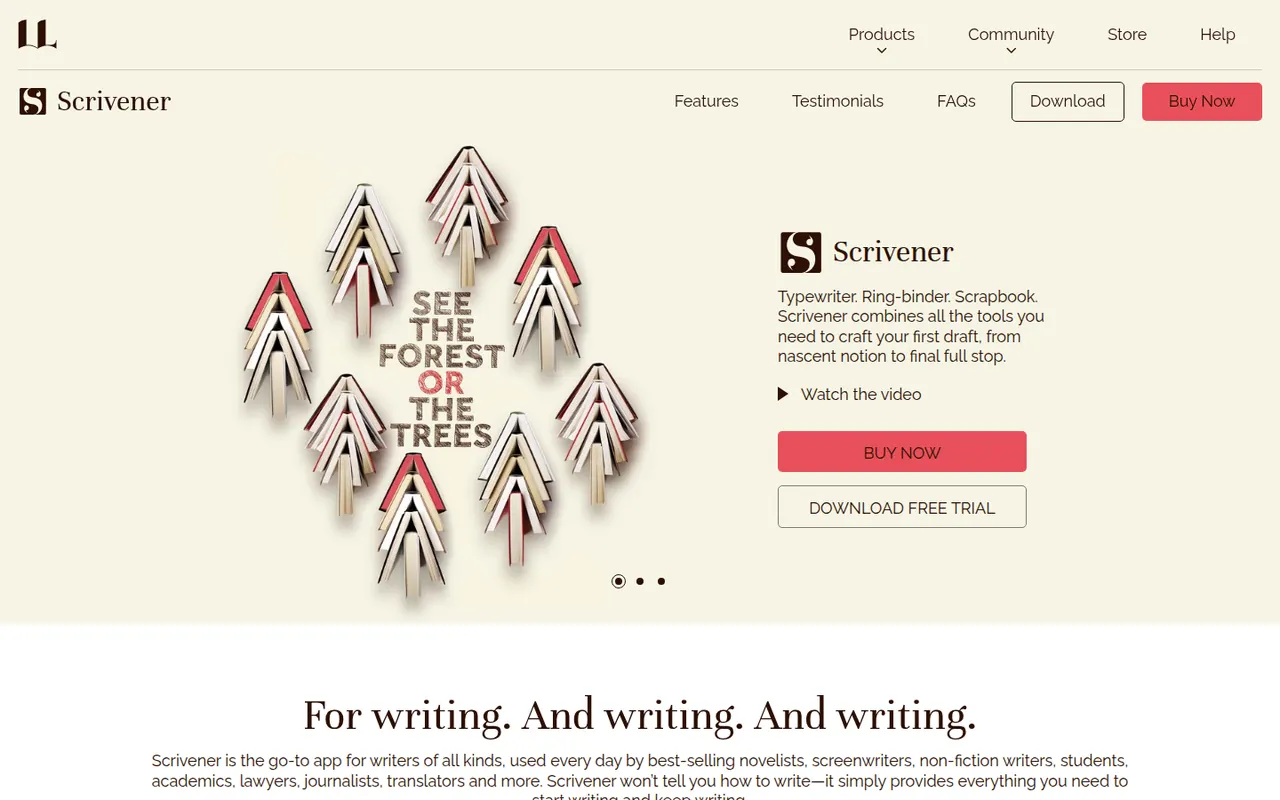
Scrivener, from Literature & Latte, is a writing tool for long-form projects such as novels, theses and screenplays. Its binder lets you split a manuscript into sections, rearrange them on a corkboard or outliner and keep research notes, PDFs and images next to the text, then compile everything into print, ebook or Word formats. It is a one-time purchase per platform with a free trial.
- features
- 3
- alternatives
- 8
- platforms
- 3
- Updated
- Oct 12, 2026
Features
Our take
Pros
- Binder splits long manuscripts into easy-to-rearrange sections
- Research notes, PDFs and images kept next to the text
- Compile exports to print, ebook and Word formats
Cons
- Steep learning curve, especially for the compile feature
- A separate license is required for each platform
- Syncing with the iPhone app relies on Dropbox
Editorial assessment by the Alternatives.tools team, based on what the product is known for. Not a user review.
Best Scrivener alternatives
See all 8 alternatives UlyssesFree trial
Distraction-free Markdown writing app for Mac, iPhone and iPad
4.6(2.1K) · App Store iA WriterFree trial
Minimal Markdown editor focused on the writing itself
4.6(1.5K) · App Store Microsoft WordFreemium
Microsoft's word processor for documents, reports and letters
4.7(3M) · App Store Google DocsFreemium
Browser-based word processor built for real-time collaboration
4.8(3.3M) · App Store ObsidianFreemium
Private, local-first knowledge base on Markdown files
4.5(2.8K) · App Store PagesFree
Apple's free word processor and page layout app
4.6(573.5K) · App Store
User reviews
No reviews yet. Be the first to share your experience with Scrivener.