Apps with 3D games
5 apps
Top 3D games apps ranked by the community
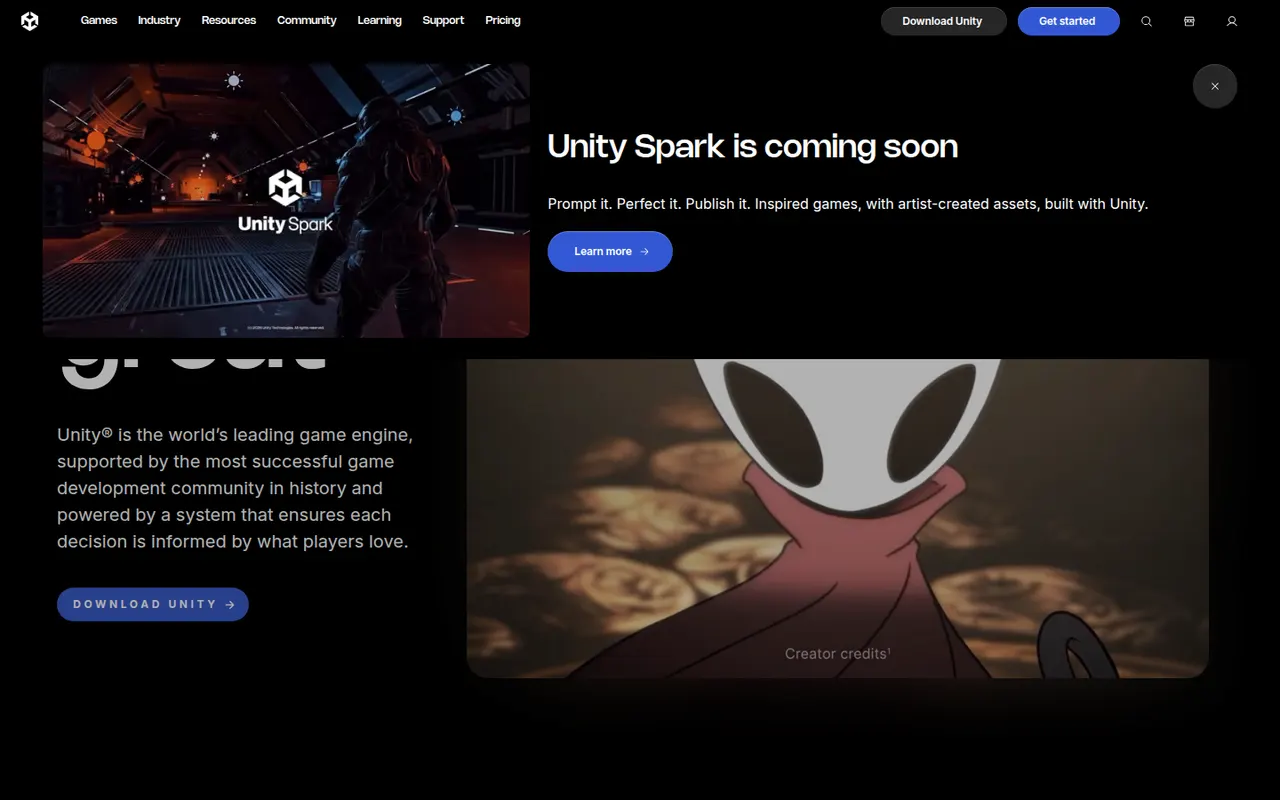
Unity is a game engine and editor used to build 2D, 3D, mobile, console, VR and AR games and interactive applications, scripted in C# or with its built-in visual scripting. It exports to a wide range of platforms, from phones and PCs to consoles and headsets, and the Asset Store offers ready-made tools, models and templates. A free Personal plan exists, with paid Pro and Enterprise tiers above a revenue threshold.
8 Unity alternativesPros
- Exports to almost every platform, from phones to consoles and headsets
- Huge Asset Store, extensive documentation and a large community
- C# scripting plus visual scripting, for both 2D and 3D
Cons
- Past licensing changes have shaken trust among developers
- Editor can feel heavy and slow on large projects
- Paid tiers become mandatory above a revenue threshold
Cost / LicenseFreemiumProprietaryCategoriesUnreal Engine is a real-time 3D engine from Epic Games used for games as well as virtual production, architectural visualization and automotive design. It offers Blueprints visual scripting alongside C++, Nanite geometry, Lumen dynamic lighting and export to PC, consoles and mobile. Its source code is available on GitHub under Epic's license; use is free until revenue thresholds trigger royalties or seat fees.
9 Unreal Engine alternativesPros
- Top-tier visuals with Nanite geometry and Lumen lighting
- Blueprints let designers build logic without writing C++
- Full source code access on GitHub
Cons
- Demanding hardware requirements and very large project sizes
- Steep learning curve, especially on the C++ side
- Royalties or seat fees apply past revenue thresholds
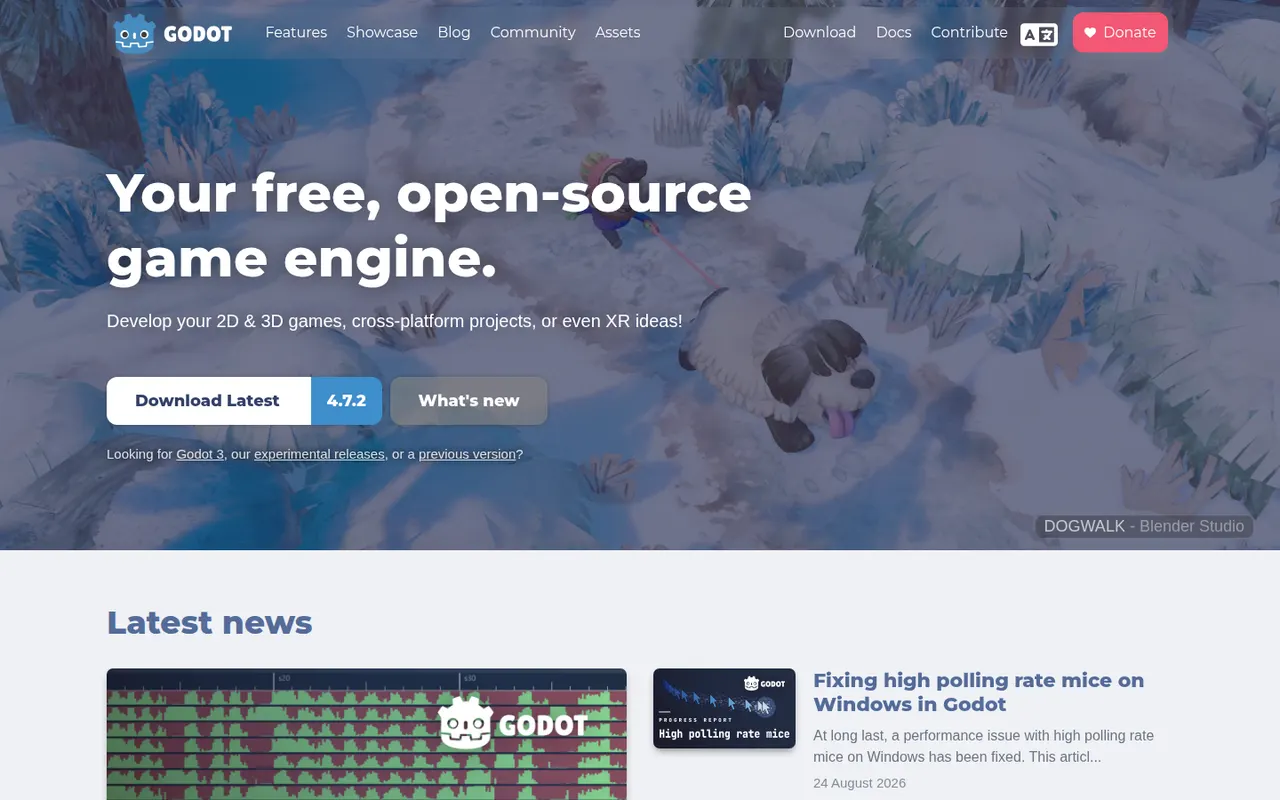
Cost / LicenseFreemiumSource availableCategoriesGodot is a free, open source game engine released under the MIT license, with no royalties or fees. It provides dedicated 2D and 3D renderers, a scene and node system, its own Python-like GDScript language plus C# support, and a lightweight editor for Windows, macOS and Linux. Games export to desktop, mobile and the web, while console ports go through third-party partners. It is backed by the Godot Foundation.
7 Godot Engine alternativesPros
- MIT licensed, with no royalties, fees or revenue thresholds
- Lightweight editor with a dedicated 2D renderer, not 3D in disguise
- Easy-to-learn GDScript, C# support and a clean scene and node system
Cons
- Console ports have to go through third-party partners
- Asset store and third-party ecosystem are smaller than Unity’s
- High-end 3D rendering still trails Unreal and Unity
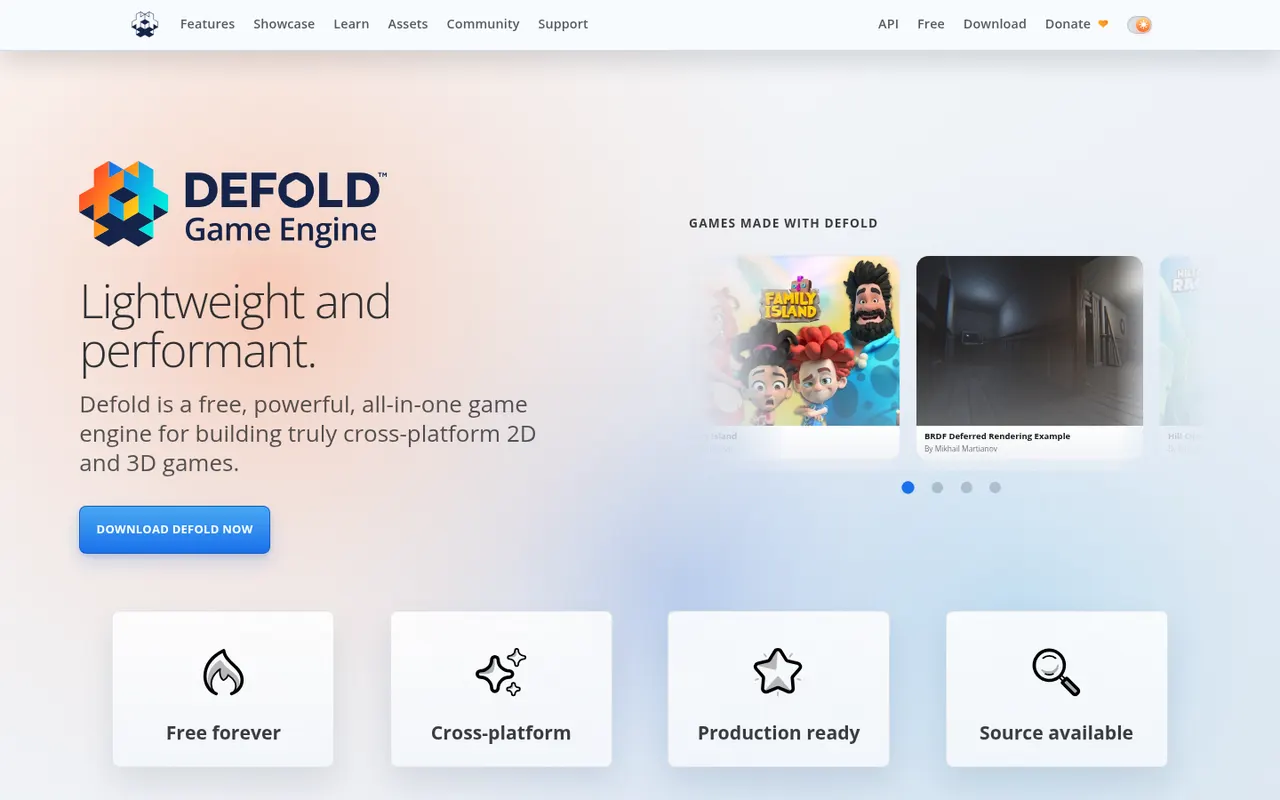
Cost / LicenseFreeOpen sourceCategoriesDefold is a free game engine first released by King and now maintained by the independent Defold Foundation. It is known for small build sizes and fast iteration, uses Lua for scripting and exports to Windows, macOS, Linux, iOS, Android and HTML5, with console support available to approved developers. Its source code is public on GitHub under the Defold License, a permissive license with some restrictions.
7 Defold alternativesPros
- Free to use with no royalties, backed by an independent foundation
- Small build sizes and fast iteration, ideal for mobile and web games
- Lightweight Lua scripting and broad export targets including HTML5
Cons
- Smaller community and fewer tutorials than Unity or Godot
- 3D tooling is basic, as the engine shines mostly in 2D
- No visual scripting, so coding in Lua is required
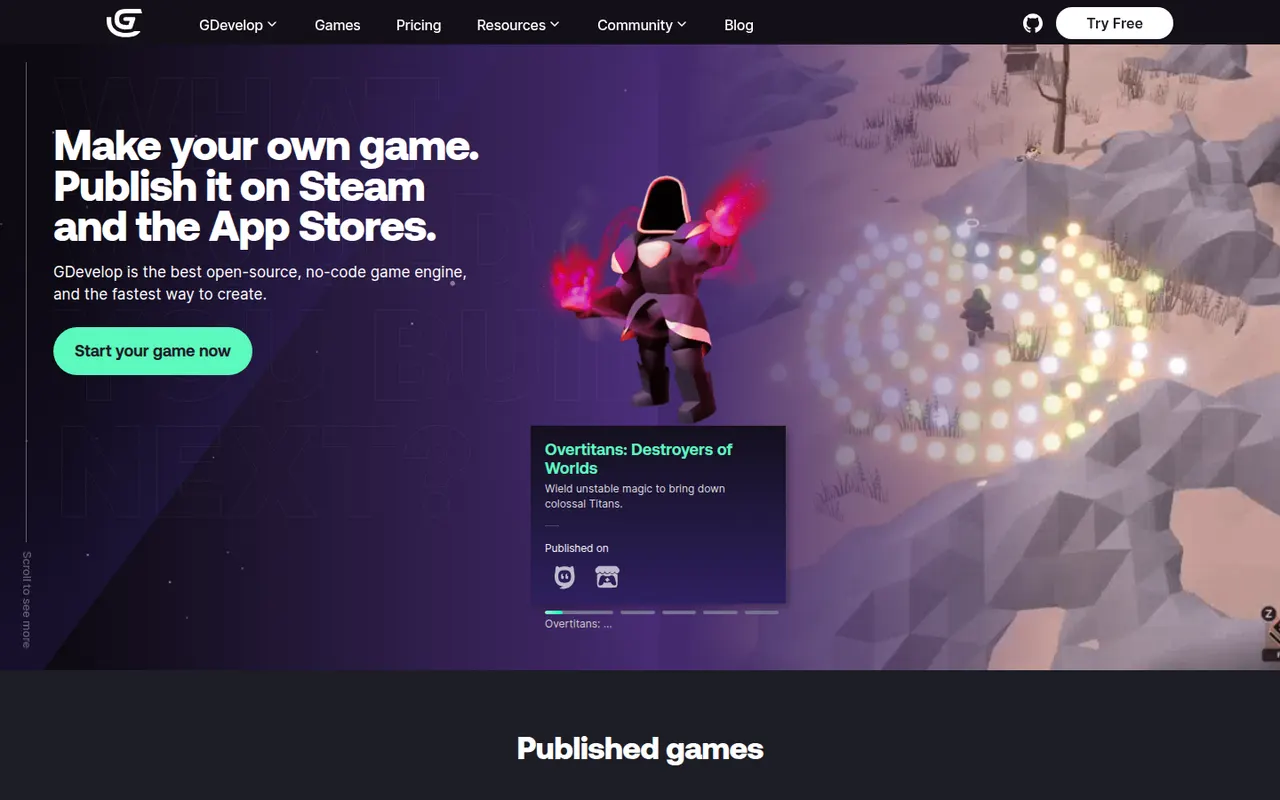
Cost / LicenseFreeSource availableCategoriesGDevelop is a free, open source game engine that lets creators build 2D and 3D games with an event-based visual logic system instead of code. It runs in the browser or as a desktop app, includes templates, an asset store and ready-made behaviors for platformers, physics and pathfinding, and exports to web, Windows, macOS, Linux, Android and iOS. Optional subscriptions add cloud builds and other services.
7 GDevelop alternativesPros
- Free and open source, usable in the browser or as a desktop app
- Event-based logic and ready-made behaviors avoid writing code
- Exports to web, desktop, Android and iOS
Cons
- 3D support is newer and less mature than its 2D tools
- Cloud builds and some services require a subscription
- Complex games can outgrow the event system
Cost / LicenseFreemiumOpen sourceCategories