Apps with Built-in ad blocker
13 apps
Top Built-in ad blocker apps ranked by the community
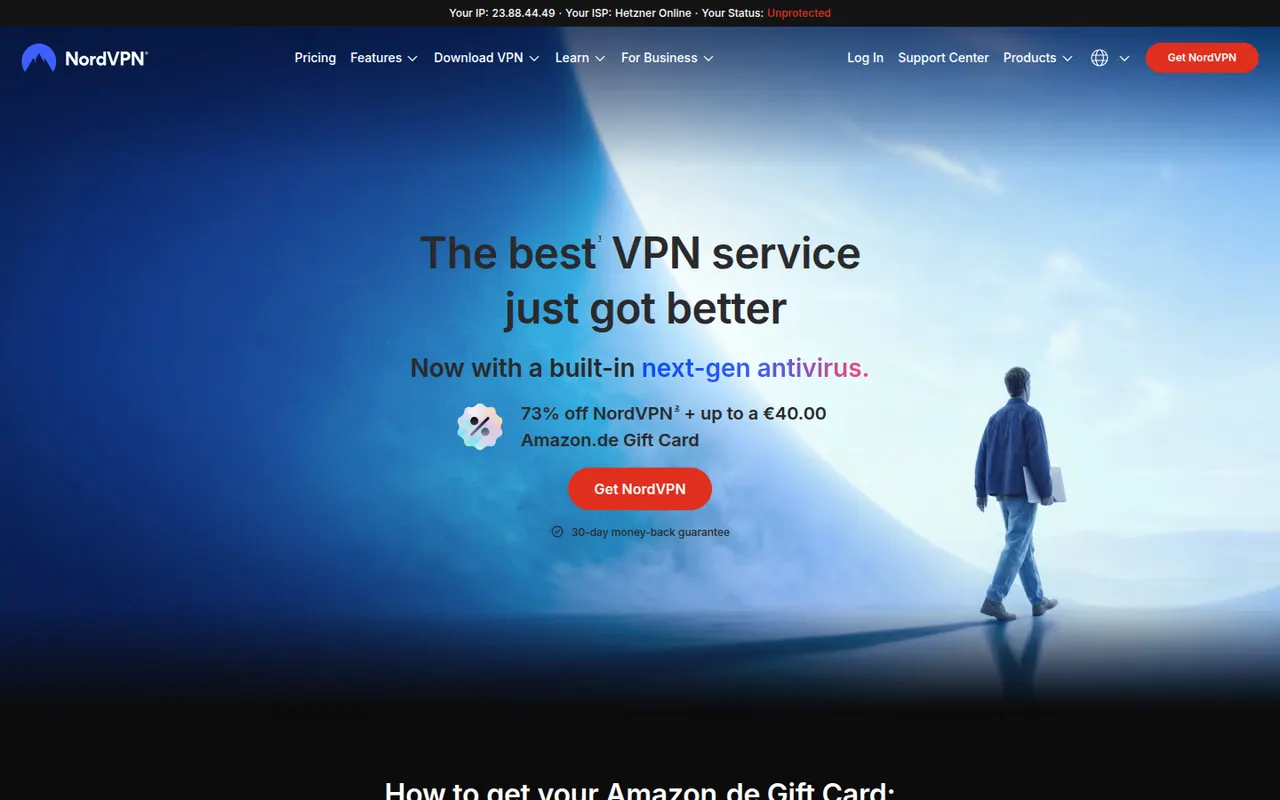
NordVPN is a paid VPN service from Nord Security with servers in many countries, apps for all major platforms and an audited no-logs policy. Its NordLynx protocol is built on WireGuard, and extras include Threat Protection against ads, trackers and malware, Meshnet for linking your own devices, dark web monitoring, split tunneling and a kill switch.
10 NordVPN alternativesPros
- NordLynx protocol based on WireGuard keeps connections fast
- Large server network that works well with streaming services
- Meshnet and Threat Protection go beyond a basic VPN
Cons
- Renewal prices are much higher than introductory deals
- Apps and checkout push bundled add-ons and upgrades
- Closed source apps, unlike some privacy-focused rivals
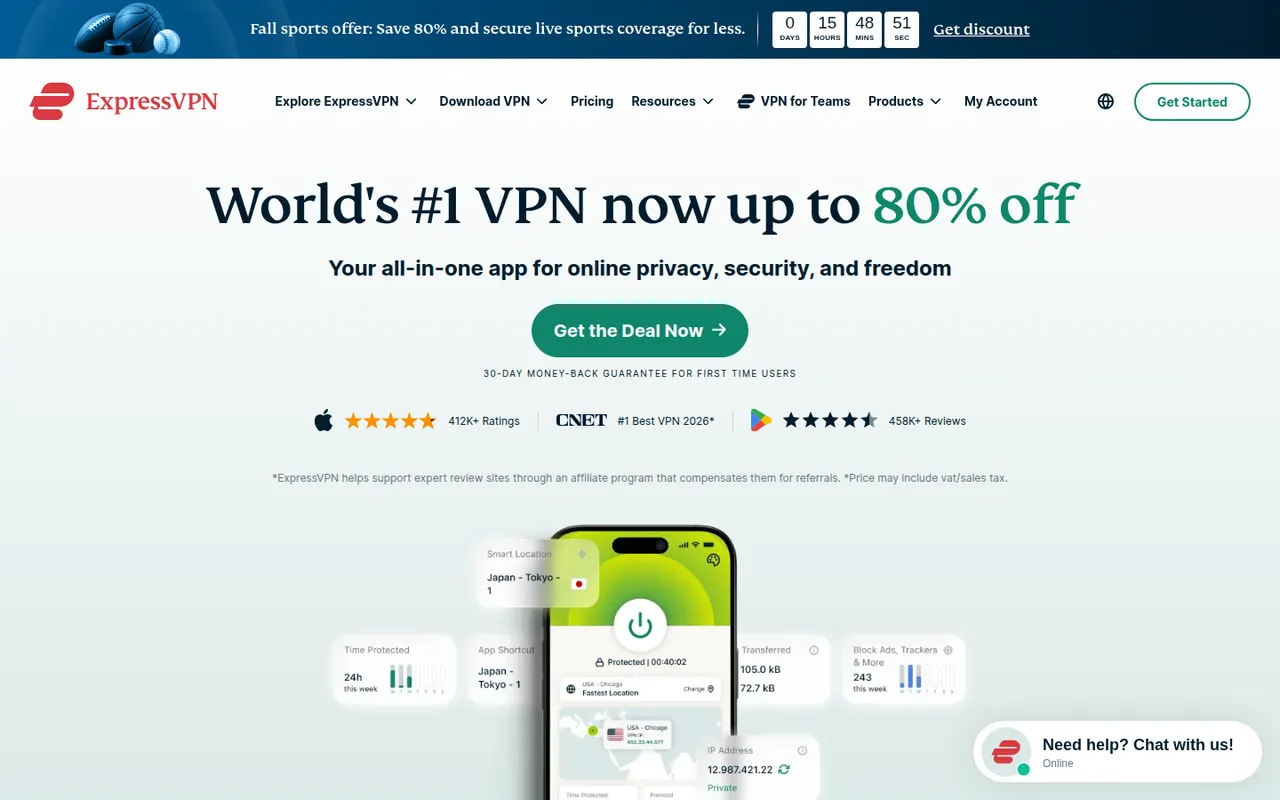
Cost / LicensePaidProprietaryCategoriesExpressVPN is a subscription VPN with servers in many countries and apps for desktop, mobile, routers and browsers. It uses its own open source Lightway protocol, runs its servers from RAM only (TrustedServer) and has had its no-logs policy audited. Features include the Network Lock kill switch, split tunneling, ad and tracker blocking, and servers that work with popular streaming services.
10 ExpressVPN alternativesPros
- Open source Lightway protocol designed for speed and reliability
- RAM-only servers and an audited no-logs policy
- Works with popular streaming services across many countries
Cons
- Priced higher than most rival VPN services
- Simplicity means fewer advanced settings than some rivals
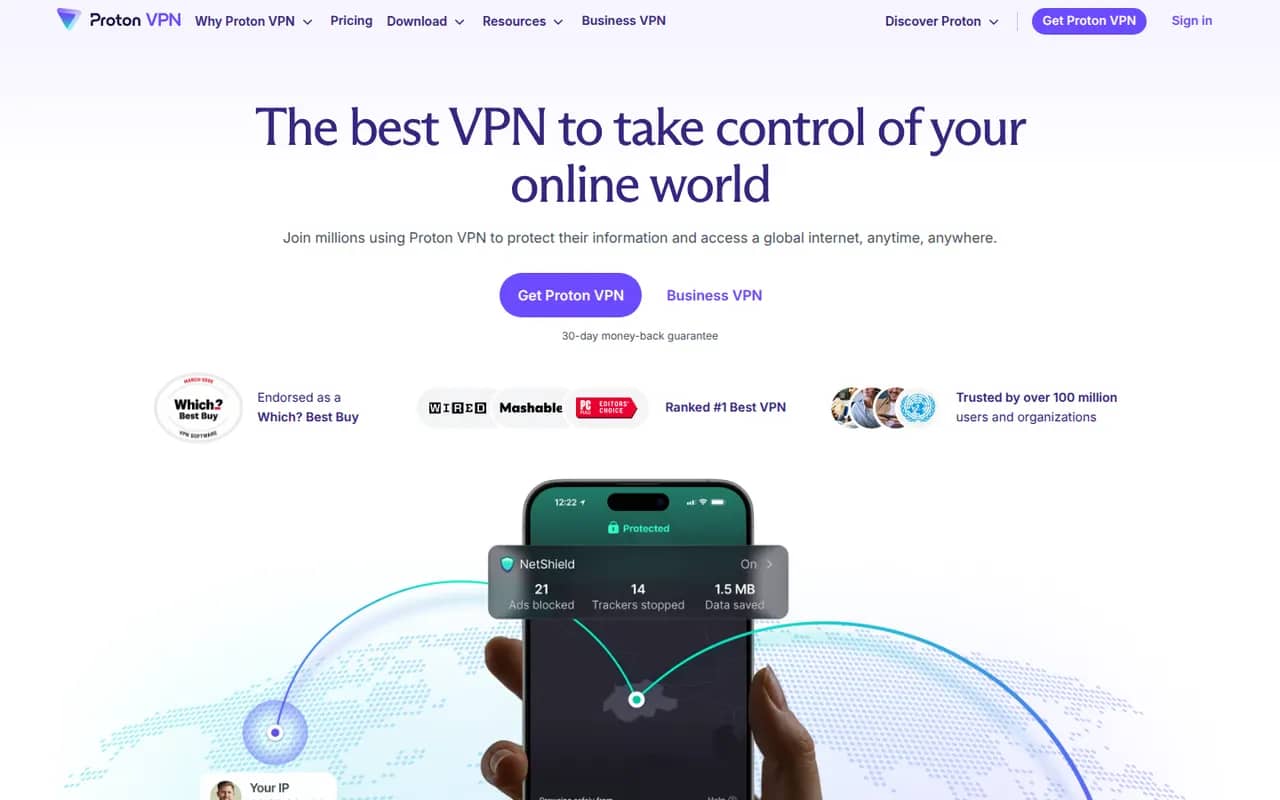
Cost / LicensePaidProprietaryCategoriesProton VPN is the VPN service of Proton, the Swiss company behind Proton Mail. Its apps are open source, its no-logs policy has been independently audited, and the free plan has no data limit and no ads. Paid plans unlock servers in many more countries, streaming support, NetShield ad and malware blocking, Secure Core multi-hop routing and more devices.
11 Proton VPN alternativesPros
- Free plan with no data cap and no ads
- Open source apps and an audited no-logs policy from a Swiss company
- Secure Core multi-hop routing on paid plans
Cons
- Free plan offers few locations and no streaming support
- Paid plans cost more than many mainstream VPNs
- Free servers can slow down at peak times
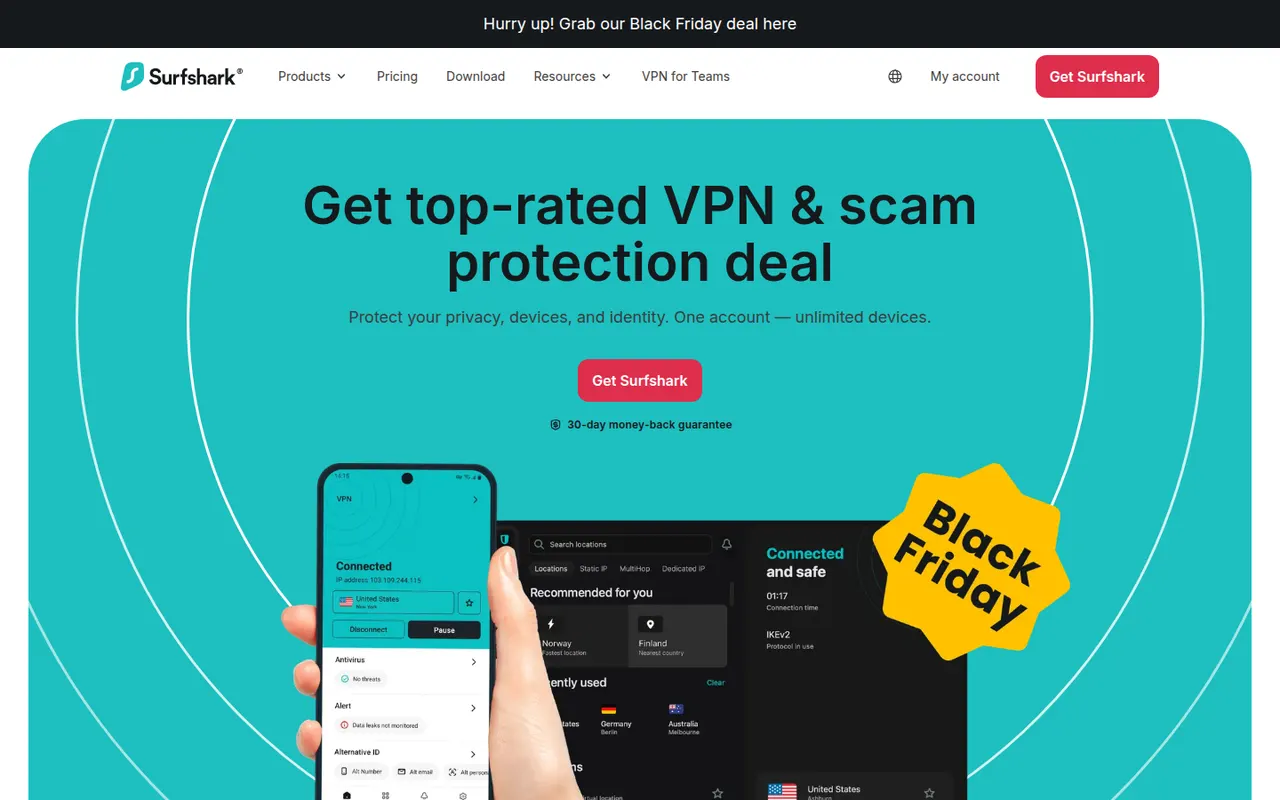
Cost / LicenseFreemiumOpen sourceCategoriesSurfshark is a paid VPN service that allows an unlimited number of devices on a single subscription, which suits households with many devices. Apps cover Windows, macOS, Linux, iOS, Android and browsers, with WireGuard, a kill switch, split tunneling (Bypasser) and CleanWeb ad and tracker blocking. Higher tiers bundle data breach alerts, antivirus and a private search engine.
10 Surfshark alternativesPros
- Unlimited devices on a single subscription
- CleanWeb blocks ads and trackers across devices
- Apps for every major platform, including Linux and browsers
Cons
- Renewal prices are higher than the first-term deals
- Antivirus and breach alerts require pricier tiers
- Closed source apps, unlike some privacy-first VPNs
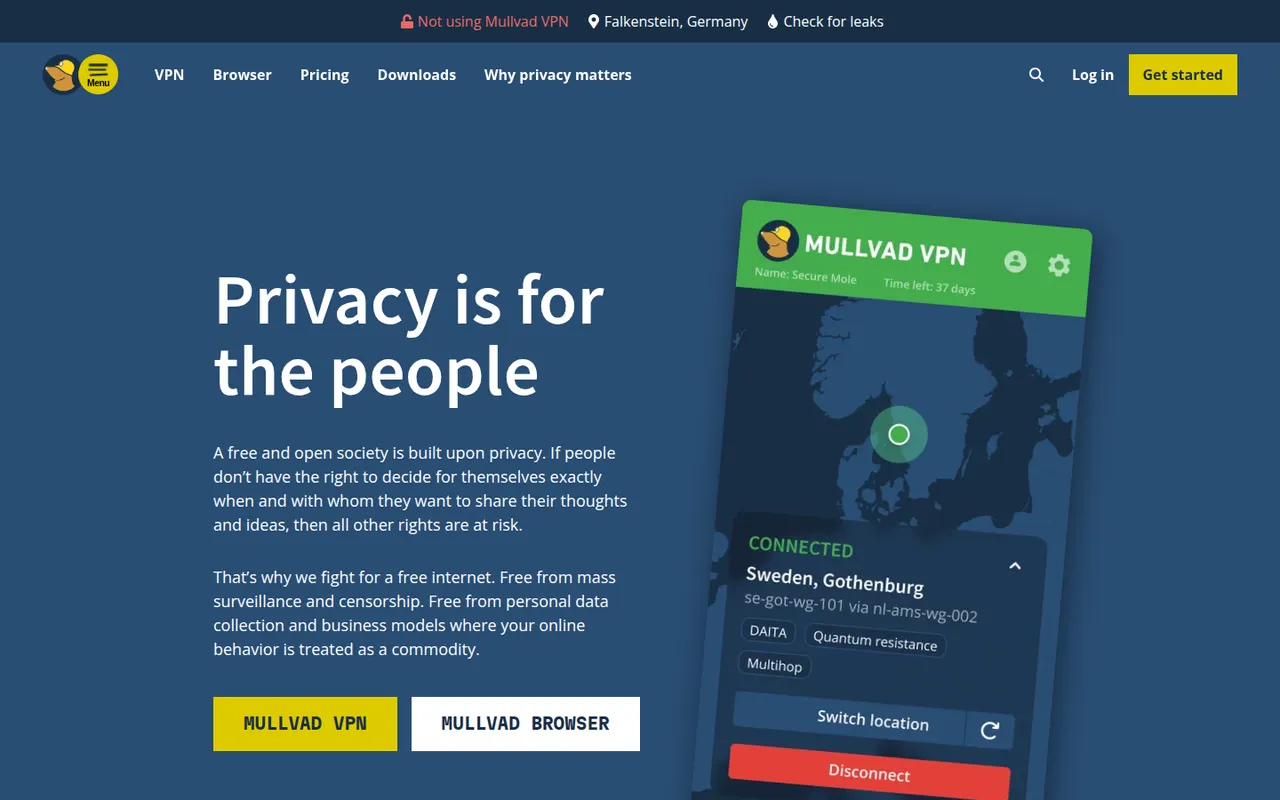
Cost / LicensePaidProprietaryCategoriesMullvad VPN is a Swedish VPN service that asks for no email or personal details: you get a random account number and can even pay in cash or cryptocurrency. Its open source apps use WireGuard and include a kill switch, split tunneling, DNS-based ad and tracker blocking and multihop, all for a single flat monthly price with no tiers or long-term plans.
9 Mullvad VPN alternativesPros
- Anonymous account numbers with no email or personal details required
- One flat monthly price with no tiers or long-term commitments
- Open source WireGuard apps with multihop and DNS-based blocking
Cons
- No free plan and no discounts for longer subscriptions
- Not designed for unblocking streaming catalogs
- Port forwarding is not supported, a drawback for torrenting
Cost / LicensePaidOpen sourceCategoriesPrivate Internet Access (PIA) is a US-based paid VPN with open source apps, unlimited simultaneous connections and a no-logs policy that has held up in court cases and an independent audit. It supports WireGuard and OpenVPN with configurable encryption, port forwarding, split tunneling, a kill switch and MACE, which blocks ads, trackers and malicious domains.
8 Private Internet Access alternativesPros
- Unlimited simultaneous connections on one subscription
- Port forwarding and configurable encryption for advanced users
- Open source apps and a no-logs policy tested in court
Cons
- US jurisdiction is less appealing for privacy than some alternatives
- The many settings can overwhelm beginners
- Renewal prices are higher than introductory offers
Cost / LicensePaidOpen sourceCategoriesCyberGhost is a paid VPN service based in Romania, with simple apps for Windows, macOS, iOS and Android and a command-line client for Linux. Servers are labeled by use, such as streaming, torrenting or gaming, and the apps include WireGuard, a kill switch, split tunneling and a content blocker for ads and trackers. Subscriptions come with a long money-back period.
7 CyberGhost VPN alternativesPros
- Servers labeled for streaming, torrenting and gaming
- Simple apps that suit VPN beginners
- Long money-back period on subscriptions
Cons
- Linux client is command-line only
- Lowest prices require committing to multi-year plans
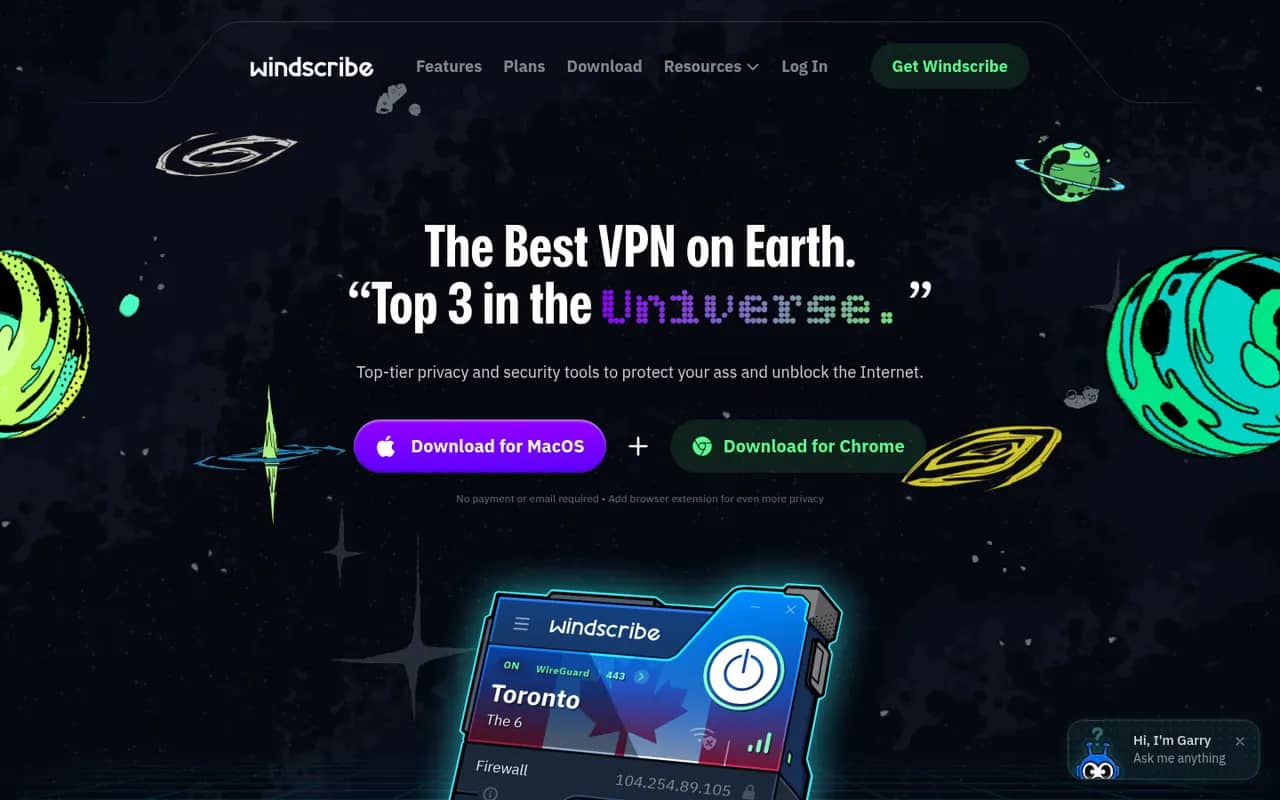
Cost / LicensePaidProprietaryCategoriesWindscribe is a Canadian VPN service with a free plan that includes a monthly data allowance and a choice of locations, along with paid plans and a build-your-own option billed per location. Its apps include a firewall that acts as a kill switch, split tunneling, WireGuard and R.O.B.E.R.T., a customizable DNS blocker for ads, trackers and malware.
10 Windscribe alternativesPros
- Free plan with a monthly data allowance and several locations
- R.O.B.E.R.T. offers customizable DNS blocking of ads and malware
- Build-your-own plan lets you pay only for the locations you need
Cons
- Free data allowance is too small for heavy use
- Many options and some jargon can confuse newcomers
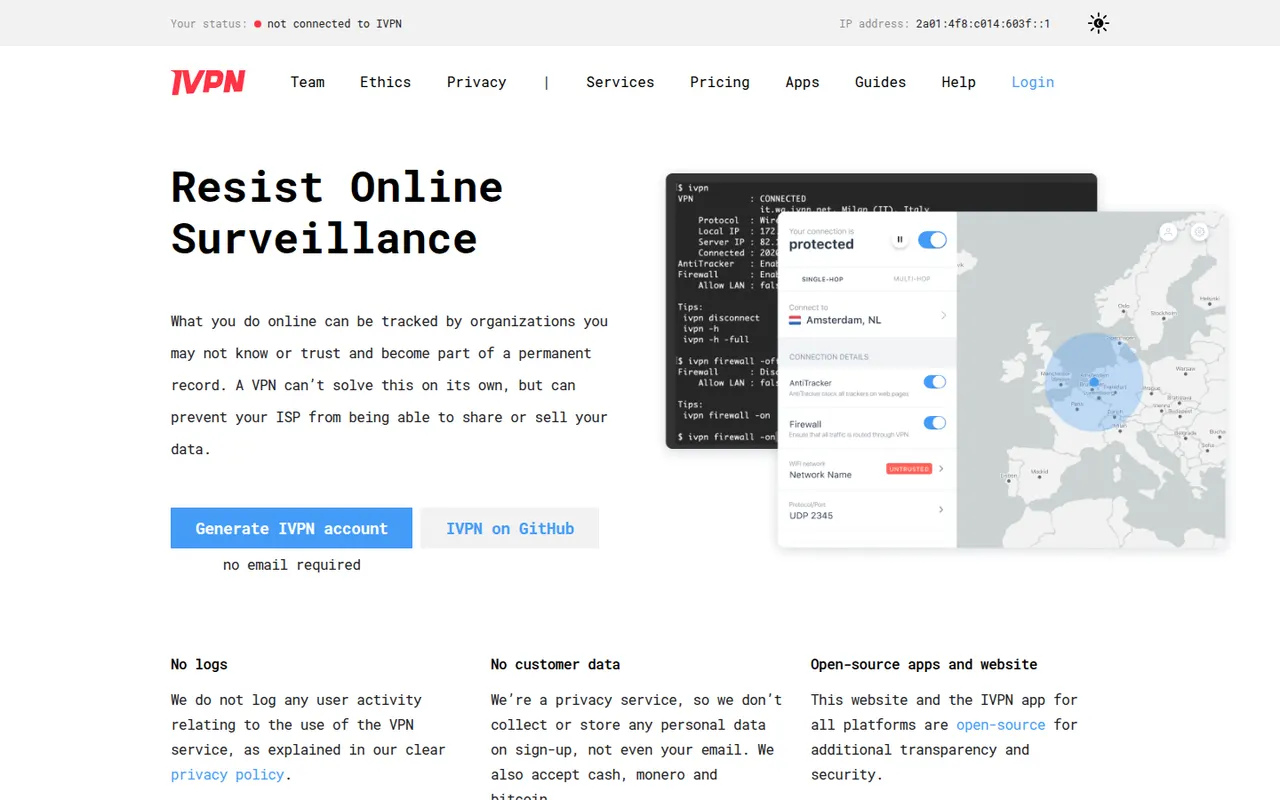
Cost / LicenseFreemiumProprietaryCategoriesIVPN is a Gibraltar-based VPN service focused on privacy and transparency: accounts need no email, you can pay in cash or Monero, the apps are open source and the no-logs policy has been audited. It offers WireGuard, multi-hop connections, a firewall-based kill switch, split tunneling on some platforms and AntiTracker for blocking ads and trackers, and runs no affiliate program.
8 IVPN alternativesPros
- Signup needs no email and accepts cash or Monero payments
- Open source apps and an independently audited no-logs policy
- Multi-hop routing and AntiTracker blocking are built in
Cons
- Smaller server network than the big commercial VPNs
- No free plan is available
- Not designed for unblocking streaming catalogs
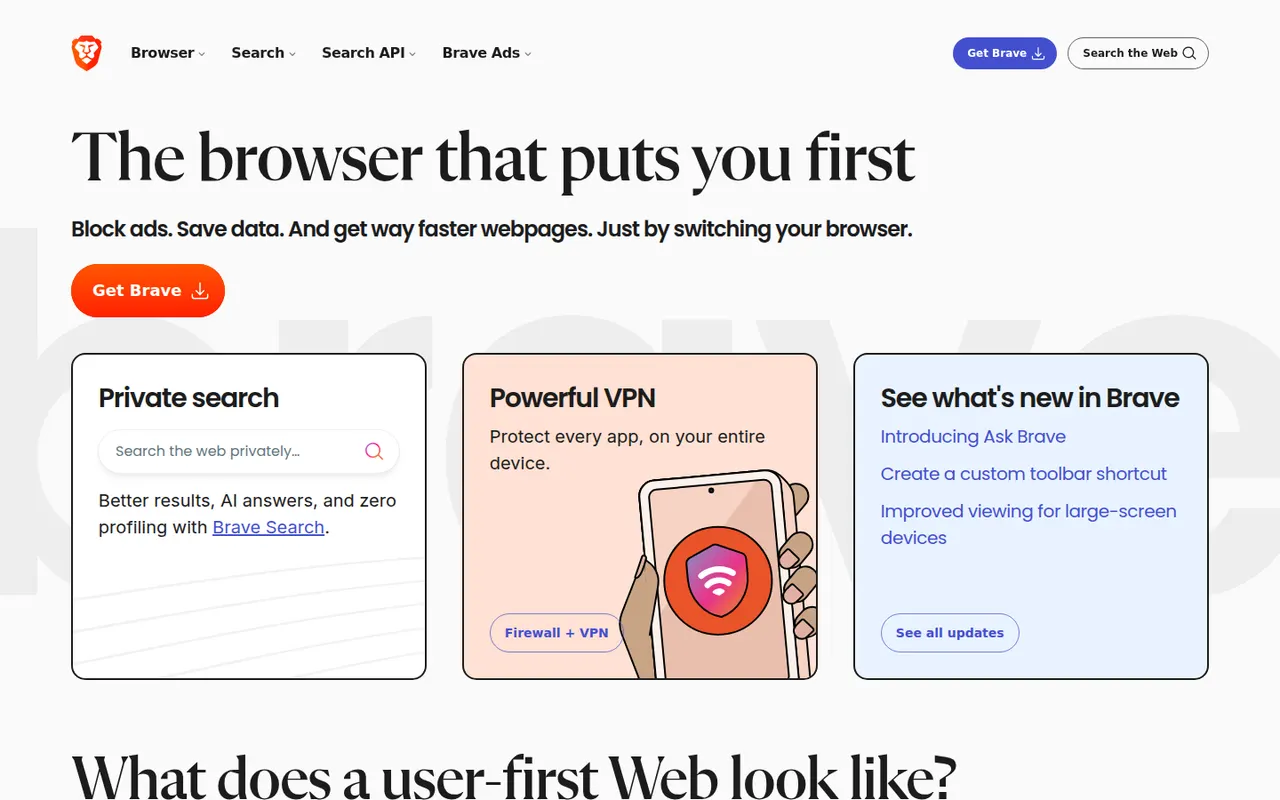
Cost / LicensePaidOpen sourceCategoriesBrave is an open source browser built on Chromium that blocks ads, trackers and fingerprinting by default through its Shields feature. It stays compatible with Chrome extensions on desktop and adds Brave Search, private windows with Tor, the Leo AI assistant and an opt-in rewards program based on privacy-preserving ads. A VPN and Leo Premium are offered as paid extras.
12 Brave alternativesPros
- Blocks ads, trackers and fingerprinting by default
- Compatible with Chrome extensions on desktop
- Private windows with Tor built in
Cons
- Crypto wallet, rewards and other extras clutter the interface
- Some sites break when Shields block their scripts
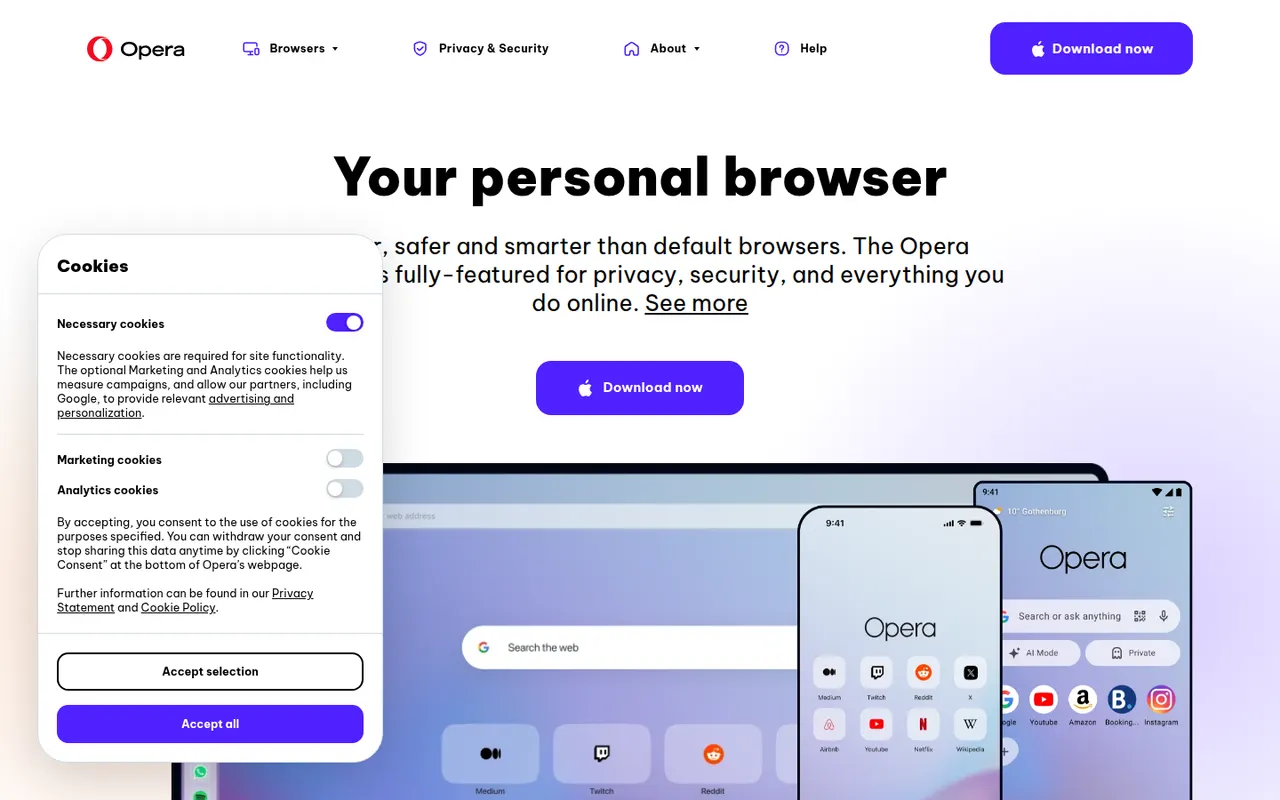
Cost / LicenseFreeOpen sourceCategoriesOpera is a long-running web browser, now built on Chromium, that bundles features others leave to extensions: an ad blocker, a free browser VPN, messaging apps in the sidebar, workspaces, tab islands and the Aria AI assistant. It runs Chrome Web Store extensions and is available on desktop and mobile. The same company makes Opera GX, a variant aimed at gamers.
8 Opera alternativesPros
- Free built-in browser VPN and ad blocker
- Messaging apps and workspaces in the sidebar
- Runs Chrome Web Store extensions
Cons
- Built-in VPN only covers the browser, not other apps
- Many bundled features and promotions make the interface busy
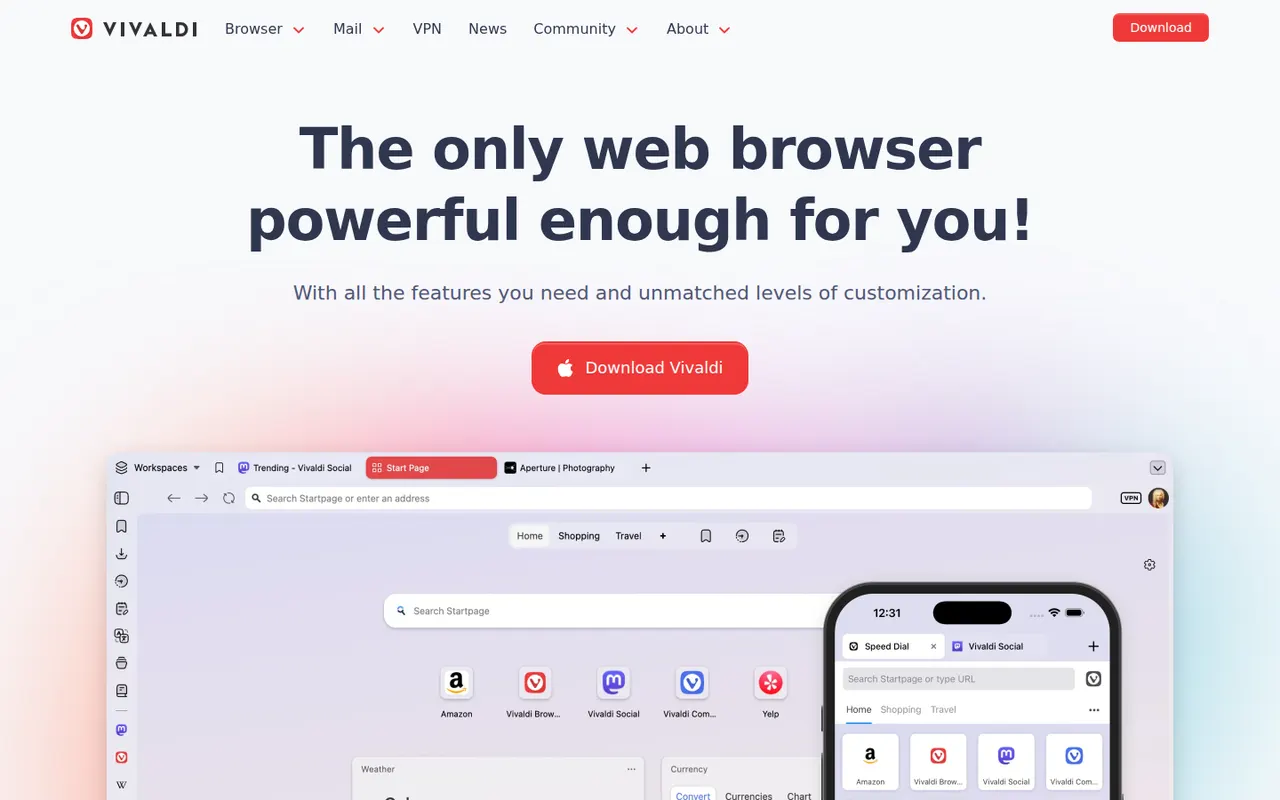
Cost / LicenseFreeProprietaryCategoriesVivaldi is a Chromium-based browser from Norway, created by a co-founder of Opera, in which almost every part of the interface can be customized. It offers tab stacking and tiling, workspaces, a built-in ad and tracker blocker, notes, and integrated mail, calendar and RSS reader, with end-to-end encrypted sync. Vivaldi has chosen not to build generative AI chatbots into the browser.
10 Vivaldi alternativesPros
- Almost every part of the interface can be customized
- Built-in mail, calendar, feed reader and notes
- Tab stacking and tiling for heavy multitaskers
Cons
- The sheer number of options can overwhelm new users
- Interface can feel less snappy than leaner browsers
- Its interface code is proprietary, unlike Brave or Firefox
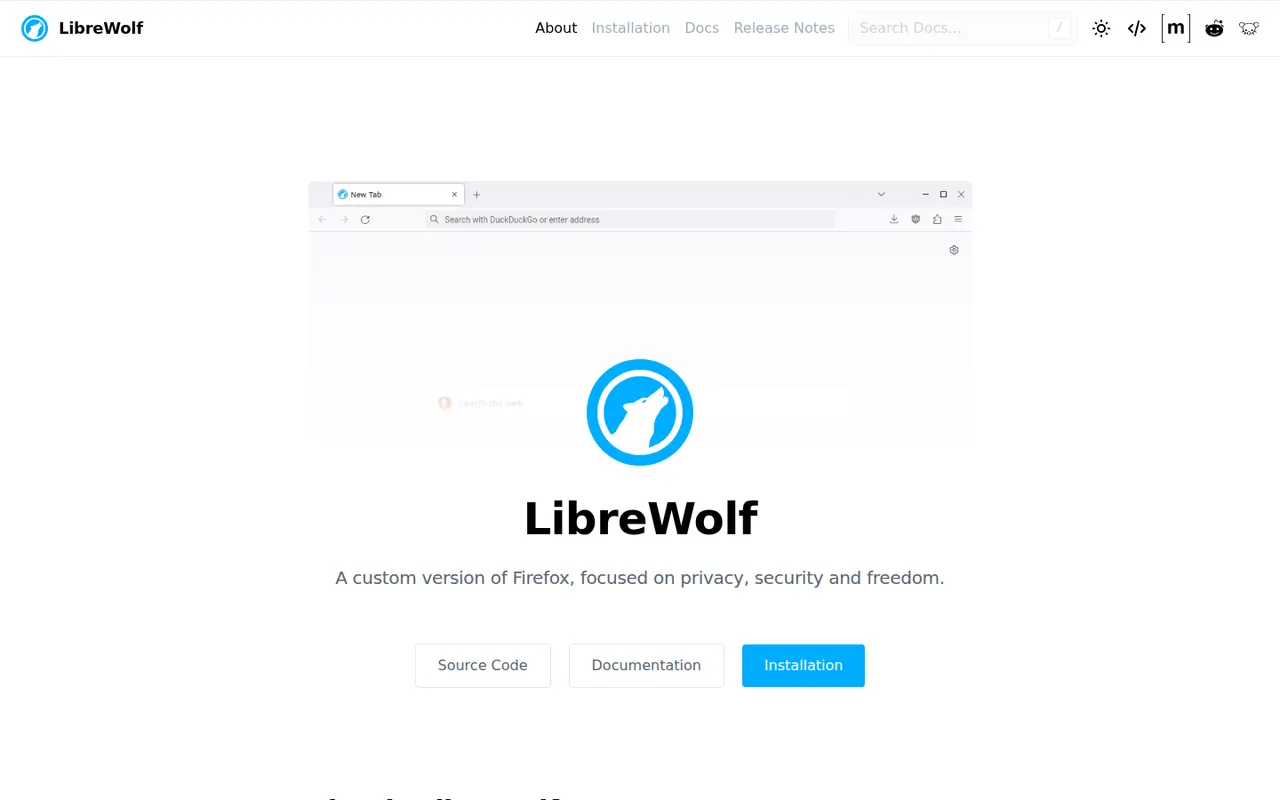
Cost / LicenseFreeProprietaryCategoriesLibreWolf is a community-maintained fork of Firefox focused on privacy and user freedom. It removes telemetry and sponsored content, ships with uBlock Origin and hardened privacy settings, defaults to privacy-respecting search engines, and clears cookies and history on exit unless you change it. It is free and open source, available for Windows, macOS and Linux.
7 LibreWolf alternativesPros
- Telemetry and sponsored content removed from Firefox
- Ships with uBlock Origin and hardened privacy settings
- Keeps compatibility with Firefox add-ons
Cons
- Strict defaults, such as clearing cookies on exit, need tweaking
- Updates can arrive a little after official Firefox releases
- No mobile version is available
Cost / LicenseFreeOpen sourceCategories