Microsoft Edge alternatives
Top Web Browsers like Microsoft Edge
The most popular alternative to Microsoft Edge is Google Chrome, which has a free version. Other great alternatives to Microsoft Edge are Firefox, Brave, Opera, and Vivaldi.
Most alternatives to Microsoft Edge are in the Web Browsers category, compared here by price, platform and features.
All Microsoft Edge alternatives
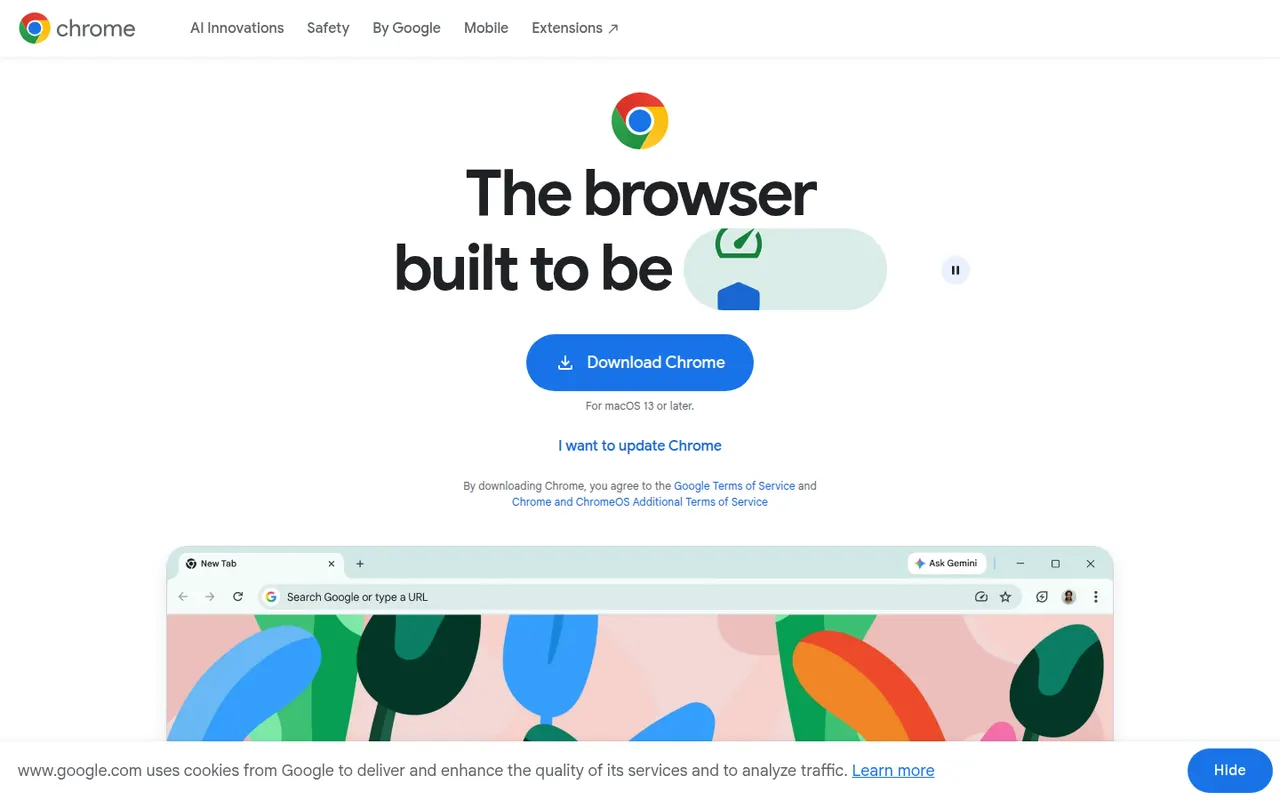
Google Chrome is Google's web browser, built on the open source Chromium project and available on desktop and mobile. It syncs bookmarks, passwords, history and tabs through a Google account, gives access to the large Chrome Web Store extension catalog, and includes tab groups, Incognito mode, a built-in password manager and Gemini AI features in some countries.
11 Google Chrome alternativesPros
- Largest extension catalog through the Chrome Web Store
- Smooth sync of tabs, passwords and history across devices
- Excellent site compatibility, since most sites are tested on it
Cons
- Ties browsing closely to a Google account and its data collection
- Can be heavy on memory with many tabs open
- Manifest V3 has weakened ad blockers such as uBlock Origin
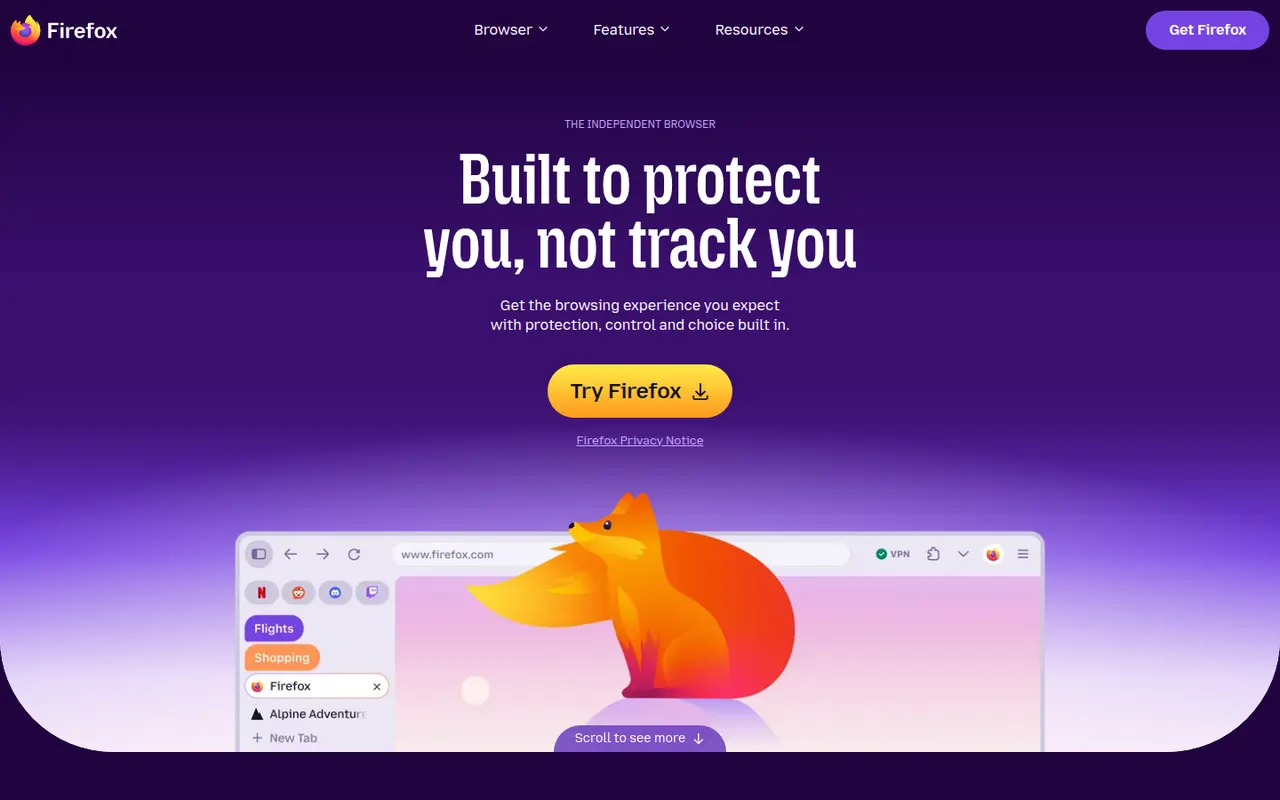
Cost / LicenseFreeProprietaryCategoriesFirefox is an open source web browser developed by Mozilla and one of the few major browsers not based on Chromium, running on its own Gecko engine instead. It blocks many trackers by default with Enhanced Tracking Protection, supports extensions on desktop and Android, and syncs bookmarks, passwords and tabs through a Mozilla account. Recent versions add vertical tabs and tab groups.
11 Firefox alternativesPros
- Independent Gecko engine, an alternative to Chromium browsers
- Enhanced Tracking Protection blocks many trackers by default
- Extensions supported on desktop and Android
Cons
- Some sites tested mainly in Chrome may misbehave
- No extensions on iPhone, where it runs on WebKit
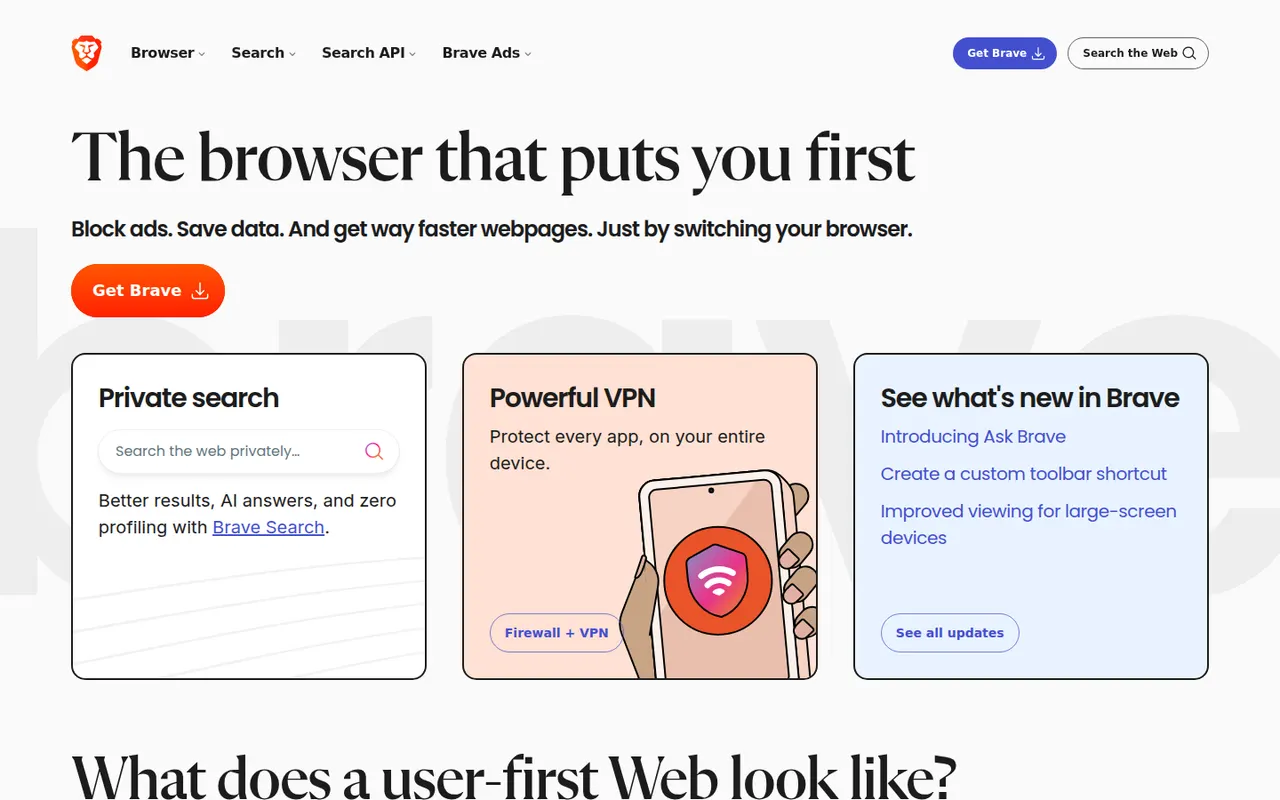
Cost / LicenseFreeOpen sourceCategoriesBrave is an open source browser built on Chromium that blocks ads, trackers and fingerprinting by default through its Shields feature. It stays compatible with Chrome extensions on desktop and adds Brave Search, private windows with Tor, the Leo AI assistant and an opt-in rewards program based on privacy-preserving ads. A VPN and Leo Premium are offered as paid extras.
12 Brave alternativesPros
- Blocks ads, trackers and fingerprinting by default
- Compatible with Chrome extensions on desktop
- Private windows with Tor built in
Cons
- Crypto wallet, rewards and other extras clutter the interface
- Some sites break when Shields block their scripts
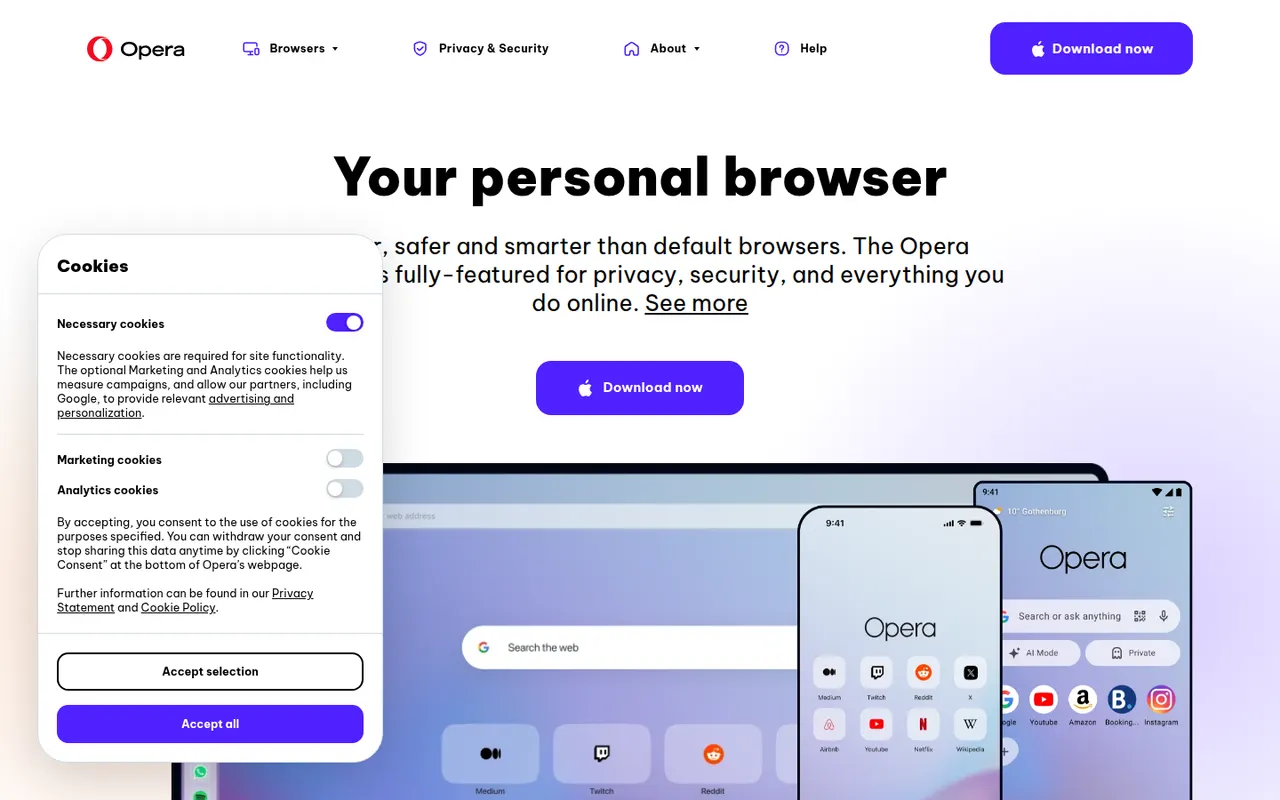
Cost / LicenseFreeOpen sourceCategoriesOpera is a long-running web browser, now built on Chromium, that bundles features others leave to extensions: an ad blocker, a free browser VPN, messaging apps in the sidebar, workspaces, tab islands and the Aria AI assistant. It runs Chrome Web Store extensions and is available on desktop and mobile. The same company makes Opera GX, a variant aimed at gamers.
8 Opera alternativesPros
- Free built-in browser VPN and ad blocker
- Messaging apps and workspaces in the sidebar
- Runs Chrome Web Store extensions
Cons
- Built-in VPN only covers the browser, not other apps
- Many bundled features and promotions make the interface busy
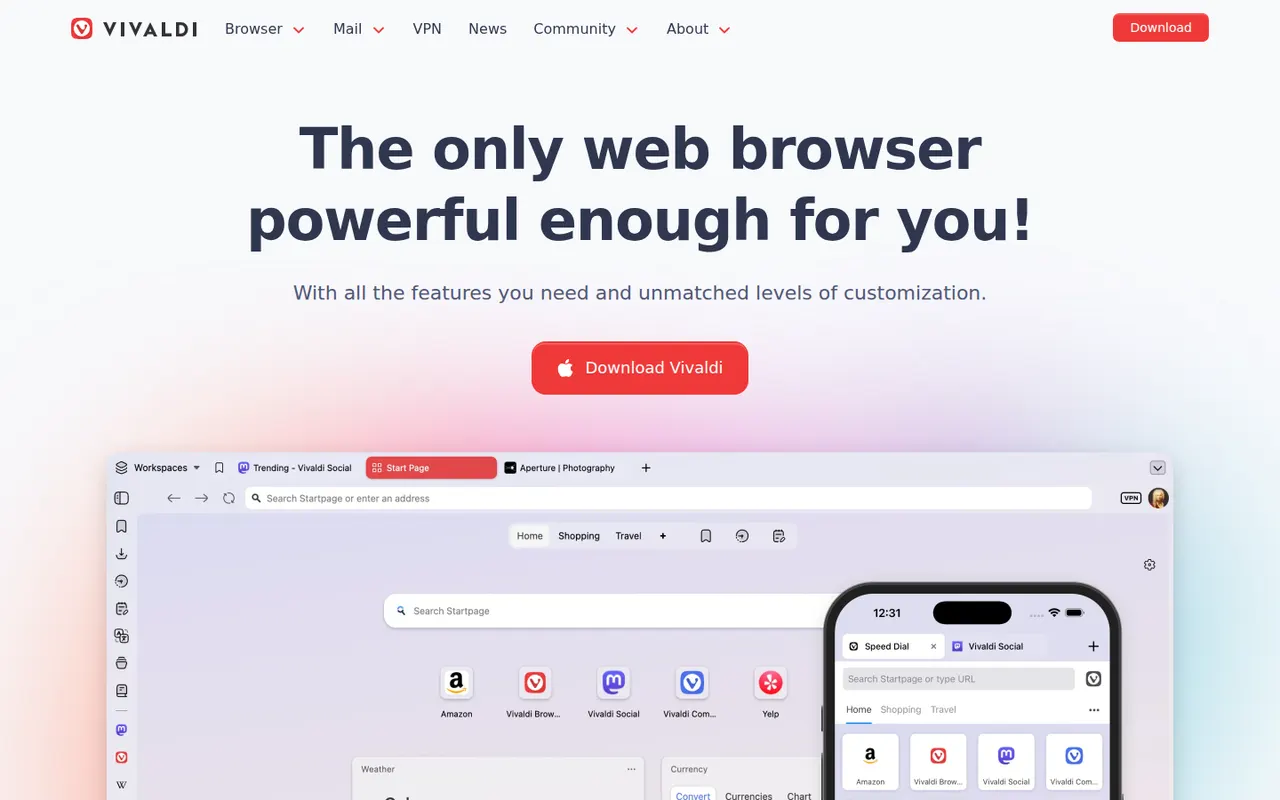
Cost / LicenseFreeProprietaryCategoriesVivaldi is a Chromium-based browser from Norway, created by a co-founder of Opera, in which almost every part of the interface can be customized. It offers tab stacking and tiling, workspaces, a built-in ad and tracker blocker, notes, and integrated mail, calendar and RSS reader, with end-to-end encrypted sync. Vivaldi has chosen not to build generative AI chatbots into the browser.
10 Vivaldi alternativesPros
- Almost every part of the interface can be customized
- Built-in mail, calendar, feed reader and notes
- Tab stacking and tiling for heavy multitaskers
Cons
- The sheer number of options can overwhelm new users
- Interface can feel less snappy than leaner browsers
- Its interface code is proprietary, unlike Brave or Firefox
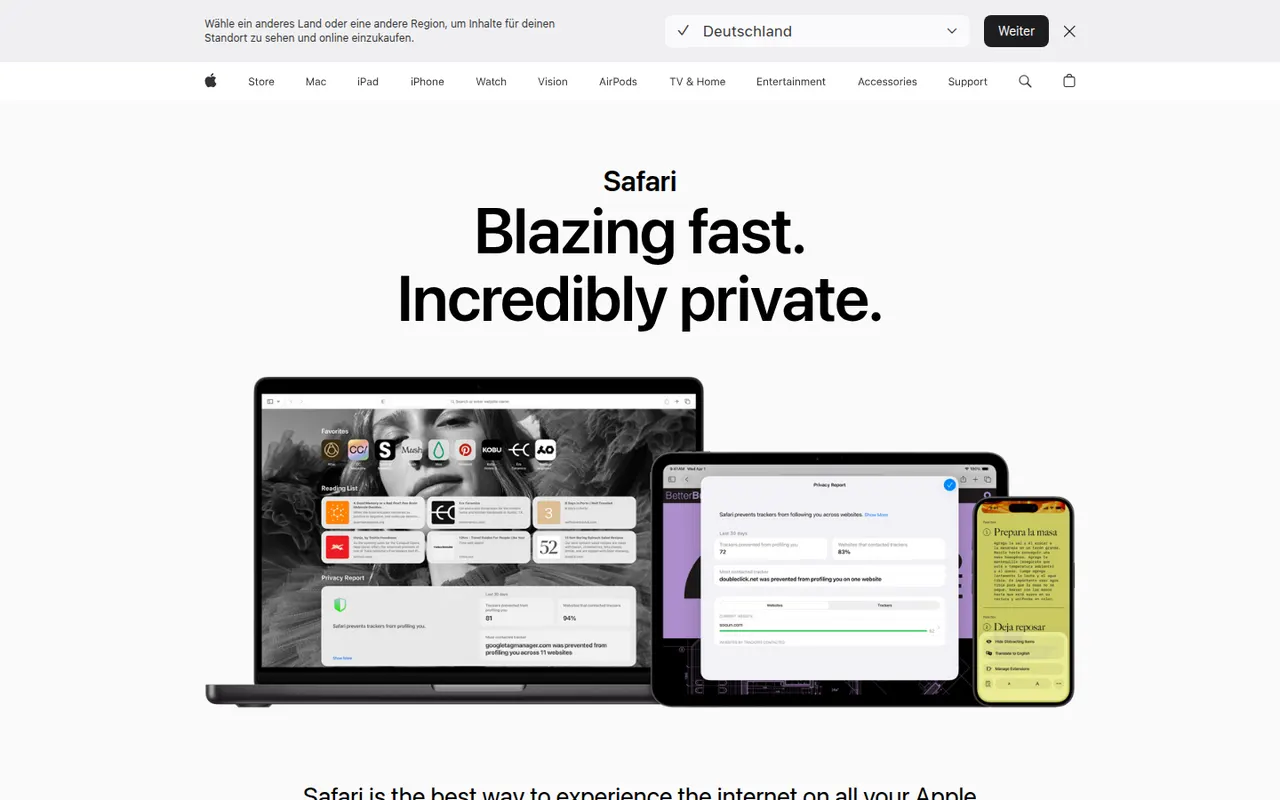
Cost / LicenseFreeProprietaryCategoriesSafari is Apple's web browser, built on the WebKit engine and included with macOS, iOS and iPadOS. It relies on iCloud to sync tabs, bookmarks and passwords, limits cross-site tracking with Intelligent Tracking Prevention, and supports Tab Groups, profiles and Safari Web Extensions distributed through the App Store. It is tuned for energy efficiency on Apple hardware.
9 Safari alternativesPros
- Energy efficient on Mac, iPhone and iPad
- Intelligent Tracking Prevention limits cross-site tracking
- Seamless iCloud sync of tabs, bookmarks and passwords
Cons
- Only available on Apple devices
- Smaller extension catalog than Chrome or Firefox
- Some web features arrive later than in other browsers
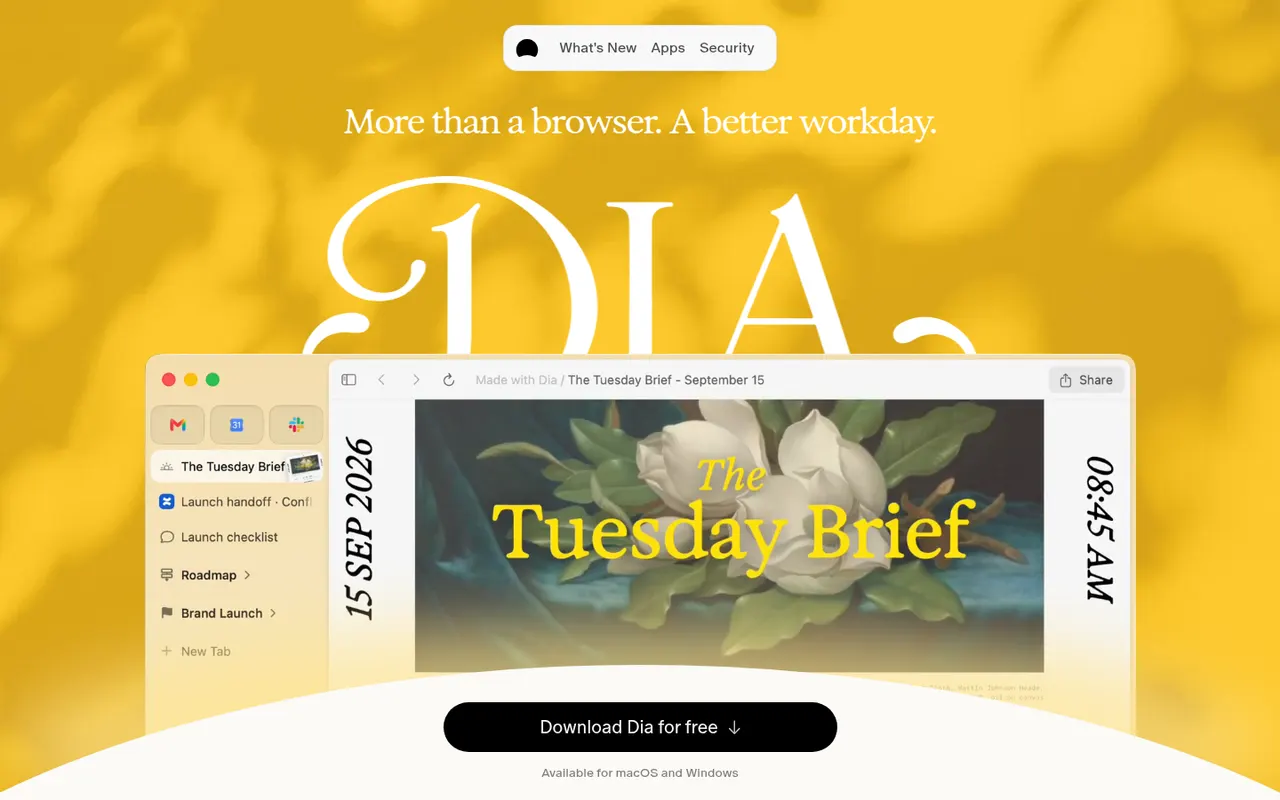
Cost / LicenseFreeProprietaryCategoriesDia is a Chromium-based web browser from The Browser Company, the makers of Arc, designed around a built-in AI assistant. You can chat with the current page or several open tabs to summarize, compare or draft content, and save reusable prompts as Skills. It supports Chrome extensions, runs on macOS and offers a paid Pro plan with higher AI usage limits.
9 Dia alternativesPros
- Chat with the current page or several tabs at once
- Reusable prompts can be saved as Skills
- Supports Chrome extensions on a familiar Chromium base
Cons
- Available only on macOS
- Heavier AI use requires the paid Pro plan
- Fewer power-user tab features than Arc
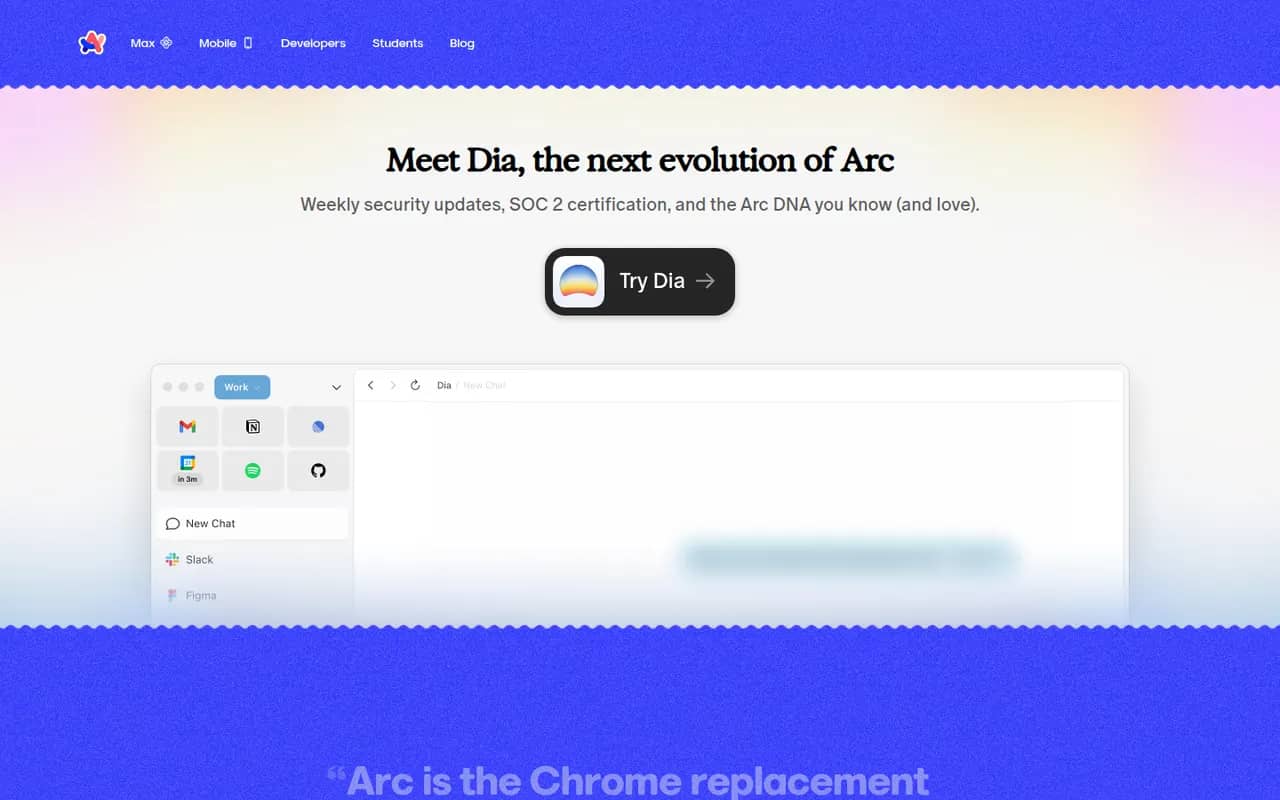
Cost / LicenseFreemiumProprietaryCategoriesPlatformsArc is a Chromium-based browser from The Browser Company that replaces the tab bar with a sidebar, where tabs are grouped into spaces and pinned items while unused tabs are archived automatically. It supports Chrome extensions, split view and Arc Max AI features on macOS and Windows. The company has since shifted its focus to Dia, so Arc mainly receives maintenance updates.
9 Arc alternativesPros
- Sidebar with spaces and pinned tabs keeps browsing organized
- Automatic archiving of unused tabs reduces clutter
- Supports Chrome extensions and split view
Cons
- Only receives maintenance updates since the focus moved to Dia
- Unconventional interface takes time to get used to
- No Linux version is available
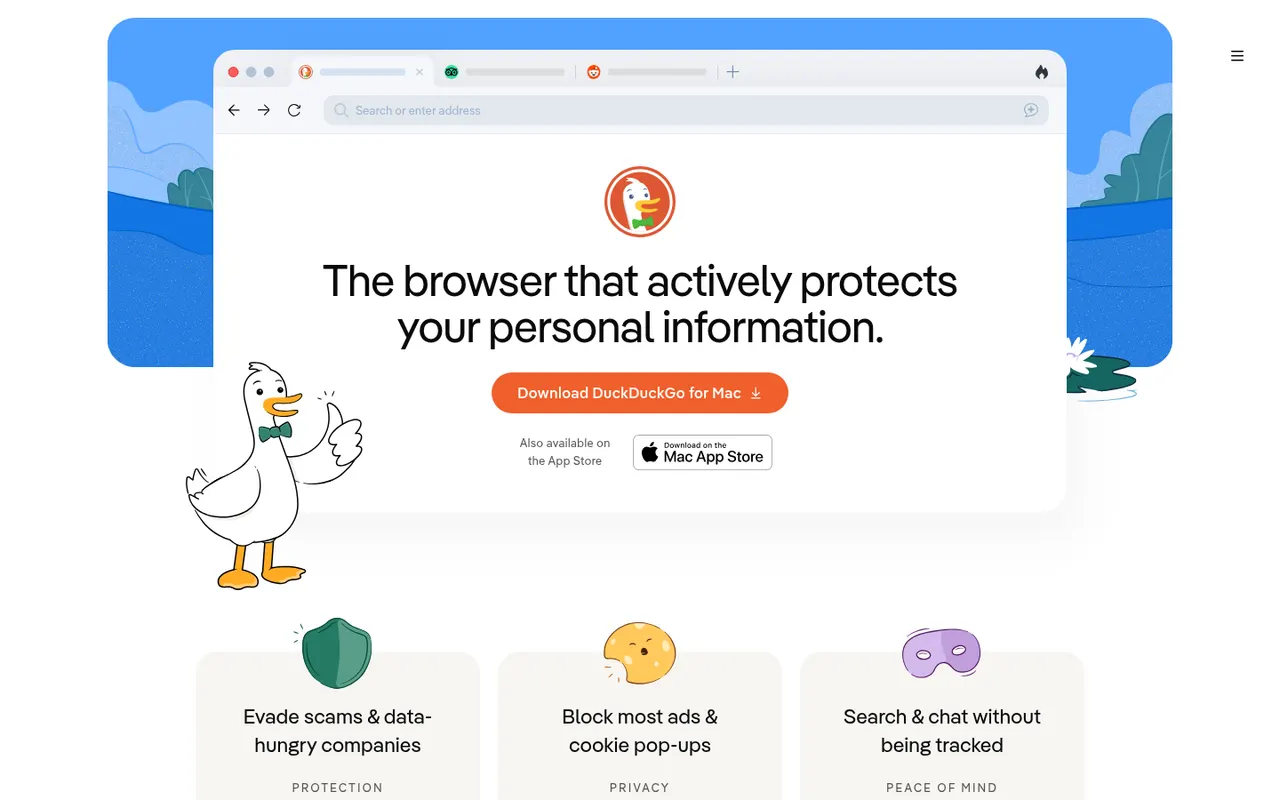
Cost / LicenseFreeProprietaryCategoriesThe DuckDuckGo browser is a free, privacy-focused browser for iPhone, Android, Mac and Windows that uses DuckDuckGo search and blocks hidden trackers by default. The Fire Button clears tabs and data in one tap, Duck Player shows YouTube videos without personalized ads, and Email Protection forwards mail through @duck.com aliases. It also offers private Duck.ai chat and end-to-end encrypted sync.
8 DuckDuckGo Browser alternativesPros
- Blocks hidden trackers by default with no setup
- Fire Button clears tabs and data in one tap
- Built-in email aliases and Duck Player for YouTube
Cons
- No support for third-party extensions
- Fewer customization options than mainstream browsers
- No Linux version is available
Cost / LicenseFreeProprietaryCategories

















Microsoft Edge vs its alternatives at a glance
Pricing, platforms and the key features of Microsoft Edge, compared with its most popular alternatives.
| App | Pricing | Platforms | AI assistant | Cross-device sync | Private browsing | Supports extensions | Tab management |
|---|---|---|---|---|---|---|---|
 Microsoft Edge Microsoft Edge | Free | Windows, Mac, Linux, iPhone, Android | |||||
 Google Chrome Google Chrome | Free | Windows, Mac, Linux, iPhone, Android | |||||
 Firefox Firefox | FreeOpen source | Windows, Mac, Linux, iPhone, Android | |||||
 Brave Brave | FreeOpen source | Windows, Mac, Linux, iPhone, Android | |||||
 Opera Opera | Free | Windows, Mac, Linux, iPhone, Android | |||||
 Vivaldi Vivaldi | Free | Windows, Mac, Linux, iPhone, Android |
Microsoft Edge alternatives: frequently asked questions
What is the best alternative to Microsoft Edge?
The most popular alternative to Microsoft Edge is Google Chrome: Google's web browser, with sync across devices and Gemini built in. Other great alternatives are Firefox, Brave, Opera, and Vivaldi.
Is there a free alternative to Microsoft Edge?
Yes, 9 alternatives are free or have a free plan, including Google Chrome, Firefox, Brave, and Opera.
Is there an open source alternative to Microsoft Edge?
Yes, 2 open source alternatives are listed, including Firefox and Brave.
Is Microsoft Edge free?
Yes, Microsoft Edge is free to use.
Compare Microsoft Edge with its alternatives


Sponsored listings and products made by the publisher of this site are always labeled. How we rank · Know a good alternative? Submit it