

Free, open source software for screen recording and live streaming
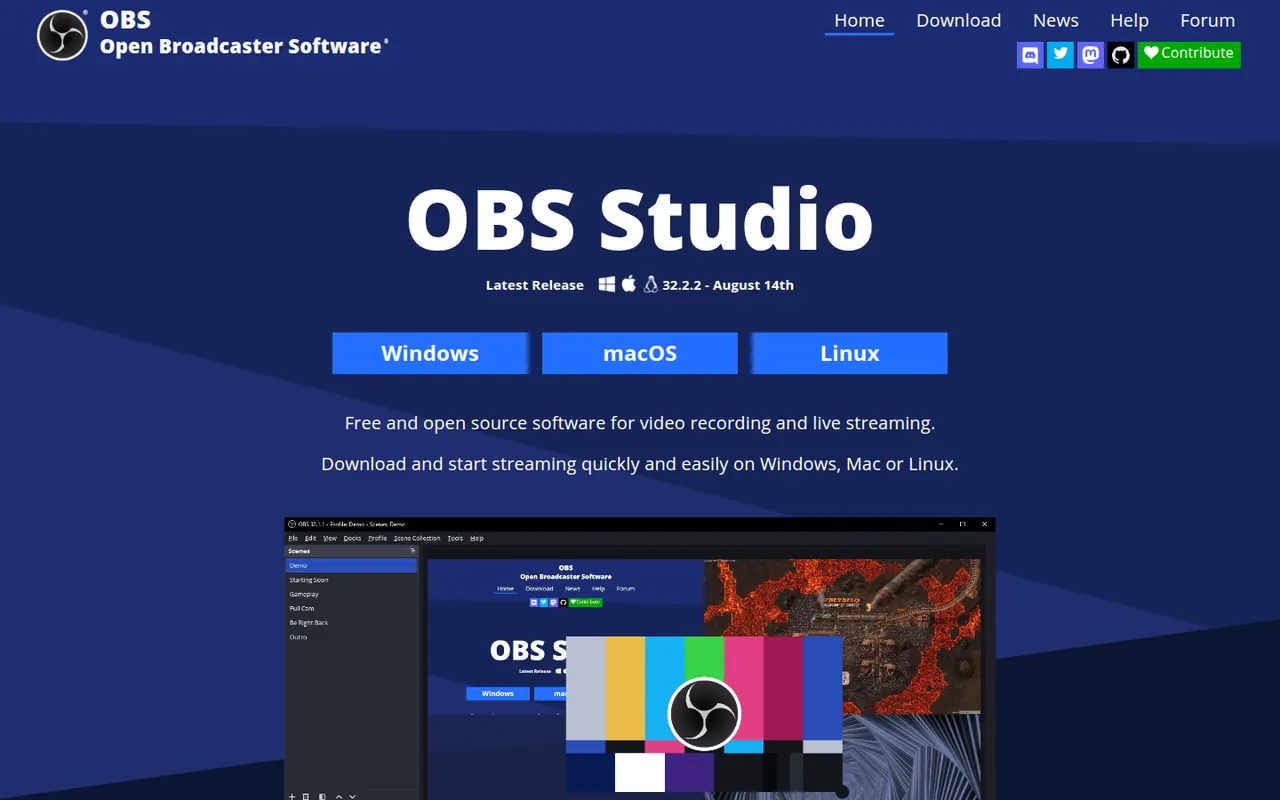
OBS Studio is a free, open source app for recording and live streaming video from your screen, cameras, games and other sources. Scenes can mix multiple sources with audio filters, transitions and chroma key, and it streams to platforms like Twitch and YouTube. Widely used by streamers and educators, it runs on Windows, macOS and Linux and can be extended with plugins.
- features
- 4
- alternatives
- 8
- platforms
- 3
- Updated
- Oct 12, 2026
Features
Our take
Pros
- Free and open source, with no watermark or time limits
- Scenes mix screens, cameras and media with filters and transitions
- Streams to Twitch, YouTube and more, and is extensible with plugins
Cons
- Steep learning curve for first-time users
- No built-in editor for trimming recordings
Editorial assessment by the Alternatives.tools team, based on what the product is known for. Not a user review.
Best OBS Studio alternatives
See all 8 alternatives ShareXFreeOpen source
Free, open source screenshot and screen recording tool for Windows
40Kstars CamtasiaFree trial
Screen recorder and video editor for tutorials and training
 BandicamFreemium
Lightweight Windows recorder for screen, gameplay and webcam
 LoomFreemium
Async video messages that combine screen and camera recording
4.8(19.2K) · App Store ScreenFlowFree trial
Screen recording and video editing app for macOS
 Screen StudioPaid
Mac screen recorder with automatic zooms and smooth cursor motion
User reviews
No reviews yet. Be the first to share your experience with OBS Studio.