

Free digital notebook with freeform pages and handwriting
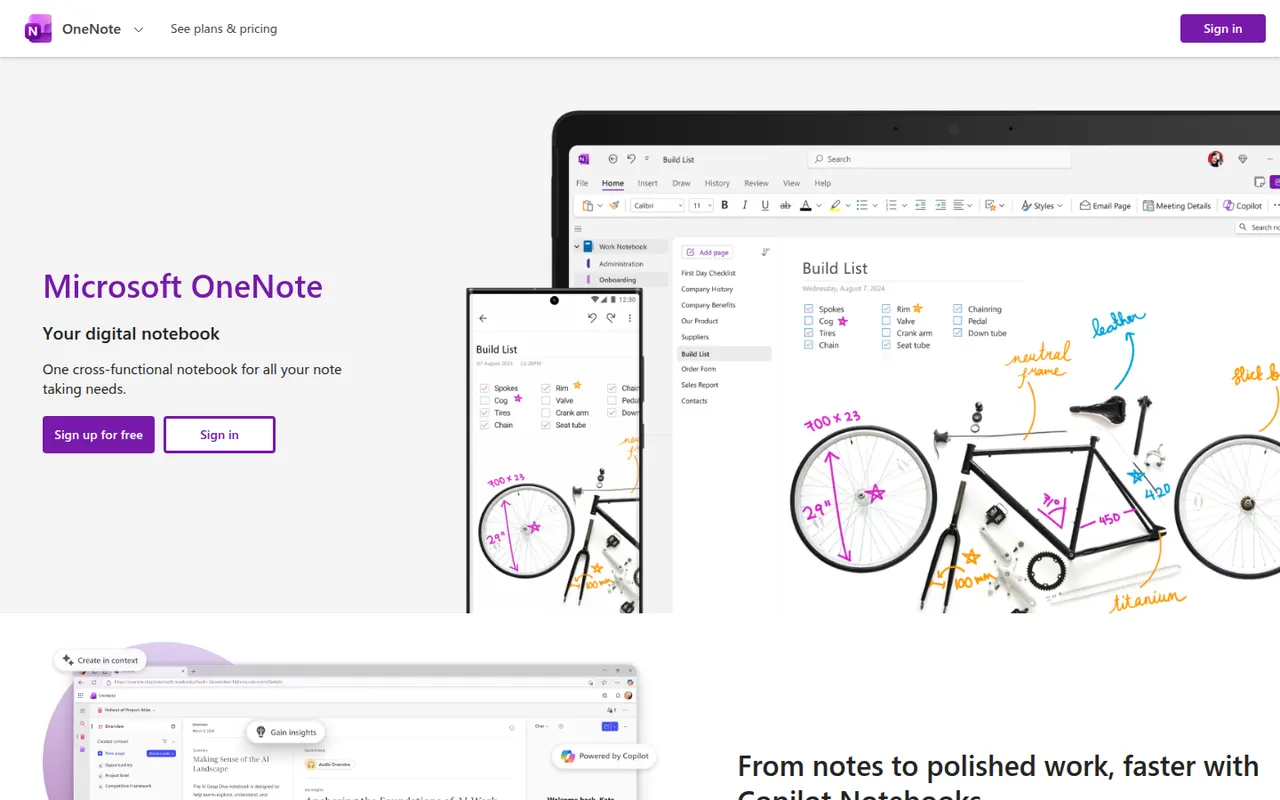
Microsoft OneNote is a free digital notebook that organizes notes into notebooks, sections and pages, where text, images, drawings and handwriting can be placed anywhere on the page. It syncs through OneDrive, supports shared notebooks for classes and teams, and works closely with Outlook, Teams and the rest of Microsoft 365.
- features
- 5
- alternatives
- 9
- platforms
- 6
- Updated
- Oct 12, 2026
Features
Our take
Pros
- Freeform pages for text, drawings and handwriting anywhere
- Free, with OneDrive sync on all major platforms
- Works closely with Outlook, Teams and Microsoft 365
Cons
- The freeform layout gets messy and is hard to export
- Sync can lag or conflict with large notebooks
- No native app for Linux desktops
Editorial assessment by the Alternatives.tools team, based on what the product is known for. Not a user review.
Best Microsoft OneNote alternatives
See all 9 alternatives EvernoteFreemium
Note-taking app to capture, organize and search everything
4.9(417.9K) · App Store NotionFreemium
Connected workspace for docs, wikis and projects
4.8(90.4K) · App Store Apple NotesFree
Built-in notes app for iPhone, iPad and Mac
 Google KeepFree
Quick notes, checklists and reminders synced with Google
4.6(29K) · App Store ObsidianFreemium
Private, local-first knowledge base on Markdown files
4.5(2.8K) · App Store JoplinFreemiumOpen source
Open source note-taking and to-do app with sync
4.1(478) · App Store
User reviews
No reviews yet. Be the first to share your experience with Microsoft OneNote.