
Screen Studio
Mac screen recorder with automatic zooms and smooth cursor motion
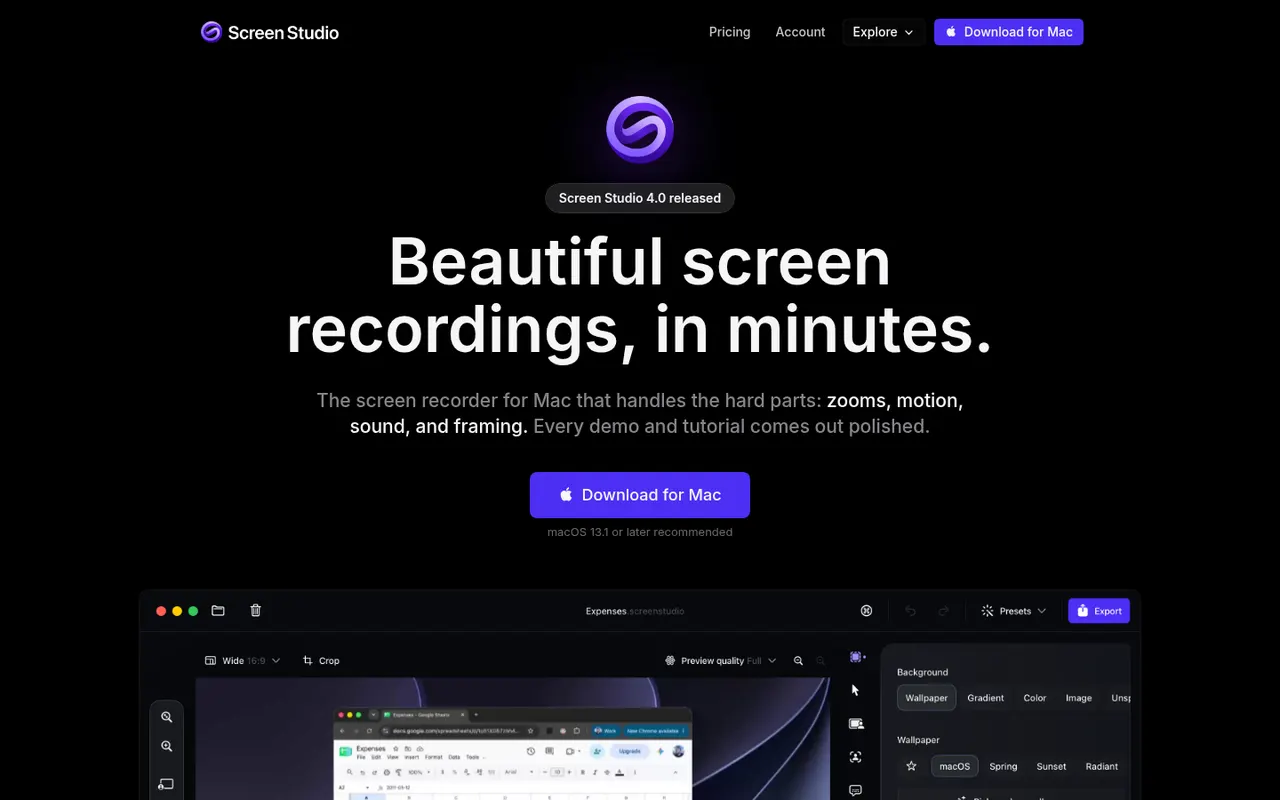
Screen Studio is a macOS screen recorder designed for product demos and tutorials. It automatically zooms in where you click, smooths cursor movement, adds motion blur and backgrounds, and can include a webcam overlay, so recordings look edited without manual work. It can also generate captions from your voice, and videos export in up to 4K or as GIFs.
- features
- 3
- alternatives
- 8
- platform
- 1
- Updated
- Oct 12, 2026
Features
Our take
Pros
- Automatic zooms and smooth cursor motion make demos look edited
- Backgrounds, motion blur and webcam overlay with little effort
- Exports up to 4K or as GIFs, with automatic captions
Cons
- Available on macOS only, with no Windows version
- Not a full video editor for complex projects
- Paid only, with no free tier
Editorial assessment by the Alternatives.tools team, based on what the product is known for. Not a user review.
Best Screen Studio alternatives
See all 8 alternatives CleanShot XPaid
Screenshot, annotation and screen recording app for macOS
 ScreenFlowFree trial
Screen recording and video editing app for macOS
 CamtasiaFree trial
Screen recorder and video editor for tutorials and training
 LoomFreemium
Async video messages that combine screen and camera recording
4.8(19.2K) · App Store TellaFree trial
Record polished screen videos for demos, tutorials and courses
 OBS StudioFreeOpen source
Free, open source software for screen recording and live streaming
77.4Kstars
User reviews
No reviews yet. Be the first to share your experience with Screen Studio.