
Screen Studio alternatives
Top Screen Recording like Screen Studio
The most popular alternative to Screen Studio is CleanShot X. Other great alternatives to Screen Studio are ScreenFlow, Camtasia, Loom, and Tella.
Most alternatives to Screen Studio are in the Screen Recording category, compared here by price, platform and features.
All Screen Studio alternatives
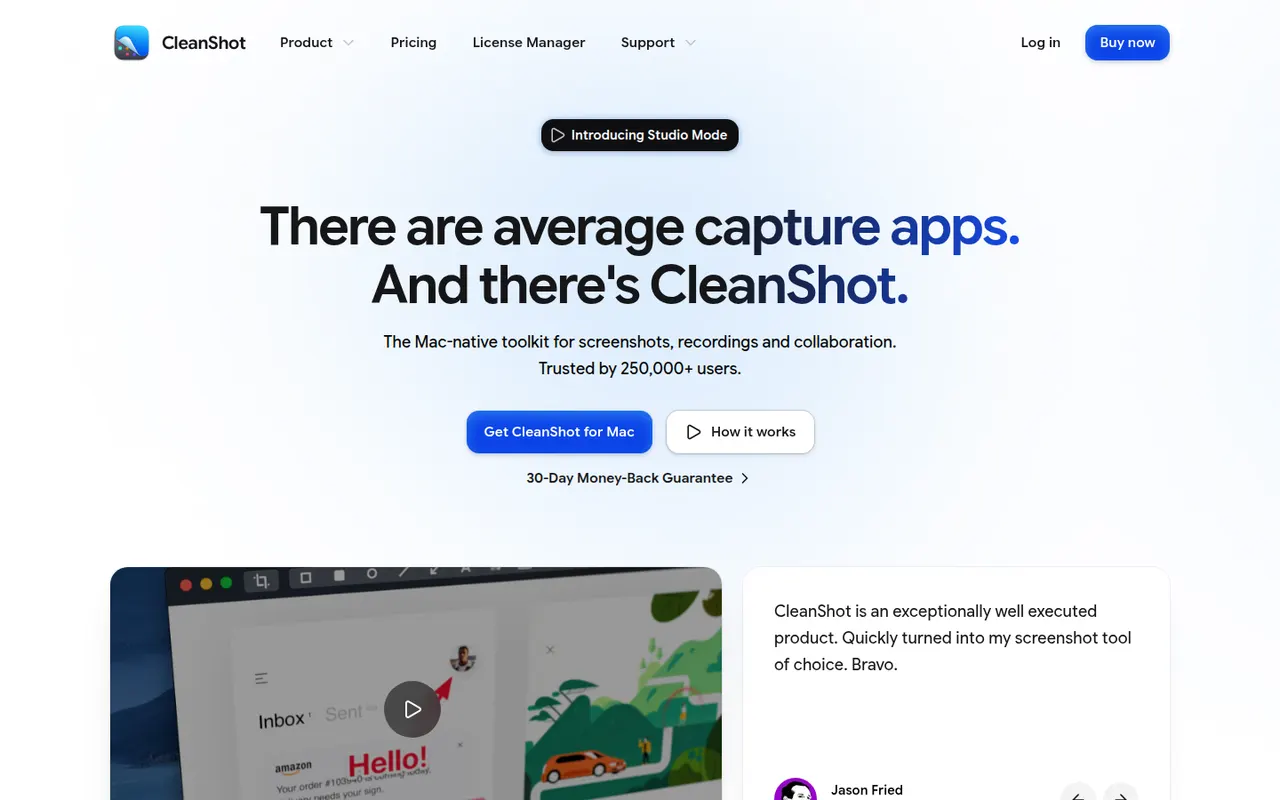
CleanShot X is a Mac app that replaces the built-in screenshot tools with a richer set of capture options: scrolling captures, screen recording with webcam overlay, GIF export, text recognition and hiding desktop icons. Captures can be annotated, blurred and uploaded to CleanShot Cloud for sharing. It is a paid app, also available through the Setapp subscription.
9 CleanShot X alternativesPros
- Scrolling captures, recording with webcam and GIF export in one app
- Fast annotation, blurring and text recognition
- Hides desktop icons for cleaner captures
Cons
- Available on macOS only, with no Windows version
- Advanced CleanShot Cloud features need a separate subscription
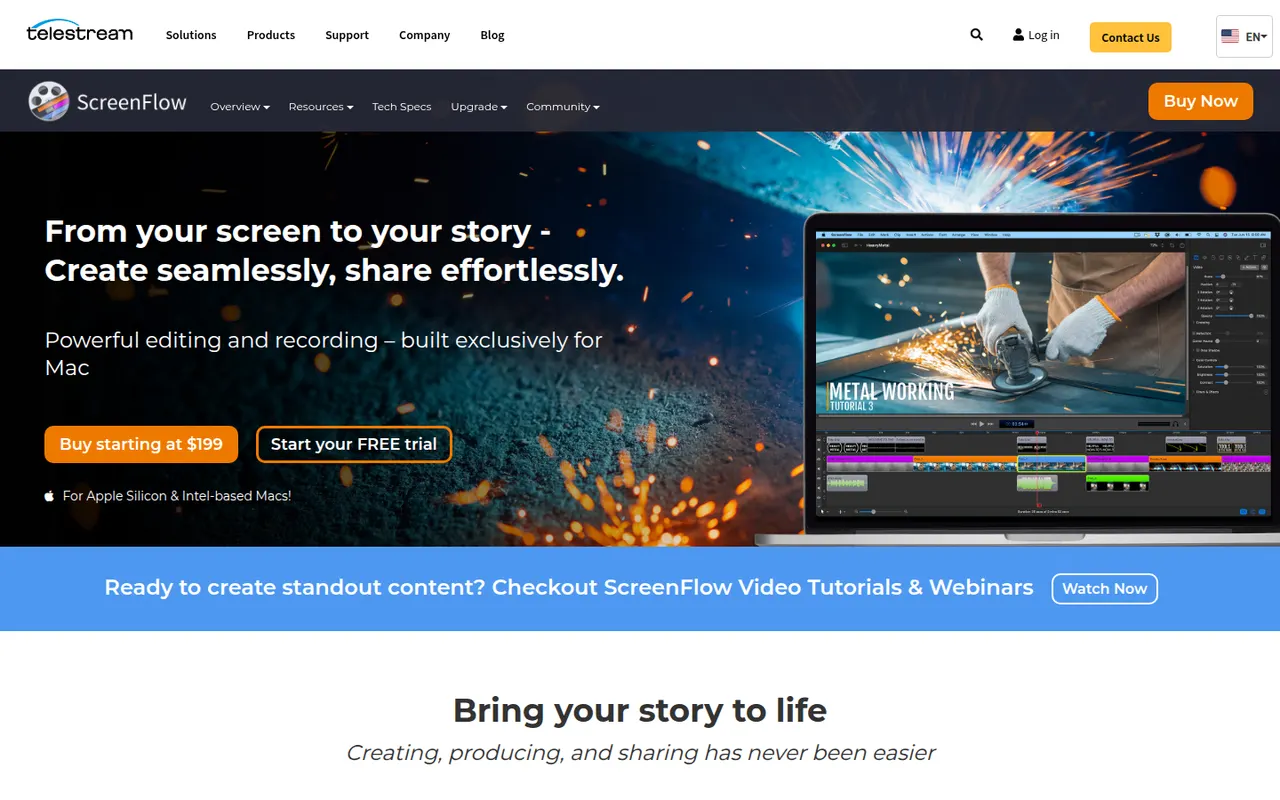
Cost / LicensePaidProprietaryCategoriesPlatformsScreenFlow by Telestream is a Mac app for recording the screen, camera, microphone and a connected iPhone or iPad, then editing everything on a multi-track timeline. It adds callouts, text, transitions, freehand annotations and a stock media library, and is used for tutorials, courses and software demos. It is a paid app with a free trial that adds a watermark.
8 ScreenFlow alternativesPros
- Records the screen, camera and a connected iPhone or iPad
- Multi-track timeline with callouts, text and annotations
- Access to a stock media library from the editor
Cons
- Available on macOS only, with no Windows version
- Trial exports carry a watermark
- Effects take more manual work than newer automatic recorders
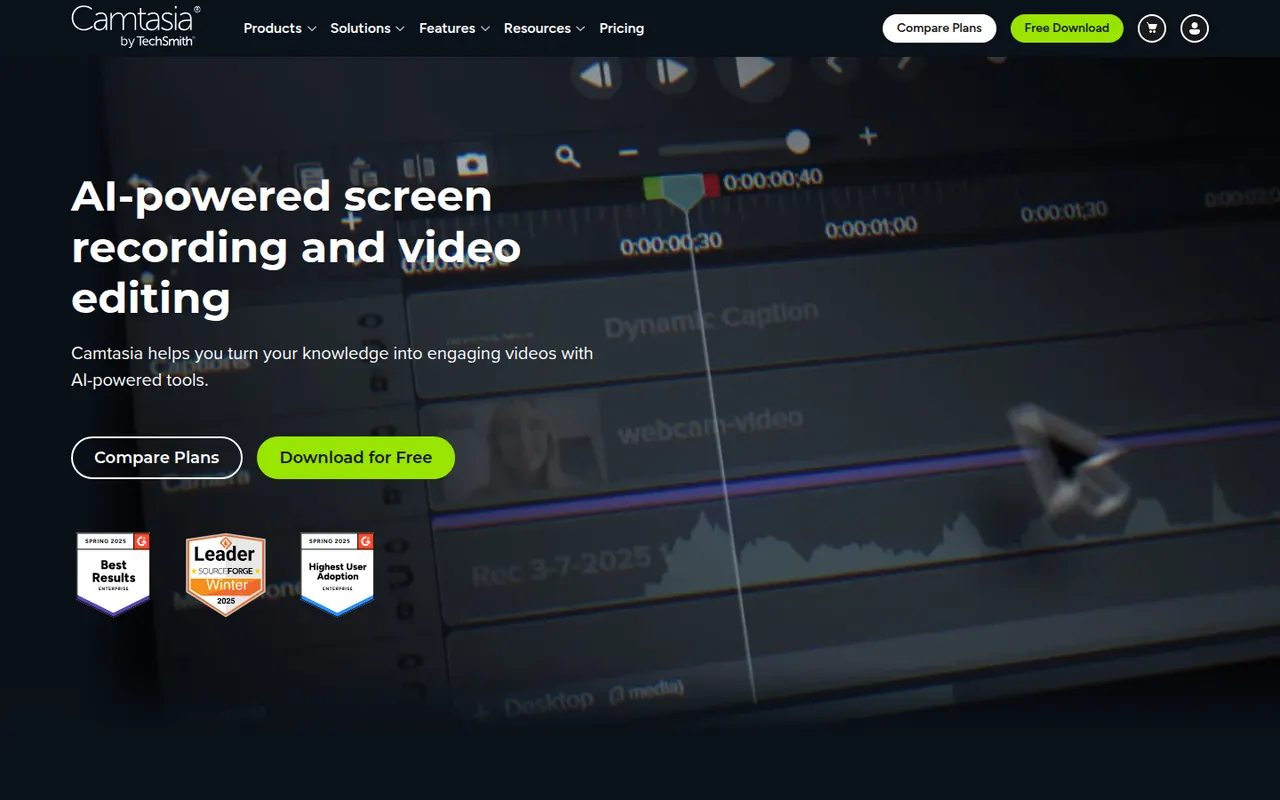
Cost / LicenseFree trialProprietaryCategoriesPlatformsCamtasia from TechSmith combines a screen and webcam recorder with a timeline editor tailored to tutorials, product demos and training videos. It provides callouts, cursor effects, zoom and pan animations, quizzes and templates, so non-editors can produce polished instructional content. It runs on Windows and macOS and is sold by subscription, with a free trial.
12 Camtasia alternativesPros
- Recorder and timeline editor tailored to tutorials
- Callouts, cursor effects and zooms without video editing skills
- Quizzes and templates for training content
Cons
- The subscription is expensive for occasional use
- Can slow down on long or complex projects
- Less flexible than a full video editor for advanced edits
Cost / LicenseFree trialProprietaryCategoriesLoom lets you record your screen, camera and voice and share the result instantly as a link, replacing meetings and long written explanations. Viewers can comment and react, and Loom AI generates titles, summaries and chapters. Part of Atlassian since 2023, it works through desktop and mobile apps, a Chrome extension and integrations with tools like Slack, Jira and Notion.
12 Loom alternativesPros
- Record screen and camera and share instantly as a link
- AI titles, summaries and chapters save editing time
- Comments and reactions keep feedback next to the video
Cons
- The free plan limits video length and library size
- Editing is basic compared with dedicated video tools
- Per-seat pricing adds up for large teams
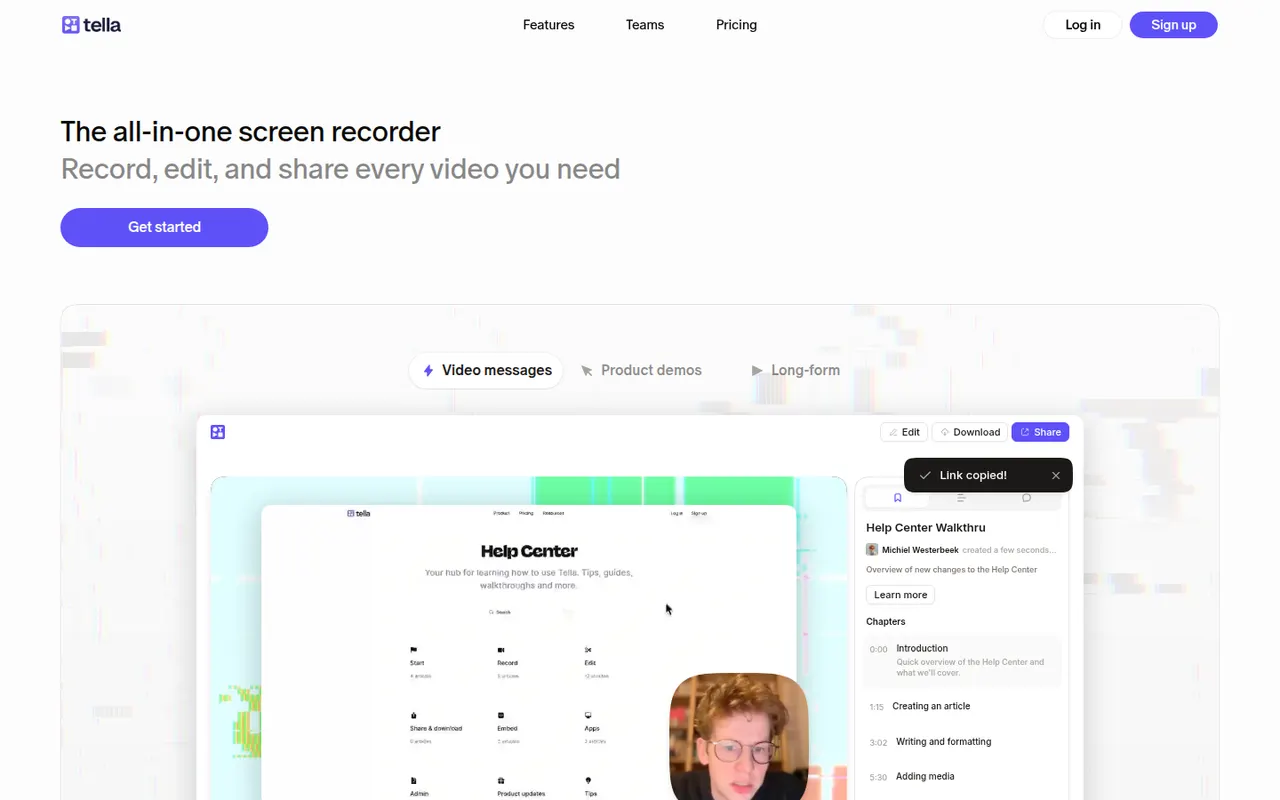
Cost / LicenseFreemiumProprietaryCategoriesTella records your screen and camera in short clips that you can retake and rearrange. It adds layouts, backgrounds, captions and transcript-based trimming, so creators, founders and teams can publish product demos, tutorials and online courses without a separate editor. Videos can be shared by link or exported in high resolution.
8 Tella alternativesPros
- Record in short clips you can retake and rearrange
- Layouts, backgrounds and captions give a polished look quickly
- Transcript-based trimming speeds up editing
Cons
- No free plan beyond the trial
- The desktop app is Mac only, other systems rely on the browser
- Limited editing for complex videos
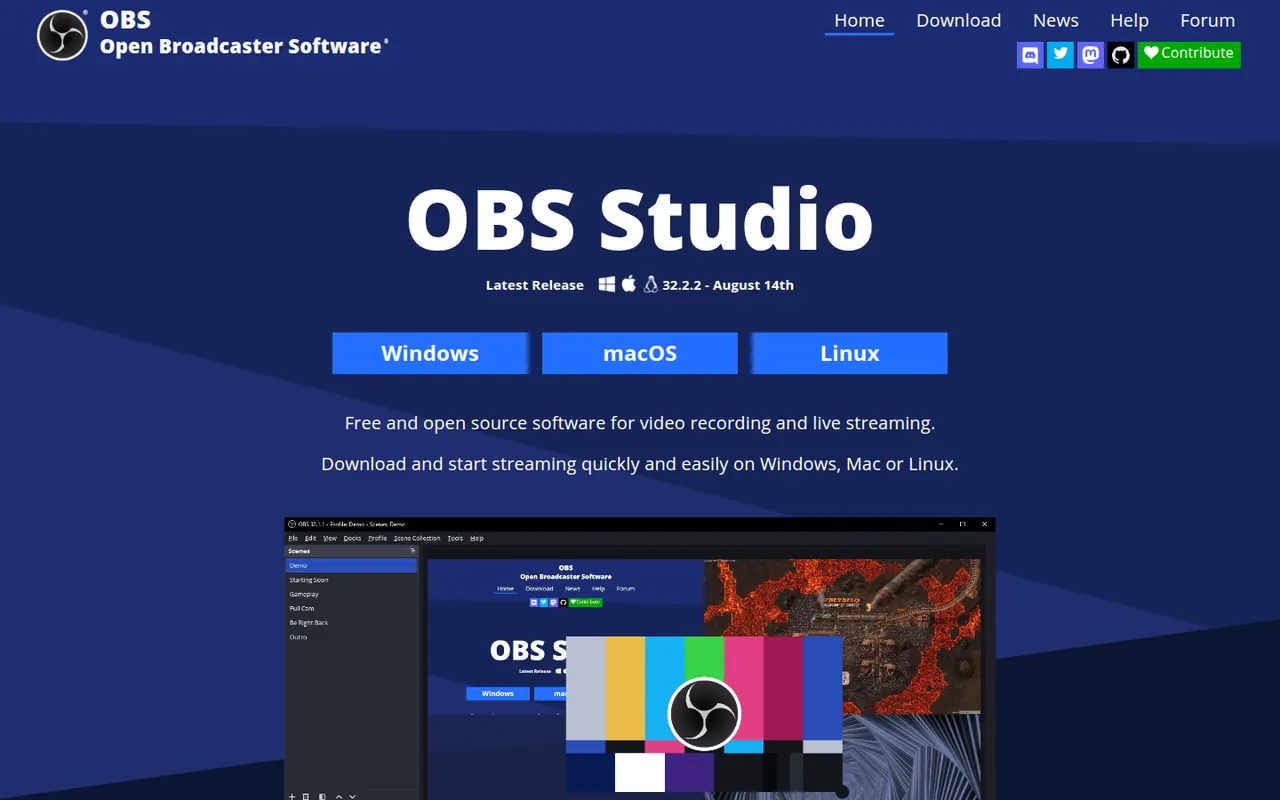
Cost / LicenseFree trialProprietaryCategoriesOBS Studio is a free, open source app for recording and live streaming video from your screen, cameras, games and other sources. Scenes can mix multiple sources with audio filters, transitions and chroma key, and it streams to platforms like Twitch and YouTube. Widely used by streamers and educators, it runs on Windows, macOS and Linux and can be extended with plugins.
8 OBS Studio alternativesPros
- Free and open source, with no watermark or time limits
- Scenes mix screens, cameras and media with filters and transitions
- Streams to Twitch, YouTube and more, and is extensible with plugins
Cons
- Steep learning curve for first-time users
- No built-in editor for trimming recordings
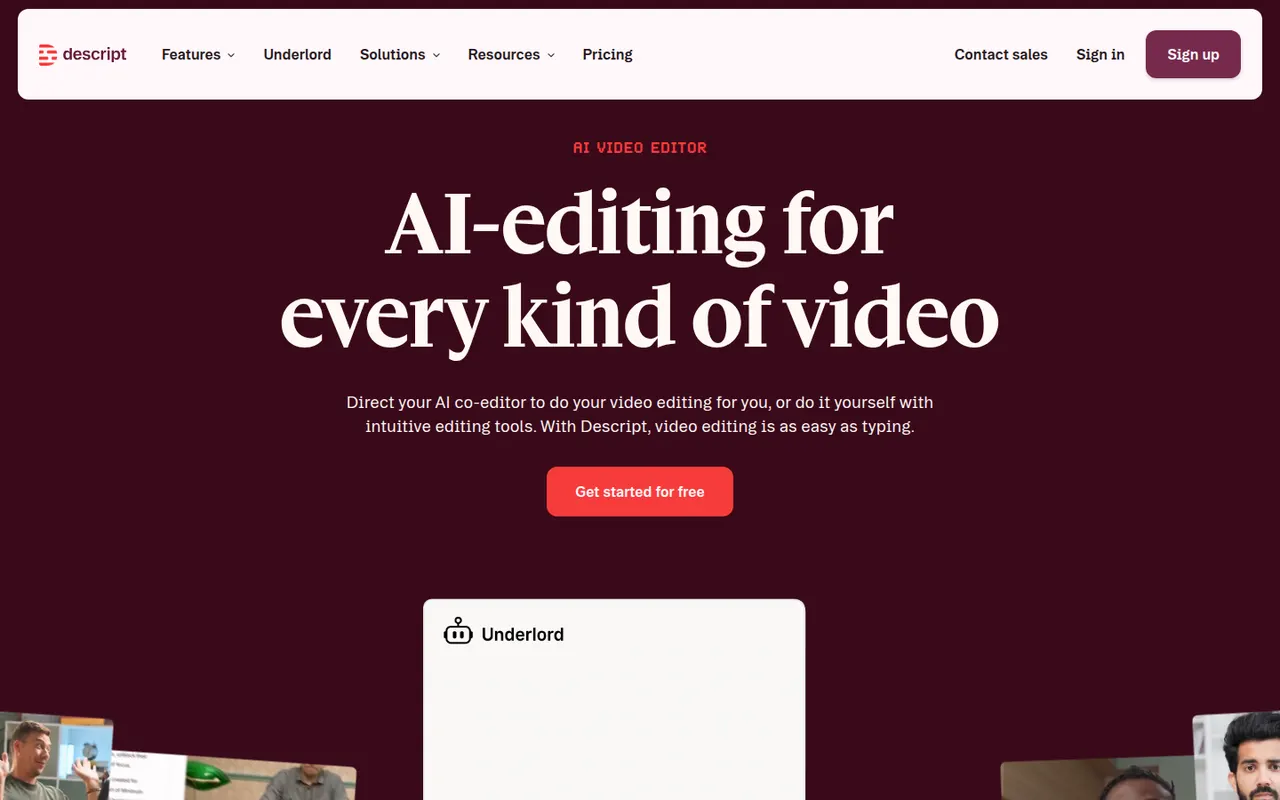
Cost / LicenseFreeOpen sourceCategoriesDescript transcribes your recordings so you can cut video and audio like a text document, with screen recording, overdub and AI cleanup tools.
17 Descript alternativesPros
- Edit audio and video by editing the transcript like a document
- Filler word removal and AI cleanup speed up podcast editing
- Screen recording and team collaboration built in
Cons
- Less precise than a traditional timeline for complex edits
- Transcription hours and AI features are capped on lower plans
- Can be slow with long or high-resolution projects
Cost / LicenseFreemiumProprietaryCategoriesZight, formerly CloudApp, is a visual communication tool for capturing screenshots, GIFs and screen recordings with webcam, then sharing them instantly through a link. Captures can be annotated, and AI features generate titles and summaries. It is used by support, sales and product teams, works on macOS, Windows and Chrome, and integrates with tools like Slack, Jira and Zendesk.
9 Zight alternativesPros
- Screenshots, GIFs and recordings shared instantly by link
- Annotations plus AI-generated titles and summaries
- Integrates with Slack, Jira and Zendesk
Cons
- The free plan is restrictive compared with paid tiers
- Captures live in Zight's cloud, which may not suit every company policy
Cost / LicenseFreemiumProprietaryCategoriesPlatforms














Screen Studio vs its alternatives at a glance
Pricing, platforms and the key features of Screen Studio, compared with its most popular alternatives.
| App | Pricing | Platforms | 4K export | Auto captions | Webcam overlay |
|---|---|---|---|---|---|
 Screen Studio Screen Studio | Paid | Mac | |||
 CleanShot X CleanShot X | Paid | Mac | |||
 ScreenFlow ScreenFlow | Free trial | Mac | |||
 Camtasia Camtasia | Free trial | Windows, Mac | |||
 Loom Loom | Freemium | Web, Windows, Mac, iPhone, Android, Browser extension | |||
 Tella Tella | Free trial | Web, Mac |
Screen Studio alternatives: frequently asked questions
What is the best alternative to Screen Studio?
The most popular alternative to Screen Studio is CleanShot X: Screenshot, annotation and screen recording app for macOS. Other great alternatives are ScreenFlow, Camtasia, Loom, and Tella.
Is there a free alternative to Screen Studio?
Yes, 4 alternatives are free or have a free plan, including Loom, OBS Studio, Descript, and Zight.
Is there an open source alternative to Screen Studio?
Yes, one open source alternative is listed: OBS Studio.
Is Screen Studio free?
No, Screen Studio is a paid app.
Compare Screen Studio with its alternatives


Sponsored listings and products made by the publisher of this site are always labeled. How we rank · Know a good alternative? Submit it