Best AI App Builders software
Build and deploy web apps by describing them in natural language.
12 apps
Top AI App Builders apps ranked by the community
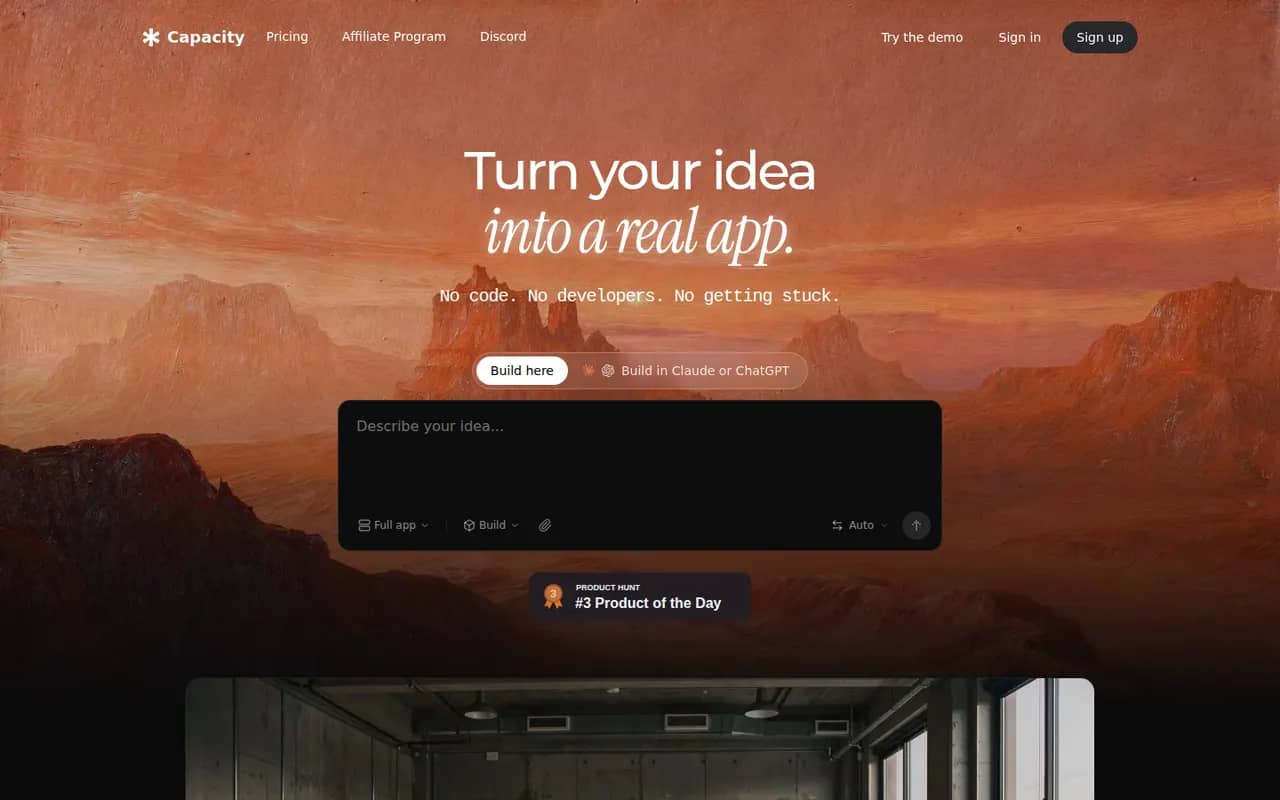
Capacity
By the publisherCapacity turns a conversation into a working full-stack web application, with database, authentication and one-click deployment.
6 Capacity alternativesPros
- Builds a full-stack app with database and auth from a chat
- Code export keeps your project portable
- One-click deployment without configuring hosting
Cons
- Smaller community and fewer tutorials than better-known builders
- Complex apps still need several rounds of prompting and review
- Heavier use requires a paid plan
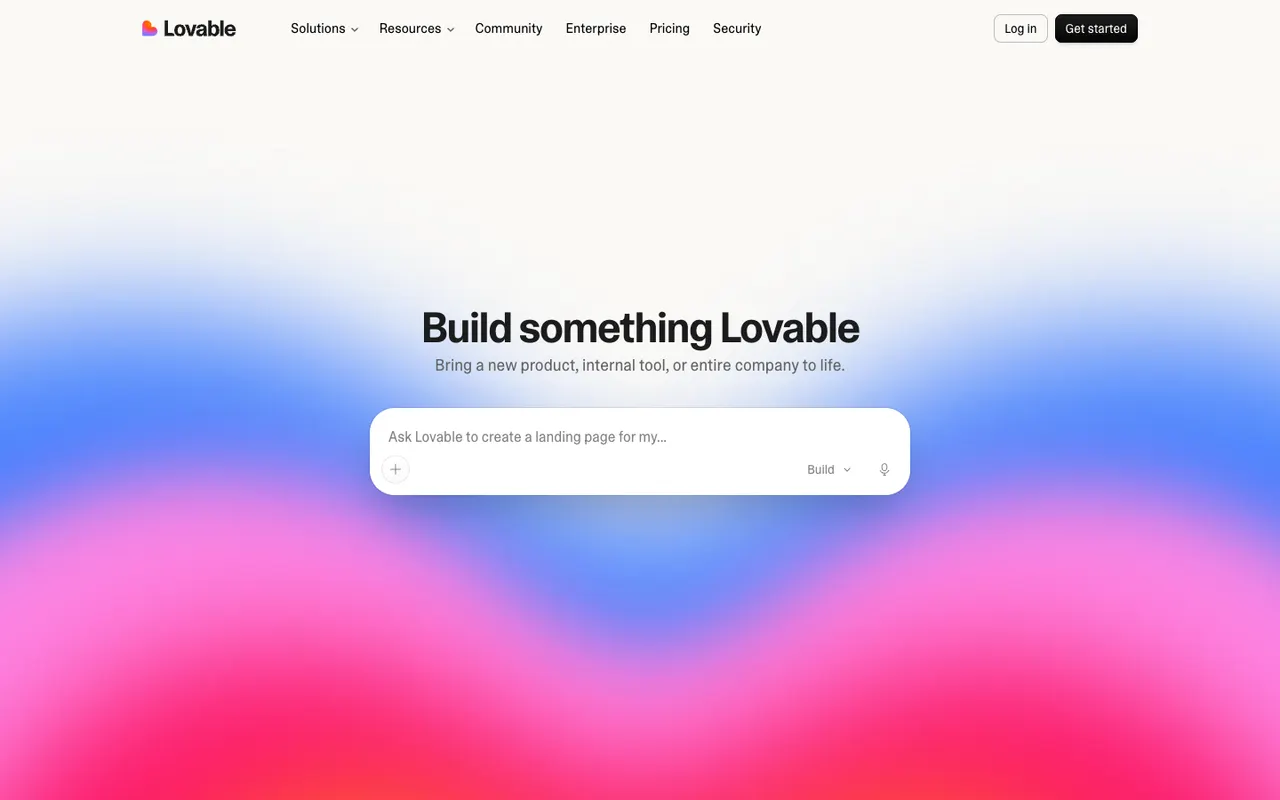
Cost / LicenseFreemiumProprietaryCategoriesPlatformsLovable generates full-stack web apps from natural language, with a visual editor, GitHub sync and integrations for databases and payments.
12 Lovable alternativesPros
- Generates full-stack web apps from plain-language prompts
- GitHub sync lets developers take over the code
- Visual editor for tweaking the interface without prompting
Cons
- Credits can run out quickly during debugging
- Generated code needs a review for security and edge cases
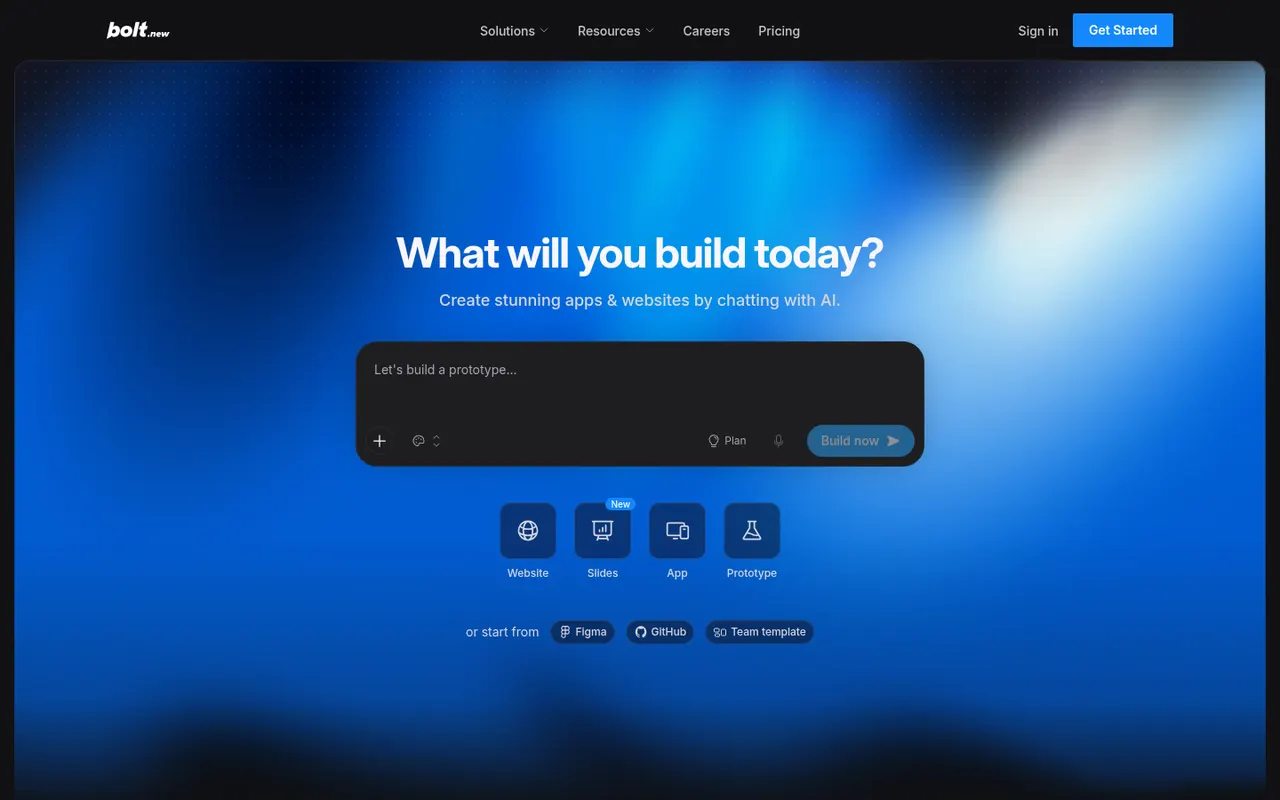
Cost / LicenseFreemiumProprietaryCategoriesPlatformsBolt.new by StackBlitz lets you prompt an AI agent that writes, runs and deploys full-stack applications entirely in the browser.
7 Bolt.new alternativesPros
- Runs, edits and previews full-stack apps right in the browser
- Generated code stays accessible, editable and exportable
- One-click deployment from the same workspace
Cons
- Token-based usage can get expensive on complex projects
- The agent can get stuck fixing its own errors and burn tokens
- Generated code needs review before going to production
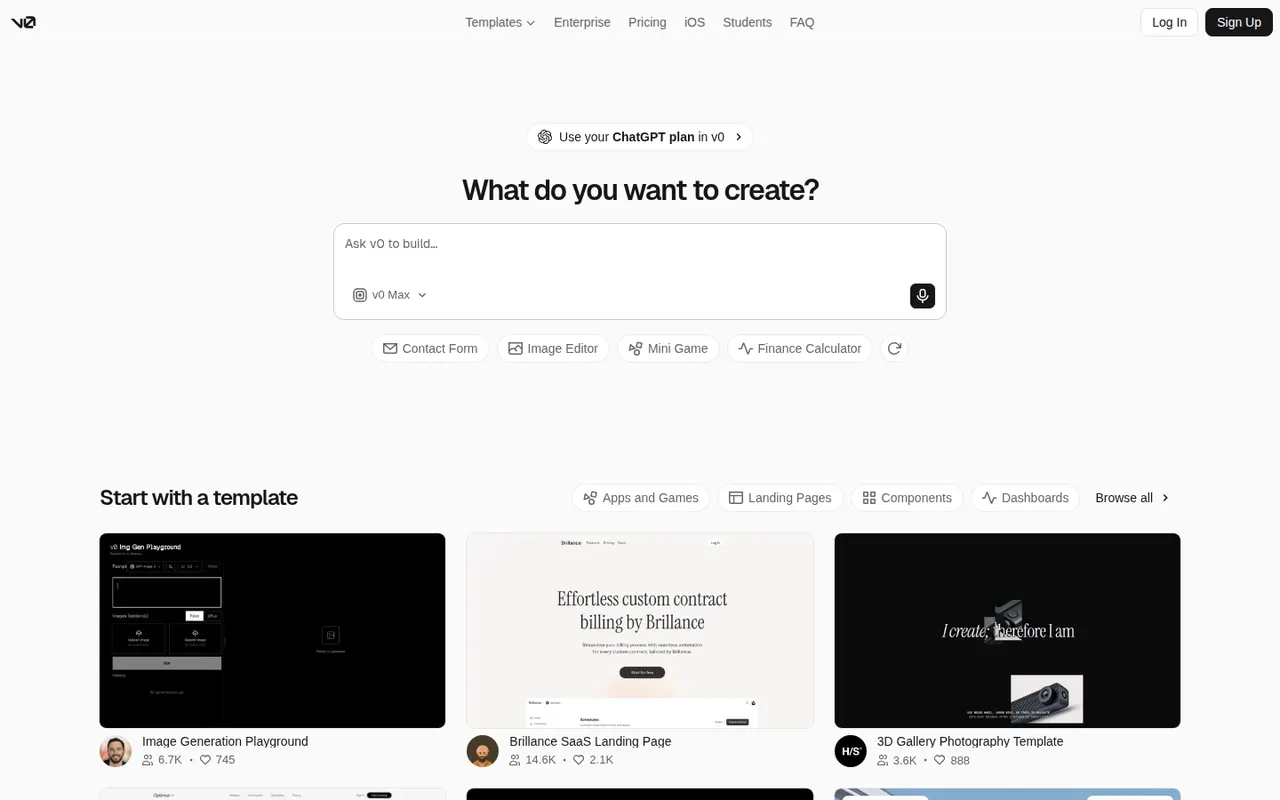
Cost / LicenseFreemiumProprietaryCategoriesPlatformsv0 is Vercel’s AI builder that generates React interfaces and full-stack Next.js apps from prompts, with one-click deployment to Vercel.
7 v0 alternativesPros
- Generates React and Next.js interfaces from prompts
- One-click deployment to Vercel
- Code can be copied or exported into your own project
Cons
- Closely tied to React, Next.js and the Vercel ecosystem
- Free plan usage is capped by credits
- Generated code still needs developer review for production
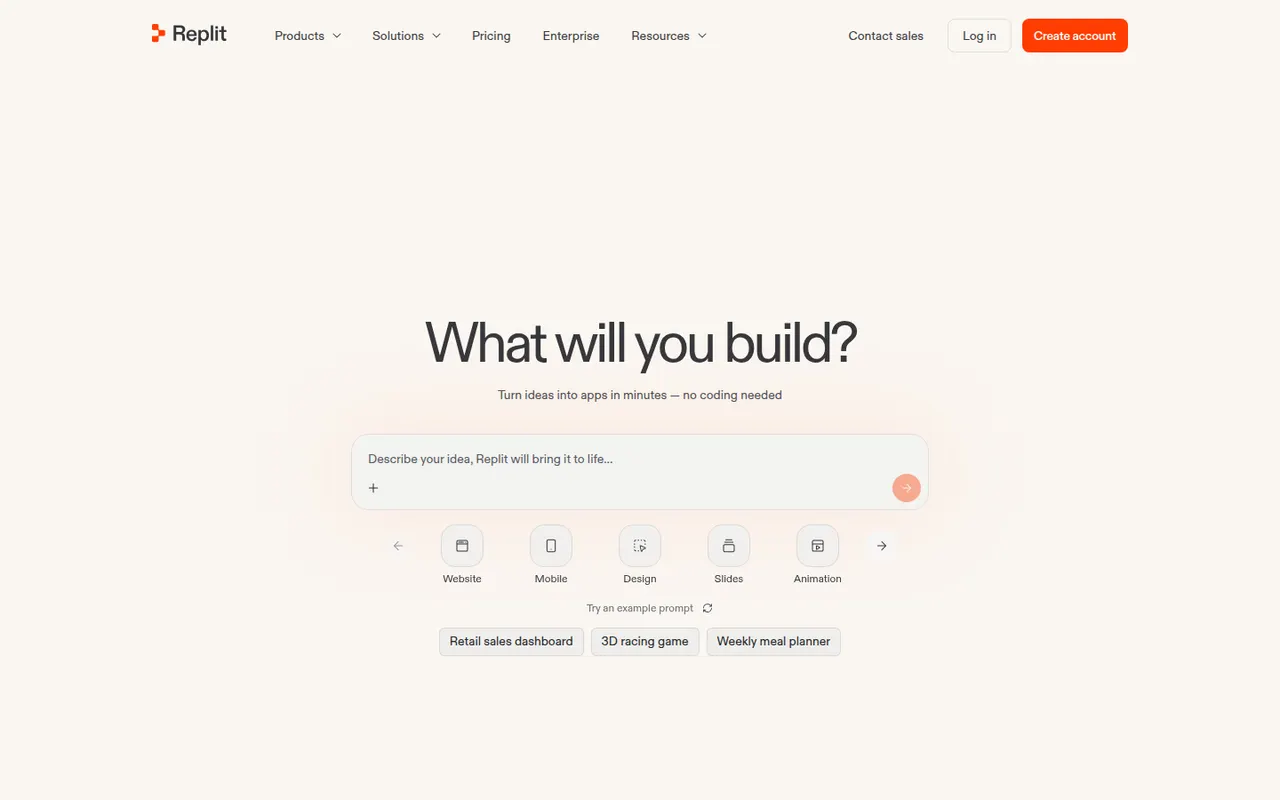
Cost / LicenseFreemiumProprietaryCategoriesPlatformsReplit is a cloud development environment where an AI agent can build, run and host applications, with collaboration and built-in databases.
9 Replit alternativesPros
- Code, run and host apps without any local setup
- AI agent builds and deploys apps from a description
- Real-time multiplayer editing for collaboration
Cons
- Agent usage costs can be hard to predict
- Hosting and databases tie projects to Replit's platform
- Free plan resources are limited for serious projects
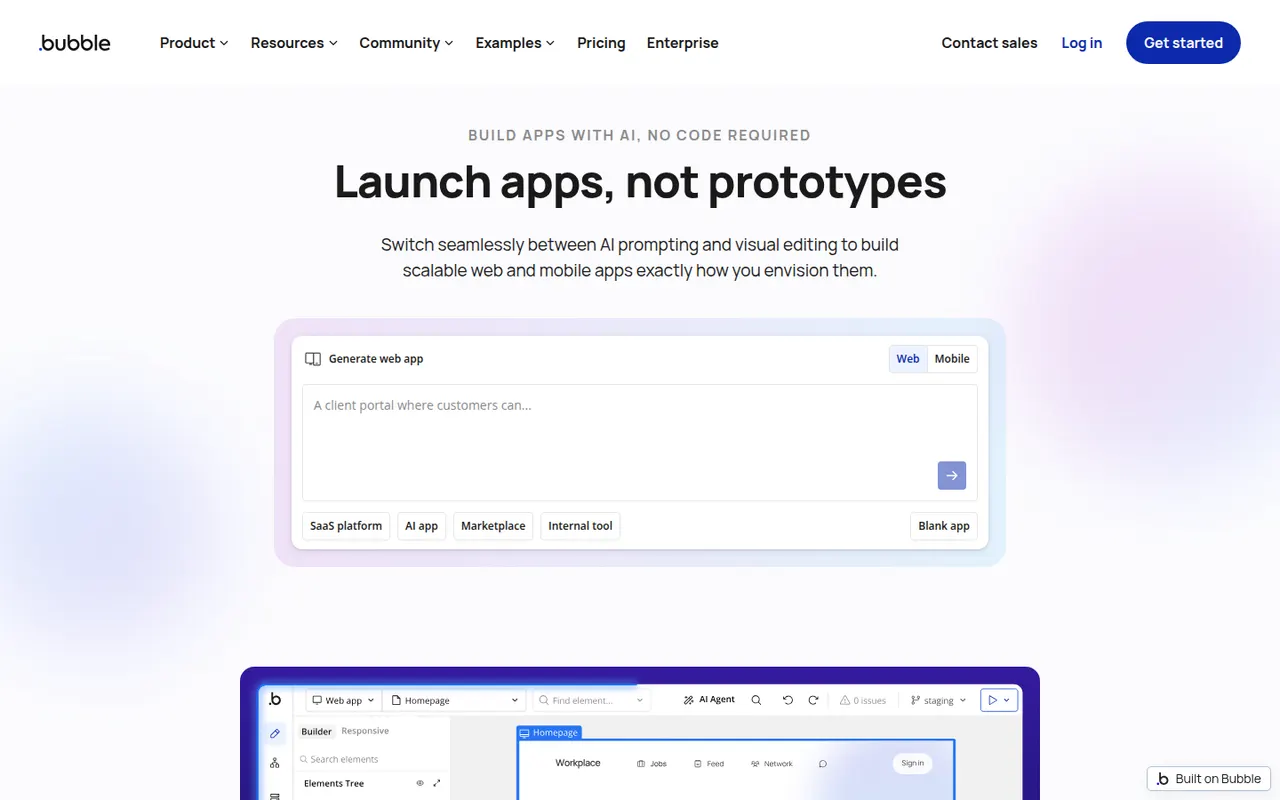
Cost / LicenseFreemiumProprietaryCategoriesBubble is a visual programming platform to design, develop and host web applications without writing code, now with AI generation.
11 Bubble alternativesPros
- Mature visual programming for complex web app logic
- Built-in database, hosting and API connector
- Large plugin marketplace and template library
Cons
- Steep learning curve for a no-code tool
- No code export, so apps stay locked into Bubble
- Workload-based pricing can be hard to predict
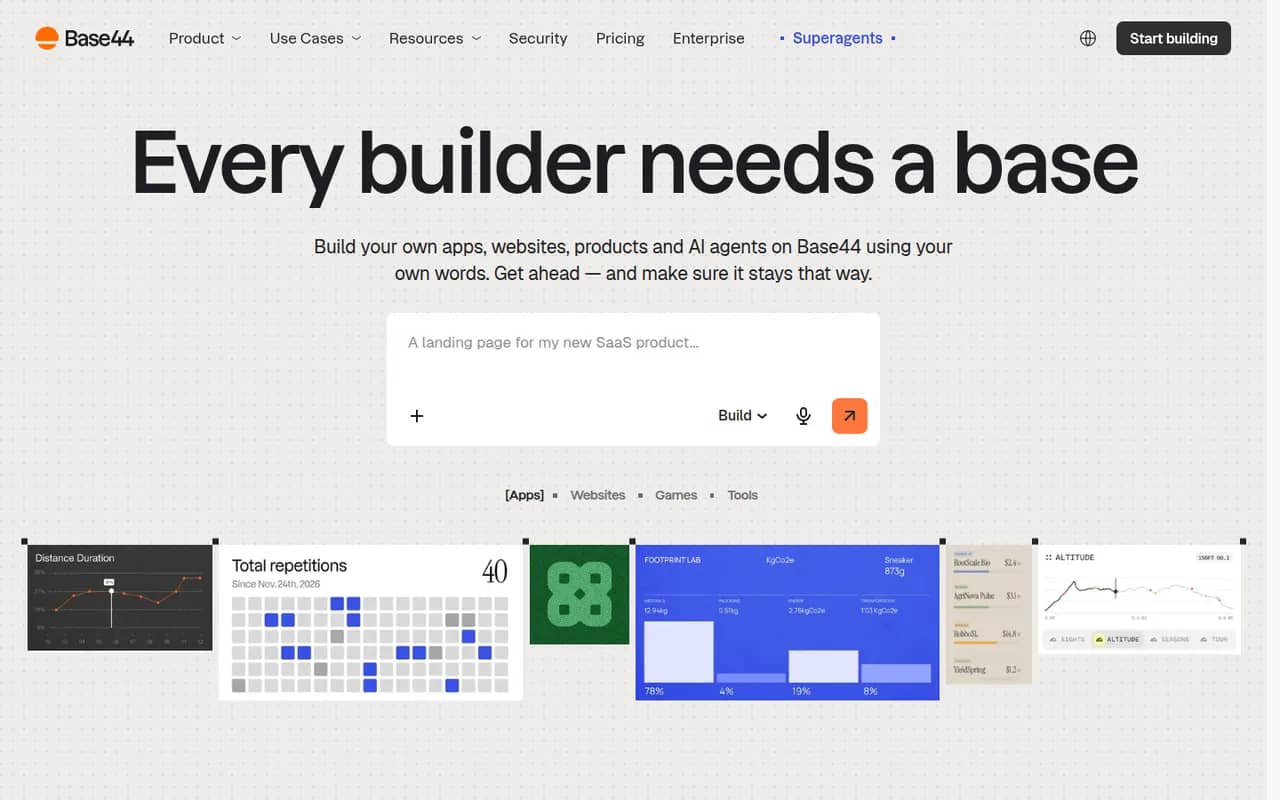
Cost / LicenseFreemiumProprietaryCategoriesPlatformsBase44 is an AI app builder, acquired by Wix in 2025, that turns plain-language descriptions into working web apps. Generated apps include a built-in database, user authentication, file storage, integrations such as email and payments, and one-click hosting with custom domains, so non-developers can ship internal tools, portals or MVPs without managing infrastructure. A free plan with limited credits is available.
10 Base44 alternativesPros
- Turns a plain-language description into a working web app
- Database, authentication and hosting included out of the box
- Lets non-developers ship internal tools without managing servers
Cons
- The free plan's limited credits run out quickly when iterating
- Apps depend on Base44's backend and hosting, which limits portability
- Getting the right result often takes several rounds of prompting
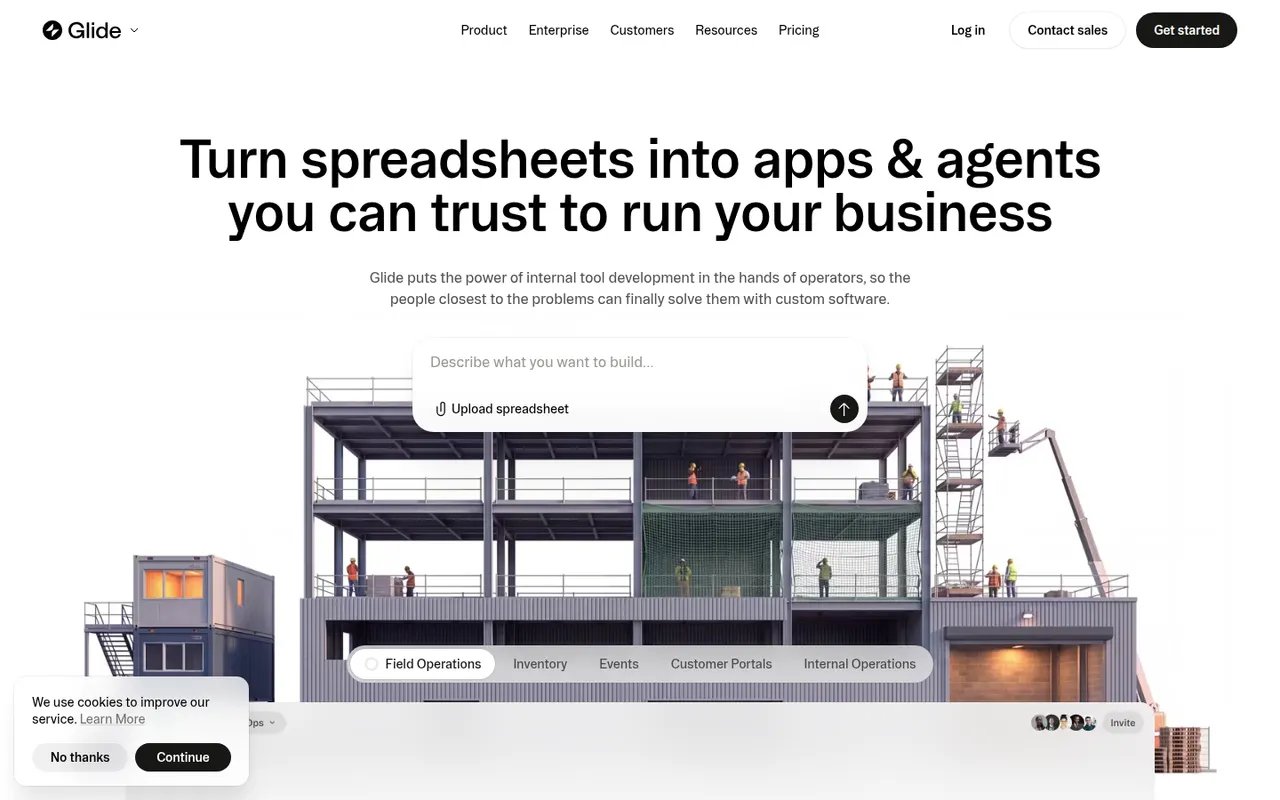
Cost / LicenseFreemiumProprietaryCategoriesPlatformsGlide lets teams build custom business apps without code, starting from data in Google Sheets, Excel, Airtable, SQL databases or Glide's own tables. Apps are assembled from ready-made components in a visual editor, run in desktop and mobile browsers, and can include user roles, workflows and AI features such as extracting text from images or generating content. A free plan is available to get started.
8 Glide alternativesPros
- Turns a spreadsheet into a working business app quickly
- Ready-made components look polished by default
- Runs in desktop and mobile browsers without app store publishing
Cons
- No native apps for the App Store or Google Play
- Quotas on users and data updates can push costs up quickly
- Limited design freedom compared with more flexible builders
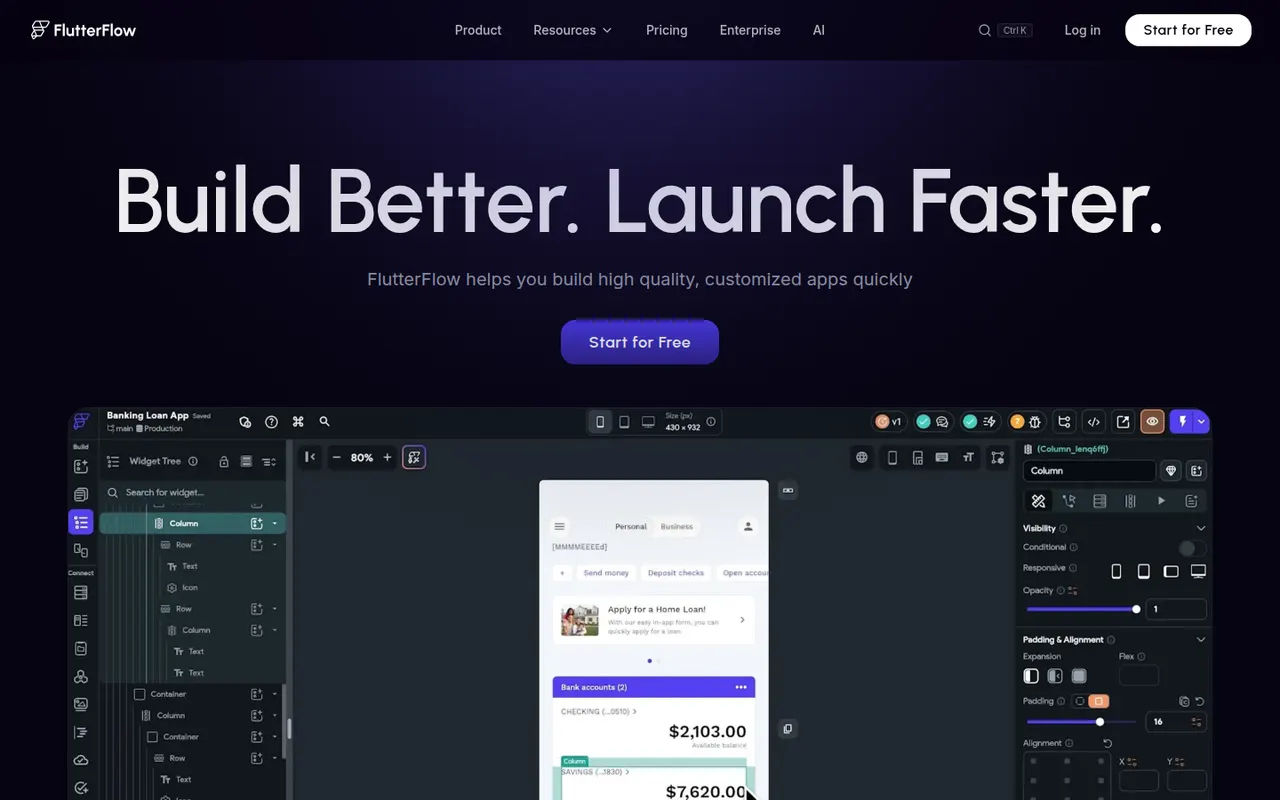
Cost / LicenseFreemiumProprietaryCategoriesPlatformsFlutterFlow is a low-code builder for mobile, web and desktop apps based on Google's Flutter framework. You design screens visually, connect Firebase, Supabase or REST APIs, add logic and authentication, then export the Flutter code or deploy straight to app stores and the web. It targets developers and technical founders who want speed without losing access to the code, and includes AI page generation.
8 FlutterFlow alternativesPros
- Exports Flutter code you can keep developing on your own
- Builds mobile, web and desktop apps from one project
- Ready-made Firebase and Supabase integrations
Cons
- Code export and some deployment options require paid plans
- Assumes more technical knowledge than typical no-code tools
- Complex custom logic can be awkward to build visually
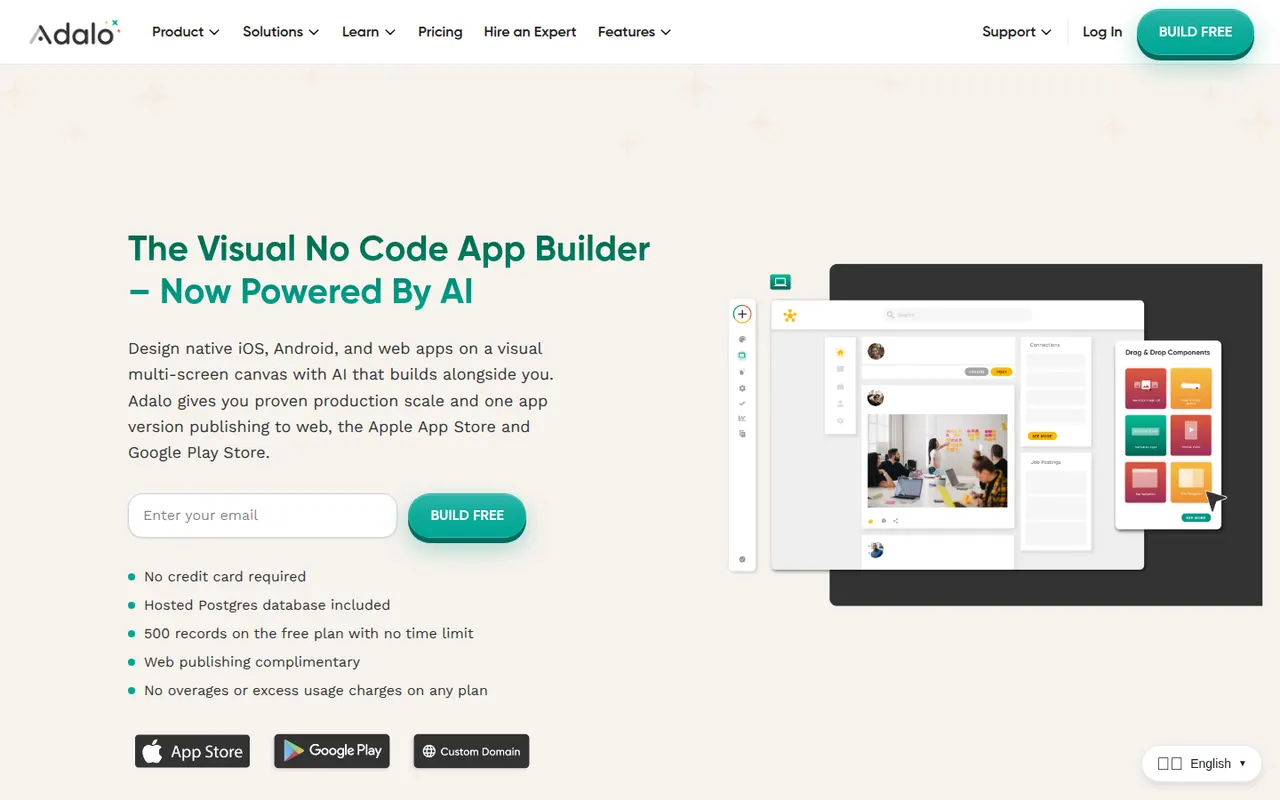
Cost / LicenseFreemiumProprietaryCategoriesAdalo is a no-code app builder for creating native iOS and Android apps and web apps with a drag-and-drop editor. Apps use Adalo's built-in database or external sources such as Airtable and Xano, can be extended with components from a marketplace, and are published to the App Store, Google Play or the web from one project. It suits small businesses and founders building MVPs, with a free plan for prototyping.
8 Adalo alternativesPros
- Publishes native iOS and Android apps from a single project
- Drag-and-drop editor approachable for non-developers
- Connects to Airtable, Xano and other external data sources
Cons
- Apps can slow down as data and screens grow
- No source code export, which ties your app to the platform
- Publishing apps requires a paid plan
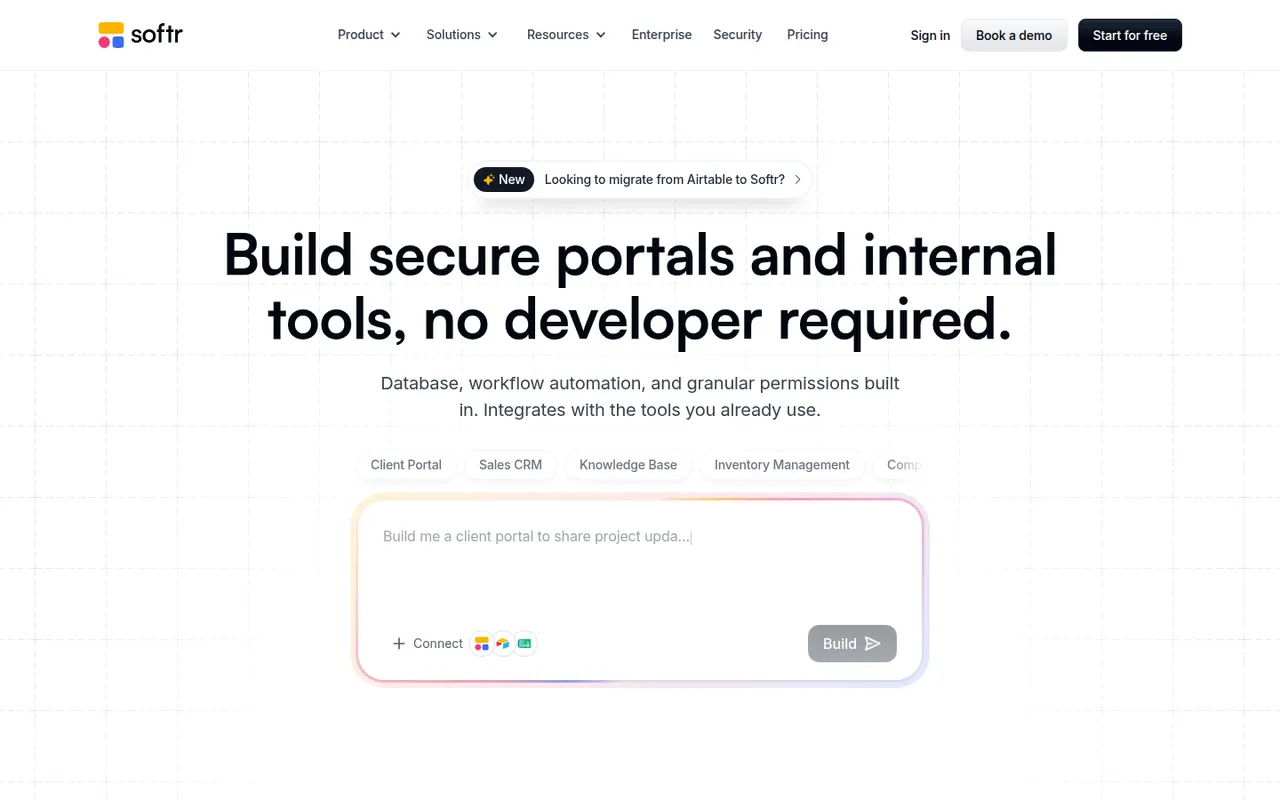
Cost / LicenseFreemiumProprietaryCategoriesPlatformsSoftr lets businesses build client portals, internal tools, directories and simple CRMs without code. Apps are put together from blocks in a visual editor on top of data from Airtable, Google Sheets, SQL databases, HubSpot or Softr's own databases, with user logins, permissions by user group and workflows. AI can generate a first version of an app from a prompt. A free plan is available.
9 Softr alternativesPros
- Quick way to build client portals on Airtable or Google Sheets
- User groups and permissions without writing code
- Block-based editor that non-technical teams pick up fast
Cons
- Layout flexibility is limited by the block system
- More users and advanced features require paid plans
- Performance depends on the connected data source
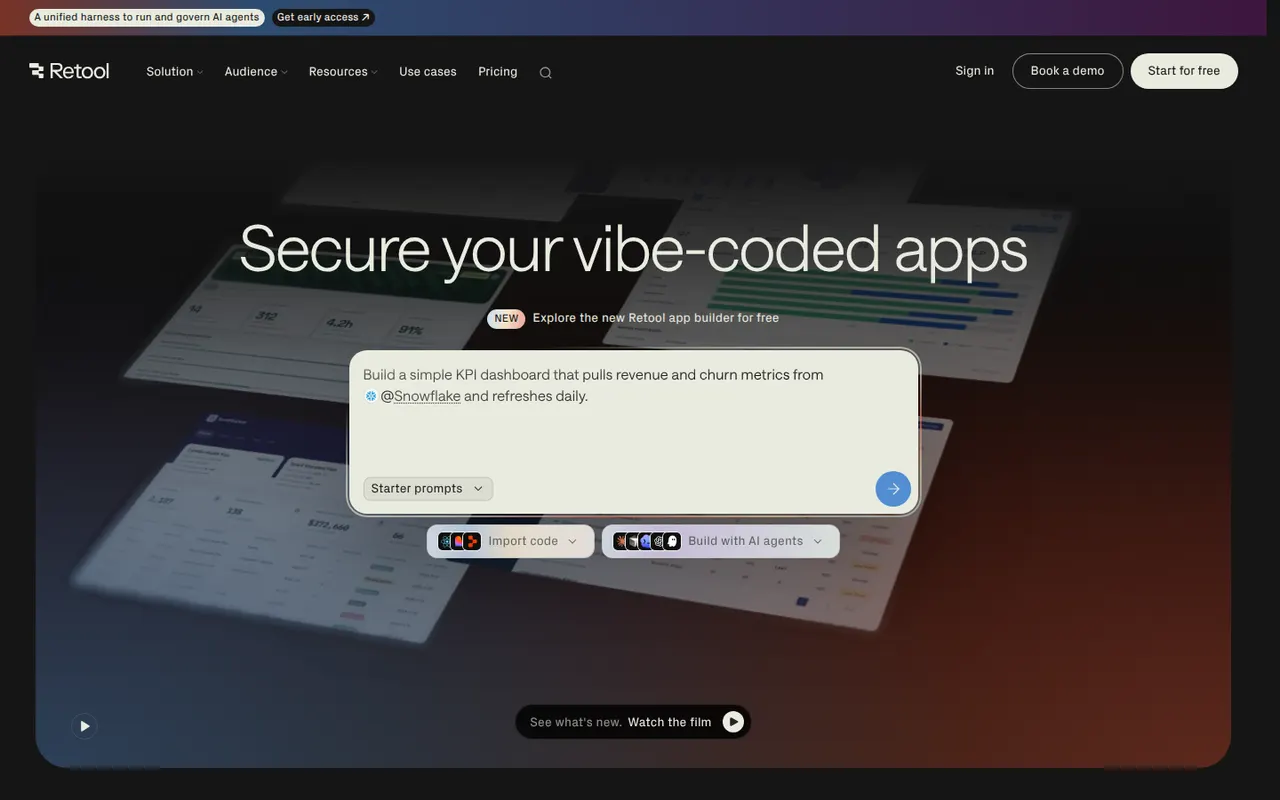
Cost / LicenseFreemiumProprietaryCategoriesPlatformsRetool is a developer-focused platform for building internal tools such as admin panels, dashboards and back-office apps. You drag components onto a canvas, connect them to databases and APIs, and write JavaScript or SQL where needed, with AI that can generate apps and agents that automate tasks. It runs in the cloud or self-hosted, with SSO and audit logs for enterprises and a free plan for small teams.
11 Retool alternativesPros
- Fast way to build admin panels and dashboards on your data
- Connects to most databases and APIs, with JavaScript and SQL as needed
- Self-hosting option plus enterprise controls like SSO and audit logs
Cons
- Aimed at developers, so non-technical users may struggle
- Costs rise quickly as more users need access
- Limited design control beyond the standard components
Cost / LicenseFreemiumProprietaryCategoriesPlatforms