Apps with Bidirectional links
4 apps
Top Bidirectional links apps ranked by the community
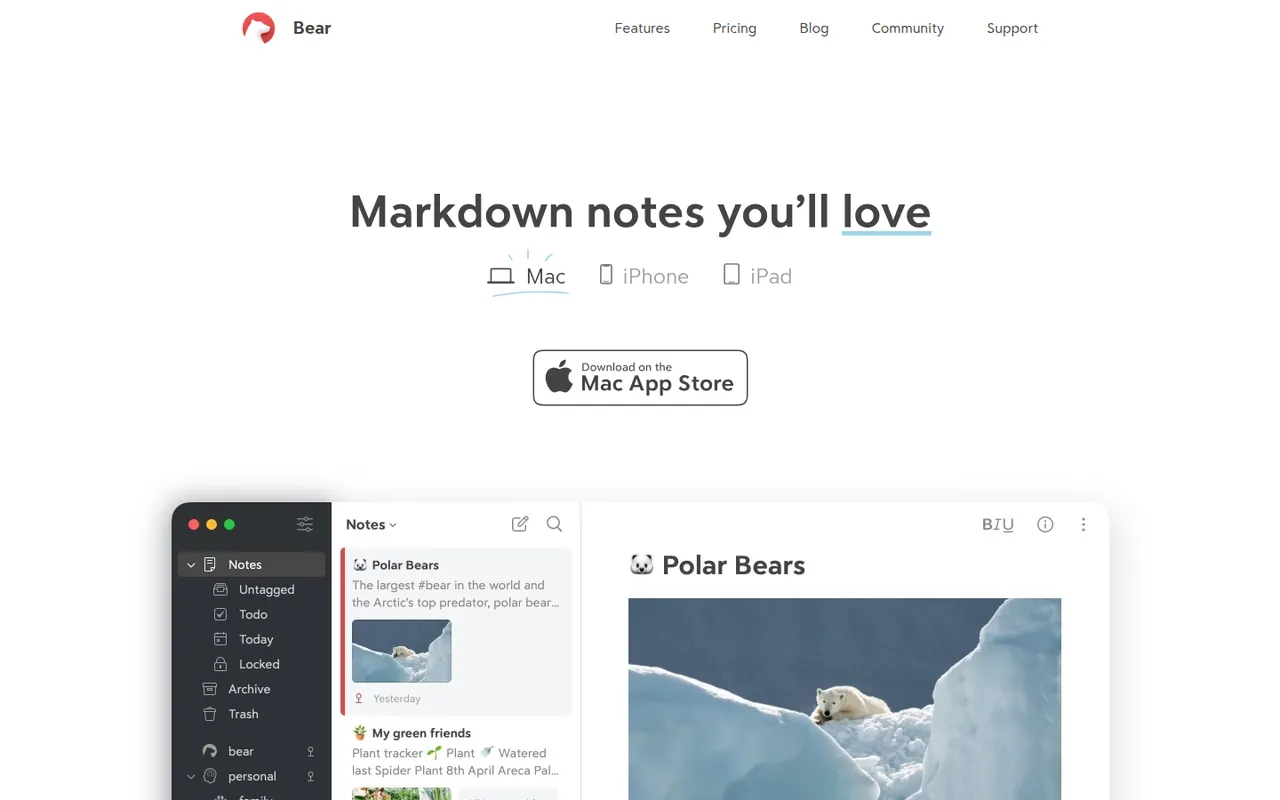
Bear is a writing and note-taking app for Mac, iPhone and iPad from Shiny Frog, built on Markdown with nested tags, links between notes and a choice of themes. The app is free to use on a single device, while Bear Pro adds iCloud sync across devices, OCR search in images and PDFs, and more export formats.
12 Bear alternativesPros
- Elegant Markdown editor with a choice of themes
- Nested tags and note links keep things organized without folders
- Native, fast apps designed for Mac, iPhone and iPad
Cons
- Apple only, with no Windows, Android or web version
- Sync across devices requires the Pro subscription
- No shared notes or real-time collaboration
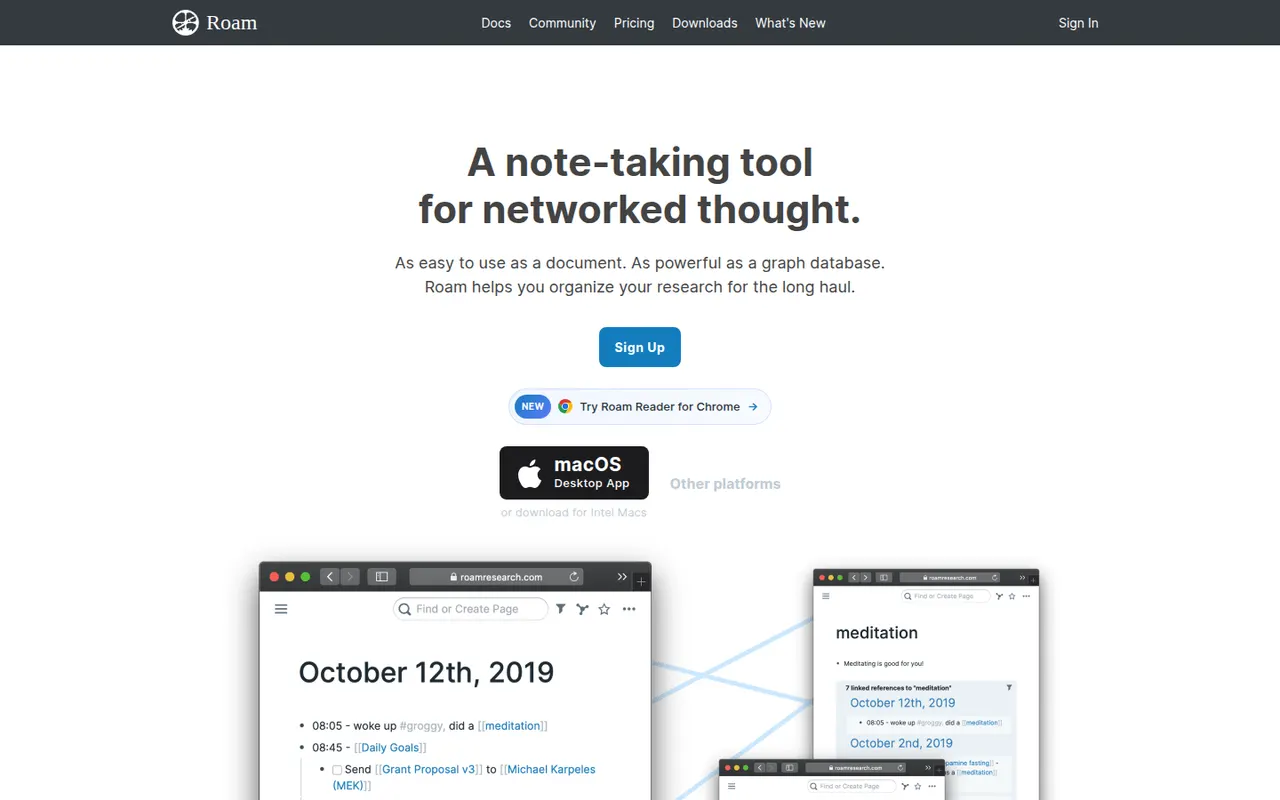
Cost / LicenseFreemiumProprietaryCategoriesRoam Research is an outliner for networked thought that helped popularize bidirectional links, block references and daily notes pages among researchers and writers. Every page and block can be linked and embedded elsewhere, a graph shows how ideas connect, and Roam Depot provides community extensions. It is a paid subscription after a trial period.
8 Roam Research alternativesPros
- Pioneer of block references and bidirectional links
- Daily notes pages make quick capture a habit
- Roam Depot adds community extensions
Cons
- Paid subscription after the trial, with no free plan
- The outliner and its conventions have a steep learning curve
- Mobile use is less comfortable than on desktop
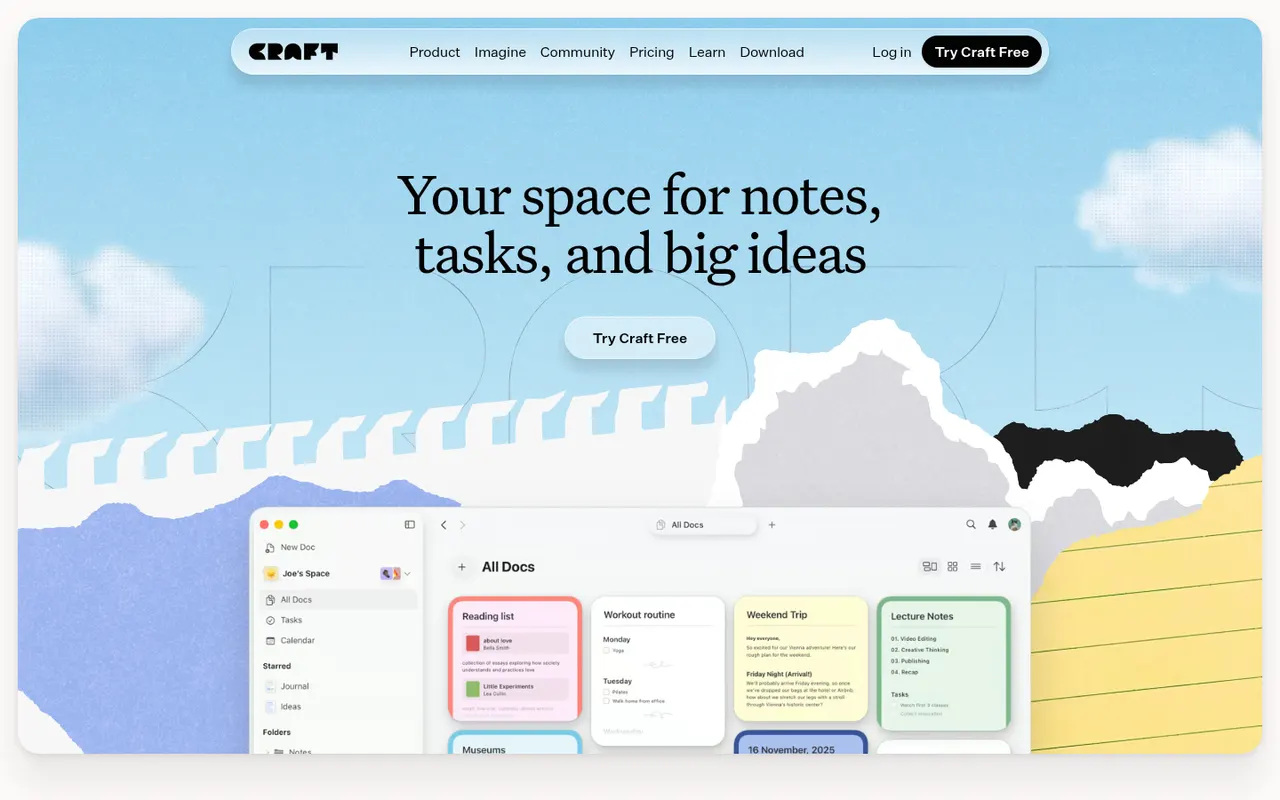
Cost / LicenseFree trialProprietaryCategoriesCraft is a document and note-taking app with a native, polished design on Mac, iPhone and iPad, also available on Windows and the web. Notes are built from blocks and nested pages with backlinks, can be shared as public web pages or edited together in real time, and include AI writing help, tasks and daily notes.
12 Craft alternativesPros
- Polished native design on Mac, iPhone and iPad
- Block-based pages can be shared as public web pages
- Real-time collaboration plus built-in AI writing help
Cons
- The experience is best on Apple devices, other platforms feel secondary
- Advanced features and AI usage are reserved for paid plans
- Less suited to large databases than Notion-style tools
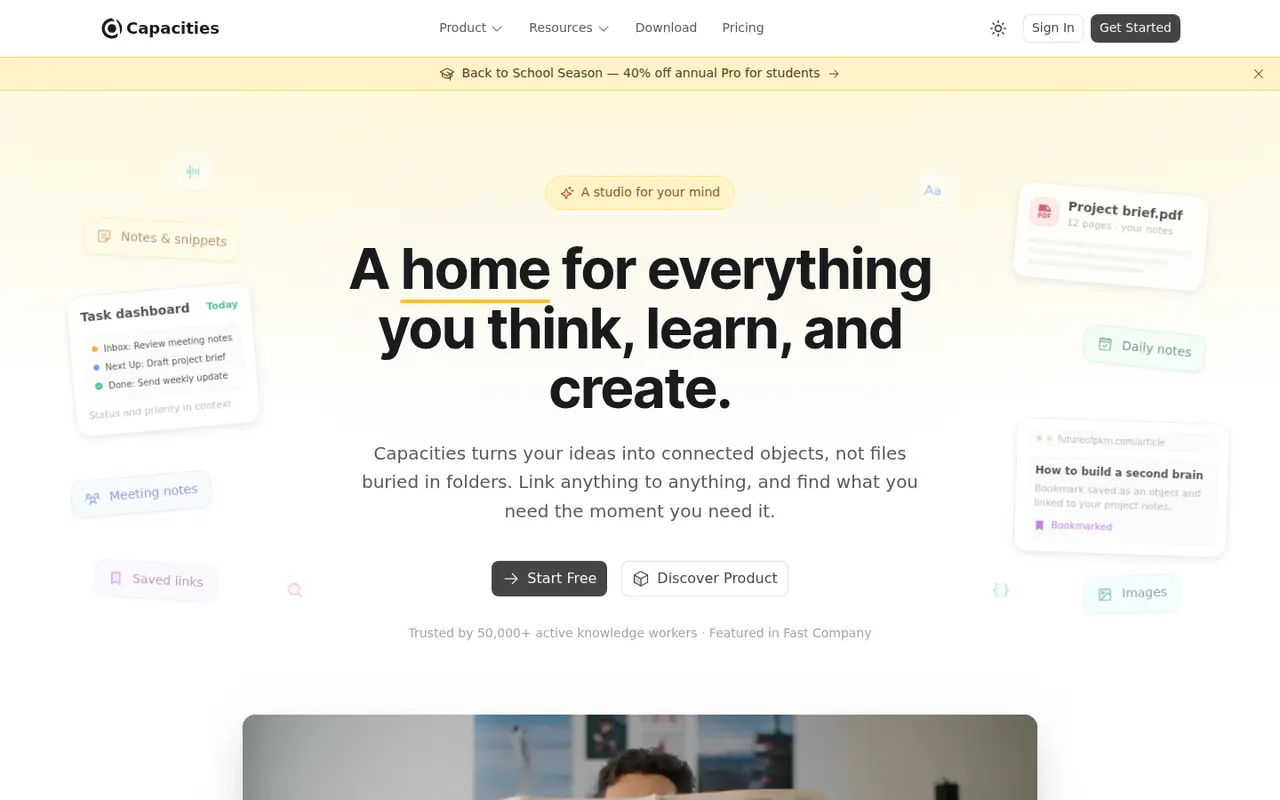
Cost / LicenseFreemiumProprietaryCapacities is a note-taking app that organizes knowledge as objects such as people, books, meetings and ideas, each with its own properties and templates, instead of folders. Objects link to each other through backlinks and a graph, daily notes collect everyday thoughts, and the Pro plan adds an AI assistant. It is developed by a small team in Germany.
8 Capacities alternativesPros
- Object types like people, books and meetings give notes structure
- Backlinks, graph view and daily notes connect ideas
- Available on web, desktop and mobile with sync
Cons
- The object-based approach takes time to get used to
- The AI assistant and some features need the Pro plan
- Cloud-based storage gives less control than local-first apps
Cost / LicenseFreemiumProprietaryCategories