Apps with Hardware decoding
9 apps
Top Hardware decoding apps ranked by the community
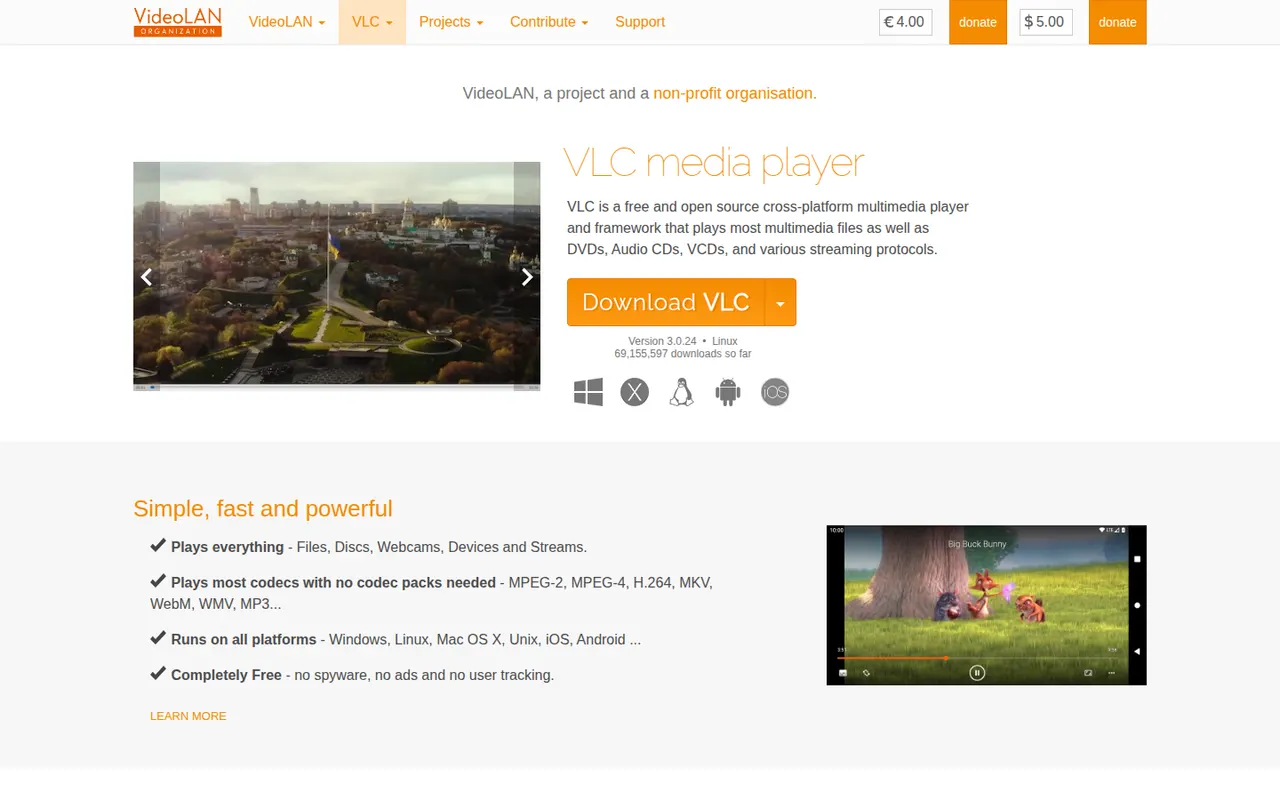
VLC is a free and open source media player from the VideoLAN non-profit that handles most video and audio formats, DVDs, audio CDs and network streams without installing extra codecs. It supports subtitles, hardware decoding, filters, format conversion and streaming, and can be extended with add-ons and skins. It runs on desktop and mobile platforms, with no ads, tracking or paid tier.
9 VLC media player alternativesPros
- Plays almost any file, disc or stream without extra codecs
- Free and open source, with no ads or tracking
- Available on desktop and mobile platforms
Cons
- Interface looks dated next to more modern players
- Advanced settings are buried in complex preference menus
Cost / LicenseFreeOpen sourceCategoriesmpv is a free, open source media player for the command line with a minimal on-screen controller. Built on FFmpeg and descended from MPlayer, it plays a wide range of formats, renders high-quality video with GPU shaders and hardware decoding, and is configured through text files and key bindings. Lua and JavaScript scripts extend it, and the libmpv library powers front ends such as IINA.
9 mpv alternativesPros
- Excellent video quality with GPU shaders and hardware decoding
- Highly scriptable with Lua and JavaScript
- libmpv powers other front ends such as IINA
Cons
- Minimal interface with no menus or playlist manager by default
- Configuration lives in text files, which deters casual users
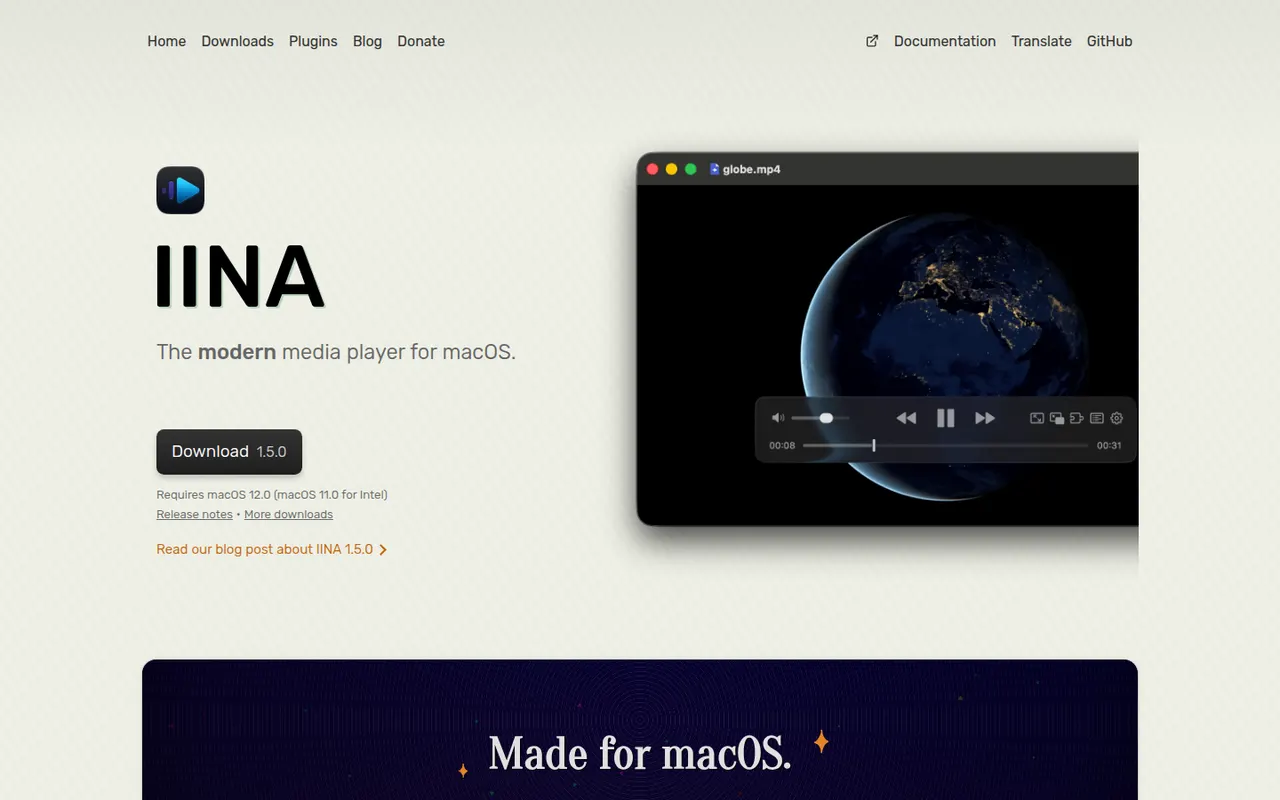
Cost / LicenseFreeOpen sourceCategoriesIINA is a free, open source video player for macOS built on top of mpv. It wraps mpv's broad format support and hardware decoding in a native Mac interface with dark mode, Picture-in-Picture, trackpad gestures and Touch Bar controls. It can fetch subtitles from online sources, play YouTube and other web streams through youtube-dl compatible tools, and supports plugins written in JavaScript.
7 IINA alternativesPros
- Native macOS interface with Picture-in-Picture and trackpad gestures
- mpv engine plays almost any format with hardware decoding
- Fetches subtitles online and plays web streams
Cons
- Available only on macOS
- No media library management or media server features
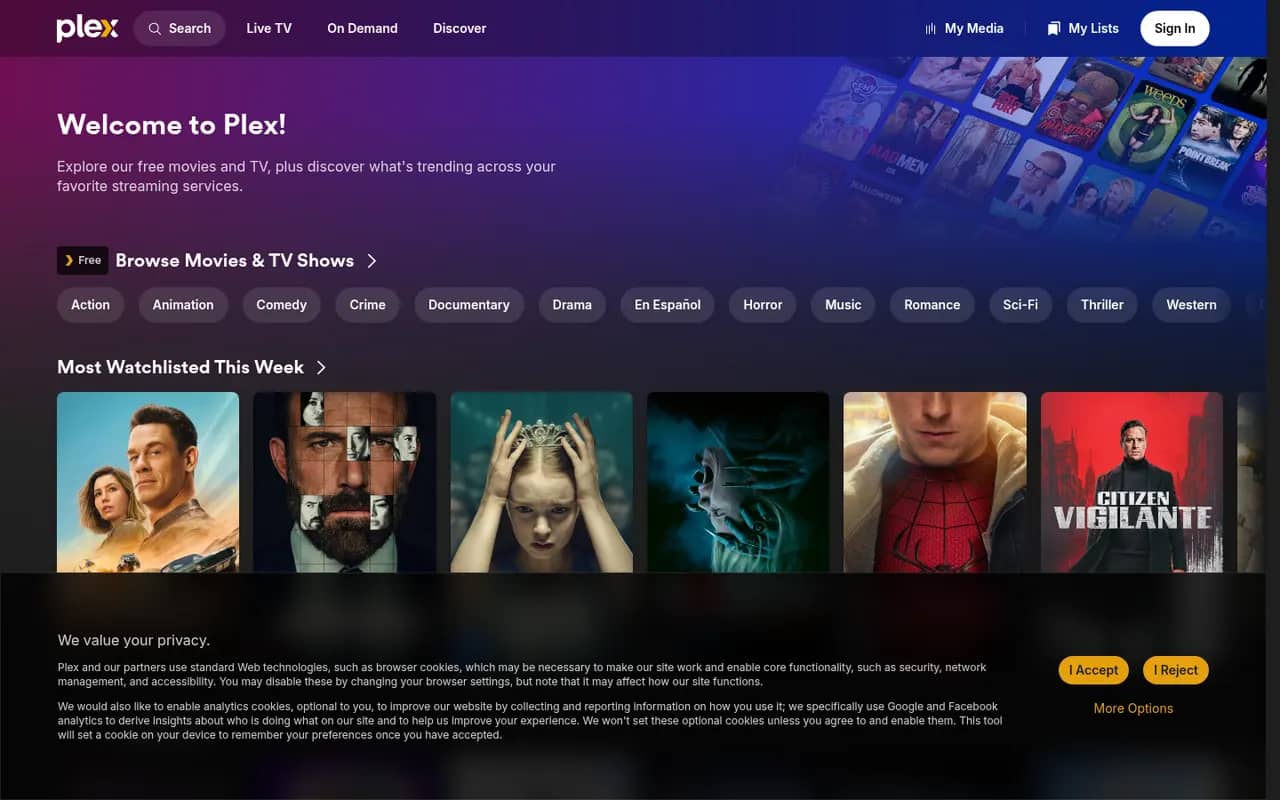
Cost / LicenseFreeOpen sourceCategoriesPlatformsPlex is a media platform that organizes your movies, shows, music and photos with Plex Media Server and streams them to apps on phones, TVs, consoles and browsers. It fetches artwork and metadata, transcodes when needed and offers free ad-supported movies and live TV. Core features are free, while a Plex Pass subscription unlocks extras such as hardware-accelerated transcoding and remote playback of your own media.
9 Plex alternativesPros
- Polished apps on phones, TVs, consoles and browsers
- Rich artwork and metadata for movies, shows and music
- Free ad-supported movies and live TV alongside your own library
Cons
- Remote playback of your media and hardware transcoding need Plex Pass
- Requires a Plex account, with sign-in depending on Plex servers
- Ad-supported content clutters the interface
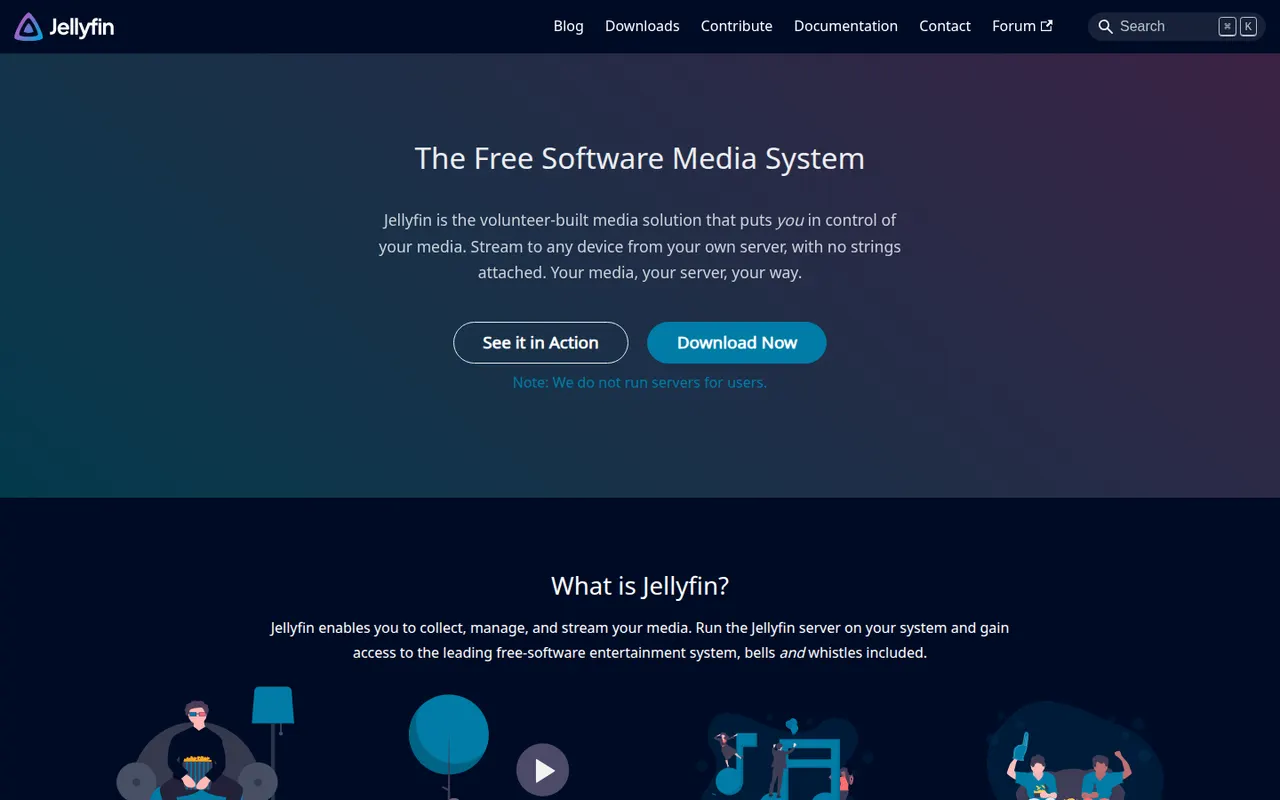
Cost / LicenseFreemiumProprietaryCategoriesJellyfin is a free, open source media server for hosting your own movies, TV shows, music, books and photos and streaming them to web, mobile, TV and desktop clients. Forked from Emby in 2018, it has no premium tier or tracking: hardware transcoding, live TV and DVR, multiple users and plugins are all included. The server runs on Windows, macOS, Linux, Docker and many NAS devices.
9 Jellyfin alternativesPros
- Completely free, with hardware transcoding and DVR included
- Open source, with no tracking and no premium tier
- Runs on Windows, macOS, Linux, Docker and many NAS devices
Cons
- Client apps are less polished than Plex or Emby on some devices
- Remote access needs manual setup such as a reverse proxy or VPN
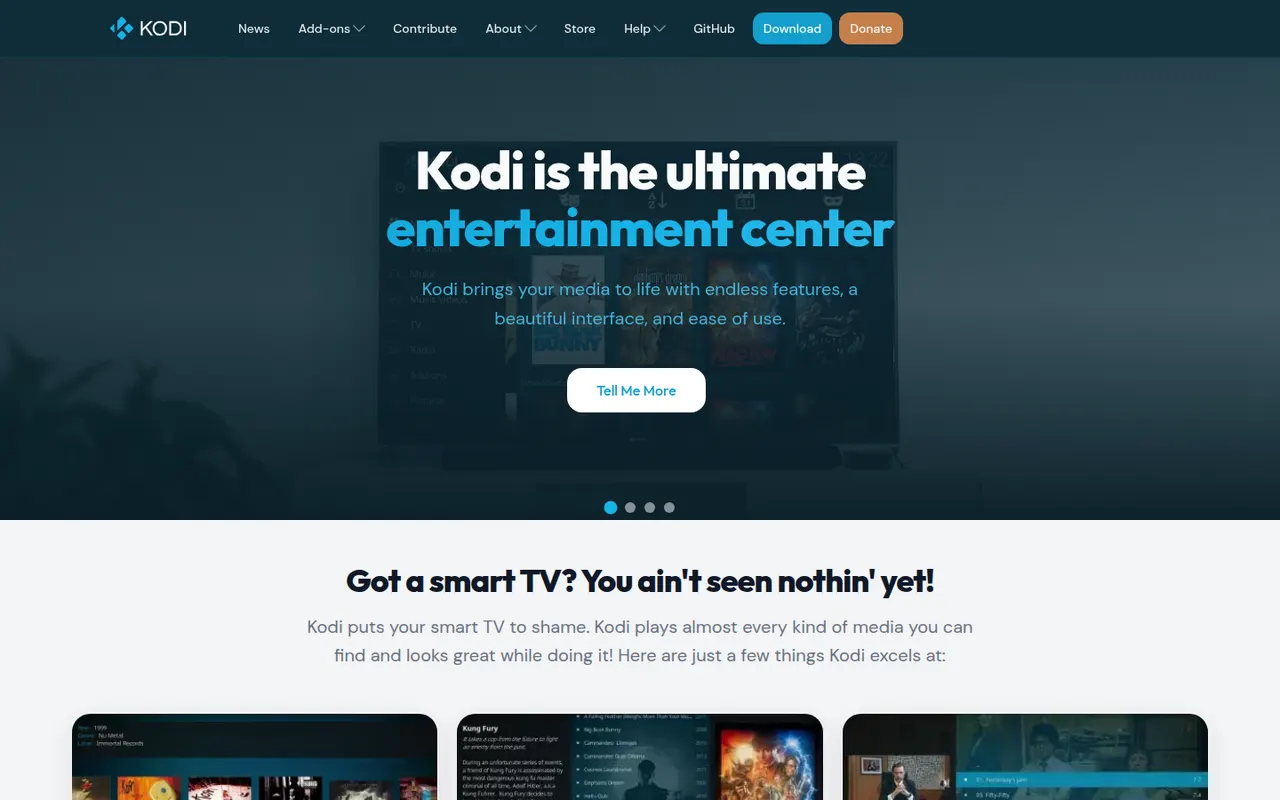
Cost / LicenseFreeOpen sourceCategoriesKodi is a free, open source media center, originally known as XBMC, designed for the big screen and remote controls. It organizes local and network movies, shows, music and photos with artwork and metadata, plays nearly every format, and is extended through add-ons, skins and PVR backends for live TV. It runs on Windows, macOS, Linux, Android and small devices such as the Raspberry Pi.
9 Kodi alternativesPros
- Big-screen interface designed for remote controls
- Extensible with add-ons, skins and PVR backends for live TV
- Runs on Windows, macOS, Linux, Android and the Raspberry Pi
Cons
- Setup and configuration take time for newcomers
- Third-party add-ons vary in quality, and some carry legal or security risks
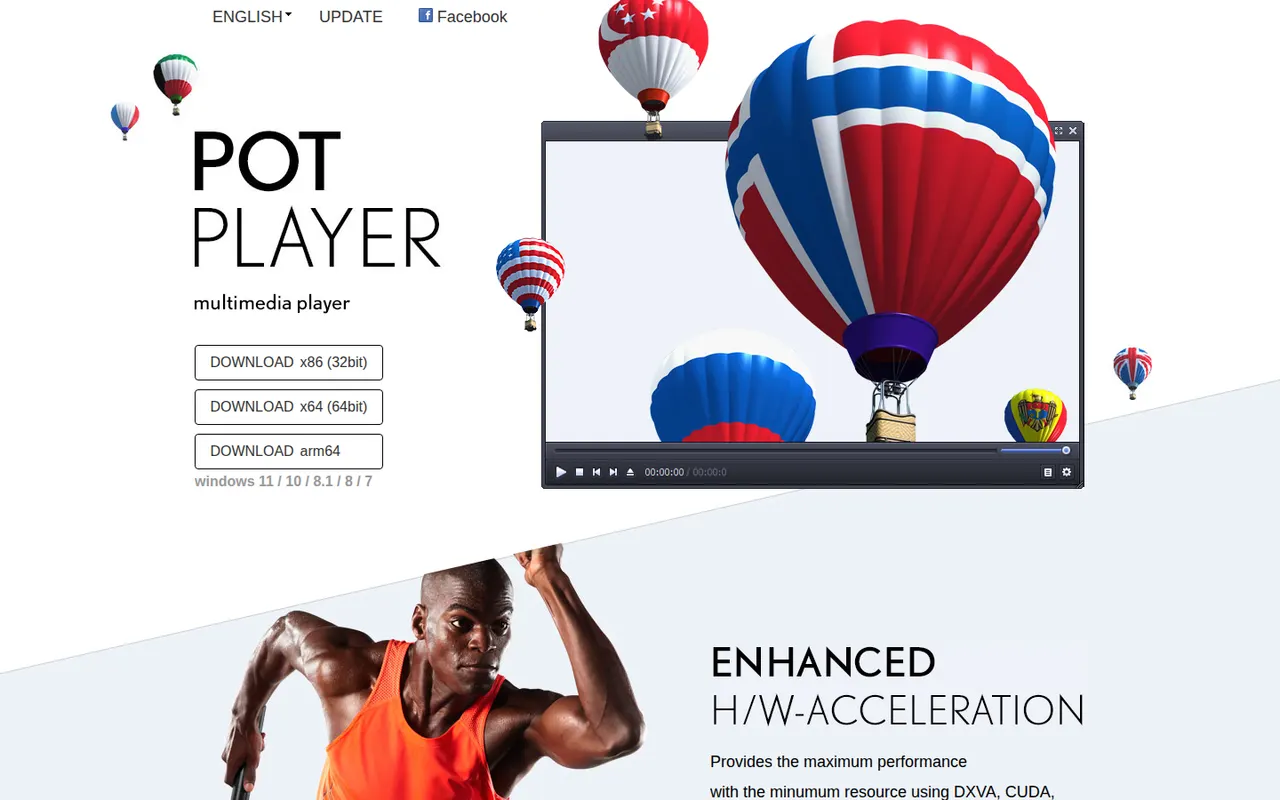
Cost / LicenseFreeOpen sourceCategoriesPotPlayer is a free media player for Windows published by the South Korean company Kakao. It includes built-in codecs for most video and audio formats, hardware acceleration through DXVA, CUDA and QuickSync, and broad subtitle support including SRT, SMI, VobSub and Blu-ray subtitles. It also offers 3D video output, bookmarks, scene capture and a large number of playback and display settings.
6 PotPlayer alternativesPros
- Built-in codecs play most video and audio formats
- Hardware acceleration through DXVA, CUDA and QuickSync
- Extensive subtitle support and fine-grained playback settings
Cons
- Available only on Windows
- The sheer number of settings can overwhelm casual users
- Closed source, unlike VLC or MPC-HC
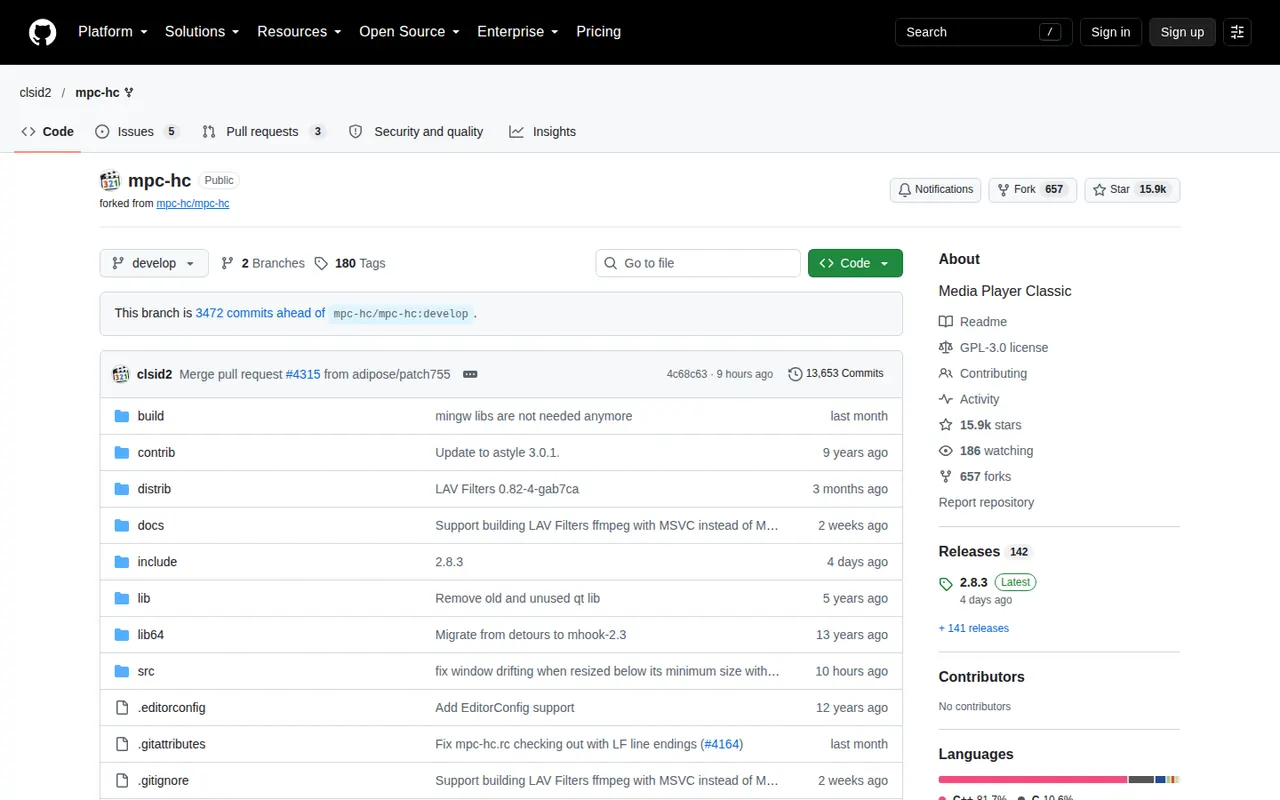
Cost / LicenseFreeProprietaryCategoriesPlatformsMPC-HC (Media Player Classic - Home Cinema) is a lightweight, open source media player for Windows with a classic, uncluttered interface. The maintained fork by clsid2 bundles LAV Filters to decode nearly all common formats, supports hardware-accelerated decoding, subtitles and renderers such as madVR or MPC Video Renderer, and runs well on older PCs. It is free and has no ads.
6 MPC-HC alternativesPros
- Lightweight and fast, even on older PCs
- Bundled LAV Filters decode nearly all common formats
- Supports high-quality renderers such as madVR
Cons
- Available only on Windows
- Dated interface with few modern conveniences
- Relies on a community fork since the original project stopped
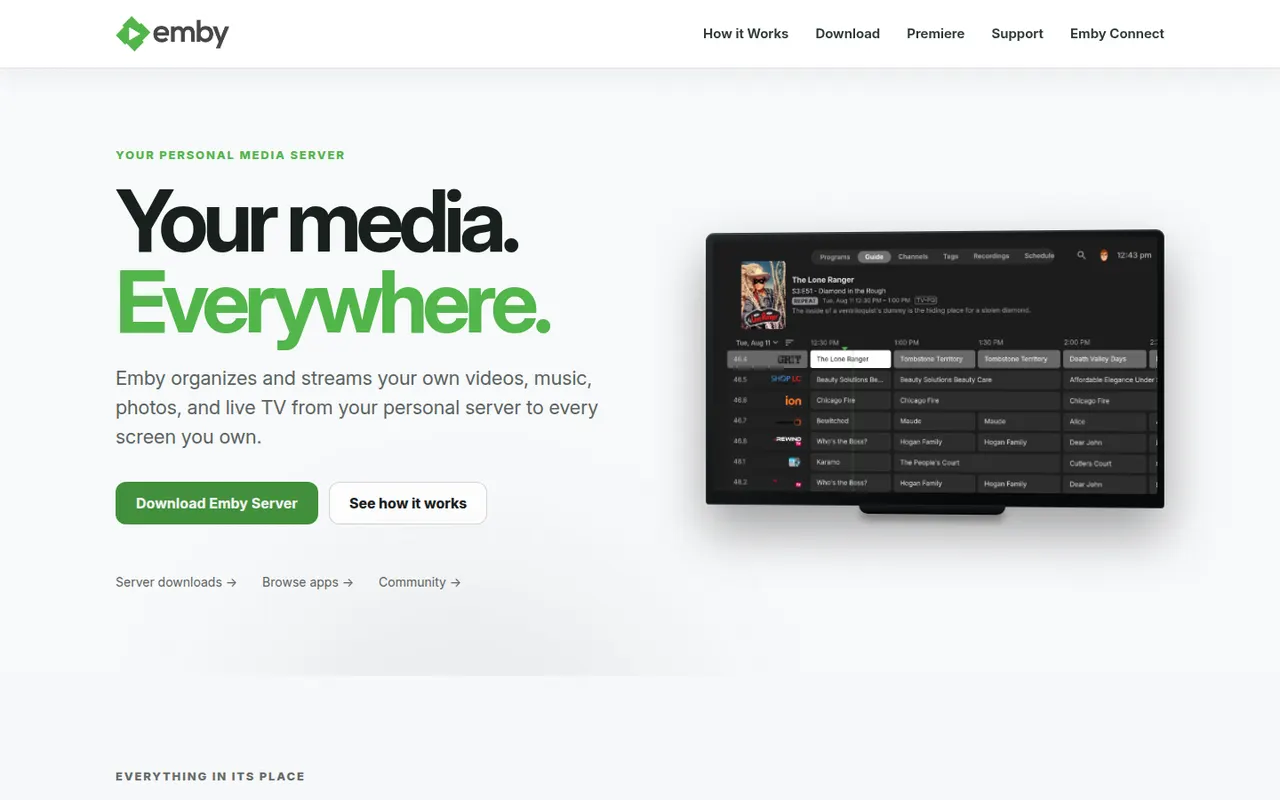
Cost / LicenseFreeOpen sourceCategoriesPlatformsEmby is a media server that organizes your movies, shows, music and photos and streams them to apps on the web, mobile devices, smart TVs and consoles. It supports multiple user profiles with parental controls, automatic metadata and live TV. The server and basic apps are free, while an Emby Premiere subscription unlocks extras such as hardware transcoding and DVR. Emby moved away from open source in 2018.
7 Emby alternativesPros
- Streams to web, mobile, smart TVs and consoles
- Multiple profiles with parental controls and live TV
- Automatic metadata keeps libraries well organized
Cons
- Hardware transcoding and DVR require an Emby Premiere subscription
- No longer open source, unlike its fork Jellyfin
Cost / LicenseFreemiumProprietaryCategories