Apps with Mind maps
3 apps
Top Mind maps apps ranked by the community
Whimsical is a visual workspace that combines flowcharts, wireframes, mind maps, sticky-note boards and docs in one place. Its deliberately simple editor with smart connectors and keyboard shortcuts makes diagrams quick to produce, AI can generate flowcharts or mind maps from a prompt, and boards can be shared with teammates for real-time editing.
12 Whimsical alternativesPros
- Flowcharts, wireframes, mind maps and docs in one place
- Smart connectors and shortcuts make diagrams fast to draw
- Clean, simple editor that is quick to pick up
Cons
- Deliberate simplicity limits styling and advanced diagram options
- Free plan caps how much content you can create
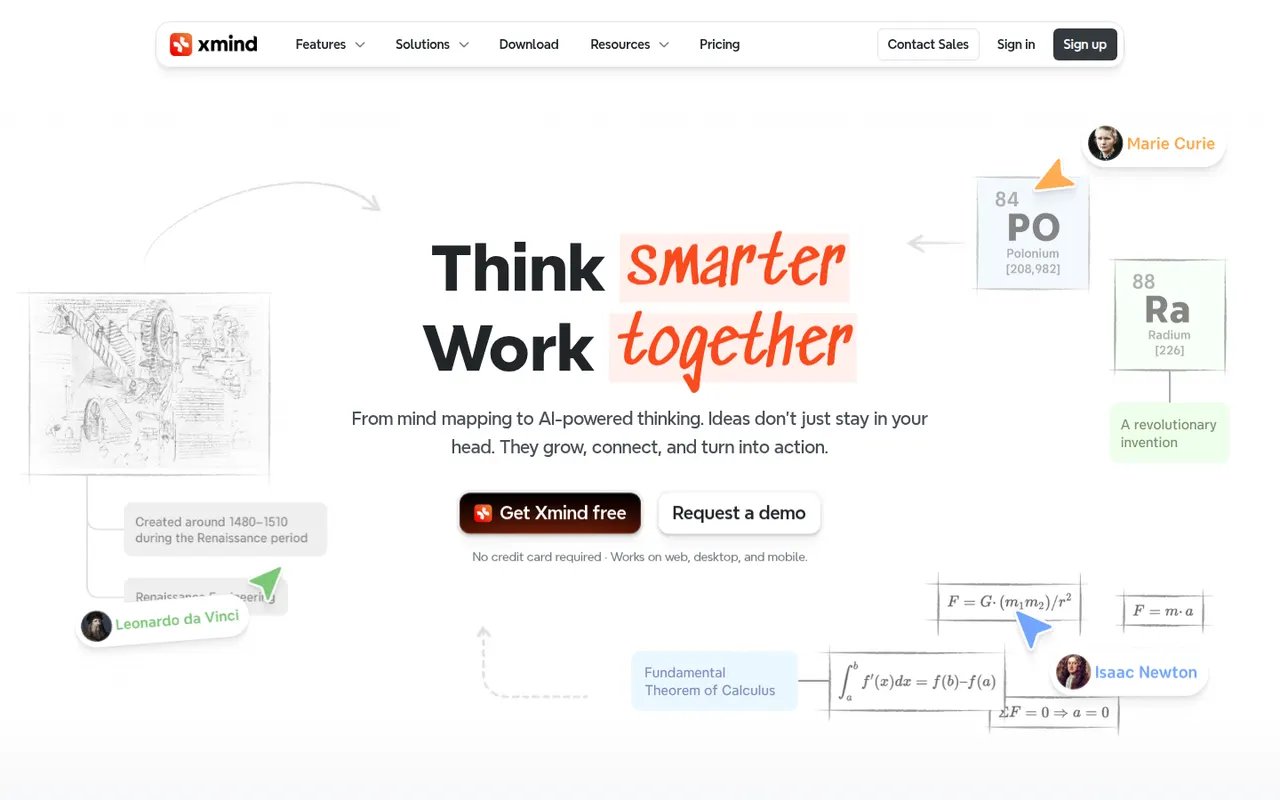
Cost / LicenseFreemiumProprietaryCategoriesPlatformsXmind is a mind mapping app for brainstorming, planning and note-taking, with structures such as logic charts, org charts, fishbone diagrams, timelines and matrices. It offers themes, an outliner view, a pitch mode for presenting maps and AI features to expand ideas, on Windows, Mac, Linux, iOS and Android, with a free version and a paid Pro subscription.
9 Xmind alternativesPros
- Many structures, from logic charts to fishbone diagrams and timelines
- Native desktop and mobile apps that work offline
- Pitch mode turns a map into a presentation
Cons
- Key features require the Pro subscription
- Focused on mind maps rather than freeform whiteboarding
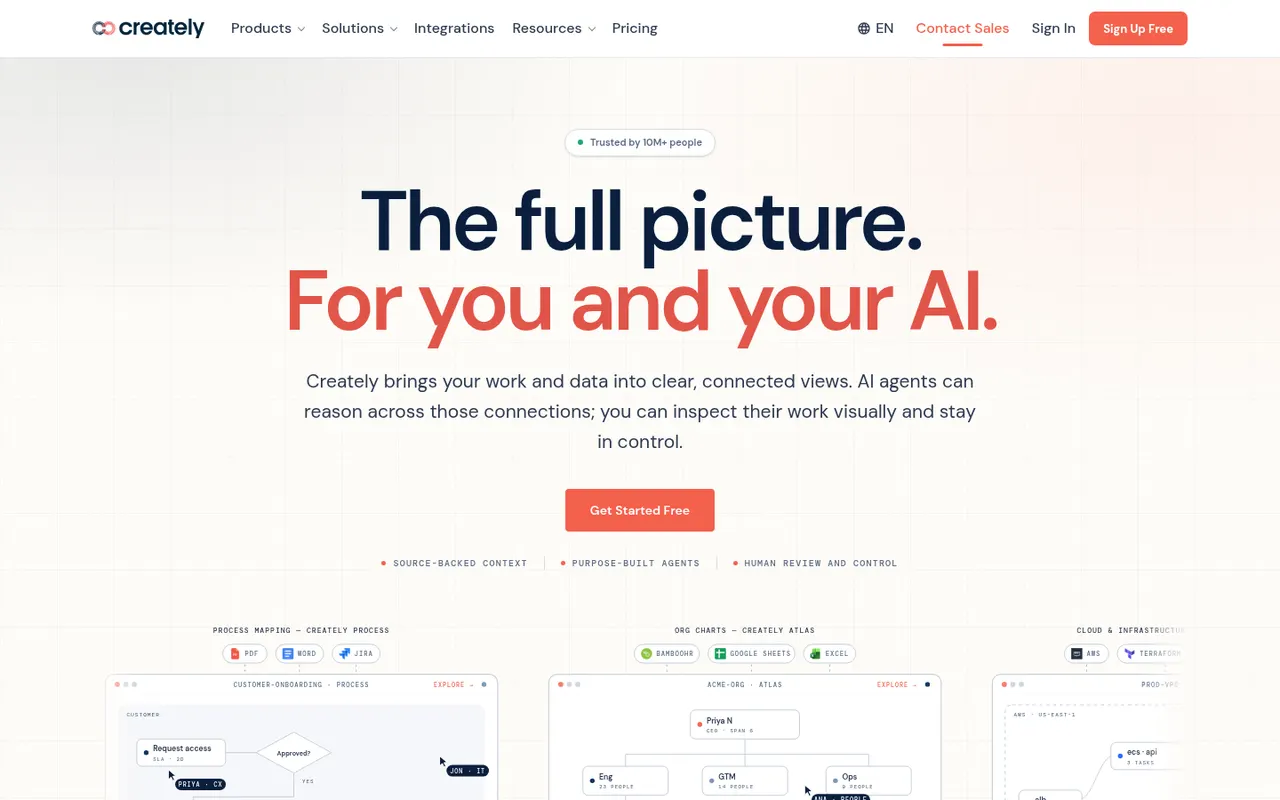
Cost / LicenseFreemiumProprietaryCategoriesCreately is an online visual workspace from Cinergix for diagrams, mind maps, process maps and planning boards on an infinite canvas. Shapes can carry data fields and be reused across views, which turns diagrams into lightweight databases, and it comes with a large template library and real-time collaboration.
8 Creately alternativesPros
- Shapes can hold data fields, turning diagrams into lightweight databases
- Large template library for diagrams and planning boards
- Real-time collaboration on an infinite canvas
Cons
- Free plan is restrictive for regular use
- Data-driven features add complexity to simple diagrams
- Available only in the browser
Cost / LicenseFreemiumProprietaryCategoriesPlatforms