Apps with Infinite canvas
6 apps
Top Infinite canvas apps ranked by the community
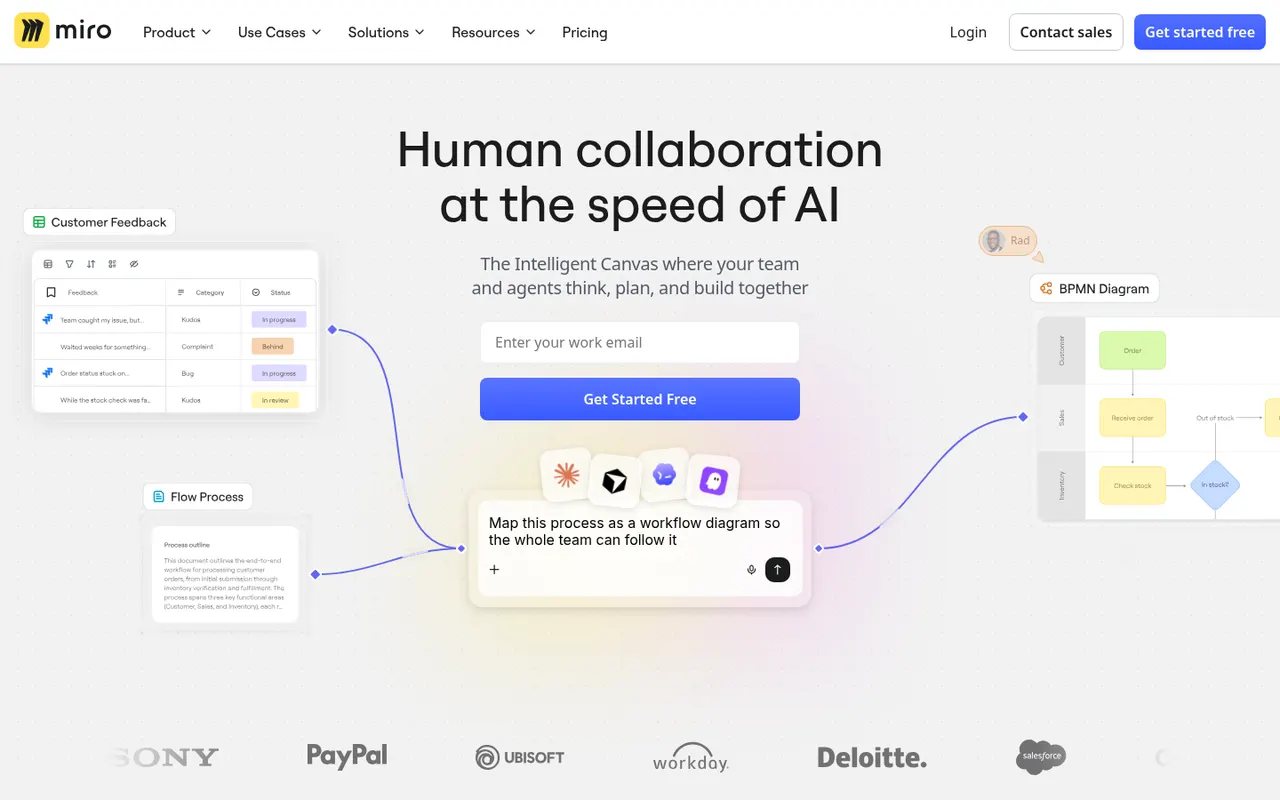
Miro is a visual collaboration platform built around an infinite whiteboard where teams run workshops, brainstorms, retrospectives and planning sessions with sticky notes, diagrams and mind maps. It offers thousands of community templates, AI features for clustering and summarizing content, and integrations with Jira, Slack, Teams and Zoom.
12 Miro alternativesPros
- Huge library of community templates for workshops and planning
- Integrations with Jira, Slack, Teams and Zoom
- Apps on the web, desktop and mobile
Cons
- Free plan limits the number of editable boards
- Large boards can become slow and cluttered
- Per-seat pricing adds up for big teams
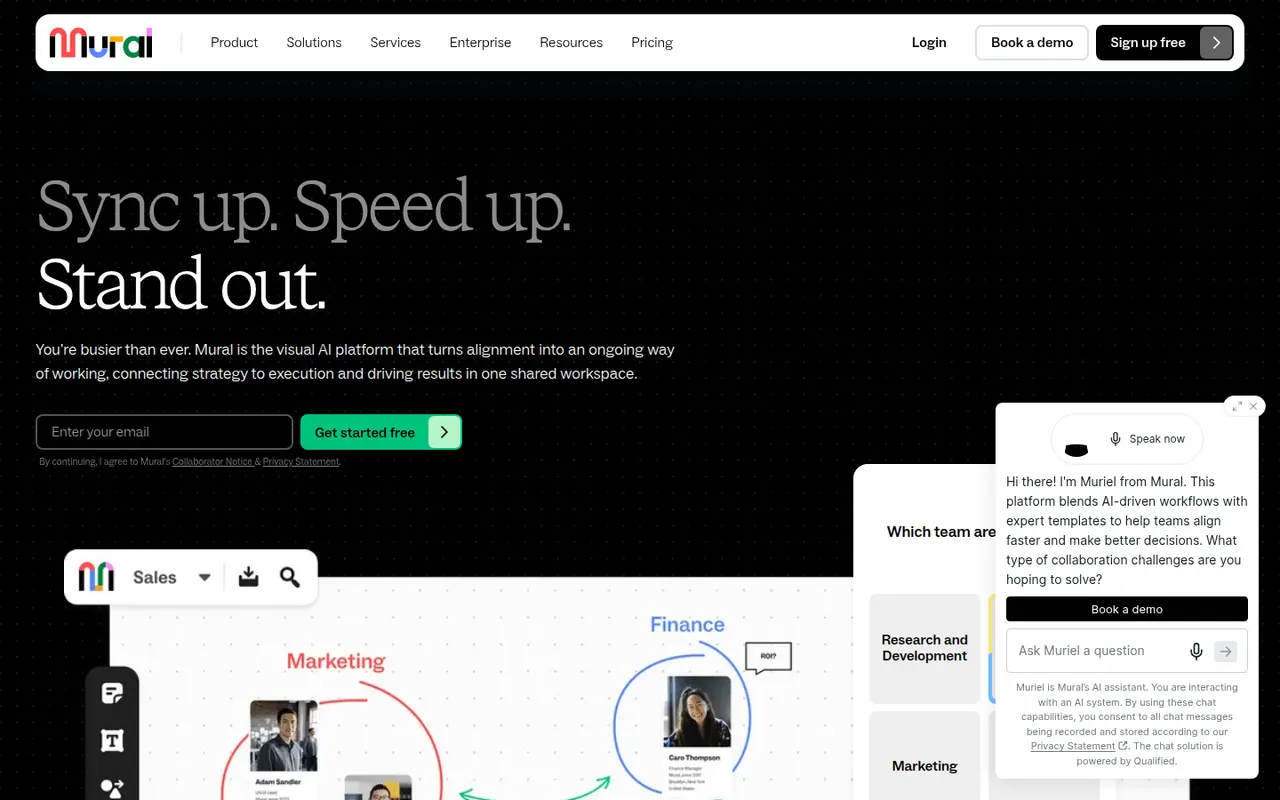
Cost / LicenseFreemiumProprietaryCategoriesMural is a digital whiteboard for collaborative workshops and meetings, with facilitation tools such as a timer, voting, private mode and the ability to bring all participants to the same spot. It is aimed at enterprise teams running design thinking, agile ceremonies and strategy sessions, supported by templates, AI assistance and integrations with Microsoft Teams, Zoom and Webex.
9 Mural alternativesPros
- Facilitation tools: timer, voting, private mode and summoning participants
- Templates for design thinking and agile ceremonies
- Integrations with Microsoft Teams, Zoom and Webex
Cons
- Geared toward enterprises, with pricing to match
- Free plan limits the number of boards
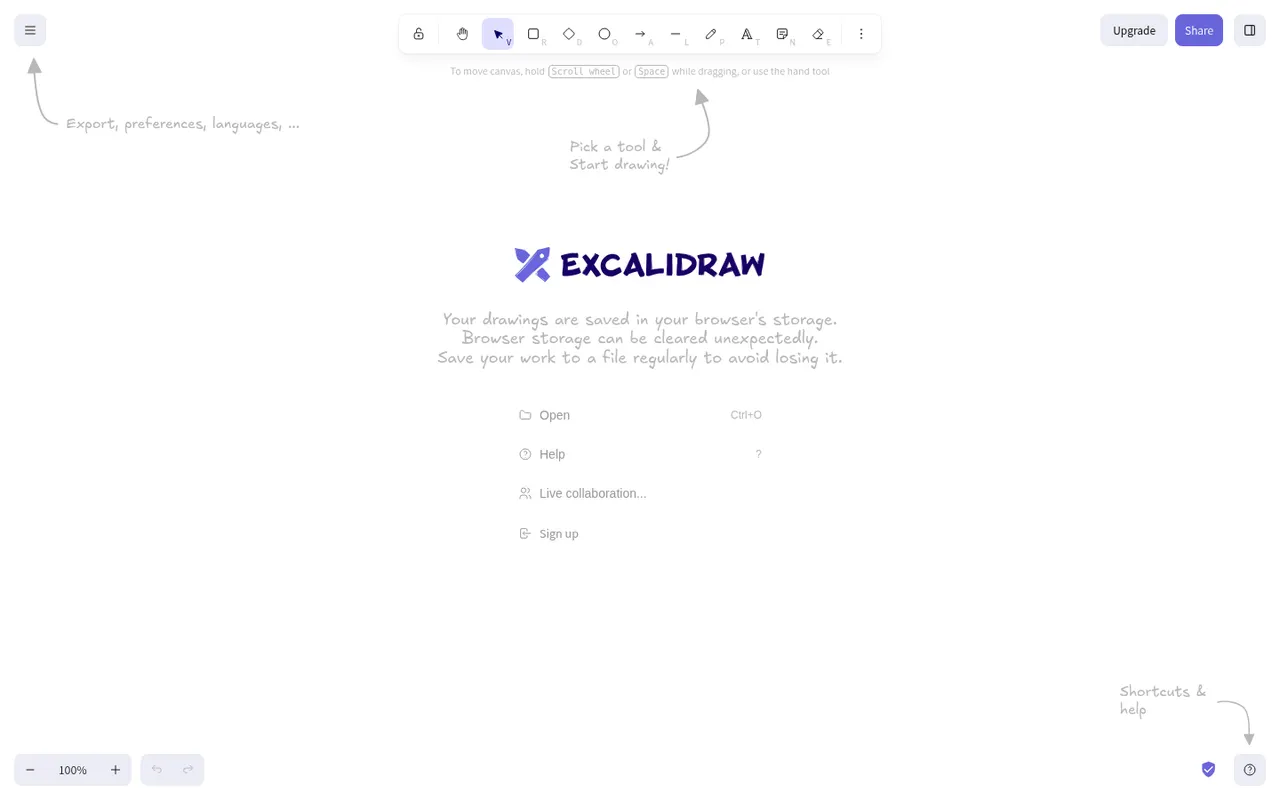
Cost / LicenseFreemiumProprietaryCategoriesExcalidraw is an open source virtual whiteboard that produces diagrams and sketches with a hand-drawn look. It runs in the browser without an account, works offline, offers end-to-end encrypted live collaboration and shareable links, and has a large community library of shapes. Excalidraw+ adds cloud workspaces and team features, and the editor can be embedded as a React component.
11 Excalidraw alternativesPros
- Hand-drawn style that makes sketches feel approachable
- Works in the browser offline and without an account
- End-to-end encrypted live collaboration
Cons
- Hand-drawn look is less suited to formal diagrams
- Cloud workspaces and team features require Excalidraw+
- Fewer diagramming features than dedicated tools
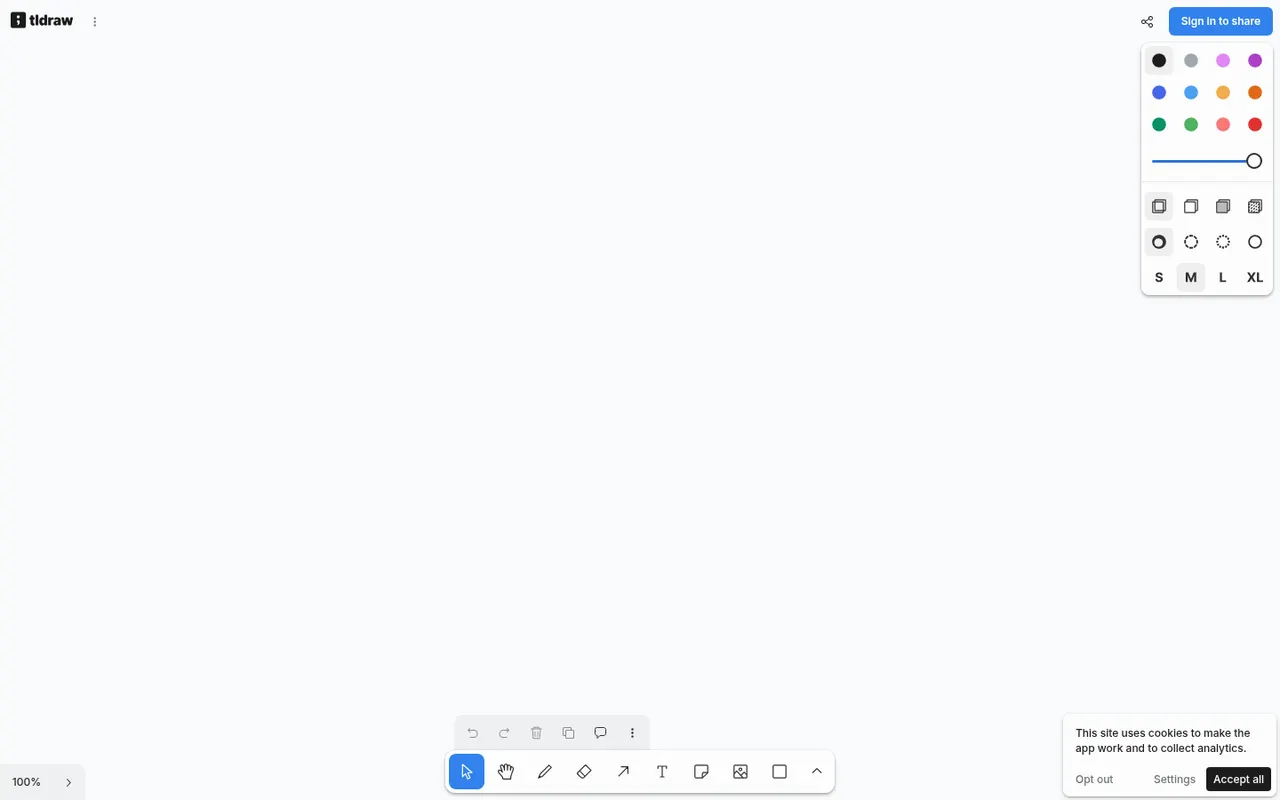
Cost / LicenseFreemiumOpen sourceCategoriesPlatformstldraw is a free online whiteboard at tldraw.com with an infinite canvas, clean drawing tools, sticky notes, arrows and real-time multiplayer collaboration. The same technology is offered as an SDK that developers embed in their own apps to build canvas-based products, with its code public on GitHub under tldraw's own source-available license and commercial terms.
7 tldraw alternativesPros
- Free whiteboard with clean, responsive drawing tools
- Real-time multiplayer collaboration through shared links
- SDK lets developers build canvas features into their own apps
Cons
- Source-available license, with commercial terms for the SDK in production
- Fewer templates and integrations than full whiteboard suites
Cost / LicenseFreeSource availableCategoriesPlatformsMicrosoft Whiteboard is a freeform digital canvas for sketching, brainstorming and teaching together, with pen and touch input, sticky notes, templates and reactions. It is built into Microsoft Teams meetings, saves boards to OneDrive, and is free with a Microsoft account on the web, Windows, iOS and Android.
8 Microsoft Whiteboard alternativesPros
- Free with a Microsoft account on web, Windows and mobile
- Built into Microsoft Teams meetings
- Natural pen and touch input for sketching
Cons
- Fewer templates and integrations than Miro or Mural
- No native Mac app, only the web version
- Best suited to teams in the Microsoft ecosystem
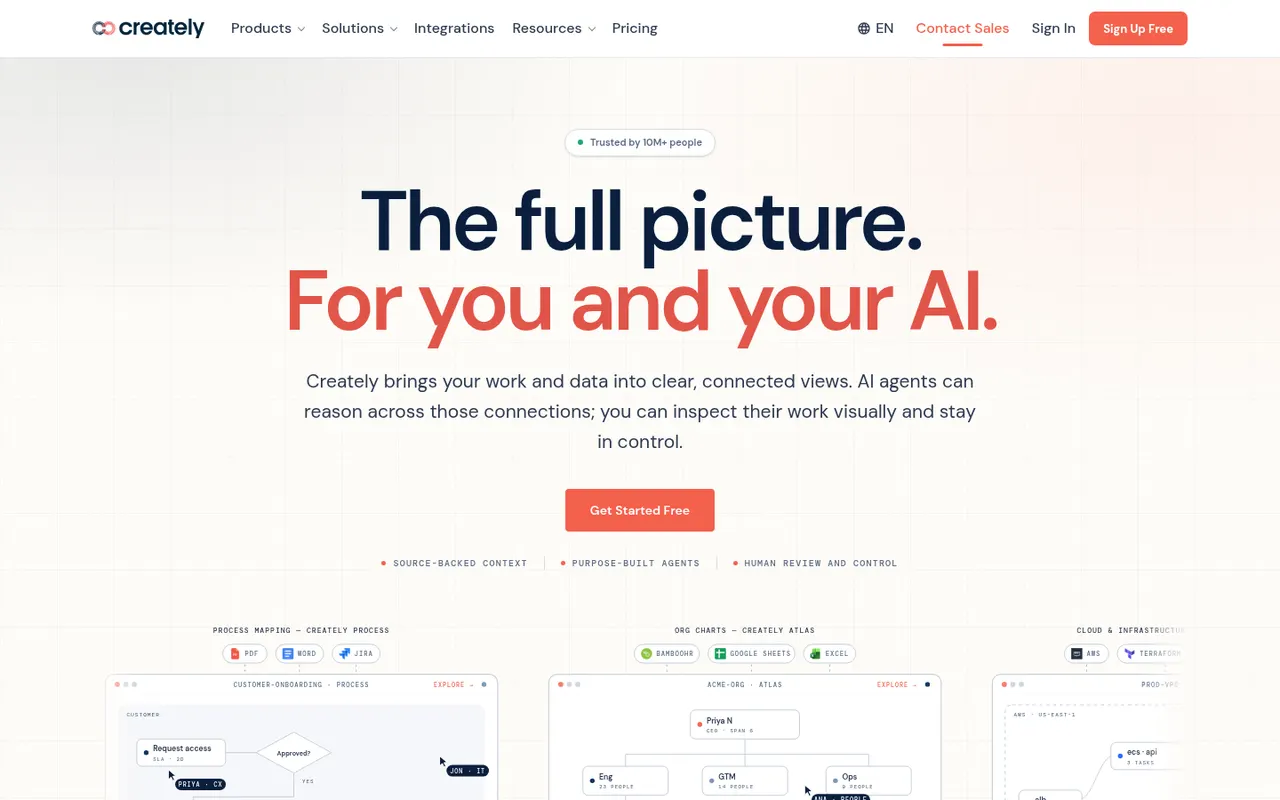
Cost / LicenseFreeProprietaryCategoriesCreately is an online visual workspace from Cinergix for diagrams, mind maps, process maps and planning boards on an infinite canvas. Shapes can carry data fields and be reused across views, which turns diagrams into lightweight databases, and it comes with a large template library and real-time collaboration.
8 Creately alternativesPros
- Shapes can hold data fields, turning diagrams into lightweight databases
- Large template library for diagrams and planning boards
- Real-time collaboration on an infinite canvas
Cons
- Free plan is restrictive for regular use
- Data-driven features add complexity to simple diagrams
- Available only in the browser
Cost / LicenseFreemiumProprietaryCategoriesPlatforms