Apps with Screenshots
4 apps
Top Screenshots apps ranked by the community
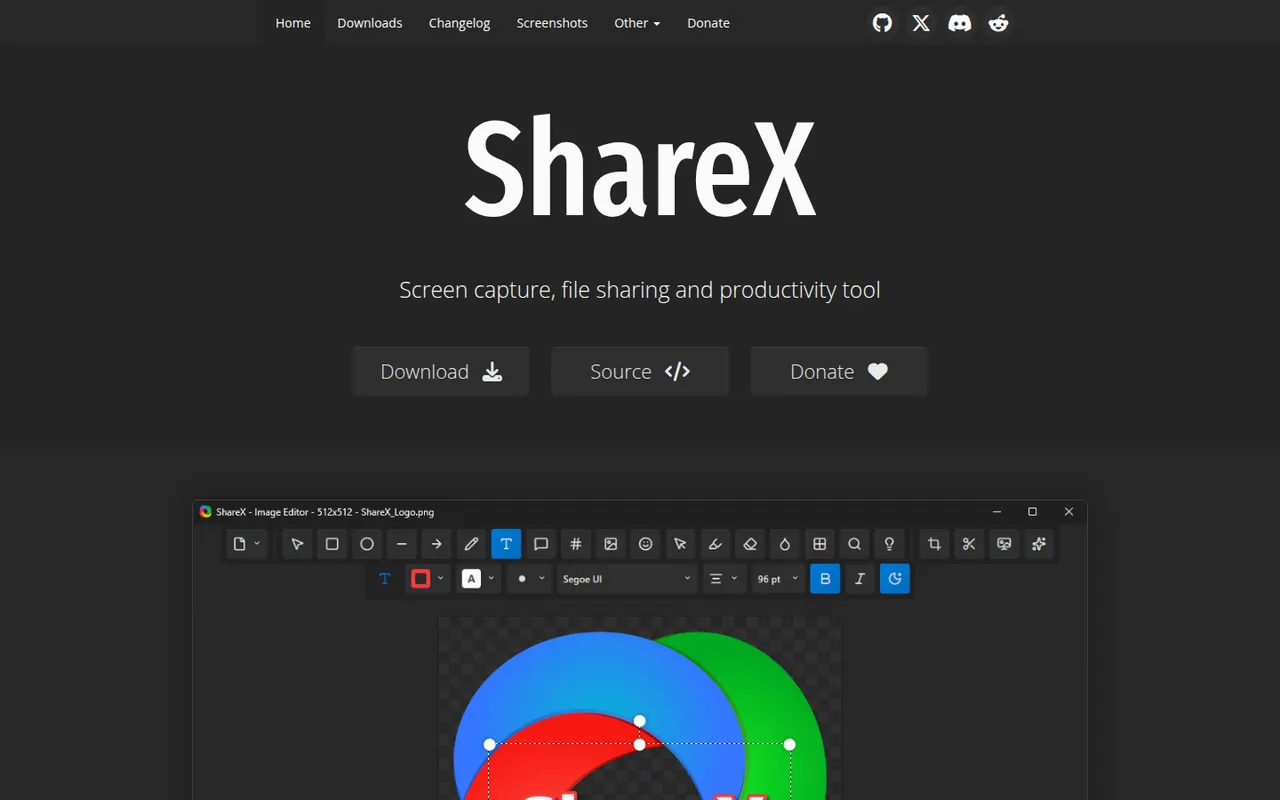
ShareX is a free, open source utility for Windows that captures screenshots, scrolling pages and screen recordings, including GIFs. Captures can be annotated, run through OCR and automatically uploaded to dozens of supported destinations through customizable workflows. It is popular with power users for its depth of options and has no ads.
7 ShareX alternativesPros
- Free, open source and ad-free
- Custom workflows upload captures to dozens of destinations
- Screenshots, scrolling captures, GIFs and OCR in one tool
Cons
- Available on Windows only, with no Mac or Linux version
- Dense settings can overwhelm casual users
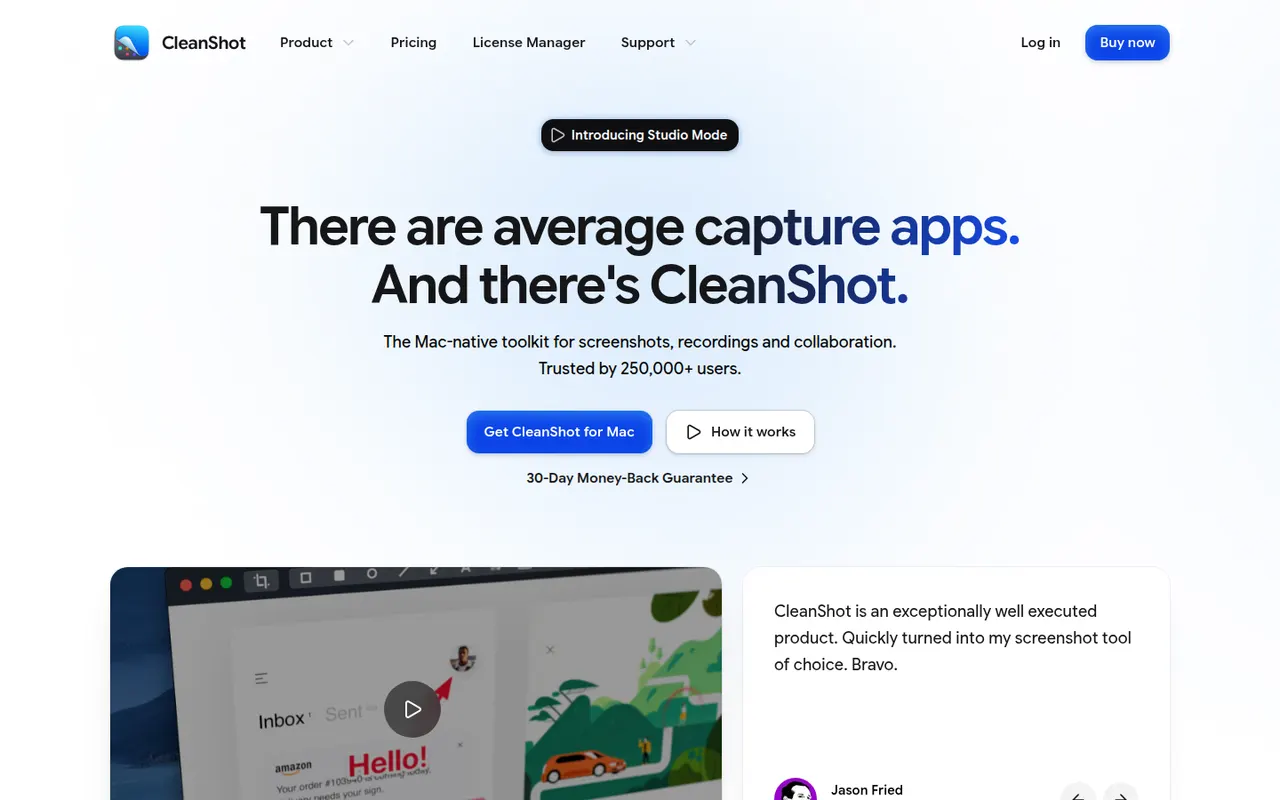
Cost / LicenseFreeOpen sourceCategoriesPlatformsCleanShot X is a Mac app that replaces the built-in screenshot tools with a richer set of capture options: scrolling captures, screen recording with webcam overlay, GIF export, text recognition and hiding desktop icons. Captures can be annotated, blurred and uploaded to CleanShot Cloud for sharing. It is a paid app, also available through the Setapp subscription.
9 CleanShot X alternativesPros
- Scrolling captures, recording with webcam and GIF export in one app
- Fast annotation, blurring and text recognition
- Hides desktop icons for cleaner captures
Cons
- Available on macOS only, with no Windows version
- Advanced CleanShot Cloud features need a separate subscription
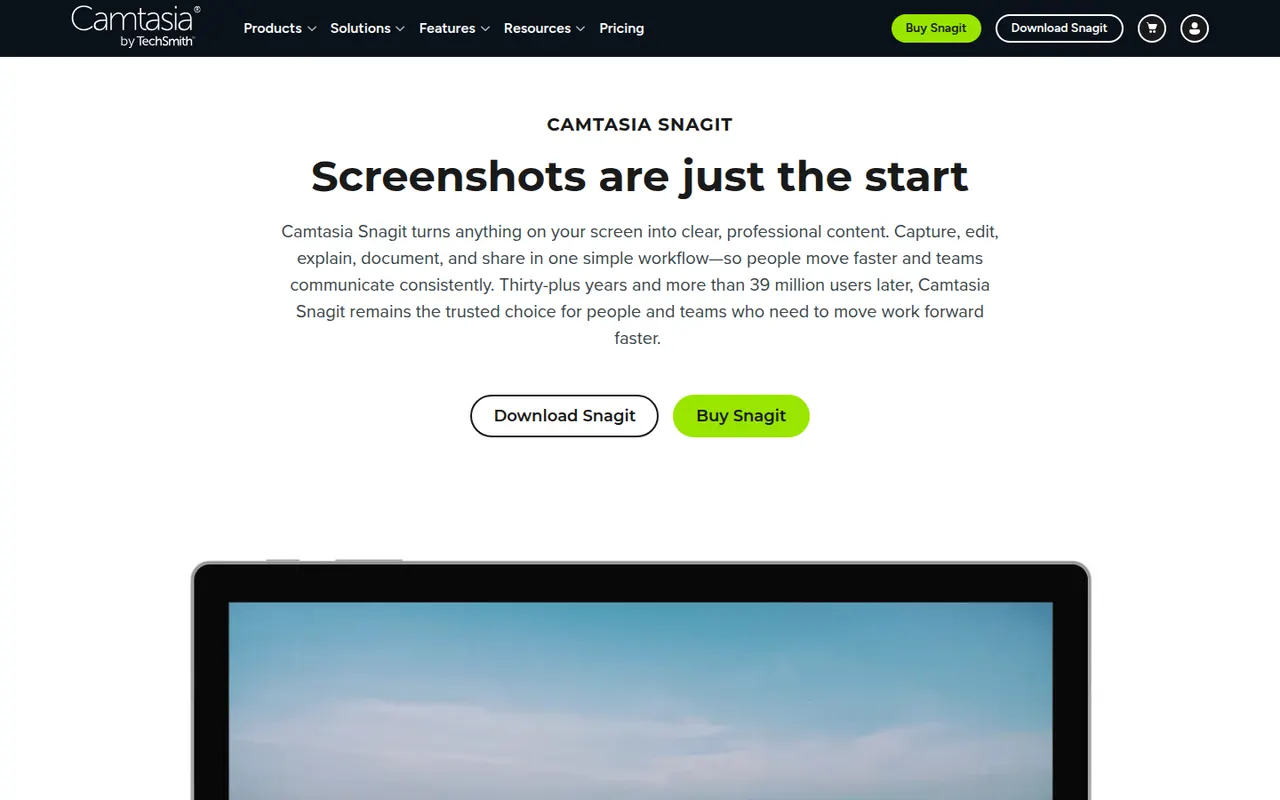
Cost / LicensePaidProprietaryCategoriesPlatformsSnagit is a screen capture tool from TechSmith for taking screenshots, scrolling captures and quick screen recordings with webcam. Its editor makes it easy to add arrows, callouts and step numbers, blur sensitive information, grab text from images and assemble visual guides from templates. It is used for documentation, support and training, on Windows and macOS.
7 Snagit alternativesPros
- Fast annotation with arrows, callouts and step numbers
- Scrolling captures and quick screen recordings with webcam
- Templates to assemble visual guides and documentation
Cons
- Paid after the trial, while free tools cover basic captures
- Video recording and editing are basic compared with Camtasia
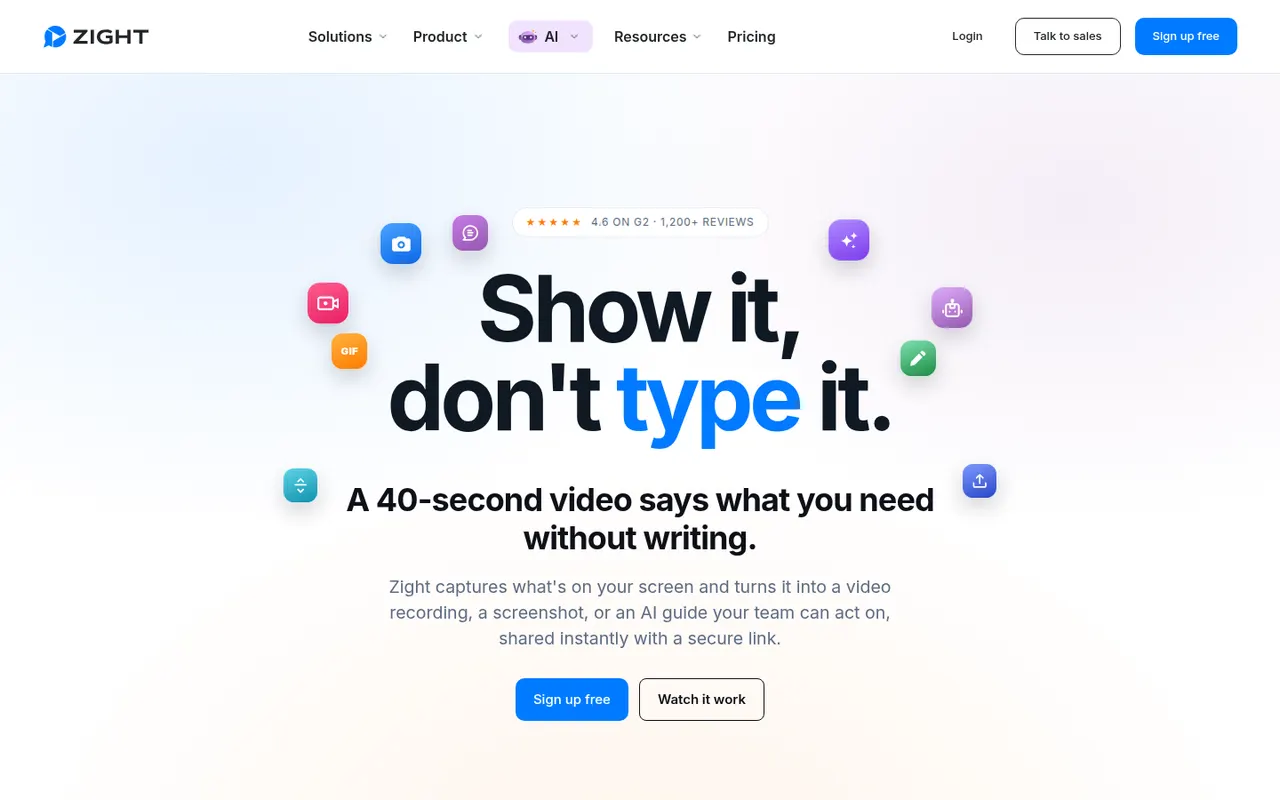
Cost / LicenseFree trialProprietaryCategoriesZight, formerly CloudApp, is a visual communication tool for capturing screenshots, GIFs and screen recordings with webcam, then sharing them instantly through a link. Captures can be annotated, and AI features generate titles and summaries. It is used by support, sales and product teams, works on macOS, Windows and Chrome, and integrates with tools like Slack, Jira and Zendesk.
9 Zight alternativesPros
- Screenshots, GIFs and recordings shared instantly by link
- Annotations plus AI-generated titles and summaries
- Integrates with Slack, Jira and Zendesk
Cons
- The free plan is restrictive compared with paid tiers
- Captures live in Zight's cloud, which may not suit every company policy
Cost / LicenseFreemiumProprietaryCategoriesPlatforms