Apps with Text to speech
8 apps
Top Text to speech apps ranked by the community
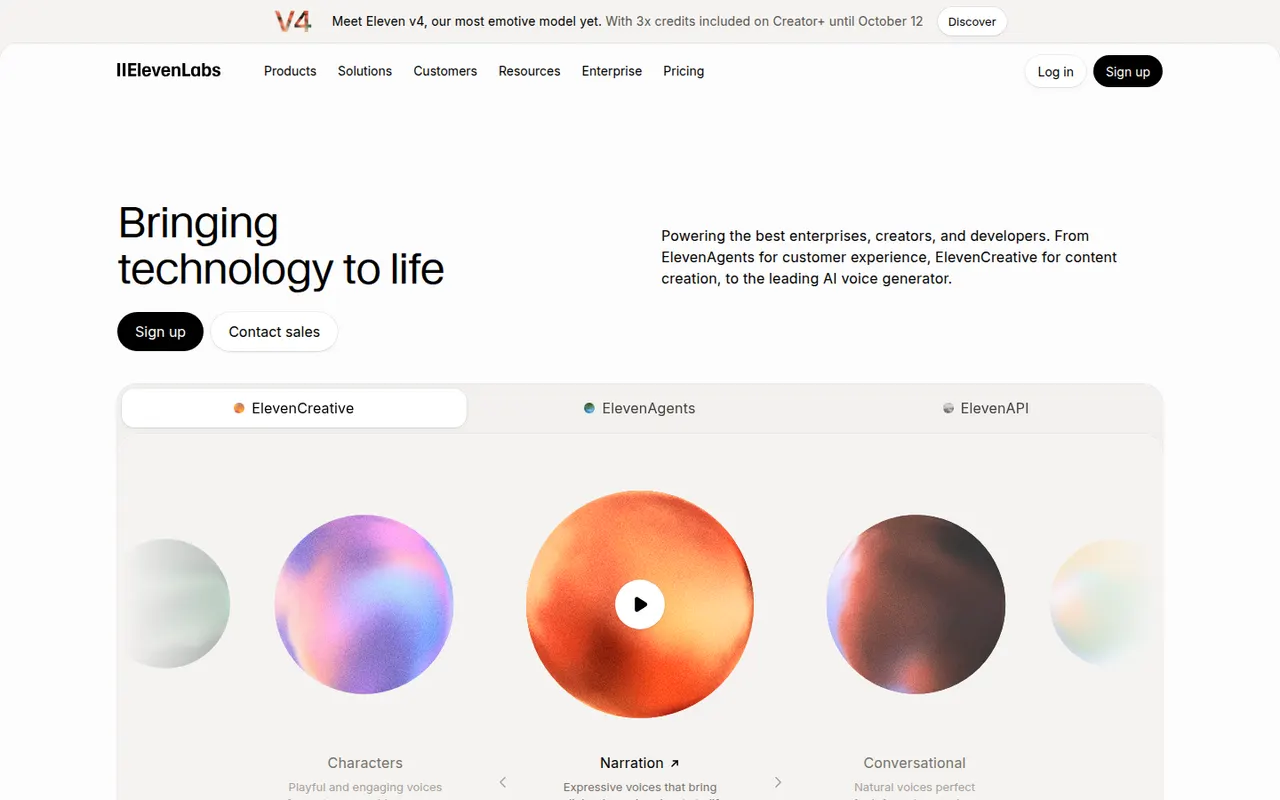
ElevenLabs is an AI audio company offering natural-sounding text-to-speech in many languages, voice cloning, a voice library, automatic dubbing, speech-to-text and sound effect generation. Creators use its web studio for narration and audiobooks, while developers rely on its API to build conversational voice agents. It has a free tier, and paid plans include commercial usage rights.
11 ElevenLabs alternativesPros
- Natural-sounding speech in many languages
- Voice cloning, dubbing and a large voice library
- API for building conversational voice agents
Cons
- Credits run out quickly on long narration projects
- Commercial usage rights require a paid plan
- Voice cloning raises misuse and consent concerns
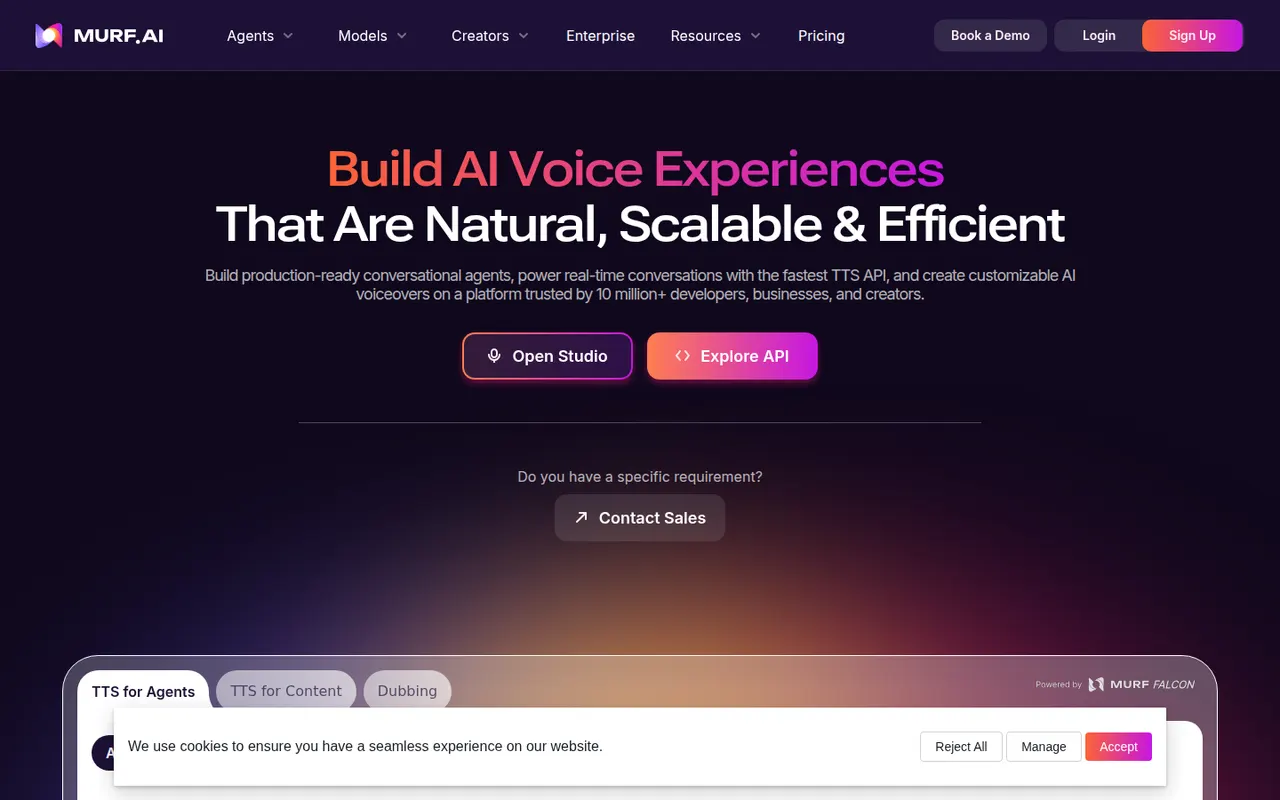
Cost / LicenseFreemiumProprietaryCategoriesMurf is an AI voice generator with a studio where you write a script, pick from a library of voices in many languages, and adjust pitch, speed, pauses and emphasis. Voiceovers can be synced with video, images or slides on a timeline, which suits training content, explainers and ads. It also offers voice cloning, dubbing, team workspaces and an API.
8 Murf AI alternativesPros
- Fine control over pitch, speed, pauses and emphasis
- Timeline syncs voiceovers with video, images or slides
- Team workspaces, voice cloning and an API
Cons
- Free plan is limited and restricts downloads
- Voices can sound flat without manual tuning
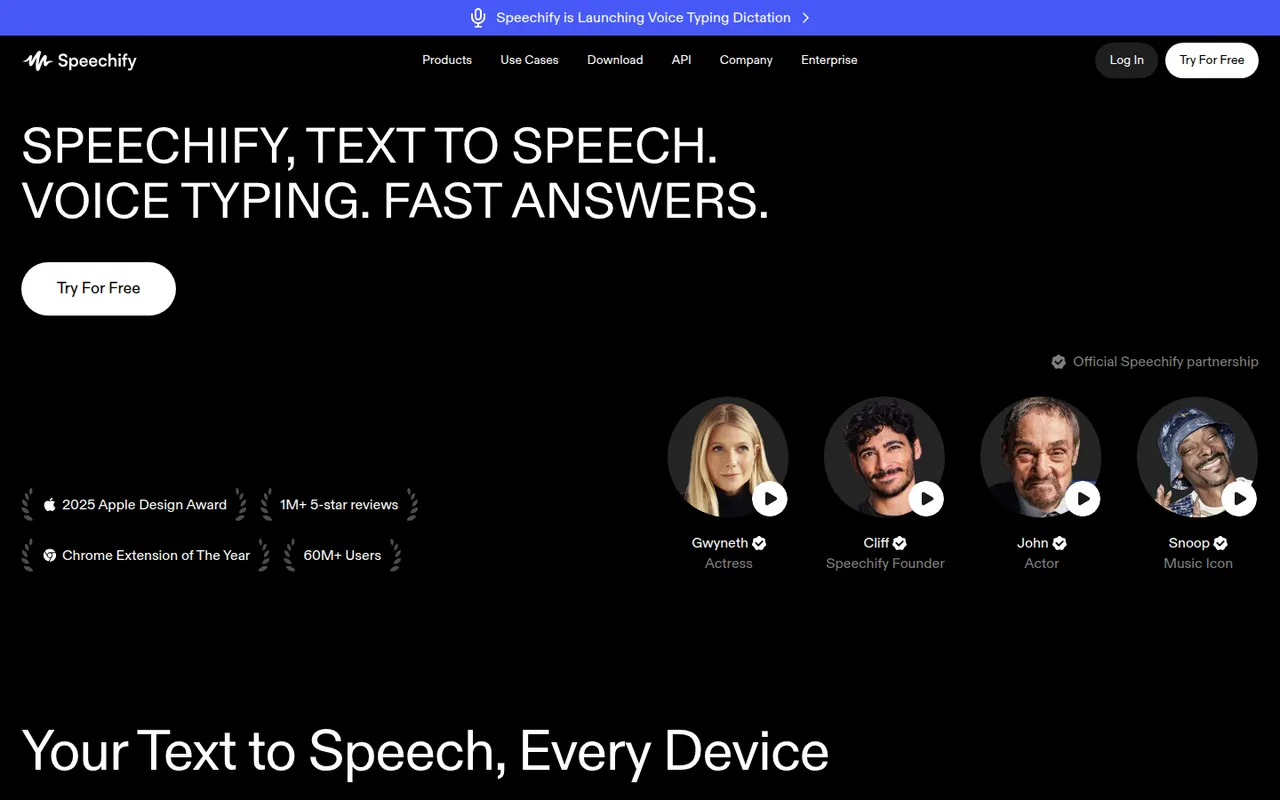
Cost / LicenseFreemiumProprietaryCategoriesPlatformsSpeechify reads text aloud from PDFs, documents, emails, web pages and scanned pages, with adjustable speed and a choice of natural-sounding voices in many languages. Used by students, people with dyslexia and busy professionals, it syncs across its mobile apps, Mac app, web app and Chrome extension. A separate studio offers AI voiceovers, voice cloning and dubbing.
6 Speechify alternativesPros
- Reads PDFs, documents, emails and scanned pages aloud
- Syncs across mobile, Mac, web and the Chrome extension
- Adjustable speed and natural voices in many languages
Cons
- Premium voices and features sit behind a pricey subscription
- Upgrade prompts are frequent in the free version
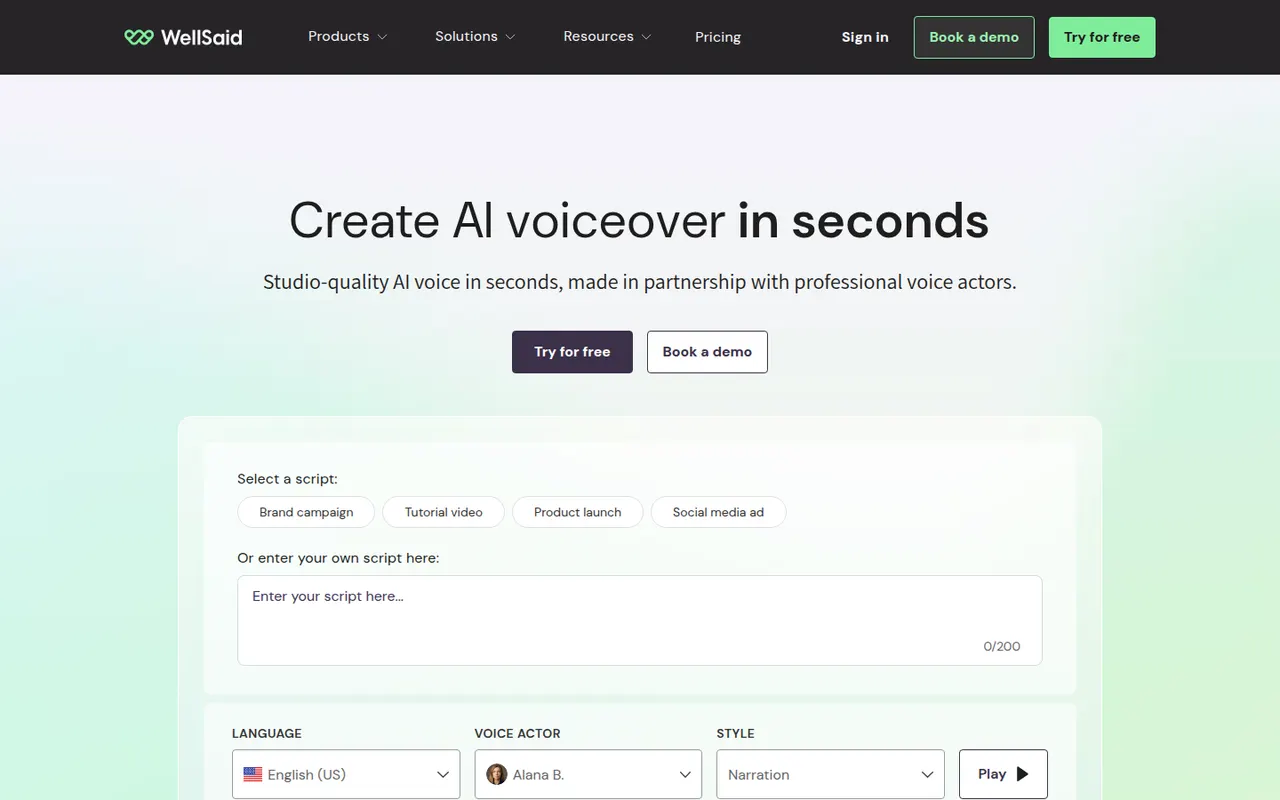
Cost / LicenseFreemiumProprietaryCategoriesPlatformsWellSaid is an AI text-to-speech platform for businesses that produce a lot of training, marketing and product content. Its voices are built from recordings of paid voice actors who consented to their use, and its studio lets teams control pronunciation, pacing and emphasis, share projects and keep a consistent brand voice. An API is also available for integration.
8 WellSaid alternativesPros
- Voices built from paid voice actors who consented to their use
- Pronunciation, pacing and emphasis controls
- Shared projects help teams keep a consistent brand voice
Cons
- Aimed at businesses, with pricing to match
- No lasting free plan, only a trial
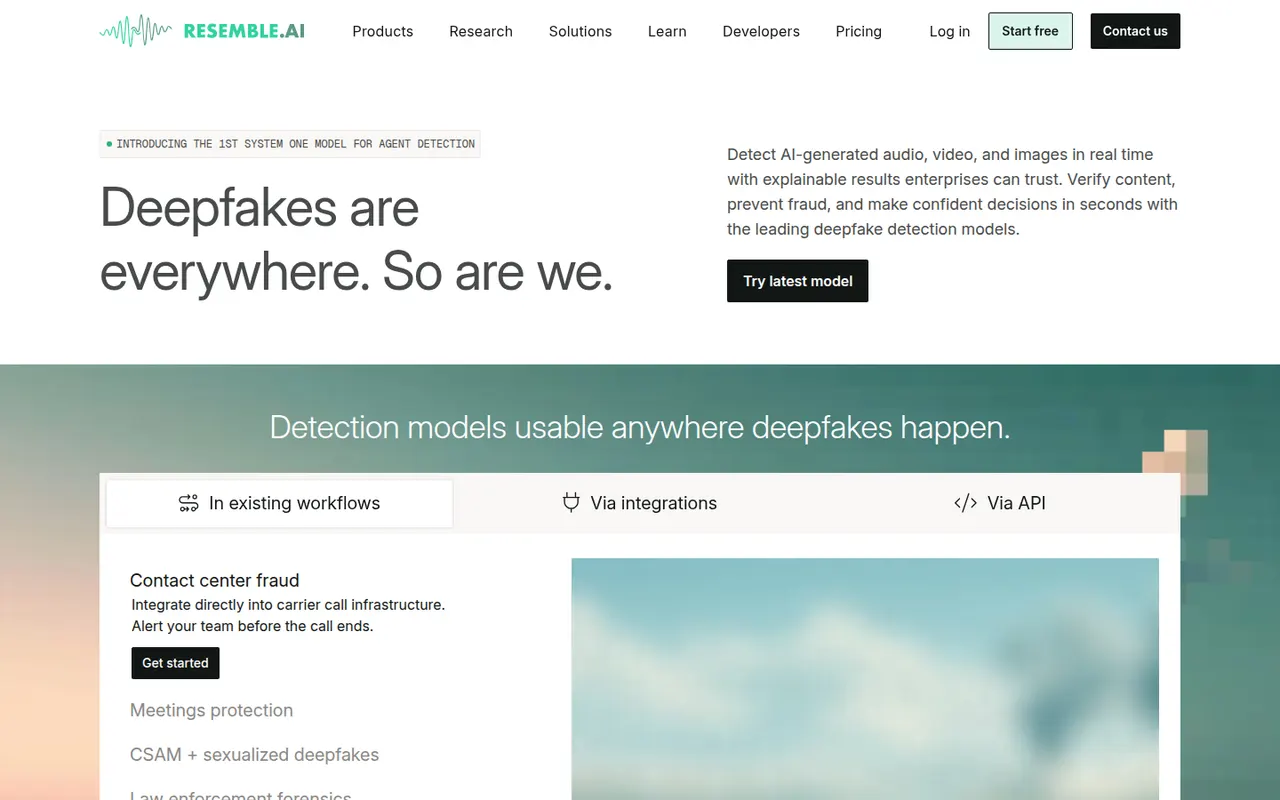
Cost / LicenseFree trialProprietaryCategoriesPlatformsResemble AI is a voice platform for creating custom AI voices from recorded samples, generating speech in multiple languages and converting one voice into another. It stands out for its focus on security, with audio watermarking and a deepfake detection product, and for its developer API. The company has also released Chatterbox, an open source text-to-speech model.
6 Resemble AI alternativesPros
- Custom voices from recorded samples, plus voice conversion
- Audio watermarking and a deepfake detection product
- Released Chatterbox, an open source text-to-speech model
Cons
- Developer-oriented, with a steeper learning curve
- High-quality custom voices depend on clean recordings
- Advanced features require paid plans
Cost / LicenseFreemiumProprietaryCategoriesPlatformsLOVO offers Genny, a web app that combines AI text-to-speech with a simple video editor. Users choose from a large library of voices, emotions and languages, clone their own voice, generate subtitles and assemble voiceovers with footage for marketing, training and social videos. It also includes AI scriptwriting and image generation to produce content in one place.
8 LOVO alternativesPros
- Combines text-to-speech with a simple video editor
- Large library of voices, emotions and languages
- Scriptwriting and image generation in the same app
Cons
- Video editor is too basic for complex projects
- Free plan is limited in generation time and downloads
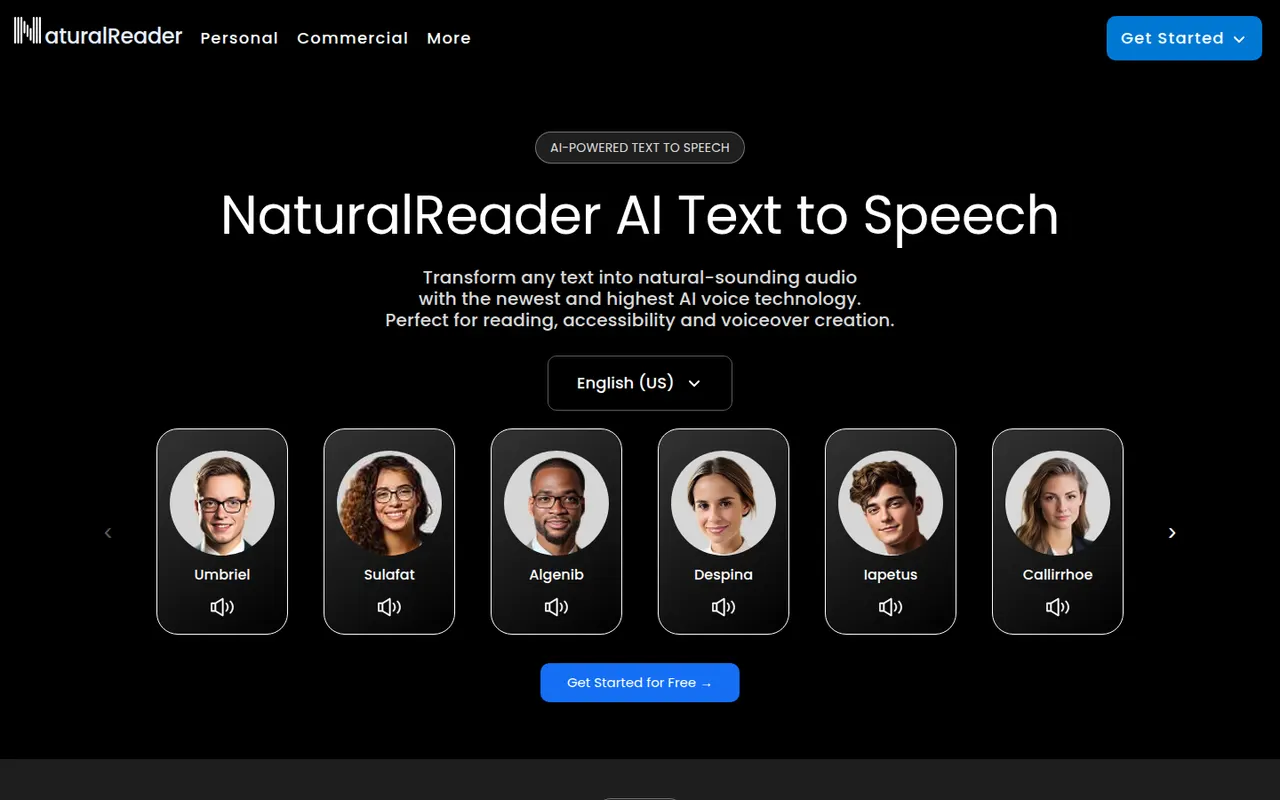
Cost / LicenseFreemiumProprietaryCategoriesPlatformsNaturalReader is a text-to-speech app that reads documents, PDFs, ebooks and web pages aloud in natural-sounding voices across many languages. It is available on the web, as desktop software, as mobile apps that can scan printed text, and as a Chrome extension. It serves students, people with reading difficulties and professionals, with a separate commercial edition for voiceovers.
5 NaturalReader alternativesPros
- Reads PDFs, ebooks and web pages aloud
- Available on web, desktop, mobile and as a Chrome extension
- Mobile apps can scan and read printed text
Cons
- The most natural voices are reserved for paid plans
- Commercial voiceovers require a separate edition
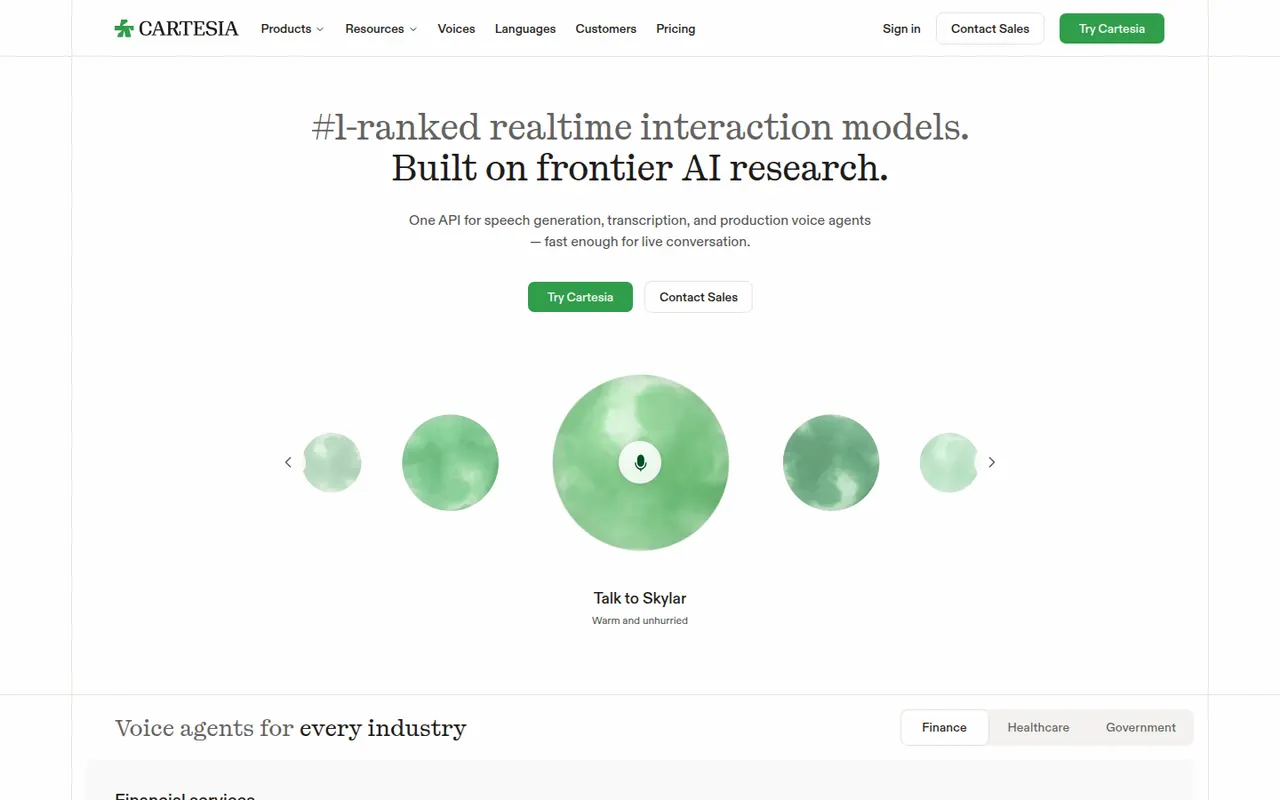
Cost / LicenseFreemiumProprietaryCategoriesCartesia builds low-latency voice AI models, led by its Sonic text-to-speech model, for developers creating real-time voice agents, customer service bots and interactive apps. Its API and web playground offer many languages, instant voice cloning and fine control over emotion and speed. The company's research is based on state space model architectures.
5 Cartesia alternativesPros
- Low-latency Sonic text-to-speech suited to real-time voice agents
- Instant voice cloning from a short recording
- Fine control over emotion and speaking speed
Cons
- Developer-focused, with little for non-technical creators
- Higher volumes and advanced features require paid plans
Cost / LicenseFreemiumProprietaryCategoriesPlatforms