

Android Studio
Google's official IDE for building Android apps
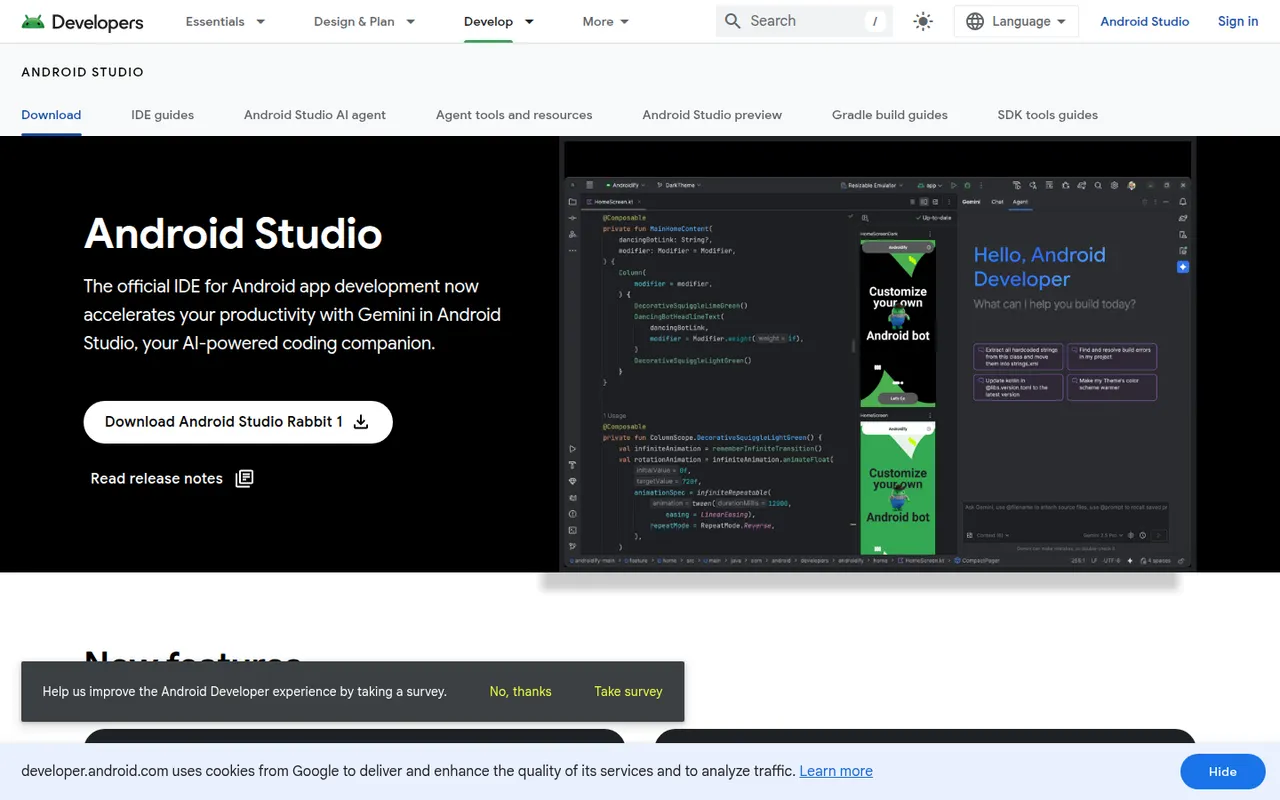
Android Studio is the official development environment for Android, built by Google on the IntelliJ platform. It provides Kotlin and Java editing, a visual layout editor, Jetpack Compose previews, an emulator, profilers and Gradle builds for phones, tablets, Wear OS, Android TV and cars. Gemini in Android Studio adds AI help for writing code and fixing errors. It is free on Windows, macOS, Linux and ChromeOS.
- features
- 5
- alternatives
- 7
- platforms
- 3
- Updated
- Oct 12, 2026
Features
Our take
Pros
- Official, complete Android toolkit, free on all desktop systems
- Emulator, profilers and Compose previews built in
- Gemini helps write code and fix build errors
Cons
- Heavy on RAM and CPU, especially with the emulator running
- Gradle builds can be slow on large projects
Editorial assessment by the Alternatives.tools team, based on what the product is known for. Not a user review.
Best Android Studio alternatives
See all 7 alternatives IntelliJ IDEAFreemium
JetBrains IDE for Java, Kotlin and other JVM languages
 Visual Studio CodeFreeOpen source
Free, extensible code editor from Microsoft for most languages
193.6Kstars XcodeFree
Apple's IDE for building apps for iPhone, iPad, Mac and Apple Watch
 CursorFreemium
AI code editor built on VS Code, with agents and multi-line autocomplete
 ZedFreemiumOpen source
Fast, collaborative open source code editor written in Rust
91.6Kstars VSCodiumFreeOpen source
Community builds of VS Code without Microsoft telemetry or branding
33.6Kstars
User reviews
No reviews yet. Be the first to share your experience with Android Studio.