

Free, extensible code editor from Microsoft for most languages
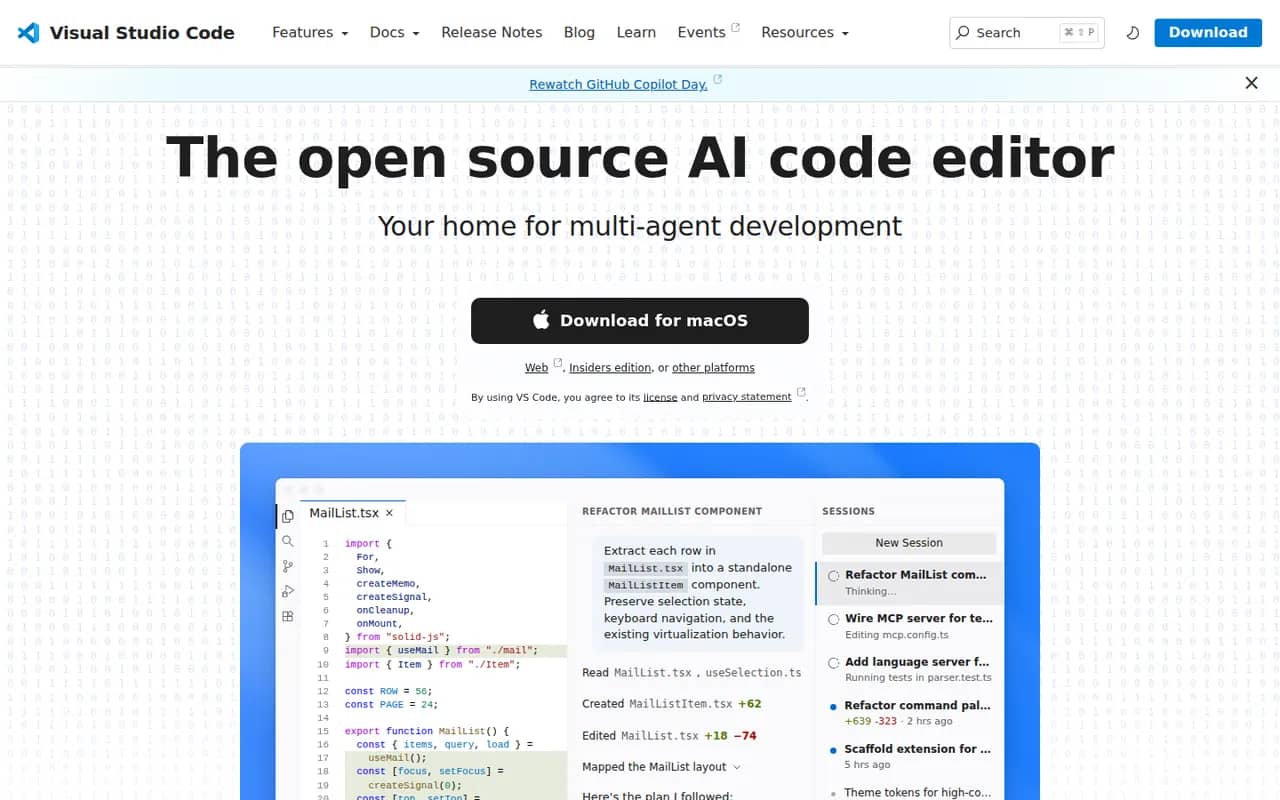
Visual Studio Code is a free source code editor from Microsoft that runs on Windows, macOS, Linux and in the browser. It combines IntelliSense completion, a built-in debugger, Git tools and an integrated terminal with a large extensions marketplace. It is built on the MIT-licensed Code - OSS project and integrates GitHub Copilot for AI chat and agent workflows.
- features
- 7
- alternatives
- 12
- platforms
- 4
- Updated
- Oct 12, 2026
Features
Our take
Pros
- Huge extensions marketplace for almost any language or tool
- Integrated terminal, debugger and Git tools
- Remote development over SSH, in containers and with WSL
Cons
- Official builds include Microsoft telemetry and proprietary components
- As an Electron app it uses more memory than native editors
- Large extension setups can slow it down
Editorial assessment by the Alternatives.tools team, based on what the product is known for. Not a user review.
Best Visual Studio Code alternatives
See all 12 alternatives CursorFreemium
AI code editor built on VS Code, with agents and multi-line autocomplete
 VSCodiumFreeOpen source
Community builds of VS Code without Microsoft telemetry or branding
33.6Kstars ZedFreemiumOpen source
Fast, collaborative open source code editor written in Rust
91.6Kstars Sublime TextFree trial
Fast, lightweight text editor for code, markup and prose
 IntelliJ IDEAFreemium
JetBrains IDE for Java, Kotlin and other JVM languages
 WebStormFreemium
JetBrains IDE for JavaScript, TypeScript and web frameworks
User reviews
No reviews yet. Be the first to share your experience with Visual Studio Code.