
Open source Microsoft Excel alternatives
Top Spreadsheets & Databases like Microsoft Excel
The most popular alternative to Microsoft Excel is LibreOffice, which has a free version. Other great alternatives to Microsoft Excel are ONLYOFFICE and Grist.
Most alternatives to Microsoft Excel are in the Spreadsheets & Databases category, compared here by price, platform and features.
All Microsoft Excel alternatives
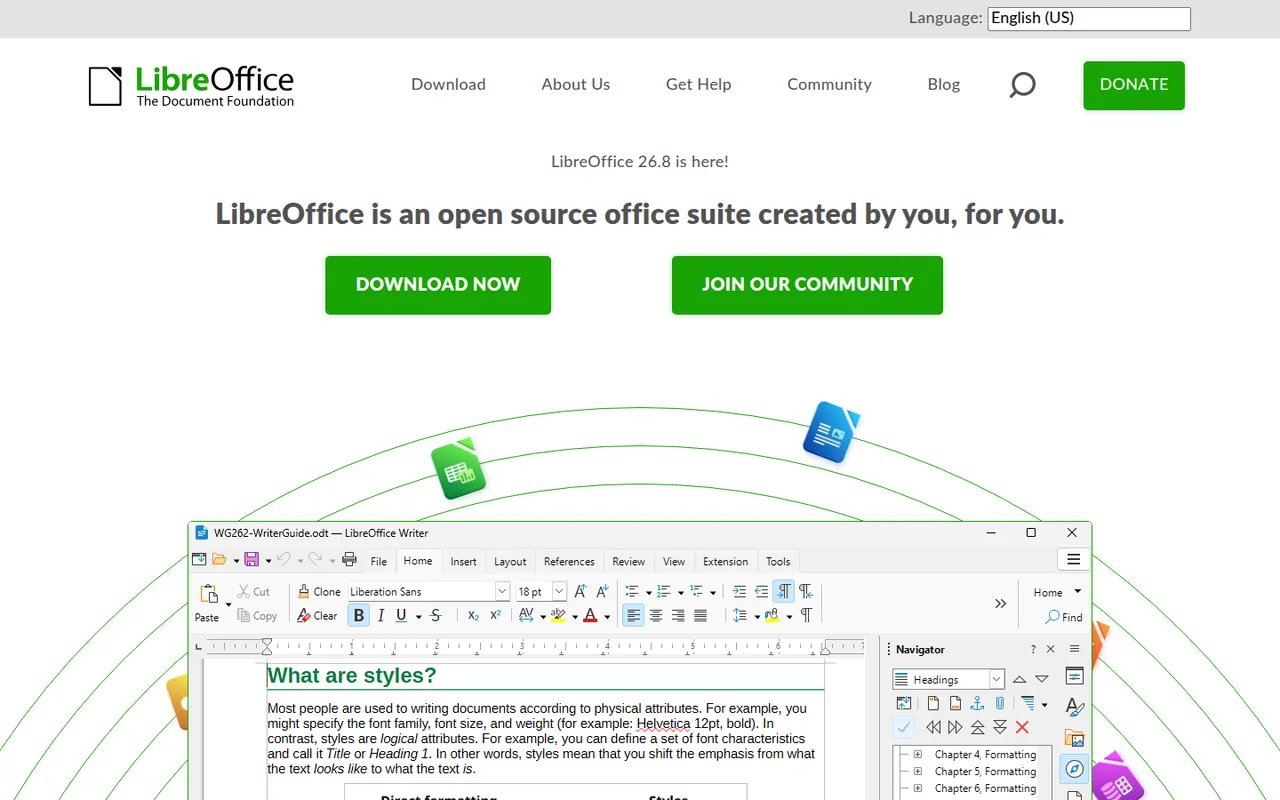
LibreOffice is a desktop office suite maintained by The Document Foundation, with Writer, Calc, Impress, Draw, Base and Math. It uses the OpenDocument format natively and opens and saves Microsoft Office files. It is free for any use, works fully offline and can be extended with community extensions and templates.
12 LibreOffice alternativesPros
- Free for any use, with no account or subscription
- Full suite with Writer, Calc, Impress, Draw and Base
- Native OpenDocument support and fully offline use
Cons
- Interface feels dated next to Microsoft 365
- Complex Office files can lose formatting
- No real-time collaboration in the desktop apps
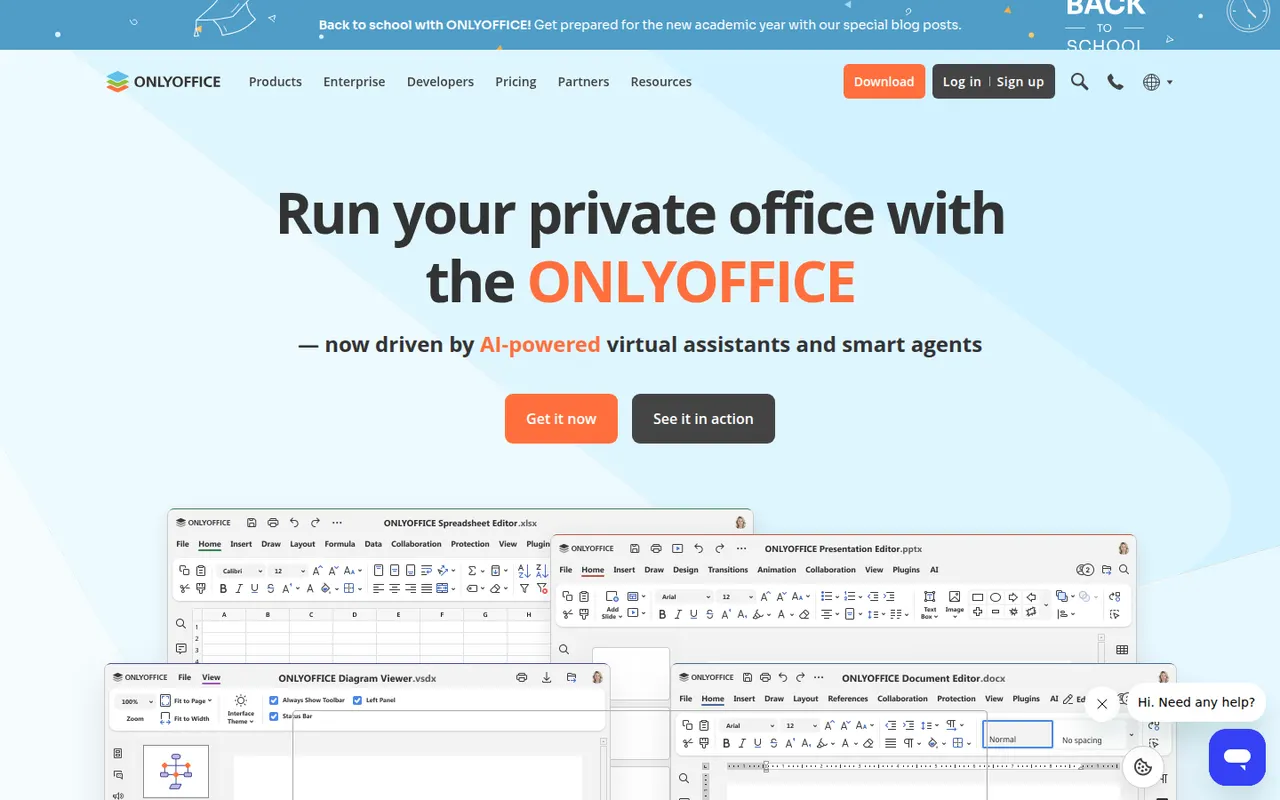
Cost / LicenseFreeOpen sourceONLYOFFICE is an office suite from Ascensio System with editors for documents, spreadsheets, presentations, PDFs and forms, built around Microsoft Office formats. The desktop and mobile apps are free, and the online editors can be self-hosted or integrated into Nextcloud and other platforms, with paid cloud and enterprise editions. It supports real-time co-editing, plugins and AI assistants.
12 ONLYOFFICE alternativesPros
- Strong compatibility with Microsoft Office formats
- Free desktop and mobile apps, plus self-hostable online editors
- Real-time co-editing and Nextcloud integration
Cons
- A self-hosted server needs technical setup
- Enterprise features and support require paid editions
- Fewer advanced features than Microsoft Office
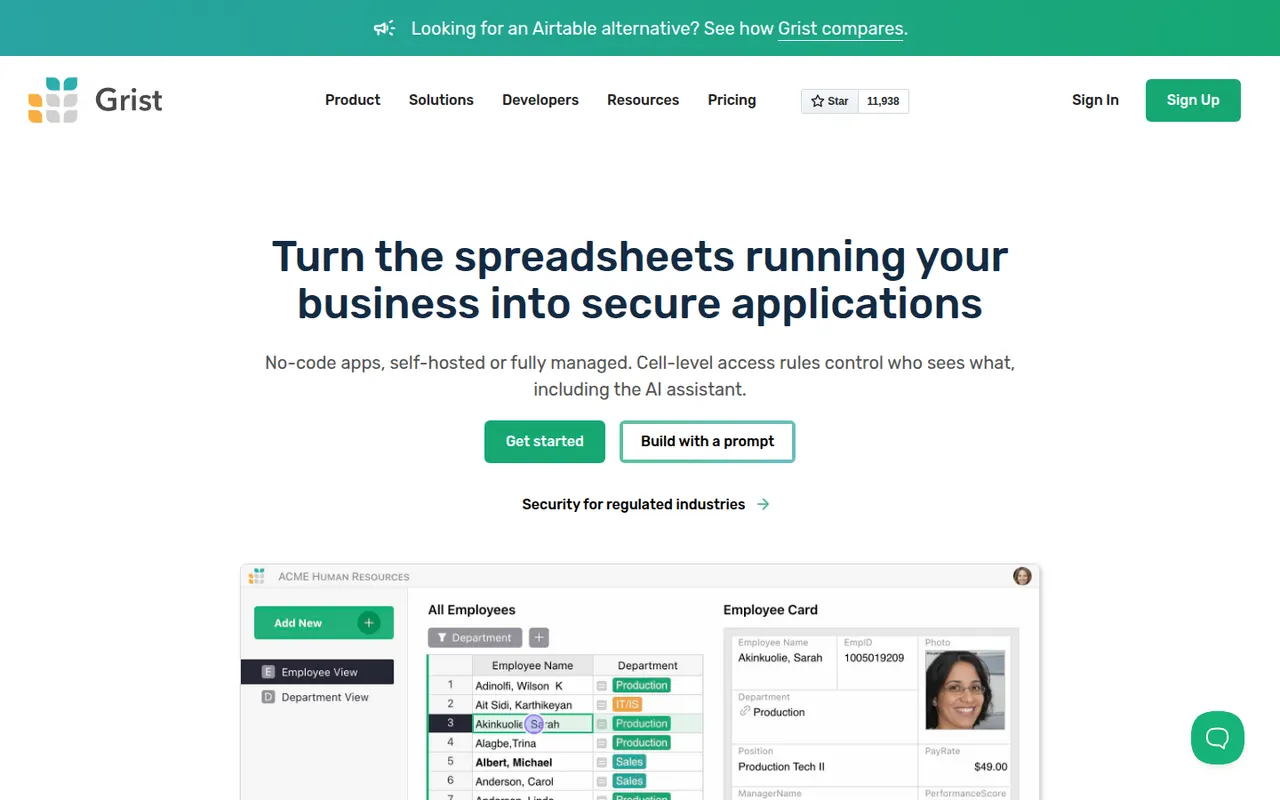
Cost / LicenseFreemiumOpen sourceGrist is a relational spreadsheet from Grist Labs that combines a familiar grid with typed columns, linked tables and custom layouts. Formulas are written in Python, and granular access rules control who can see or edit each row or column. It is open source under Apache 2.0, can be self-hosted or run as a desktop app, and is also offered as a hosted service with a free tier.
8 Grist alternativesPros
- Formulas are written in Python, a big plus for technical users
- Granular access rules down to individual rows and columns
- Open source and self-hostable, with a desktop app option
Cons
- Less familiar than a classic spreadsheet for Excel users
- Smaller template and integration ecosystem than Airtable
Cost / LicenseFreemiumOpen sourceCategoriesPlatforms






Microsoft Excel vs its alternatives at a glance
Pricing, platforms and the key features of Microsoft Excel, compared with its most popular alternatives.
| App | Pricing | Platforms | AI assistant | Formulas | Pivot tables | Plugins & extensions | Real-time collaboration |
|---|---|---|---|---|---|---|---|
 Microsoft Excel Microsoft Excel | Freemium | Web, Windows, Mac, iPhone, Android | |||||
 LibreOffice LibreOffice | FreeOpen source | Windows, Mac, Linux | |||||
 ONLYOFFICE ONLYOFFICE | FreemiumOpen source | Web, Windows, Mac, Linux, iPhone, Android, Self-hosted | |||||
 Grist Grist | FreemiumOpen source | Web, Windows, Mac, Linux, Self-hosted |
Microsoft Excel alternatives: frequently asked questions
What is the best alternative to Microsoft Excel?
The most popular alternative to Microsoft Excel is LibreOffice: Free, open source office suite for Windows, Mac and Linux. Other great alternatives are ONLYOFFICE and Grist.
Is there a free alternative to Microsoft Excel?
Yes, 3 alternatives are free or have a free plan, including LibreOffice, ONLYOFFICE, and Grist.
Is there an open source alternative to Microsoft Excel?
Yes, 3 open source alternatives are listed, including LibreOffice, ONLYOFFICE, and Grist.
Is Microsoft Excel free?
Microsoft Excel has a free plan, with paid plans that unlock more features.
Compare Microsoft Excel with its alternatives


Sponsored listings and products made by the publisher of this site are always labeled. How we rank · Know a good alternative? Submit it