Apps with Auto-posting to social networks
5 apps
Top Auto-posting to social networks apps ranked by the community
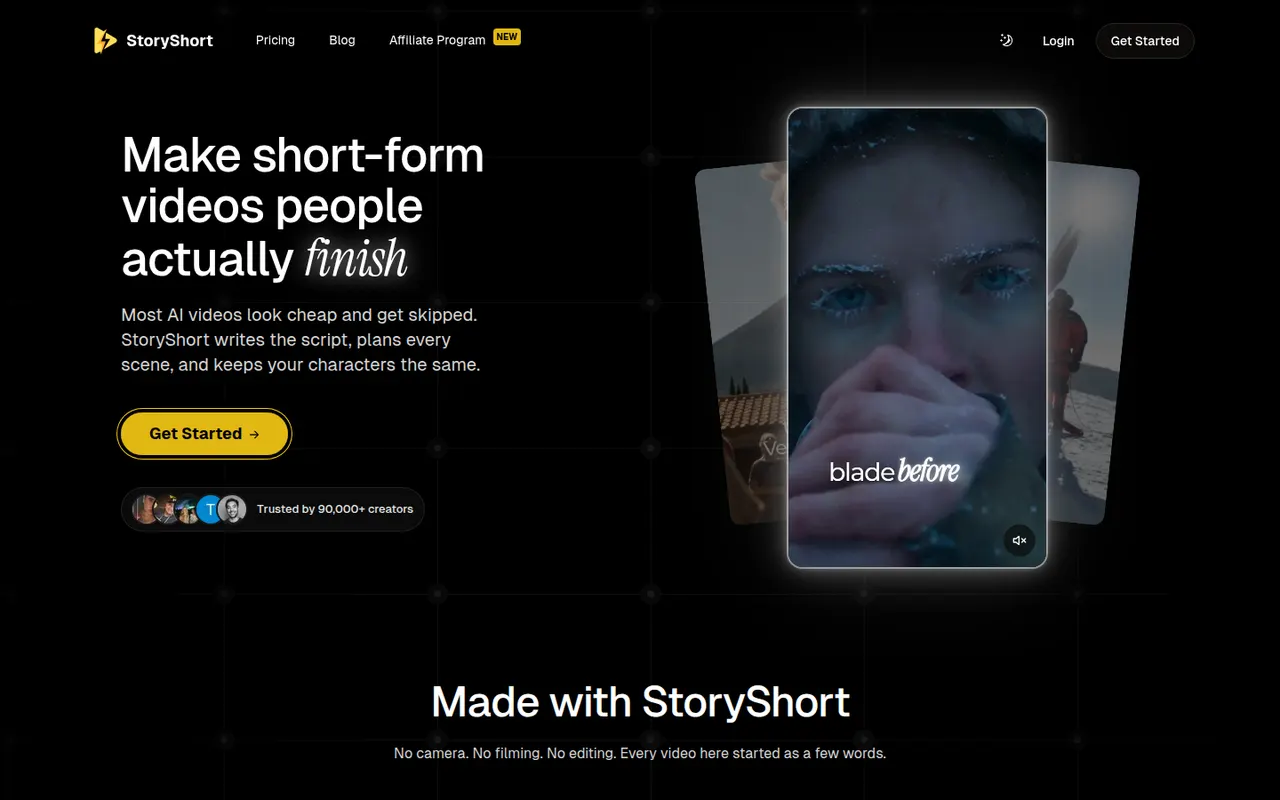
StoryShort
By the publisherStoryShort writes the script, generates visuals, voiceover and captions, then publishes faceless short videos to TikTok, YouTube Shorts and Instagram Reels on a schedule.
9 StoryShort alternativesPros
- Script, visuals, voiceover and captions handled in one flow
- Auto-posts to TikTok, YouTube Shorts and Instagram Reels on a schedule
- Templates suited to recurring faceless video series
Cons
- No free plan, paid subscription only
- Automated videos can feel generic without manual tweaks
- Less creative control than a full video editor
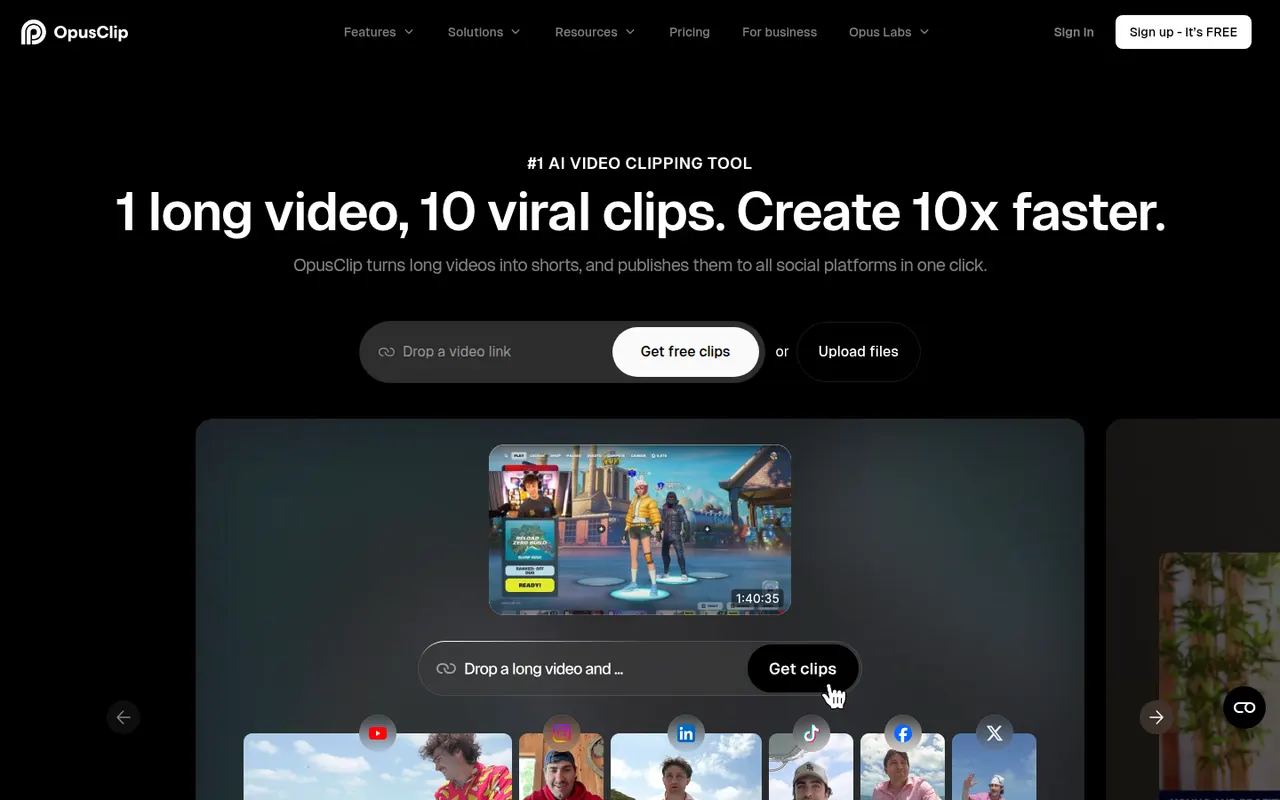
Cost / LicensePaidProprietaryCategoriesPlatformsOpusClip analyzes long-form videos, finds the most engaging moments and reframes them into captioned vertical clips ready for social media.
17 OpusClip alternativesPros
- Finds engaging moments in long videos automatically
- Reframes and captions vertical clips for social media
- Schedules and posts clips to social networks
Cons
- Virality scores are only a rough guide to performance
- Free plan has limited credits and adds a watermark
- Works best with talking-head content
Cost / LicenseFreemiumProprietaryCategoriesPlatformsLater helps brands and creators plan visual content for Instagram, TikTok and other networks with a drag-and-drop calendar and analytics.
11 Later alternativesPros
- Visual drag-and-drop calendar for planning feeds
- Strong focus on Instagram and TikTok
- Auto-publishing with analytics on post performance
Cons
- No free plan, only a trial
- Built for visual content, less suited to text-heavy networks
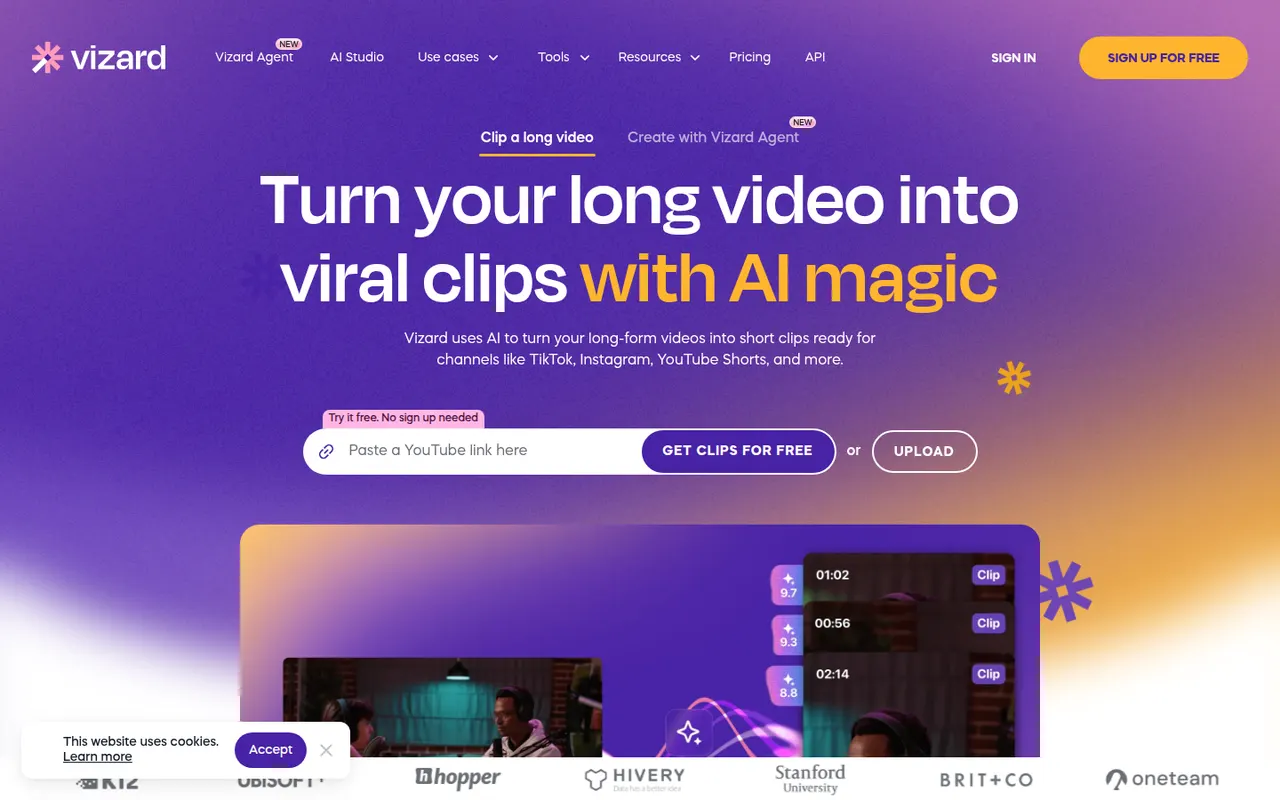
Cost / LicenseFree trialProprietaryCategoriesVizard is a browser-based tool that finds the most engaging moments in long videos such as podcasts, webinars or streams and turns them into vertical clips. It adds animated captions, reframes speakers automatically and includes a simple editor, plus options to schedule and publish clips to social networks. It is built for creators and marketing teams repurposing content.
8 Vizard alternativesPros
- Finds engaging moments in podcasts, webinars and streams
- Automatic speaker reframing and animated captions
- Schedules and publishes clips to social networks
Cons
- The simple editor limits detailed adjustments
- AI clip picks often need manual review
- Free plan has limited usage and features
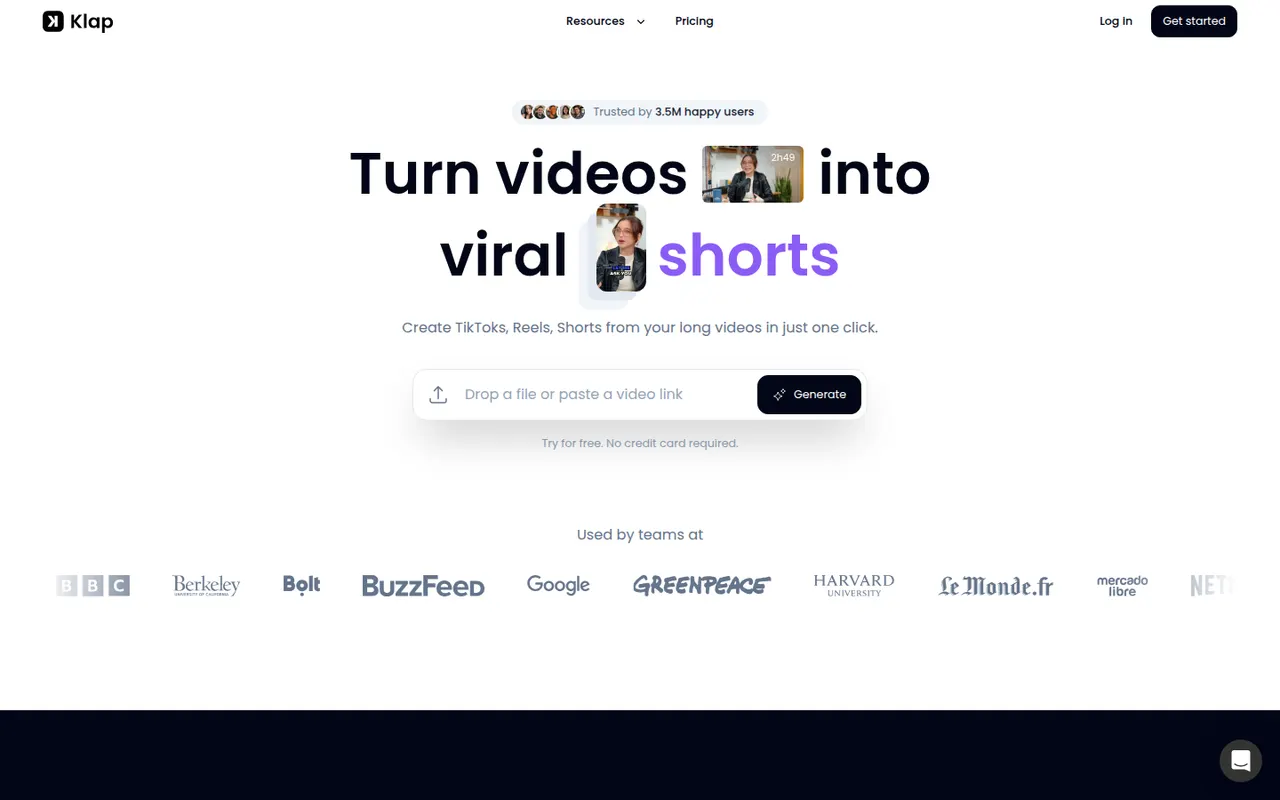
Cost / LicenseFreemiumProprietaryCategoriesPlatformsKlap uses AI to analyze long videos, such as YouTube episodes, podcasts or interviews, and cut them into vertical short clips with automatic reframing and captions. Users can review the suggested clips, adjust them in an editor and publish them to short-form platforms. It is aimed at creators who want to repurpose content without editing by hand.
8 Klap alternativesPros
- Finds and cuts short clips from long videos automatically
- Auto-reframes to vertical and adds captions
- Publishes clips straight to short-form platforms
Cons
- Suggested clips still need review to weed out weak moments
- Editor is basic compared with full video editing software
Cost / LicenseFree trialProprietaryCategoriesPlatforms