
Free Final Cut Pro alternatives
Top Video Editing like Final Cut Pro
The most popular alternative to Final Cut Pro is DaVinci Resolve, which has a free version. Other great alternatives to Final Cut Pro are iMovie, CapCut, Lightworks, and Filmora.
Most alternatives to Final Cut Pro are in the Video Editing category, compared here by price, platform and features.
All Final Cut Pro alternatives
DaVinci Resolve from Blackmagic Design combines video editing, its well-known color grading tools, Fusion visual effects and Fairlight audio post-production in a single application. The free version is unusually complete, while the paid Studio version adds AI tools, higher resolutions and frame rates, and extra effects. It runs on Windows, macOS, Linux and iPad.
10 DaVinci Resolve alternativesPros
- Free version is remarkably complete for professional work
- Renowned color grading tools used in film and television
- Editing, VFX and audio post-production in a single app
Cons
- Steep learning curve, especially for color and Fusion
- Needs a powerful GPU for smooth playback
- Some AI tools and higher resolutions require the paid Studio version
Cost / LicenseFreemiumProprietaryiMovie is Apple's free video editor for Mac, iPhone and iPad. It covers the basics with a simple timeline, titles, transitions, filters, green-screen effects and soundtracks, plus trailer templates and storyboards that guide beginners. Projects can be moved to Final Cut Pro when more advanced editing is needed.
8 iMovie alternativesPros
- Free on Mac, iPhone and iPad
- Trailer templates and storyboards guide beginners
- Projects can move to Final Cut Pro when needs grow
Cons
- Very limited control over tracks and effects
- Apple-only, with no Windows or Android version
Cost / LicenseFreeProprietaryCategoriesFeaturesCapCut is a video editor available on mobile, desktop and the web, with templates, effects, auto captions and AI tools aimed at short-form content.
23 CapCut alternativesPros
- Fast editing with templates and effects tuned for short-form video
- Auto captions and AI tools save time on social content
- Available on mobile, desktop and in the browser
Cons
- Many effects and AI tools require a Pro subscription
- Ownership by ByteDance raises data privacy questions
- Not built for long-form or professional editing
Cost / LicenseFreemiumProprietaryCategoriesLightworks is a long-standing non-linear editor that has been used on feature films and television, now developed by LWKS Software. It offers a multi-track timeline, precise trimming tools, color correction and wide format support on Windows, macOS and Linux. A free version lets anyone learn it with limited export options, while paid plans add higher resolution exports and pro formats.
7 Lightworks alternativesPros
- Pro-grade trimming tools with a film and TV pedigree
- Runs on Windows, macOS and Linux
- Free version is enough to learn professional editing
Cons
- Free version limits export resolution and formats
- Unconventional interface with a steep learning curve
Cost / LicenseFreemiumProprietaryCategoriesFilmora is a consumer video editor from Wondershare for YouTubers, educators and small businesses. It pairs a multi-track timeline with a large library of effects, templates and stock media, and adds AI tools such as auto captions, background removal, text-to-speech and audio denoising. It is available for Windows and macOS, with mobile apps; the free version adds a watermark on export.
11 Filmora alternativesPros
- Beginner-friendly interface with a gentle learning curve
- Large library of effects, templates and stock media
- AI tools for captions, background removal and audio denoising
Cons
- Free version adds a watermark to exports
- Some effects and AI features cost extra
- Not suited to complex professional projects
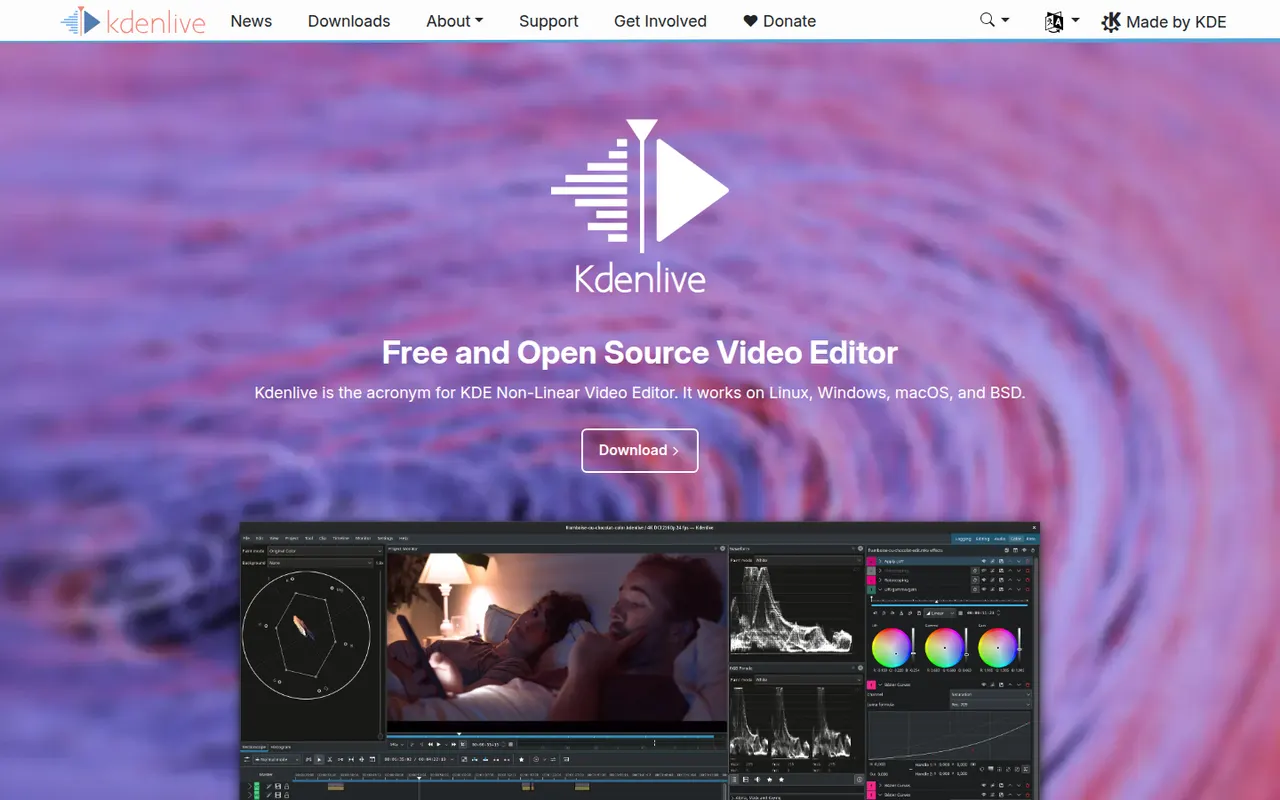
Cost / LicenseFreemiumProprietaryCategoriesKdenlive is a multi-track video editor developed by the KDE community, with effects, transitions, proxy editing and automatic subtitles.
11 Kdenlive alternativesPros
- Free and open source, with no watermarks or paywalls
- Multi-track editing with proxy clips for smoother playback
- Runs on Windows, macOS and Linux
Cons
- Can crash or behave unpredictably on complex projects
- Interface takes time for beginners to learn
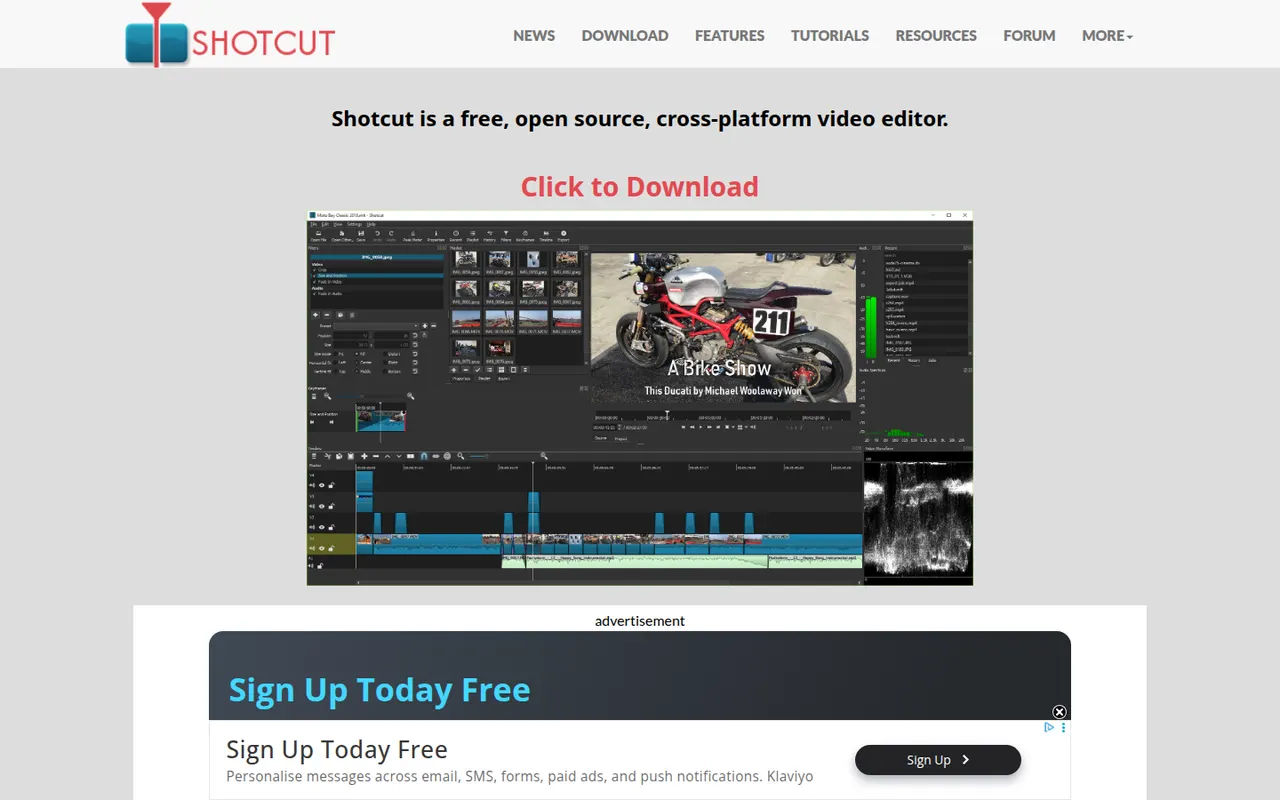
Cost / LicenseFreeOpen sourceCategoriesFeaturesShotcut is a cross-platform video editor with native timeline editing, wide format support and no import step, built on the MLT framework.
12 Shotcut alternativesPros
- Free and open source, with no watermarks or upsells
- Wide format support and native timeline editing with no import step
- Runs on Windows, macOS and Linux
Cons
- Interface feels less intuitive than consumer editors
- Fewer templates and effects than commercial tools
Cost / LicenseFreeOpen sourceCategoriesFeatures














Final Cut Pro vs its alternatives at a glance
Pricing, platforms and the key features of Final Cut Pro, compared with its most popular alternatives.
| App | Pricing | Platforms | 4K export | Auto captions | Color grading | Green screen | Plugins & extensions |
|---|---|---|---|---|---|---|---|
 Final Cut Pro Final Cut Pro | Free trial | Mac, iPhone | |||||
 DaVinci Resolve DaVinci Resolve | Freemium | Windows, Mac, Linux, iPhone | |||||
 iMovie iMovie | Free | Mac, iPhone | |||||
 CapCut CapCut | Freemium | Web, Windows, Mac, iPhone, Android | |||||
 Lightworks Lightworks | Freemium | Windows, Mac, Linux | |||||
 Filmora Filmora | Freemium | Windows, Mac, iPhone, Android |
Final Cut Pro alternatives: frequently asked questions
What is the best alternative to Final Cut Pro?
The most popular alternative to Final Cut Pro is DaVinci Resolve: Editing, color grading, VFX and audio post-production in one app. Other great alternatives are iMovie, CapCut, Lightworks, and Filmora.
Is there a free alternative to Final Cut Pro?
Yes, 7 alternatives are free or have a free plan, including DaVinci Resolve, iMovie, CapCut, and Lightworks.
Is there an open source alternative to Final Cut Pro?
Yes, 2 open source alternatives are listed, including Kdenlive and Shotcut.
Is Final Cut Pro free?
Final Cut Pro is a paid app that offers a free trial.
Compare Final Cut Pro with its alternatives


Sponsored listings and products made by the publisher of this site are always labeled. How we rank · Know a good alternative? Submit it