

Sublime Text
Fast, lightweight text editor for code, markup and prose
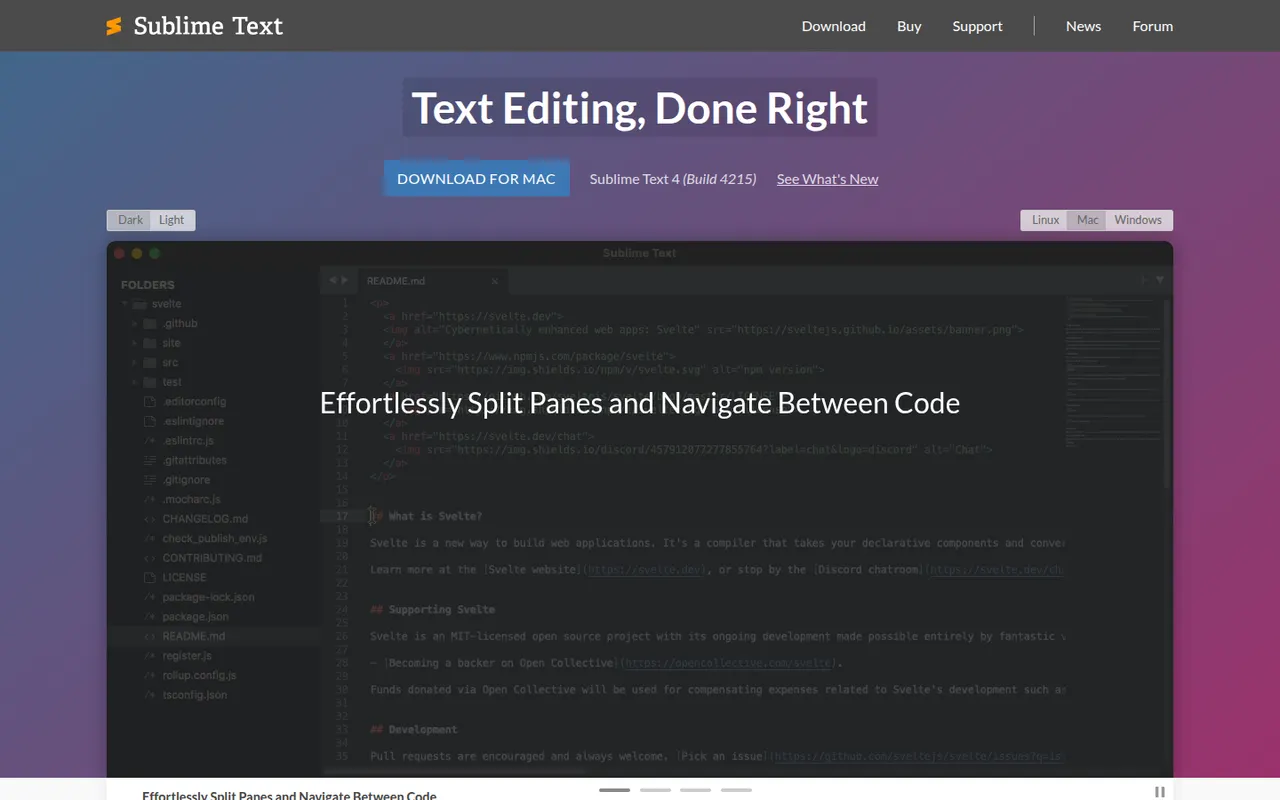
Sublime Text is a cross-platform text and code editor from Sublime HQ, known for its speed and low resource use. Goto Anything, multiple cursors and a command palette make large files and projects quick to navigate. It is extended with Python plugins, usually installed through the community Package Control manager. It can be evaluated for free, but a license is required for continued use.
- features
- 4
- alternatives
- 12
- platforms
- 3
- Updated
- Oct 12, 2026
Features
Our take
Pros
- Extremely fast, even with very large files
- Multiple cursors and Goto Anything speed up navigation and edits
- Low memory use compared with Electron-based editors
Cons
- A license is required for continued use, with reminders during evaluation
- Fewer built-in IDE features, such as debugging, than VS Code
Editorial assessment by the Alternatives.tools team, based on what the product is known for. Not a user review.
Best Sublime Text alternatives
See all 12 alternatives Visual Studio CodeFreeOpen source
Free, extensible code editor from Microsoft for most languages
193.6Kstars ZedFreemiumOpen source
Fast, collaborative open source code editor written in Rust
91.6Kstars Notepad++FreeOpen source
Free, lightweight code editor and Notepad replacement for Windows
29.5Kstars NovaFree trial
Native Mac code editor from Panic, the makers of Transmit
 VSCodiumFreeOpen source
Community builds of VS Code without Microsoft telemetry or branding
33.6Kstars NeovimFreeOpen source
Extensible Vim-based text editor with Lua scripting
103Kstars
User reviews
No reviews yet. Be the first to share your experience with Sublime Text.