Apps with Quizzes
4 apps
Top Quizzes apps ranked by the community
Typeform is an online form and survey builder that shows one question at a time in a conversational, full-screen layout. It supports logic jumps, calculations, file uploads, payments and quizzes, and connects to tools like HubSpot, Google Sheets and Slack. AI features can generate a form from a prompt, and a free plan allows a limited number of responses per month.
10 Typeform alternativesPros
- One-question-at-a-time layout feels conversational and polished
- Logic jumps, calculations and quizzes for interactive flows
- Integrates with HubSpot, Google Sheets, Slack and many other tools
Cons
- Free plan allows only a small number of responses per month
- Paid plans are expensive compared with most form builders
- One-question format can feel slow for long or data-heavy forms
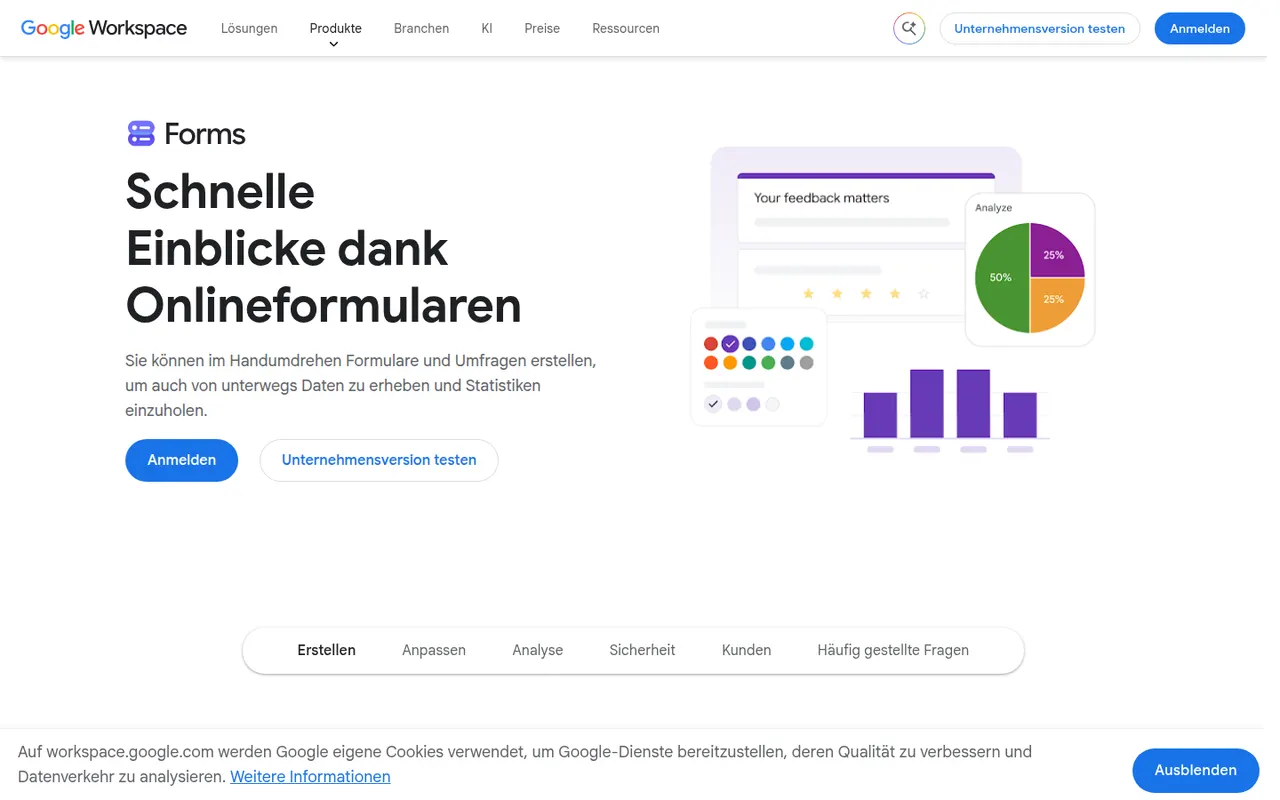
Cost / LicenseFreemiumProprietaryCategoriesPlatformsGoogle Forms is Google's free tool for creating surveys, registration forms and quizzes with a Google account. Responses are summarized with charts and can be sent to Google Sheets, and teachers can create self-grading quizzes integrated with Google Classroom. It supports section branching, file uploads to Drive and collaborative editing, though its design options are basic.
10 Google Forms alternativesPros
- Free with a Google account, with no paid tier to unlock features
- Responses flow straight into Google Sheets for analysis
- Self-grading quizzes work well with Google Classroom
Cons
- Design and theming options are very basic
- Logic is limited to section branching, with no advanced calculations
- File upload questions require respondents to sign in to Google
Cost / LicenseFreeProprietaryCategoriesPlatformsMicrosoft Forms is a simple form builder for surveys, polls and quizzes, available free with a Microsoft account and included in Microsoft 365. Results can be viewed in real time, exported to Excel, and used in Teams or automated with Power Automate. It supports branching, auto-graded quizzes for education and Copilot suggestions for drafting questions.
9 Microsoft Forms alternativesPros
- Free with a Microsoft account and included in Microsoft 365
- Results export to Excel and plug into Teams and Power Automate
- Auto-graded quizzes suit classrooms already using Microsoft tools
Cons
- Limited design customization and question types
- Lacks payments and the advanced logic found in dedicated builders
- Most useful for people already inside the Microsoft ecosystem
Cost / LicenseFreeProprietaryCategoriesPlatformsPaperform is an online form builder from Australia with a document-style editor that mixes questions with text, images and video, so forms read like web pages. It supports conditional logic, calculations, quizzes, product payments and appointment booking, and connects to other apps through native integrations and Zapier. Its sister product Papersign handles e-signatures. There is a free trial but no free plan.
7 Paperform alternativesPros
- Document-style editor makes forms read like polished web pages
- Calculations, payments and appointment booking are built in
- Native integrations plus Zapier connect it to many other apps
Cons
- No free plan once the trial ends
- Calculations and complex logic take some time to set up correctly
Cost / LicenseFree trialProprietaryCategoriesPlatforms