Apps with Signing workflows
10 apps
Top Signing workflows apps ranked by the community
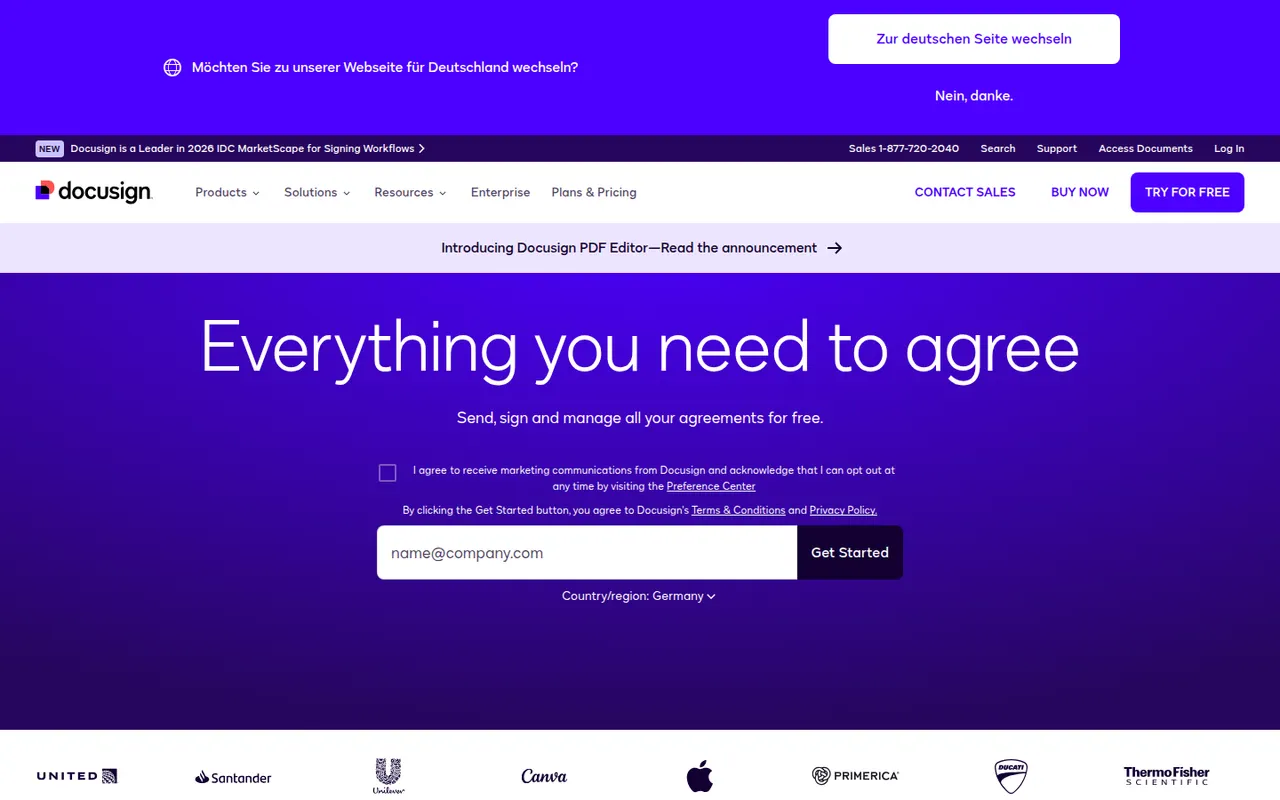
Docusign is an e-signature service from the US company of the same name, used to send contracts and forms for legally binding signature on any device. Senders build reusable templates, define signing order and fields, track status and keep a detailed audit trail, with integrations for Salesforce, Microsoft 365 and Google Workspace and a developer API. Signing is free; sending requires a paid plan after a trial.
9 Docusign alternativesPros
- Widely recognized service that recipients already know how to use
- Detailed audit trail and flexible signing order
- Integrations with Salesforce, Microsoft 365 and Google Workspace
Cons
- Pricier than many newer e-signature tools
- Plans cap the number of envelopes you can send
- Bulk sending and advanced fields require higher tiers
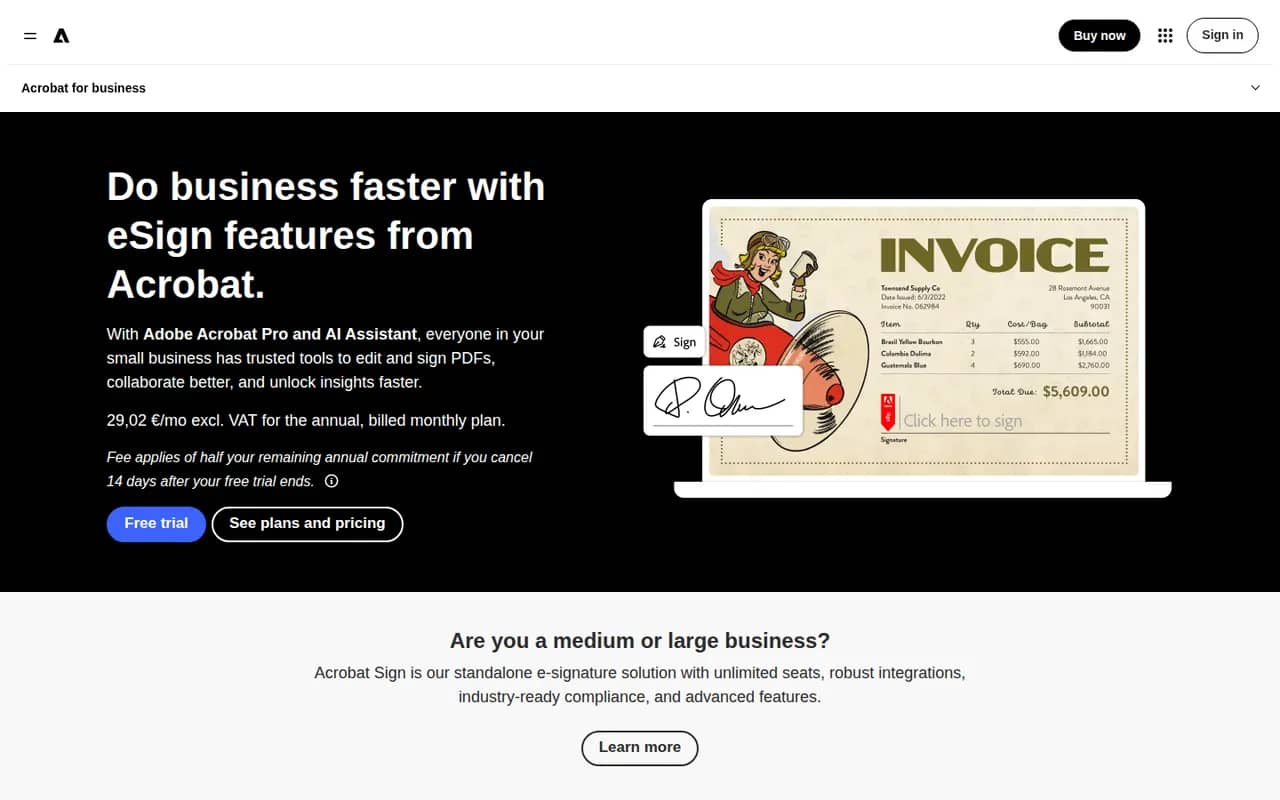
Cost / LicenseFree trialProprietaryCategoriesAdobe Acrobat Sign is Adobe's electronic signature service for sending, signing and tracking agreements from a browser, a mobile app or Acrobat itself. It supports reusable templates, web forms, bulk sending, signer authentication and audit reports, and integrates with Microsoft 365, Salesforce and Workday. It is included in some Acrobat plans and sold separately to businesses, with a free trial.
9 Adobe Acrobat Sign alternativesPros
- Built into Acrobat, so PDFs go out for signature in a few clicks
- Integrations with Microsoft 365, Salesforce and Workday
- Web forms, bulk sending and signer authentication for businesses
Cons
- Plans and bundles are confusing to compare
- Interface feels heavier than simpler e-signature tools
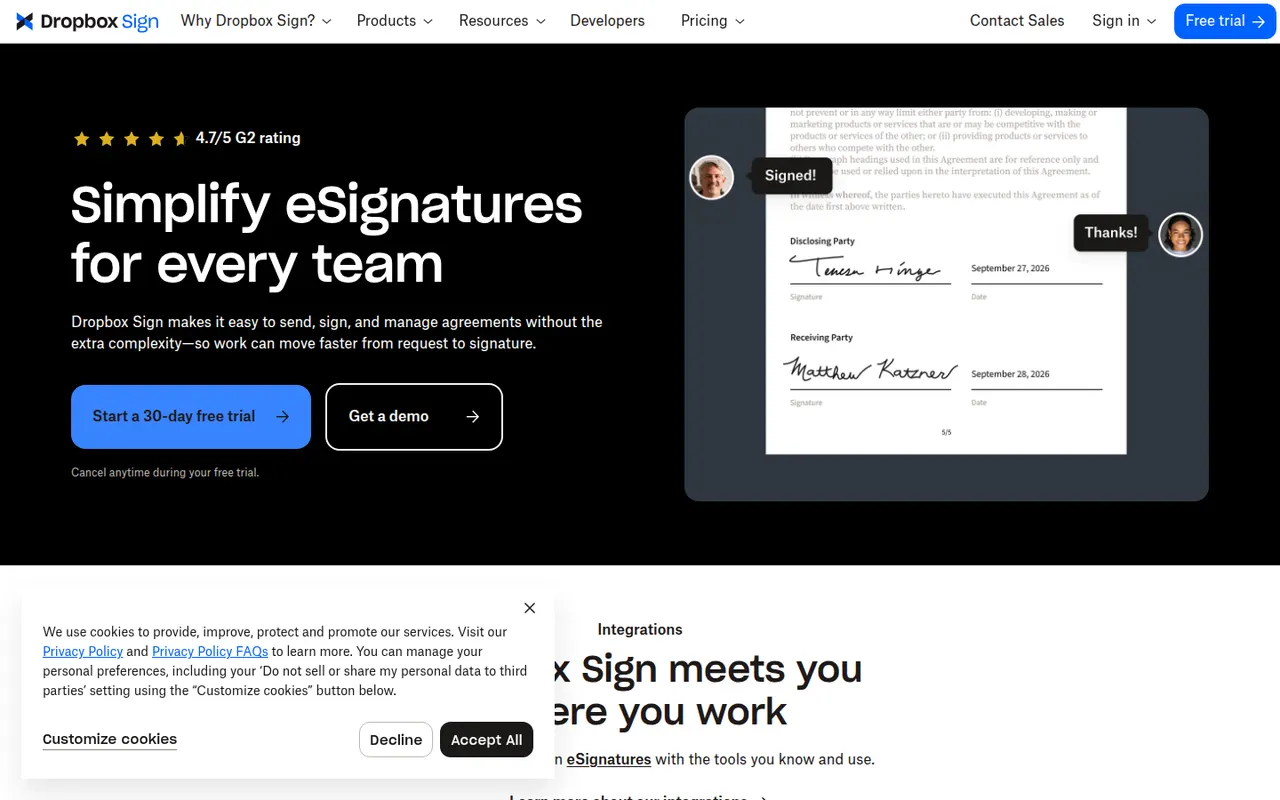
Cost / LicenseFree trialProprietaryCategoriesDropbox Sign, previously known as HelloSign, is an e-signature service owned by Dropbox for sending documents for signature and signing them online. It offers templates, reminders, signer order, audit trails and integrations with Google Workspace and Dropbox, plus an API for embedding signing in other products. A free plan allows a few signature requests per month.
9 Dropbox Sign alternativesPros
- Clean, simple signing experience for senders and signers
- Well-documented API for embedding signatures in products
- Integrates with Google Workspace and Dropbox
Cons
- Free plan only covers a few signature requests per month
- Fewer workflow and document features than all-in-one platforms
Cost / LicenseFreemiumProprietaryCategoriesPlatformsPandaDoc is a document automation platform for sales and operations teams to create proposals, quotes and contracts from templates, send them for e-signature and collect payments. It tracks when recipients open and read documents, supports approval workflows and syncs with CRMs such as HubSpot and Salesforce. A free eSign plan with a monthly document cap sits alongside paid plans.
9 PandaDoc alternativesPros
- Builds proposals, quotes and contracts from templates
- Shows when recipients open and read documents
- Syncs with HubSpot and Salesforce and can collect payments
Cons
- CRM integrations and key features need higher-priced plans
- Template editor has a learning curve for complex documents
- Free plan is limited to basic e-signatures
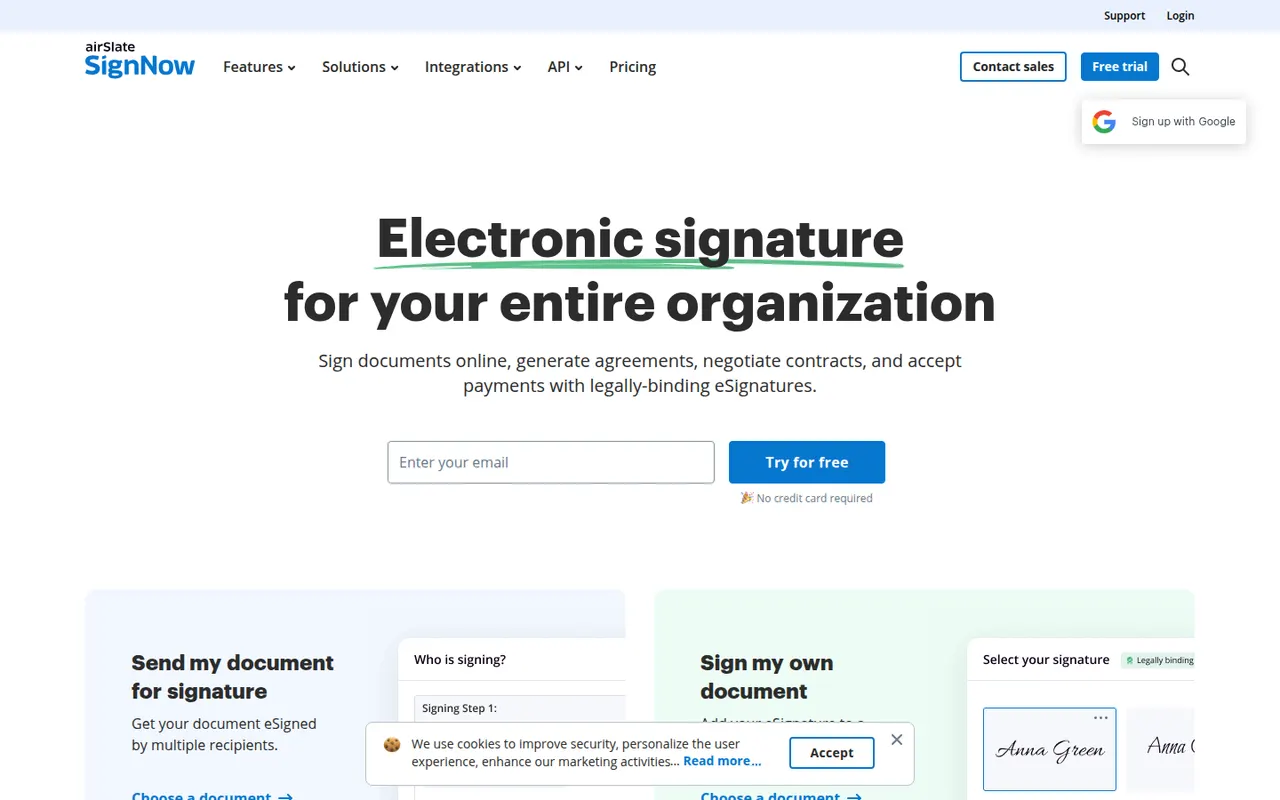
Cost / LicenseFreemiumProprietaryCategoriessignNow is an electronic signature service from airSlate for sending and signing documents from the web or mobile apps. It covers reusable templates, signing links, bulk invites, conditional fields, payment requests and an audit trail, with integrations for Google Workspace, Salesforce and Microsoft apps and a developer API. Plans are paid, with a free trial.
9 signNow alternativesPros
- Bulk invites, conditional fields and payment requests
- Templates and reusable signing links speed up repeat documents
- Integrations with Google Workspace, Salesforce and Microsoft apps
Cons
- No free plan beyond the trial
- Interface feels less polished than leading competitors
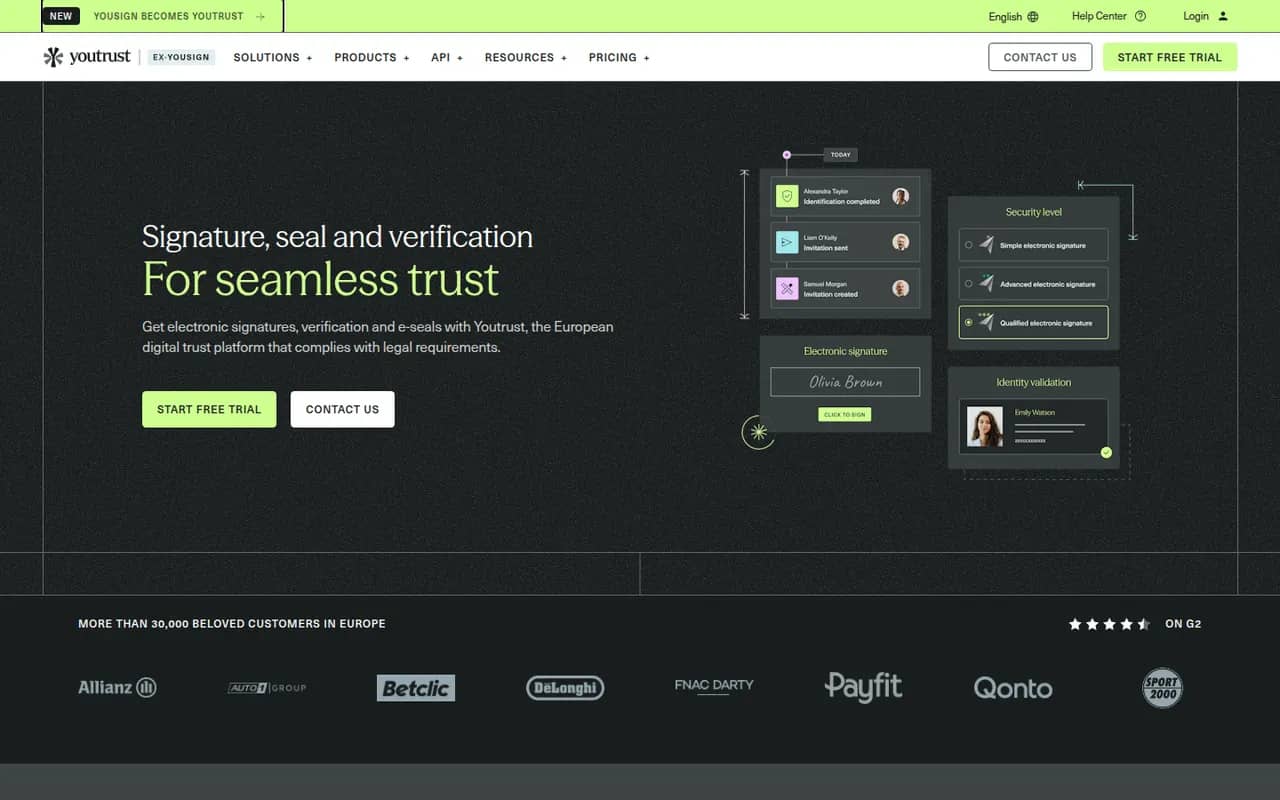
Cost / LicenseFree trialProprietaryCategoriesYoutrust (formerly Yousign) is a French e-signature service for businesses and freelancers that need legally valid signatures under the EU eIDAS regulation. It offers simple, advanced and qualified signature levels, templates, automatic reminders, audit trails and an API, with data hosted in Europe. A free plan covers a couple of signature requests each month, and paid plans scale with usage.
9 Youtrust (Yousign) alternativesPros
- Simple, advanced and qualified signatures under the EU eIDAS rules
- Data hosted in Europe, a plus for GDPR compliance
- Clear interface with automatic reminders and templates
Cons
- Free plan is limited to a handful of signature requests
- Fewer integrations than global players like Docusign
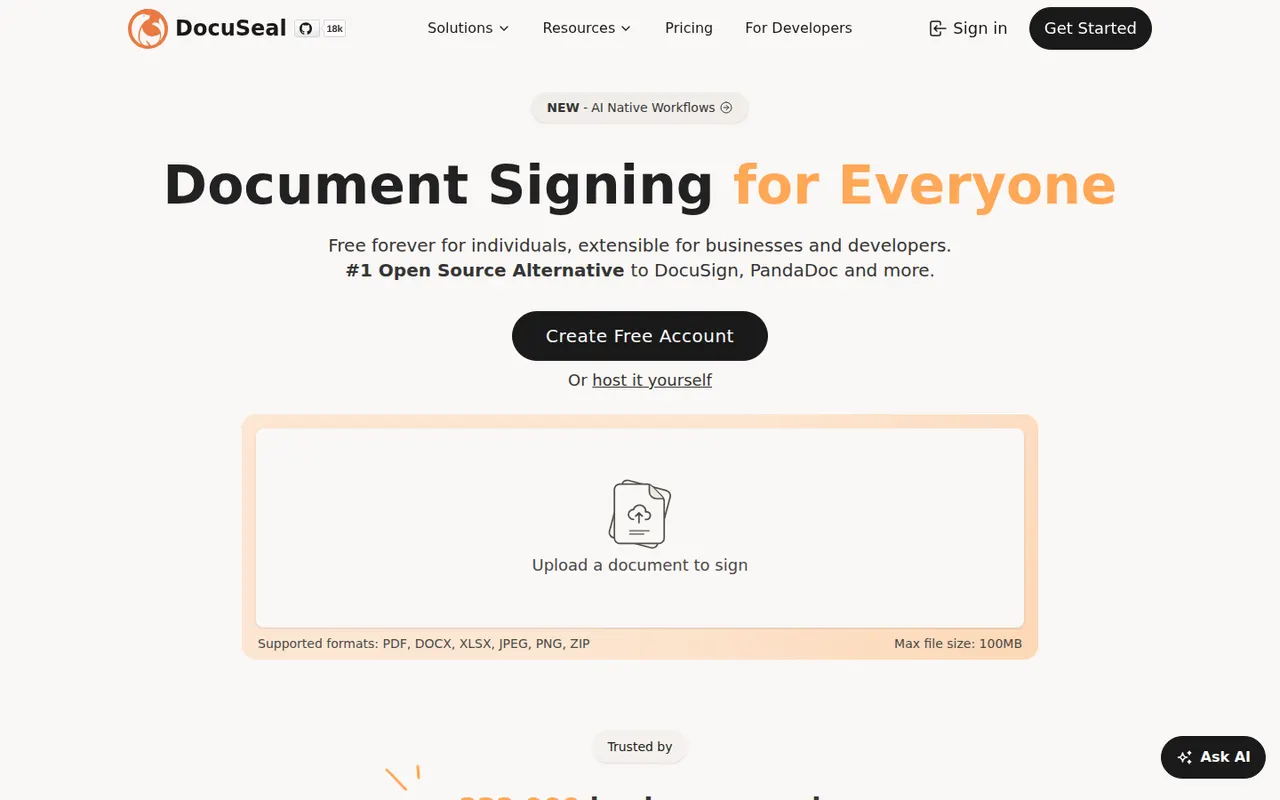
Cost / LicenseFreemiumProprietaryCategoriesPlatformsDocuSeal is an open source platform for creating fillable PDF forms and collecting e-signatures, available as a hosted service or a self-hosted Docker app. A drag-and-drop builder places signature and form fields on documents, and an API, webhooks and embeddable components let developers add signing to their own apps. The self-hosted version is free under AGPL-3.0, with paid Pro features.
9 DocuSeal alternativesPros
- Free self-hosted version that runs as a Docker app
- Drag-and-drop builder for signature and form fields
- Embeddable components and an API to add signing to your own app
Cons
- Some advanced features require a paid Pro plan
- Fewer business integrations than established signature vendors
- Self-hosting means managing your own backups and updates
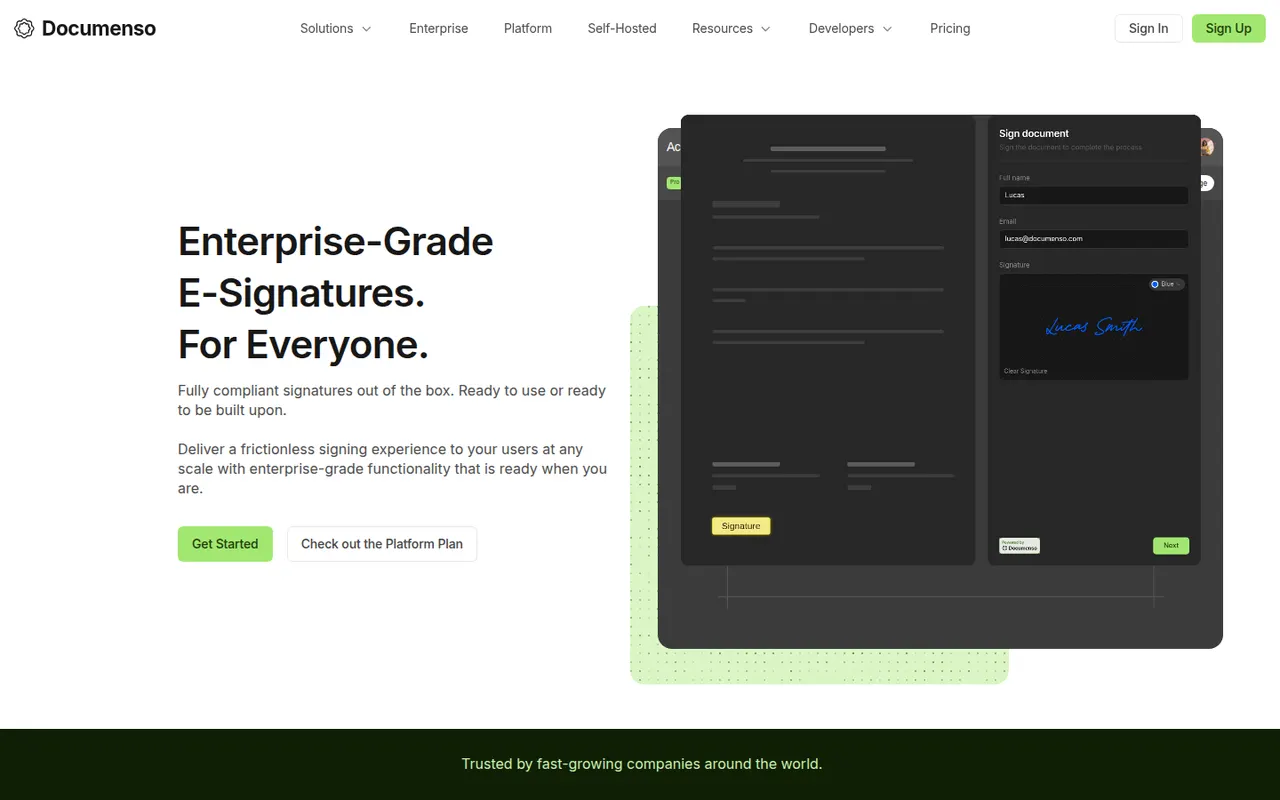
Cost / LicenseFreemiumOpen sourceCategoriesPlatformsDocumenso is an open source e-signature platform built with a focus on transparency, so anyone can inspect how documents are signed and stored. It supports templates, signing order, direct signing links, teams, webhooks and an API, and can be self-hosted or used through the hosted service. The code is published under AGPL-3.0, with a free plan and paid plans for teams.
8 Documenso alternativesPros
- Open source code lets anyone inspect how documents are signed
- Self-host it or use the hosted service with a free plan
- API, webhooks and templates for developers and teams
Cons
- Younger product with fewer integrations than Docusign
- Self-hosting requires setting up a signing certificate and email delivery
Cost / LicenseFreemiumOpen sourceCategoriesPlatformsSignWell, formerly Docsketch, is a web-based e-signature tool for small businesses that want to send contracts and forms without a complex setup. It offers reusable templates, reminders, signing order, a completion certificate with audit trail and an API for embedding signatures. A free plan includes a few documents per month, with paid plans for higher volumes and teams.
9 SignWell alternativesPros
- Free plan with a monthly allowance of documents
- Simple setup for sending contracts without any training
- Reminders, signing order and audit trail included
Cons
- Fewer integrations than larger e-signature platforms
- Team features and higher volumes require paid plans
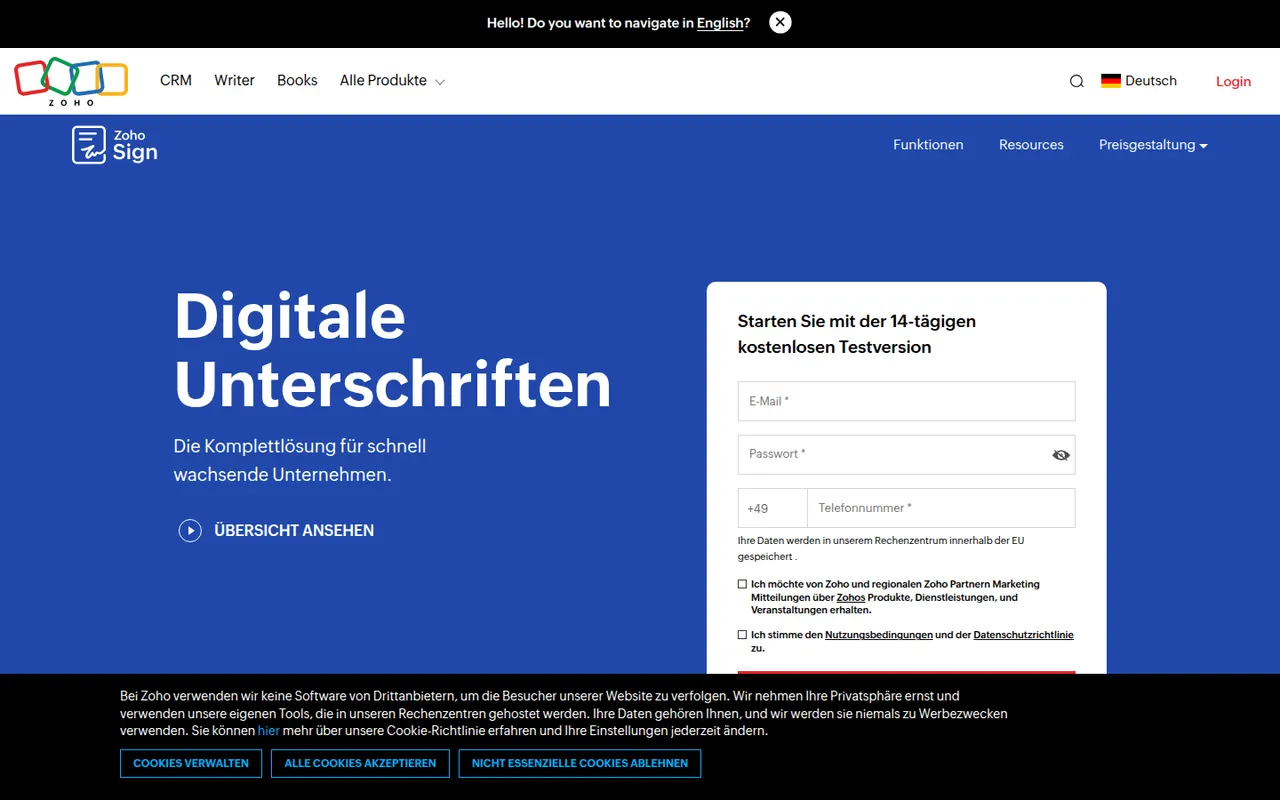
Cost / LicenseFreemiumProprietaryCategoriesPlatformsZoho Sign is the digital signature service in Zoho's suite, used to send documents for signature, sign them yourself and track progress. It supports templates, sequential or parallel signing, signer authentication, bulk sending and audit trails, and connects with Zoho CRM, Zoho Books, Google Workspace and Microsoft 365. A free plan covers a small number of documents; paid plans add volume and automation.
9 Zoho Sign alternativesPros
- Free plan for occasional signing needs
- Sequential or parallel signing with signer authentication
- Connects natively with Zoho CRM, Zoho Books and Microsoft 365
Cons
- Free volume is small, and automation sits on paid tiers
- Most valuable for teams already in the Zoho ecosystem
Cost / LicenseFreemiumProprietaryCategories