
Open source PDFgear alternatives
Top PDF Editors like PDFgear
The most popular alternative to PDFgear is Sumatra PDF, which has a free version. Other great alternatives to PDFgear are Okular and Stirling-PDF.
Most alternatives to PDFgear are in the PDF Editors category, compared here by price, platform and features.
All PDFgear alternatives
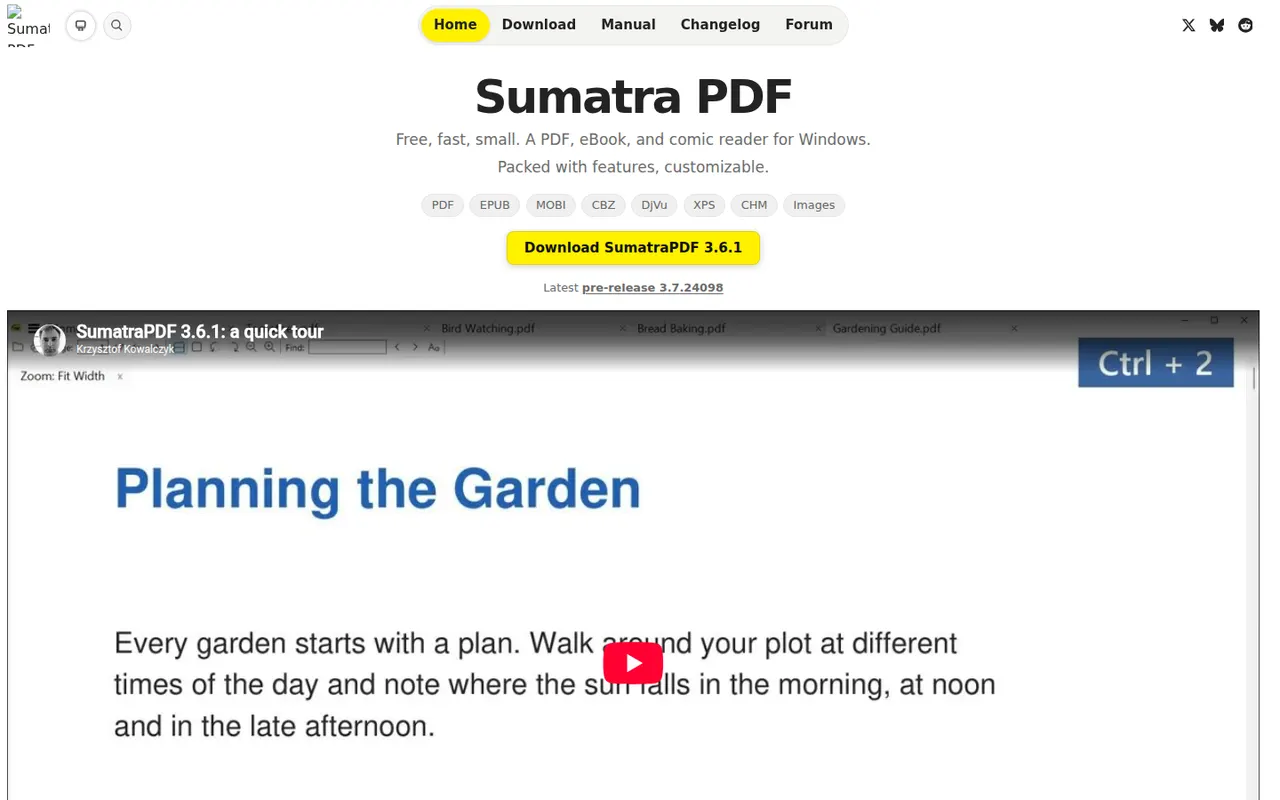
Sumatra PDF is a small, fast document reader for Windows that opens PDF, EPUB, MOBI, XPS, DjVu and comic book files. It focuses on quick startup and a minimal interface rather than editing, with basic annotation support and a portable version that runs without installation. It is free and open source under the GPLv3.
6 Sumatra PDF alternativesPros
- Very fast startup and a minimal interface
- Opens PDF, EPUB, MOBI, DjVu and comic book files
- Portable version runs without installation
Cons
- Available on Windows only, with no Mac or Linux version
- No PDF editing and only basic annotations
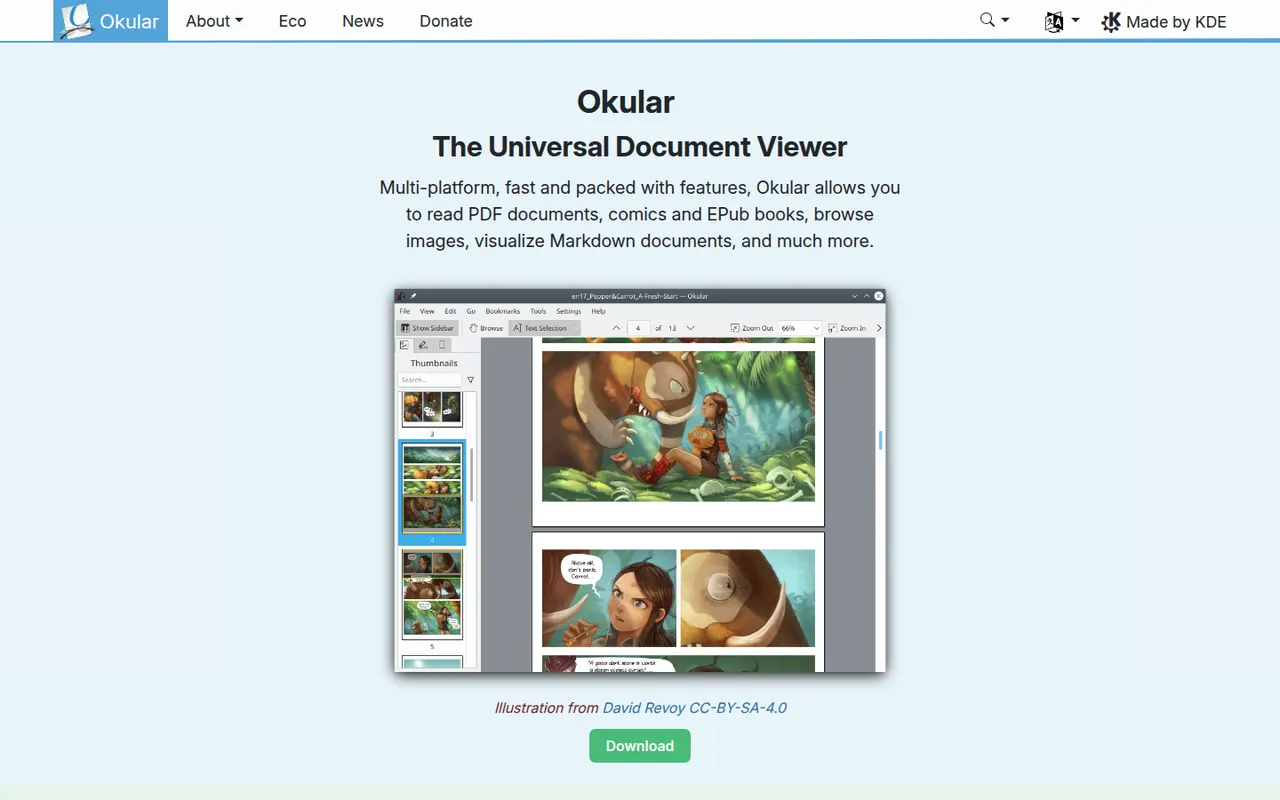
Cost / LicenseFreeOpen sourceCategoriesPlatformsOkular is the document viewer developed by the KDE community, opening PDF, EPUB, DjVu, XPS, comic books and other formats in one application. It supports highlighting, notes and other annotations, form filling and digital signatures for PDFs. Okular is free and open source, is usually installed with the KDE Plasma desktop on Linux and is also available for Windows.
6 Okular alternativesPros
- Opens PDF, EPUB, DjVu, XPS and comics in one viewer
- Highlights, notes, form filling and digital signatures
- Free and open source, with no ads
Cons
- Cannot edit the text or images of a PDF
- Works best on KDE Plasma and feels less native elsewhere
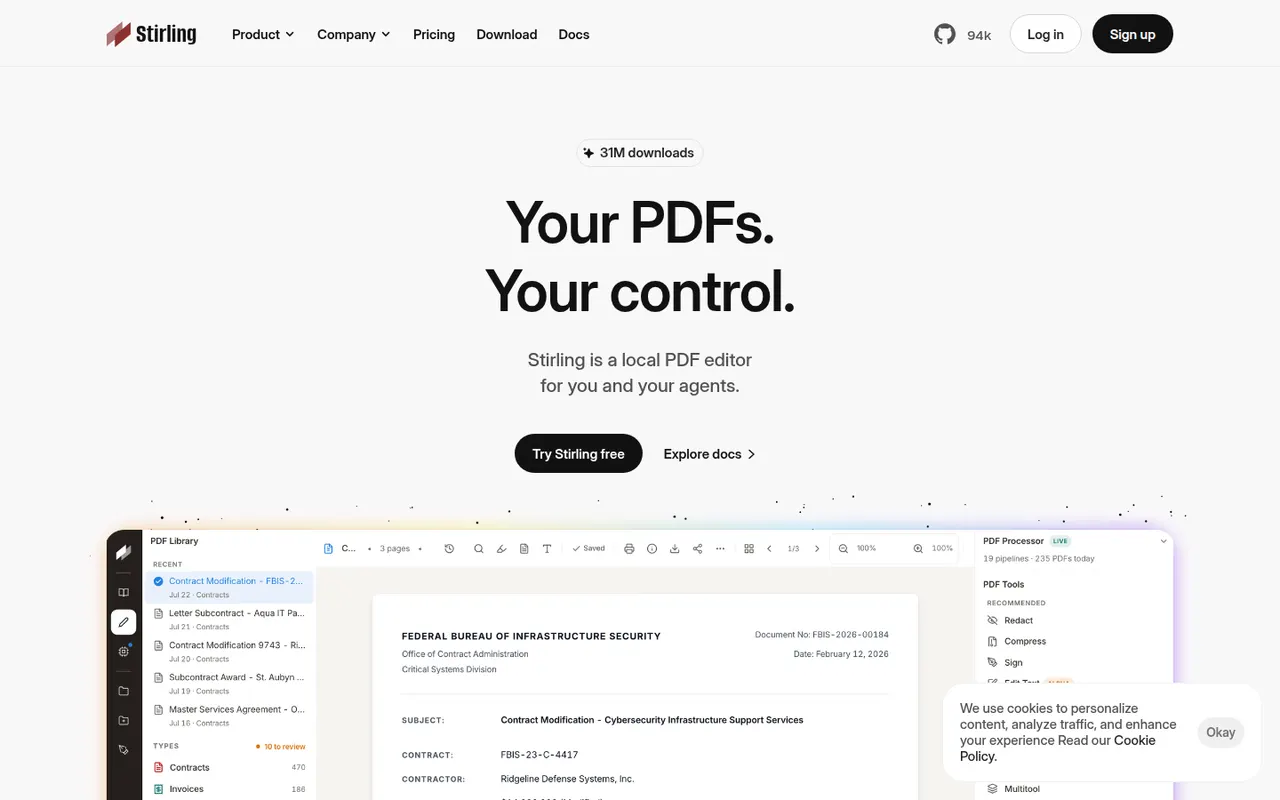
Cost / LicenseFreeOpen sourceCategoriesStirling-PDF is an open-core PDF application you can run on your own server, typically with Docker, so documents never leave your infrastructure. It bundles tools to merge, split, compress, convert, OCR, sign, redact and edit PDFs, plus a REST API and pipelines for automating repetitive jobs. The core is MIT-licensed and free; paid plans add enterprise features such as SSO.
7 Stirling-PDF alternativesPros
- Self-hosted, so documents never leave your infrastructure
- Dozens of tools for merging, OCR, redaction and conversion
- REST API and pipelines automate repetitive jobs
Cons
- Requires running a server, typically with Docker
- SSO and other enterprise features are paid
Cost / LicenseFreemiumOpen sourceCategoriesPlatforms






PDFgear vs its alternatives at a glance
Pricing, platforms and the key features of PDFgear, compared with its most popular alternatives.
| App | Pricing | Platforms | AI assistant | Electronic signatures | Merge and split PDFs | OCR | PDF conversion |
|---|---|---|---|---|---|---|---|
 PDFgear PDFgear | Free | Web, Windows, Mac, iPhone, Android | |||||
 Sumatra PDF Sumatra PDF | FreeOpen source | Windows | |||||
 Okular Okular | FreeOpen source | Windows, Linux | |||||
 Stirling-PDF Stirling-PDF | FreemiumOpen source | Web, Self-hosted |
PDFgear alternatives: frequently asked questions
What is the best alternative to PDFgear?
The most popular alternative to PDFgear is Sumatra PDF: Lightweight open source PDF and ebook reader for Windows. Other great alternatives are Okular and Stirling-PDF.
Is there a free alternative to PDFgear?
Yes, 3 alternatives are free or have a free plan, including Sumatra PDF, Okular, and Stirling-PDF.
Is there an open source alternative to PDFgear?
Yes, 3 open source alternatives are listed, including Sumatra PDF, Okular, and Stirling-PDF.
Is PDFgear free?
Yes, PDFgear is free to use.
Compare PDFgear with its alternatives


Sponsored listings and products made by the publisher of this site are always labeled. How we rank · Know a good alternative? Submit it