
PDFgear alternatives
Top PDF Editors like PDFgear
The most popular alternative to PDFgear is Adobe Acrobat, which has a free version. Other great alternatives to PDFgear are PDF24 Tools, Foxit PDF Editor, Smallpdf, and iLovePDF.
Most alternatives to PDFgear are in the PDF Editors category, compared here by price, platform and features.
All PDFgear alternatives
Adobe Acrobat is the PDF application from Adobe, the company that created the format. The free Acrobat Reader views, annotates and signs files, while paid Acrobat Standard and Pro add text and image editing, OCR, conversion to and from Office formats, redaction, comparison and e-signature requests. An AI Assistant can summarise documents and answer questions about them.
11 Adobe Acrobat alternativesPros
- Reference PDF tool from the company that created the format
- Free Reader for viewing, annotating and signing
- Pro adds editing, OCR, redaction, comparison and signature requests
Cons
- Editing and conversion require a costly subscription
- Heavy app with frequent prompts to upgrade
Cost / LicenseFreemiumProprietaryCategoriesPDF24 Tools is a free collection of PDF utilities from the German company Geek Software, covering merging, splitting, compressing, converting, OCR, editing, signing and redacting. The tools run in the browser, and the PDF24 Creator app for Windows offers the same features offline along with a virtual PDF printer. There is no paid tier, and the website shows ads.
10 PDF24 Tools alternativesPros
- Completely free, with no paid tier
- Wide range of tools, including OCR, redaction and signing
- Windows app works offline and adds a virtual PDF printer
Cons
- The website shows ads alongside the tools
- The desktop app is Windows only
- Interface is functional rather than modern
Cost / LicenseFreeProprietaryCategoriesFoxit PDF Editor is a commercial PDF editor from Foxit Software, positioned as an alternative to Adobe Acrobat for businesses. It edits text and images, runs OCR on scans, converts to and from Office formats, protects and redacts documents and handles e-signatures, with an AI assistant for summaries and translation. It is sold by subscription with a free trial, and the separate Foxit PDF Reader is free.
10 Foxit PDF Editor alternativesPros
- Full PDF editing, OCR, redaction and e-signatures
- Lighter alternative to Acrobat with a familiar ribbon interface
- Available on Windows, Mac, mobile and the web
Cons
- Subscription required after the free trial
- The Mac version has fewer features than the Windows one
Cost / LicenseFree trialProprietaryCategoriesSmallpdf is a Swiss PDF platform with simple tools to compress, convert, merge, split, edit and sign PDFs from the browser, plus desktop and mobile apps. It is aimed at individuals and teams with quick, occasional PDF tasks. Free users get a limited number of tasks per day, while the Pro plan removes limits and adds OCR, batch processing and AI tools for summarising documents.
8 Smallpdf alternativesPros
- Clean, simple tools for quick PDF tasks in the browser
- Compress, convert, merge, edit and sign in one place
- Desktop and mobile apps alongside the web version
Cons
- Free users get only a few tasks per day
- OCR, batch processing and AI tools require Pro
- Files are processed online, a concern for sensitive documents
Cost / LicenseFreemiumProprietaryCategoriesiLovePDF is a web-based PDF toolkit from a company based in Barcelona, with single-purpose tools to merge, split, compress, convert, rotate, watermark, OCR and sign PDF files. Desktop and mobile apps cover the same tasks, and a developer API is offered separately. Most tools are free with file-size and usage limits, and a Premium subscription removes them.
8 iLovePDF alternativesPros
- Simple single-purpose tools for merging, splitting and compressing
- Most tools work free in the browser, with nothing to install
- Developer API for automating PDF tasks
Cons
- Free use has file-size and usage limits
- Uploading files to a web service may not suit sensitive documents
- Text editing is basic compared with desktop editors
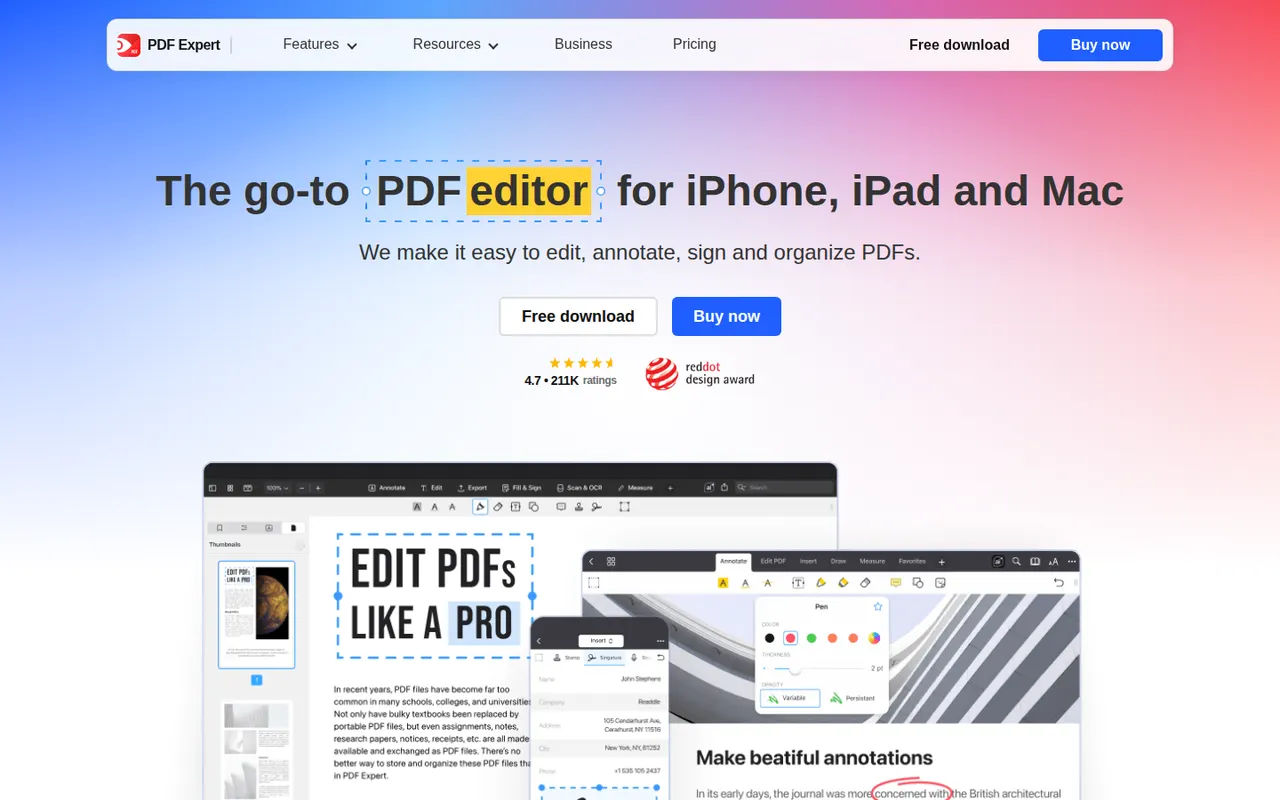
Cost / LicenseFreemiumProprietaryCategoriesPDF Expert is a PDF app from Readdle designed for Apple devices. Reading, annotating, highlighting and filling forms are free, while a subscription unlocks text and image editing, OCR for scanned pages, page management, conversion and signatures. Its native interface is designed to stay responsive with large documents.
8 PDF Expert alternativesPros
- Native Apple design that stays fast with large documents
- Reading, annotation and form filling are free
- Clean tools for editing text, images and pages
Cons
- Editing, OCR and conversion require a subscription
- Fewer enterprise and automation features than Acrobat
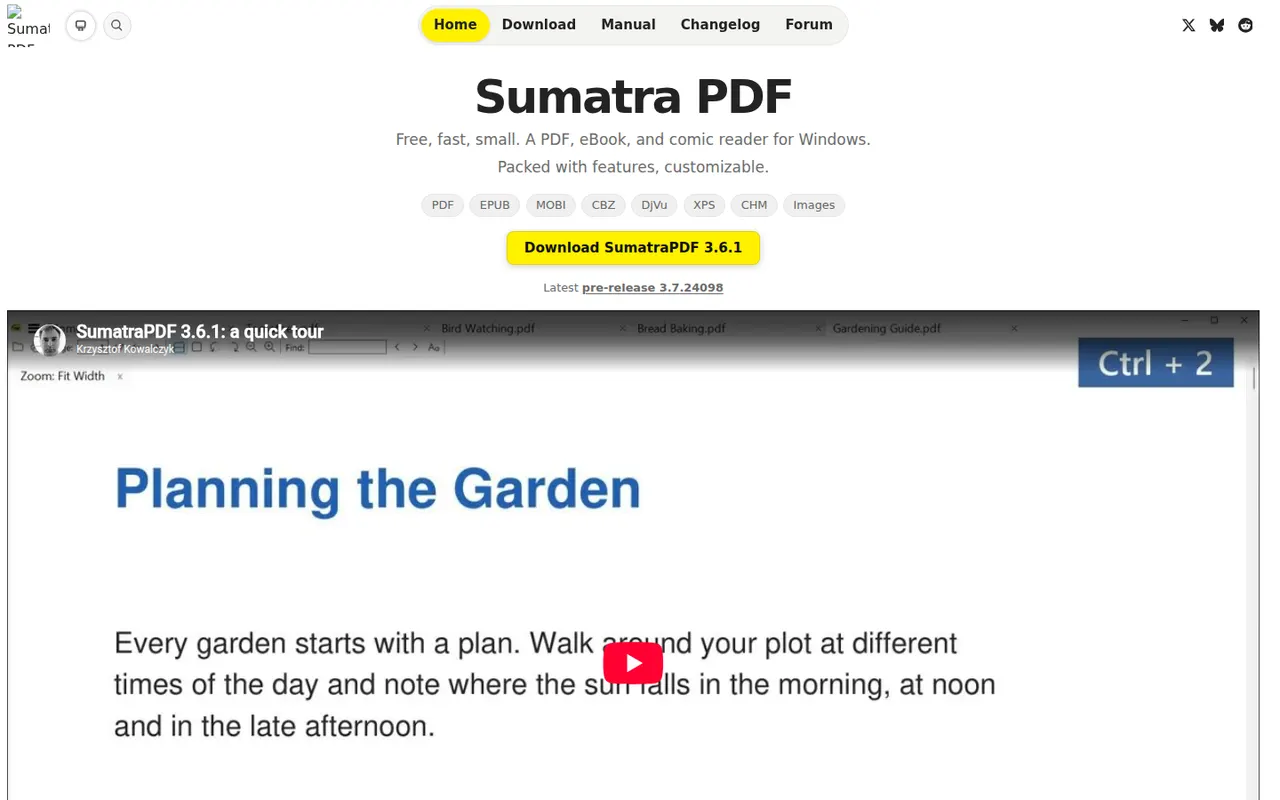
Cost / LicenseFreemiumProprietaryCategoriesSumatra PDF is a small, fast document reader for Windows that opens PDF, EPUB, MOBI, XPS, DjVu and comic book files. It focuses on quick startup and a minimal interface rather than editing, with basic annotation support and a portable version that runs without installation. It is free and open source under the GPLv3.
6 Sumatra PDF alternativesPros
- Very fast startup and a minimal interface
- Opens PDF, EPUB, MOBI, DjVu and comic book files
- Portable version runs without installation
Cons
- Available on Windows only, with no Mac or Linux version
- No PDF editing and only basic annotations
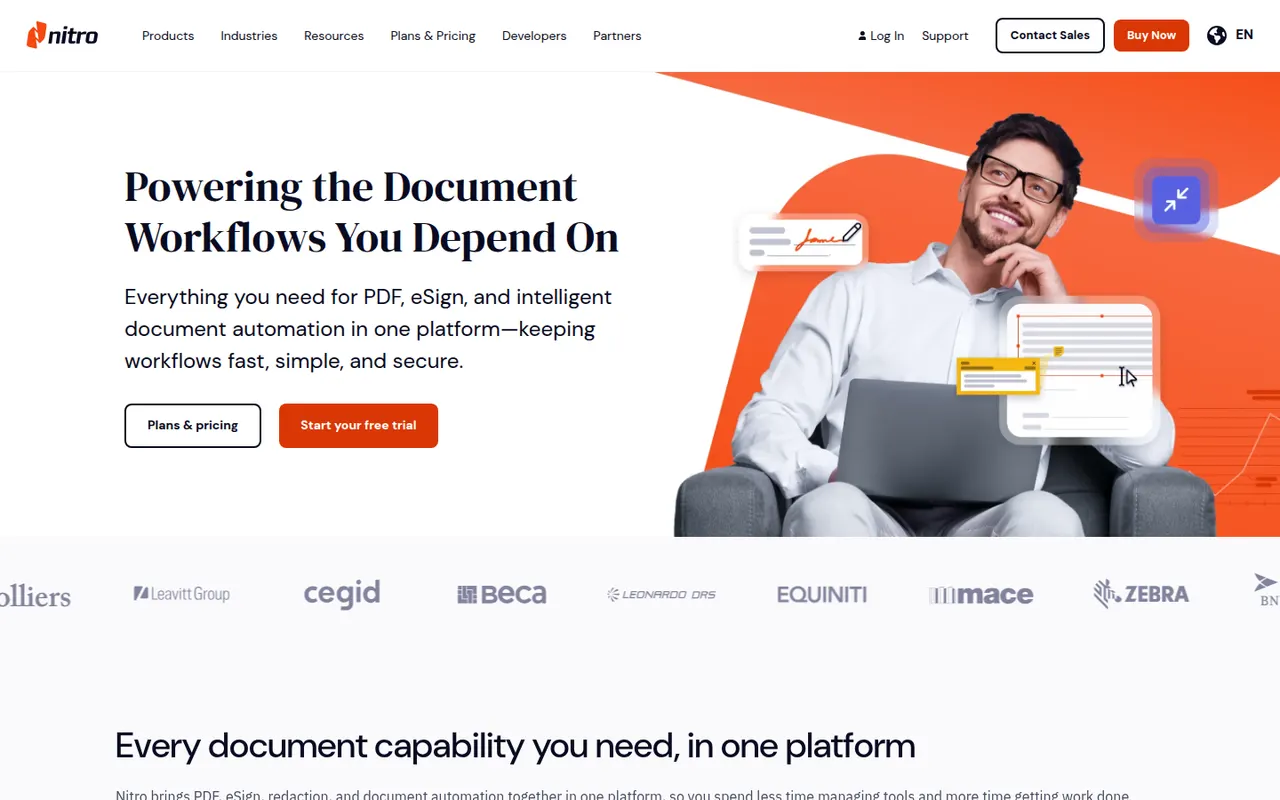
Cost / LicenseFreeOpen sourceCategoriesPlatformsNitro PDF Pro is a commercial PDF editor from Nitro Software for Windows and Mac, aimed at businesses replacing Adobe Acrobat. It edits text and images, converts PDFs to and from Word, Excel and PowerPoint, runs OCR, manages pages and includes Nitro Sign for sending documents for signature. It is a paid product with a free trial.
7 Nitro PDF Pro alternativesPros
- Office-style interface that feels familiar to Word users
- Solid conversion to and from Word, Excel and PowerPoint
- Nitro Sign included for sending documents for signature
Cons
- Desktop only, with no mobile apps
- Paid product after the trial, with no free tier
Cost / LicenseFree trialProprietaryCategoriesOkular is the document viewer developed by the KDE community, opening PDF, EPUB, DjVu, XPS, comic books and other formats in one application. It supports highlighting, notes and other annotations, form filling and digital signatures for PDFs. Okular is free and open source, is usually installed with the KDE Plasma desktop on Linux and is also available for Windows.
6 Okular alternativesPros
- Opens PDF, EPUB, DjVu, XPS and comics in one viewer
- Highlights, notes, form filling and digital signatures
- Free and open source, with no ads
Cons
- Cannot edit the text or images of a PDF
- Works best on KDE Plasma and feels less native elsewhere
Cost / LicenseFreeOpen sourceCategoriesStirling-PDF is an open-core PDF application you can run on your own server, typically with Docker, so documents never leave your infrastructure. It bundles tools to merge, split, compress, convert, OCR, sign, redact and edit PDFs, plus a REST API and pipelines for automating repetitive jobs. The core is MIT-licensed and free; paid plans add enterprise features such as SSO.
7 Stirling-PDF alternativesPros
- Self-hosted, so documents never leave your infrastructure
- Dozens of tools for merging, OCR, redaction and conversion
- REST API and pipelines automate repetitive jobs
Cons
- Requires running a server, typically with Docker
- SSO and other enterprise features are paid
Cost / LicenseFreemiumOpen sourceCategoriesPlatforms















PDFgear vs its alternatives at a glance
Pricing, platforms and the key features of PDFgear, compared with its most popular alternatives.
| App | Pricing | Platforms | AI assistant | Electronic signatures | Merge and split PDFs | OCR | PDF conversion |
|---|---|---|---|---|---|---|---|
 PDFgear PDFgear | Free | Web, Windows, Mac, iPhone, Android | |||||
 Adobe Acrobat Adobe Acrobat | Freemium | Web, Windows, Mac, iPhone, Android, Browser extension | |||||
 PDF24 Tools PDF24 Tools | Free | Web, Windows | |||||
 Foxit PDF Editor Foxit PDF Editor | Free trial | Web, Windows, Mac, iPhone, Android | |||||
 Smallpdf Smallpdf | Freemium | Web, Windows, Mac, iPhone, Android | |||||
 iLovePDF iLovePDF | Freemium | Web, Windows, Mac, iPhone, Android |
PDFgear alternatives: frequently asked questions
What is the best alternative to PDFgear?
The most popular alternative to PDFgear is Adobe Acrobat: Adobe's PDF software for viewing, editing, signing and converting. Other great alternatives are PDF24 Tools, Foxit PDF Editor, Smallpdf, and iLovePDF.
Is there a free alternative to PDFgear?
Yes, 8 alternatives are free or have a free plan, including Adobe Acrobat, PDF24 Tools, Smallpdf, and iLovePDF.
Is there an open source alternative to PDFgear?
Yes, 3 open source alternatives are listed, including Sumatra PDF, Okular, and Stirling-PDF.
Is PDFgear free?
Yes, PDFgear is free to use.
Compare PDFgear with its alternatives


Sponsored listings and products made by the publisher of this site are always labeled. How we rank · Know a good alternative? Submit it