Apps with 4K export
9 apps
Top 4K export apps ranked by the community
Final Cut Pro is Apple's professional video editing software for Mac, with a companion version for iPad. Its magnetic timeline keeps clips in sync as you edit, and it includes color grading tools, multicam editing, automatic captions and a large ecosystem of third-party effects and templates. It is optimized for Apple silicon and available on the App Store, with a free trial.
10 Final Cut Pro alternativesPros
- Magnetic timeline keeps clips in sync while editing
- Very fast performance on Apple silicon
- One-time purchase for the Mac version, with no subscription
Cons
- Only available on Mac and iPad
- Magnetic timeline can feel unfamiliar to editors used to tracks
- Less common than Premiere or Avid in collaborative studio workflows
Cost / LicenseFree trialProprietaryCategoriesDaVinci Resolve from Blackmagic Design combines video editing, its well-known color grading tools, Fusion visual effects and Fairlight audio post-production in a single application. The free version is unusually complete, while the paid Studio version adds AI tools, higher resolutions and frame rates, and extra effects. It runs on Windows, macOS, Linux and iPad.
10 DaVinci Resolve alternativesPros
- Free version is remarkably complete for professional work
- Renowned color grading tools used in film and television
- Editing, VFX and audio post-production in a single app
Cons
- Steep learning curve, especially for color and Fusion
- Needs a powerful GPU for smooth playback
- Some AI tools and higher resolutions require the paid Studio version
Cost / LicenseFreemiumProprietaryiMovie is Apple's free video editor for Mac, iPhone and iPad. It covers the basics with a simple timeline, titles, transitions, filters, green-screen effects and soundtracks, plus trailer templates and storyboards that guide beginners. Projects can be moved to Final Cut Pro when more advanced editing is needed.
8 iMovie alternativesPros
- Free on Mac, iPhone and iPad
- Trailer templates and storyboards guide beginners
- Projects can move to Final Cut Pro when needs grow
Cons
- Very limited control over tracks and effects
- Apple-only, with no Windows or Android version
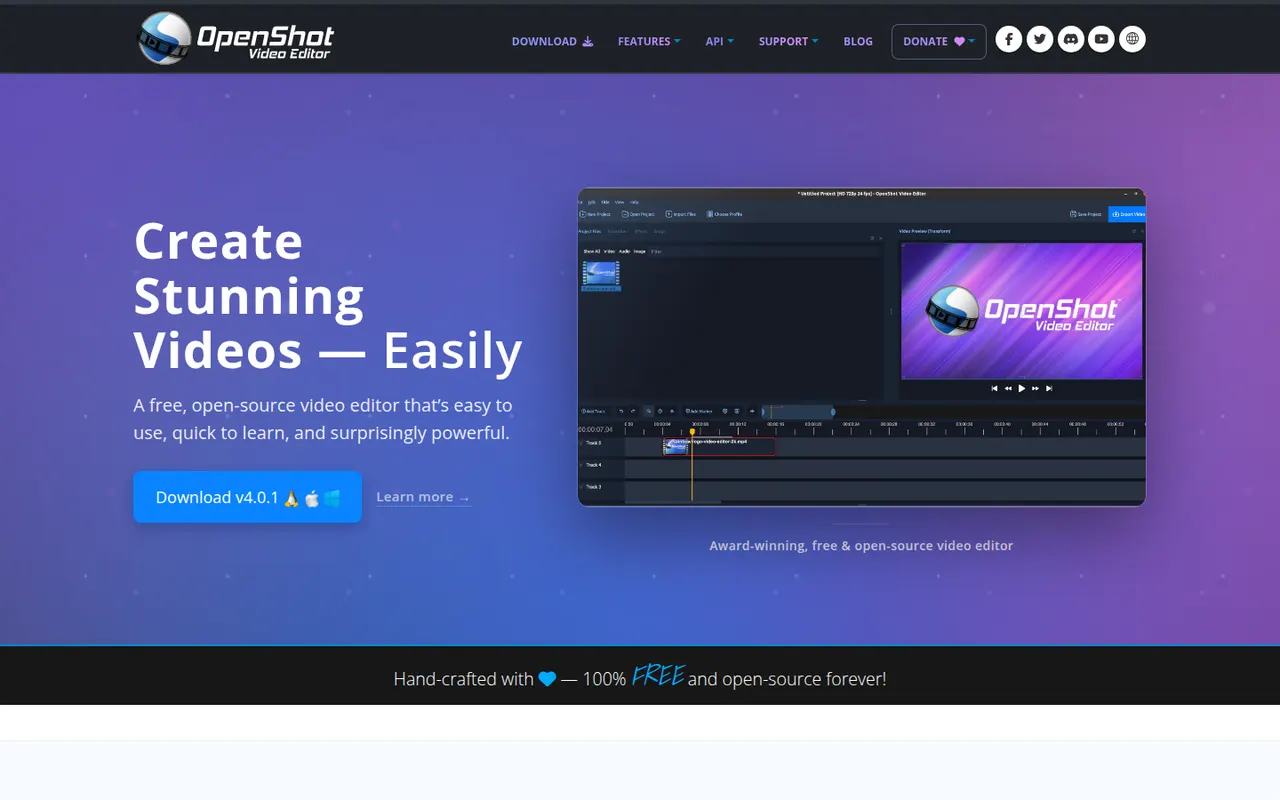
Cost / LicenseFreeProprietaryCategoriesFeaturesOpenShot is a free, open source video editor designed to be easy to learn. It offers a multi-track timeline with drag and drop, keyframe animations, transitions, title templates, chroma key and 3D animated titles rendered with Blender. It runs on Windows, macOS, Linux and ChromeOS and is a common choice for beginners who want a no-cost desktop editor.
8 OpenShot alternativesPros
- Simple drag-and-drop editing that beginners learn quickly
- Free and open source on Windows, macOS, Linux and ChromeOS
- Animated 3D titles rendered with Blender
Cons
- Performance and stability suffer on longer projects
- Limited advanced tools compared with DaVinci Resolve or Kdenlive
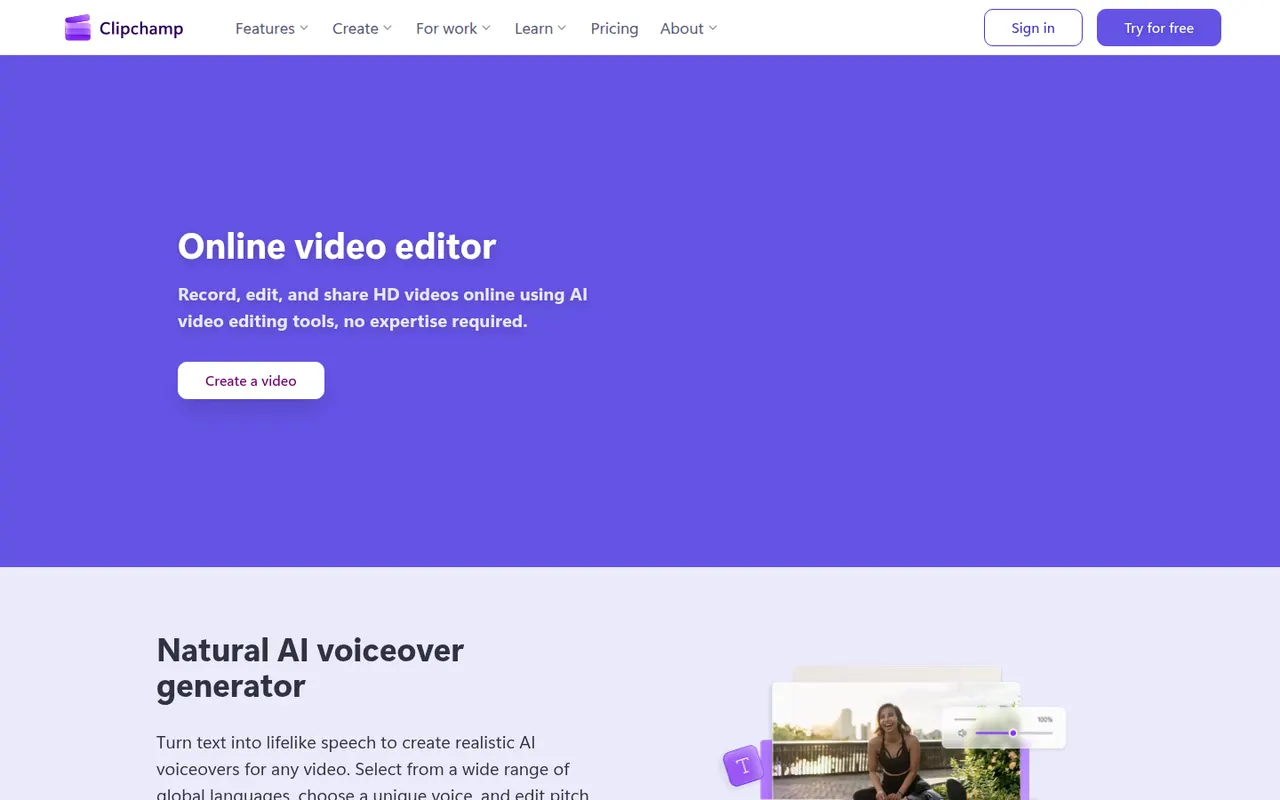
Cost / LicenseFreeOpen sourceCategoriesClipchamp is Microsoft's easy video editor, included with Windows 11 and available in the browser and with Microsoft 365. It focuses on quick edits with templates, stock media, text-to-speech voiceovers, auto captions and green screen, which suits social videos, presentations and work updates. The free plan exports in 1080p, while Premium unlocks 4K and more stock content.
9 Clipchamp alternativesPros
- Included with Windows 11 and easy for beginners
- Templates, stock media and text-to-speech voiceovers built in
- Free plan exports in 1080p without a watermark
Cons
- 4K export and premium stock content require a paid plan
- Limited for advanced work such as multicam or detailed color grading
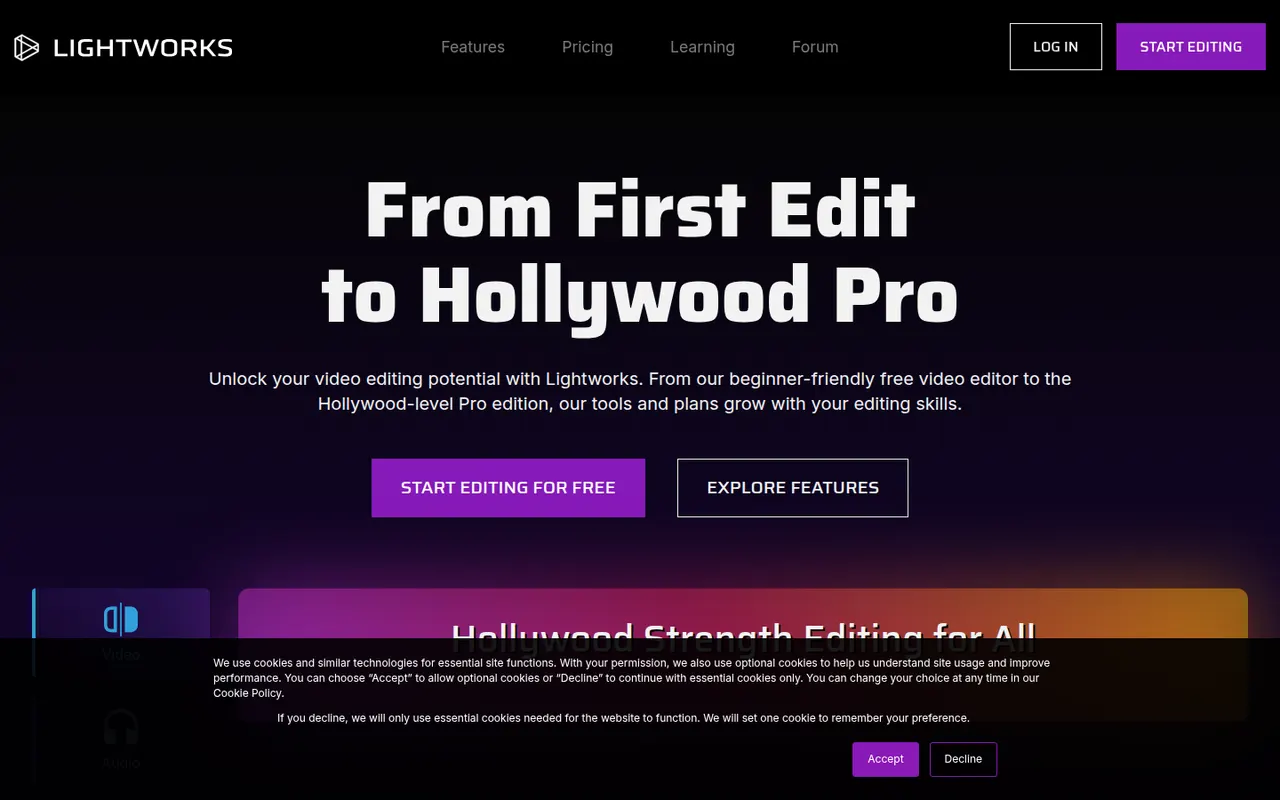
Cost / LicenseFreemiumProprietaryCategoriesLightworks is a long-standing non-linear editor that has been used on feature films and television, now developed by LWKS Software. It offers a multi-track timeline, precise trimming tools, color correction and wide format support on Windows, macOS and Linux. A free version lets anyone learn it with limited export options, while paid plans add higher resolution exports and pro formats.
7 Lightworks alternativesPros
- Pro-grade trimming tools with a film and TV pedigree
- Runs on Windows, macOS and Linux
- Free version is enough to learn professional editing
Cons
- Free version limits export resolution and formats
- Unconventional interface with a steep learning curve
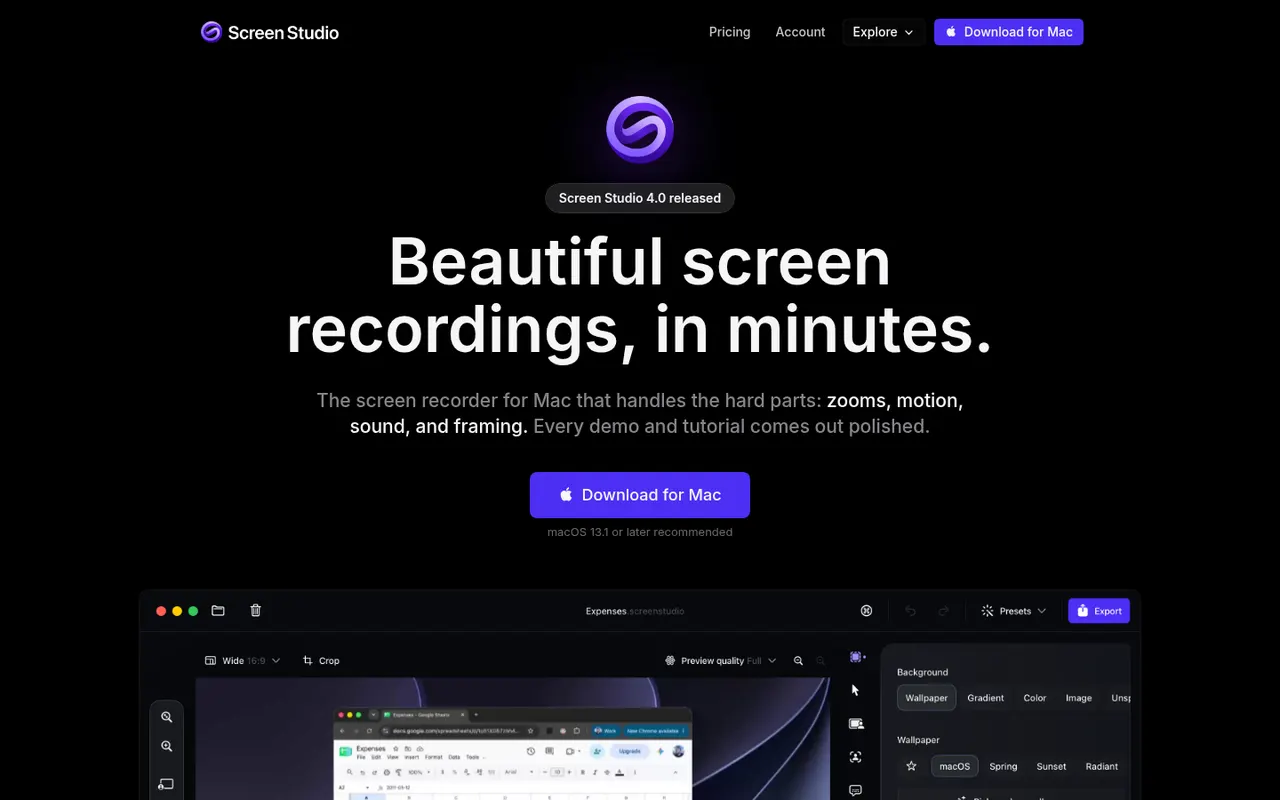
Cost / LicenseFreemiumProprietaryCategoriesScreen Studio is a macOS screen recorder designed for product demos and tutorials. It automatically zooms in where you click, smooths cursor movement, adds motion blur and backgrounds, and can include a webcam overlay, so recordings look edited without manual work. It can also generate captions from your voice, and videos export in up to 4K or as GIFs.
8 Screen Studio alternativesPros
- Automatic zooms and smooth cursor motion make demos look edited
- Backgrounds, motion blur and webcam overlay with little effort
- Exports up to 4K or as GIFs, with automatic captions
Cons
- Available on macOS only, with no Windows version
- Not a full video editor for complex projects
- Paid only, with no free tier
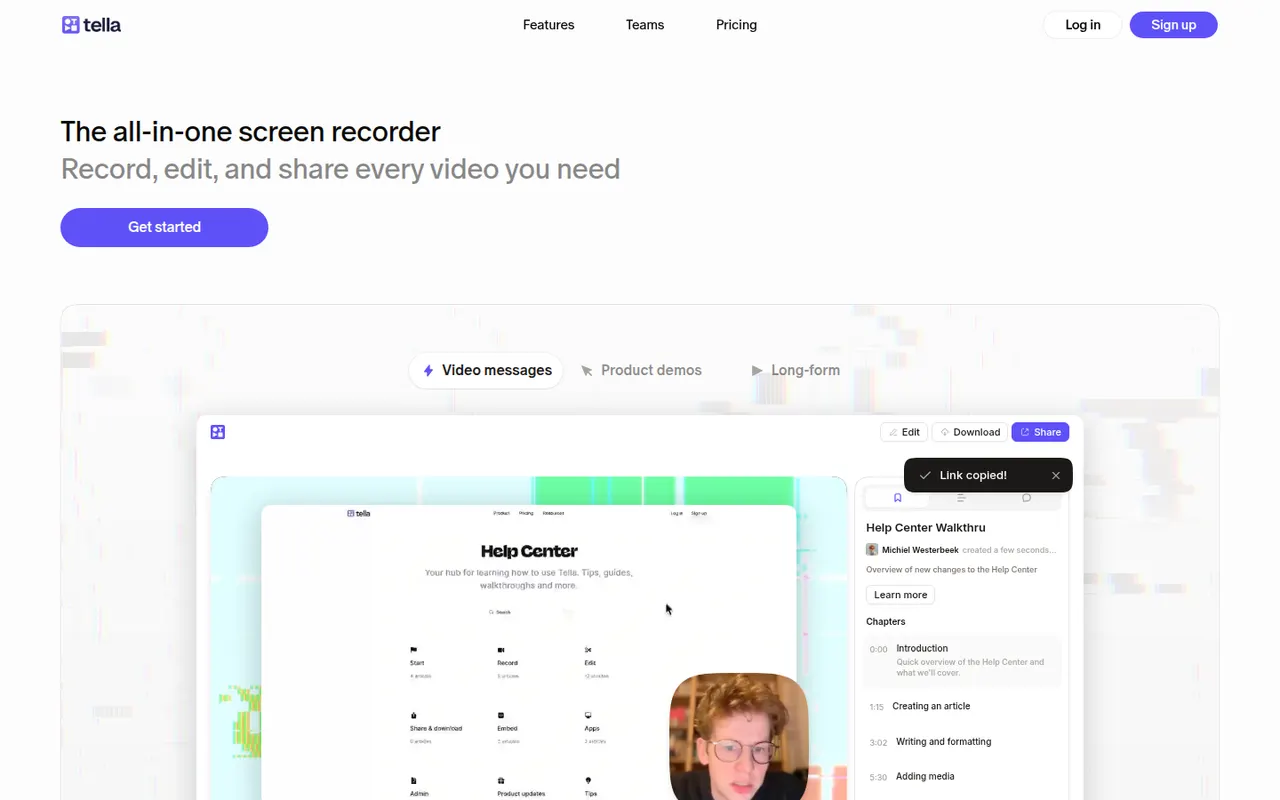
Cost / LicensePaidProprietaryCategoriesPlatformsTella records your screen and camera in short clips that you can retake and rearrange. It adds layouts, backgrounds, captions and transcript-based trimming, so creators, founders and teams can publish product demos, tutorials and online courses without a separate editor. Videos can be shared by link or exported in high resolution.
8 Tella alternativesPros
- Record in short clips you can retake and rearrange
- Layouts, backgrounds and captions give a polished look quickly
- Transcript-based trimming speeds up editing
Cons
- No free plan beyond the trial
- The desktop app is Mac only, other systems rely on the browser
- Limited editing for complex videos
Cost / LicenseFree trialProprietaryCategoriesBandicam is a Windows screen recorder known for capturing gameplay and desktop activity with a small performance impact. It can record a region or the full screen, DirectX and OpenGL games, webcams and external devices, with real-time drawing and up to 4K output. The free version adds a watermark and limits recording length; a paid license removes both.
6 Bandicam alternativesPros
- Low performance impact while recording games
- Captures DirectX and OpenGL games, webcams and external devices
- Real-time drawing on screen during recording
Cons
- Available on Windows only, with no Mac or Linux version
- The free version adds a watermark and limits recording length
- No built-in editor for trimming or effects
Cost / LicenseFreemiumProprietaryCategoriesPlatforms