Apps with Action items
7 apps
Top Action items apps ranked by the community
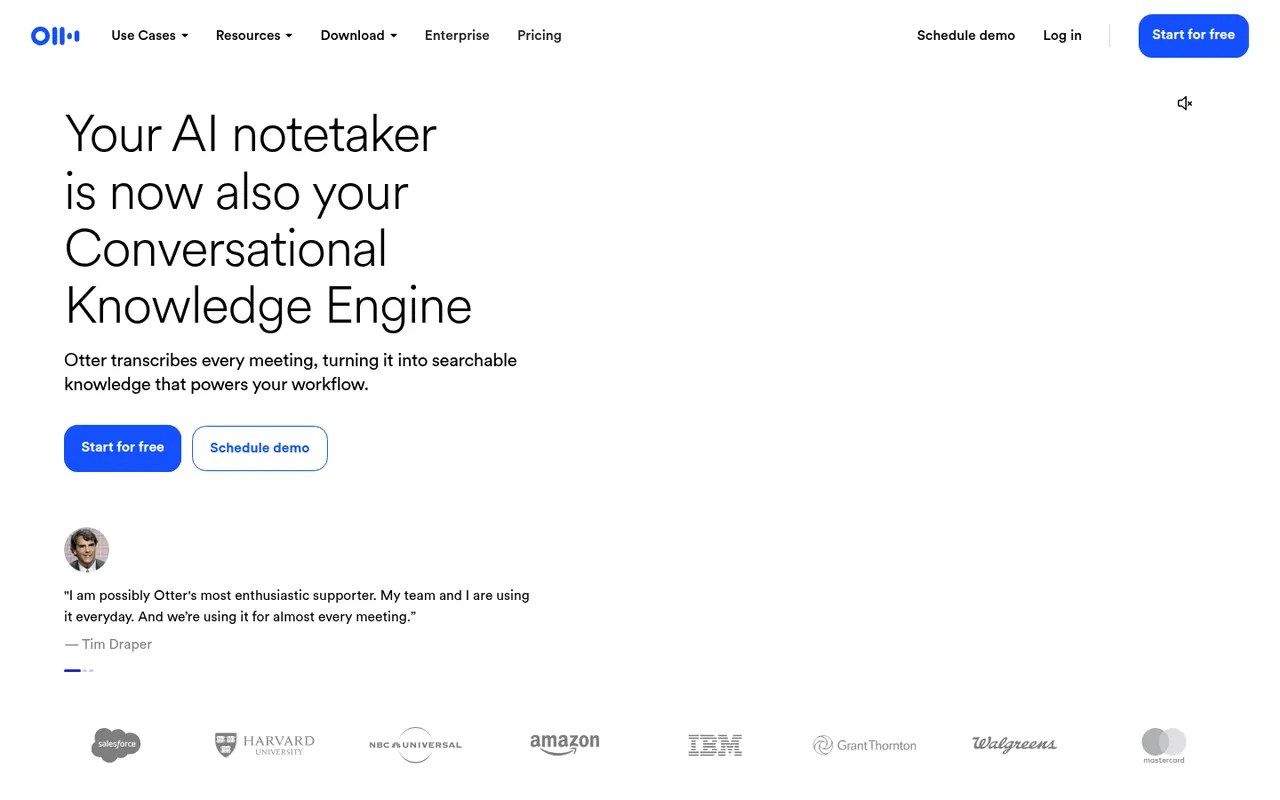
Otter.ai records and transcribes meetings in real time, either by sending its assistant to Zoom, Google Meet and Microsoft Teams calls or by recording in person from the mobile app. It generates summaries and action items, lets you search and comment on transcripts, and its AI chat answers questions across past meetings. It transcribes English, French and Spanish and has a limited free plan.
9 Otter.ai alternativesPros
- Live transcription you can follow during the meeting
- AI chat answers questions across past meetings
- Mobile app records in-person conversations
Cons
- Transcribes only English, French and Spanish
- Free plan is limited in minutes and file imports
- The assistant can join calls automatically, which may surprise attendees
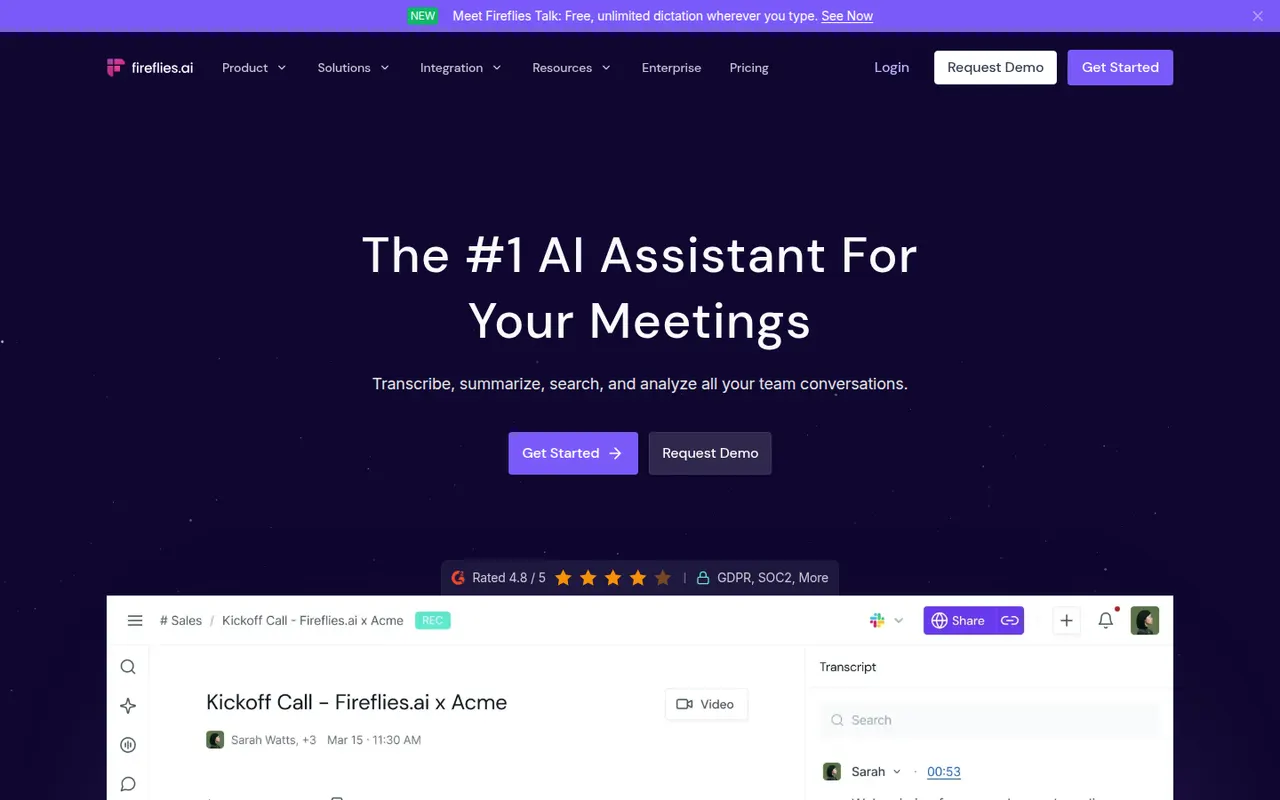
Cost / LicenseFreemiumProprietaryCategoriesPlatformsFireflies.ai joins video calls on Zoom, Google Meet, Microsoft Teams and other platforms to record and transcribe them in many languages. It produces summaries and action items, offers conversation analytics such as talk time and topic tracking, and pushes notes to CRMs like Salesforce and HubSpot or to Slack and Notion. You can search across meetings, query them with an AI assistant and start on a free plan.
9 Fireflies.ai alternativesPros
- Works across Zoom, Meet, Teams and other call platforms
- Transcribes in many languages, with search across all meetings
- Pushes notes to CRMs, Slack and Notion
Cons
- Auto-join settings can bring the bot into calls unexpectedly
- Free plan limits storage and advanced AI features
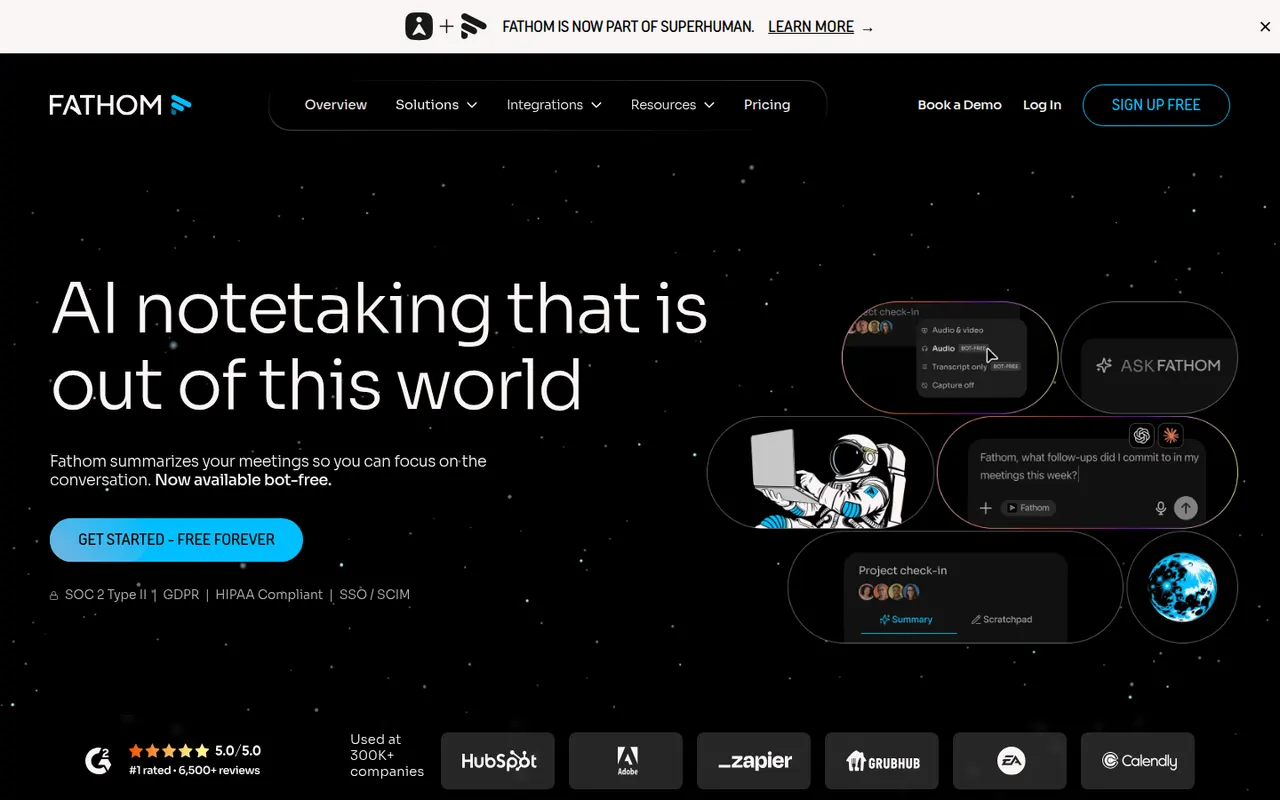
Cost / LicenseFreemiumProprietaryCategoriesPlatformsFathom records, transcribes and summarizes meetings on Zoom, Google Meet and Microsoft Teams, delivering notes and action items shortly after each call. You can highlight key moments, share clips, ask questions about past calls and sync notes to CRMs such as HubSpot and Salesforce. The free plan includes unlimited recordings and transcripts, while paid plans add advanced AI summaries and team features.
9 Fathom alternativesPros
- Free plan includes unlimited recordings and transcripts
- Notes and action items arrive shortly after each call
- Highlight key moments and share them as clips
Cons
- Advanced AI summaries and team features need a paid plan
- A bot joins the call, which not every participant welcomes
Cost / LicenseFreemiumProprietaryCategoriesRead AI joins or records meetings on Zoom, Google Meet and Microsoft Teams to produce transcripts, summaries, action items and highlight reels. It also measures engagement, sentiment and talk time to help people run better meetings, and can summarize email and chat threads so you can search meetings, messages and documents in one place. A free plan covers a limited number of meetings.
9 Read AI alternativesPros
- Engagement, sentiment and talk-time metrics for meetings
- Search across meetings, email and chat in one place
- Highlight reels sum up long meetings quickly
Cons
- Engagement scoring can feel intrusive to participants
- Connecting email and chat means granting broad data access
- Free plan covers only a limited number of meetings
Cost / LicenseFreemiumProprietaryCategoriesPlatformsAvoma is an AI meeting assistant built for sales and customer success teams. It records and transcribes calls, writes structured notes and syncs them to CRMs such as Salesforce and HubSpot, then adds conversation intelligence, deal and pipeline insights, coaching scorecards and a built-in scheduler with lead routing. It suits revenue teams that want notes, call analysis and scheduling in a single tool.
8 Avoma alternativesPros
- Notes, call analysis and scheduling in a single tool
- Structured notes sync to CRMs such as Salesforce and HubSpot
- Coaching scorecards and deal insights for revenue teams
Cons
- Built for sales teams, so it is overkill for casual note-taking
- The breadth of features takes time to set up and learn
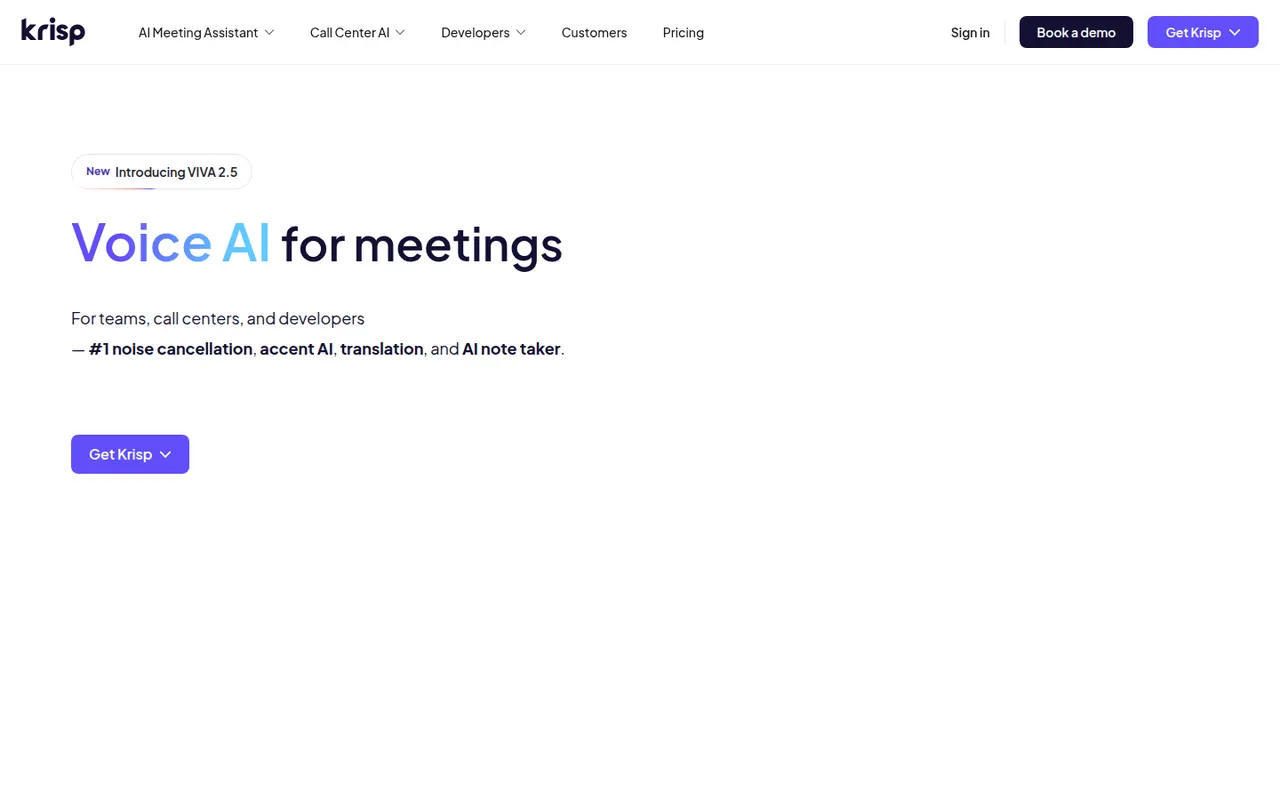
Cost / LicenseFree trialProprietaryCategoriesPlatformsKrisp started as an app that removes background noise, echo and other voices from your microphone and speakers in any calling app, and now adds a bot-free AI meeting assistant. Running on your computer, it transcribes Zoom, Meet or Teams calls, writes summaries and action items, and also offers accent conversion for call centers. A free plan includes limited daily usage.
10 Krisp alternativesPros
- Removes background noise and echo in any calling app
- Bot-free transcription and summaries run on your computer
- Accent conversion option for call center teams
Cons
- Free plan is capped by daily usage
- Desktop only, with no web or mobile app
- Real-time processing can weigh on older computers
Cost / LicenseFreemiumProprietaryCategoriesTactiq is a Chrome extension that captures live transcripts of Google Meet, Zoom and Microsoft Teams calls running in the browser, without adding a bot to the meeting. During or after the call you can highlight moments, generate summaries, action items or follow-up emails with custom prompts, and save notes to Google Docs, Notion, Confluence or Slack. A free plan covers a limited number of meetings.
9 Tactiq alternativesPros
- Captures live transcripts without adding a bot to the meeting
- Custom prompts for summaries, action items and follow-up emails
- Saves notes to Google Docs, Notion, Confluence or Slack
Cons
- Only captures calls running in the browser, not desktop apps
- No mobile option for in-person conversations
- Free plan covers a limited number of meetings
Cost / LicenseFreemiumProprietaryCategoriesPlatforms