
Krisp alternatives
Top AI Meeting Assistants like Krisp
The most popular alternative to Krisp is Granola, which has a free version. Other great alternatives to Krisp are Otter.ai, Fireflies.ai, Fathom, and tl;dv.
Most alternatives to Krisp are in the AI Meeting Assistants category, compared here by price, platform and features.
All Krisp alternatives
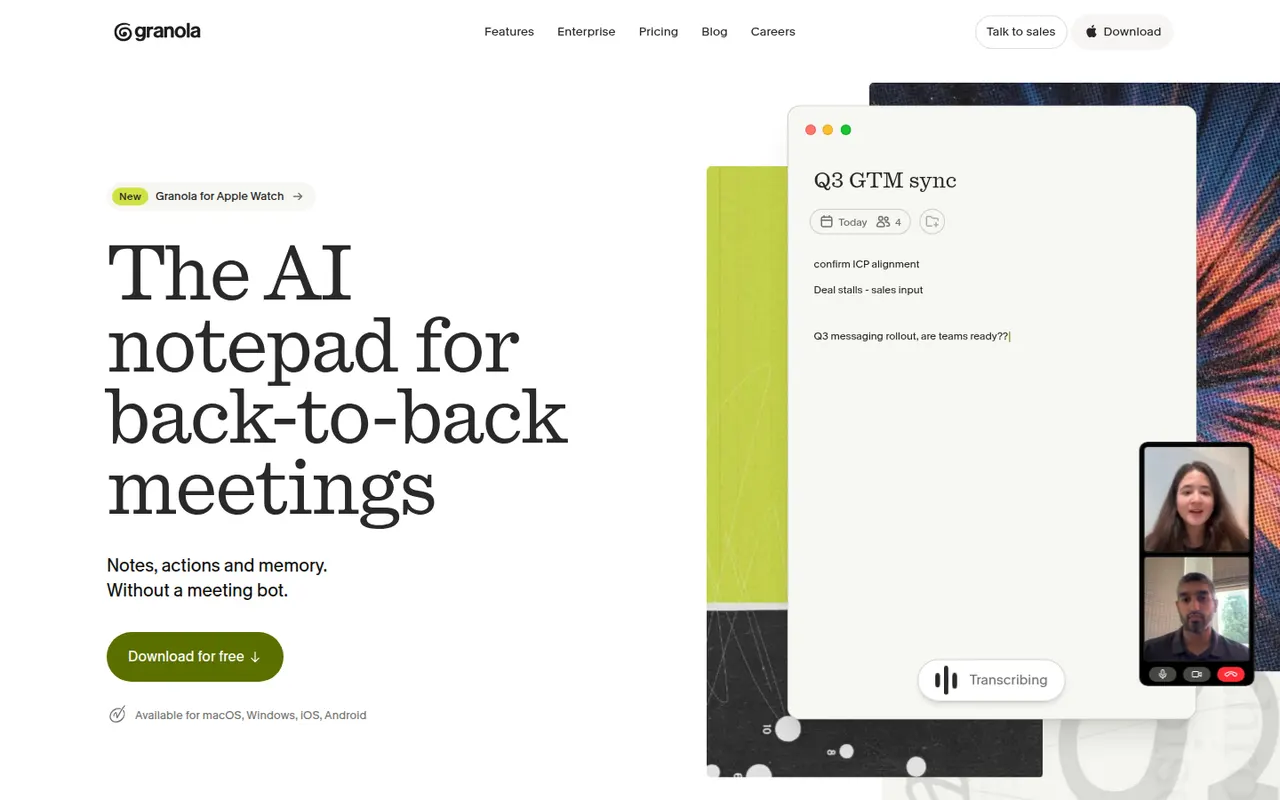
Granola is an AI notepad for people with back-to-back meetings. It transcribes audio directly from your computer instead of adding a bot to the call, and when the meeting ends it combines your rough notes with the transcript into structured notes you can edit. Templates adapt the output to the meeting type, notes can be shared and queried by chat across folders, and apps exist for Mac, Windows and iPhone.
10 Granola alternativesPros
- No bot joins the call: audio is captured on your computer
- Merges your rough notes with the transcript into clean notes
- Templates adapt the output to each type of meeting
Cons
- No web or Android app
- Without a visible bot, informing participants is up to you
- Heavier use requires a paid subscription
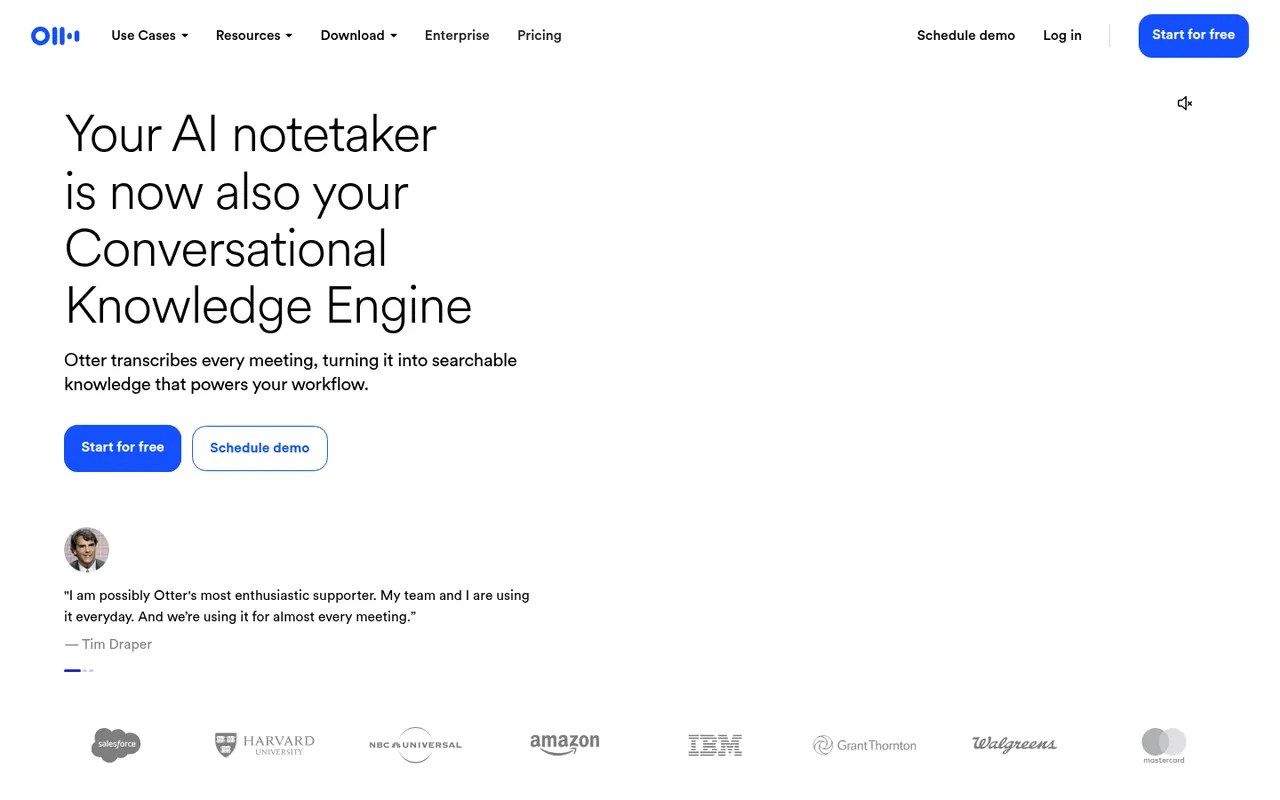
Cost / LicenseFreemiumProprietaryOtter.ai records and transcribes meetings in real time, either by sending its assistant to Zoom, Google Meet and Microsoft Teams calls or by recording in person from the mobile app. It generates summaries and action items, lets you search and comment on transcripts, and its AI chat answers questions across past meetings. It transcribes English, French and Spanish and has a limited free plan.
9 Otter.ai alternativesPros
- Live transcription you can follow during the meeting
- AI chat answers questions across past meetings
- Mobile app records in-person conversations
Cons
- Transcribes only English, French and Spanish
- Free plan is limited in minutes and file imports
- The assistant can join calls automatically, which may surprise attendees
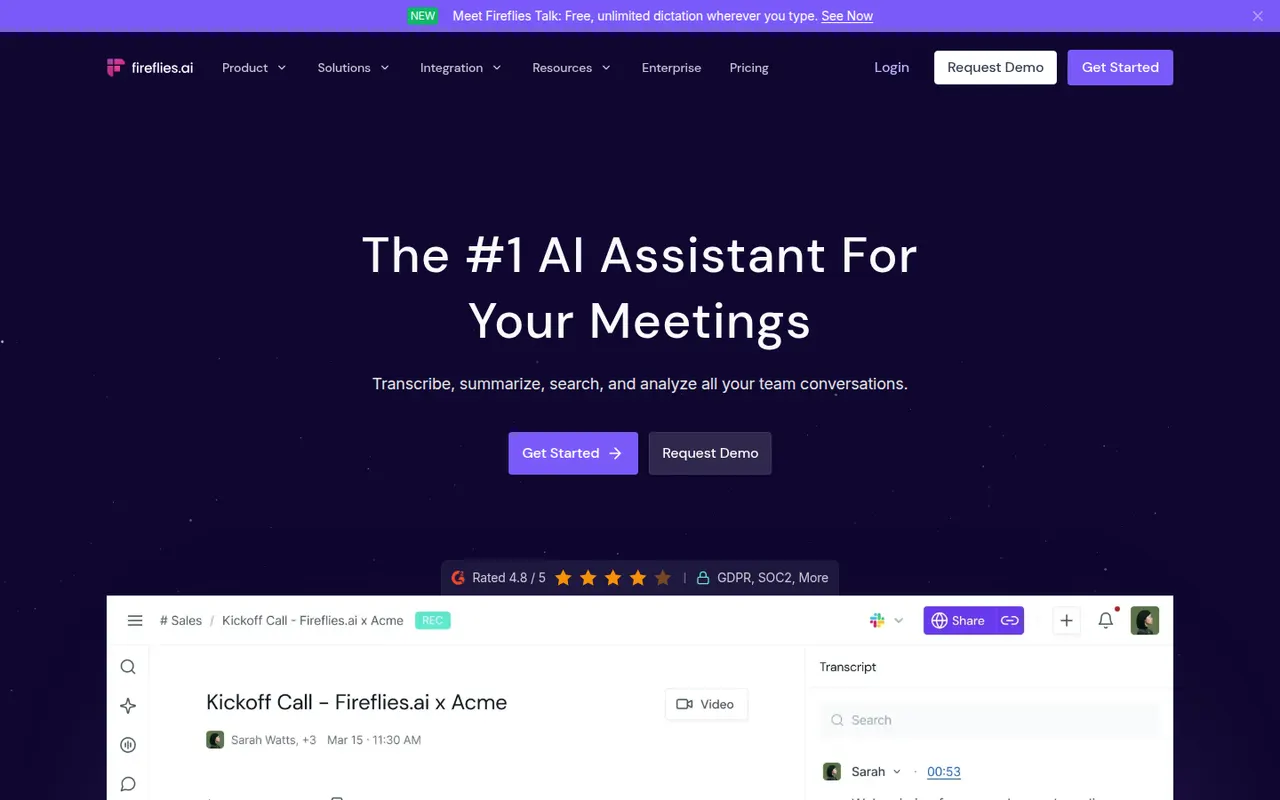
Cost / LicenseFreemiumProprietaryCategoriesPlatformsFireflies.ai joins video calls on Zoom, Google Meet, Microsoft Teams and other platforms to record and transcribe them in many languages. It produces summaries and action items, offers conversation analytics such as talk time and topic tracking, and pushes notes to CRMs like Salesforce and HubSpot or to Slack and Notion. You can search across meetings, query them with an AI assistant and start on a free plan.
9 Fireflies.ai alternativesPros
- Works across Zoom, Meet, Teams and other call platforms
- Transcribes in many languages, with search across all meetings
- Pushes notes to CRMs, Slack and Notion
Cons
- Auto-join settings can bring the bot into calls unexpectedly
- Free plan limits storage and advanced AI features
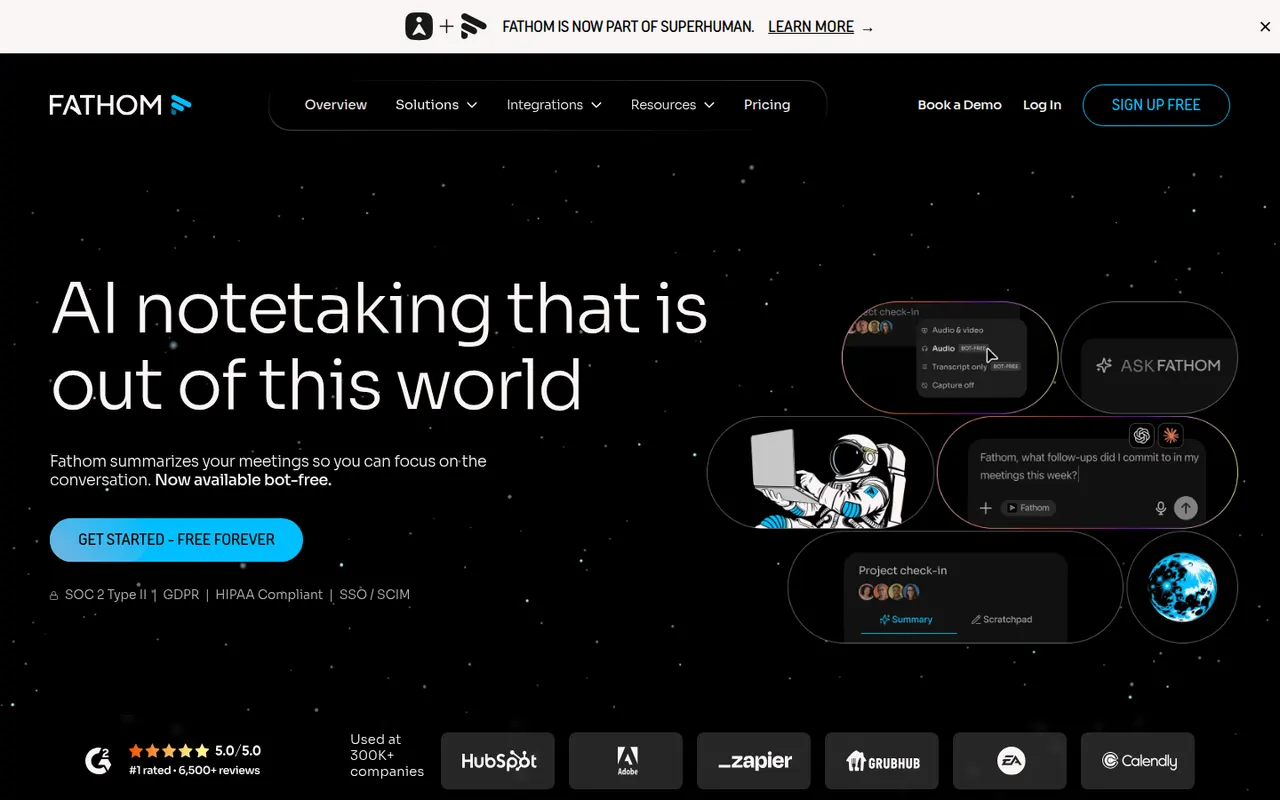
Cost / LicenseFreemiumProprietaryCategoriesPlatformsFathom records, transcribes and summarizes meetings on Zoom, Google Meet and Microsoft Teams, delivering notes and action items shortly after each call. You can highlight key moments, share clips, ask questions about past calls and sync notes to CRMs such as HubSpot and Salesforce. The free plan includes unlimited recordings and transcripts, while paid plans add advanced AI summaries and team features.
9 Fathom alternativesPros
- Free plan includes unlimited recordings and transcripts
- Notes and action items arrive shortly after each call
- Highlight key moments and share them as clips
Cons
- Advanced AI summaries and team features need a paid plan
- A bot joins the call, which not every participant welcomes
Cost / LicenseFreemiumProprietaryCategoriestl;dv records and transcribes Google Meet, Zoom and Microsoft Teams calls and turns them into AI notes, summaries and timestamps you can share. It can produce reports across many meetings, follow sales frameworks and sync notes to CRMs like HubSpot and Salesforce or to Slack and Notion. The company is based in Germany and emphasizes GDPR compliance, and a free plan is available.
9 tl;dv alternativesPros
- Timestamped notes make it easy to jump to key moments
- Reports across many meetings, with sales framework templates
- German company with a strong focus on GDPR compliance
Cons
- A recording bot joins the call, which not everyone welcomes
- Advanced AI and CRM features require a paid plan
Cost / LicenseFreemiumProprietaryCategoriesPlatformsRead AI joins or records meetings on Zoom, Google Meet and Microsoft Teams to produce transcripts, summaries, action items and highlight reels. It also measures engagement, sentiment and talk time to help people run better meetings, and can summarize email and chat threads so you can search meetings, messages and documents in one place. A free plan covers a limited number of meetings.
9 Read AI alternativesPros
- Engagement, sentiment and talk-time metrics for meetings
- Search across meetings, email and chat in one place
- Highlight reels sum up long meetings quickly
Cons
- Engagement scoring can feel intrusive to participants
- Connecting email and chat means granting broad data access
- Free plan covers only a limited number of meetings
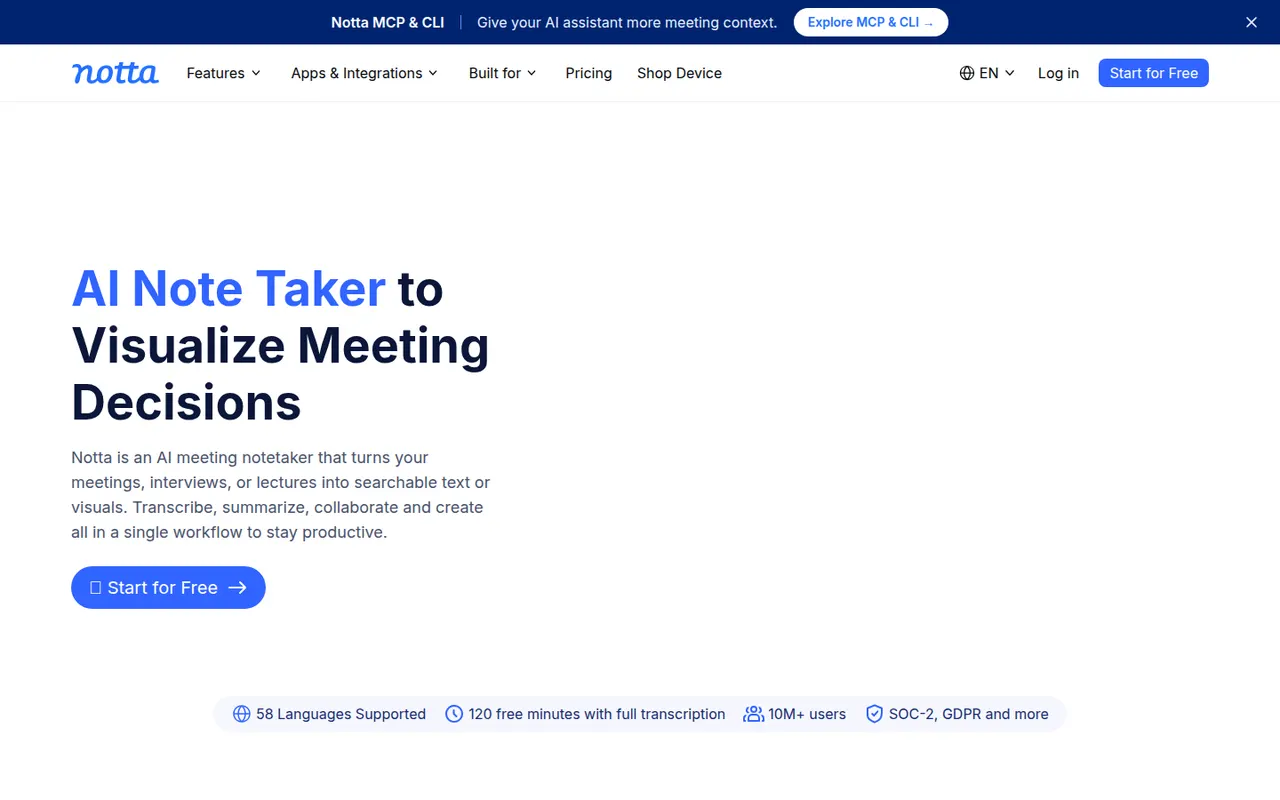
Cost / LicenseFreemiumProprietaryCategoriesPlatformsNotta transcribes meetings, recordings and uploaded audio or video files in dozens of languages, and can translate transcripts. Its bot can join Zoom, Google Meet and Microsoft Teams calls, while the mobile apps and Chrome extension record in person or in the browser. AI summaries highlight key points and next steps, and notes export to formats such as Word, PDF or SRT or to tools like Notion.
9 Notta alternativesPros
- Transcribes and translates in dozens of languages
- Records through a meeting bot, mobile apps or a Chrome extension
- Exports to Word, PDF, SRT or tools like Notion
Cons
- Free plan has tight limits on transcription time
- Fewer analytics and CRM features than sales-focused tools
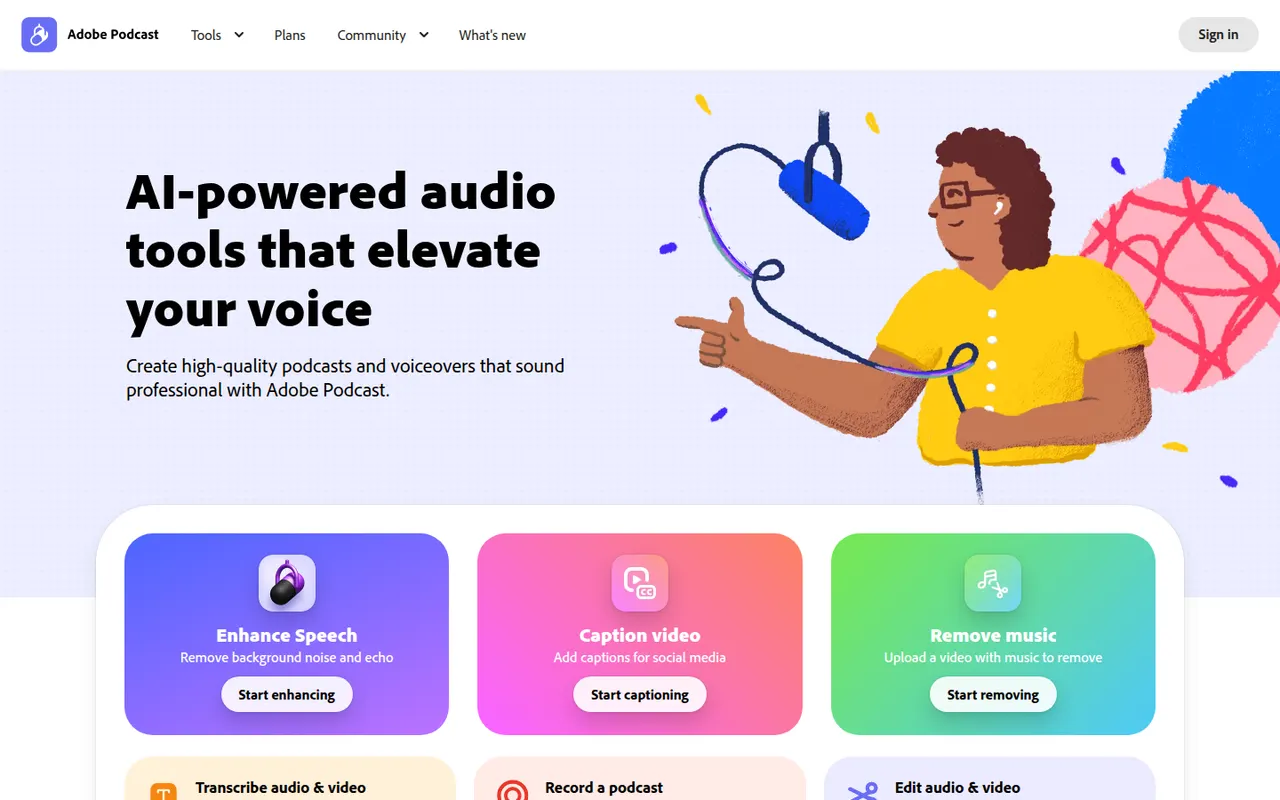
Cost / LicenseFreemiumProprietaryCategoriesPlatformsAdobe Podcast is a set of web-based AI audio tools for podcasters and video creators. Its most used tool, Enhance Speech, removes background noise and echo from voice recordings, while Mic Check helps set up microphones and Studio lets you record and edit audio by editing its transcript. Basic use is free, with higher limits in the premium plan.
8 Adobe Podcast alternativesPros
- Enhance Speech cleans up noisy voice recordings in one click
- Runs in the browser with nothing to install
- Transcript-based editing makes cutting speech as easy as editing text
Cons
- Enhanced audio can sound processed or artificial on some voices
- Free use is capped; higher limits require the premium plan
- Requires an Adobe account and uploading audio to Adobe’s servers
Cost / LicenseFreemiumProprietaryCategoriesPlatformsTactiq is a Chrome extension that captures live transcripts of Google Meet, Zoom and Microsoft Teams calls running in the browser, without adding a bot to the meeting. During or after the call you can highlight moments, generate summaries, action items or follow-up emails with custom prompts, and save notes to Google Docs, Notion, Confluence or Slack. A free plan covers a limited number of meetings.
9 Tactiq alternativesPros
- Captures live transcripts without adding a bot to the meeting
- Custom prompts for summaries, action items and follow-up emails
- Saves notes to Google Docs, Notion, Confluence or Slack
Cons
- Only captures calls running in the browser, not desktop apps
- No mobile option for in-person conversations
- Free plan covers a limited number of meetings
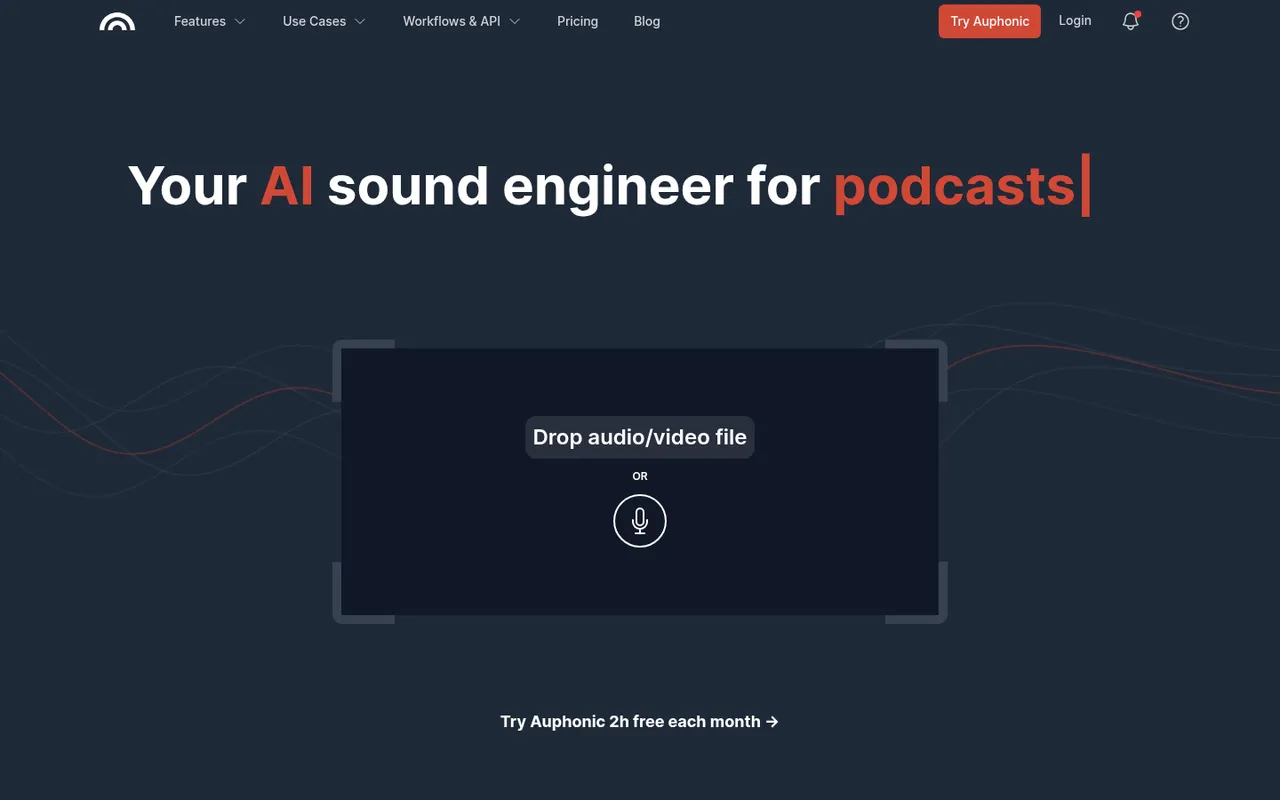
Cost / LicenseFreemiumProprietaryCategoriesPlatformsAuphonic is a web service that automatically finishes spoken audio: it balances levels between speakers, normalizes loudness to broadcast and podcast standards, reduces noise and hum, and can cut filler words and silences. It also offers speech recognition, chapter marks, direct publishing to hosting services and an API. A monthly amount of free processing time is included.
8 Auphonic alternativesPros
- Automatically levels speakers and normalizes loudness to podcast standards
- Takes repetitive post-production off your plate for recurring shows
- API and direct publishing fit into automated podcast workflows
Cons
- Little manual control compared with editing audio yourself in a DAW
- Free processing time is limited each month
Cost / LicenseFreemiumProprietaryCategoriesPlatforms



















Krisp vs its alternatives at a glance
Pricing, platforms and the key features of Krisp, compared with its most popular alternatives.
| App | Pricing | Platforms | Action items | AI meeting summaries | Meeting transcription | Noise cancellation |
|---|---|---|---|---|---|---|
 Krisp Krisp | Freemium | Windows, Mac | ||||
 Granola Granola | Freemium | Windows, Mac, iPhone | ||||
 Otter.ai Otter.ai | Freemium | Web, iPhone, Android, Browser extension | ||||
 Fireflies.ai Fireflies.ai | Freemium | Web, iPhone, Android, Browser extension | ||||
 Fathom Fathom | Freemium | Web, Windows, Mac | ||||
 tl;dv tl;dv | Freemium | Web, Browser extension |
Krisp alternatives: frequently asked questions
What is the best alternative to Krisp?
The most popular alternative to Krisp is Granola: AI notepad for meetings that works without a bot joining the call. Other great alternatives are Otter.ai, Fireflies.ai, Fathom, and tl;dv.
Is there a free alternative to Krisp?
Yes, 10 alternatives are free or have a free plan, including Granola, Otter.ai, Fireflies.ai, and Fathom.
Is there an open source alternative to Krisp?
No open source alternative to Krisp is listed yet.
Is Krisp free?
Krisp has a free plan, with paid plans that unlock more features.
Compare Krisp with its alternatives


Sponsored listings and products made by the publisher of this site are always labeled. How we rank · Know a good alternative? Submit it