Apps with AI voiceover
13 apps
Top AI voiceover apps ranked by the community
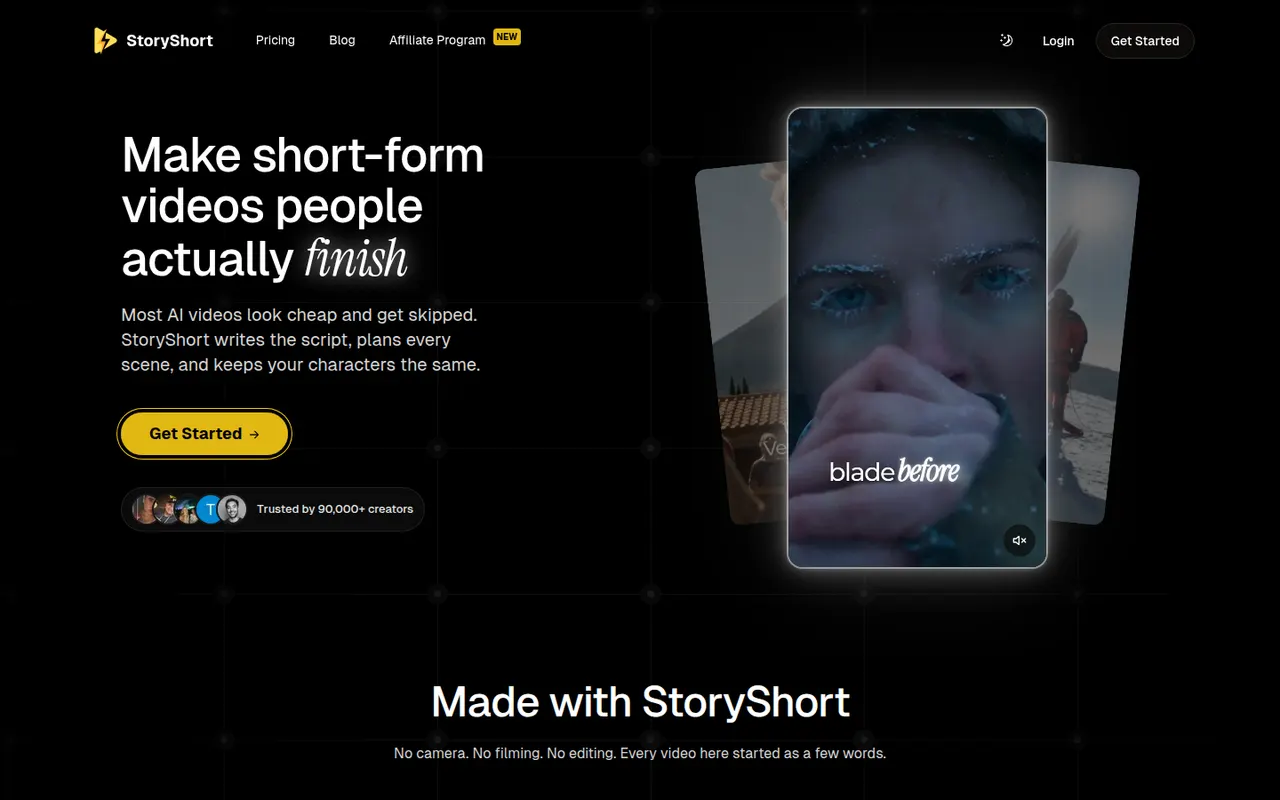
StoryShort
By the publisherStoryShort writes the script, generates visuals, voiceover and captions, then publishes faceless short videos to TikTok, YouTube Shorts and Instagram Reels on a schedule.
9 StoryShort alternativesPros
- Script, visuals, voiceover and captions handled in one flow
- Auto-posts to TikTok, YouTube Shorts and Instagram Reels on a schedule
- Templates suited to recurring faceless video series
Cons
- No free plan, paid subscription only
- Automated videos can feel generic without manual tweaks
- Less creative control than a full video editor
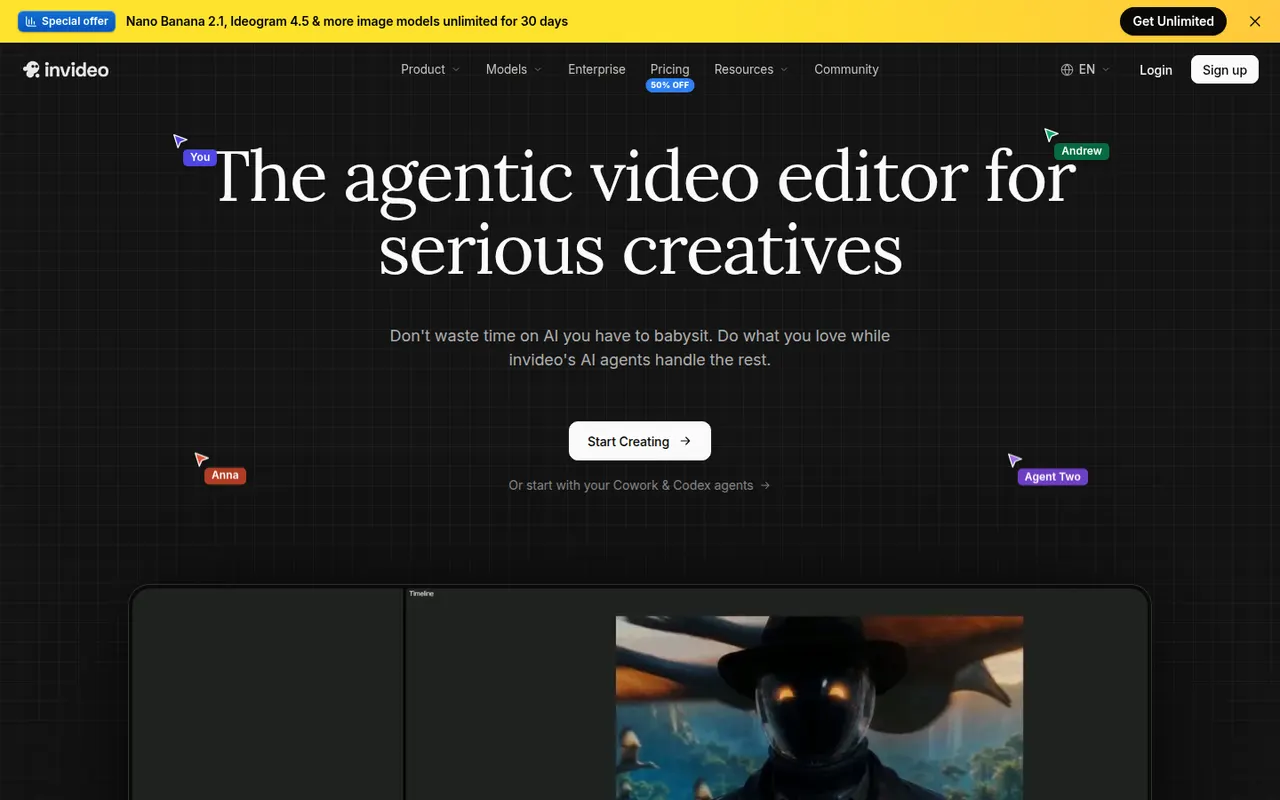
Cost / LicensePaidProprietaryCategoriesPlatformsInVideo AI turns a prompt into a full video with script, stock footage, voiceover and subtitles, then lets you edit the result with text commands.
20 InVideo AI alternativesPros
- Builds a full video from one prompt: script, footage, voice and subtitles
- Edit the result with plain text commands
- Templates and stock media cover many video formats
Cons
- Stock footage picks can feel generic or off-topic
- Free plan exports carry a watermark
- Precise edits are harder than in a timeline editor
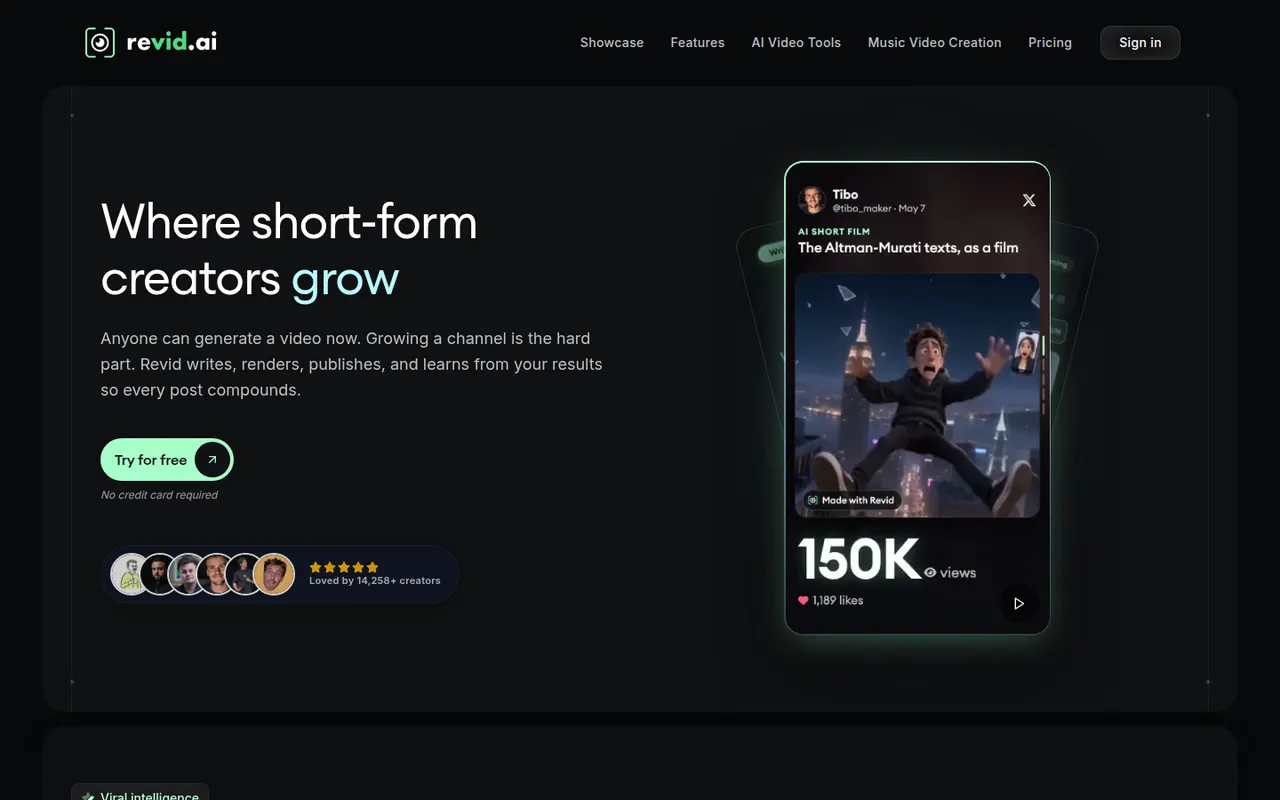
Cost / LicenseFreemiumProprietaryCategoriesRevid AI helps creators produce short-form videos from ideas, articles or existing clips, with AI scripts, voices and trending templates.
11 Revid AI alternativesPros
- Turns ideas, articles or existing clips into short videos
- AI scripts and voices speed up production
- Templates inspired by trending short-form formats
Cons
- Template-driven videos can look similar to others
- Advanced features and higher limits need a paid plan
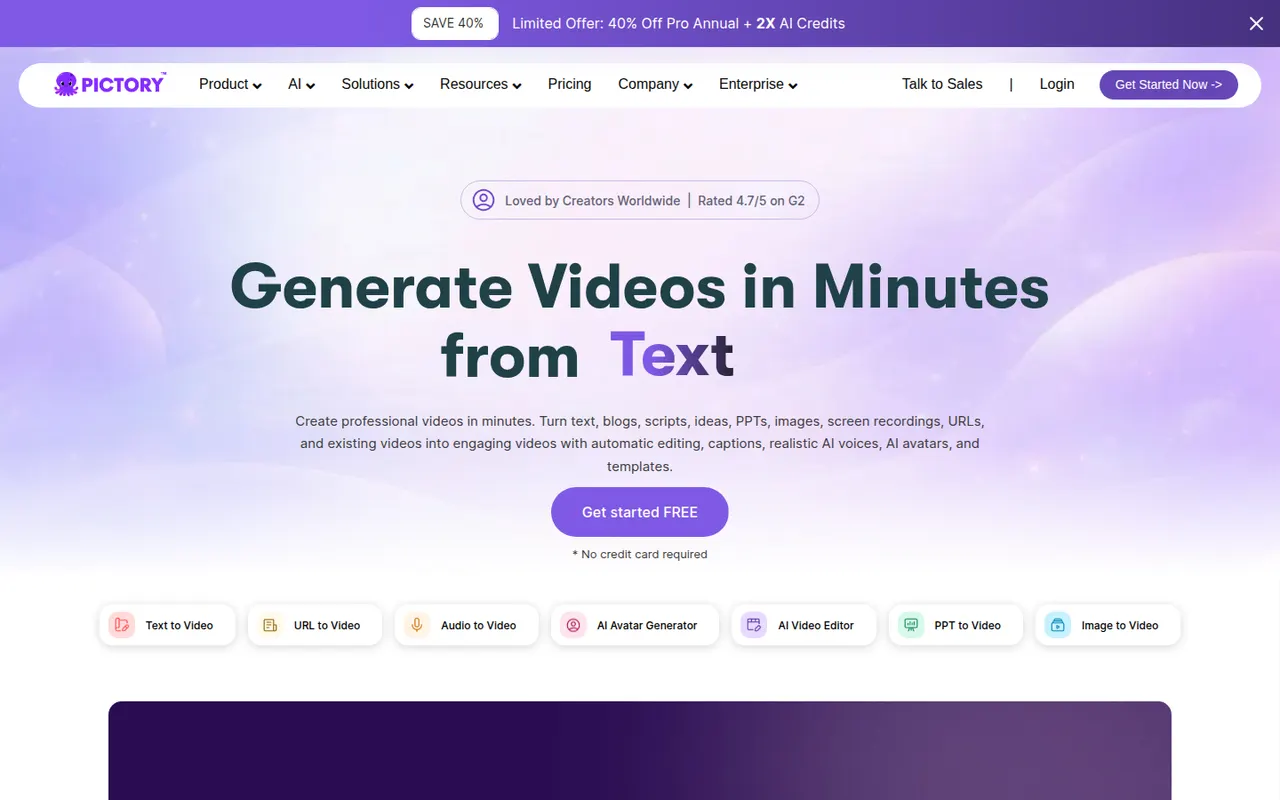
Cost / LicenseFreemiumProprietaryCategoriesPlatformsPictory converts blog posts, scripts and recordings into branded videos with automatic visuals, voiceover and captions.
10 Pictory alternativesPros
- Converts blog posts and scripts into branded videos
- Automatic visuals, voiceover and captions
- Turns long recordings into shorter highlight videos
Cons
- Stock visuals often need manual replacement
- Templates can make videos look generic
- No lasting free plan, only a trial
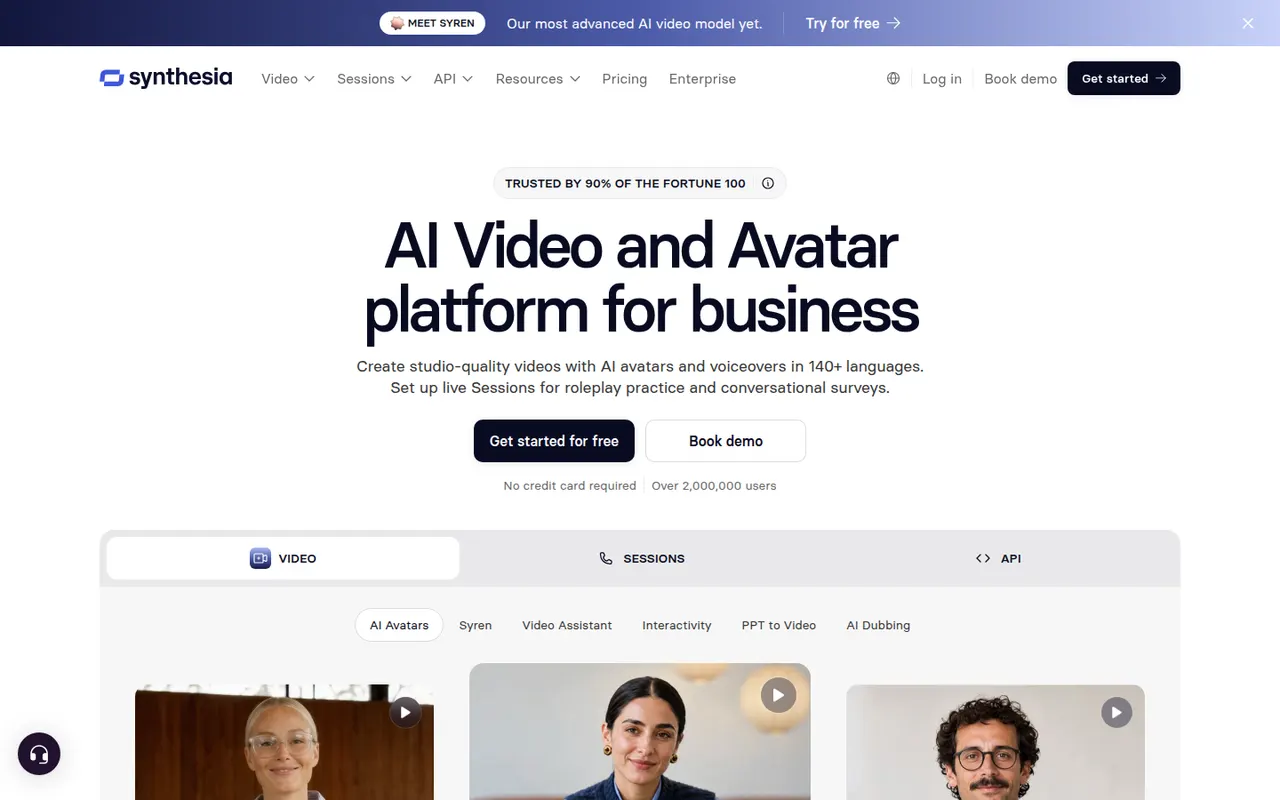
Cost / LicenseFree trialProprietaryCategoriesPlatformsSynthesia creates presenter-led videos from text using realistic AI avatars and voices in many languages, mostly for training and corporate communication.
12 Synthesia alternativesPros
- Realistic avatars and voices in many languages
- Update a video by editing text instead of reshooting
- Templates and team collaboration for corporate videos
Cons
- Avatars can feel stiff for emotional or creative content
- Free plan is very limited, with most features on paid tiers
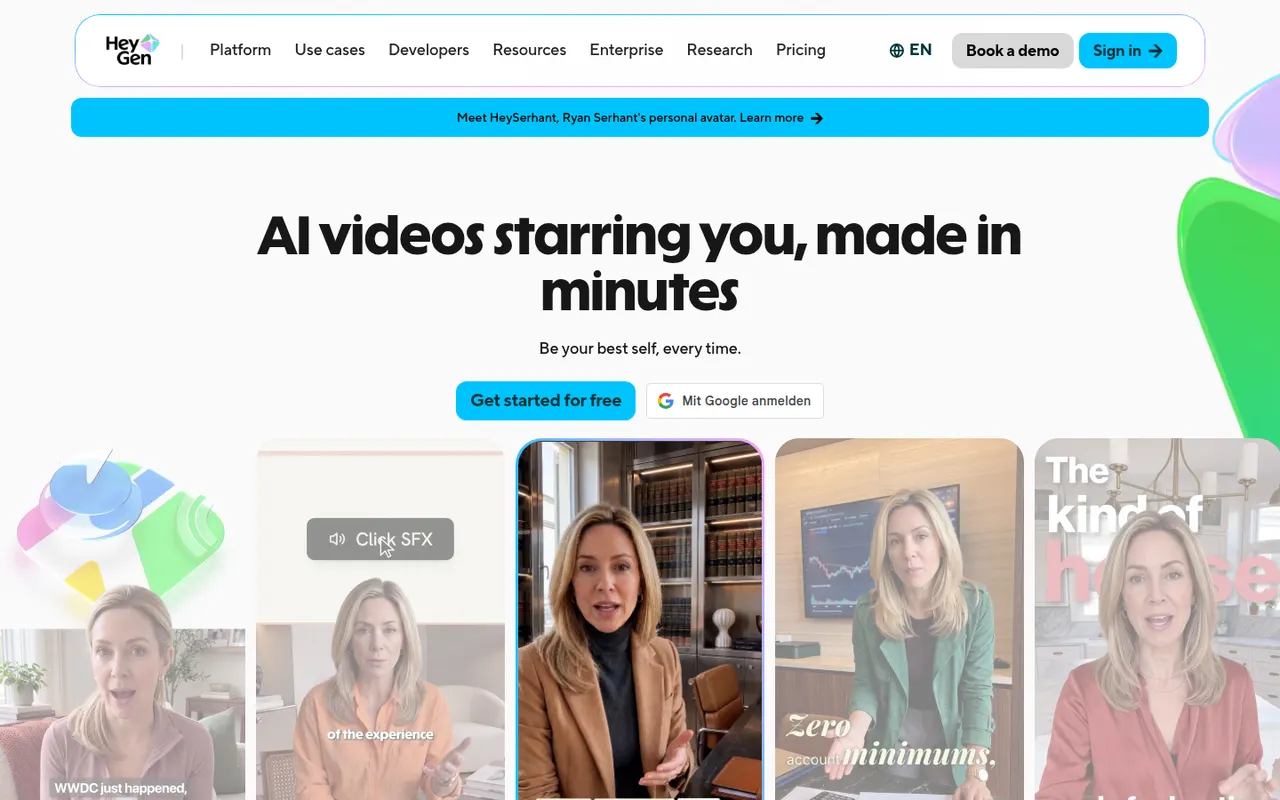
Cost / LicenseFreemiumProprietaryCategoriesPlatformsHeyGen generates videos with AI avatars, clones your own avatar and voice, and translates videos into other languages with lip-sync.
18 HeyGen alternativesPros
- Clone your own avatar and voice for presenter videos
- Video translation with lip-sync into other languages
- API for generating avatar videos at scale
Cons
- Free plan is limited and adds a watermark
- Avatars can show unnatural gestures in longer videos
- Credit usage adds up quickly on long videos
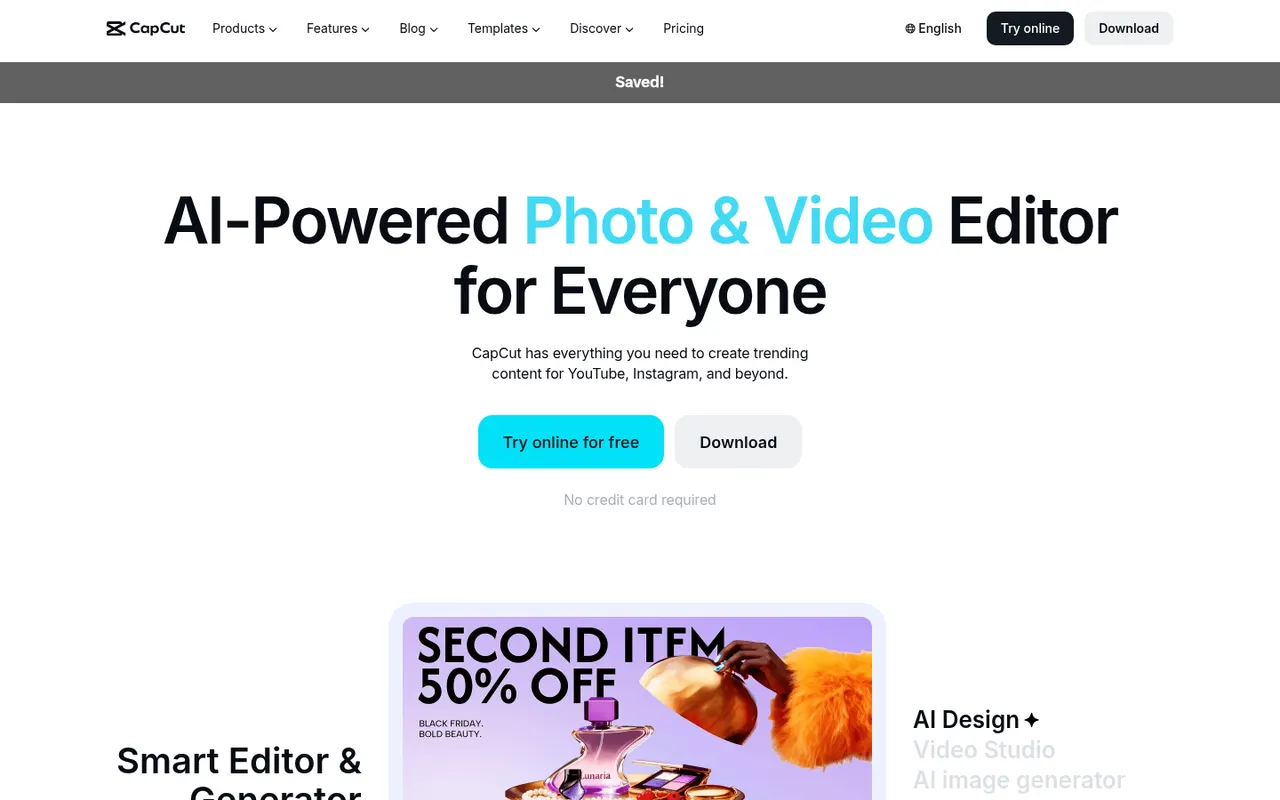
Cost / LicenseFreemiumProprietaryCategoriesPlatformsCapCut is a video editor available on mobile, desktop and the web, with templates, effects, auto captions and AI tools aimed at short-form content.
23 CapCut alternativesPros
- Fast editing with templates and effects tuned for short-form video
- Auto captions and AI tools save time on social content
- Available on mobile, desktop and in the browser
Cons
- Many effects and AI tools require a Pro subscription
- Ownership by ByteDance raises data privacy questions
- Not built for long-form or professional editing
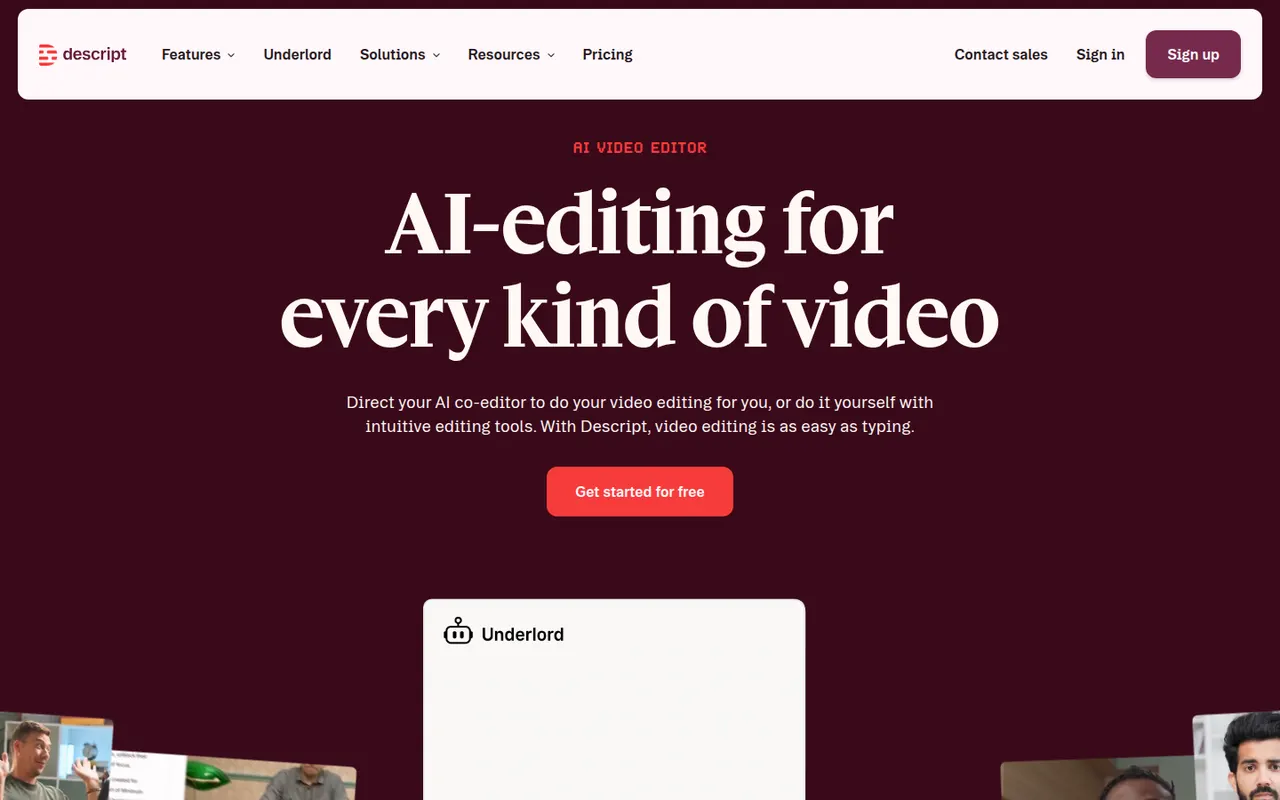
Cost / LicenseFreemiumProprietaryCategoriesDescript transcribes your recordings so you can cut video and audio like a text document, with screen recording, overdub and AI cleanup tools.
17 Descript alternativesPros
- Edit audio and video by editing the transcript like a document
- Filler word removal and AI cleanup speed up podcast editing
- Screen recording and team collaboration built in
Cons
- Less precise than a traditional timeline for complex edits
- Transcription hours and AI features are capped on lower plans
- Can be slow with long or high-resolution projects
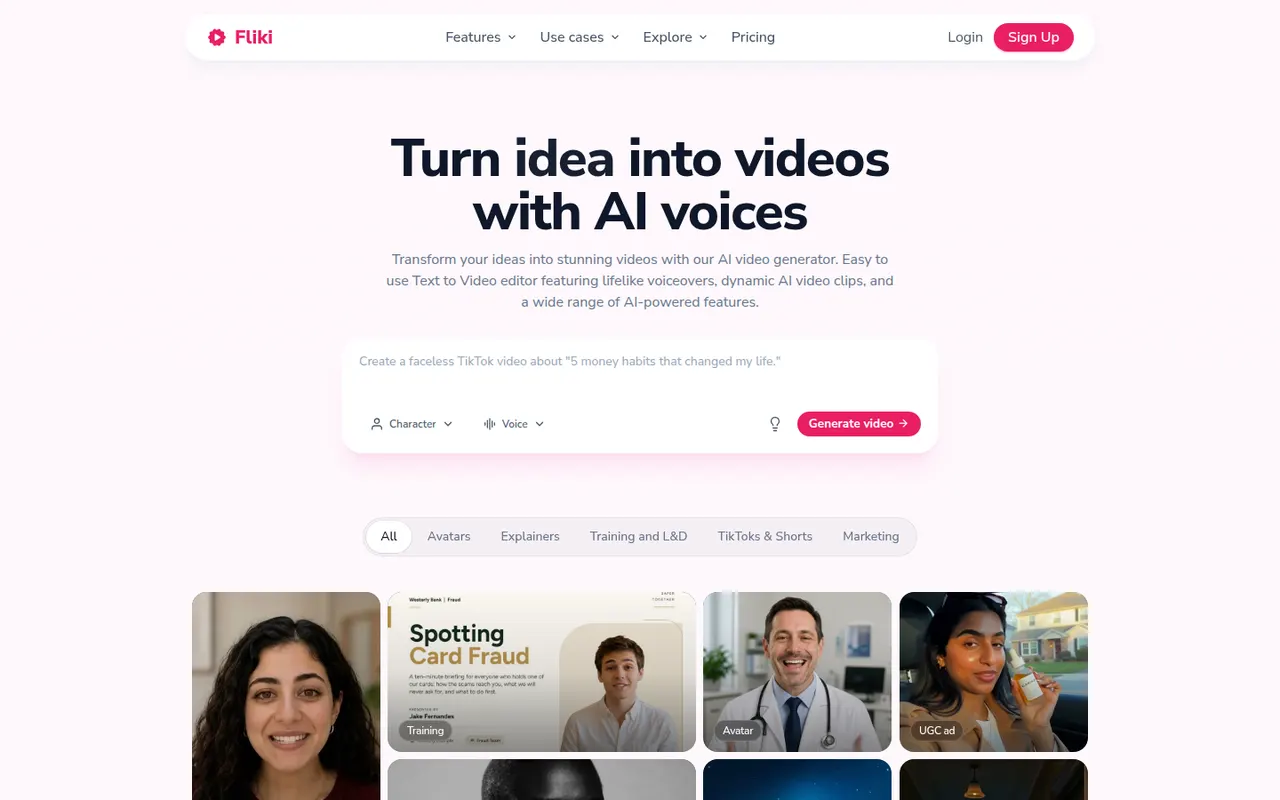
Cost / LicenseFreemiumProprietaryCategoriesFliki is a web app that turns text, blog posts, presentations or ideas into narrated videos. It matches scenes with stock footage and images, adds AI voiceovers in many languages and accents, and can use avatars or a cloned voice. It suits marketers, educators and creators who want faceless videos or audio content without recording themselves.
12 Fliki alternativesPros
- Turns blog posts, scripts or slides into narrated videos
- AI voices in many languages and accents, plus voice cloning
- Scenes are matched with stock footage automatically
Cons
- Stock footage picks often need manual swapping
- Free plan is limited and adds a watermark
- Little room for custom footage or detailed editing
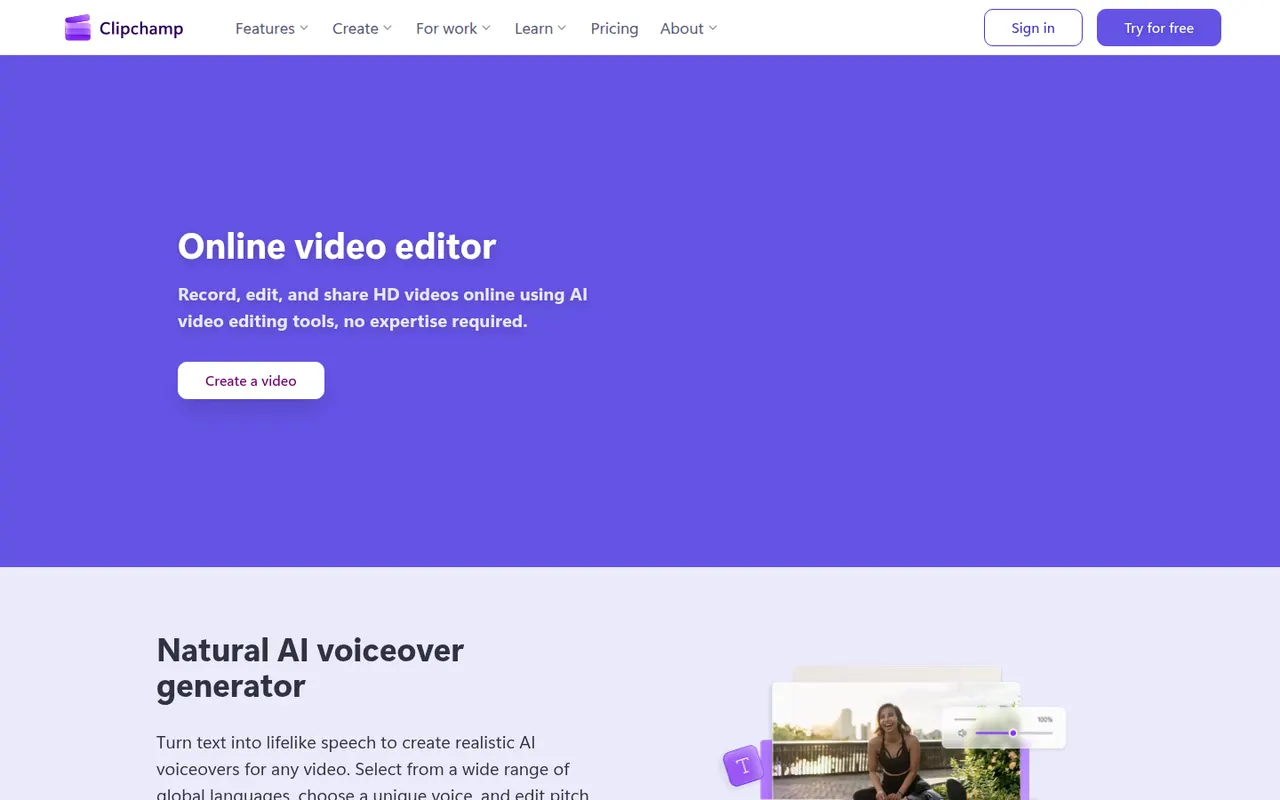
Cost / LicenseFreemiumProprietaryPlatformsClipchamp is Microsoft's easy video editor, included with Windows 11 and available in the browser and with Microsoft 365. It focuses on quick edits with templates, stock media, text-to-speech voiceovers, auto captions and green screen, which suits social videos, presentations and work updates. The free plan exports in 1080p, while Premium unlocks 4K and more stock content.
9 Clipchamp alternativesPros
- Included with Windows 11 and easy for beginners
- Templates, stock media and text-to-speech voiceovers built in
- Free plan exports in 1080p without a watermark
Cons
- 4K export and premium stock content require a paid plan
- Limited for advanced work such as multicam or detailed color grading
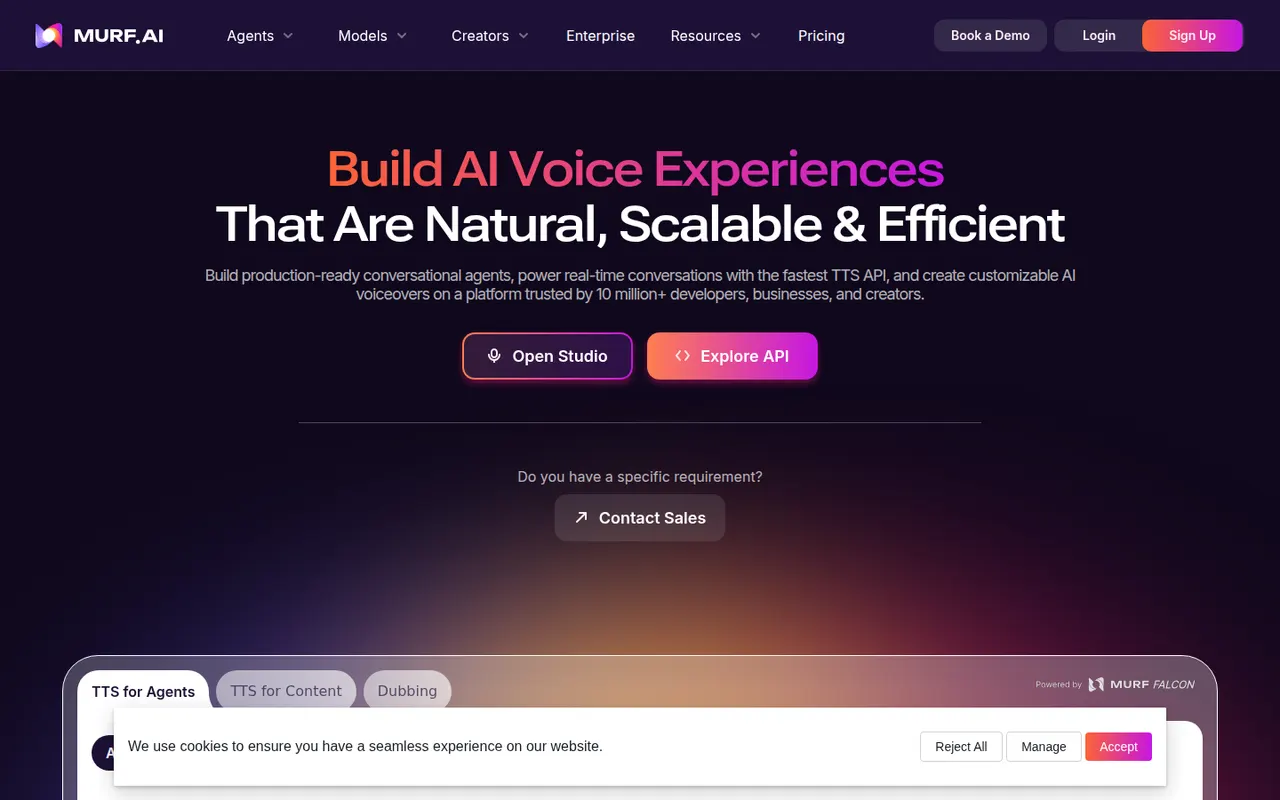
Cost / LicenseFreemiumProprietaryCategoriesMurf is an AI voice generator with a studio where you write a script, pick from a library of voices in many languages, and adjust pitch, speed, pauses and emphasis. Voiceovers can be synced with video, images or slides on a timeline, which suits training content, explainers and ads. It also offers voice cloning, dubbing, team workspaces and an API.
8 Murf AI alternativesPros
- Fine control over pitch, speed, pauses and emphasis
- Timeline syncs voiceovers with video, images or slides
- Team workspaces, voice cloning and an API
Cons
- Free plan is limited and restricts downloads
- Voices can sound flat without manual tuning
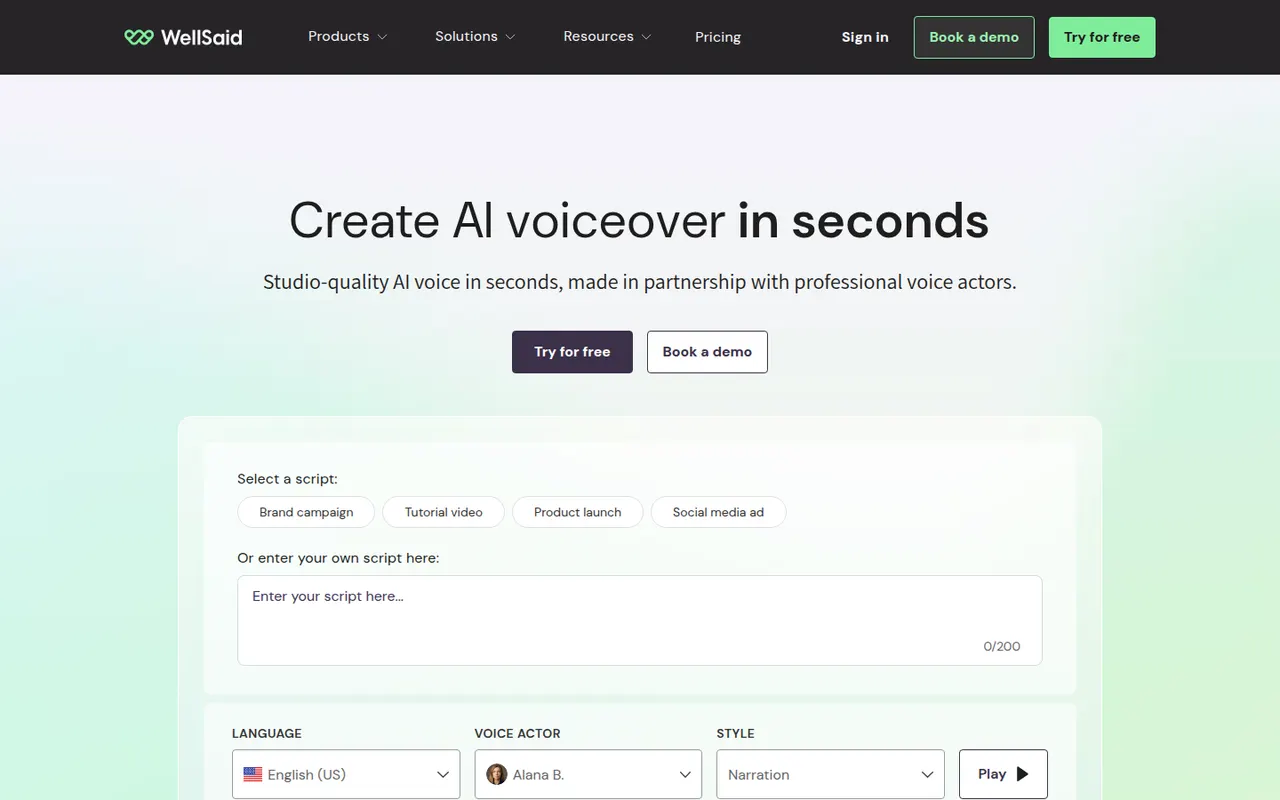
Cost / LicenseFreemiumProprietaryCategoriesPlatformsWellSaid is an AI text-to-speech platform for businesses that produce a lot of training, marketing and product content. Its voices are built from recordings of paid voice actors who consented to their use, and its studio lets teams control pronunciation, pacing and emphasis, share projects and keep a consistent brand voice. An API is also available for integration.
8 WellSaid alternativesPros
- Voices built from paid voice actors who consented to their use
- Pronunciation, pacing and emphasis controls
- Shared projects help teams keep a consistent brand voice
Cons
- Aimed at businesses, with pricing to match
- No lasting free plan, only a trial
Cost / LicenseFree trialProprietaryCategoriesPlatformsLOVO offers Genny, a web app that combines AI text-to-speech with a simple video editor. Users choose from a large library of voices, emotions and languages, clone their own voice, generate subtitles and assemble voiceovers with footage for marketing, training and social videos. It also includes AI scriptwriting and image generation to produce content in one place.
8 LOVO alternativesPros
- Combines text-to-speech with a simple video editor
- Large library of voices, emotions and languages
- Scriptwriting and image generation in the same app
Cons
- Video editor is too basic for complex projects
- Free plan is limited in generation time and downloads
Cost / LicenseFreemiumProprietaryCategoriesPlatforms