Apps with Color grading
8 apps
Top Color grading apps ranked by the community
Premiere Pro is Adobe's timeline-based video editor for film, television, YouTube and corporate work. It handles multi-camera editing, Lumetri color correction, speech-to-text captions and transcript-based editing, and connects with After Effects, Audition and Frame.io for review. It is sold as a Creative Cloud subscription for Windows and macOS.
9 Adobe Premiere Pro alternativesPros
- Widely used in professional video, so skills transfer easily
- Transcript-based editing and automatic captions speed up cuts
- Works smoothly with After Effects, Audition and Frame.io
Cons
- Subscription-only pricing adds up over time
- Can be unstable or sluggish on large projects
- Interface is complex for newcomers
Cost / LicenseFree trialProprietaryCategoriesFinal Cut Pro is Apple's professional video editing software for Mac, with a companion version for iPad. Its magnetic timeline keeps clips in sync as you edit, and it includes color grading tools, multicam editing, automatic captions and a large ecosystem of third-party effects and templates. It is optimized for Apple silicon and available on the App Store, with a free trial.
10 Final Cut Pro alternativesPros
- Magnetic timeline keeps clips in sync while editing
- Very fast performance on Apple silicon
- One-time purchase for the Mac version, with no subscription
Cons
- Only available on Mac and iPad
- Magnetic timeline can feel unfamiliar to editors used to tracks
- Less common than Premiere or Avid in collaborative studio workflows
Cost / LicenseFree trialProprietaryCategoriesDaVinci Resolve from Blackmagic Design combines video editing, its well-known color grading tools, Fusion visual effects and Fairlight audio post-production in a single application. The free version is unusually complete, while the paid Studio version adds AI tools, higher resolutions and frame rates, and extra effects. It runs on Windows, macOS, Linux and iPad.
10 DaVinci Resolve alternativesPros
- Free version is remarkably complete for professional work
- Renowned color grading tools used in film and television
- Editing, VFX and audio post-production in a single app
Cons
- Steep learning curve, especially for color and Fusion
- Needs a powerful GPU for smooth playback
- Some AI tools and higher resolutions require the paid Studio version
Cost / LicenseFreemiumProprietaryLightworks is a long-standing non-linear editor that has been used on feature films and television, now developed by LWKS Software. It offers a multi-track timeline, precise trimming tools, color correction and wide format support on Windows, macOS and Linux. A free version lets anyone learn it with limited export options, while paid plans add higher resolution exports and pro formats.
7 Lightworks alternativesPros
- Pro-grade trimming tools with a film and TV pedigree
- Runs on Windows, macOS and Linux
- Free version is enough to learn professional editing
Cons
- Free version limits export resolution and formats
- Unconventional interface with a steep learning curve
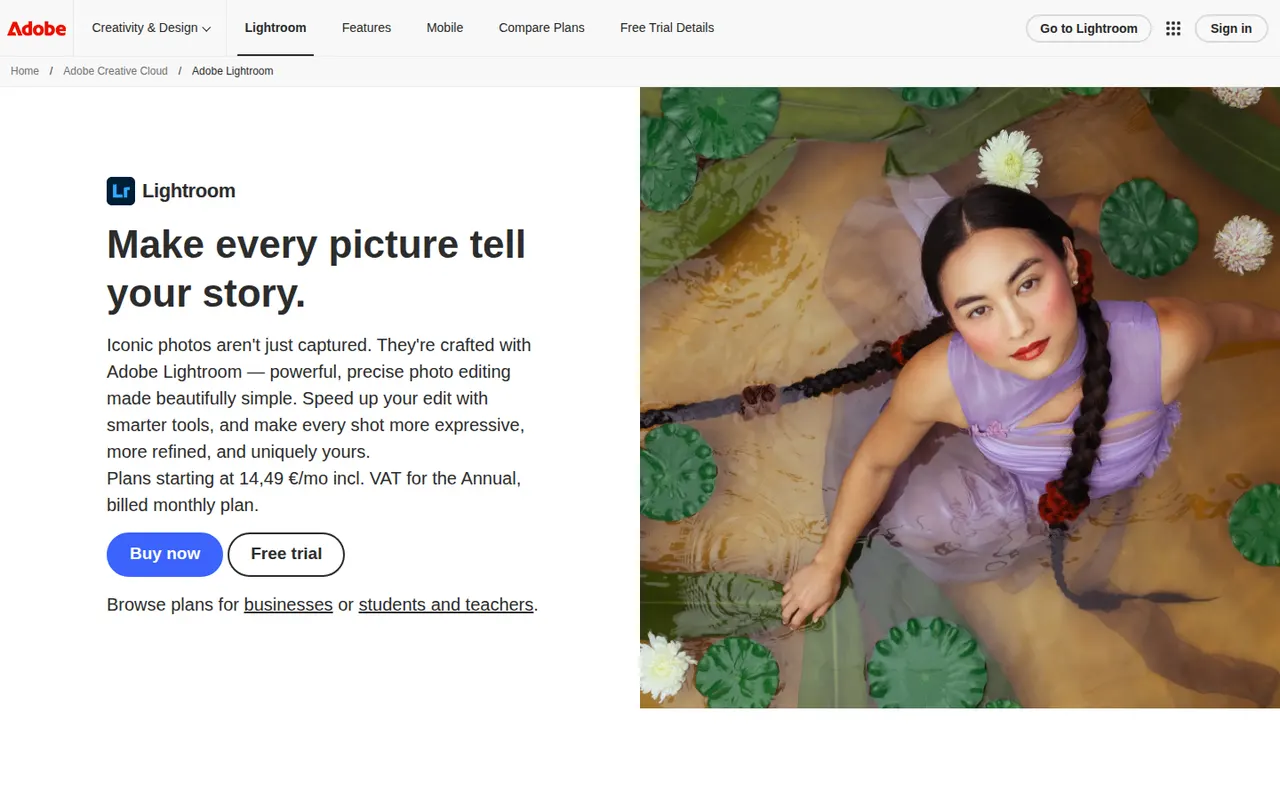
Cost / LicenseFreemiumProprietaryCategoriesAdobe Lightroom is a non-destructive photo editor and organizer for processing RAW files, adjusting color and light, and managing large libraries with ratings, keywords and AI-based search. The cloud-based Lightroom syncs edits across desktop, web and mobile, while Lightroom Classic keeps catalogs on the local disk. Presets, masking and AI removal tools serve both enthusiasts and professionals.
9 Adobe Lightroom alternativesPros
- Non-destructive RAW editing with powerful masking
- Library tools with ratings, keywords and AI search
- The cloud version syncs edits across desktop, web and mobile
Cons
- Subscription only, with no perpetual license
- Choosing between Lightroom and Lightroom Classic can be confusing
- Cloud storage adds to the cost for large libraries
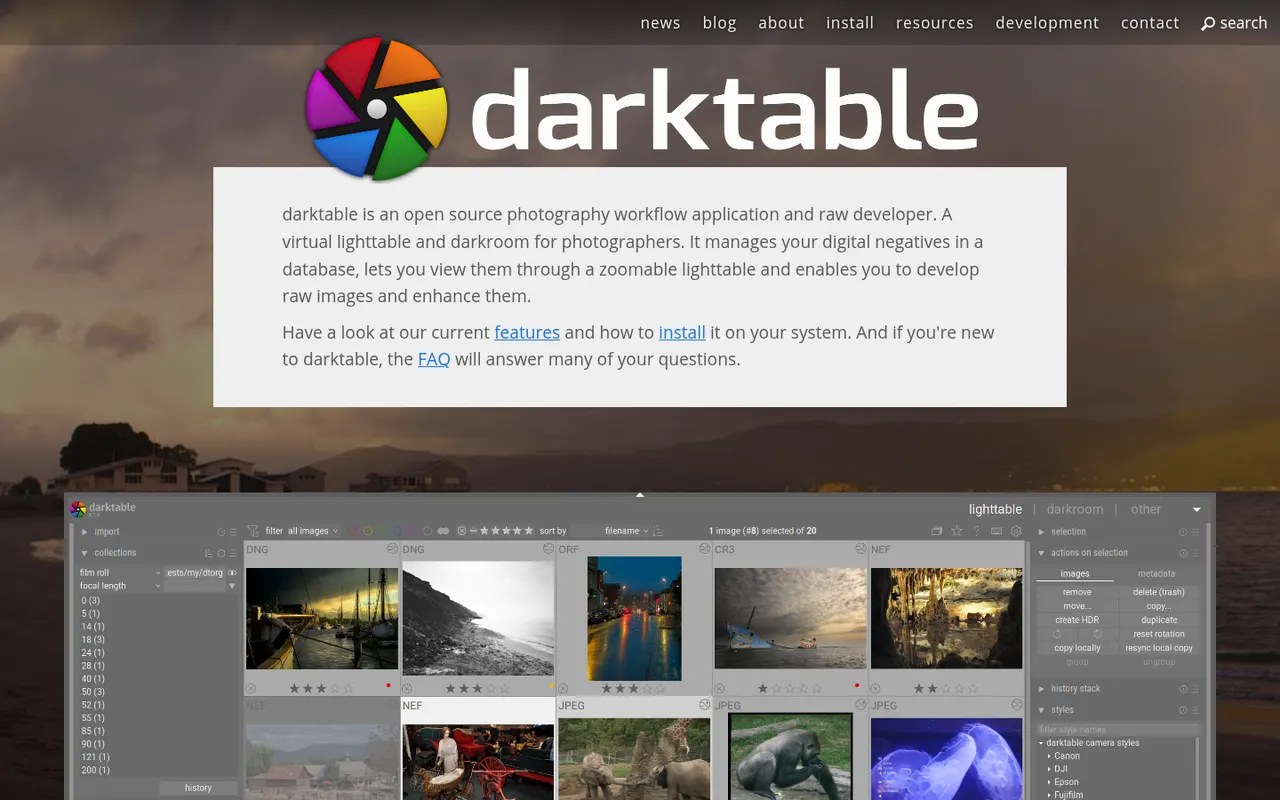
Cost / LicenseFreemiumProprietaryCategoriesdarktable is a free, open source photography workflow application that acts as a virtual light table and darkroom for RAW files. It offers non-destructive editing with a scene-referred pipeline, parametric and drawn masks, color calibration tools, tethered shooting and a tagged image library. It runs on Linux, Windows and macOS and suits photographers who want advanced RAW processing without a subscription.
6 darktable alternativesPros
- Free, open source RAW processing with no subscription
- Scene-referred pipeline with advanced masks and color calibration
- Runs on Linux, Windows and macOS, with tethered shooting
Cons
- Steep learning curve and a dense interface
- No mobile apps or cloud sync
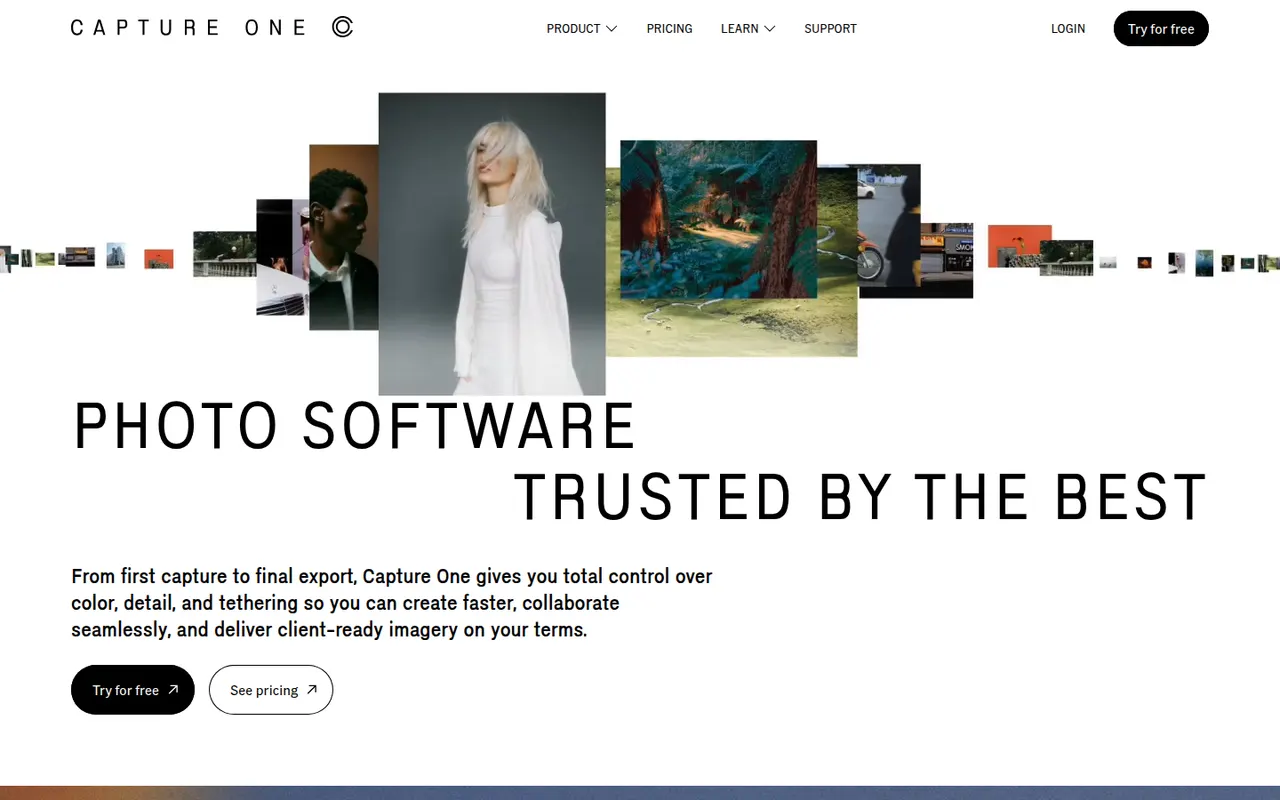
Cost / LicenseFreeOpen sourceCategoriesCapture One is a photo editing and asset management application known for its RAW color rendering and tethered shooting, used in studio, fashion and commercial photography. It offers layer-based local adjustments, advanced color editing, sessions and catalogs for organizing shoots, and live sharing tools for clients. It runs on Windows and macOS, with an app for iPad and iPhone.
7 Capture One alternativesPros
- Renowned RAW color rendering and advanced color tools
- Fast, reliable tethered shooting for studio work
- Layer-based local adjustments and session workflows
Cons
- Pricing is high for hobbyist photographers
- Steep learning curve for newcomers
- Fewer mobile and cloud features than Lightroom
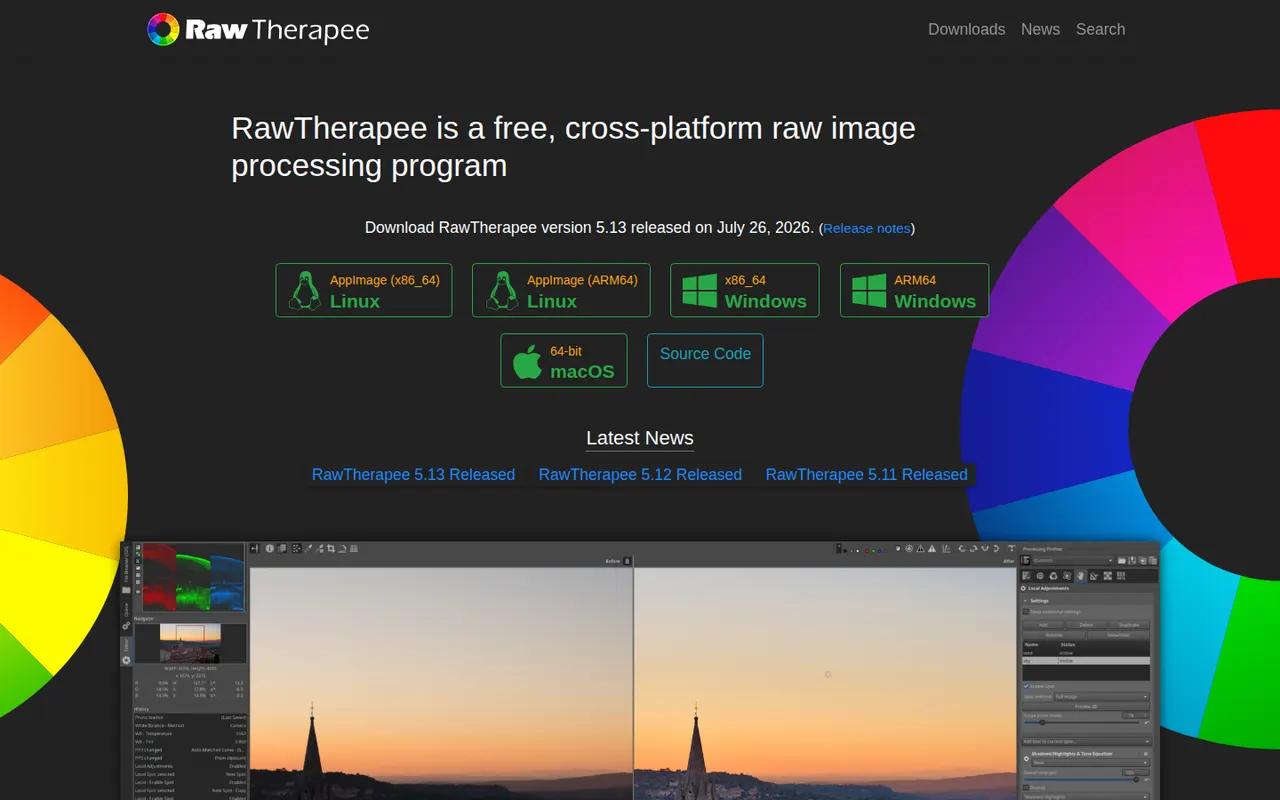
Cost / LicenseFree trialProprietaryCategoriesRawTherapee is a free, open source program for developing RAW photos on Windows, macOS and Linux. It focuses on image quality, with several demosaicing algorithms, advanced noise reduction, color management and detailed tone and color tools, all applied non-destructively through processing profiles. It includes a file browser and batch queue but no catalog, so it suits photographers who organize files themselves.
6 RawTherapee alternativesPros
- Free, open source RAW development with fine-grained controls
- Several demosaicing algorithms and advanced noise reduction
- Batch queue and processing profiles for consistent results
Cons
- No catalog or library management
- Technical interface with a steep learning curve
Cost / LicenseFreeOpen sourceCategories