Apps with Grammar and spell check
11 apps
Top Grammar and spell check apps ranked by the community
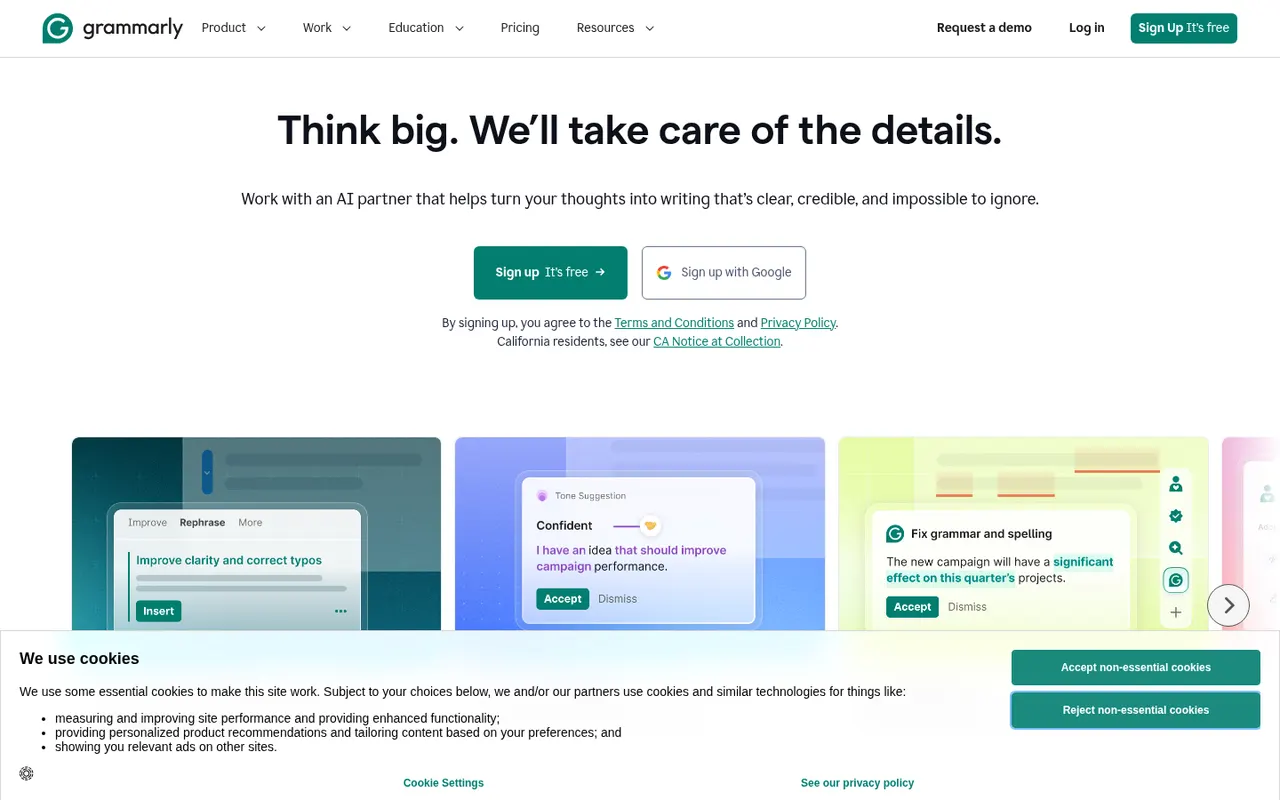
Grammarly checks spelling, grammar and punctuation as you write and suggests clearer, more concise phrasing. It works in browsers, desktop apps, Microsoft Office and on mobile through a keyboard, and includes generative AI for drafting and rewriting. Its core checks are designed for English. Paid plans add tone and style rewrites, a plagiarism checker and, for teams, shared style guides and brand tones.
10 Grammarly alternativesPros
- Works in browsers, desktop apps, Microsoft Office and on mobile
- Clear suggestions for grammar, clarity and conciseness
- Shared style guides and brand tones for teams
Cons
- Core checks are designed for English only
- Tone rewrites and the plagiarism checker need a paid plan
- Text is processed in the cloud, which some companies restrict
Cost / LicenseFreemiumProprietaryCategoriesQuillBot is built around a paraphraser that rewrites sentences in several modes, such as fluent, formal or shorter, while keeping their meaning. The suite also includes a grammar checker, summarizer, translator, citation generator, AI detector and, on Premium, a plagiarism checker. It runs in the browser, as a Chrome extension, in Microsoft Word and as desktop apps, and is aimed at students and researchers.
11 QuillBot alternativesPros
- Paraphraser with modes such as fluent, formal or shorter
- Grammar checker, summarizer and citation generator included
- Works in Chrome, Microsoft Word and desktop apps
Cons
- Free paraphraser limits text length and available modes
- Plagiarism checker is only available on Premium
- Heavy paraphrasing can blur the original meaning
Cost / LicenseFreemiumProprietaryCategoriesPlatformsWordtune, from the Israeli company AI21 Labs, suggests other ways to phrase a sentence: more casual, more formal, shorter or expanded. It also fixes spelling and grammar, can continue or explain text, and summarizes articles, documents and videos. It works in a web editor and through a Chrome extension that adds suggestions to Gmail, Google Docs, LinkedIn and other sites, with daily limits on the free plan.
10 Wordtune alternativesPros
- Suggests casual, formal, shorter or expanded phrasings
- Extension works in Gmail, Google Docs, LinkedIn and more
- Summarizes articles, documents and videos
Cons
- Free plan has daily limits on rewrites
- Less thorough than a dedicated grammar checker
Cost / LicenseFreemiumProprietaryCategoriesPlatformsLanguageTool checks grammar, spelling, punctuation and style in dozens of languages, including English, French, German, Spanish and Portuguese. It integrates with browsers, Microsoft Word, Google Docs, LibreOffice and desktop apps, and Premium adds AI rephrasing and deeper style checks. The core engine is open source under the LGPL, so organizations can run their own server for privacy.
6 LanguageTool alternativesPros
- Checks grammar and style in dozens of languages
- Open source core can run on your own server for privacy
- Integrates with Word, Google Docs, LibreOffice and browsers
Cons
- AI rephrasing and deeper style checks require Premium
- A self-hosted server lacks the Premium checks
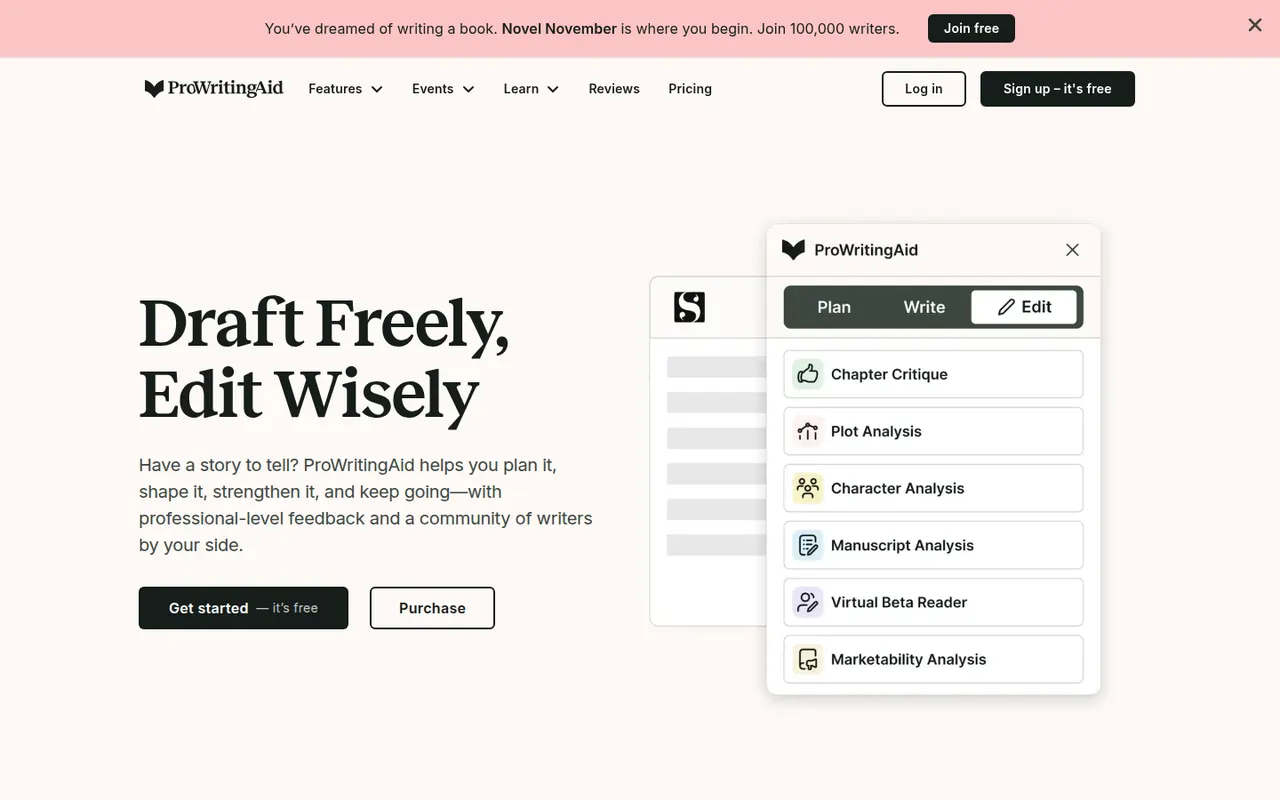
Cost / LicenseFreemiumOpen sourceCategoriesProWritingAid is a grammar checker and style editor designed for long-form English writing, from business documents to novels. Alongside real-time corrections, it produces reports on readability, overused words, repetition, sentence length, pacing and dialogue, and offers AI rephrasing and critique. It works on the web, in desktop apps, in browsers and inside Word, Google Docs and Scrivener.
7 ProWritingAid alternativesPros
- In-depth reports on readability, pacing, repetition and dialogue
- Works inside Word, Google Docs and Scrivener
- Well suited to long-form writing, including fiction
Cons
- The number of reports can feel overwhelming
- Designed for English only
- Free version limits how much text you can check
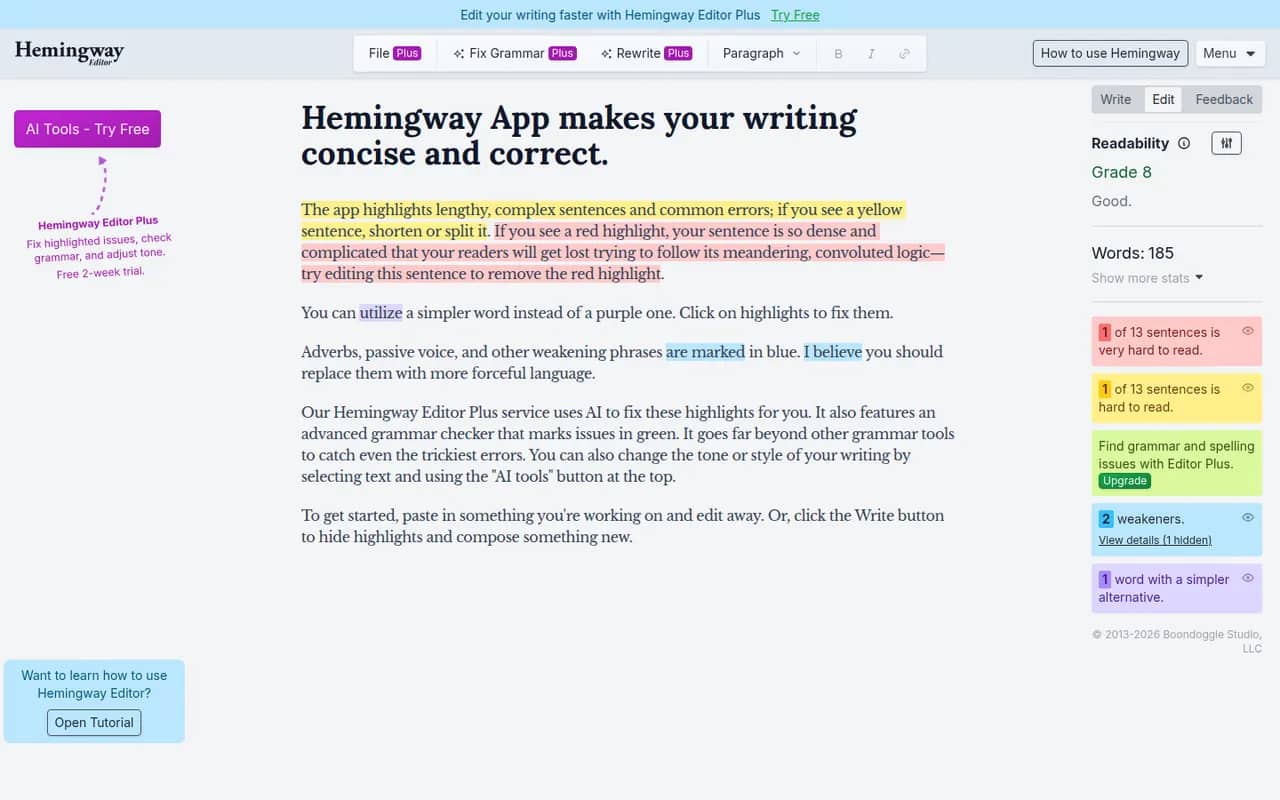
Cost / LicenseFreemiumProprietaryCategoriesPlatformsHemingway Editor highlights long and hard-to-read sentences, adverbs, passive voice and complex words, and shows a readability grade to help you simplify your writing. The free web version covers the core checks, a desktop app bought once works offline on Windows and Mac, and the Hemingway Editor Plus subscription adds AI fixes and a grammar check. It is designed for English.
7 Hemingway Editor alternativesPros
- Highlights dense sentences, adverbs and passive voice
- Readability grade gives instant feedback
- Desktop app bought once works offline
Cons
- Designed for English only
- Grammar checks and AI fixes need the Plus subscription
- Its rules can push toward overly plain prose
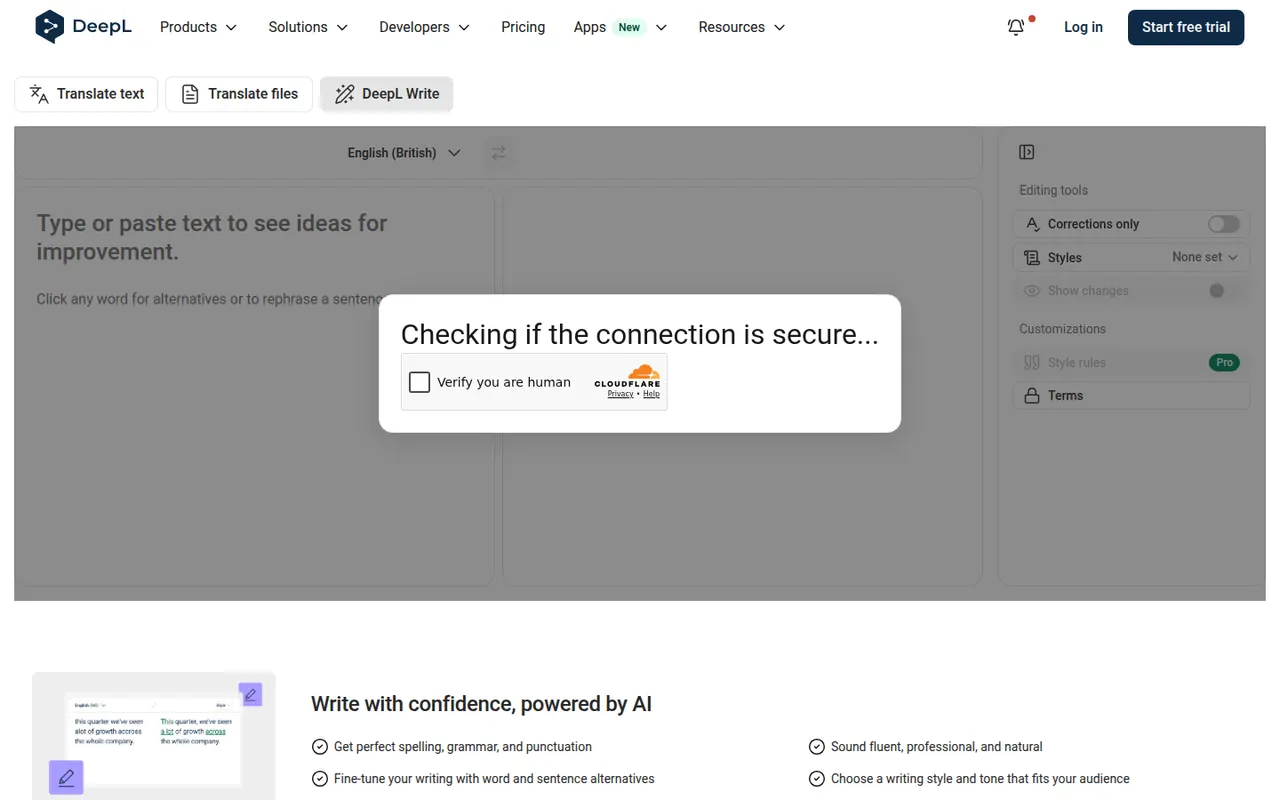
Cost / LicenseFreemiumProprietaryCategoriesDeepL Write is an AI writing assistant from the German company behind the DeepL translator. It corrects grammar, spelling and punctuation and suggests rephrasings of whole sentences in languages such as English, German, French, Spanish and Portuguese. Write Pro adds writing styles and tones and does not keep your texts after processing. It works on the web and in the DeepL desktop apps.
7 DeepL Write alternativesPros
- Rephrases whole sentences, not just grammar fixes
- Natural results in English, German, French and more
- Write Pro does not keep your texts after processing
Cons
- Supports far fewer languages than the DeepL translator
- No plagiarism checker or in-depth style reports
- Writing styles and tones are reserved for Write Pro
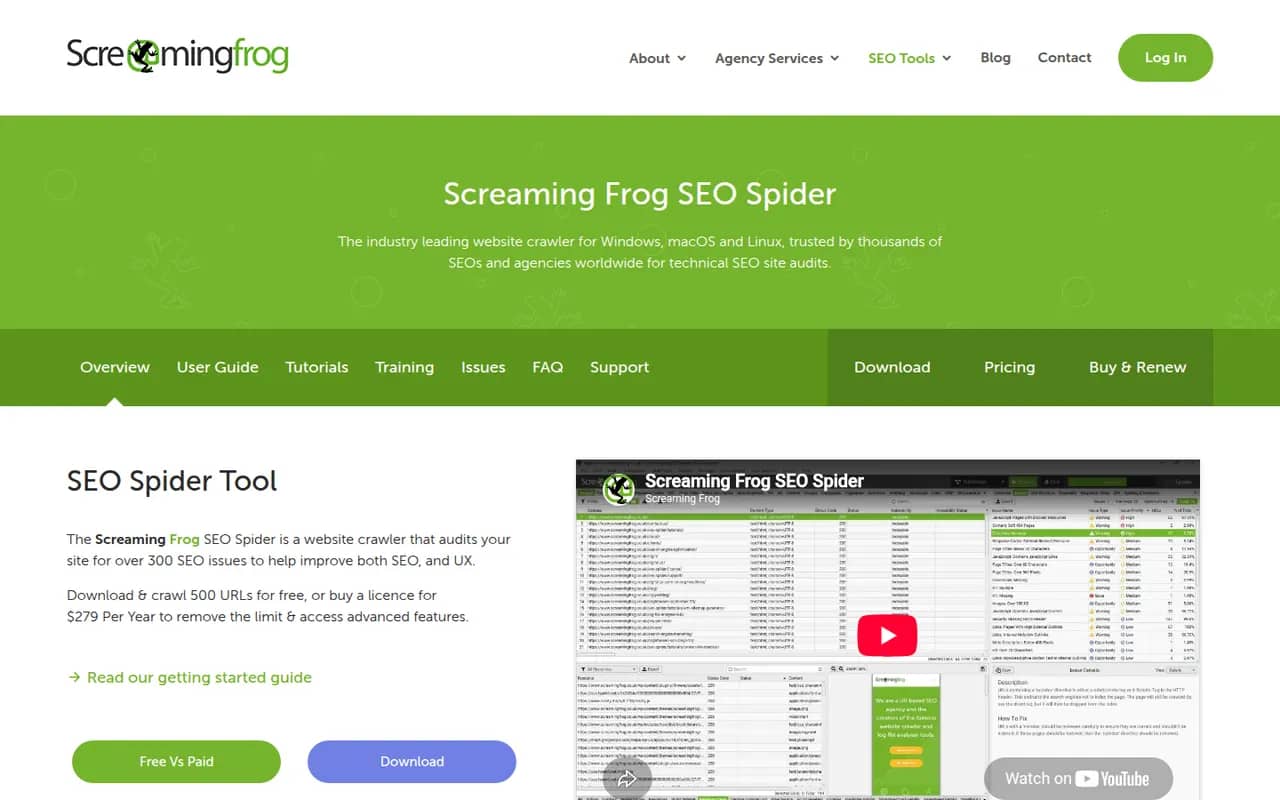
Cost / LicenseFreemiumProprietaryCategoriesScreaming Frog SEO Spider is a desktop crawler that scans a website the way a search engine bot does and reports technical SEO issues such as broken links, redirects, duplicate titles, missing meta data and canonical problems. It can render JavaScript, check spelling and grammar, generate XML sitemaps and connect to Google Analytics, Search Console and PageSpeed Insights. The free version crawls up to 500 URLs.
6 Screaming Frog SEO Spider alternativesPros
- Thorough crawl that finds broken links, redirects and duplicates
- Renders JavaScript and connects to Analytics, Search Console and PageSpeed
- Runs locally on Windows, Mac and Linux
Cons
- The free version is capped at a small number of URLs
- Dense, technical interface for non-specialists
- Large crawls consume a lot of memory
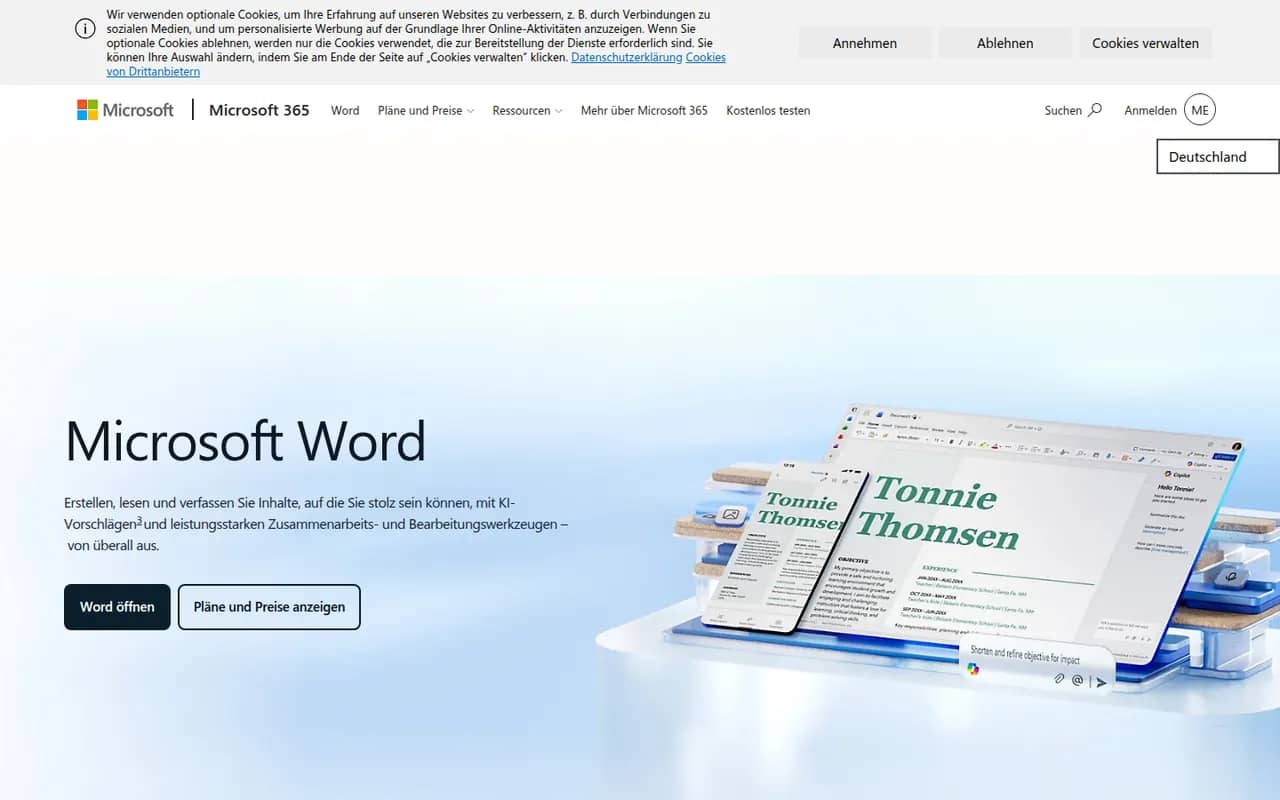
Cost / LicenseFreemiumProprietaryCategoriesMicrosoft Word is the word processor in Microsoft 365 and the reference for the .docx format used in many workplaces. It offers styles, track changes, comments, mail merge, references and real-time co-authoring through OneDrive or SharePoint, plus Copilot drafting in eligible plans. Word runs on Windows, Mac, mobile and the web, where a free version is available with a Microsoft account.
11 Microsoft Word alternativesPros
- The reference for the .docx format used in many workplaces
- Powerful styles, track changes, references and mail merge
- Available on Windows, Mac, mobile and the web
Cons
- Full desktop features require a Microsoft 365 subscription
- Dense interface packed with features most people never use
- Copilot features are limited to eligible plans
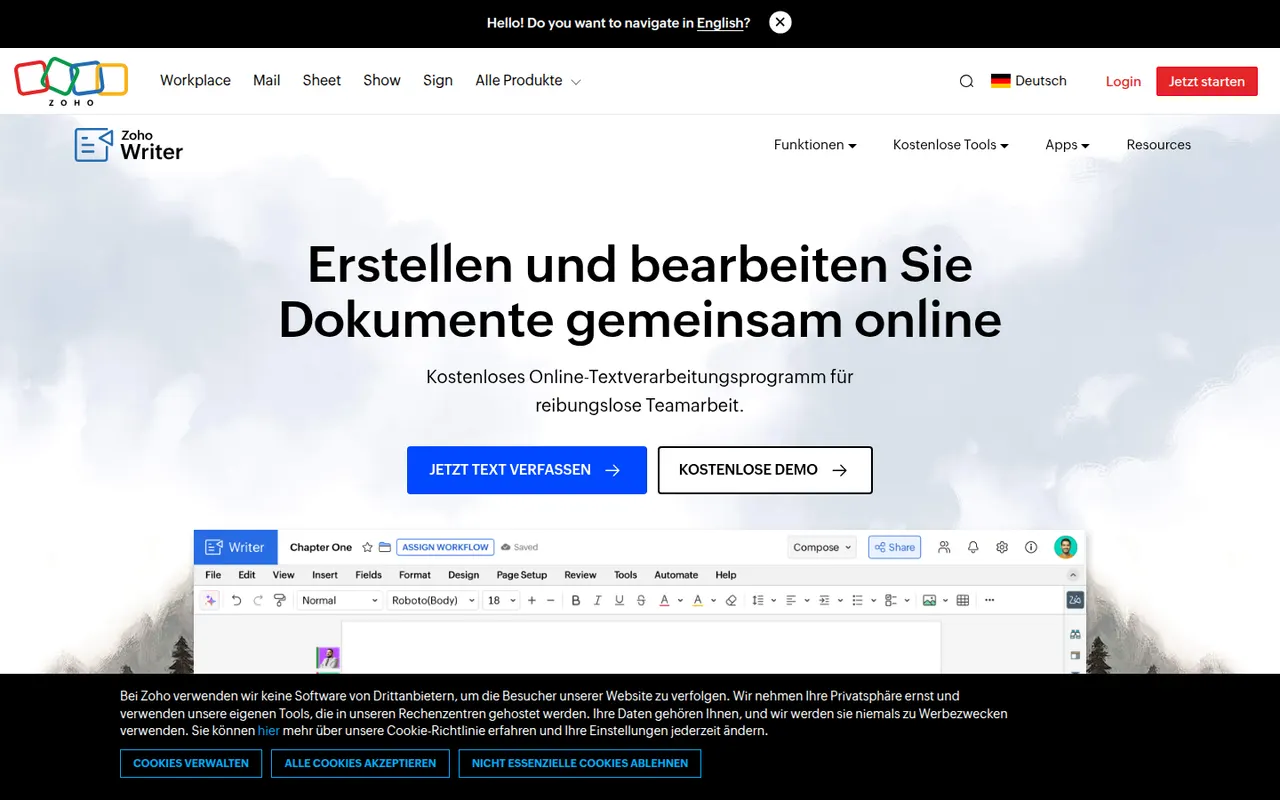
Cost / LicenseFreemiumProprietaryCategoriesZoho Writer is a cloud word processor from Zoho for writing and co-editing documents in the browser or on mobile. Beyond editing, it handles mail merge, fillable forms and document automation, can send documents out for signature, and the Zia assistant helps with grammar and readability. It is free for individuals and included in paid Zoho Workplace plans for teams.
8 Zoho Writer alternativesPros
- Mail merge, fillable forms and document automation built in
- Sends documents for e-signature without another tool
- Free plan for individual users
Cons
- Less widespread, so collaborators may be unfamiliar with it
- Best value comes from buying into the Zoho ecosystem
- Fewer third-party templates and add-ons than Word or Google Docs
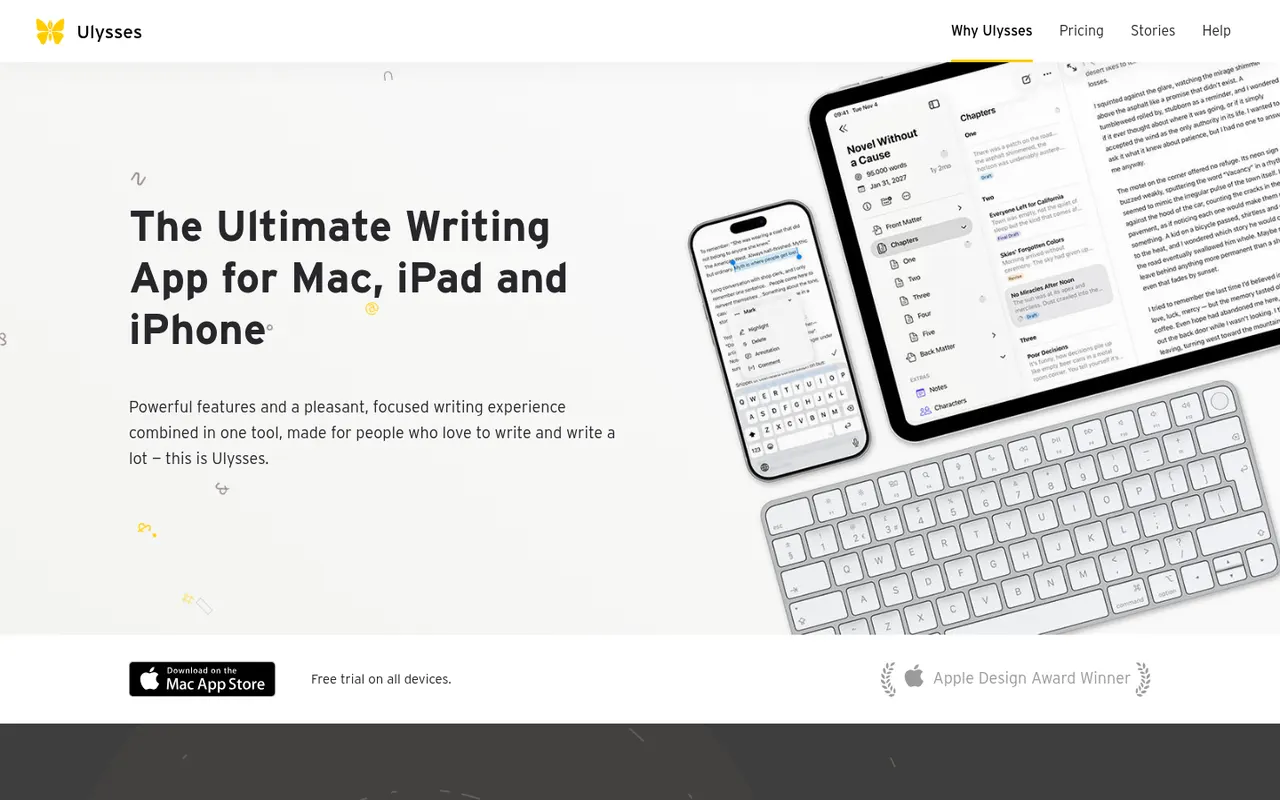
Cost / LicenseFreemiumProprietaryCategoriesUlysses is a writing app for Apple devices made by the German company Ulysses GmbH. Texts live in a single library synced through iCloud, are written in a Markdown-based markup and can be exported to PDF, Word or ePub or published directly to WordPress, Ghost and other platforms. It suits bloggers, authors and students and is sold as a subscription after a free trial.
8 Ulysses alternativesPros
- Single library synced across Mac, iPhone and iPad via iCloud
- Publishes directly to WordPress, Ghost and other platforms
- Distraction-free writing with Markdown-based markup
Cons
- Only available on Apple devices
- Sold only as a subscription
Cost / LicenseFree trialProprietaryCategories