Apps with Single sign-on (SSO)
5 apps
Top Single sign-on (SSO) apps ranked by the community
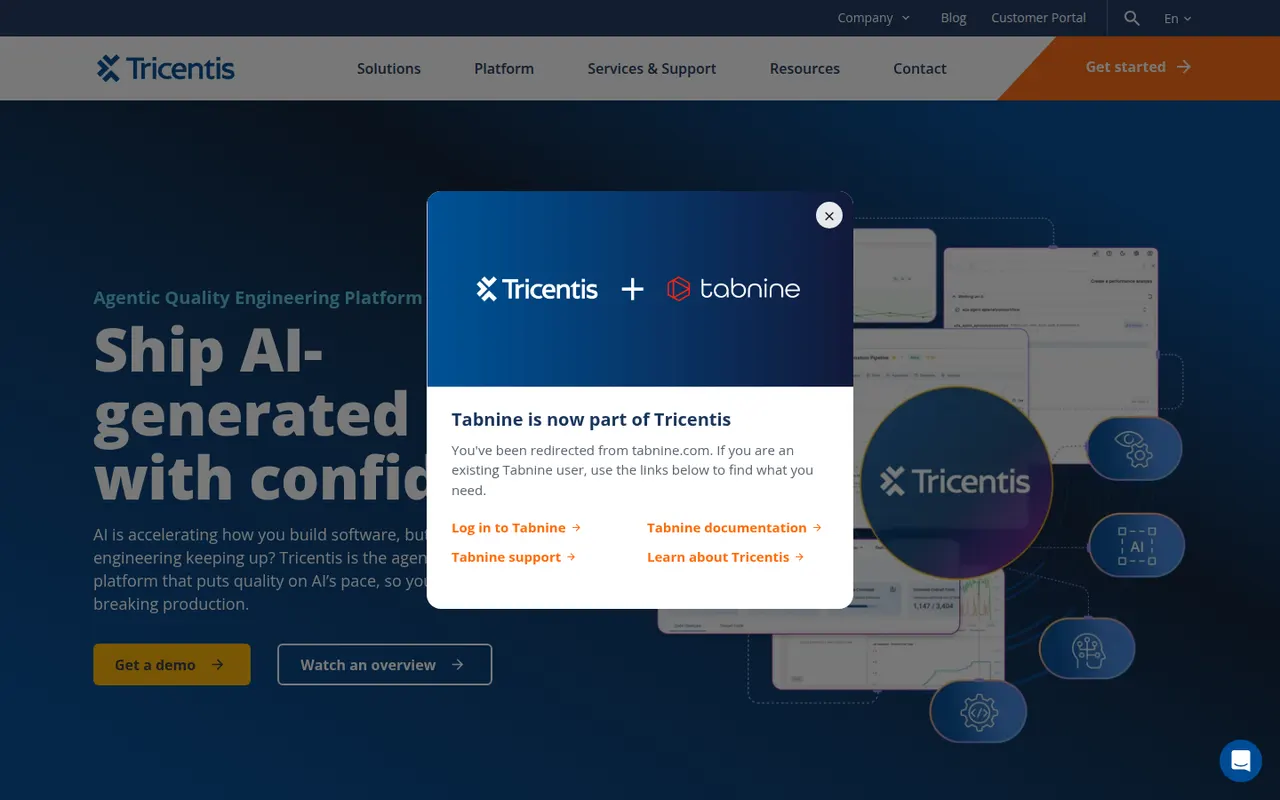
Tabnine is an AI coding assistant focused on privacy and control for companies. It provides code completion and a chat that helps generate tests, write documentation and review code in VS Code, JetBrains IDEs, Visual Studio and Eclipse. Tabnine can be deployed as SaaS, in a private VPC, on-premises or fully air-gapped, does not retain customer code, and can use an organization's repositories as context.
8 Tabnine alternativesPros
- Can be deployed on-premises or fully air-gapped
- Does not retain customer code
- Supports Eclipse and Visual Studio as well as VS Code and JetBrains
Cons
- Paid after the trial, with no free tier
- Offer and pricing target companies more than individuals
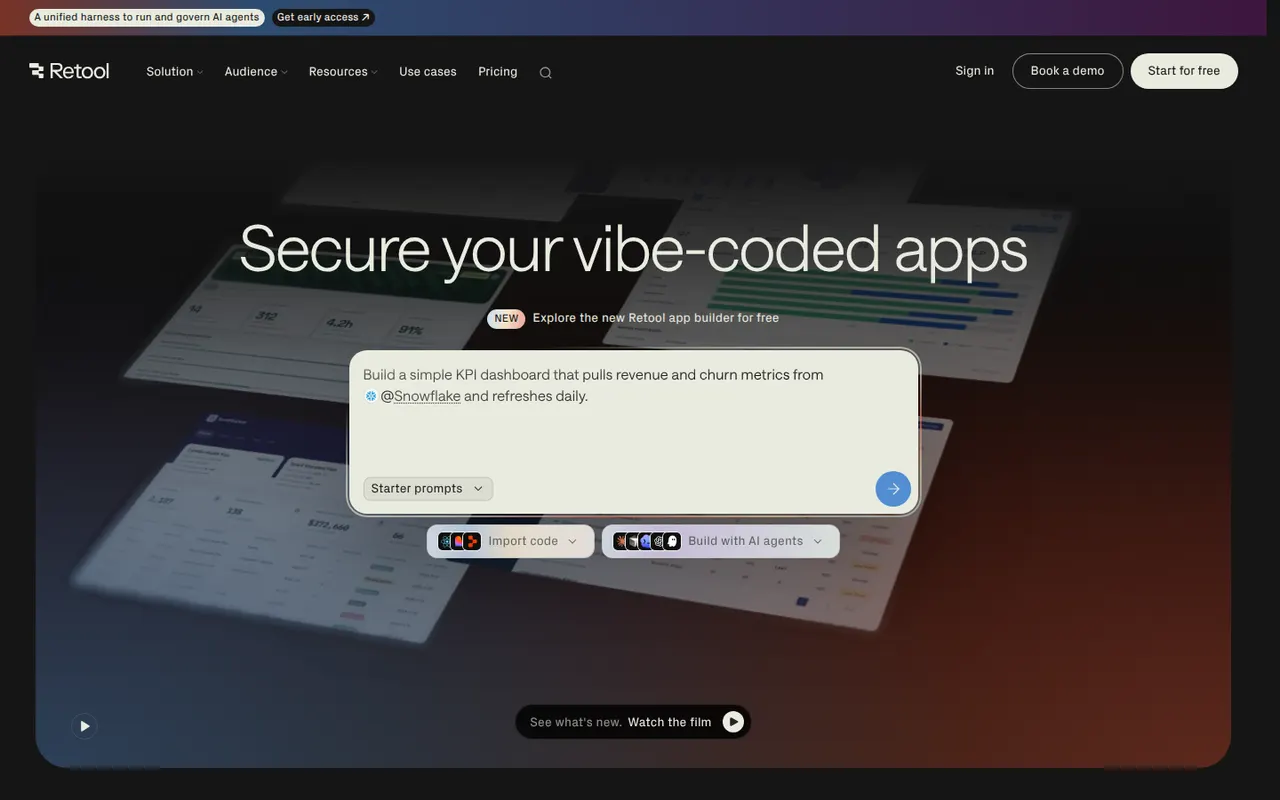
Cost / LicenseFree trialProprietaryCategoriesPlatformsRetool is a developer-focused platform for building internal tools such as admin panels, dashboards and back-office apps. You drag components onto a canvas, connect them to databases and APIs, and write JavaScript or SQL where needed, with AI that can generate apps and agents that automate tasks. It runs in the cloud or self-hosted, with SSO and audit logs for enterprises and a free plan for small teams.
11 Retool alternativesPros
- Fast way to build admin panels and dashboards on your data
- Connects to most databases and APIs, with JavaScript and SQL as needed
- Self-hosting option plus enterprise controls like SSO and audit logs
Cons
- Aimed at developers, so non-technical users may struggle
- Costs rise quickly as more users need access
- Limited design control beyond the standard components
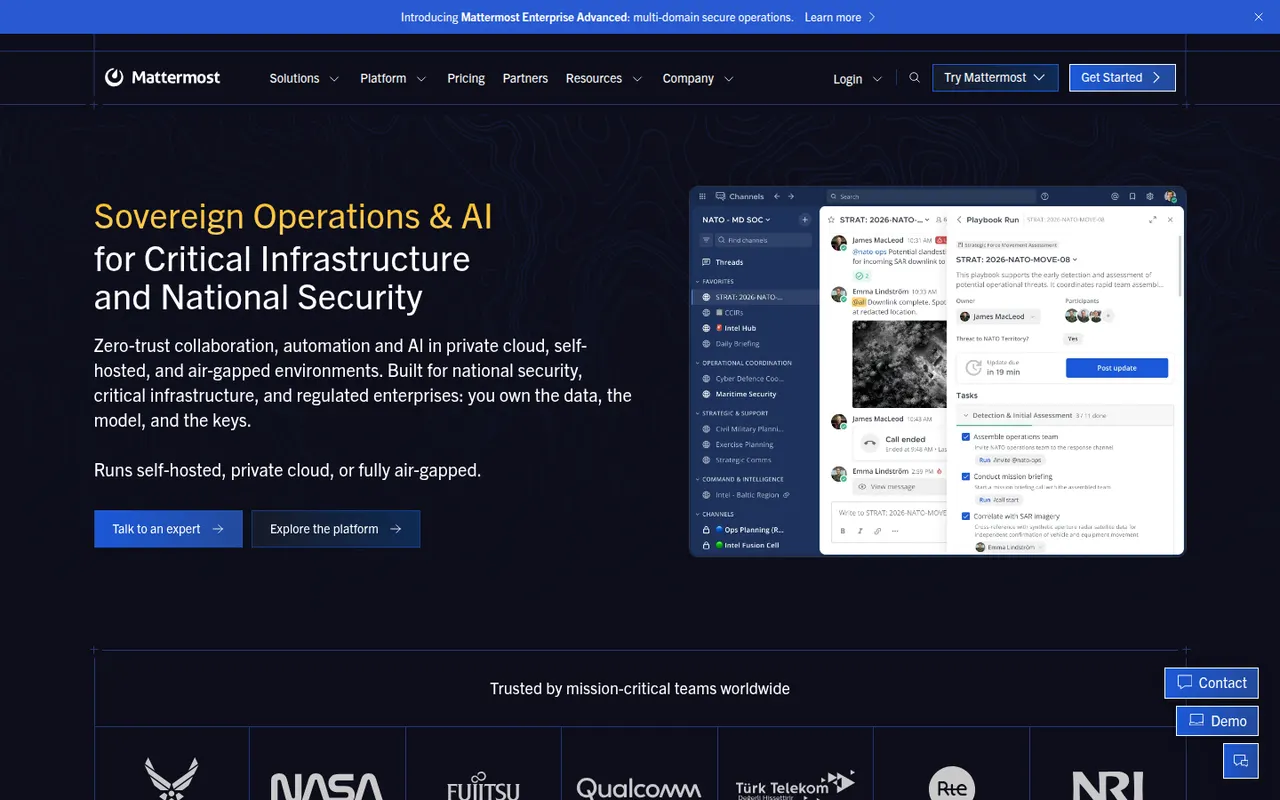
Cost / LicenseFreemiumProprietaryCategoriesPlatformsMattermost is an open-source collaboration platform offering channels, threads, calls and playbooks for structured workflows. Organizations can run it on their own servers or in a private cloud to keep full control of their data, which appeals to engineering teams, public agencies and regulated industries. Plugins, webhooks and an API connect it to DevOps tools like GitLab, Jira and Jenkins.
8 Mattermost alternativesPros
- Self-hosting keeps full control over data and infrastructure
- Strong DevOps integrations with GitLab, Jira and Jenkins
- Playbooks structure incident response and repeatable workflows
Cons
- Self-hosted deployments need ongoing admin work
- Smaller app ecosystem than Slack
- Advanced compliance and enterprise features require paid plans
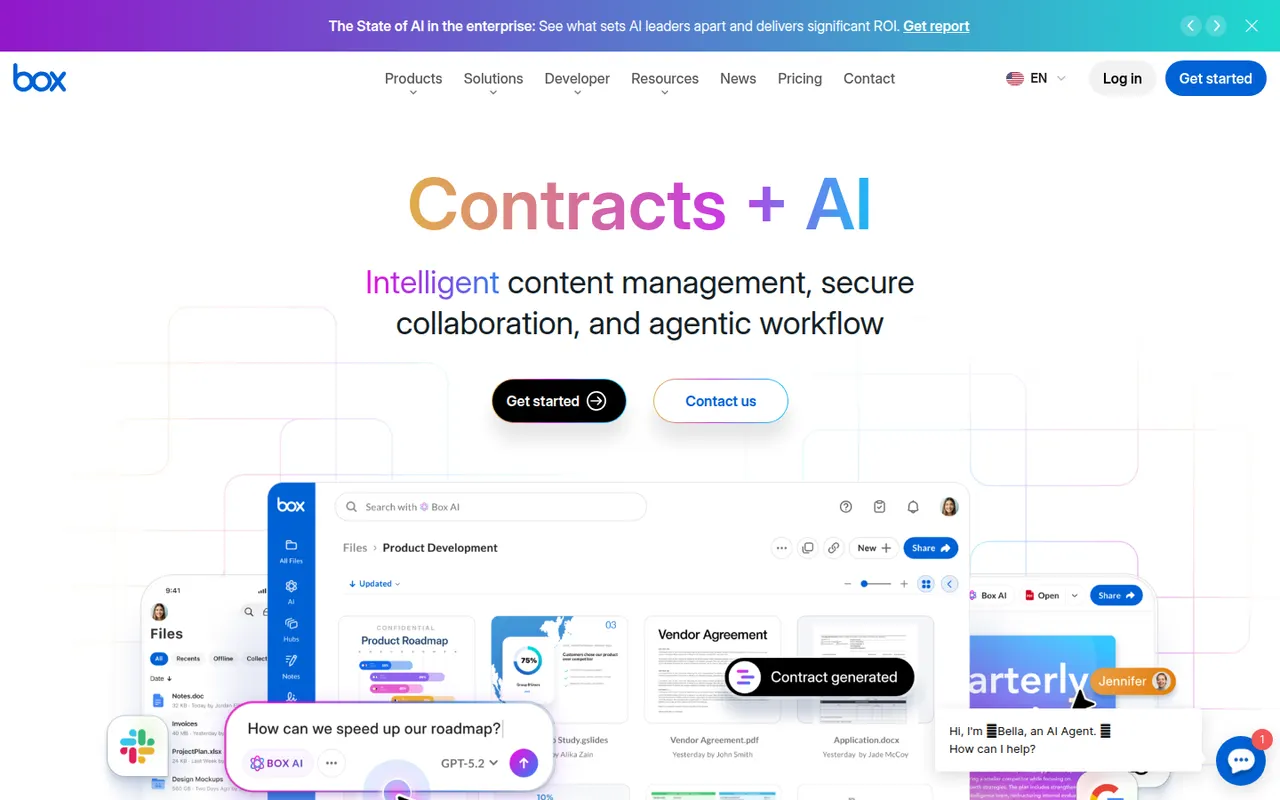
Cost / LicenseFreemiumOpen sourceCategoriesBox is a cloud storage and file sharing platform aimed at companies that need control over their documents. It offers granular permissions, version history, single sign-on, compliance tooling and integrations with Microsoft 365, Google Workspace, Slack and many business apps, plus Box AI for asking questions about stored content. A free individual plan is available.
10 Box alternativesPros
- Granular permissions and compliance tools for regulated companies
- Integrates with Microsoft 365, Google Workspace, Slack and many business apps
- Box AI answers questions about stored documents
Cons
- The free plan is limited in storage and file upload size
- Aimed at businesses, less appealing for personal use
- Many admin and security features sit in higher-tier plans
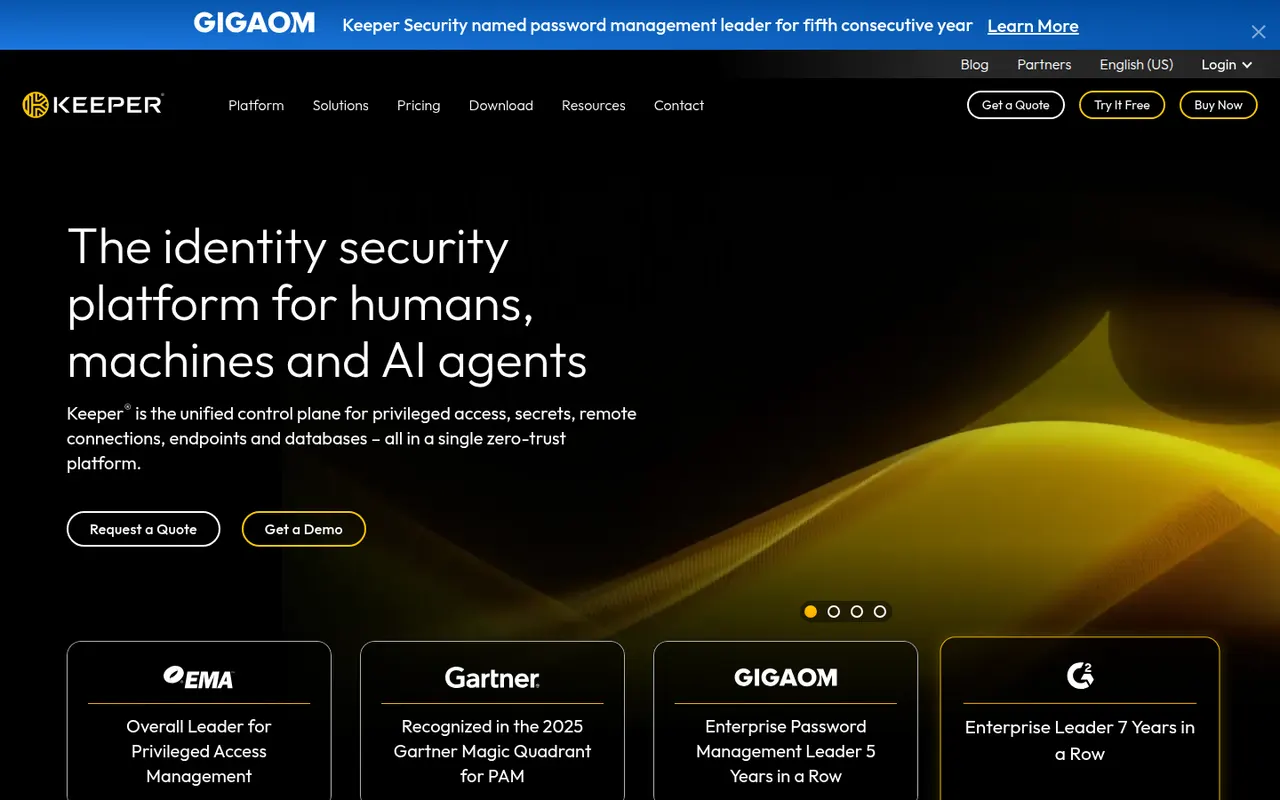
Cost / LicenseFreemiumProprietaryCategoriesKeeper is a password manager with a strong focus on businesses and public-sector organizations, offering zero-knowledge encrypted vaults, role-based policies and single sign-on integration. Its apps cover desktop, mobile and browser extensions, with passkey storage, built-in 2FA codes and secure file storage. The optional BreachWatch add-on monitors the dark web for leaked credentials.
7 Keeper alternativesPros
- Zero-knowledge vaults with role-based policies for businesses
- SSO integration and admin controls for large organizations
- Secure file storage plus built-in 2FA codes
Cons
- BreachWatch dark web monitoring is a paid add-on
- The free plan is very limited compared with paid tiers
Cost / LicenseFreemiumProprietaryCategories