Apps with Tracker blocking
11 apps
Top Tracker blocking apps ranked by the community
Proton Mail is an end-to-end encrypted email service based in Switzerland. Messages between Proton users are encrypted automatically, emails to others can be password-protected, and stored mail uses zero-access encryption so Proton cannot read it. Its apps are open source, paid plans add custom domains and more addresses, and it is part of a suite with Proton Calendar, Drive, VPN and Pass.
9 Proton Mail alternativesPros
- End-to-end and zero-access encryption protect stored mail
- Based in Switzerland, with open source apps
- Part of a suite with Proton Calendar, Drive, VPN and Pass
Cons
- Free plan is tight on storage and addresses
- Using IMAP clients requires Proton Mail Bridge and a paid plan
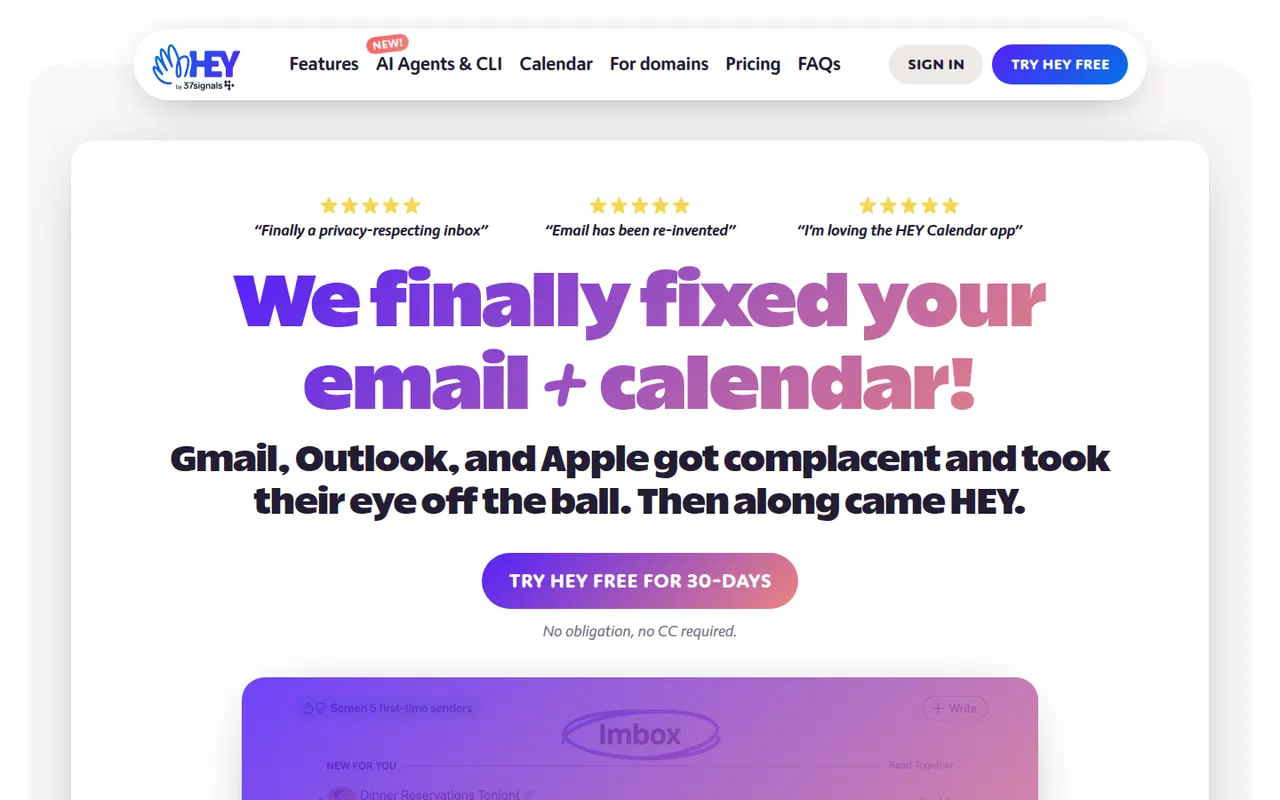
Cost / LicenseFreemiumOpen sourceCategoriesHEY is a paid email service from 37signals, the makers of Basecamp, that rethinks how mail is triaged. First-time senders must be approved in the Screener, newsletters go to The Feed, receipts to the Paper Trail, and spy pixels are blocked automatically. It includes a calendar and supports custom domains for businesses, but works only with HEY addresses rather than existing Gmail or IMAP accounts.
9 HEY alternativesPros
- Screener lets you approve first-time senders before they reach you
- Spy pixels in emails are blocked automatically
- The Feed and Paper Trail set newsletters and receipts aside
Cons
- Works only with HEY addresses, not existing Gmail or IMAP accounts
- Opinionated workflow that doesn’t suit everyone
- No free plan beyond the trial
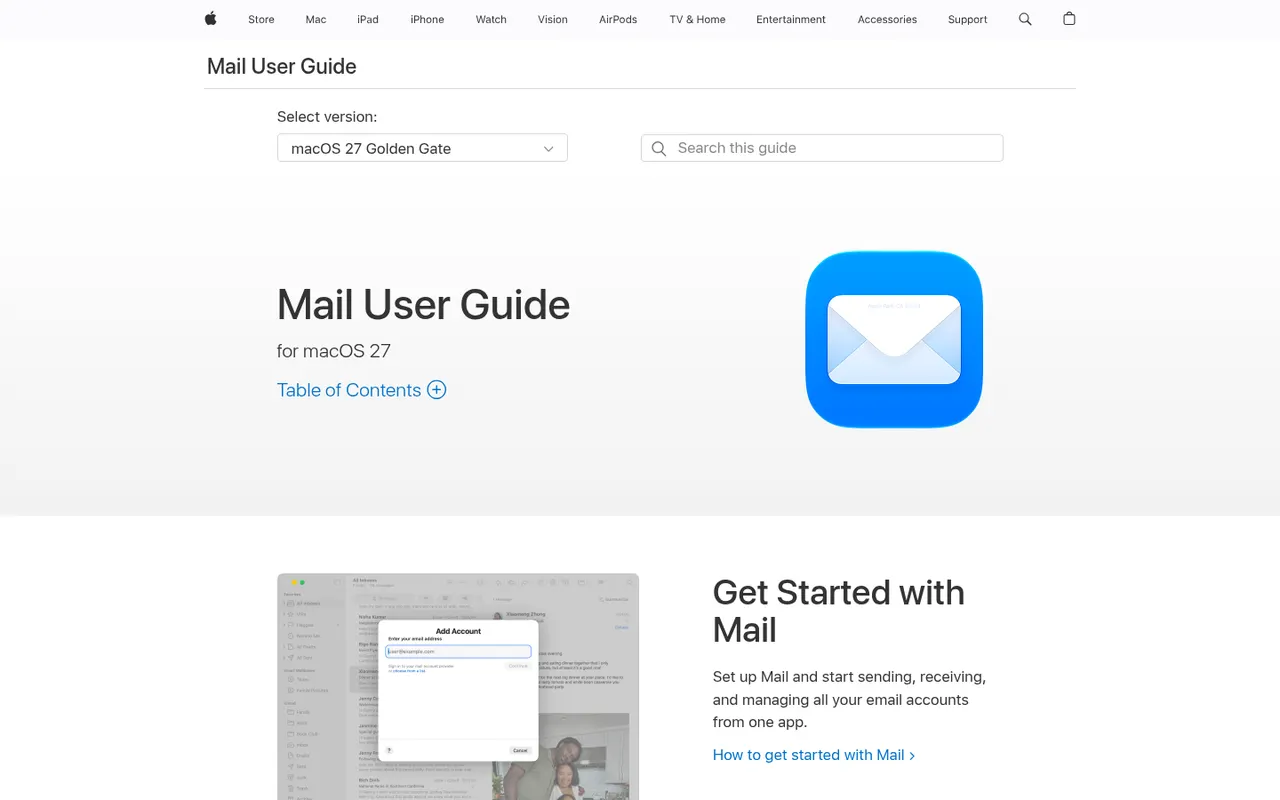
Cost / LicenseFree trialProprietaryCategoriesApple Mail is the email app included with macOS, iOS and iPadOS, supporting iCloud, Gmail, Exchange and other IMAP accounts in a unified inbox. It offers send later, follow-up reminders, smart search and Mail Privacy Protection, which hides your IP address and stops senders from seeing when you open messages. With iCloud+, Hide My Email creates random addresses that forward to your inbox.
9 Apple Mail alternativesPros
- Free and preinstalled on Mac, iPhone and iPad
- Mail Privacy Protection hides your IP and blocks open tracking
- Unified inbox for iCloud, Gmail, Exchange and IMAP accounts
Cons
- Only available on Apple devices
- Few power-user features or extensions compared with dedicated clients
- Hide My Email requires an iCloud+ subscription
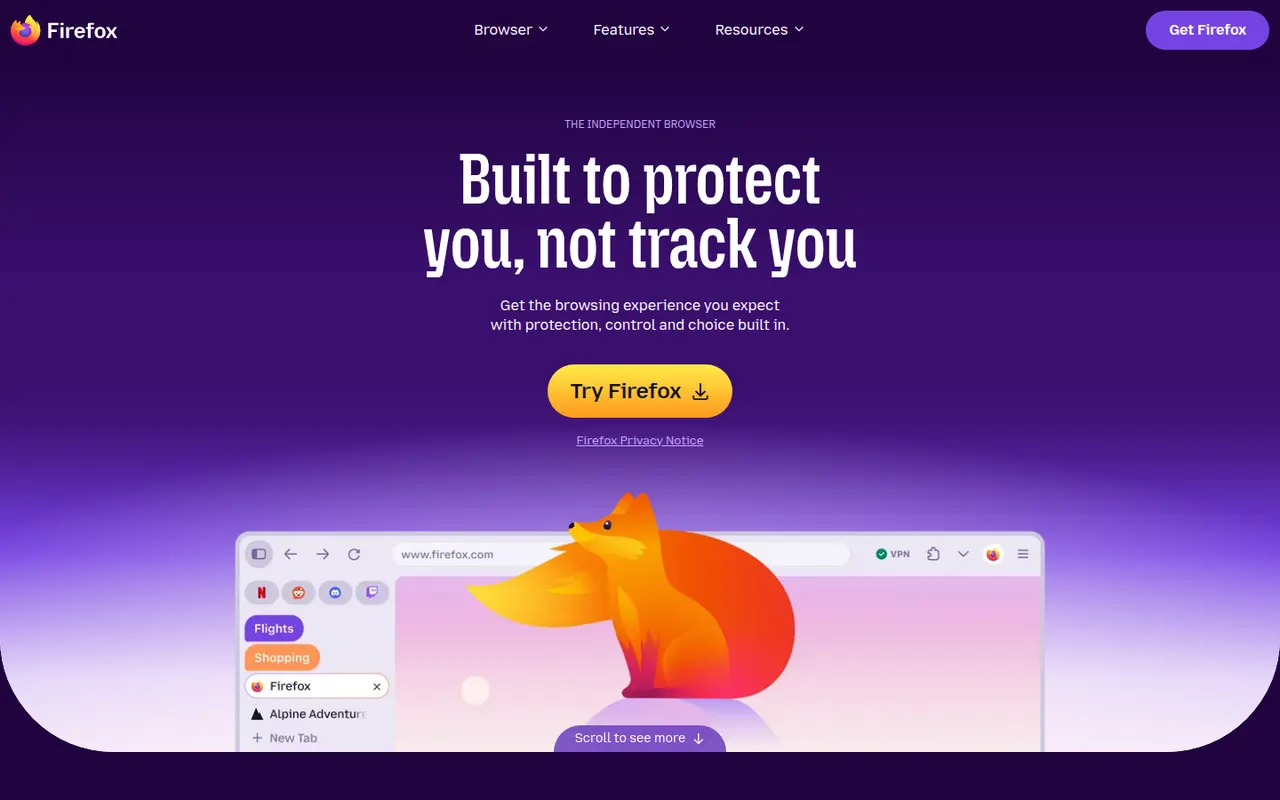
Cost / LicenseFreeProprietaryCategoriesFirefox is an open source web browser developed by Mozilla and one of the few major browsers not based on Chromium, running on its own Gecko engine instead. It blocks many trackers by default with Enhanced Tracking Protection, supports extensions on desktop and Android, and syncs bookmarks, passwords and tabs through a Mozilla account. Recent versions add vertical tabs and tab groups.
11 Firefox alternativesPros
- Independent Gecko engine, an alternative to Chromium browsers
- Enhanced Tracking Protection blocks many trackers by default
- Extensions supported on desktop and Android
Cons
- Some sites tested mainly in Chrome may misbehave
- No extensions on iPhone, where it runs on WebKit
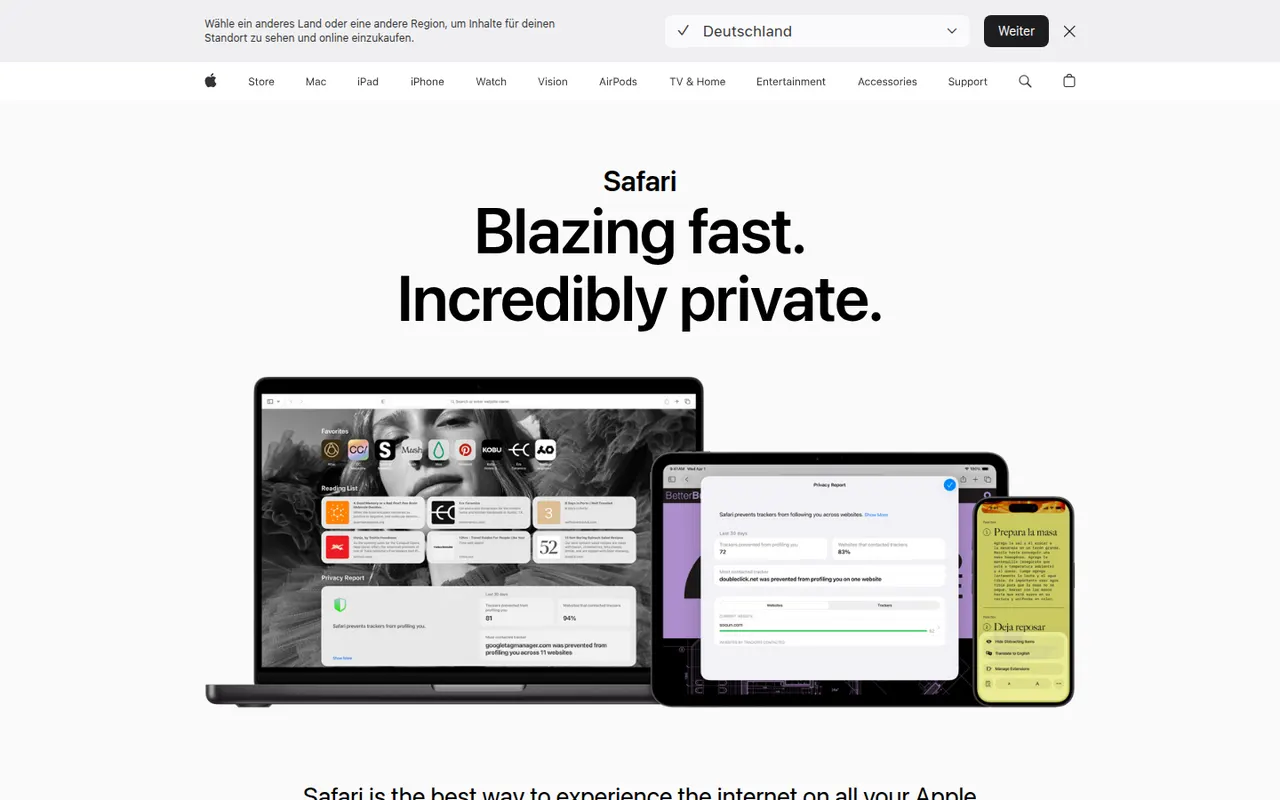
Cost / LicenseFreeOpen sourceCategoriesSafari is Apple's web browser, built on the WebKit engine and included with macOS, iOS and iPadOS. It relies on iCloud to sync tabs, bookmarks and passwords, limits cross-site tracking with Intelligent Tracking Prevention, and supports Tab Groups, profiles and Safari Web Extensions distributed through the App Store. It is tuned for energy efficiency on Apple hardware.
9 Safari alternativesPros
- Energy efficient on Mac, iPhone and iPad
- Intelligent Tracking Prevention limits cross-site tracking
- Seamless iCloud sync of tabs, bookmarks and passwords
Cons
- Only available on Apple devices
- Smaller extension catalog than Chrome or Firefox
- Some web features arrive later than in other browsers
Cost / LicenseFreeProprietaryCategoriesMicrosoft Edge is Microsoft's web browser, based on Chromium and preinstalled on Windows, with versions for macOS, Linux, iOS and Android. It runs Chrome Web Store extensions, offers vertical tabs, workspaces, tracking prevention and InPrivate browsing, and integrates Copilot in a sidebar to summarize pages and answer questions. Businesses also get an Internet Explorer mode for legacy sites.
9 Microsoft Edge alternativesPros
- Preinstalled on Windows and runs Chrome Web Store extensions
- Vertical tabs and workspaces built in
- Internet Explorer mode for legacy business sites
Cons
- Pushes Bing, Copilot and other Microsoft services insistently
- Default new tab page is cluttered with news and ads
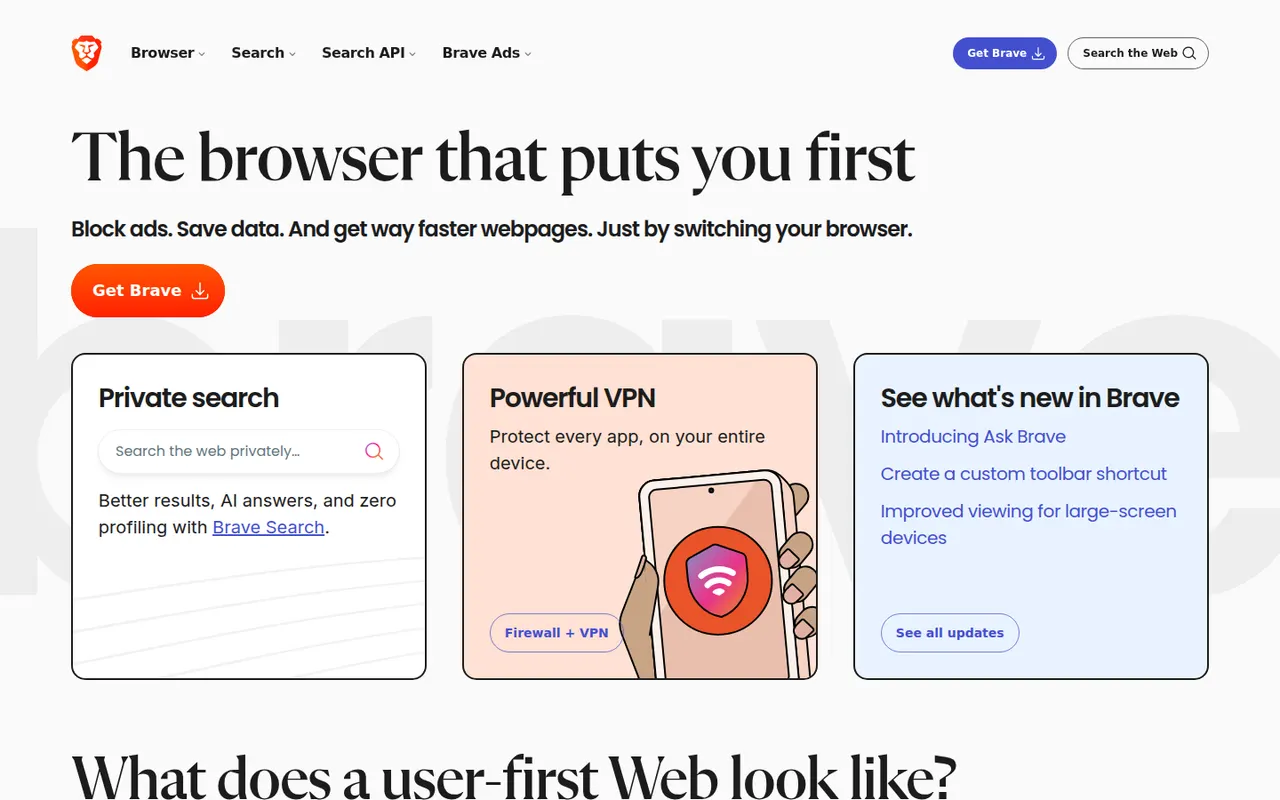
Cost / LicenseFreeProprietaryCategoriesBrave is an open source browser built on Chromium that blocks ads, trackers and fingerprinting by default through its Shields feature. It stays compatible with Chrome extensions on desktop and adds Brave Search, private windows with Tor, the Leo AI assistant and an opt-in rewards program based on privacy-preserving ads. A VPN and Leo Premium are offered as paid extras.
12 Brave alternativesPros
- Blocks ads, trackers and fingerprinting by default
- Compatible with Chrome extensions on desktop
- Private windows with Tor built in
Cons
- Crypto wallet, rewards and other extras clutter the interface
- Some sites break when Shields block their scripts
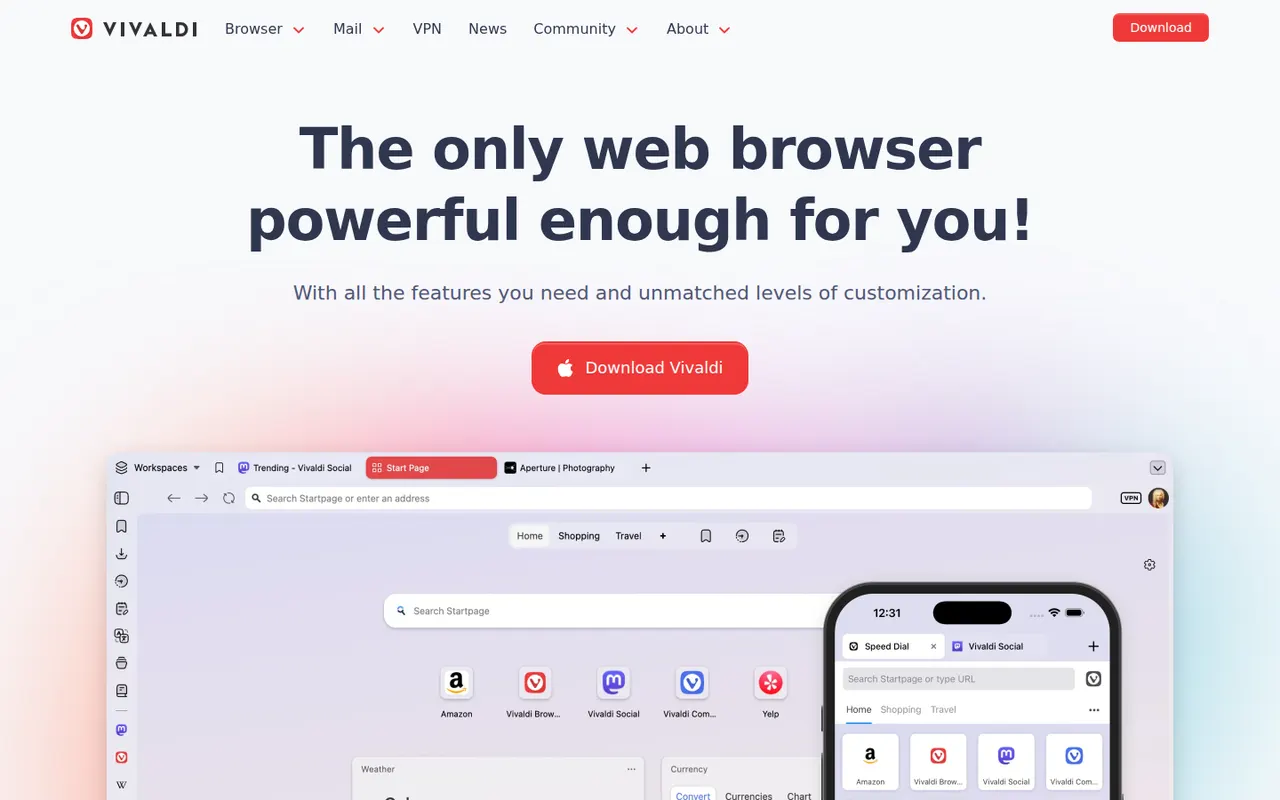
Cost / LicenseFreeOpen sourceCategoriesVivaldi is a Chromium-based browser from Norway, created by a co-founder of Opera, in which almost every part of the interface can be customized. It offers tab stacking and tiling, workspaces, a built-in ad and tracker blocker, notes, and integrated mail, calendar and RSS reader, with end-to-end encrypted sync. Vivaldi has chosen not to build generative AI chatbots into the browser.
10 Vivaldi alternativesPros
- Almost every part of the interface can be customized
- Built-in mail, calendar, feed reader and notes
- Tab stacking and tiling for heavy multitaskers
Cons
- The sheer number of options can overwhelm new users
- Interface can feel less snappy than leaner browsers
- Its interface code is proprietary, unlike Brave or Firefox
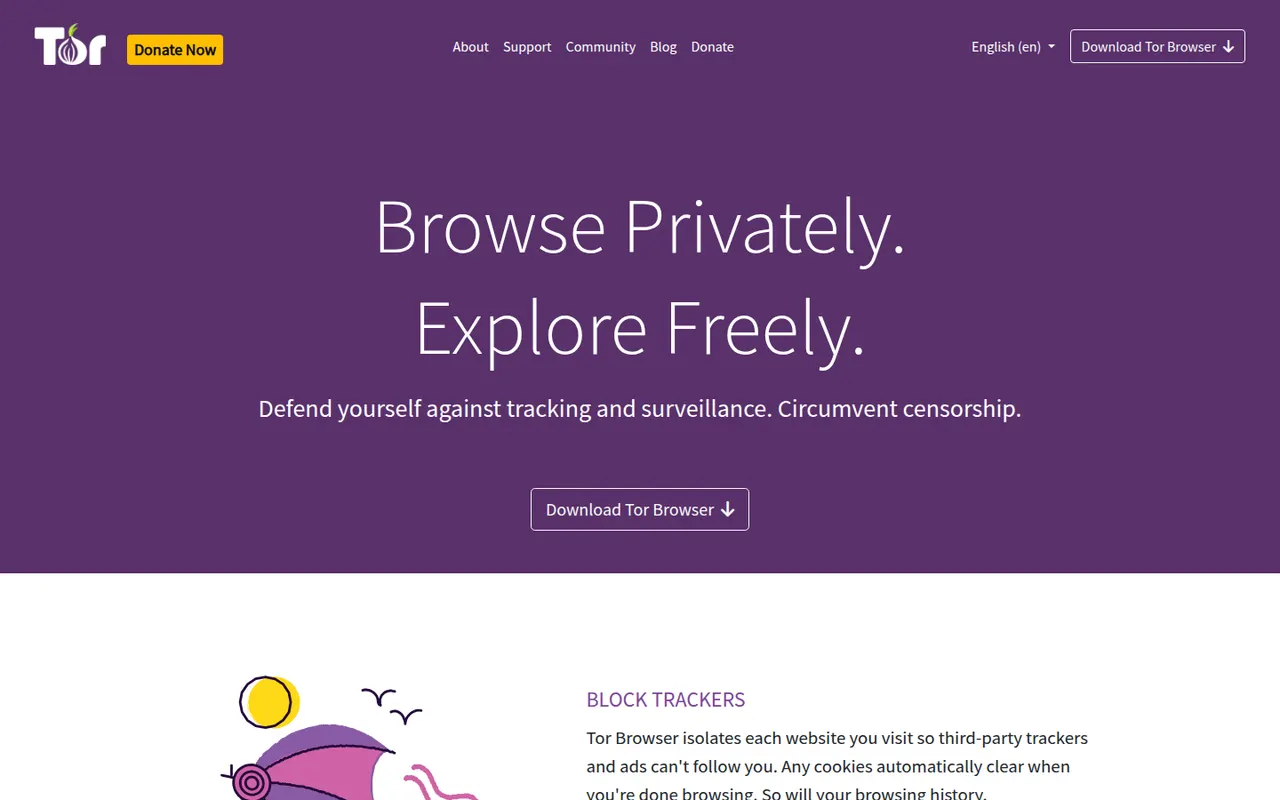
Cost / LicenseFreeProprietaryCategoriesTor Browser is a free, open source browser from the nonprofit Tor Project that sends your traffic through the volunteer-run Tor network, hiding your IP address from the sites you visit and your browsing from your network provider. Based on Firefox ESR, it isolates each site, resists fingerprinting by making users look alike, clears history on exit and can open .onion services.
7 Tor Browser alternativesPros
- Hides your IP address by routing traffic through the Tor network
- Fingerprinting resistance makes users look alike
- Built-in access to .onion services
Cons
- Browsing is noticeably slower because of multi-relay routing
- Many sites block Tor or show frequent CAPTCHAs
- No official app for iPhone
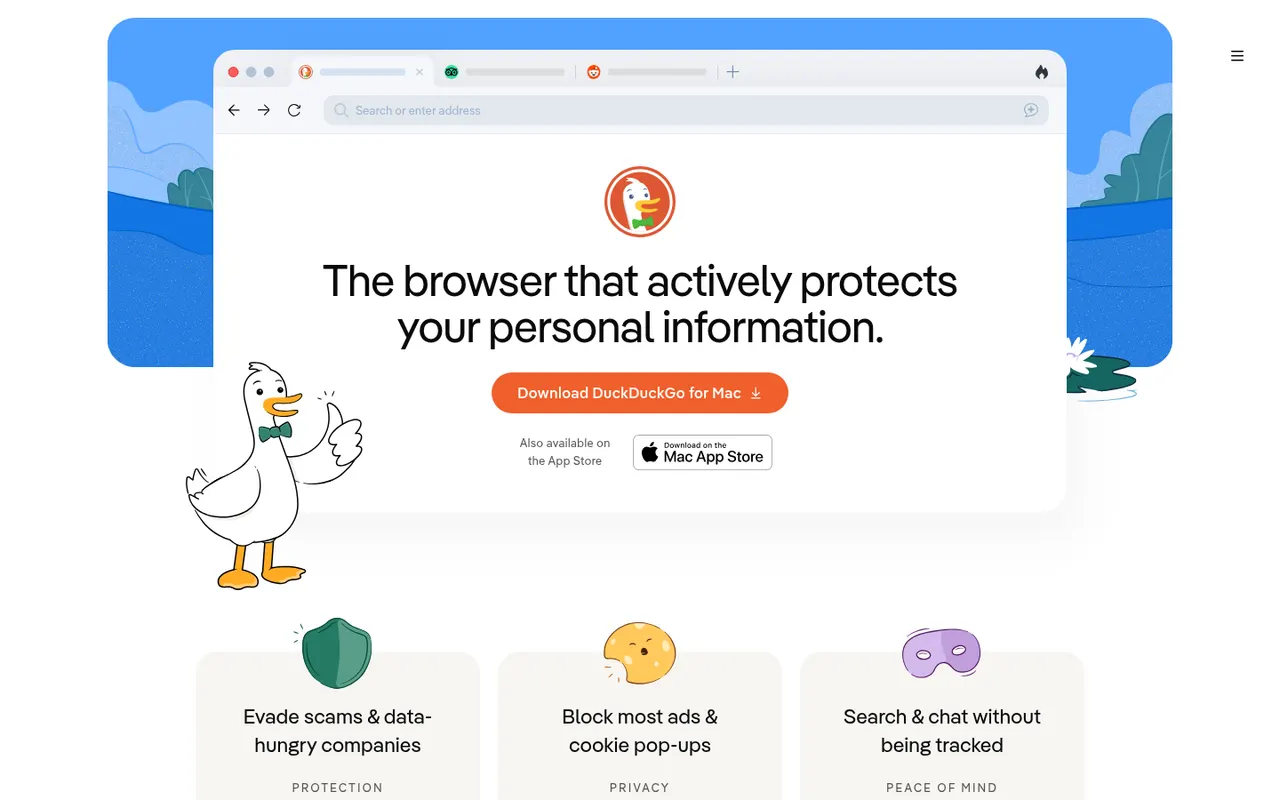
Cost / LicenseFreeOpen sourceCategoriesThe DuckDuckGo browser is a free, privacy-focused browser for iPhone, Android, Mac and Windows that uses DuckDuckGo search and blocks hidden trackers by default. The Fire Button clears tabs and data in one tap, Duck Player shows YouTube videos without personalized ads, and Email Protection forwards mail through @duck.com aliases. It also offers private Duck.ai chat and end-to-end encrypted sync.
8 DuckDuckGo Browser alternativesPros
- Blocks hidden trackers by default with no setup
- Fire Button clears tabs and data in one tap
- Built-in email aliases and Duck Player for YouTube
Cons
- No support for third-party extensions
- Fewer customization options than mainstream browsers
- No Linux version is available
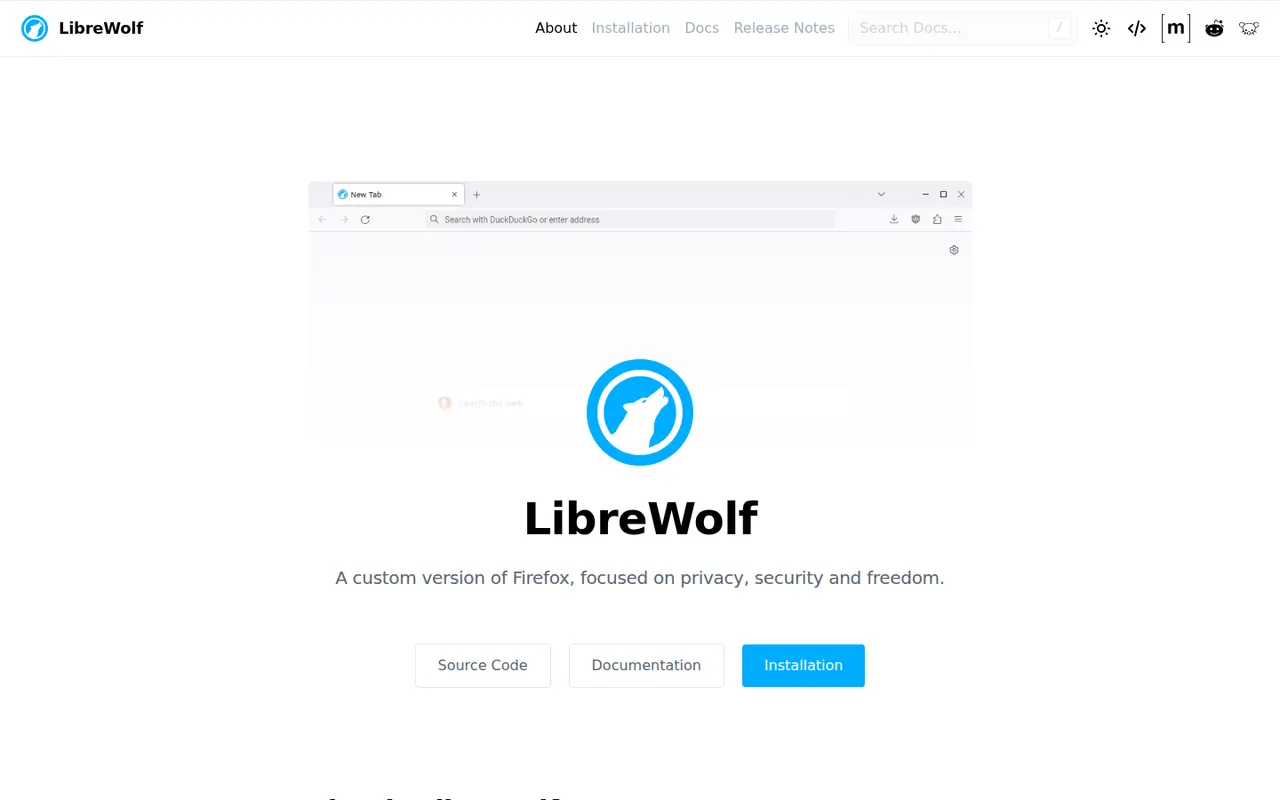
Cost / LicenseFreeProprietaryCategoriesLibreWolf is a community-maintained fork of Firefox focused on privacy and user freedom. It removes telemetry and sponsored content, ships with uBlock Origin and hardened privacy settings, defaults to privacy-respecting search engines, and clears cookies and history on exit unless you change it. It is free and open source, available for Windows, macOS and Linux.
7 LibreWolf alternativesPros
- Telemetry and sponsored content removed from Firefox
- Ships with uBlock Origin and hardened privacy settings
- Keeps compatibility with Firefox add-ons
Cons
- Strict defaults, such as clearing cookies on exit, need tweaking
- Updates can arrive a little after official Firefox releases
- No mobile version is available
Cost / LicenseFreeOpen sourceCategories