

Adobe Illustrator
Professional vector graphics editor for logos, icons and illustrations
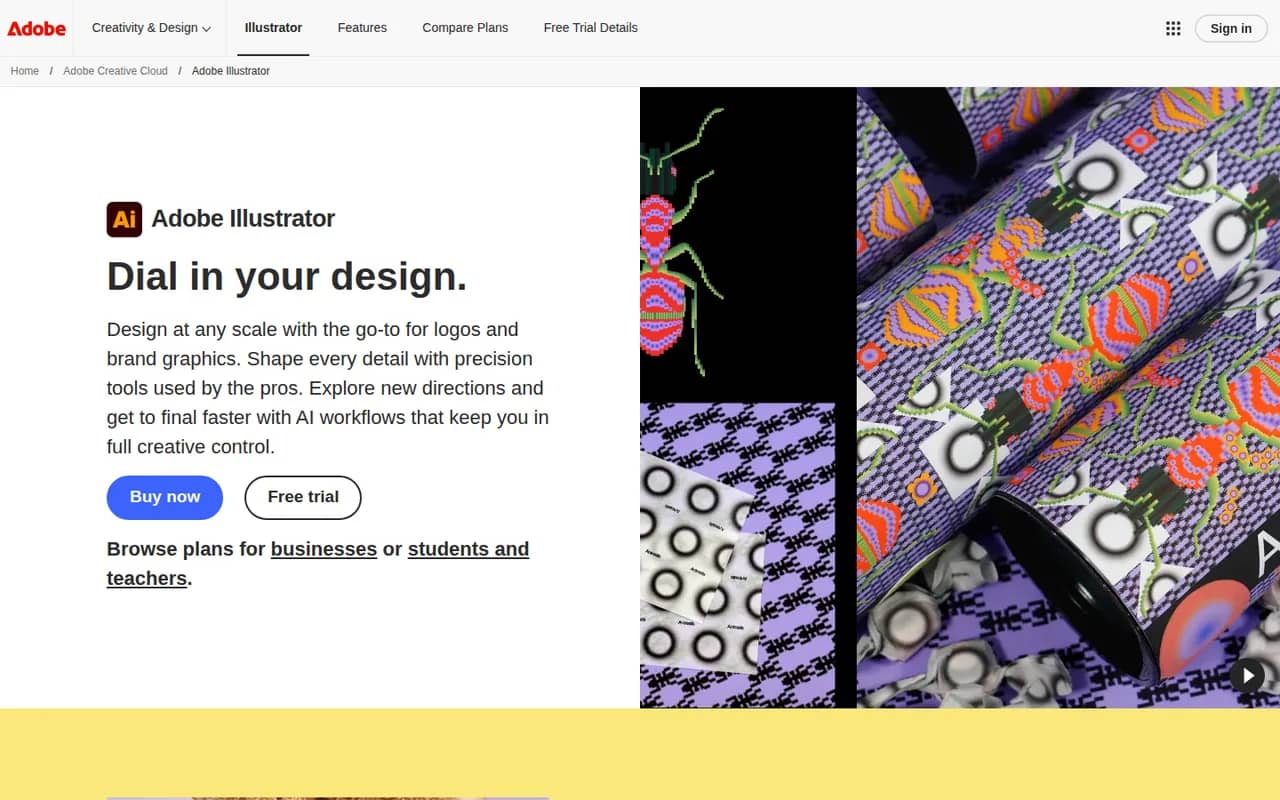
Adobe Illustrator is a desktop vector editor used by designers to create logos, icons, typography, illustrations and print artwork that scale to any size. It offers precise pen and shape tools, multiple artboards, many plugins and tight integration with Photoshop, InDesign and other Creative Cloud apps, plus Firefly features such as text-to-vector generation. An iPad version is also available.
- features
- 4
- alternatives
- 11
- platforms
- 3
- Updated
- Oct 12, 2026
Features
Our take
Pros
- Industry-standard vector tools for logos, icons and print artwork
- Tight integration with Photoshop, InDesign and Creative Cloud
- Large plugin ecosystem and Firefly text-to-vector generation
Cons
- Subscription-only, with no perpetual license
- Steep learning curve, especially the pen tool
- Can be resource-heavy on large, complex files
Editorial assessment by the Alternatives.tools team, based on what the product is known for. Not a user review.
Best Adobe Illustrator alternatives
See all 11 alternatives AffinityFreemium
Free all-in-one app for vector design, photo editing and page layout
- InkscapeFreeOpen source
Free and open source vector graphics editor built around SVG
 CorelDRAWFree trial
Vector illustration and layout suite for print, signage and technical graphics
 FigmaFreemium
Collaborative interface design and prototyping tool in the browser
 KittlFreemium
Online design platform for logos, typography and print-on-demand artwork
 CanvaFreemium
Browser-based design tool for social posts, slides and print
4.9(3.6M) · App Store
User reviews
No reviews yet. Be the first to share your experience with Adobe Illustrator.