
Free Adobe Lightroom alternatives
Top Photo Editing like Adobe Lightroom
The most popular alternative to Adobe Lightroom is darktable, which has a free version. Other great alternatives to Adobe Lightroom are RawTherapee, Affinity, GIMP, and Remini.
Most alternatives to Adobe Lightroom are in the Photo Editing category, compared here by price, platform and features.
All Adobe Lightroom alternatives
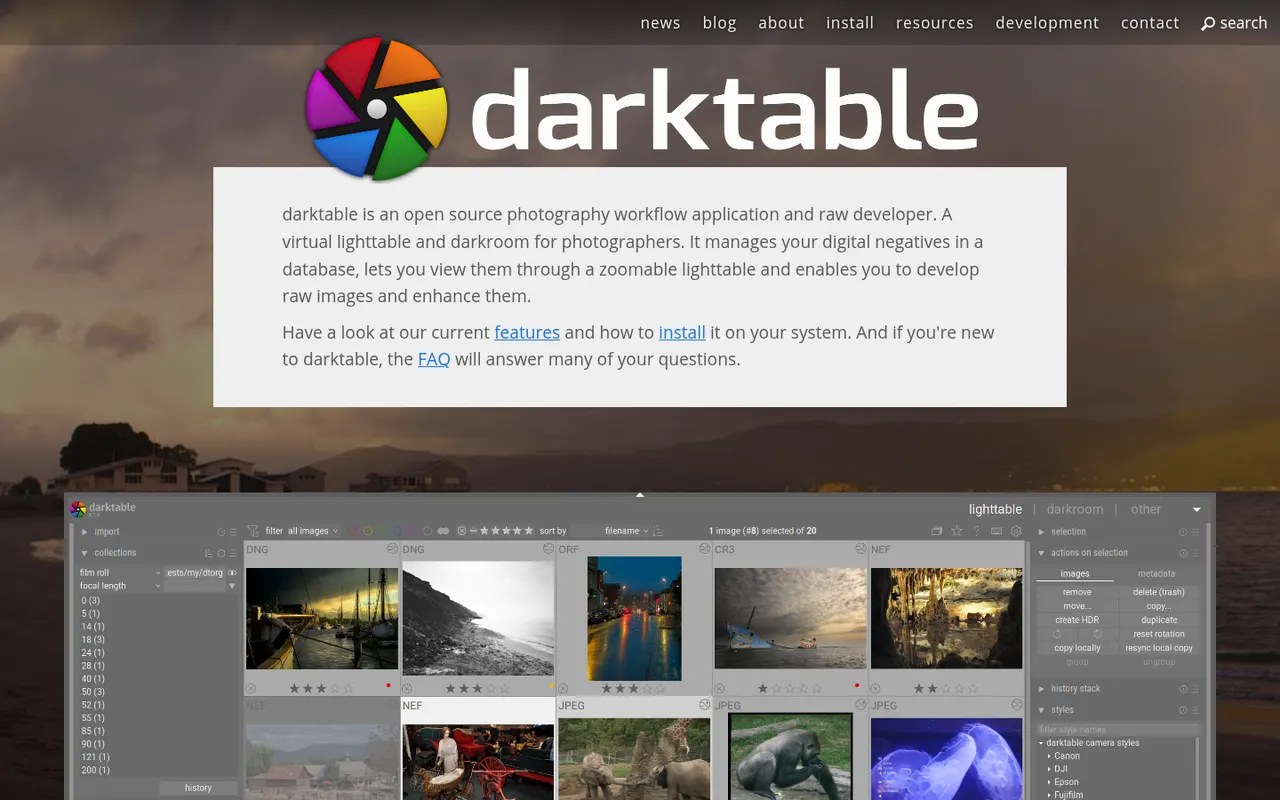
darktable is a free, open source photography workflow application that acts as a virtual light table and darkroom for RAW files. It offers non-destructive editing with a scene-referred pipeline, parametric and drawn masks, color calibration tools, tethered shooting and a tagged image library. It runs on Linux, Windows and macOS and suits photographers who want advanced RAW processing without a subscription.
6 darktable alternativesPros
- Free, open source RAW processing with no subscription
- Scene-referred pipeline with advanced masks and color calibration
- Runs on Linux, Windows and macOS, with tethered shooting
Cons
- Steep learning curve and a dense interface
- No mobile apps or cloud sync
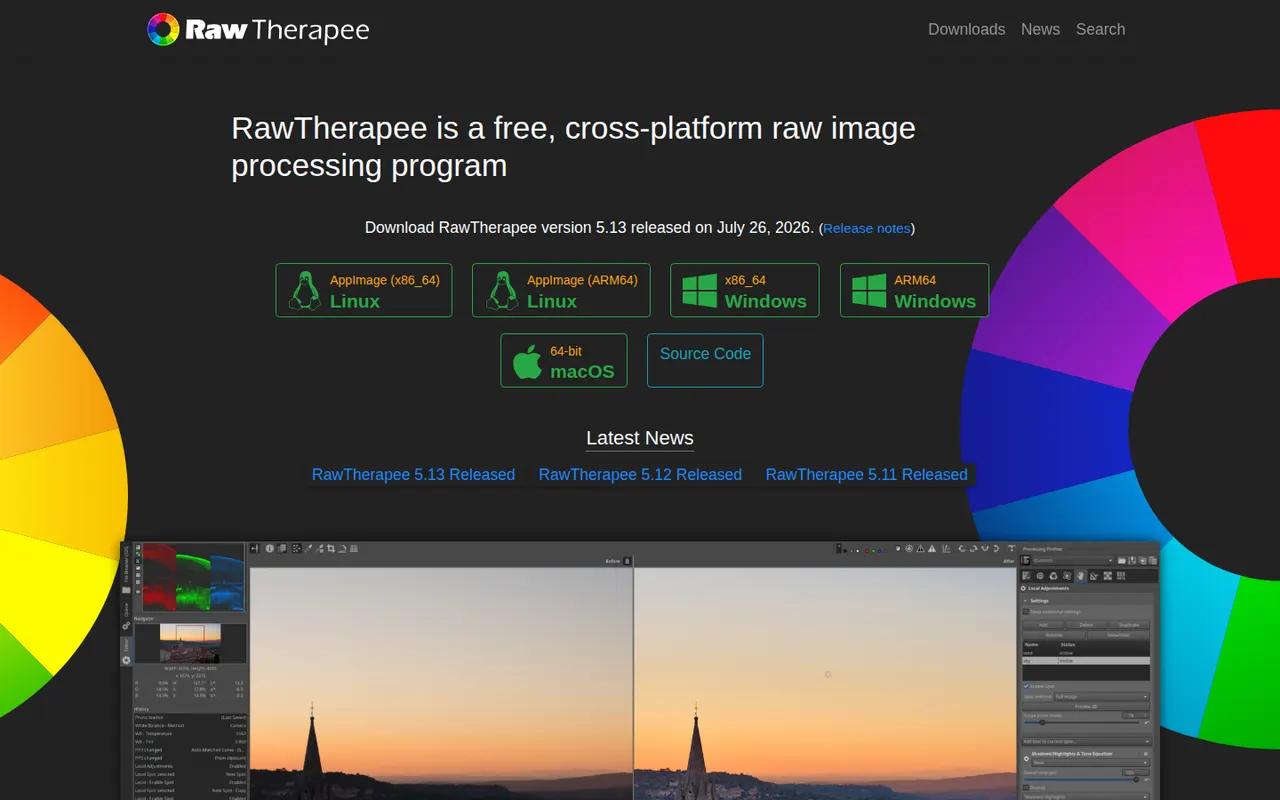
Cost / LicenseFreeOpen sourceCategoriesRawTherapee is a free, open source program for developing RAW photos on Windows, macOS and Linux. It focuses on image quality, with several demosaicing algorithms, advanced noise reduction, color management and detailed tone and color tools, all applied non-destructively through processing profiles. It includes a file browser and batch queue but no catalog, so it suits photographers who organize files themselves.
6 RawTherapee alternativesPros
- Free, open source RAW development with fine-grained controls
- Several demosaicing algorithms and advanced noise reduction
- Batch queue and processing profiles for consistent results
Cons
- No catalog or library management
- Technical interface with a steep learning curve
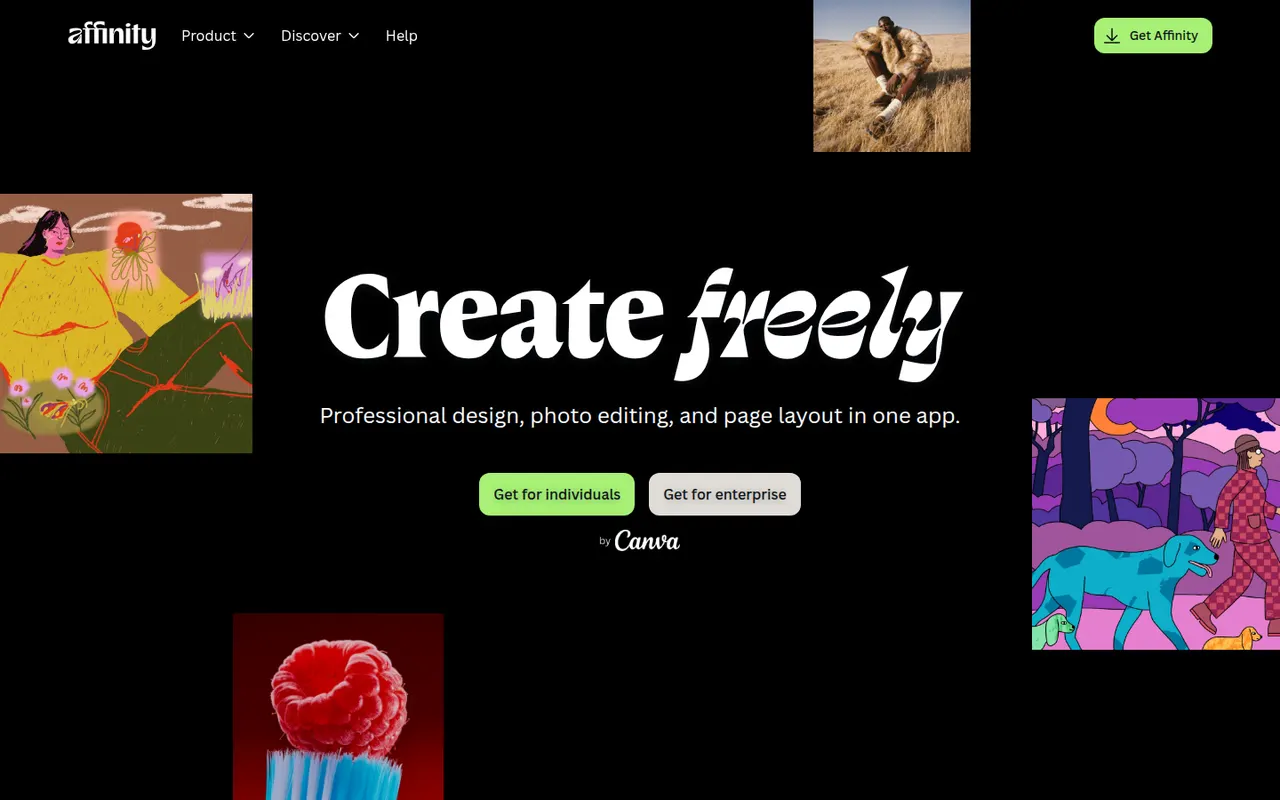
Cost / LicenseFreeOpen sourceCategoriesAffinity is a professional creative app from Canva that merges the former Affinity Designer, Photo and Publisher into one program with vector, pixel and layout workspaces. It is free to download for Windows and macOS, while its optional Canva AI tools require a paid Canva plan. It suits designers who want an alternative to Adobe subscriptions and can import PSD, PDF and IDML files.
12 Affinity alternativesPros
- Free download combining vector, pixel and layout workspaces in one app
- Imports PSD, PDF and IDML files from Adobe workflows
- Professional tools without a mandatory subscription
Cons
- Canva AI tools require a paid Canva plan
- Smaller plugin and training ecosystem than Adobe’s
- Imported Adobe files can need manual adjustments
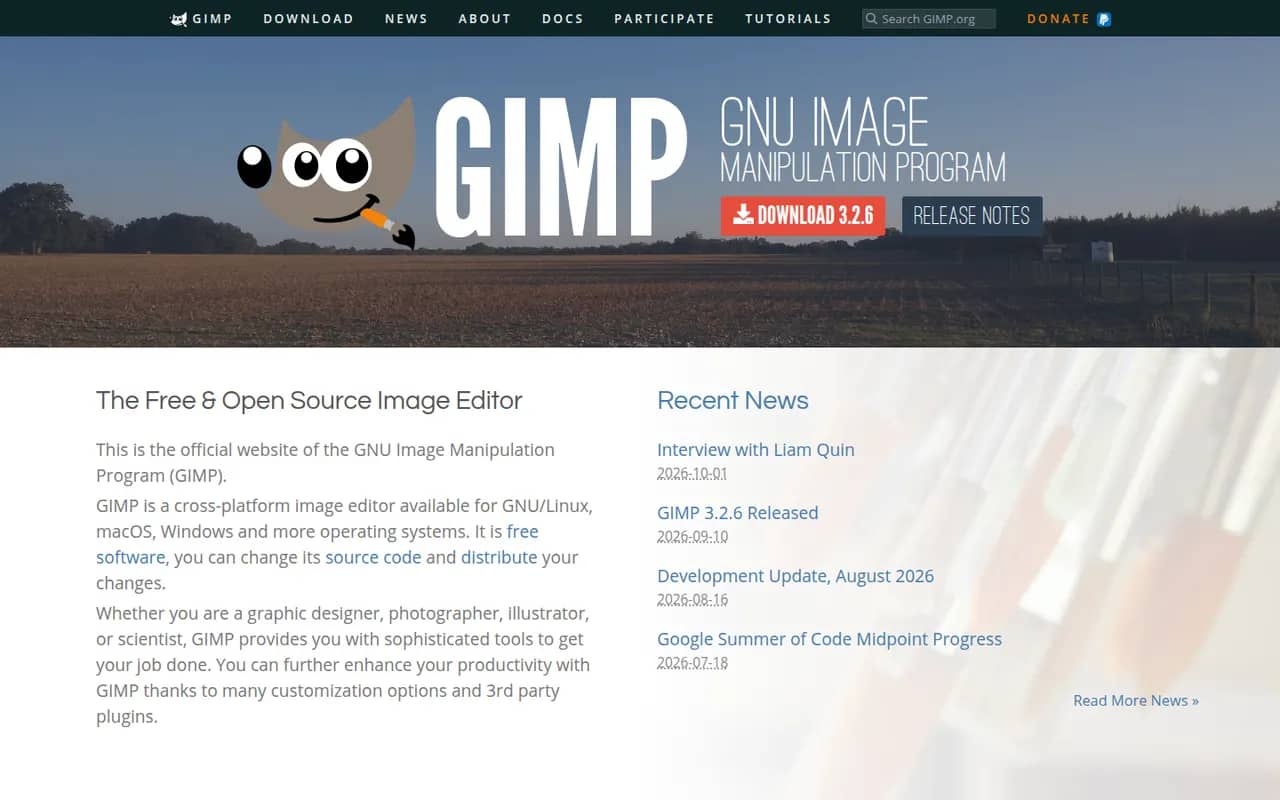
Cost / LicenseFreemiumProprietaryCategoriesGIMP (GNU Image Manipulation Program) is a free, open source image editor used for photo retouching, image composition and digital artwork. It offers layers, masks, selection tools, a wide range of filters and scripts and plugins in Python or Script-Fu. GIMP 3.0 added non-destructive filters and a refreshed interface, and it is a common Photoshop alternative for people who want to avoid subscriptions.
12 GIMP alternativesPros
- Free, open source and available on Windows, macOS and Linux
- Layers, masks, filters and scripting in Python or Script-Fu
- Non-destructive filters since version 3.0
Cons
- Interface and workflows differ from Photoshop, which slows switchers
- Fewer AI and generative tools than commercial editors
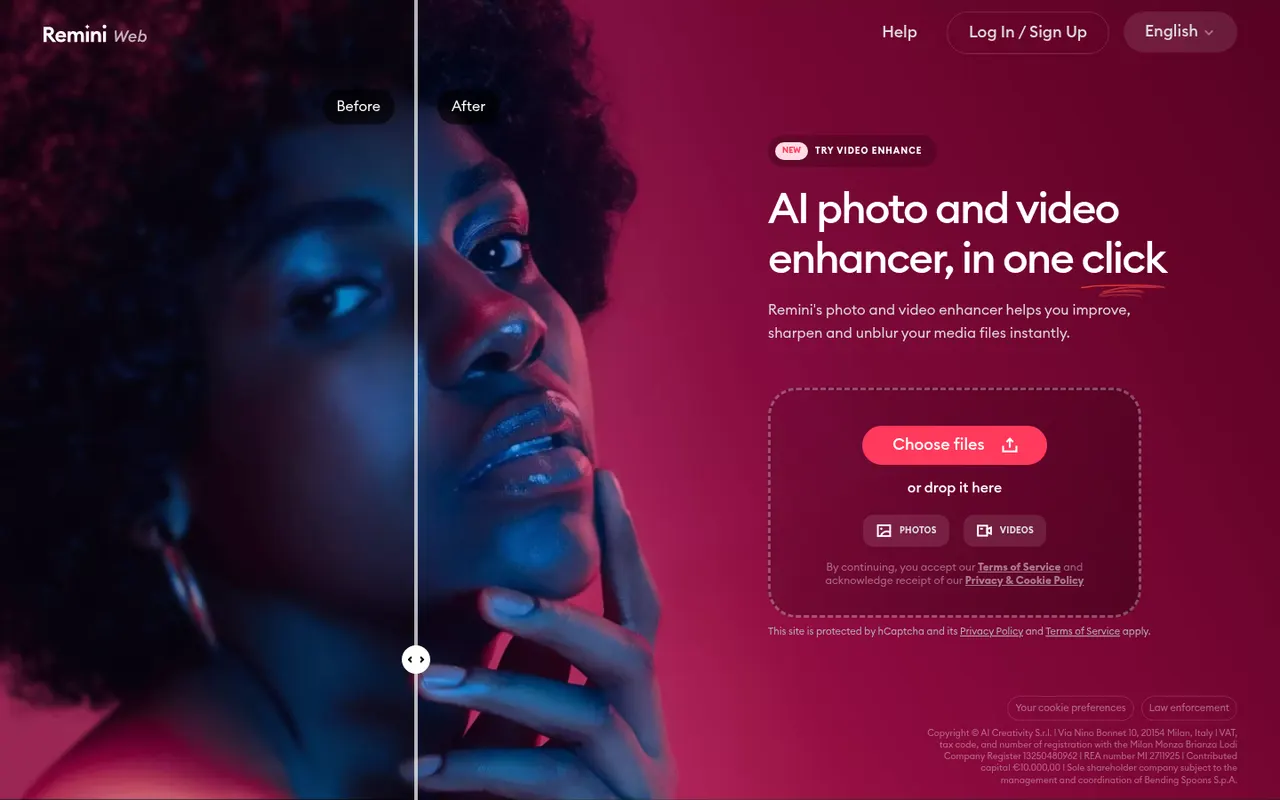
Cost / LicenseFreeOpen sourceCategoriesRemini, owned by Bending Spoons, is a mobile and web app that uses AI to enhance photos and videos: it sharpens blurry or low-resolution images, restores old pictures and improves faces. It can also generate AI portraits of you in different styles from a few selfies, including professional headshots. The app can be used for free with limits, and a subscription unlocks more processing and features.
8 Remini alternativesPros
- Sharpens blurry or low-resolution photos in a tap
- Restores old pictures and enhances faces
- Available on iOS, Android and the web
Cons
- Free version is limited, with frequent prompts to subscribe
- Face enhancement can look artificial or alter features
Cost / LicenseFreemiumProprietaryCategories







Adobe Lightroom vs its alternatives at a glance
Pricing, platforms and the key features of Adobe Lightroom, compared with its most popular alternatives.
| App | Pricing | Platforms | Color grading | Cross-device sync | Non-destructive editing | Photo library management | RAW photo editing |
|---|---|---|---|---|---|---|---|
 Adobe Lightroom Adobe Lightroom | Freemium | Web, Windows, Mac, iPhone, Android | |||||
| darktable | FreeOpen source | Windows, Mac, Linux | |||||
 RawTherapee RawTherapee | FreeOpen source | Windows, Mac, Linux | |||||
 Affinity Affinity | Freemium | Windows, Mac | |||||
 GIMP GIMP | FreeOpen source | Windows, Mac, Linux | |||||
 Remini Remini | Freemium | Web, iPhone, Android |
Adobe Lightroom alternatives: frequently asked questions
What is the best alternative to Adobe Lightroom?
The most popular alternative to Adobe Lightroom is darktable: Open source RAW photo workflow app and free alternative to Lightroom. Other great alternatives are RawTherapee, Affinity, GIMP, and Remini.
Is there a free alternative to Adobe Lightroom?
Yes, 5 alternatives are free or have a free plan, including darktable, RawTherapee, Affinity, and GIMP.
Is there an open source alternative to Adobe Lightroom?
Yes, 3 open source alternatives are listed, including darktable, RawTherapee, and GIMP.
Is Adobe Lightroom free?
Adobe Lightroom has a free plan, with paid plans that unlock more features.
Compare Adobe Lightroom with its alternatives


Sponsored listings and products made by the publisher of this site are always labeled. How we rank · Know a good alternative? Submit it