
Amazon Q Developer alternatives
Top AI Coding Assistants like Amazon Q Developer
The most popular alternative to Amazon Q Developer is GitHub Copilot, which has a free version. Other great alternatives to Amazon Q Developer are Gemini Code Assist, Cursor, Claude Code, and Tabnine.
Most alternatives to Amazon Q Developer are in the AI Coding Assistants category, compared here by price, platform and features.
All Amazon Q Developer alternatives
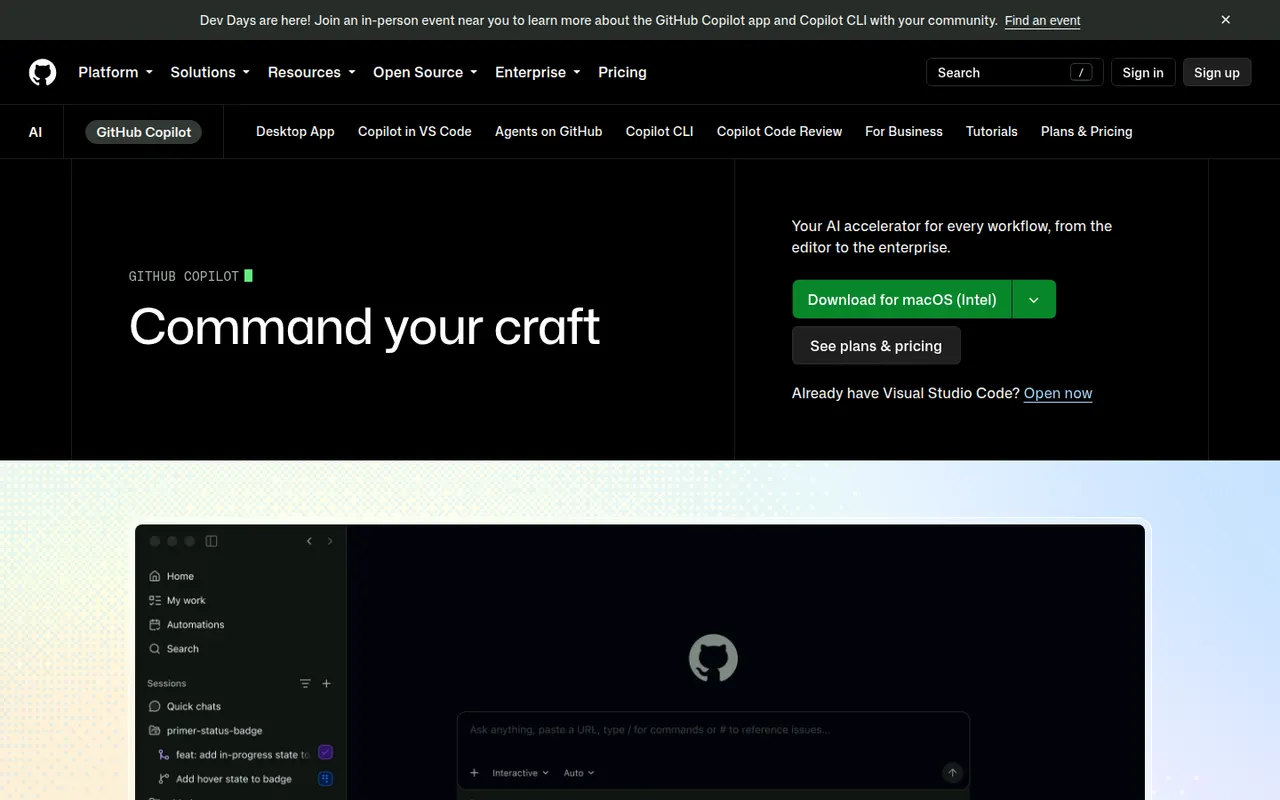
GitHub Copilot is GitHub's AI coding assistant. It suggests code as you type and offers chat in editors such as VS Code, Visual Studio, JetBrains IDEs, Xcode and Neovim, with a choice of models from several providers. Its coding agent can take a GitHub issue, work in the background and open a pull request, and Copilot also reviews pull requests and works in the terminal. A limited free plan is available.
10 GitHub Copilot alternativesPros
- Works in many editors, from VS Code to Xcode and Neovim
- Coding agent turns GitHub issues into pull requests
- Choice of models from several providers
Cons
- The free plan has tight monthly limits
- Premium requests can add extra costs on paid plans
- Agent features assume your code is hosted on GitHub
Cost / LicenseFreemiumProprietaryCategoriesGemini Code Assist brings Google's Gemini models into VS Code and JetBrains IDEs for code completion, generation and chat that takes your local codebase into account. Agent mode can plan and carry out multi-step changes, and a GitHub app reviews pull requests. The individual edition is free, while Standard and Enterprise add Google Cloud integrations, private repository customization and admin controls.
10 Gemini Code Assist alternativesPros
- Free edition for individual developers
- GitHub app reviews pull requests automatically
- Agent mode carries out multi-step changes
Cons
- Enterprise features are tied to Google Cloud
- Supports fewer editors than some competing assistants
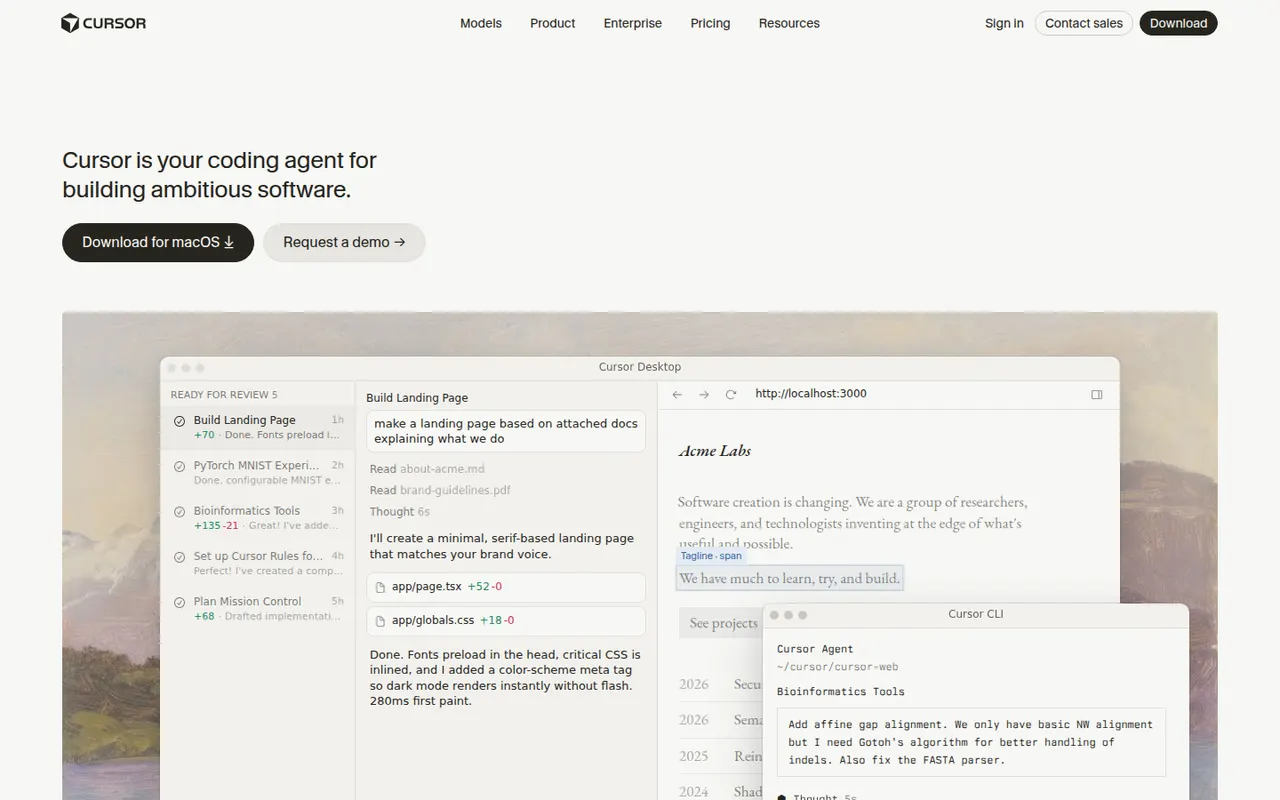
Cost / LicenseFreemiumProprietaryCategoriesCursor is a code editor from Anysphere, forked from VS Code, with AI integrated throughout the workflow. Its Tab model predicts multi-line edits, chat understands the whole codebase, and agent mode plans and applies changes across files while running terminal commands. Background agents can also work on tasks in the cloud. It stays compatible with VS Code extensions, themes and keybindings, and has a free Hobby plan.
12 Cursor alternativesPros
- Tab completion predicts multi-line edits as you type
- Agent mode applies changes across files and runs commands
- Keeps VS Code extensions, themes and keybindings
Cons
- Request limits and usage-based billing can be confusing
- As a VS Code fork, it can lag behind upstream updates
- The free Hobby plan is quickly limiting for daily work
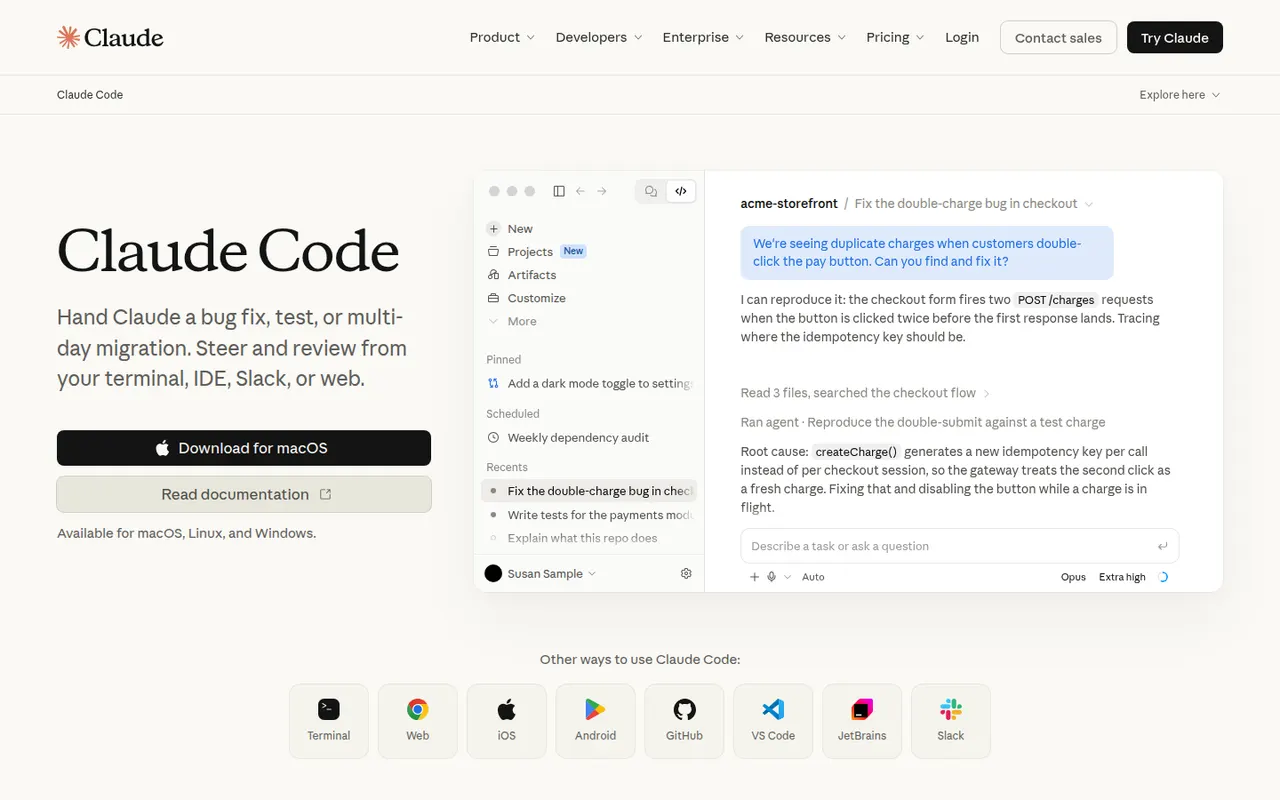
Cost / LicenseFreemiumProprietaryCategoriesClaude Code is an agentic coding tool from Anthropic. It runs in the terminal, in VS Code and JetBrains IDEs and on the web. It reads your codebase, edits files, runs commands and tests, and handles git workflows from natural-language requests. It can be extended with MCP servers, custom slash commands, subagents, hooks and plugins. Using it requires a paid Claude plan or API billing.
10 Claude Code alternativesPros
- Works across the whole codebase from the terminal
- Runs commands and tests, and handles git workflows
- Extensible with MCP servers, hooks, subagents and plugins
Cons
- Requires a paid Claude plan or API billing, with no free tier
- Heavy agentic sessions can hit usage limits or run up API costs
- Autonomous edits still need careful review before merging
Cost / LicensePaidProprietaryCategoriesTabnine is an AI coding assistant focused on privacy and control for companies. It provides code completion and a chat that helps generate tests, write documentation and review code in VS Code, JetBrains IDEs, Visual Studio and Eclipse. Tabnine can be deployed as SaaS, in a private VPC, on-premises or fully air-gapped, does not retain customer code, and can use an organization's repositories as context.
8 Tabnine alternativesPros
- Can be deployed on-premises or fully air-gapped
- Does not retain customer code
- Supports Eclipse and Visual Studio as well as VS Code and JetBrains
Cons
- Paid after the trial, with no free tier
- Offer and pricing target companies more than individuals
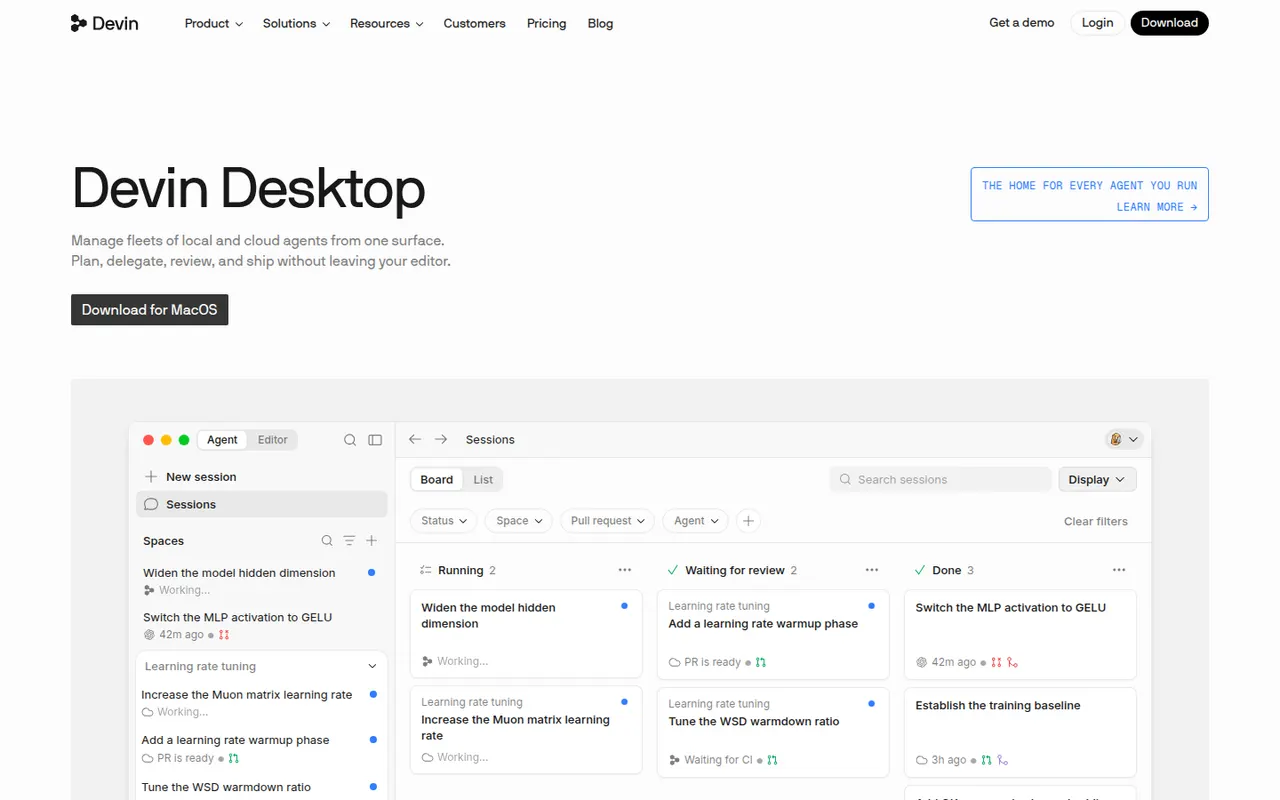
Cost / LicenseFree trialProprietaryCategoriesPlatformsWindsurf is an AI code editor based on VS Code, created by the team behind Codeium and now owned by Cognition, the company behind Devin. Its Cascade agent understands the codebase, edits multiple files, runs terminal commands and remembers project context, while Tab suggests next edits as you type. Plugins also bring its features to JetBrains IDEs and other editors. A free plan is available.
12 Windsurf alternativesPros
- Cascade agent edits multiple files and runs commands
- Remembers project context across sessions
- Plugins bring its features to JetBrains and other editors
Cons
- Ownership changes have made its roadmap less predictable
- Credit-based limits can run out with heavy use
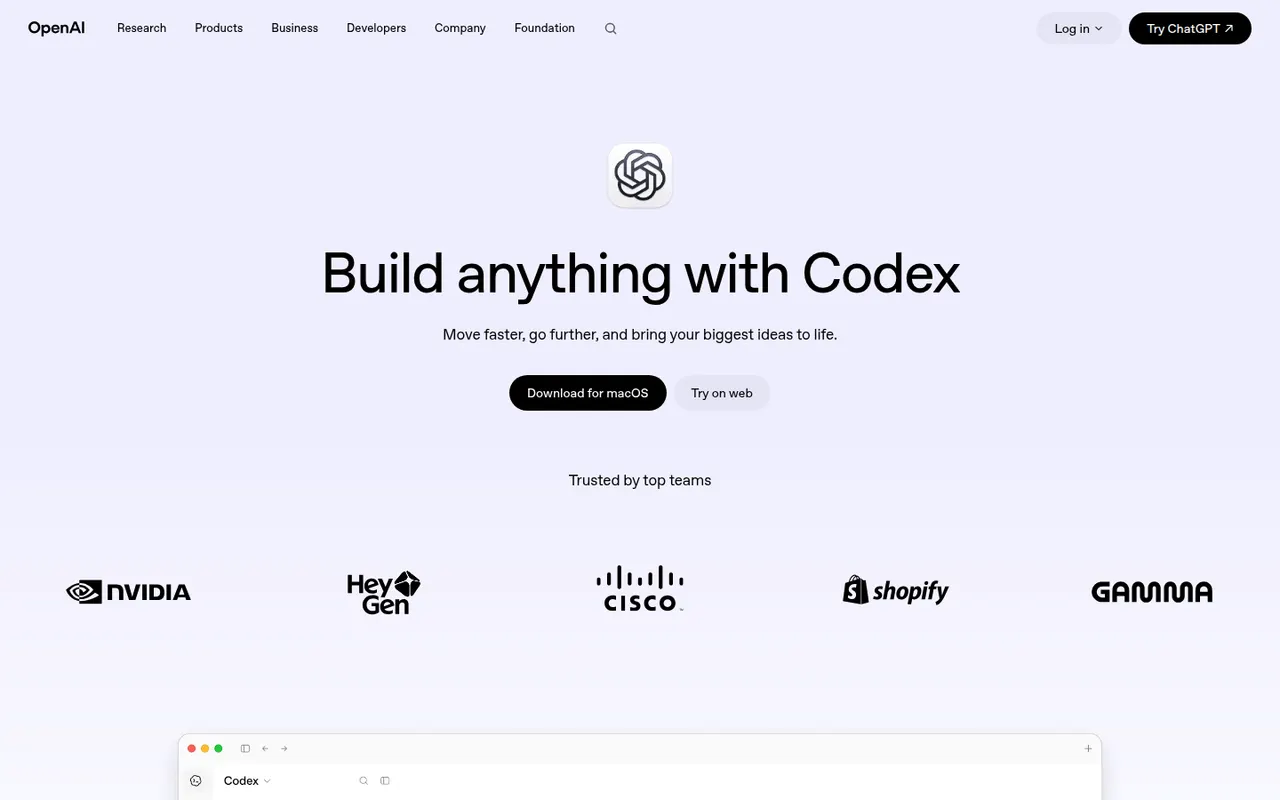
Cost / LicenseFreemiumProprietaryCategoriesCodex is OpenAI's software engineering agent. Connected to a GitHub repository, it works on tasks in a cloud sandbox from ChatGPT and proposes pull requests. The open source Codex CLI runs locally in the terminal, and an IDE extension brings the same agent to VS Code-based editors. It can build features, fix bugs, answer questions about a codebase and review code. Access comes with paid ChatGPT plans or API billing.
8 OpenAI Codex alternativesPros
- Cloud tasks run in a sandbox and come back as pull requests
- Open source CLI for local work in the terminal
- Same agent across the cloud, the terminal and the IDE
Cons
- Requires a paid ChatGPT plan or API billing
- Cloud tasks depend on connecting your GitHub repository
- Changes still need careful review before merging
Cost / LicensePaidProprietaryCategoriesContinue is an open source extension for VS Code and JetBrains IDEs that adds AI chat, autocomplete, inline edits and an agent mode. Its main appeal is flexibility: you choose the models, from commercial APIs to local models through Ollama, and add rules, prompts and context providers that a team can share. With local models, code never has to leave your machine.
9 Continue alternativesPros
- Open source, with a free choice of models
- Works with local models, so code can stay on your machine
- Shared rules and prompts help teams standardize usage
Cons
- Setup takes more effort than turnkey assistants
- Quality depends on the models you configure
- Local models need capable hardware to run smoothly
Cost / LicenseFreemiumOpen sourceCategories
















Amazon Q Developer vs its alternatives at a glance
Pricing, platforms and the key features of Amazon Q Developer, compared with its most popular alternatives.
| App | Pricing | Platforms | Autonomous coding agent | Chat with your codebase | Code completion | Integrations | Terminal integration |
|---|---|---|---|---|---|---|---|
 Amazon Q Developer Amazon Q Developer | Freemium | Web, Windows, Mac, Linux | |||||
 GitHub Copilot GitHub Copilot | Freemium | Web, Windows, Mac, Linux | |||||
 Gemini Code Assist Gemini Code Assist | Freemium | Windows, Mac, Linux | |||||
 Cursor Cursor | Freemium | Windows, Mac, Linux | |||||
 Claude Code Claude Code | Paid | Web, Windows, Mac, Linux | |||||
 Tabnine Tabnine | Free trial | Windows, Mac, Linux, Self-hosted |
Amazon Q Developer alternatives: frequently asked questions
What is the best alternative to Amazon Q Developer?
The most popular alternative to Amazon Q Developer is GitHub Copilot: AI pair programmer in your editor, your terminal and on GitHub. Other great alternatives are Gemini Code Assist, Cursor, Claude Code, and Tabnine.
Is there a free alternative to Amazon Q Developer?
Yes, 5 alternatives are free or have a free plan, including GitHub Copilot, Gemini Code Assist, Cursor, and Windsurf.
Is there an open source alternative to Amazon Q Developer?
Yes, one open source alternative is listed: Continue.
Is Amazon Q Developer free?
Amazon Q Developer has a free plan, with paid plans that unlock more features.
Compare Amazon Q Developer with its alternatives


Sponsored listings and products made by the publisher of this site are always labeled. How we rank · Know a good alternative? Submit it