
Numbers alternatives
Top Spreadsheets & Databases like Numbers
The most popular alternative to Numbers is Microsoft Excel, which has a free version. Other great alternatives to Numbers are Google Sheets, LibreOffice, Zoho Sheet, and ONLYOFFICE.
Most alternatives to Numbers are in the Spreadsheets & Databases category, compared here by price, platform and features.
All Numbers alternatives
Microsoft Excel is the spreadsheet in Microsoft 365, used in many organisations for budgets, financial models and data analysis. It offers hundreds of functions, pivot tables, charts, Power Query for importing and cleaning data, VBA macros and Python in Excel, plus Copilot in eligible plans. It runs on Windows, Mac, mobile and the web, where a free version is available with a Microsoft account.
8 Microsoft Excel alternativesPros
- Standard tool for financial models and business analysis
- Power Query, pivot tables and macros handle complex data work
- Huge range of functions, templates and learning resources
Cons
- Full desktop features require a Microsoft 365 subscription
- The free web version lacks many advanced desktop features
- Advanced features have a steep learning curve
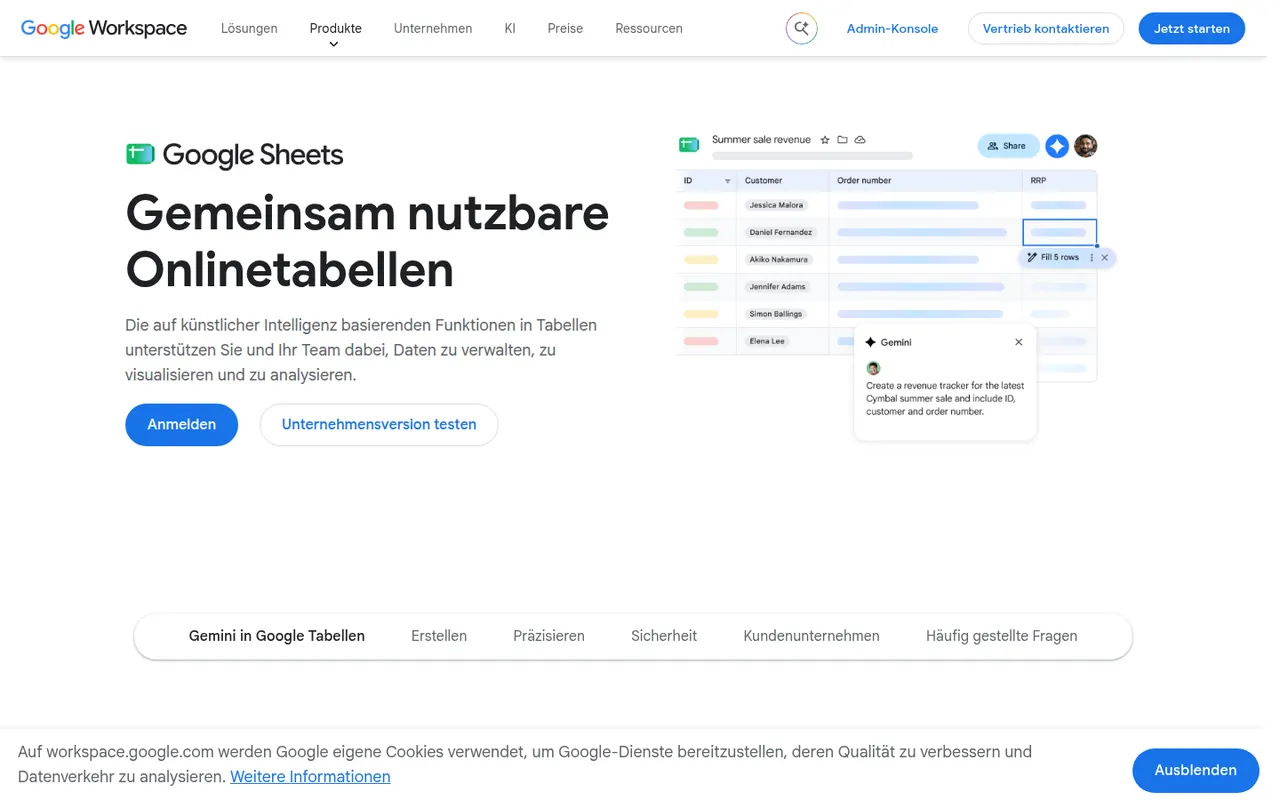
Cost / LicenseFreemiumProprietaryCategoriesGoogle Sheets is Google's browser-based spreadsheet, made for working on the same file with others at the same time. It supports formulas, pivot tables, charts, connected data sources and add-ons, and Apps Script can automate tasks or link sheets to other Google services. It is free with a Google account; Gemini AI features and business controls come with paid Google Workspace plans.
11 Google Sheets alternativesPros
- Real-time co-editing works smoothly in the browser
- Free with a Google account, with easy sharing and comments
- Apps Script and add-ons automate tasks across Google services
Cons
- Slows down noticeably with very large datasets
- Fewer advanced analysis features than desktop Excel
- Gemini features require a paid Google Workspace plan
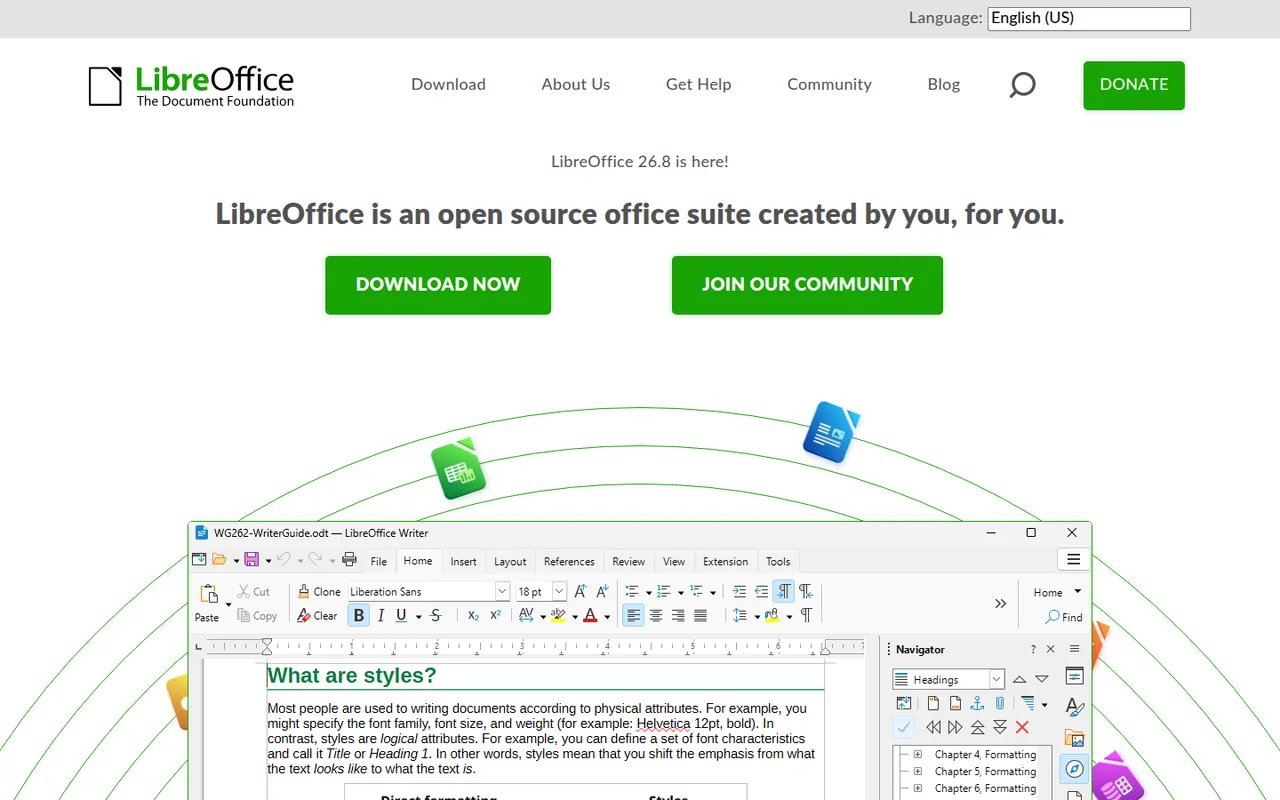
Cost / LicenseFreemiumProprietaryCategoriesLibreOffice is a desktop office suite maintained by The Document Foundation, with Writer, Calc, Impress, Draw, Base and Math. It uses the OpenDocument format natively and opens and saves Microsoft Office files. It is free for any use, works fully offline and can be extended with community extensions and templates.
12 LibreOffice alternativesPros
- Free for any use, with no account or subscription
- Full suite with Writer, Calc, Impress, Draw and Base
- Native OpenDocument support and fully offline use
Cons
- Interface feels dated next to Microsoft 365
- Complex Office files can lose formatting
- No real-time collaboration in the desktop apps
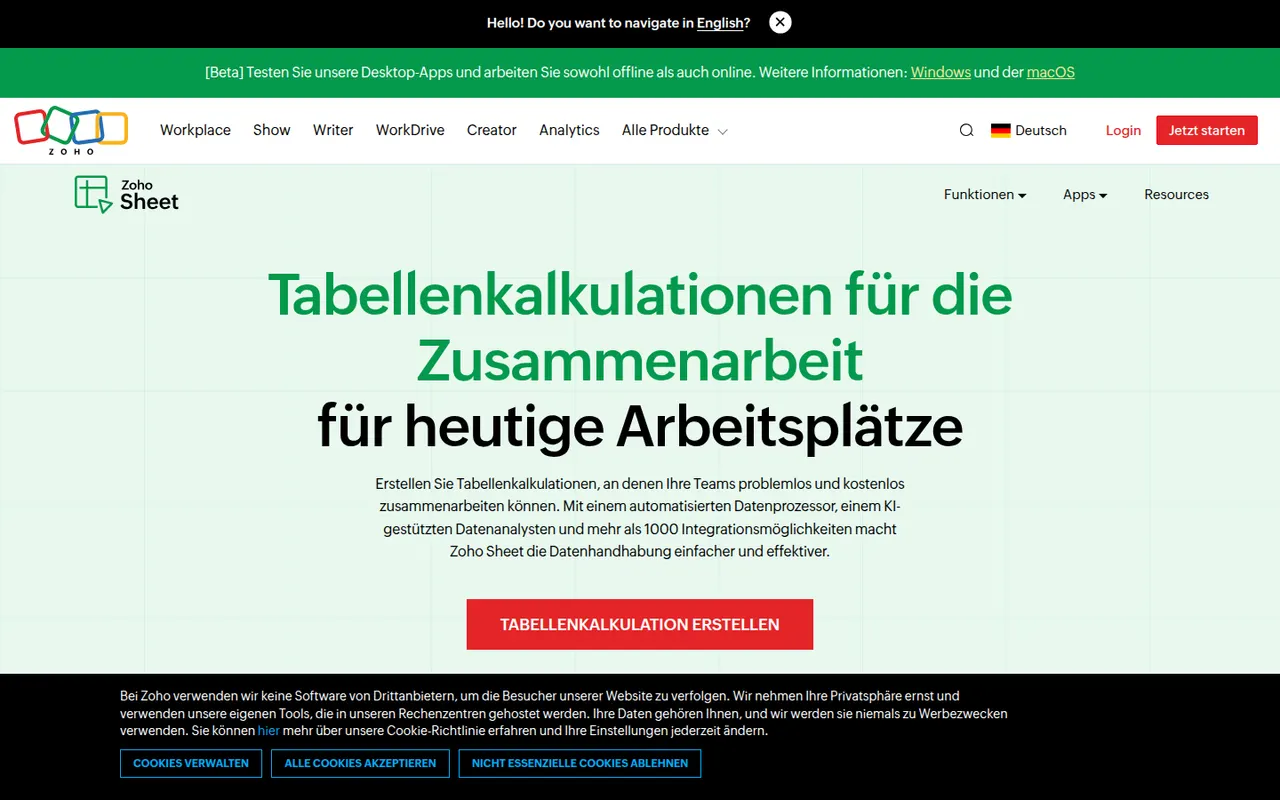
Cost / LicenseFreeOpen sourceZoho Sheet is a cloud spreadsheet from Zoho for building and sharing spreadsheets with real-time co-editing, comments and cell-level change history. It handles pivot tables, data cleaning and imports from Excel and CSV files, while the Zia assistant suggests charts and answers questions about the data. It is free for individuals and part of paid Zoho Workplace plans for businesses.
8 Zoho Sheet alternativesPros
- Free for individuals, with real-time co-editing and comments
- Cell-level change history makes edits easy to trace
- Zia assistant suggests charts and answers questions about the data
Cons
- Fewer add-ons and third-party integrations than Google Sheets
- Most valuable for companies already using the Zoho ecosystem
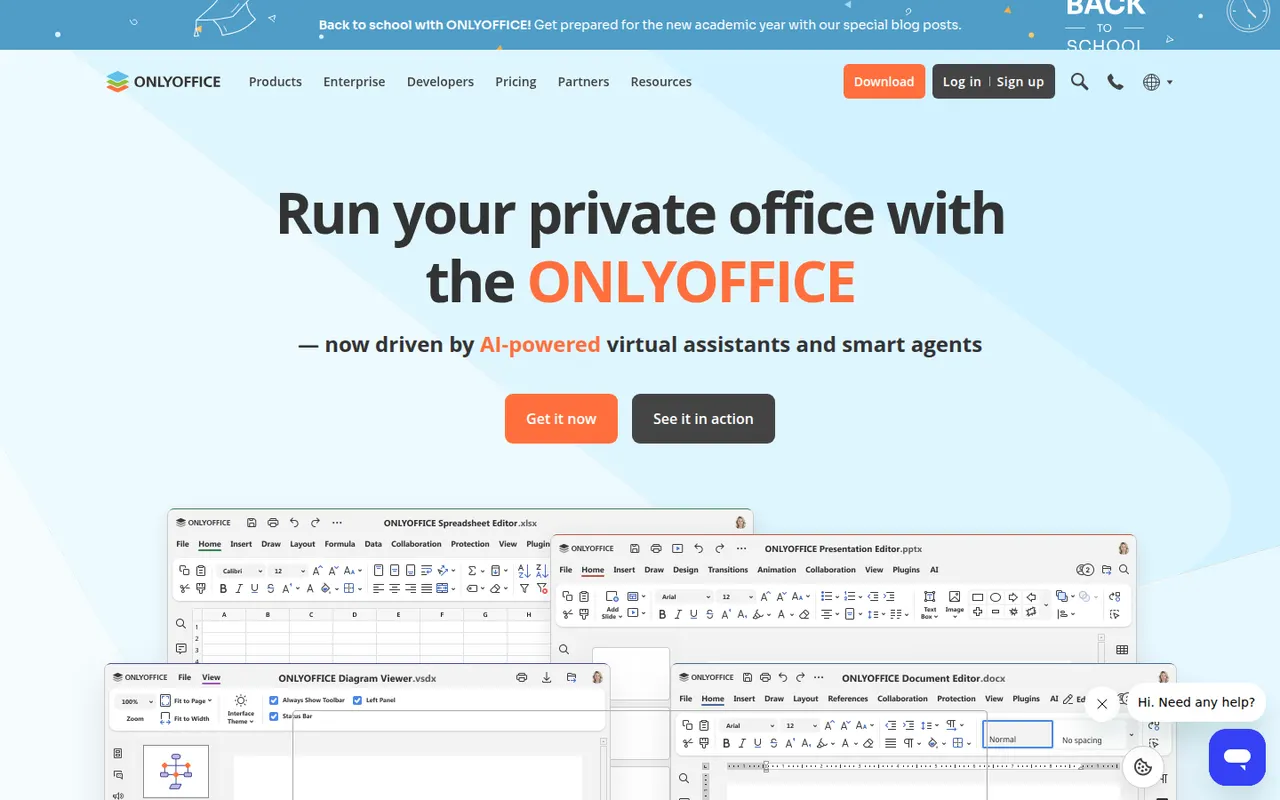
Cost / LicenseFreemiumProprietaryCategoriesONLYOFFICE is an office suite from Ascensio System with editors for documents, spreadsheets, presentations, PDFs and forms, built around Microsoft Office formats. The desktop and mobile apps are free, and the online editors can be self-hosted or integrated into Nextcloud and other platforms, with paid cloud and enterprise editions. It supports real-time co-editing, plugins and AI assistants.
12 ONLYOFFICE alternativesPros
- Strong compatibility with Microsoft Office formats
- Free desktop and mobile apps, plus self-hostable online editors
- Real-time co-editing and Nextcloud integration
Cons
- A self-hosted server needs technical setup
- Enterprise features and support require paid editions
- Fewer advanced features than Microsoft Office
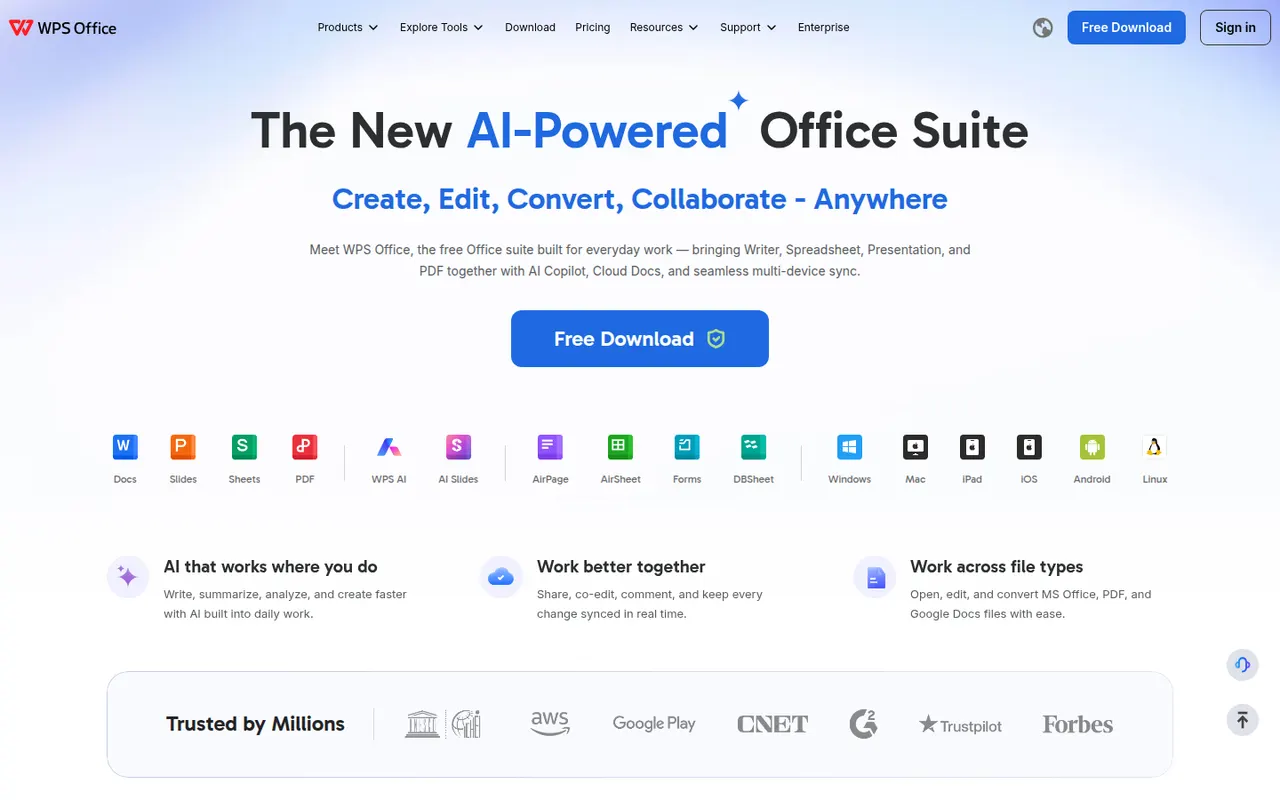
Cost / LicenseFreemiumOpen sourceWPS Office is an office suite developed by Kingsoft that combines a word processor, spreadsheet, presentation app and PDF tools in one interface with document tabs. It is compatible with Microsoft Office formats and available on desktop and mobile. The free version shows ads, while a paid subscription removes them and unlocks extra PDF features, cloud storage and WPS AI.
12 WPS Office alternativesPros
- Tabbed interface for documents, sheets, slides and PDF tools
- Good compatibility with Microsoft Office formats
- Free on desktop and mobile, including Linux
Cons
- The free version shows ads
- Extra PDF tools and WPS AI require a subscription
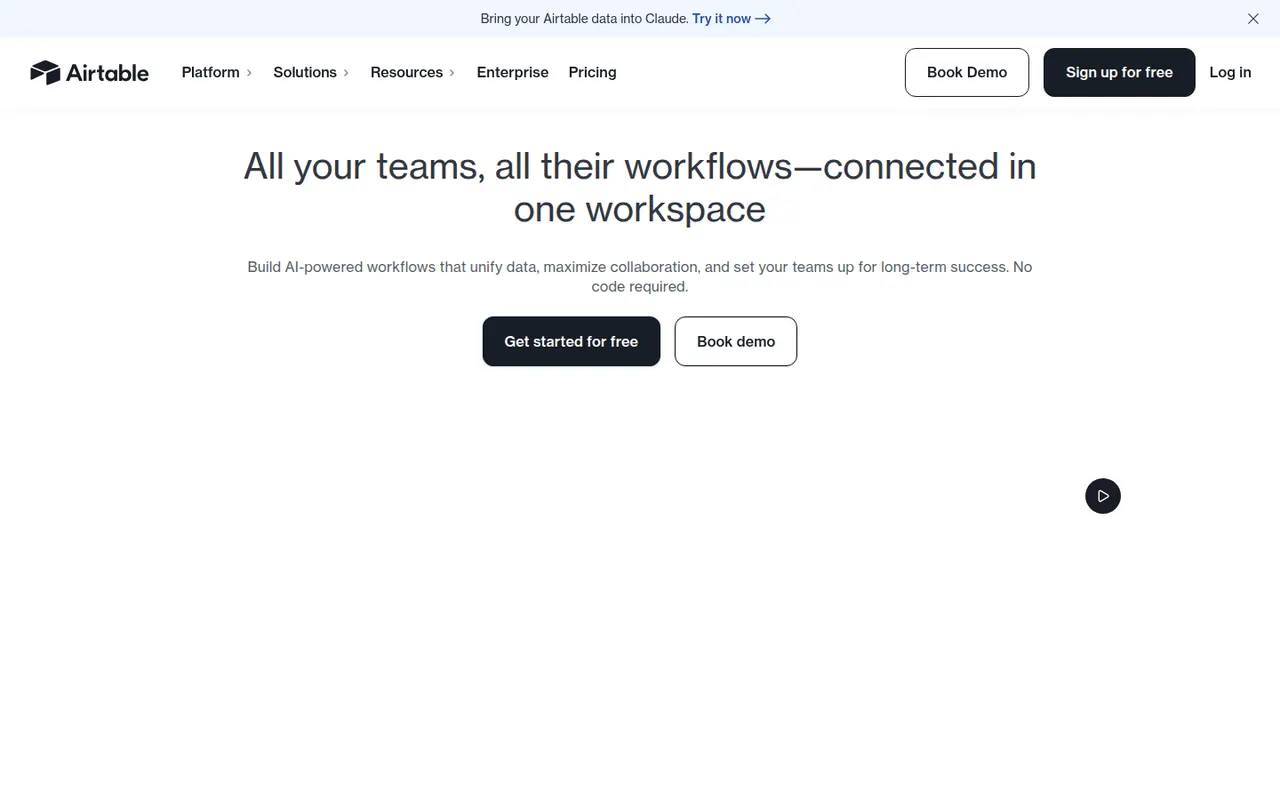
Cost / LicenseFreemiumProprietaryAirtable combines the look of a spreadsheet with a relational database, letting teams link records across tables and view them as grids, kanban boards, calendars, galleries or forms. Interfaces, automations and AI features turn bases into lightweight internal apps for content calendars, product roadmaps or inventories. A free plan exists, with paid plans adding capacity and admin features.
12 Airtable alternativesPros
- Linked records give spreadsheet users real relational database power
- Grid, kanban, calendar, gallery and form views on the same data
- Interfaces and automations turn bases into lightweight internal apps
Cons
- Free plan limits on records and automations are reached quickly
- Paid seats get expensive for larger teams
- Complex bases can slow down and take effort to maintain
Cost / LicenseFreemiumProprietary














Numbers vs its alternatives at a glance
Pricing, platforms and the key features of Numbers, compared with its most popular alternatives.
| App | Pricing | Platforms | Formulas | Microsoft Office file compatibility | Pivot tables | Real-time collaboration | Templates |
|---|---|---|---|---|---|---|---|
 Numbers Numbers | Free | Web, Mac, iPhone | |||||
 Microsoft Excel Microsoft Excel | Freemium | Web, Windows, Mac, iPhone, Android | |||||
 Google Sheets Google Sheets | Freemium | Web, iPhone, Android | |||||
 LibreOffice LibreOffice | FreeOpen source | Windows, Mac, Linux | |||||
 Zoho Sheet Zoho Sheet | Freemium | Web, iPhone, Android | |||||
 ONLYOFFICE ONLYOFFICE | FreemiumOpen source | Web, Windows, Mac, Linux, iPhone, Android, Self-hosted |
Numbers alternatives: frequently asked questions
What is the best alternative to Numbers?
The most popular alternative to Numbers is Microsoft Excel: Microsoft's spreadsheet for analysis, modelling and reporting. Other great alternatives are Google Sheets, LibreOffice, Zoho Sheet, and ONLYOFFICE.
Is there a free alternative to Numbers?
Yes, 7 alternatives are free or have a free plan, including Microsoft Excel, Google Sheets, LibreOffice, and Zoho Sheet.
Is there an open source alternative to Numbers?
Yes, 2 open source alternatives are listed, including LibreOffice and ONLYOFFICE.
Is Numbers free?
Yes, Numbers is free to use.
Compare Numbers with its alternatives


Sponsored listings and products made by the publisher of this site are always labeled. How we rank · Know a good alternative? Submit it