
WPS Office alternatives
Top Office Suites like WPS Office
The most popular alternative to WPS Office is Microsoft 365, which has a free version. Other great alternatives to WPS Office are LibreOffice, ONLYOFFICE, Google Workspace, and SoftMaker Office.
Most alternatives to WPS Office are in the Office Suites category, compared here by price, platform and features.
All WPS Office alternatives
Microsoft 365 bundles Word, Excel, PowerPoint, Outlook, OneDrive and Teams in a single subscription for individuals, families and businesses. Files sync across Windows, Mac, mobile and the browser, with co-authoring and Copilot AI features in eligible plans. Free web versions of the core apps are available with a Microsoft account.
9 Microsoft 365 alternativesPros
- Industry-standard Word, Excel and PowerPoint with their full features
- Co-authoring and OneDrive sync across all devices
- Free web versions of the core apps
Cons
- Full desktop apps require an ongoing subscription
- Copilot features are limited to eligible plans
- The sheer number of features can overwhelm simple needs
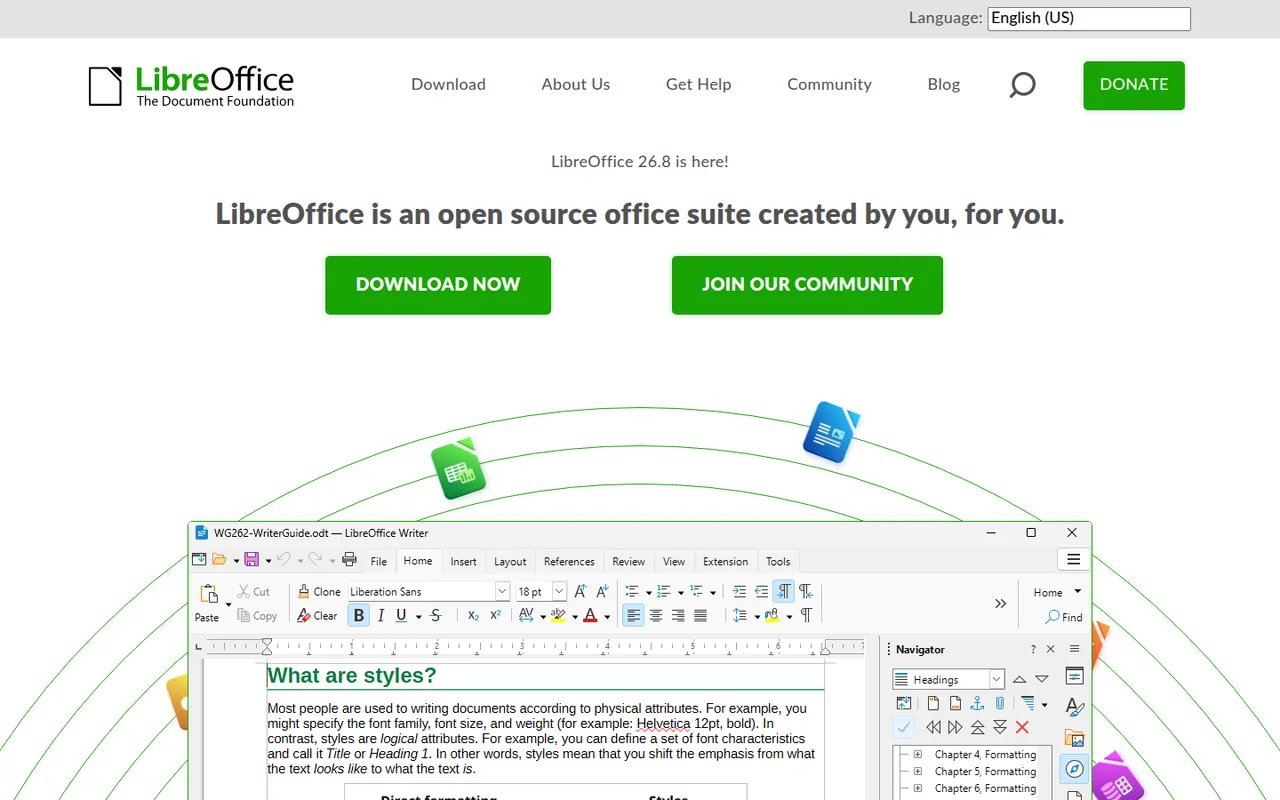
Cost / LicenseFreemiumProprietaryLibreOffice is a desktop office suite maintained by The Document Foundation, with Writer, Calc, Impress, Draw, Base and Math. It uses the OpenDocument format natively and opens and saves Microsoft Office files. It is free for any use, works fully offline and can be extended with community extensions and templates.
12 LibreOffice alternativesPros
- Free for any use, with no account or subscription
- Full suite with Writer, Calc, Impress, Draw and Base
- Native OpenDocument support and fully offline use
Cons
- Interface feels dated next to Microsoft 365
- Complex Office files can lose formatting
- No real-time collaboration in the desktop apps
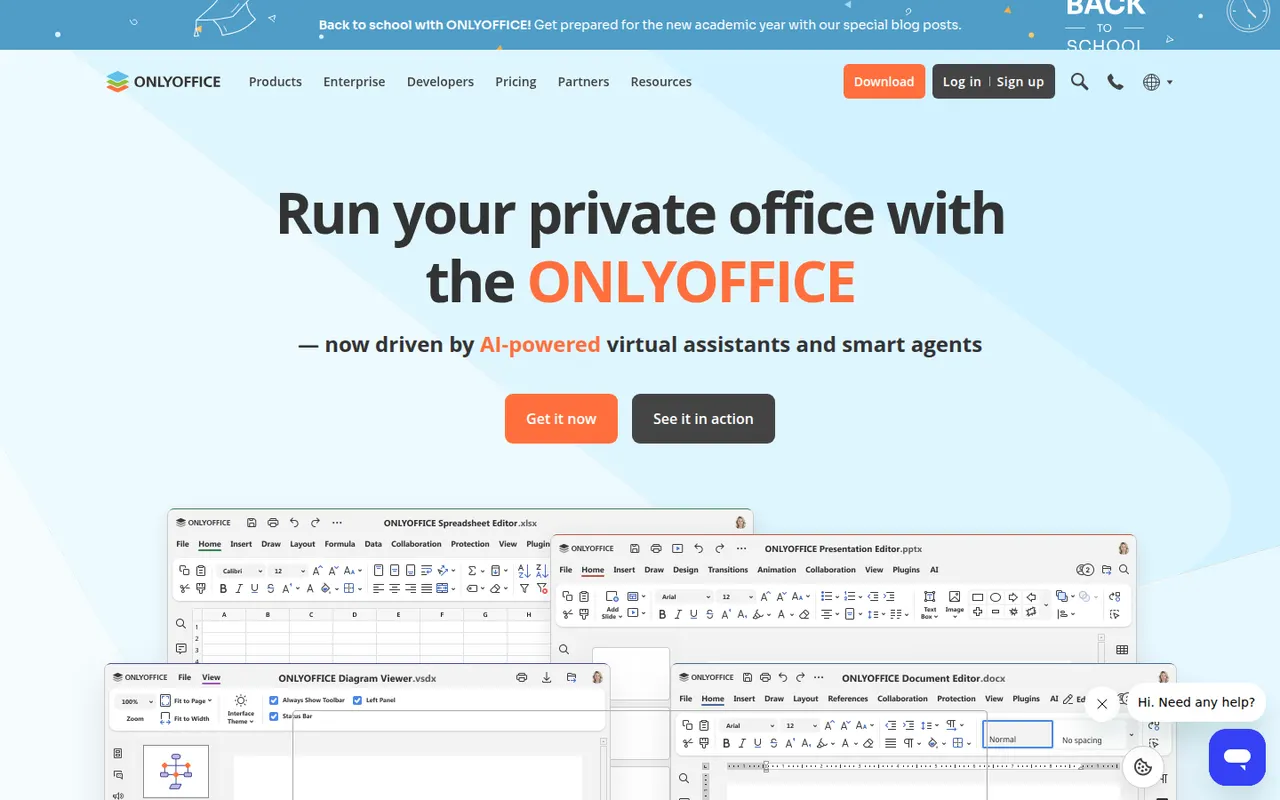
Cost / LicenseFreeOpen sourceONLYOFFICE is an office suite from Ascensio System with editors for documents, spreadsheets, presentations, PDFs and forms, built around Microsoft Office formats. The desktop and mobile apps are free, and the online editors can be self-hosted or integrated into Nextcloud and other platforms, with paid cloud and enterprise editions. It supports real-time co-editing, plugins and AI assistants.
12 ONLYOFFICE alternativesPros
- Strong compatibility with Microsoft Office formats
- Free desktop and mobile apps, plus self-hostable online editors
- Real-time co-editing and Nextcloud integration
Cons
- A self-hosted server needs technical setup
- Enterprise features and support require paid editions
- Fewer advanced features than Microsoft Office
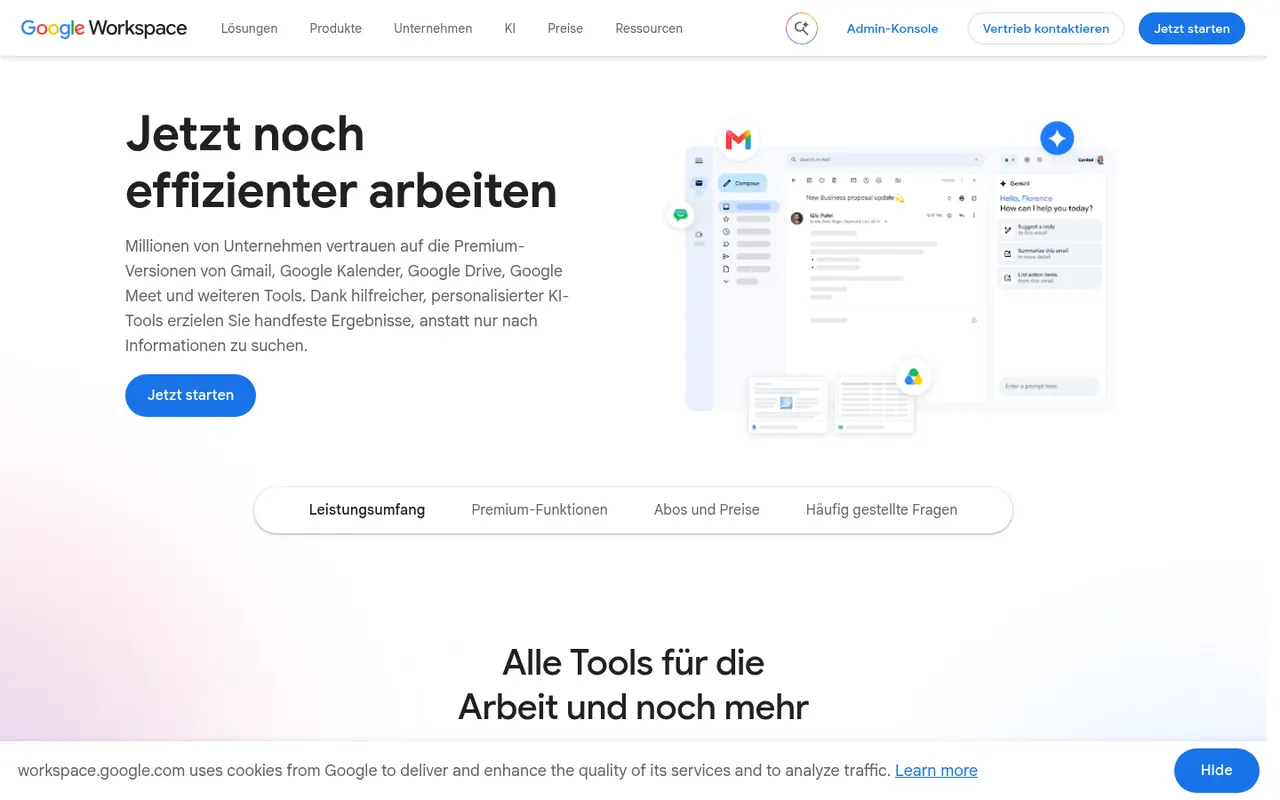
Cost / LicenseFreemiumOpen sourceGoogle Workspace groups Gmail, Calendar, Drive, Docs, Sheets, Slides and Meet into a browser-based suite built around real-time collaboration. The apps are free with a personal Google account, while paid business plans add custom-domain email, more storage, admin controls and Gemini AI features. Documents can be edited offline and exported to Microsoft Office formats.
11 Google Workspace alternativesPros
- Smooth real-time co-editing in Docs, Sheets and Slides
- Free to use with a personal Google account
- Gmail, Drive, Calendar and Meet are tightly integrated
Cons
- Fewer advanced features than desktop Office apps
- Complex Office files may lose formatting on import
- Custom-domain email and admin tools require paid plans
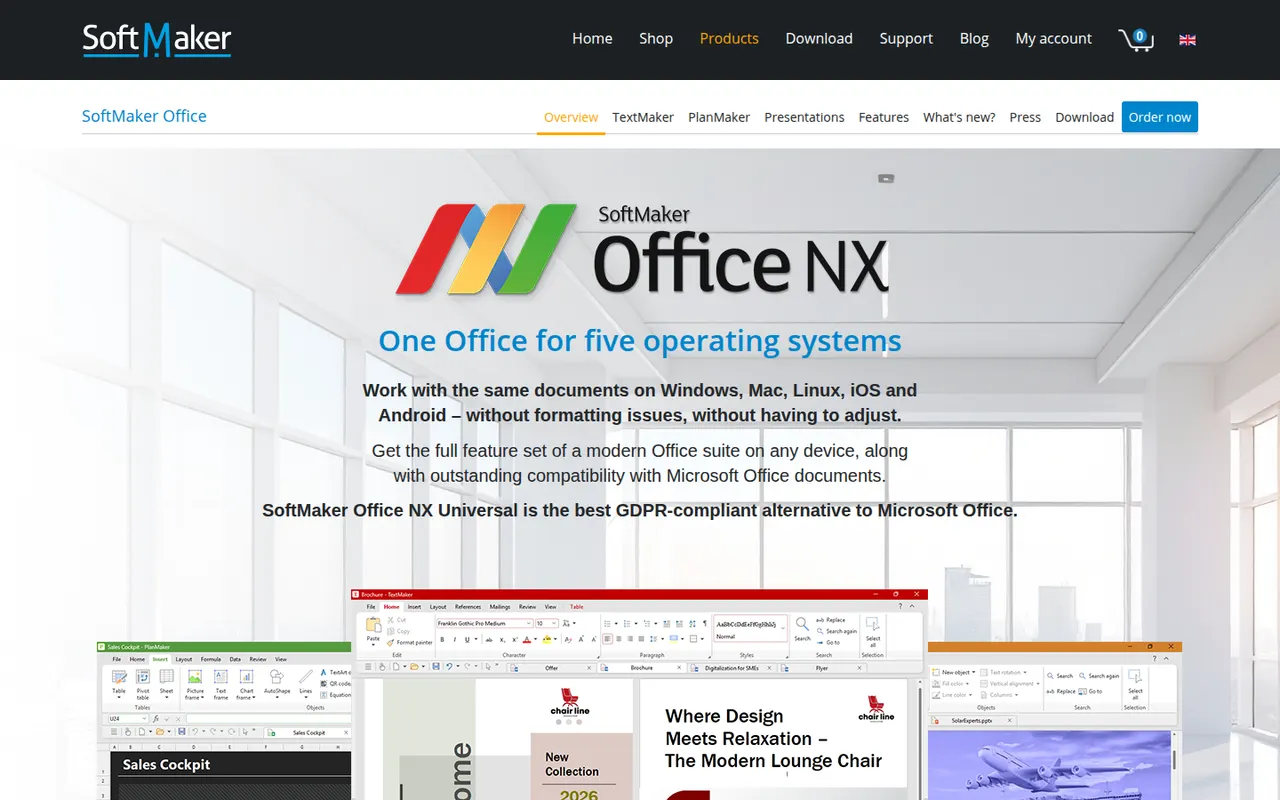
Cost / LicenseFreemiumProprietarySoftMaker Office is a commercial office suite from the German company SoftMaker, consisting of TextMaker, PlanMaker and Presentations. It is built for close compatibility with Microsoft Office files and runs natively on Windows, macOS, Linux and Android. It is sold as a subscription or a one-time license after a free trial; the separate FreeOffice edition is free with fewer features.
8 SoftMaker Office alternativesPros
- Close compatibility with Microsoft Office files
- Native apps on Windows, macOS, Linux and Android
- One-time license available as an alternative to subscriptions
Cons
- Paid after the trial, and the free FreeOffice edition offers less
- No cloud collaboration or web version
- Smaller community and fewer resources than Office or LibreOffice
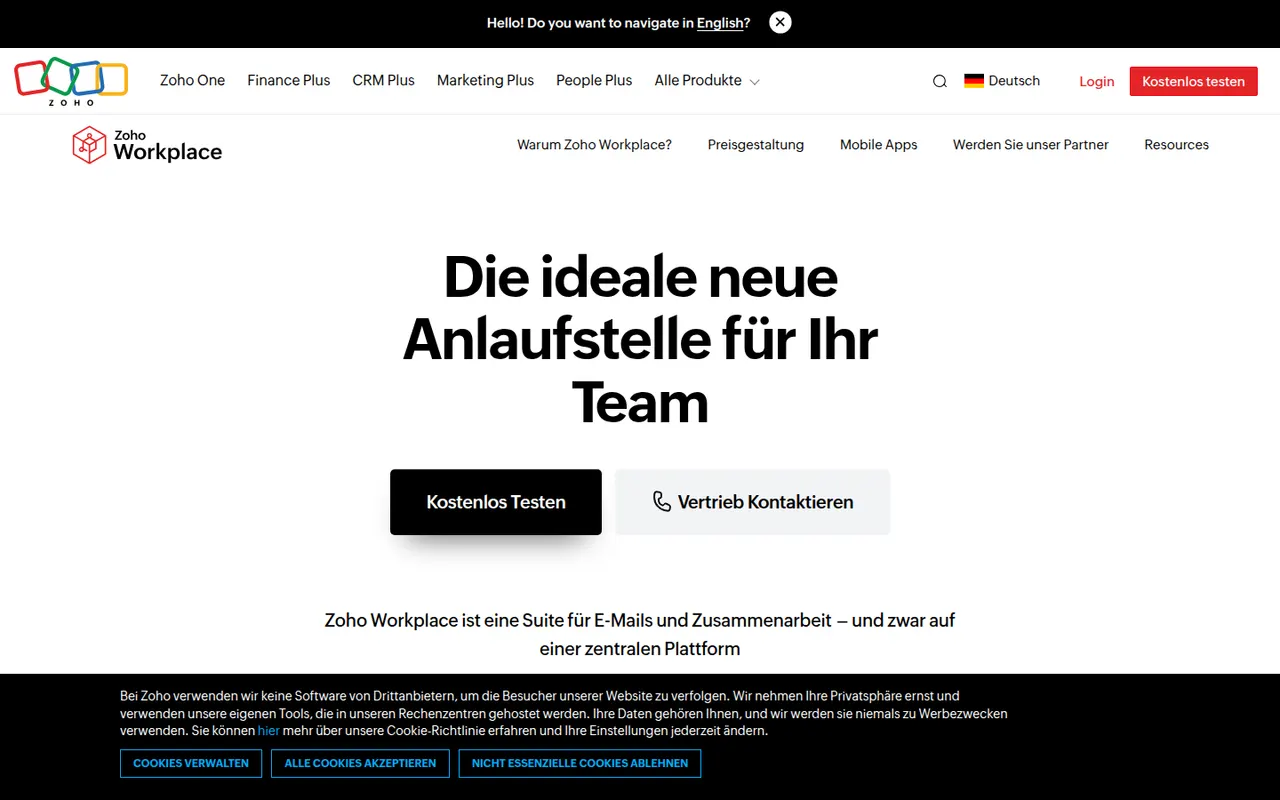
Cost / LicenseFree trialProprietaryZoho Workplace brings together Zoho Mail, Writer, Sheet, Show, WorkDrive, Cliq and Meeting in one suite for small and mid-sized businesses. It offers custom-domain email, shared team folders and online editors that open Microsoft Office files, with the Zia assistant built in. A free plan covers a handful of users, and paid plans add storage and admin features.
9 Zoho Workplace alternativesPros
- Mail, documents, storage and chat in one business suite
- Custom-domain email, with a free plan for small teams
- Integrates with the wider Zoho app ecosystem
Cons
- Editors are less capable than Microsoft or Google apps
- Office editors run in the browser, with no desktop versions
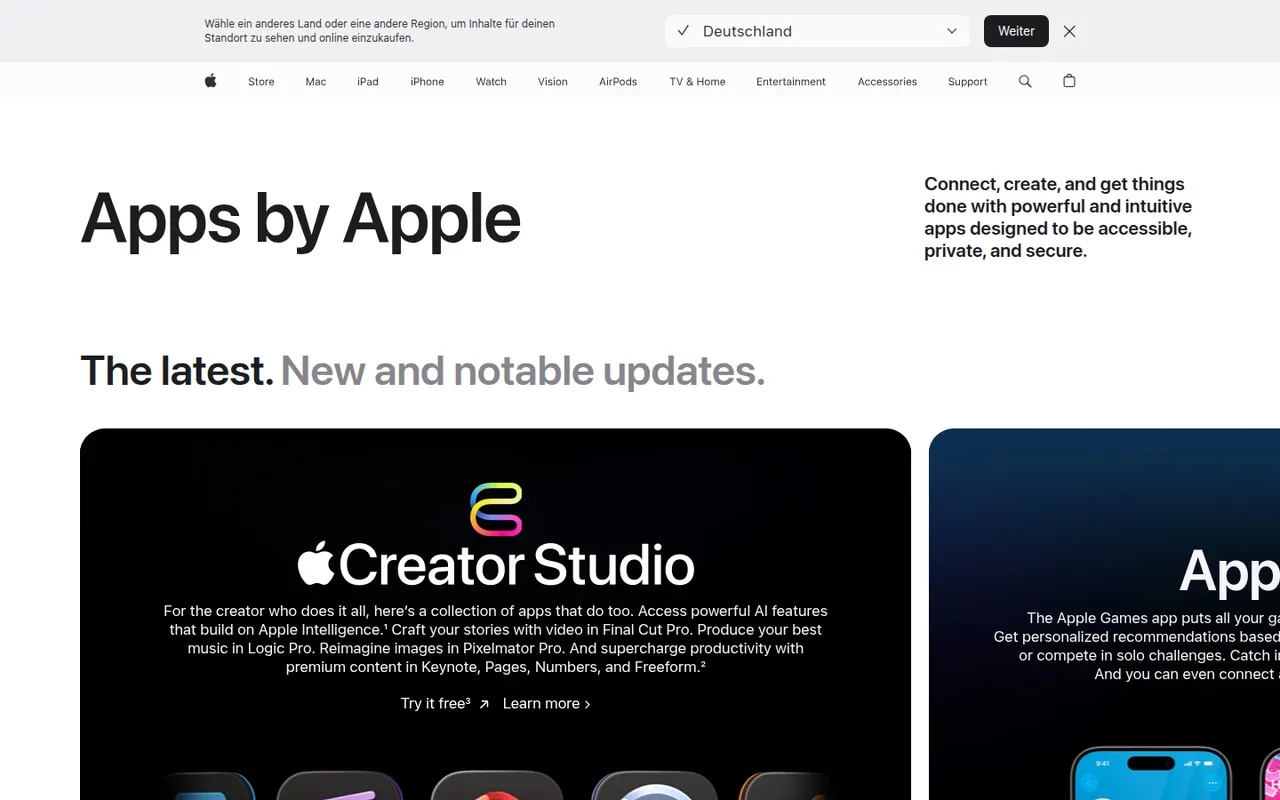
Cost / LicenseFreemiumProprietaryCategoriesiWork is Apple's productivity suite made of Pages for documents, Numbers for spreadsheets and Keynote for presentations. The apps are free on Mac, iPhone and iPad, sync through iCloud and can be used in a browser on iCloud.com, including from Windows PCs. They focus on designed templates, support real-time collaboration and can import and export Microsoft Office files.
7 Apple iWork alternativesPros
- Free Pages, Numbers and Keynote with polished templates
- Keynote makes well-designed presentations easy to build
- Usable on iCloud.com, including from Windows PCs
Cons
- Office conversion can break complex layouts and formulas
- Numbers lacks the advanced spreadsheet features of Excel
- No native apps for Windows or Android
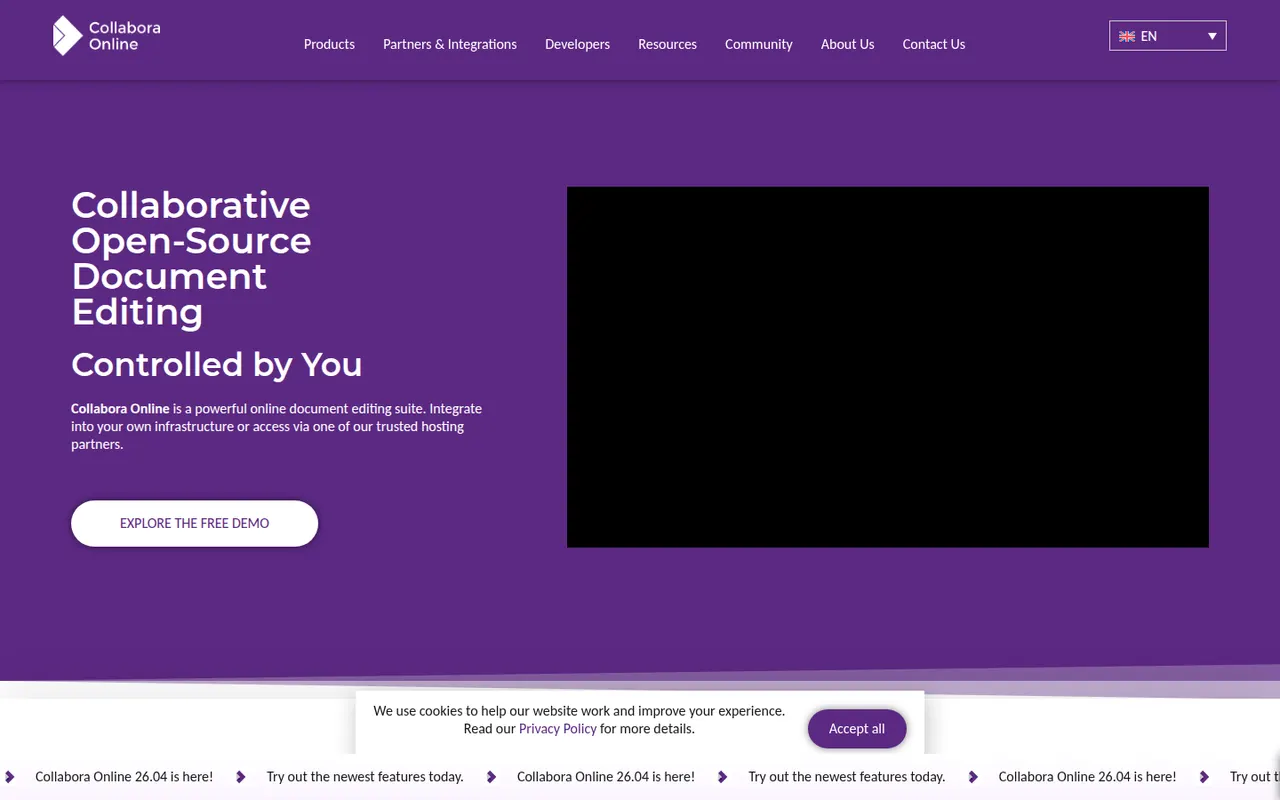
Cost / LicenseFreeProprietaryCategoriesCollabora Online is an open source office suite from Collabora Productivity that runs LibreOffice technology in the browser, on your own server or through a hosting partner. It plugs into Nextcloud, ownCloud, Seafile and similar platforms for co-editing Office and OpenDocument files on infrastructure you control. A free development edition sits alongside paid supported versions and Collabora Office apps.
9 Collabora Online alternativesPros
- Open source online office suite you can host on your own servers
- Integrates with Nextcloud, ownCloud and Seafile for co-editing
- Keeps documents on infrastructure you control
Cons
- Interface feels dated next to Google Docs or Microsoft 365
- Self-hosting requires server setup and maintenance
- Supported production versions are paid
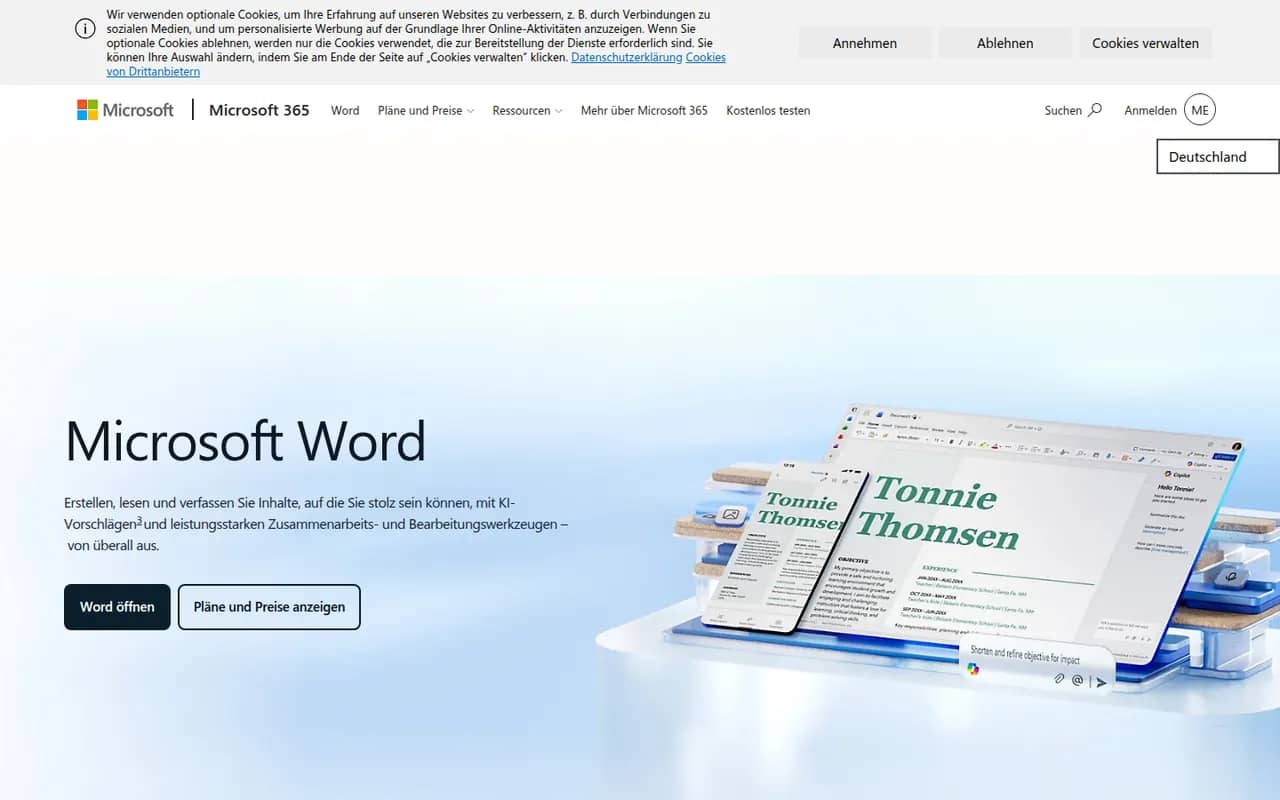
Cost / LicenseFreemiumOpen sourceMicrosoft Word is the word processor in Microsoft 365 and the reference for the .docx format used in many workplaces. It offers styles, track changes, comments, mail merge, references and real-time co-authoring through OneDrive or SharePoint, plus Copilot drafting in eligible plans. Word runs on Windows, Mac, mobile and the web, where a free version is available with a Microsoft account.
11 Microsoft Word alternativesPros
- The reference for the .docx format used in many workplaces
- Powerful styles, track changes, references and mail merge
- Available on Windows, Mac, mobile and the web
Cons
- Full desktop features require a Microsoft 365 subscription
- Dense interface packed with features most people never use
- Copilot features are limited to eligible plans
Cost / LicenseFreemiumProprietaryCategoriesMicrosoft Excel is the spreadsheet in Microsoft 365, used in many organisations for budgets, financial models and data analysis. It offers hundreds of functions, pivot tables, charts, Power Query for importing and cleaning data, VBA macros and Python in Excel, plus Copilot in eligible plans. It runs on Windows, Mac, mobile and the web, where a free version is available with a Microsoft account.
8 Microsoft Excel alternativesPros
- Standard tool for financial models and business analysis
- Power Query, pivot tables and macros handle complex data work
- Huge range of functions, templates and learning resources
Cons
- Full desktop features require a Microsoft 365 subscription
- The free web version lacks many advanced desktop features
- Advanced features have a steep learning curve
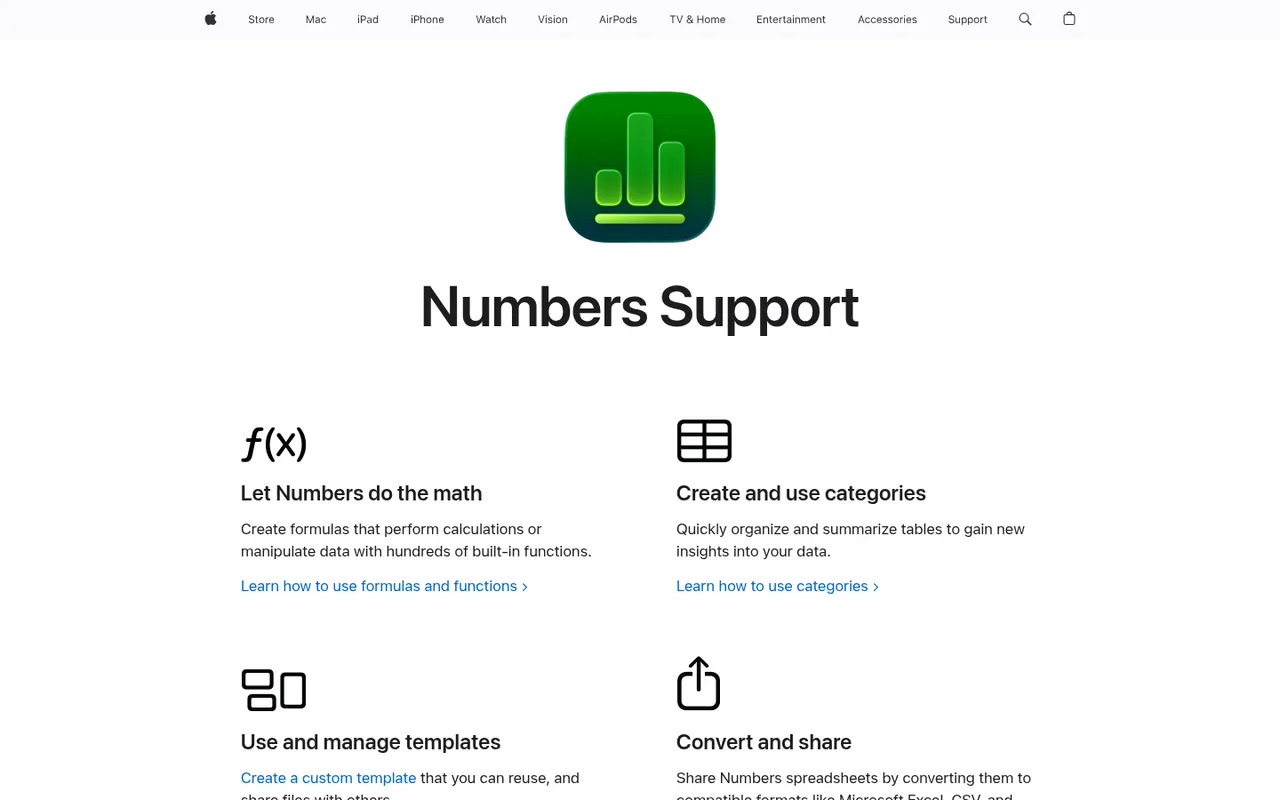
Cost / LicenseFreemiumProprietaryCategoriesNumbers is Apple's free spreadsheet app for Mac, iPhone and iPad, also available in the browser on iCloud.com. Instead of one large grid, each sheet is a free-form canvas where tables, charts, text and images can be placed side by side. It includes several hundred functions, pivot tables and real-time collaboration through iCloud, and can import and export Excel files.
7 Numbers alternativesPros
- Free on Apple devices, with a browser version on iCloud.com
- Free-form canvas mixes tables, charts and text on one sheet
- Polished templates produce good-looking sheets with little effort
Cons
- Fewer advanced functions and analysis tools than Excel
- Excel files with macros or complex formatting do not convert cleanly
- No native apps for Windows or Android
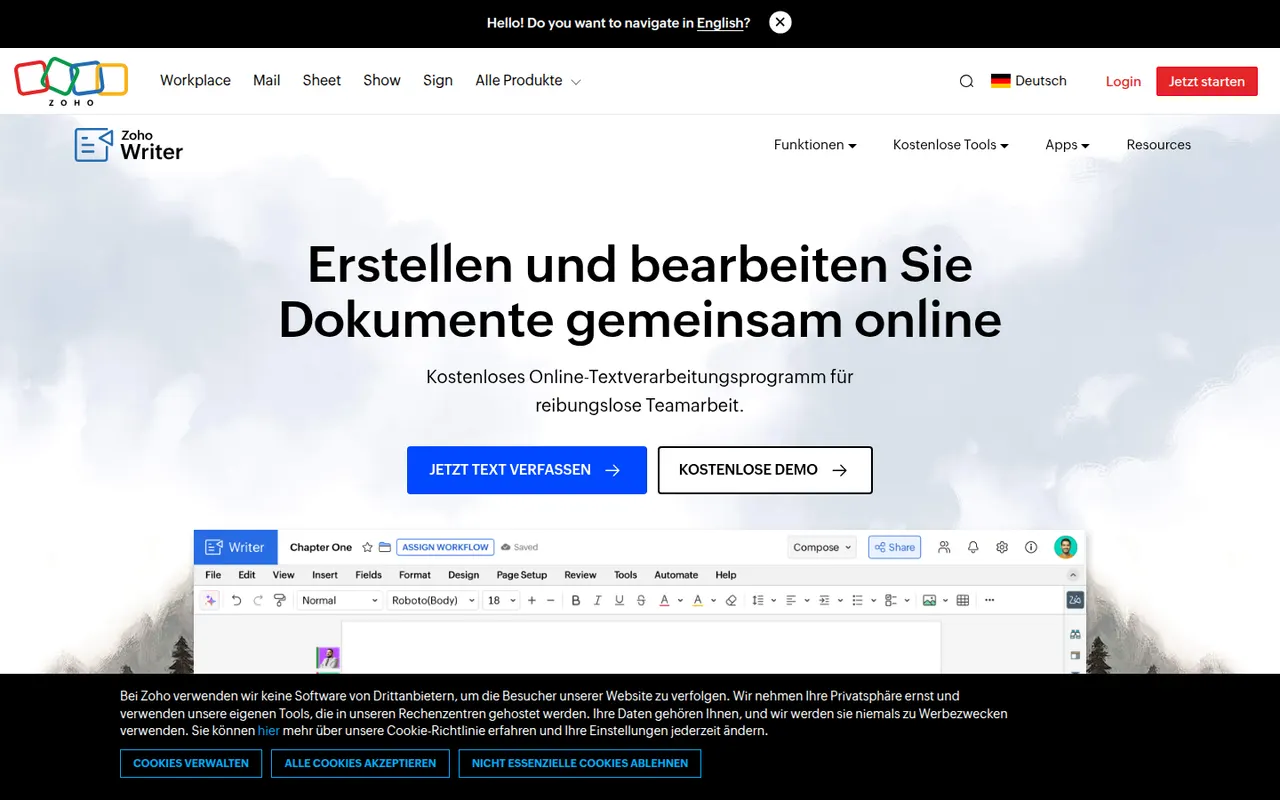
Cost / LicenseFreeProprietaryCategoriesZoho Writer is a cloud word processor from Zoho for writing and co-editing documents in the browser or on mobile. Beyond editing, it handles mail merge, fillable forms and document automation, can send documents out for signature, and the Zia assistant helps with grammar and readability. It is free for individuals and included in paid Zoho Workplace plans for teams.
8 Zoho Writer alternativesPros
- Mail merge, fillable forms and document automation built in
- Sends documents for e-signature without another tool
- Free plan for individual users
Cons
- Less widespread, so collaborators may be unfamiliar with it
- Best value comes from buying into the Zoho ecosystem
- Fewer third-party templates and add-ons than Word or Google Docs
Cost / LicenseFreemiumProprietaryCategories

























WPS Office vs its alternatives at a glance
Pricing, platforms and the key features of WPS Office, compared with its most popular alternatives.
| App | Pricing | Platforms | AI assistant | Cross-device sync | Microsoft Office file compatibility | Mobile app | Templates |
|---|---|---|---|---|---|---|---|
 WPS Office WPS Office | Freemium | Windows, Mac, Linux, iPhone, Android | |||||
 Microsoft 365 Microsoft 365 | Freemium | Web, Windows, Mac, iPhone, Android | |||||
 LibreOffice LibreOffice | FreeOpen source | Windows, Mac, Linux | |||||
 ONLYOFFICE ONLYOFFICE | FreemiumOpen source | Web, Windows, Mac, Linux, iPhone, Android, Self-hosted | |||||
 Google Workspace Google Workspace | Freemium | Web, iPhone, Android | |||||
 SoftMaker Office SoftMaker Office | Free trial | Windows, Mac, Linux, Android |
WPS Office alternatives: frequently asked questions
What is the best alternative to WPS Office?
The most popular alternative to WPS Office is Microsoft 365: Microsoft's subscription suite with Word, Excel, PowerPoint and Outlook. Other great alternatives are LibreOffice, ONLYOFFICE, Google Workspace, and SoftMaker Office.
Is there a free alternative to WPS Office?
Yes, 11 alternatives are free or have a free plan, including Microsoft 365, LibreOffice, ONLYOFFICE, and Google Workspace.
Is there an open source alternative to WPS Office?
Yes, 3 open source alternatives are listed, including LibreOffice, ONLYOFFICE, and Collabora Online.
Is WPS Office free?
WPS Office has a free plan, with paid plans that unlock more features.
Compare WPS Office with its alternatives


Sponsored listings and products made by the publisher of this site are always labeled. How we rank · Know a good alternative? Submit it