
Creately alternatives
Top Whiteboards & Diagramming like Creately
The most popular alternative to Creately is Lucidchart, which has a free version. Other great alternatives to Creately are Miro, draw.io, Microsoft Visio, and Whimsical.
Most alternatives to Creately are in the Whiteboards & Diagramming category, compared here by price, platform and features.
All Creately alternatives
Lucidchart is a browser-based diagramming tool from Lucid Software for flowcharts, org charts, network and cloud architecture diagrams, ERDs and process maps. Teams edit diagrams together in real time, link shapes to live data, import Visio files and generate diagrams with AI, with integrations for Google Workspace, Microsoft 365, Atlassian and Slack.
10 Lucidchart alternativesPros
- Broad shape libraries for flowcharts, ERDs and cloud architecture
- Imports Visio files and links shapes to live data
- Integrates with Google Workspace, Microsoft 365, Atlassian and Slack
Cons
- Free plan caps the number of documents and shapes
- Team plans get expensive as seats are added
Cost / LicenseFreemiumProprietaryCategoriesMiro is a visual collaboration platform built around an infinite whiteboard where teams run workshops, brainstorms, retrospectives and planning sessions with sticky notes, diagrams and mind maps. It offers thousands of community templates, AI features for clustering and summarizing content, and integrations with Jira, Slack, Teams and Zoom.
12 Miro alternativesPros
- Huge library of community templates for workshops and planning
- Integrations with Jira, Slack, Teams and Zoom
- Apps on the web, desktop and mobile
Cons
- Free plan limits the number of editable boards
- Large boards can become slow and cluttered
- Per-seat pricing adds up for big teams
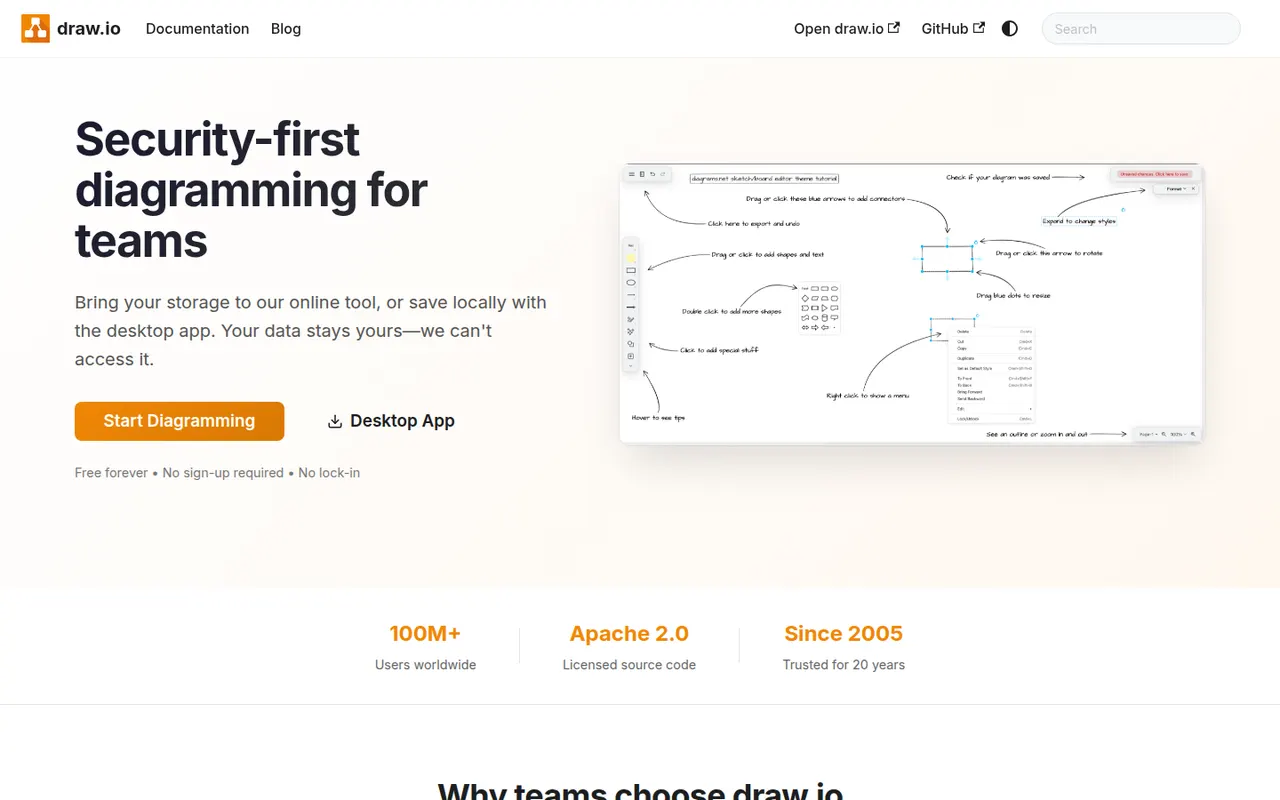
Cost / LicenseFreemiumProprietaryCategoriesdraw.io, also known as diagrams.net, is a free and open source diagramming tool from JGraph for flowcharts, UML, network, BPMN and org charts. It requires no account, saves diagrams wherever you choose, such as your device, Google Drive, OneDrive or GitHub, and is available as a desktop app for offline use and as an integration for Confluence and Jira.
10 draw.io alternativesPros
- Completely free and open source, with no account required
- Saves diagrams to your device, Google Drive, OneDrive or GitHub
- Offline desktop app plus Confluence and Jira integrations
Cons
- Interface looks dated next to modern whiteboard tools
- Real-time collaboration is more limited than in paid rivals
Cost / LicenseFreeOpen sourceCategoriesPlatformsMicrosoft Visio is a diagramming application for flowcharts, floor plans, network diagrams, org charts and engineering schematics, with large stencil libraries and support for standards such as BPMN and UML. The full desktop app runs on Windows, a lighter web version is included with many Microsoft 365 business plans, and diagrams can be co-authored and linked to Excel data.
8 Microsoft Visio alternativesPros
- Extensive stencil libraries with BPMN and UML support
- Diagrams can be linked to Excel data
- Web version included with many Microsoft 365 business plans
Cons
- Full desktop app runs only on Windows
- Expensive for occasional use, with no free plan
- Interface feels heavy compared with modern web tools
Cost / LicensePaidProprietaryCategoriesWhimsical is a visual workspace that combines flowcharts, wireframes, mind maps, sticky-note boards and docs in one place. Its deliberately simple editor with smart connectors and keyboard shortcuts makes diagrams quick to produce, AI can generate flowcharts or mind maps from a prompt, and boards can be shared with teammates for real-time editing.
12 Whimsical alternativesPros
- Flowcharts, wireframes, mind maps and docs in one place
- Smart connectors and shortcuts make diagrams fast to draw
- Clean, simple editor that is quick to pick up
Cons
- Deliberate simplicity limits styling and advanced diagram options
- Free plan caps how much content you can create
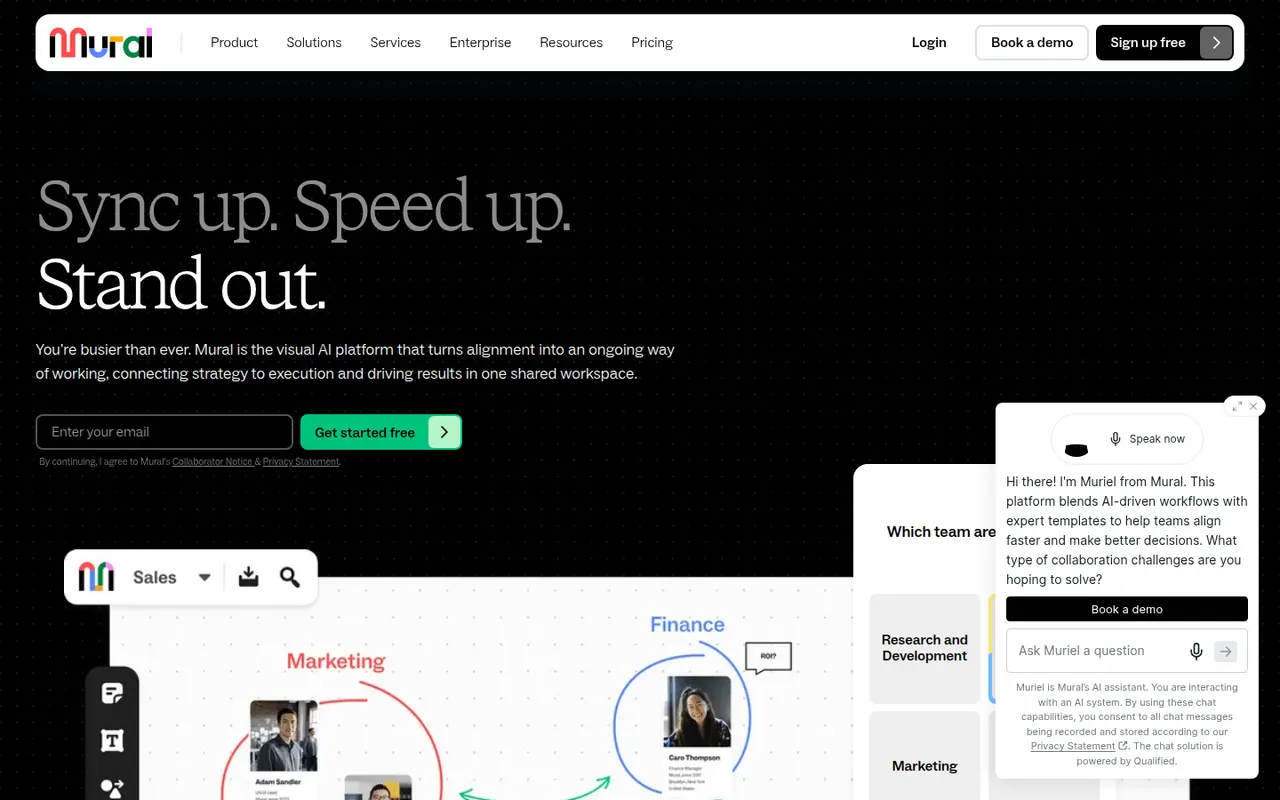
Cost / LicenseFreemiumProprietaryCategoriesPlatformsMural is a digital whiteboard for collaborative workshops and meetings, with facilitation tools such as a timer, voting, private mode and the ability to bring all participants to the same spot. It is aimed at enterprise teams running design thinking, agile ceremonies and strategy sessions, supported by templates, AI assistance and integrations with Microsoft Teams, Zoom and Webex.
9 Mural alternativesPros
- Facilitation tools: timer, voting, private mode and summoning participants
- Templates for design thinking and agile ceremonies
- Integrations with Microsoft Teams, Zoom and Webex
Cons
- Geared toward enterprises, with pricing to match
- Free plan limits the number of boards
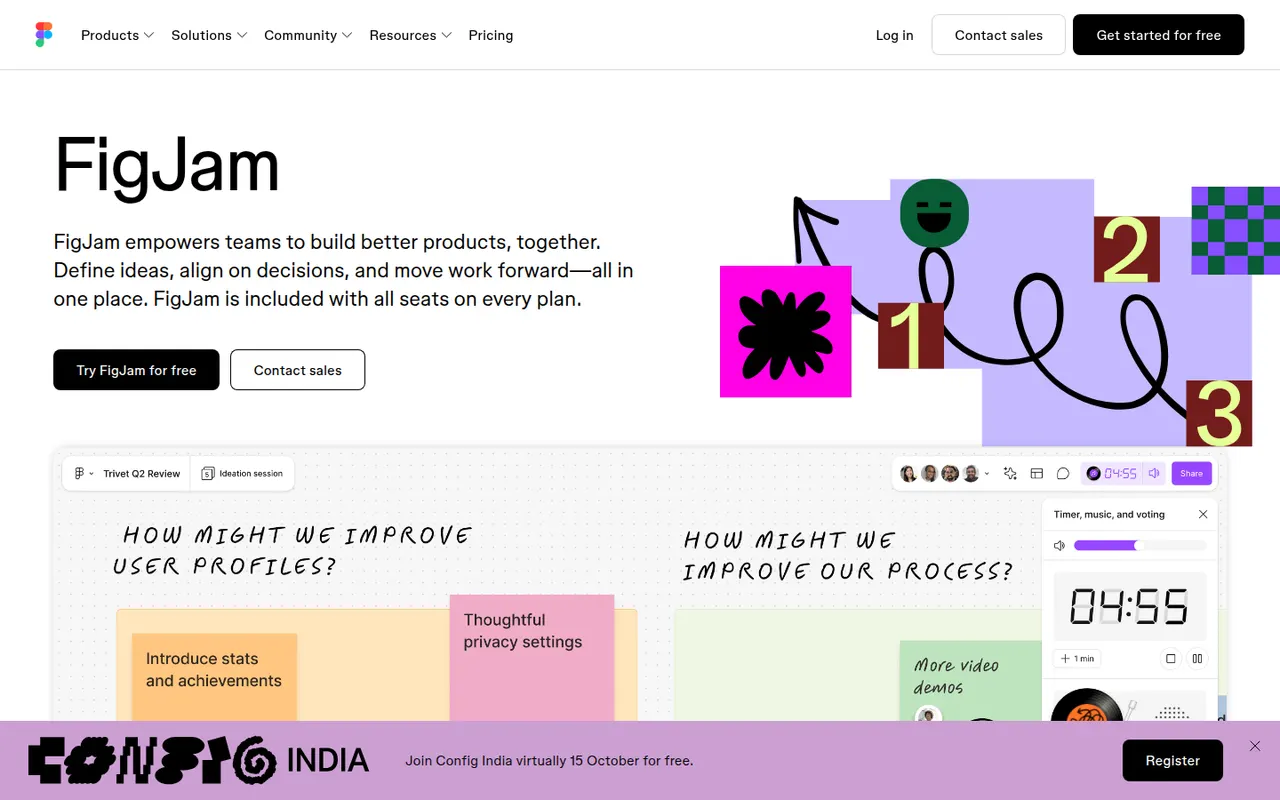
Cost / LicenseFreemiumProprietaryCategoriesFigJam is the collaborative whiteboard from Figma, used for brainstorming, user flows, retrospectives and diagrams alongside design files. It offers sticky notes, stamps, voting, timers, widgets and plugins, AI that can generate boards or diagrams from a prompt, and shares accounts and libraries with Figma, which keeps product and design teams in one tool.
12 FigJam alternativesPros
- Shares accounts and libraries with Figma design files
- Playful facilitation tools such as stamps, voting and timers
- AI can generate boards and diagrams from a prompt
Cons
- Most valuable for teams already using Figma
- Free plan limits how many boards you can keep
- Fewer advanced diagramming features than dedicated tools
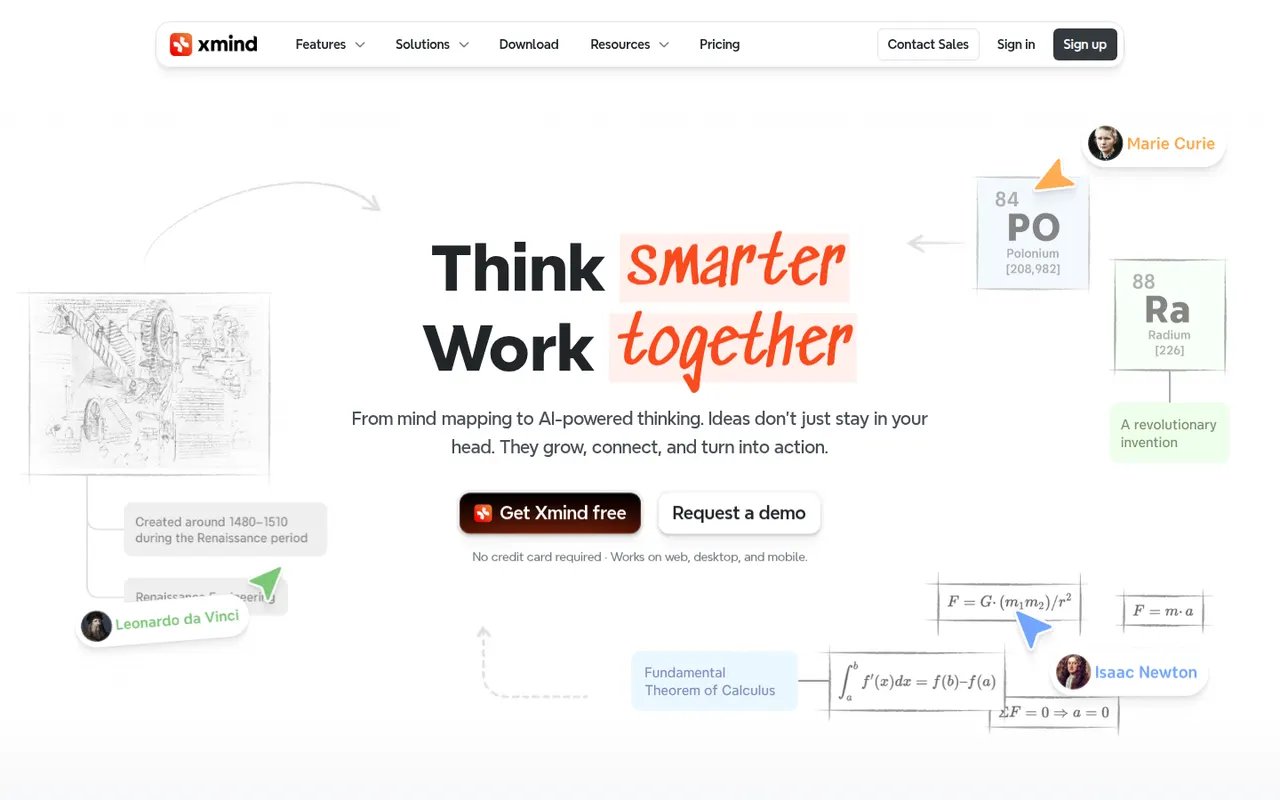
Cost / LicenseFreemiumProprietaryCategoriesXmind is a mind mapping app for brainstorming, planning and note-taking, with structures such as logic charts, org charts, fishbone diagrams, timelines and matrices. It offers themes, an outliner view, a pitch mode for presenting maps and AI features to expand ideas, on Windows, Mac, Linux, iOS and Android, with a free version and a paid Pro subscription.
9 Xmind alternativesPros
- Many structures, from logic charts to fishbone diagrams and timelines
- Native desktop and mobile apps that work offline
- Pitch mode turns a map into a presentation
Cons
- Key features require the Pro subscription
- Focused on mind maps rather than freeform whiteboarding
Cost / LicenseFreemiumProprietaryCategories
















Creately vs its alternatives at a glance
Pricing, platforms and the key features of Creately, compared with its most popular alternatives.
| App | Pricing | Platforms | Diagrams & flowcharts | Infinite canvas | Mind maps | Real-time collaboration | Templates |
|---|---|---|---|---|---|---|---|
 Creately Creately | Freemium | Web | |||||
 Lucidchart Lucidchart | Freemium | Web, iPhone, Android | |||||
 Miro Miro | Freemium | Web, Windows, Mac, iPhone, Android | |||||
 draw.io draw.io | FreeOpen source | Web, Windows, Mac, Linux, Self-hosted | |||||
 Microsoft Visio Microsoft Visio | Paid | Web, Windows | |||||
 Whimsical Whimsical | Freemium | Web |
Creately alternatives: frequently asked questions
What is the best alternative to Creately?
The most popular alternative to Creately is Lucidchart: Online diagramming for flowcharts, org charts and architecture. Other great alternatives are Miro, draw.io, Microsoft Visio, and Whimsical.
Is there a free alternative to Creately?
Yes, 7 alternatives are free or have a free plan, including Lucidchart, Miro, draw.io, and Whimsical.
Is there an open source alternative to Creately?
Yes, one open source alternative is listed: draw.io.
Is Creately free?
Creately has a free plan, with paid plans that unlock more features.
Compare Creately with its alternatives


Sponsored listings and products made by the publisher of this site are always labeled. How we rank · Know a good alternative? Submit it