
Free IntelliJ IDEA alternatives
Top Code Editors & IDEs like IntelliJ IDEA
The most popular alternative to IntelliJ IDEA is Visual Studio Code, which has a free version. Other great alternatives to IntelliJ IDEA are Cursor, Android Studio, WebStorm, and PyCharm.
Most alternatives to IntelliJ IDEA are in the Code Editors & IDEs category, compared here by price, platform and features.
All IntelliJ IDEA alternatives
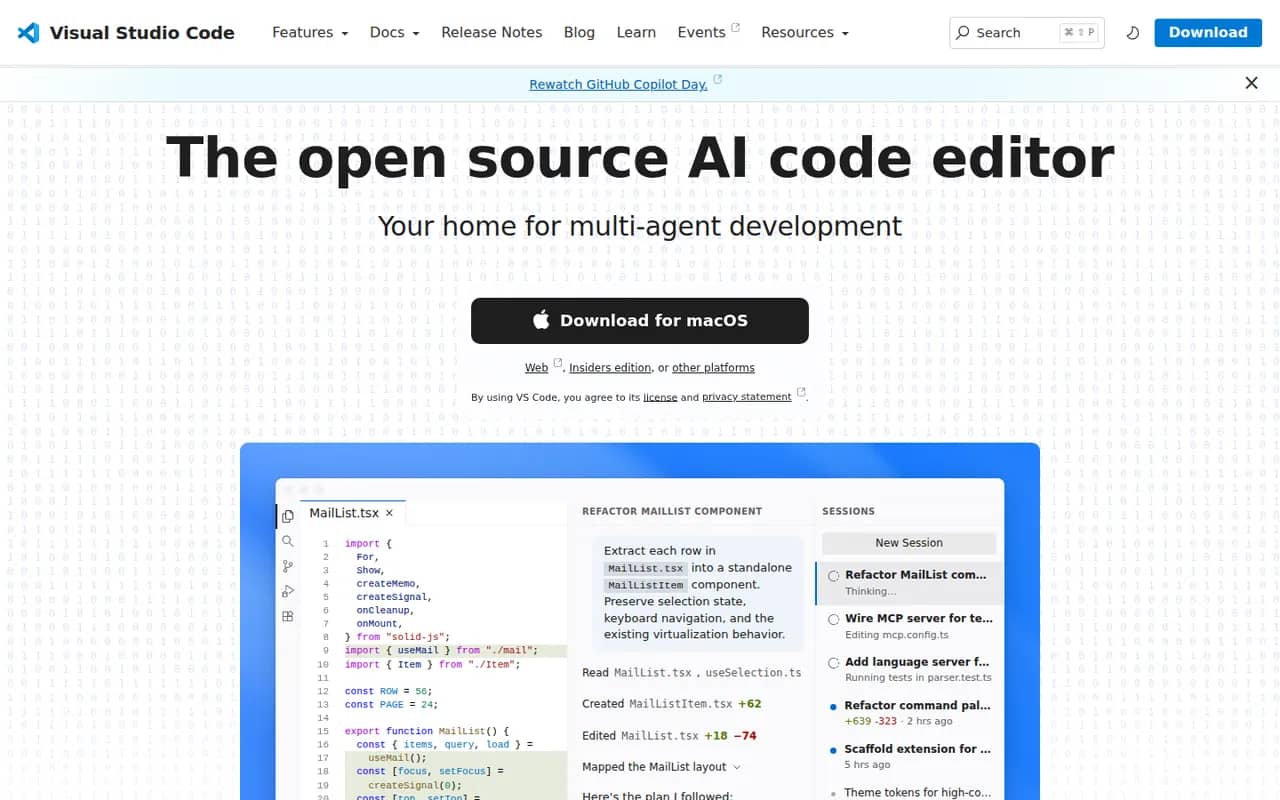
Visual Studio Code is a free source code editor from Microsoft that runs on Windows, macOS, Linux and in the browser. It combines IntelliSense completion, a built-in debugger, Git tools and an integrated terminal with a large extensions marketplace. It is built on the MIT-licensed Code - OSS project and integrates GitHub Copilot for AI chat and agent workflows.
12 Visual Studio Code alternativesPros
- Huge extensions marketplace for almost any language or tool
- Integrated terminal, debugger and Git tools
- Remote development over SSH, in containers and with WSL
Cons
- Official builds include Microsoft telemetry and proprietary components
- As an Electron app it uses more memory than native editors
- Large extension setups can slow it down
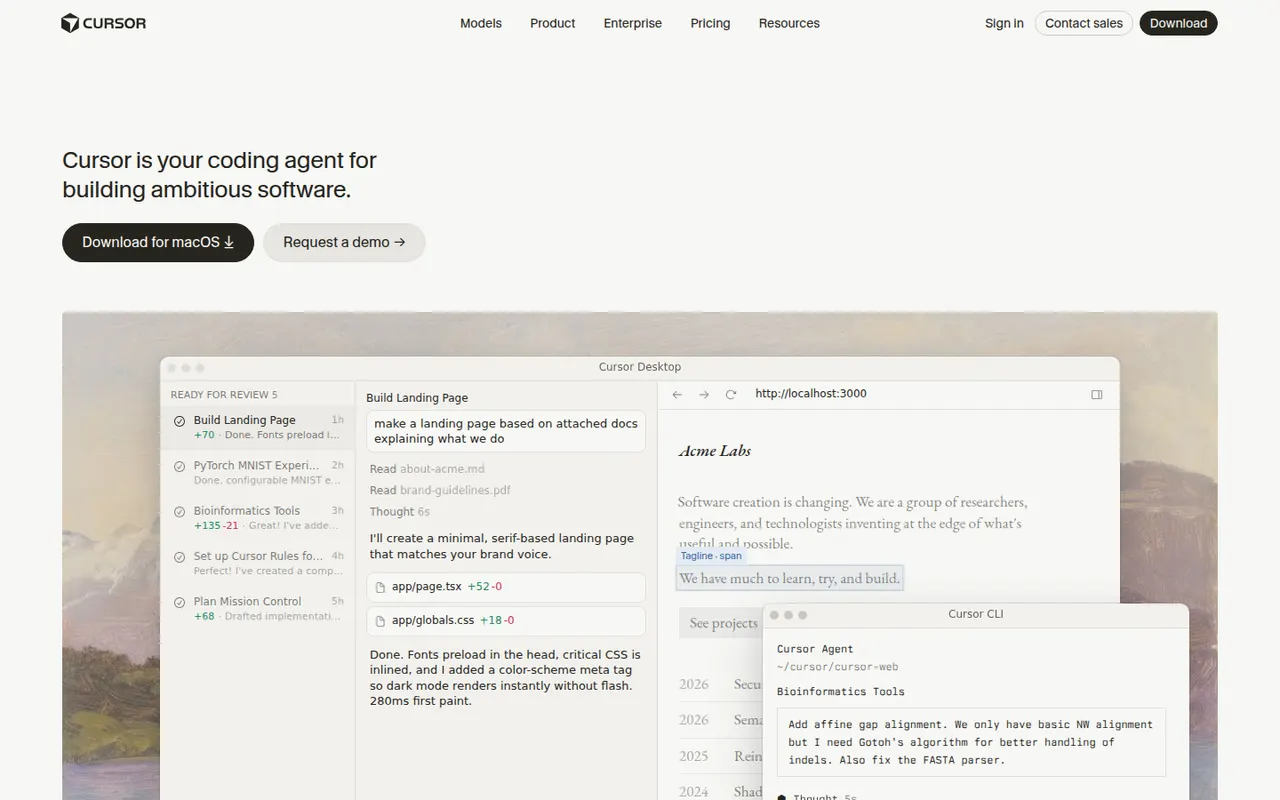
Cost / LicenseFreeOpen sourceCategoriesCursor is a code editor from Anysphere, forked from VS Code, with AI integrated throughout the workflow. Its Tab model predicts multi-line edits, chat understands the whole codebase, and agent mode plans and applies changes across files while running terminal commands. Background agents can also work on tasks in the cloud. It stays compatible with VS Code extensions, themes and keybindings, and has a free Hobby plan.
12 Cursor alternativesPros
- Tab completion predicts multi-line edits as you type
- Agent mode applies changes across files and runs commands
- Keeps VS Code extensions, themes and keybindings
Cons
- Request limits and usage-based billing can be confusing
- As a VS Code fork, it can lag behind upstream updates
- The free Hobby plan is quickly limiting for daily work
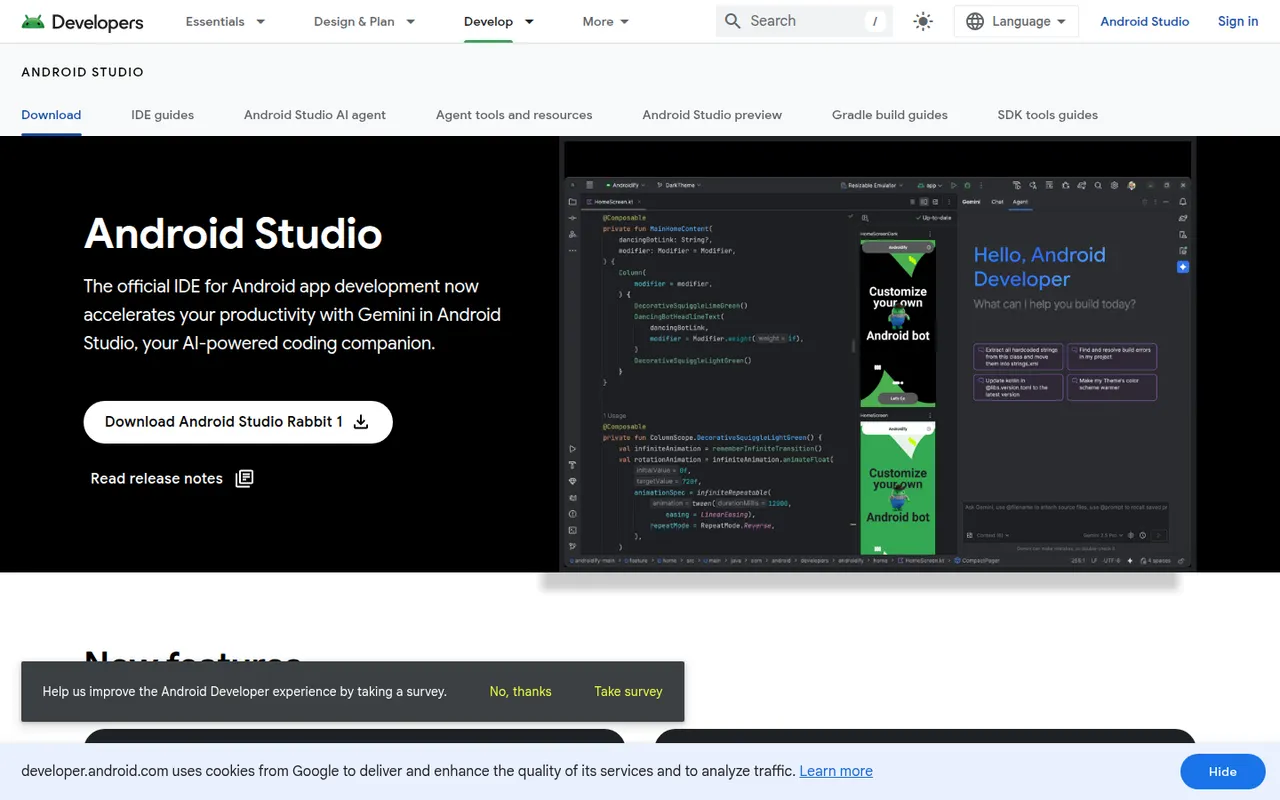
Cost / LicenseFreemiumProprietaryCategoriesAndroid Studio is the official development environment for Android, built by Google on the IntelliJ platform. It provides Kotlin and Java editing, a visual layout editor, Jetpack Compose previews, an emulator, profilers and Gradle builds for phones, tablets, Wear OS, Android TV and cars. Gemini in Android Studio adds AI help for writing code and fixing errors. It is free on Windows, macOS, Linux and ChromeOS.
7 Android Studio alternativesPros
- Official, complete Android toolkit, free on all desktop systems
- Emulator, profilers and Compose previews built in
- Gemini helps write code and fix build errors
Cons
- Heavy on RAM and CPU, especially with the emulator running
- Gradle builds can be slow on large projects
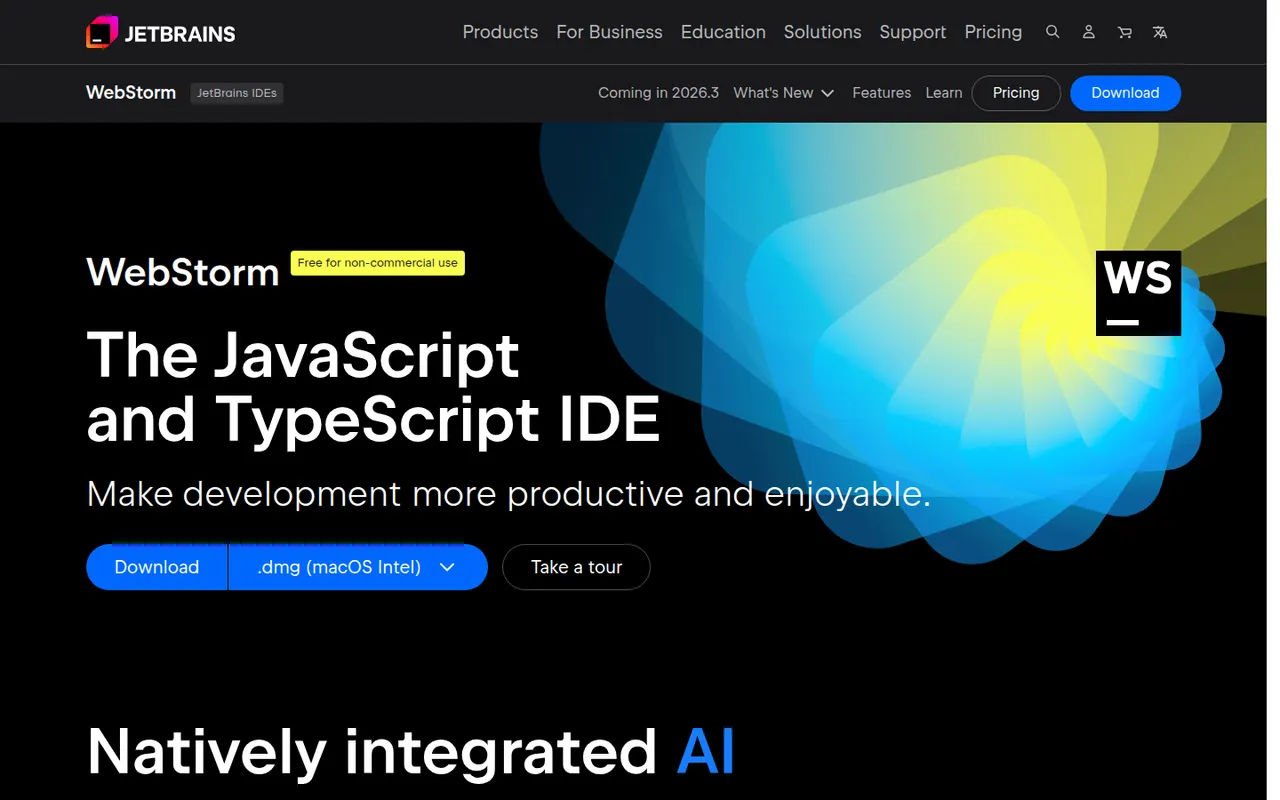
Cost / LicenseFreeProprietaryCategoriesWebStorm is a JetBrains IDE dedicated to JavaScript and TypeScript, with built-in support for React, Angular, Vue, Node.js and common test runners. It provides smart completion, safe refactorings, a debugger for browser and Node code, and Git tools without extra plugins. WebStorm is free for non-commercial use, and a paid license is required for commercial work.
8 WebStorm alternativesPros
- Built-in support for React, Angular, Vue and Node.js
- Smart completion and safe refactoring for JavaScript and TypeScript
- Free for non-commercial use
Cons
- Commercial use requires a paid license
- Heavier than VS Code for quick edits
Cost / LicenseFreemiumProprietaryCategoriesPyCharm is the JetBrains IDE for Python, with code completion, inspections, refactoring, a graphical debugger, test runners and virtual environment management. A single distribution provides a free core for everyday Python work, while a Pro subscription unlocks advanced features for web frameworks such as Django, databases and remote development. JetBrains AI features are available in the IDE.
8 PyCharm alternativesPros
- Excellent Python completion, inspections and refactoring
- Graphical debugger, test runners and virtual environment management
- The free core covers everyday Python work
Cons
- Heavy on memory and slower to start than lighter editors
- Django, database and remote development tools require Pro
Cost / LicenseFreemiumProprietaryCategoriesVisual Studio is Microsoft's integrated development environment for building .NET, C# and C++ applications, games and cloud services. It includes IntelliSense, an advanced debugger and profiler, visual designers, testing tools, Git integration and GitHub Copilot. The Community edition is free for individuals, students, open source and small teams, while Professional and Enterprise are paid. It runs on Windows only.
8 Visual Studio alternativesPros
- Advanced debugger and profiler for .NET and C++ apps
- Visual designers and testing tools for Windows development
- Free Community edition for individuals, students and small teams
Cons
- Windows only, as Visual Studio for Mac has been retired
- Large install and heavy resource use
- Professional and Enterprise editions are paid
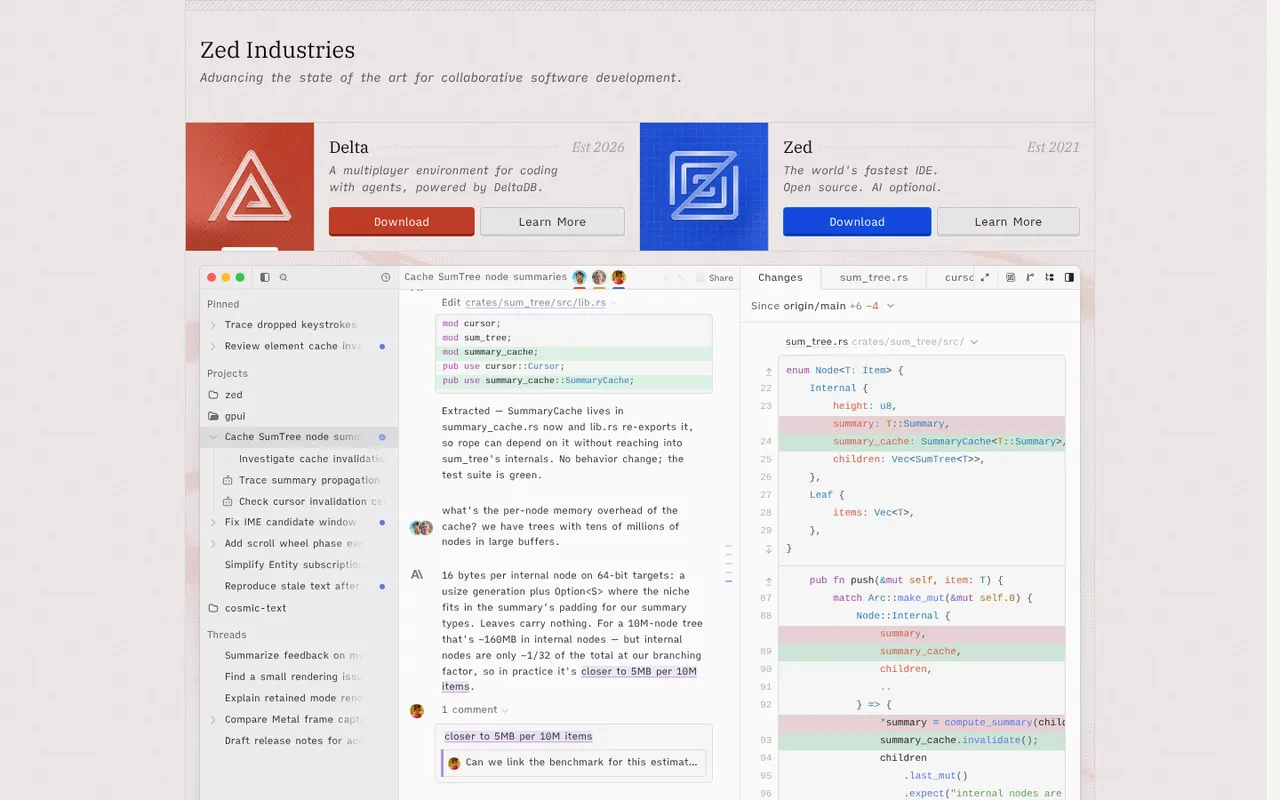
Cost / LicenseFreemiumProprietaryCategoriesPlatformsZed is a code editor written in Rust by the creators of Atom and Tree-sitter, with a GPU-rendered interface that stays fast on large projects. It includes multiplayer editing, an agent panel that works with several AI models, edit predictions, Git tools, remote development over SSH and an extensions registry. Zed is open source under the GPL and runs on macOS, Linux and Windows; paid plans cover hosted AI usage.
12 Zed alternativesPros
- GPU-rendered interface that stays fast on large projects
- Built-in multiplayer editing and an agent panel for several AI models
- Open source under the GPL
Cons
- Smaller extension ecosystem than VS Code
- Some IDE features are less mature than in established editors
- Hosted AI usage requires a paid plan
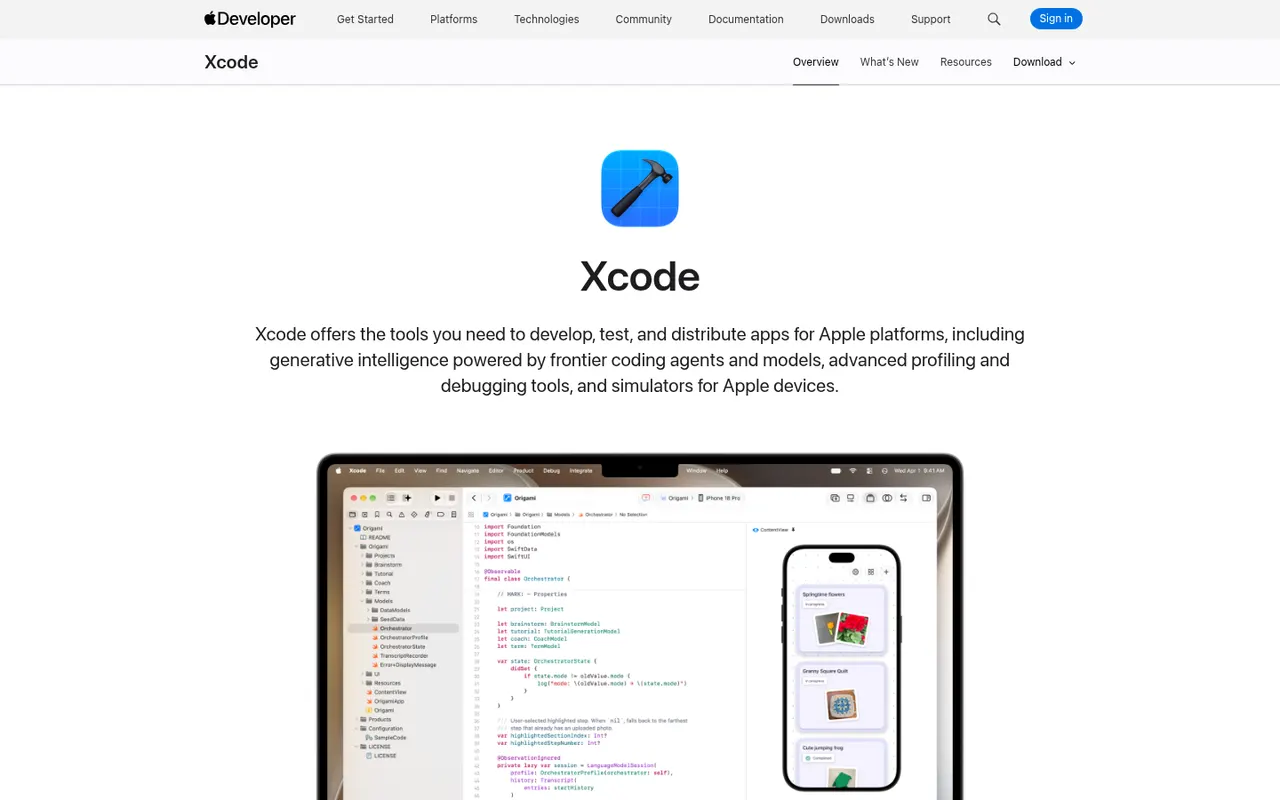
Cost / LicenseFreemiumOpen sourceCategoriesXcode is Apple's free development environment for building apps for iOS, iPadOS, macOS, watchOS, tvOS and visionOS. It bundles the Swift and Objective-C toolchains, SwiftUI previews, Interface Builder, device simulators, Instruments for profiling, a debugger and tools to submit apps to the App Store. Recent versions add predictive code completion and coding help from AI models. It runs on macOS only.
7 Xcode alternativesPros
- Everything needed to build and ship Apple apps in one free package
- SwiftUI previews, simulators and Instruments built in
- Built-in tools to submit apps to the App Store
Cons
- Runs only on macOS, so a Mac is required
- Large downloads and updates take up a lot of disk space
- Indexing and previews can be slow or unstable on large projects
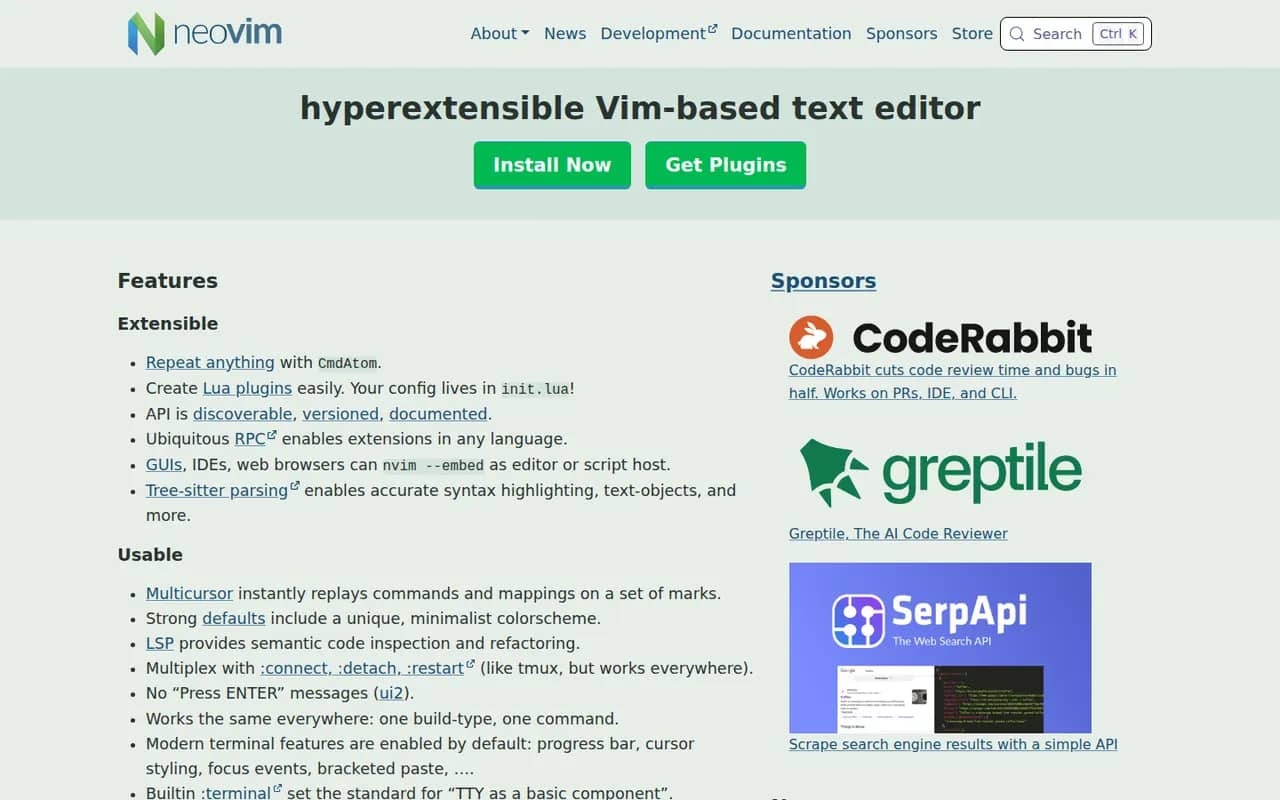
Cost / LicenseFreeProprietaryCategoriesPlatformsNeovim is a community-driven fork of Vim that keeps modal editing while modernizing the codebase. It adds first-class Lua scripting, a built-in Language Server Protocol client, Tree-sitter syntax highlighting, an embedded terminal and an RPC API that lets other programs use it as an editing engine. It is free and open source, and popular with developers who build a customized, keyboard-driven setup.
12 Neovim alternativesPros
- Lua scripting makes configuration and plugins easier to write
- Built-in LSP client and Tree-sitter highlighting
- Fast, keyboard-driven editing that runs anywhere in a terminal
Cons
- Modal editing has a steep learning curve
- Turning it into a full IDE takes time and ongoing plugin maintenance
Cost / LicenseFreeOpen sourceCategories




















IntelliJ IDEA vs its alternatives at a glance
Pricing, platforms and the key features of IntelliJ IDEA, compared with its most popular alternatives.
| App | Pricing | Platforms | AI assistant | Code completion | Debugger | Extensions marketplace | Git integration |
|---|---|---|---|---|---|---|---|
 IntelliJ IDEA IntelliJ IDEA | Freemium | Windows, Mac, Linux | |||||
 Visual Studio Code Visual Studio Code | FreeOpen source | Web, Windows, Mac, Linux | |||||
 Cursor Cursor | Freemium | Windows, Mac, Linux | |||||
 Android Studio Android Studio | Free | Windows, Mac, Linux | |||||
 WebStorm WebStorm | Freemium | Windows, Mac, Linux | |||||
 PyCharm PyCharm | Freemium | Windows, Mac, Linux |
IntelliJ IDEA alternatives: frequently asked questions
What is the best alternative to IntelliJ IDEA?
The most popular alternative to IntelliJ IDEA is Visual Studio Code: Free, extensible code editor from Microsoft for most languages. Other great alternatives are Cursor, Android Studio, WebStorm, and PyCharm.
Is there a free alternative to IntelliJ IDEA?
Yes, 9 alternatives are free or have a free plan, including Visual Studio Code, Cursor, Android Studio, and WebStorm.
Is there an open source alternative to IntelliJ IDEA?
Yes, 3 open source alternatives are listed, including Visual Studio Code, Zed, and Neovim.
Is IntelliJ IDEA free?
IntelliJ IDEA has a free plan, with paid plans that unlock more features.
Compare IntelliJ IDEA with its alternatives


Sponsored listings and products made by the publisher of this site are always labeled. How we rank · Know a good alternative? Submit it