
Free OpusClip alternatives
Top AI Video Generators like OpusClip
The most popular alternative to OpusClip is InVideo AI, which has a free version. Other great alternatives to OpusClip are Shotcut, Revid AI, Synthesia, and Vizard.
Most alternatives to OpusClip are in the AI Video Generators category, compared here by price, platform and features.

All OpusClip alternatives
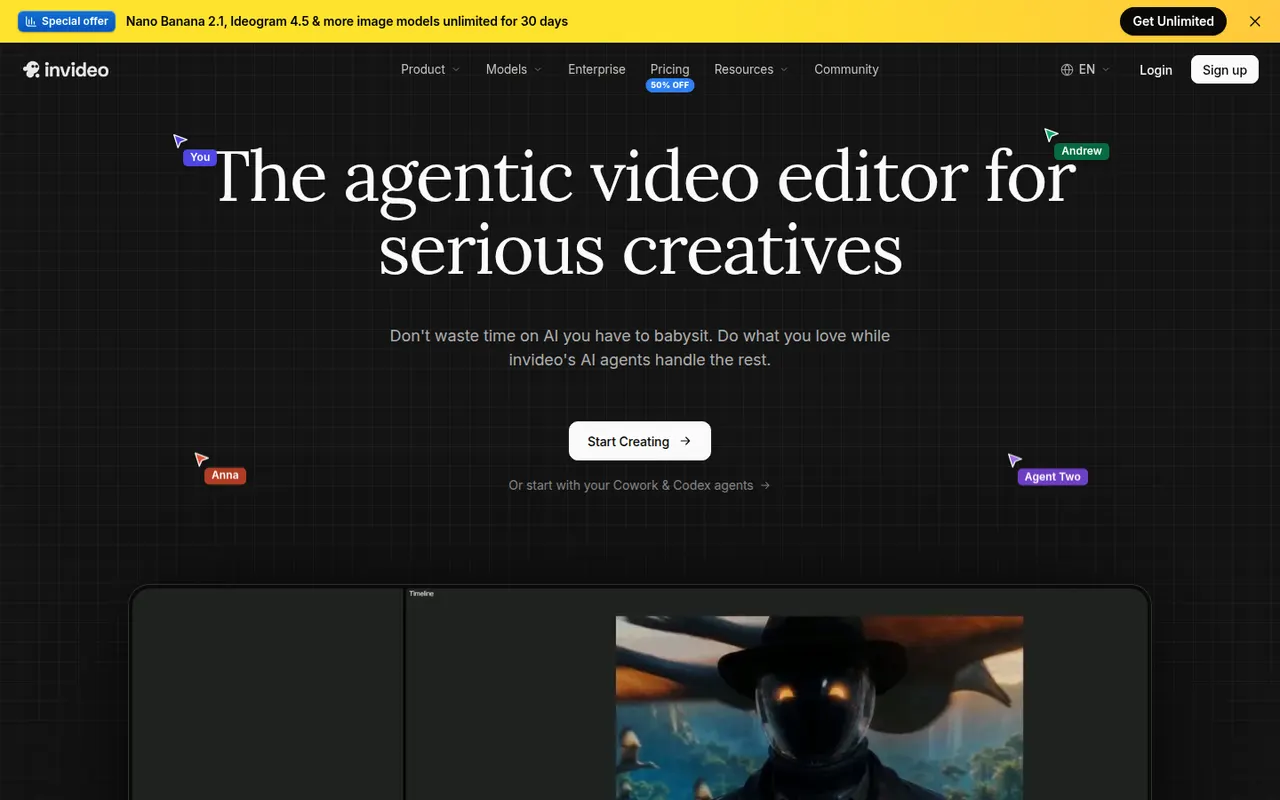
InVideo AI turns a prompt into a full video with script, stock footage, voiceover and subtitles, then lets you edit the result with text commands.
20 InVideo AI alternativesPros
- Builds a full video from one prompt: script, footage, voice and subtitles
- Edit the result with plain text commands
- Templates and stock media cover many video formats
Cons
- Stock footage picks can feel generic or off-topic
- Free plan exports carry a watermark
- Precise edits are harder than in a timeline editor
Cost / LicenseFreemiumProprietaryCategoriesShotcut is a cross-platform video editor with native timeline editing, wide format support and no import step, built on the MLT framework.
12 Shotcut alternativesPros
- Free and open source, with no watermarks or upsells
- Wide format support and native timeline editing with no import step
- Runs on Windows, macOS and Linux
Cons
- Interface feels less intuitive than consumer editors
- Fewer templates and effects than commercial tools
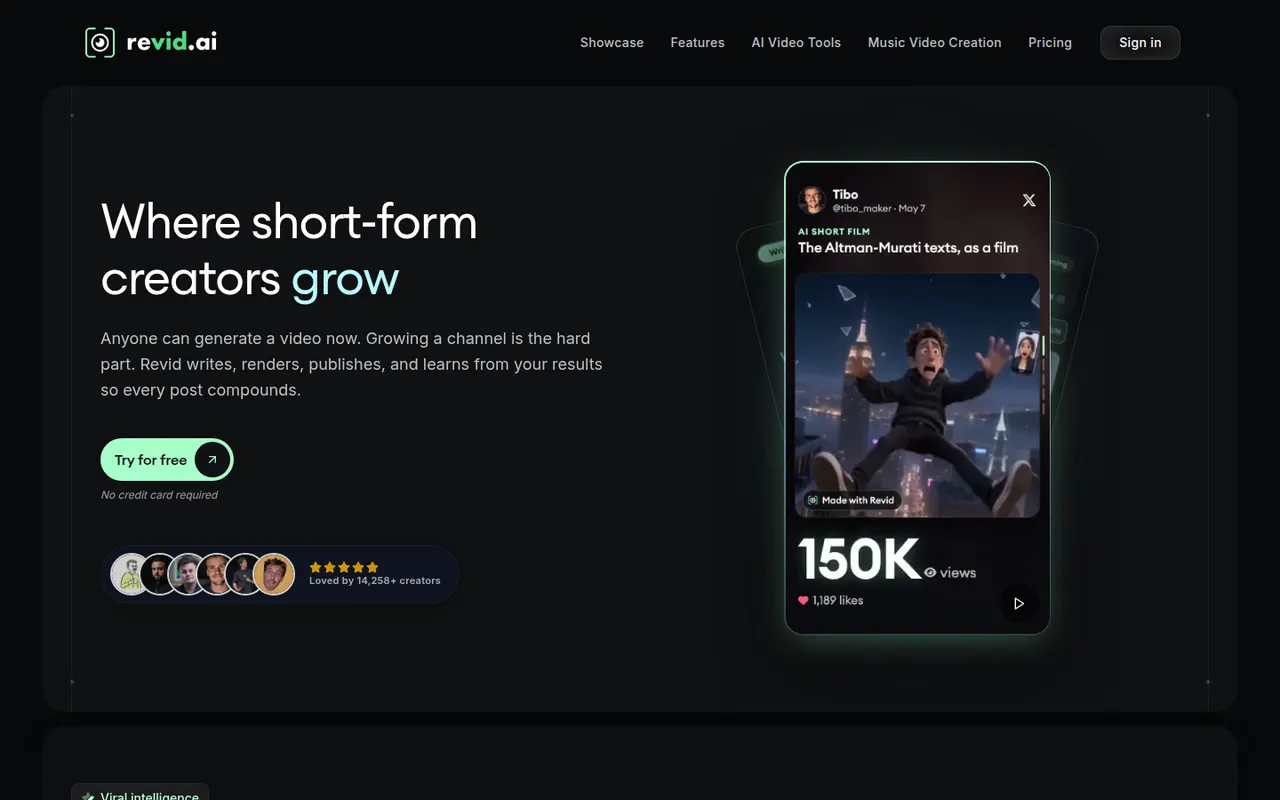
Cost / LicenseFreeOpen sourceCategoriesFeaturesRevid AI helps creators produce short-form videos from ideas, articles or existing clips, with AI scripts, voices and trending templates.
11 Revid AI alternativesPros
- Turns ideas, articles or existing clips into short videos
- AI scripts and voices speed up production
- Templates inspired by trending short-form formats
Cons
- Template-driven videos can look similar to others
- Advanced features and higher limits need a paid plan
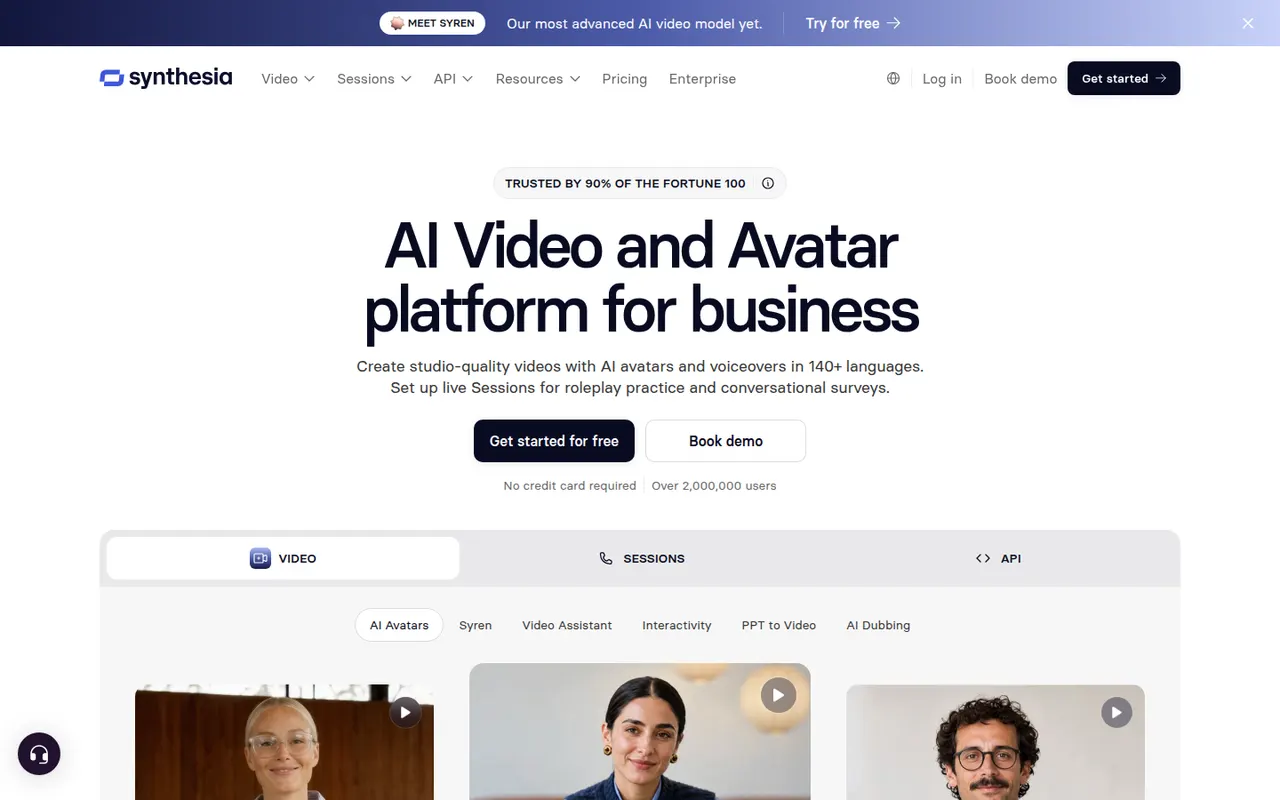
Cost / LicenseFreemiumProprietaryCategoriesPlatformsSynthesia creates presenter-led videos from text using realistic AI avatars and voices in many languages, mostly for training and corporate communication.
12 Synthesia alternativesPros
- Realistic avatars and voices in many languages
- Update a video by editing text instead of reshooting
- Templates and team collaboration for corporate videos
Cons
- Avatars can feel stiff for emotional or creative content
- Free plan is very limited, with most features on paid tiers
Cost / LicenseFreemiumProprietaryCategoriesPlatformsVizard is a browser-based tool that finds the most engaging moments in long videos such as podcasts, webinars or streams and turns them into vertical clips. It adds animated captions, reframes speakers automatically and includes a simple editor, plus options to schedule and publish clips to social networks. It is built for creators and marketing teams repurposing content.
8 Vizard alternativesPros
- Finds engaging moments in podcasts, webinars and streams
- Automatic speaker reframing and animated captions
- Schedules and publishes clips to social networks
Cons
- The simple editor limits detailed adjustments
- AI clip picks often need manual review
- Free plan has limited usage and features
Cost / LicenseFreemiumProprietaryCategoriesPlatformsHeyGen generates videos with AI avatars, clones your own avatar and voice, and translates videos into other languages with lip-sync.
18 HeyGen alternativesPros
- Clone your own avatar and voice for presenter videos
- Video translation with lip-sync into other languages
- API for generating avatar videos at scale
Cons
- Free plan is limited and adds a watermark
- Avatars can show unnatural gestures in longer videos
- Credit usage adds up quickly on long videos
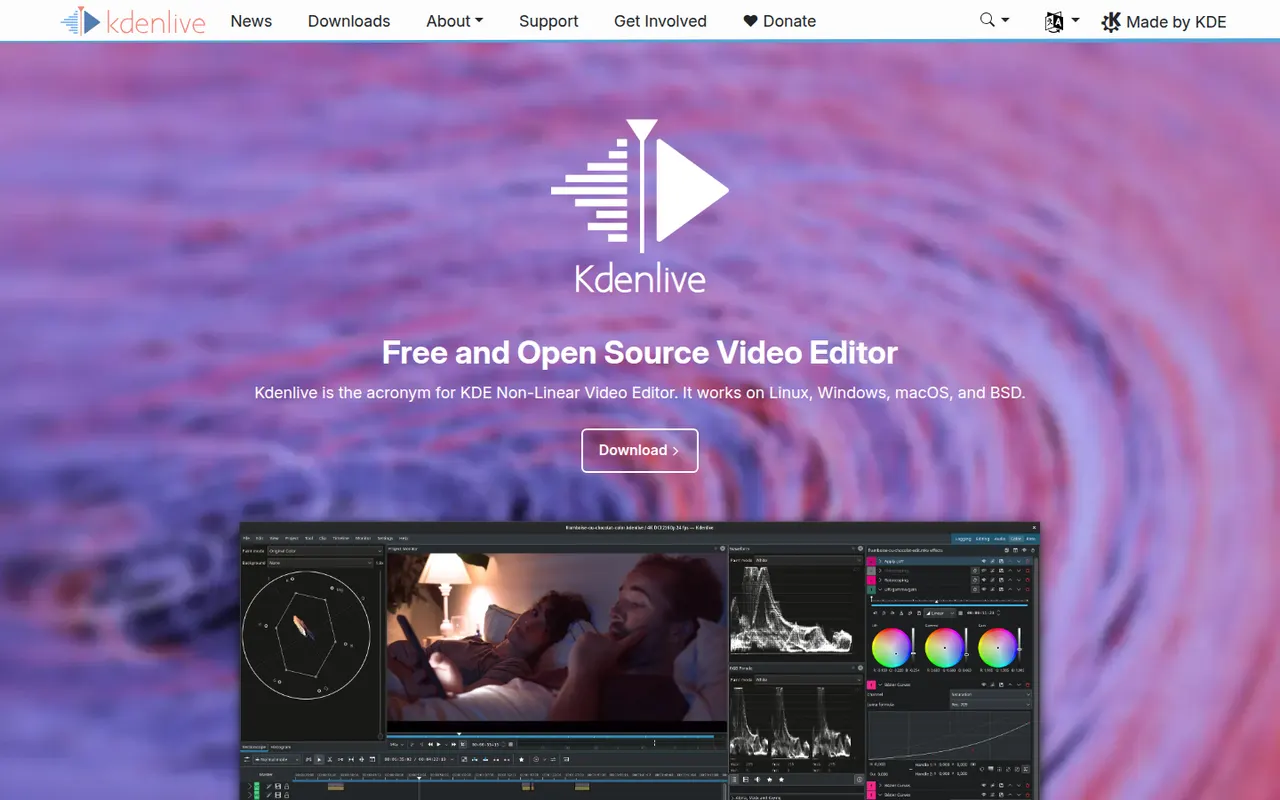
Cost / LicenseFreemiumProprietaryCategoriesPlatformsKdenlive is a multi-track video editor developed by the KDE community, with effects, transitions, proxy editing and automatic subtitles.
11 Kdenlive alternativesPros
- Free and open source, with no watermarks or paywalls
- Multi-track editing with proxy clips for smoother playback
- Runs on Windows, macOS and Linux
Cons
- Can crash or behave unpredictably on complex projects
- Interface takes time for beginners to learn
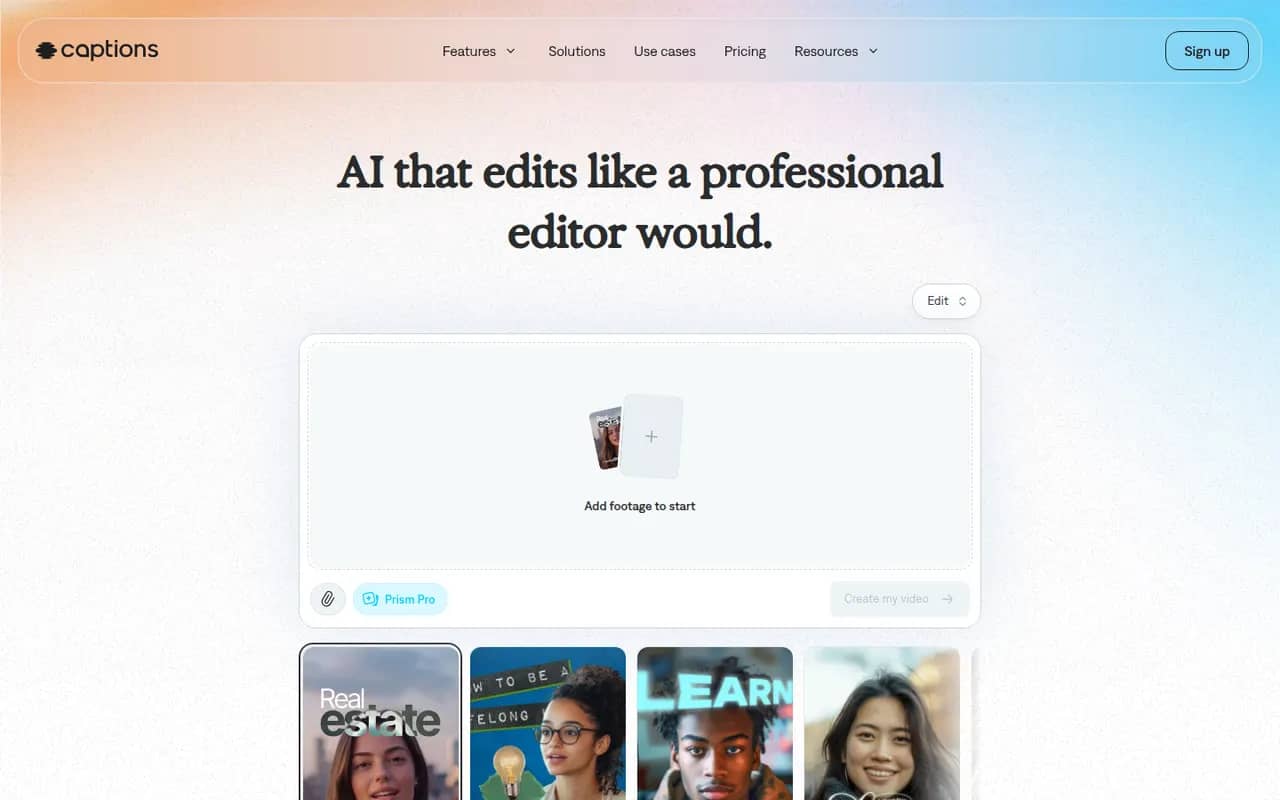
Cost / LicenseFreeOpen sourceCategoriesFeaturesCaptions is an AI-powered video creation app for people who talk on camera. It generates captions automatically, removes filler words and pauses, corrects eye contact, dubs videos into other languages and can produce videos with AI avatars from a script. It started on iPhone and is now also available on Android and the web.
11 Captions alternativesPros
- Automatic captions plus filler word and pause removal
- Eye contact correction and AI dubbing for talking videos
- Mobile-first editing on iPhone and Android, plus a web app
Cons
- Most AI features require a paid subscription
- Less suited to complex edits than a desktop video editor
Cost / LicenseFreemiumProprietaryCategoriesRiverside is an online studio for recording podcasts, interviews and video shows with remote guests. Each participant is recorded locally in high quality, so unstable connections do not ruin the result, and files upload progressively. It adds transcription, a text-based editor, background noise removal, AI clips for social media and live streaming, on the web and mobile apps.
7 Riverside alternativesPros
- Local recording keeps quality high even on shaky connections
- Transcript-based editor and AI clips speed up publishing
- Guests join from a browser link or the mobile app
Cons
- Advanced editing and AI features are reserved for paid plans
- Guests must stay connected until their local recording finishes uploading
Cost / LicenseFreemiumProprietaryCapCut is a video editor available on mobile, desktop and the web, with templates, effects, auto captions and AI tools aimed at short-form content.
23 CapCut alternativesPros
- Fast editing with templates and effects tuned for short-form video
- Auto captions and AI tools save time on social content
- Available on mobile, desktop and in the browser
Cons
- Many effects and AI tools require a Pro subscription
- Ownership by ByteDance raises data privacy questions
- Not built for long-form or professional editing
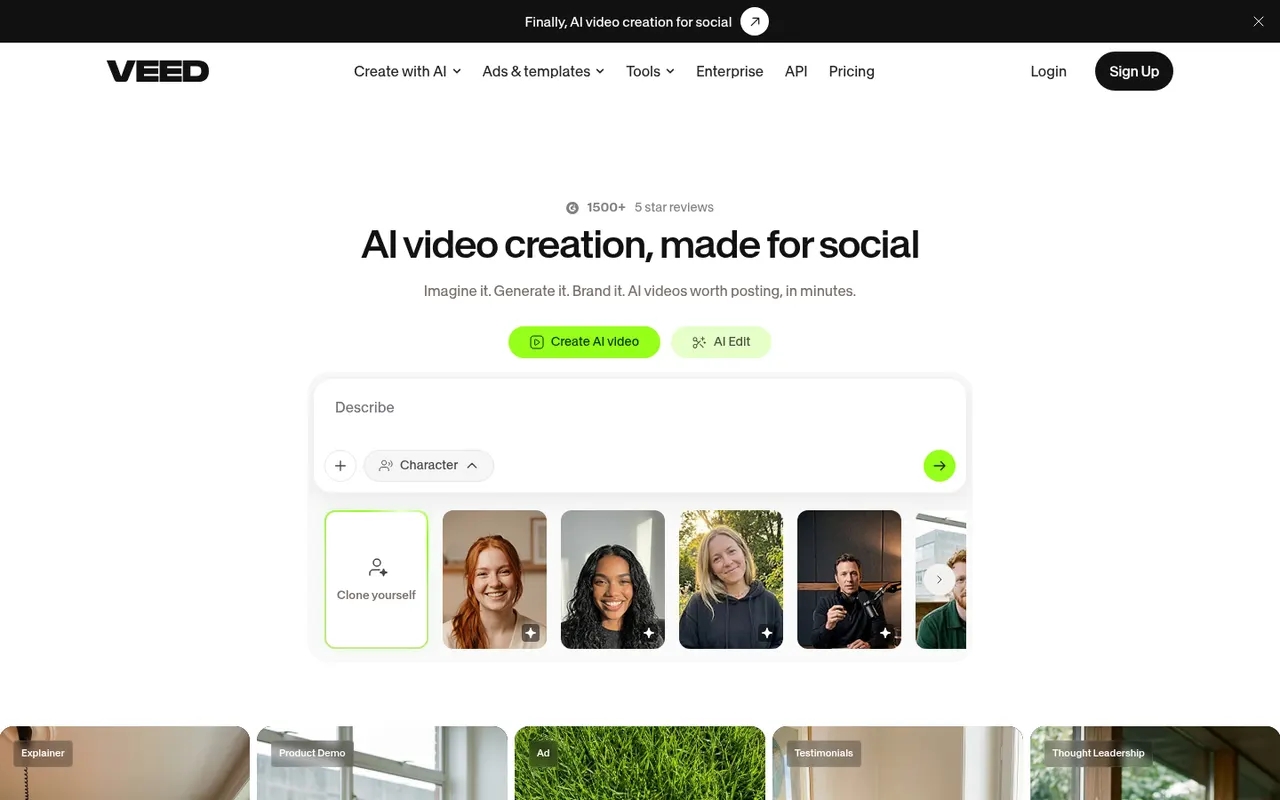
Cost / LicenseFreemiumProprietaryCategoriesVEED is a browser-based video editor with subtitles, translations, avatars and screen recording, built for teams producing social and marketing videos.
21 VEED alternativesPros
- Fast automatic subtitles and translations in the browser
- Screen recording and AI avatars in the same tool
- Team workspaces suit marketing and social video production
Cons
- Free plan exports carry a watermark
- Browser editing can lag on longer videos
- Advanced AI features require higher-tier plans
Cost / LicenseFreemiumProprietaryCategoriesPlatformsKapwing is a browser-based video editor built for teams that produce content together in real time. It includes transcript-based editing, automatic subtitles and translation, silence removal, a clip maker for repurposing long videos, and templates for social formats. It requires no installation and offers a free plan with export limits.
9 Kapwing alternativesPros
- Real-time collaborative editing in the browser
- Automatic subtitles, translation and silence removal
- Clip maker repurposes long videos into social shorts
Cons
- Free plan exports are limited
- Browser editing struggles with long or heavy projects
- Fewer advanced controls than desktop editors
Cost / LicenseFreemiumProprietaryCategoriesPlatformsDescript transcribes your recordings so you can cut video and audio like a text document, with screen recording, overdub and AI cleanup tools.
17 Descript alternativesPros
- Edit audio and video by editing the transcript like a document
- Filler word removal and AI cleanup speed up podcast editing
- Screen recording and team collaboration built in
Cons
- Less precise than a traditional timeline for complex edits
- Transcription hours and AI features are capped on lower plans
- Can be slow with long or high-resolution projects
Cost / LicenseFreemiumProprietaryCategories
































OpusClip vs its alternatives at a glance
Pricing, platforms and the key features of OpusClip, compared with its most popular alternatives.


OpusClip alternatives: frequently asked questions
What is the best alternative to OpusClip?
The most popular alternative to OpusClip is InVideo AI: Generate complete videos from a text prompt. Other great alternatives are Shotcut, Revid AI, Synthesia, and Vizard.
Is there a free alternative to OpusClip?
Yes, 13 alternatives are free or have a free plan, including InVideo AI, Shotcut, Revid AI, and Synthesia.
Is there an open source alternative to OpusClip?
Yes, 2 open source alternatives are listed, including Shotcut and Kdenlive.
Is OpusClip free?
OpusClip has a free plan, with paid plans that unlock more features.
Compare OpusClip with its alternatives


Sponsored listings and products made by the publisher of this site are always labeled. How we rank · Know a good alternative? Submit it