
Open source Sublime Text alternatives
Top Code Editors & IDEs like Sublime Text
The most popular alternative to Sublime Text is Visual Studio Code, which has a free version. Other great alternatives to Sublime Text are Zed, Notepad++, VSCodium, and Neovim.
Most alternatives to Sublime Text are in the Code Editors & IDEs category, compared here by price, platform and features.
All Sublime Text alternatives
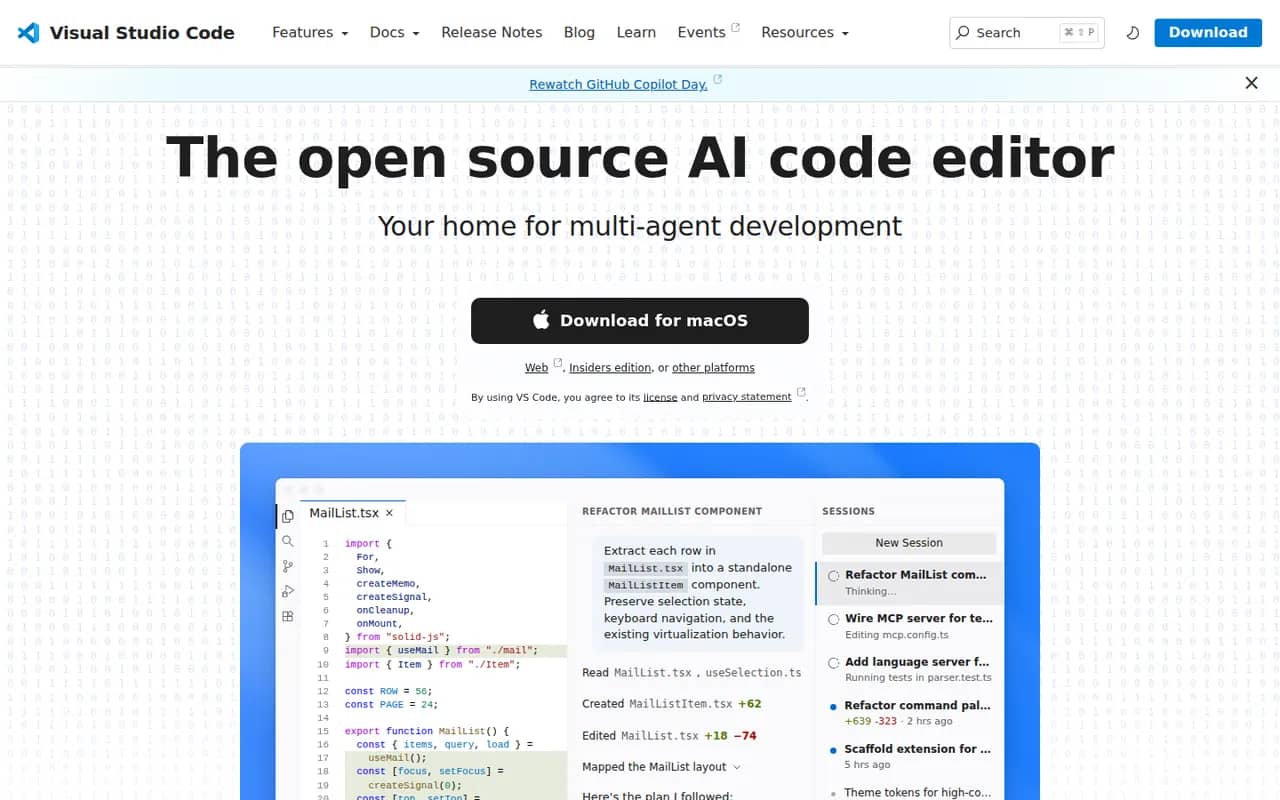
Visual Studio Code is a free source code editor from Microsoft that runs on Windows, macOS, Linux and in the browser. It combines IntelliSense completion, a built-in debugger, Git tools and an integrated terminal with a large extensions marketplace. It is built on the MIT-licensed Code - OSS project and integrates GitHub Copilot for AI chat and agent workflows.
12 Visual Studio Code alternativesPros
- Huge extensions marketplace for almost any language or tool
- Integrated terminal, debugger and Git tools
- Remote development over SSH, in containers and with WSL
Cons
- Official builds include Microsoft telemetry and proprietary components
- As an Electron app it uses more memory than native editors
- Large extension setups can slow it down
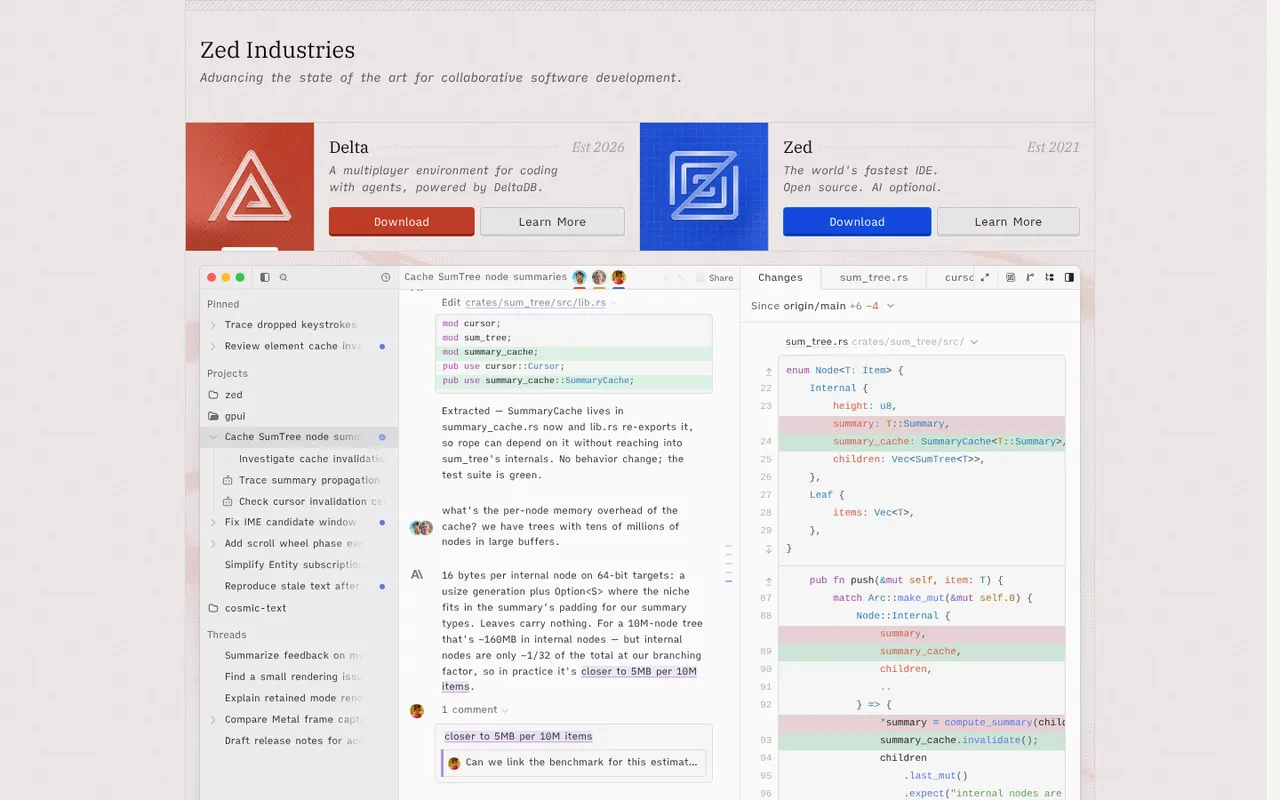
Cost / LicenseFreeOpen sourceCategoriesZed is a code editor written in Rust by the creators of Atom and Tree-sitter, with a GPU-rendered interface that stays fast on large projects. It includes multiplayer editing, an agent panel that works with several AI models, edit predictions, Git tools, remote development over SSH and an extensions registry. Zed is open source under the GPL and runs on macOS, Linux and Windows; paid plans cover hosted AI usage.
12 Zed alternativesPros
- GPU-rendered interface that stays fast on large projects
- Built-in multiplayer editing and an agent panel for several AI models
- Open source under the GPL
Cons
- Smaller extension ecosystem than VS Code
- Some IDE features are less mature than in established editors
- Hosted AI usage requires a paid plan
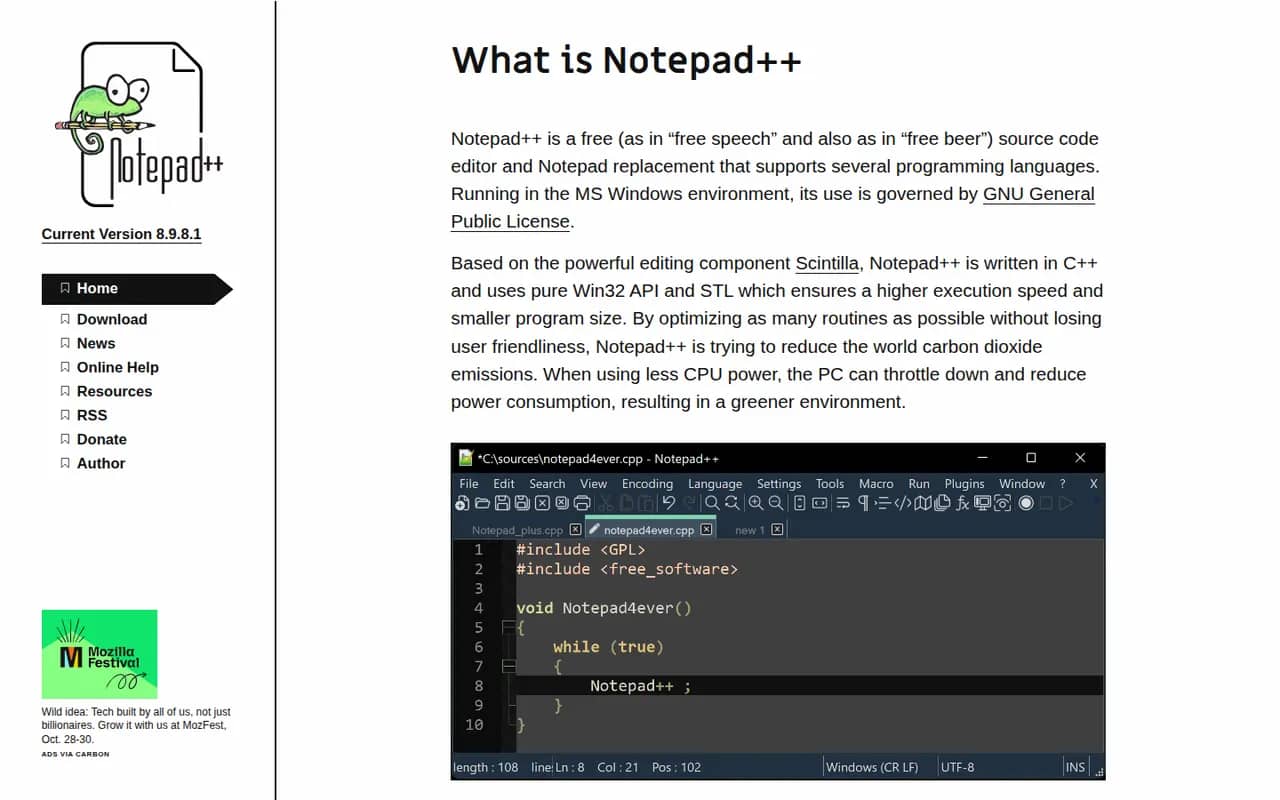
Cost / LicenseFreemiumOpen sourceCategoriesNotepad++ is a free source code editor for Windows and a popular replacement for the built-in Notepad. Written in C++ on the Win32 API and the Scintilla editing component, it starts quickly and stays light while offering syntax highlighting for dozens of languages, tabs, macros, regular expression search and replace, and a plugin manager. It is open source under the GPL and maintained by Don Ho.
7 Notepad++ alternativesPros
- Starts instantly and stays light on resources
- Syntax highlighting for dozens of languages, tabs and macros
- Free, open source and extendable through a plugin manager
Cons
- Windows only, with no native macOS or Linux version
- Lacks the debugging, Git and project tools of a full code editor
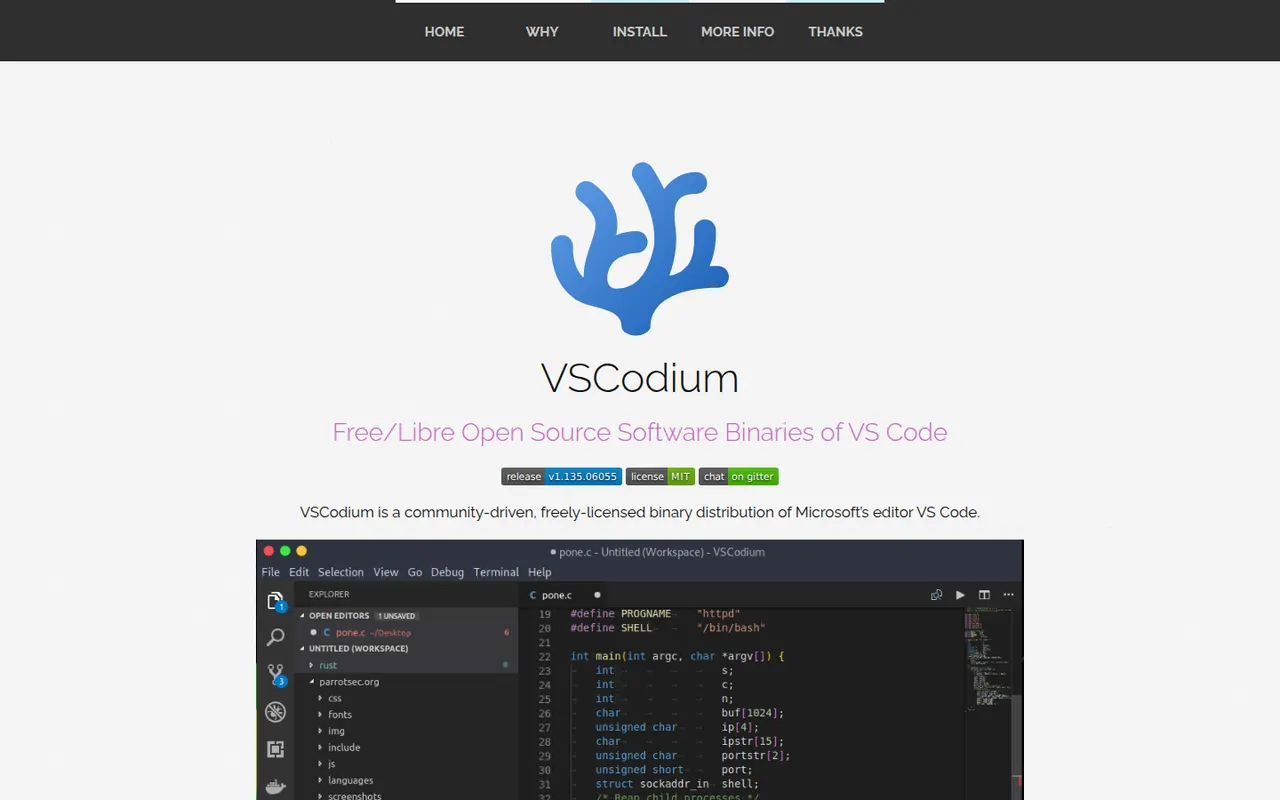
Cost / LicenseFreeOpen sourceCategoriesPlatformsVSCodium is a community project that compiles the open source VS Code codebase into ready-to-use MIT-licensed binaries, with Microsoft telemetry disabled and branding removed. It offers the same editing experience, debugger, terminal and Git tools, and installs extensions from the Open VSX registry instead of the Microsoft marketplace. It suits developers who want the VS Code workflow in a fully open source package.
12 VSCodium alternativesPros
- The VS Code experience without Microsoft telemetry or branding
- Fully open source, MIT-licensed binaries
- Ready-made builds for Windows, macOS and Linux
Cons
- Open VSX lacks some extensions found in the Microsoft marketplace
- Microsoft extensions such as Pylance or Remote SSH are not officially usable
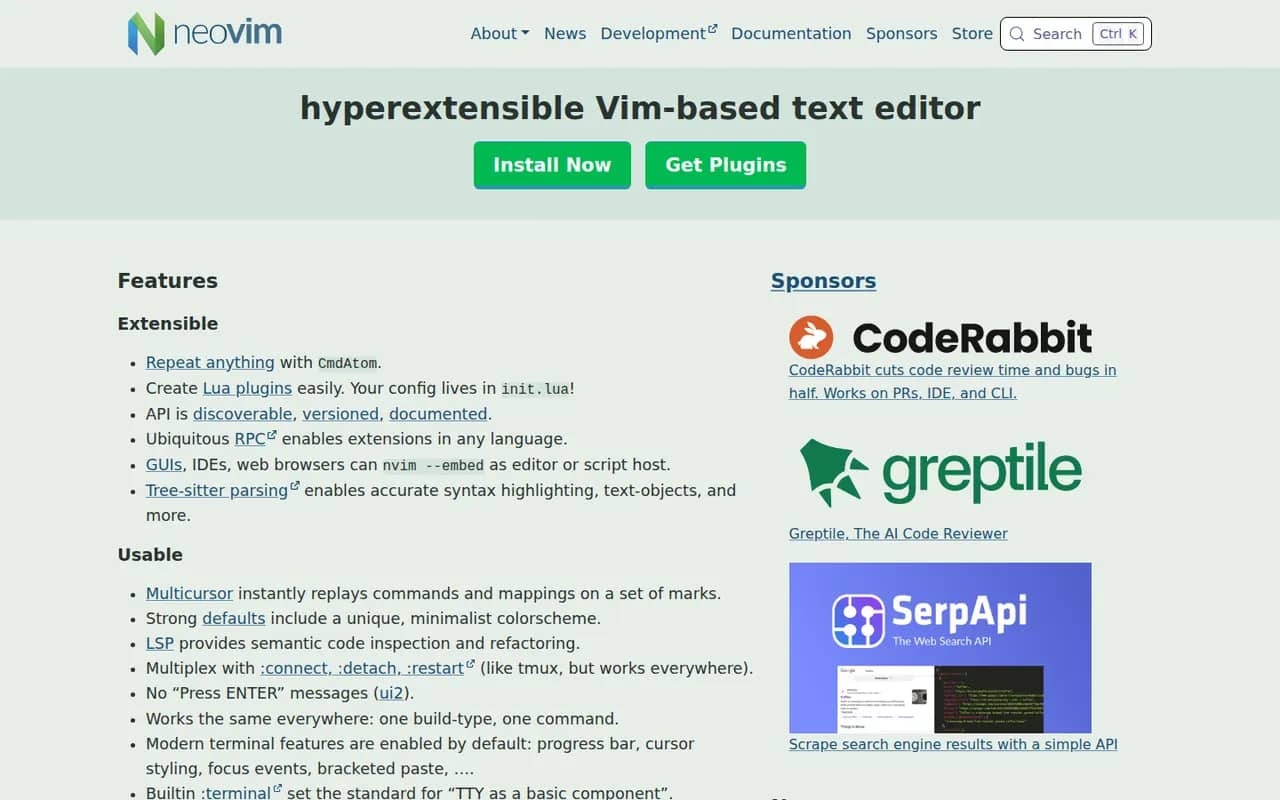
Cost / LicenseFreeOpen sourceCategoriesNeovim is a community-driven fork of Vim that keeps modal editing while modernizing the codebase. It adds first-class Lua scripting, a built-in Language Server Protocol client, Tree-sitter syntax highlighting, an embedded terminal and an RPC API that lets other programs use it as an editing engine. It is free and open source, and popular with developers who build a customized, keyboard-driven setup.
12 Neovim alternativesPros
- Lua scripting makes configuration and plugins easier to write
- Built-in LSP client and Tree-sitter highlighting
- Fast, keyboard-driven editing that runs anywhere in a terminal
Cons
- Modal editing has a steep learning curve
- Turning it into a full IDE takes time and ongoing plugin maintenance
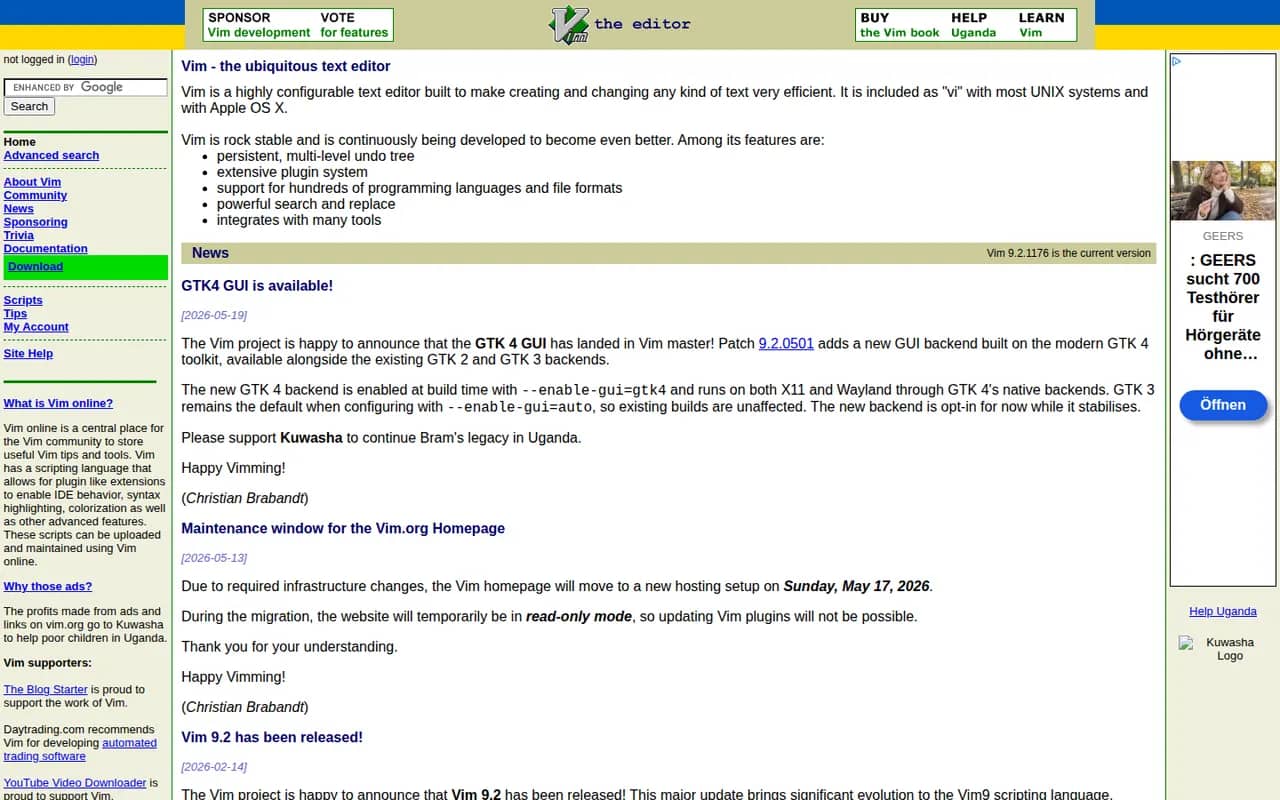
Cost / LicenseFreeOpen sourceCategoriesVim is a highly configurable modal text editor derived from the Unix vi editor, preinstalled on many Linux and macOS systems and available for Windows. Editing is driven by keyboard commands and motions, and behavior is extended with Vim script and a large ecosystem of plugins. Created by Bram Moolenaar and now maintained by its community, it is charityware that encourages donations to help children in Uganda.
7 Vim alternativesPros
- Preinstalled on most Linux and macOS systems
- Very efficient modal editing once motions become second nature
- Lightweight, fast and ideal over SSH
Cons
- Steep learning curve for newcomers
- Modern IDE features depend on plugins and configuration
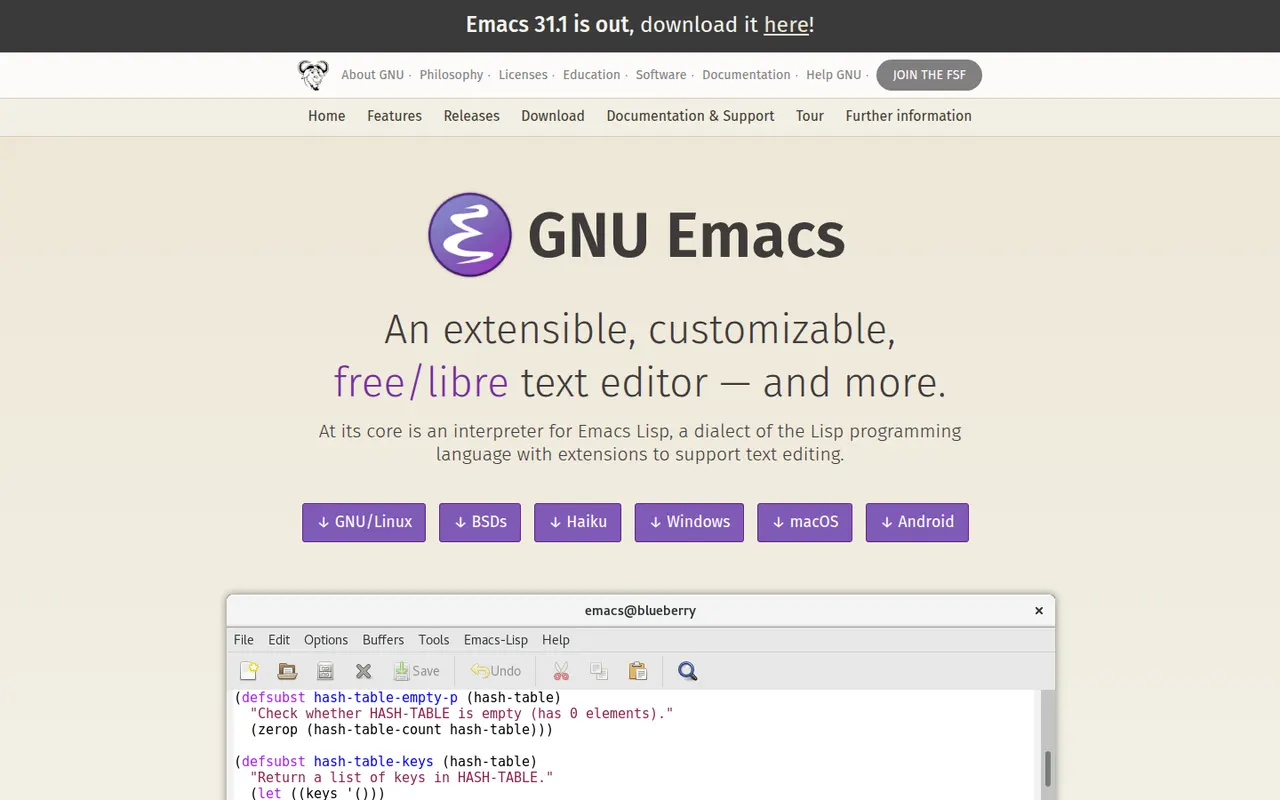
Cost / LicenseFreeOpen sourceCategoriesGNU Emacs is a free, extensible text editor built around an Emacs Lisp interpreter, so almost every part of it can be reshaped. It supports programming with language servers through Eglot, debugger integration and built-in shells, and many people also use it for Org mode notes and planning, email and file management. Packages install from ELPA archives. It is part of the GNU Project and licensed under the GPL.
7 GNU Emacs alternativesPros
- Almost every part can be reshaped with Emacs Lisp
- Org mode is a powerful system for notes, tasks and planning
- Huge package ecosystem through the ELPA archives
Cons
- Steep learning curve and unusual default keybindings
- Needs significant configuration to match a modern IDE
- Can slow down with heavy configurations or very large files
Cost / LicenseFreeOpen sourceCategories












Sublime Text vs its alternatives at a glance
Pricing, platforms and the key features of Sublime Text, compared with its most popular alternatives.
| App | Pricing | Platforms | Code completion | Dark mode | Git integration | Plugins & extensions |
|---|---|---|---|---|---|---|
 Sublime Text Sublime Text | Free trial | Windows, Mac, Linux | ||||
 Visual Studio Code Visual Studio Code | FreeOpen source | Web, Windows, Mac, Linux | ||||
 Zed Zed | FreemiumOpen source | Windows, Mac, Linux | ||||
 Notepad++ Notepad++ | FreeOpen source | Windows | ||||
 VSCodium VSCodium | FreeOpen source | Windows, Mac, Linux | ||||
 Neovim Neovim | FreeOpen source | Windows, Mac, Linux |
Sublime Text alternatives: frequently asked questions
What is the best alternative to Sublime Text?
The most popular alternative to Sublime Text is Visual Studio Code: Free, extensible code editor from Microsoft for most languages. Other great alternatives are Zed, Notepad++, VSCodium, and Neovim.
Is there a free alternative to Sublime Text?
Yes, 7 alternatives are free or have a free plan, including Visual Studio Code, Zed, Notepad++, and VSCodium.
Is there an open source alternative to Sublime Text?
Yes, 7 open source alternatives are listed, including Visual Studio Code, Zed, Notepad++, and VSCodium.
Is Sublime Text free?
Sublime Text is a paid app that offers a free trial.
Compare Sublime Text with its alternatives


Sponsored listings and products made by the publisher of this site are always labeled. How we rank · Know a good alternative? Submit it