
Free Ulysses alternatives
Top Word Processors like Ulysses
The most popular alternative to Ulysses is Bear, which has a free version. Other great alternatives to Ulysses are Obsidian, Pages, Craft, and Microsoft Word.
Most alternatives to Ulysses are in the Word Processors category, compared here by price, platform and features.
All Ulysses alternatives
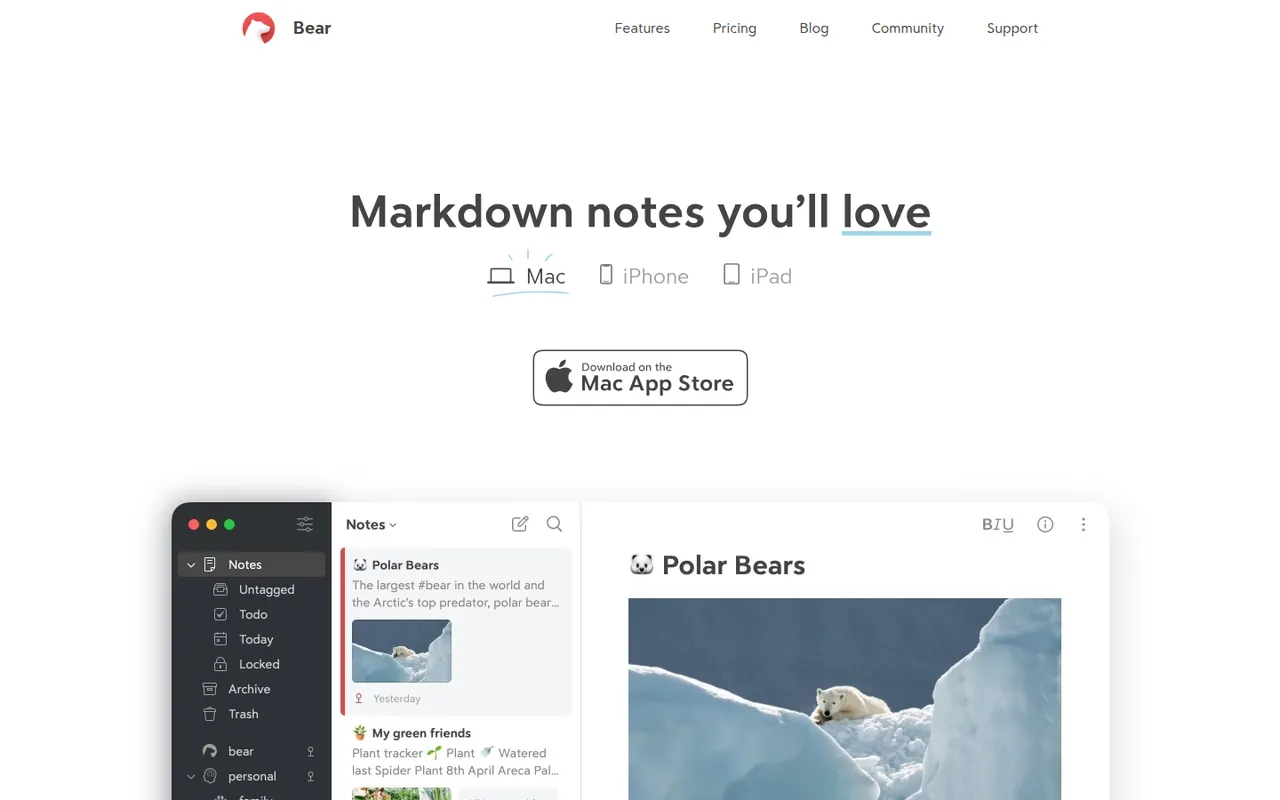
Bear is a writing and note-taking app for Mac, iPhone and iPad from Shiny Frog, built on Markdown with nested tags, links between notes and a choice of themes. The app is free to use on a single device, while Bear Pro adds iCloud sync across devices, OCR search in images and PDFs, and more export formats.
12 Bear alternativesPros
- Elegant Markdown editor with a choice of themes
- Nested tags and note links keep things organized without folders
- Native, fast apps designed for Mac, iPhone and iPad
Cons
- Apple only, with no Windows, Android or web version
- Sync across devices requires the Pro subscription
- No shared notes or real-time collaboration
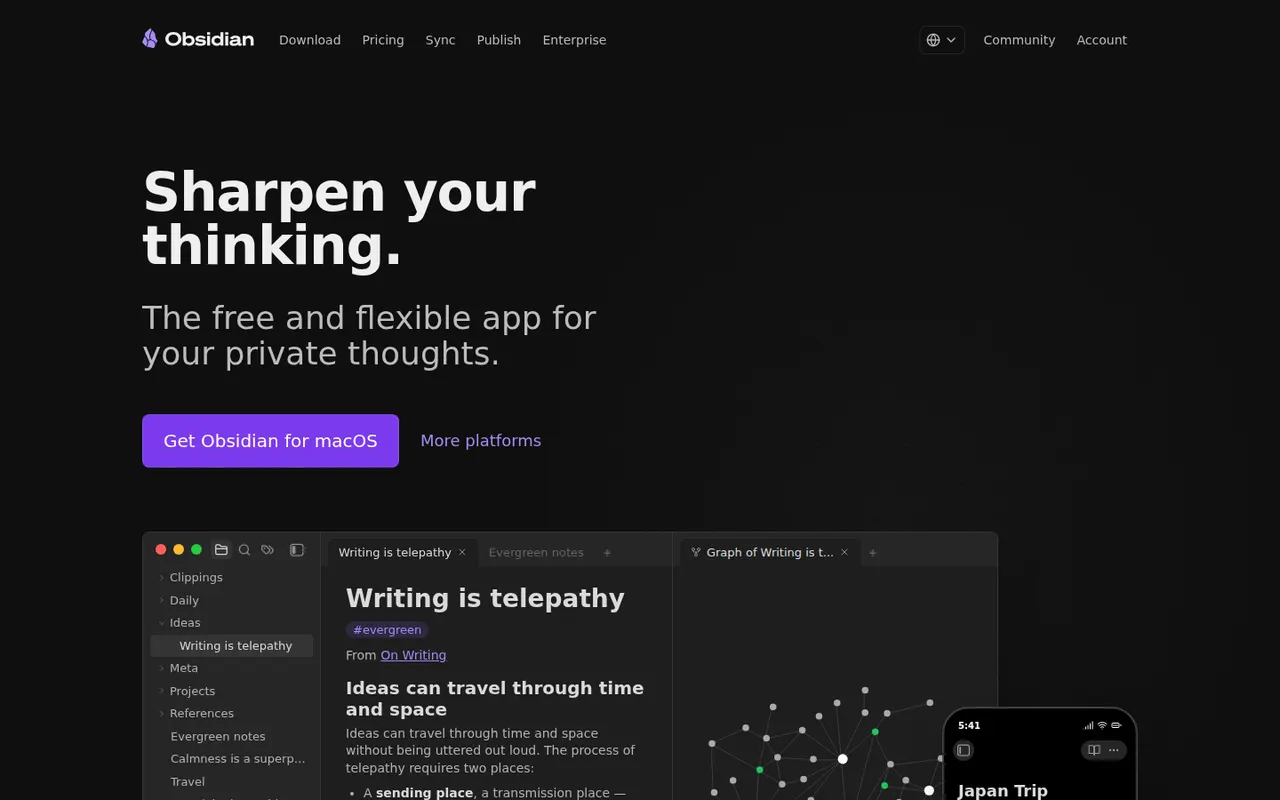
Cost / LicenseFreemiumProprietaryCategoriesObsidian stores notes as plain Markdown files on your device, links them into a knowledge graph and extends with a large plugin ecosystem.
17 Obsidian alternativesPros
- Notes are plain Markdown files stored on your device
- Large ecosystem of community plugins and themes
- Graph view and backlinks for connected notes
Cons
- Official sync and publishing are paid add-ons
- Plugin-heavy setups take time to configure and maintain
- No real-time collaboration on notes
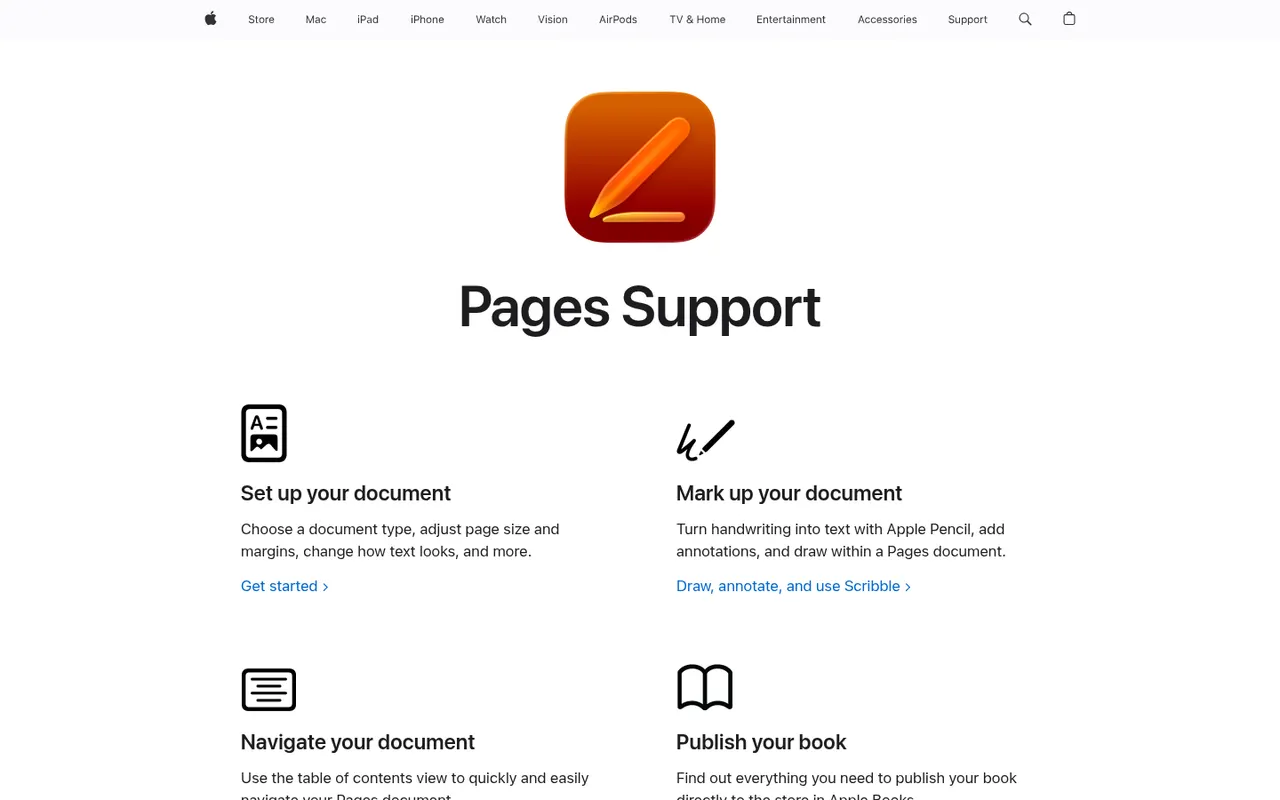
Cost / LicenseFreemiumProprietaryCategoriesPages is Apple's free word processor for Mac, iPhone and iPad, also usable in the browser through iCloud.com. It mixes word processing with page layout, offering designed templates for reports, flyers and books, plus EPUB export. Documents sync via iCloud, can be edited with others in real time and can be exported to Word or PDF.
9 Pages alternativesPros
- Free on Mac, iPhone and iPad, with well-designed templates
- Combines word processing and page layout
- Exports to Word, PDF and EPUB
Cons
- Native apps only on Apple devices, others must use iCloud.com
- Word conversion can lose formatting in complex documents
- Fewer advanced features than Word for long documents
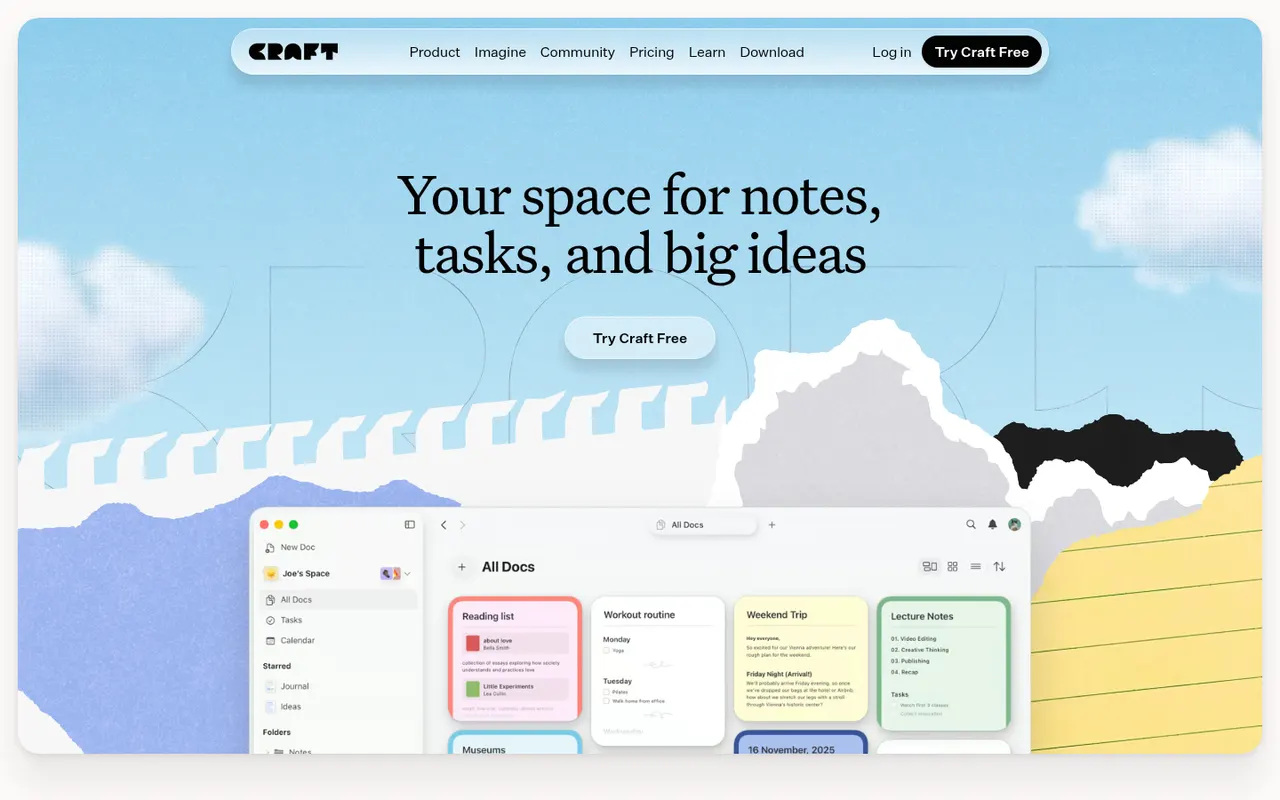
Cost / LicenseFreeProprietaryCategoriesCraft is a document and note-taking app with a native, polished design on Mac, iPhone and iPad, also available on Windows and the web. Notes are built from blocks and nested pages with backlinks, can be shared as public web pages or edited together in real time, and include AI writing help, tasks and daily notes.
12 Craft alternativesPros
- Polished native design on Mac, iPhone and iPad
- Block-based pages can be shared as public web pages
- Real-time collaboration plus built-in AI writing help
Cons
- The experience is best on Apple devices, other platforms feel secondary
- Advanced features and AI usage are reserved for paid plans
- Less suited to large databases than Notion-style tools
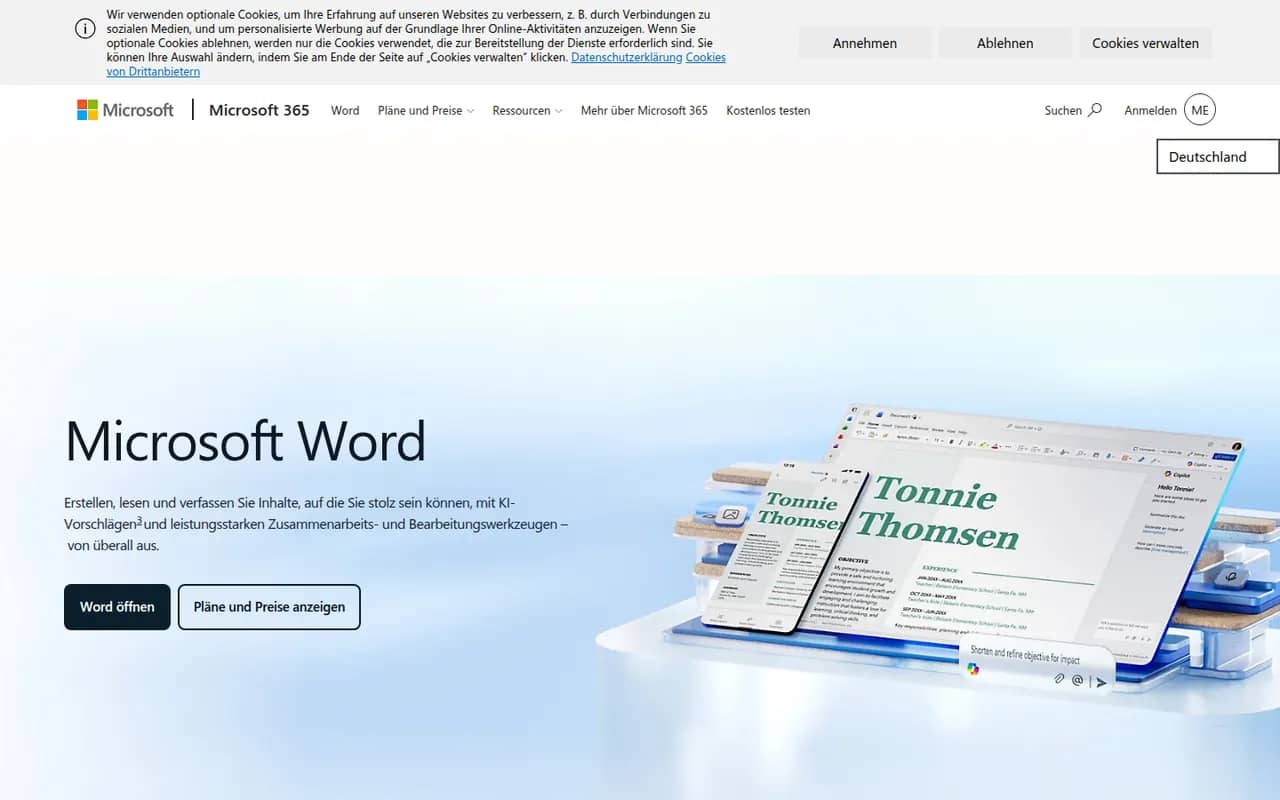
Cost / LicenseFreemiumProprietaryMicrosoft Word is the word processor in Microsoft 365 and the reference for the .docx format used in many workplaces. It offers styles, track changes, comments, mail merge, references and real-time co-authoring through OneDrive or SharePoint, plus Copilot drafting in eligible plans. Word runs on Windows, Mac, mobile and the web, where a free version is available with a Microsoft account.
11 Microsoft Word alternativesPros
- The reference for the .docx format used in many workplaces
- Powerful styles, track changes, references and mail merge
- Available on Windows, Mac, mobile and the web
Cons
- Full desktop features require a Microsoft 365 subscription
- Dense interface packed with features most people never use
- Copilot features are limited to eligible plans
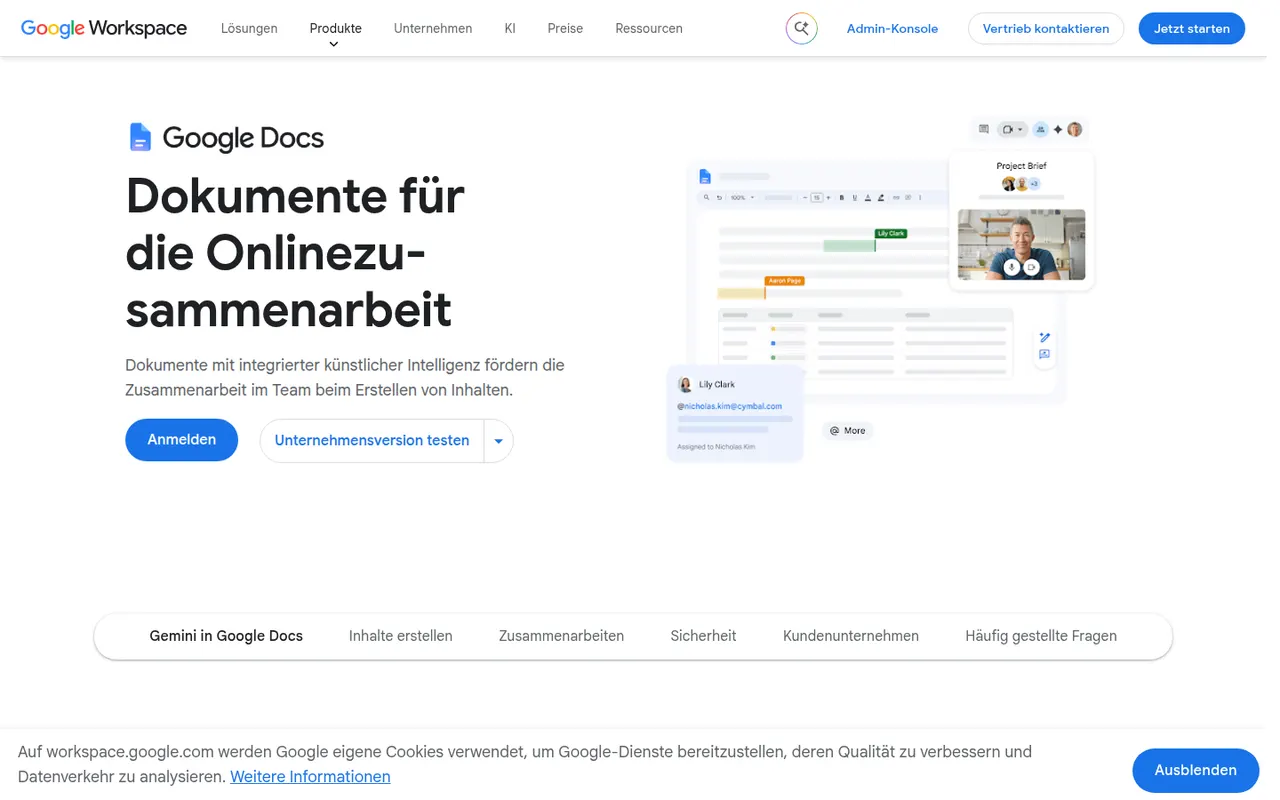
Cost / LicenseFreemiumProprietaryCategoriesGoogle Docs is Google's online word processor, used for writing and editing documents together in real time. Comments, suggestion mode, version history and sharing links are built in, and files can be edited offline or exported as Word, PDF or OpenDocument. It is free with a Google account, with Gemini AI and business controls available through paid Google Workspace plans.
11 Google Docs alternativesPros
- Real-time co-editing with comments and suggestion mode
- Free with a Google account and accessible from any browser
- Version history makes every change recoverable
Cons
- Fewer layout and formatting options than desktop word processors
- Offline editing has to be set up in advance
- Gemini and business controls require paid Workspace plans
Cost / LicenseFreemiumProprietaryCategories











Ulysses vs its alternatives at a glance
Pricing, platforms and the key features of Ulysses, compared with its most popular alternatives.
| App | Pricing | Platforms | Cross-device sync | Dark mode | Grammar and spell check | Markdown support | Offline mode |
|---|---|---|---|---|---|---|---|
 Ulysses Ulysses | Free trial | Mac, iPhone | |||||
 Bear Bear | Freemium | Mac, iPhone | |||||
 Obsidian Obsidian | Freemium | Windows, Mac, Linux, iPhone, Android | |||||
 Pages Pages | Free | Web, Mac, iPhone | |||||
 Craft Craft | Freemium | Web, Windows, Mac, iPhone | |||||
 Microsoft Word Microsoft Word | Freemium | Web, Windows, Mac, iPhone, Android |
Ulysses alternatives: frequently asked questions
What is the best alternative to Ulysses?
The most popular alternative to Ulysses is Bear: Markdown notes app for Apple devices with tags and links. Other great alternatives are Obsidian, Pages, Craft, and Microsoft Word.
Is there a free alternative to Ulysses?
Yes, 6 alternatives are free or have a free plan, including Bear, Obsidian, Pages, and Craft.
Is there an open source alternative to Ulysses?
No open source alternative to Ulysses is listed yet.
Is Ulysses free?
Ulysses is a paid app that offers a free trial.
Compare Ulysses with its alternatives


Sponsored listings and products made by the publisher of this site are always labeled. How we rank · Know a good alternative? Submit it