
Obsidian alternatives
Top Note-taking & Knowledge Bases like Obsidian
The most popular alternative to Obsidian is Notion, which has a free version. Other great alternatives to Obsidian are Joplin, Roam Research, Capacities, and Bear.
Most alternatives to Obsidian are in the Note-taking & Knowledge Bases category, compared here by price, platform and features.
All Obsidian alternatives
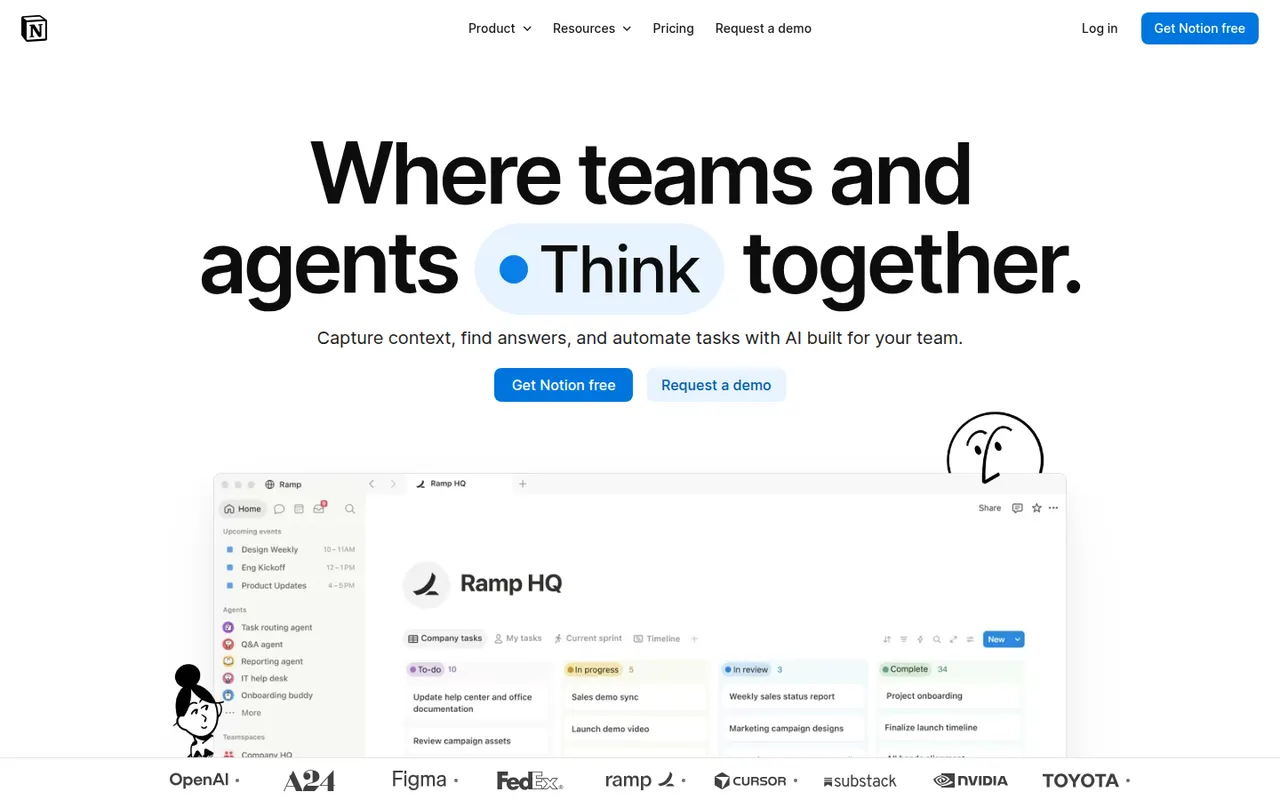
Notion combines notes, documents, databases and project management in a flexible block-based workspace, with an integrated AI assistant.
17 Notion alternativesPros
- Docs, wikis and databases combined in one flexible workspace
- Large template gallery for roadmaps, trackers and wikis
- Real-time collaboration with comments, mentions and an API
Cons
- Databases and relations take time to master
- Offline access is limited compared with local-first apps
- Large workspaces can feel slow to load
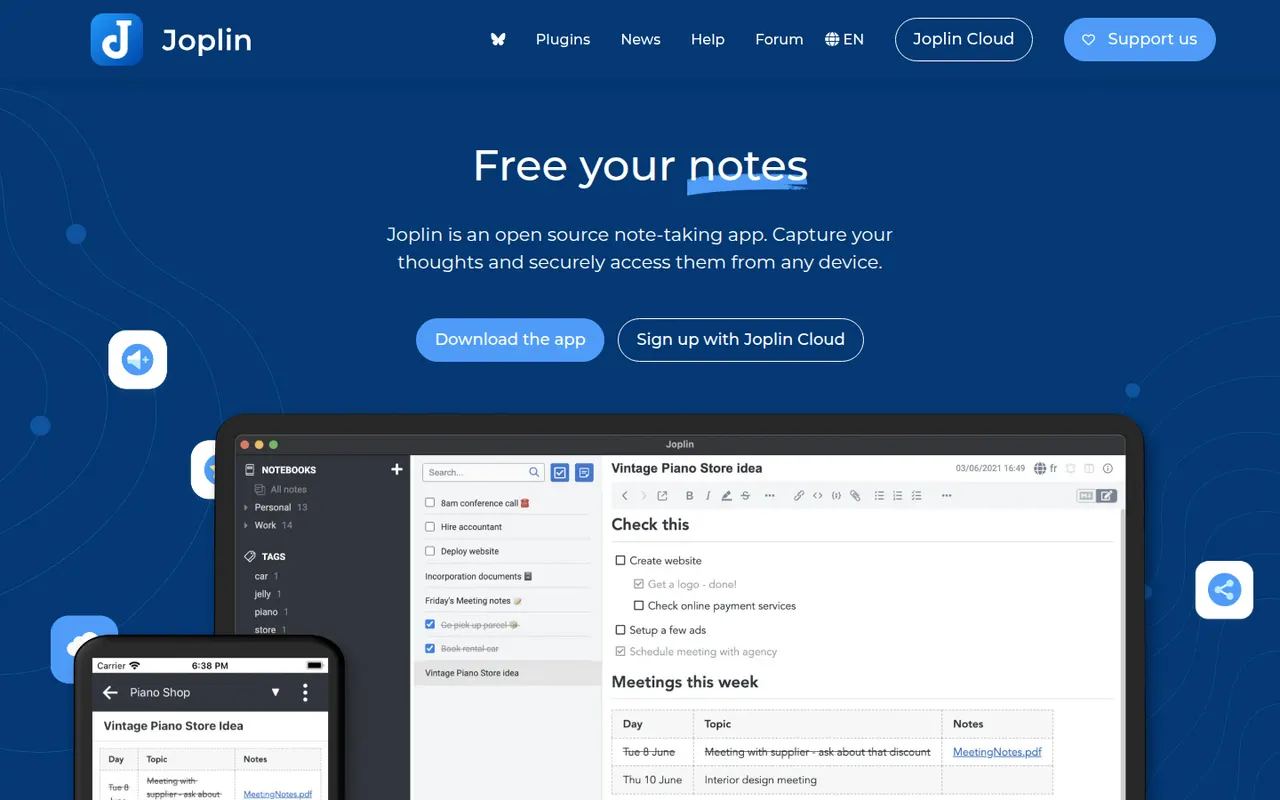
Cost / LicenseFreemiumProprietaryCategoriesJoplin is an open source note-taking app with Markdown notes, notebooks, end-to-end encrypted sync and a web clipper.
11 Joplin alternativesPros
- Open source, with Markdown notes stored in an open format
- End-to-end encrypted sync via Dropbox, OneDrive, WebDAV or Joplin Cloud
- Web clipper and plugins extend the core app
Cons
- Interface feels dated next to newer note apps
- Sync setup takes more effort than turnkey services
- No web app for reaching your notes from a browser
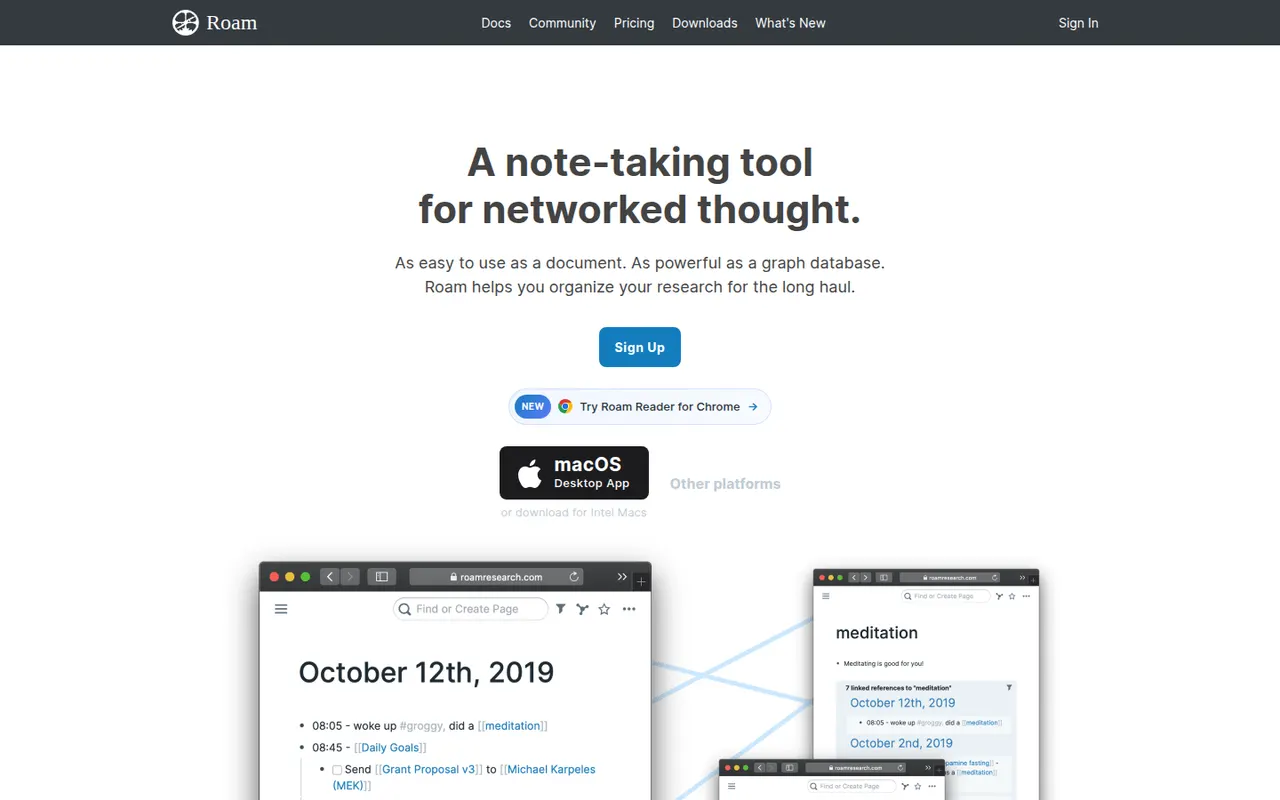
Cost / LicenseFreemiumOpen sourceCategoriesRoam Research is an outliner for networked thought that helped popularize bidirectional links, block references and daily notes pages among researchers and writers. Every page and block can be linked and embedded elsewhere, a graph shows how ideas connect, and Roam Depot provides community extensions. It is a paid subscription after a trial period.
8 Roam Research alternativesPros
- Pioneer of block references and bidirectional links
- Daily notes pages make quick capture a habit
- Roam Depot adds community extensions
Cons
- Paid subscription after the trial, with no free plan
- The outliner and its conventions have a steep learning curve
- Mobile use is less comfortable than on desktop
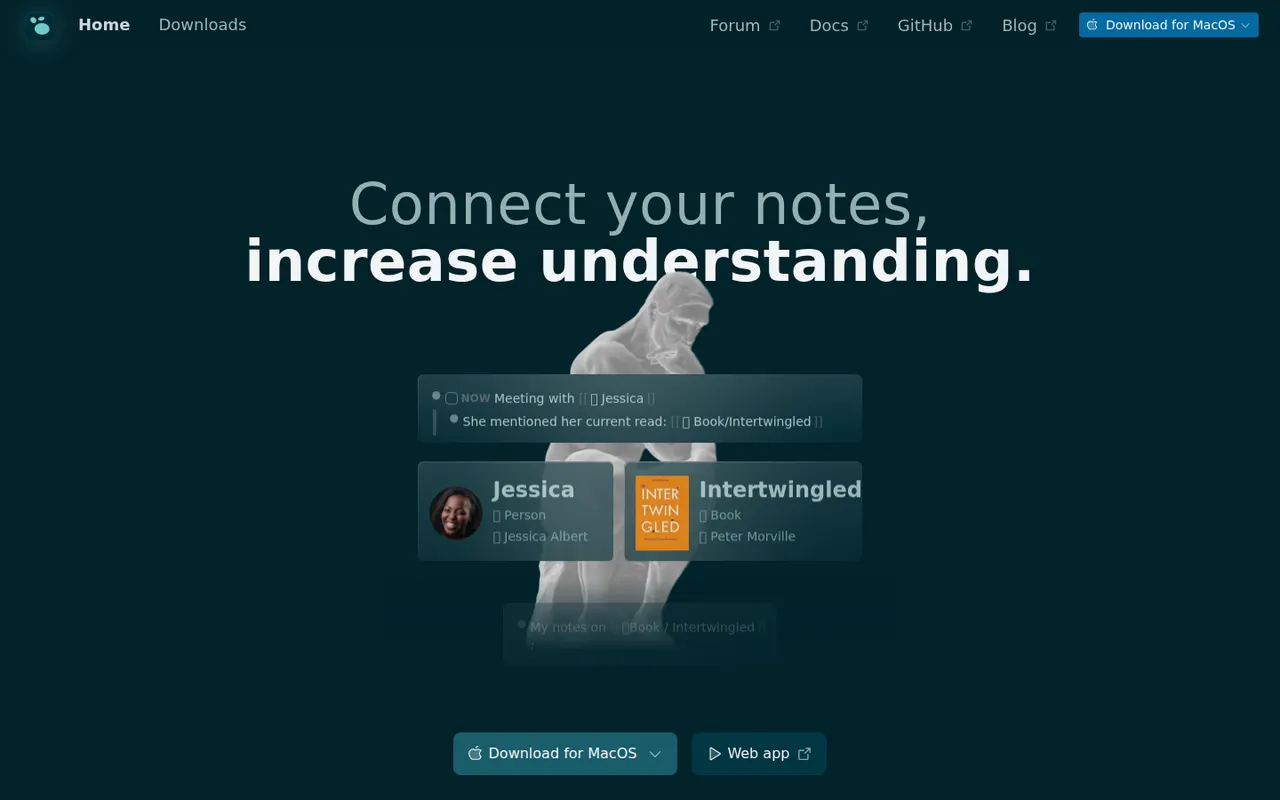
Cost / LicenseFree trialProprietaryCategoriesCapacities is a note-taking app that organizes knowledge as objects such as people, books, meetings and ideas, each with its own properties and templates, instead of folders. Objects link to each other through backlinks and a graph, daily notes collect everyday thoughts, and the Pro plan adds an AI assistant. It is developed by a small team in Germany.
8 Capacities alternativesPros
- Object types like people, books and meetings give notes structure
- Backlinks, graph view and daily notes connect ideas
- Available on web, desktop and mobile with sync
Cons
- The object-based approach takes time to get used to
- The AI assistant and some features need the Pro plan
- Cloud-based storage gives less control than local-first apps
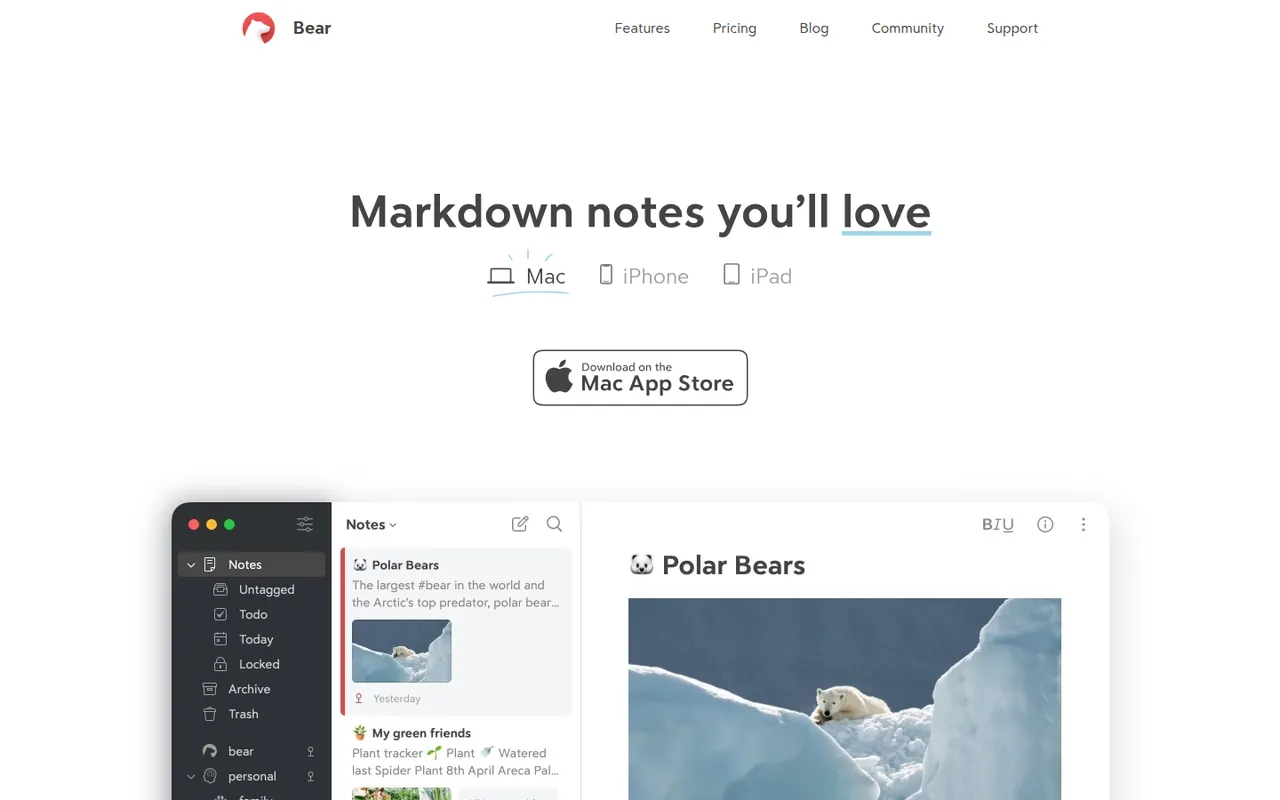
Cost / LicenseFreemiumProprietaryCategoriesBear is a writing and note-taking app for Mac, iPhone and iPad from Shiny Frog, built on Markdown with nested tags, links between notes and a choice of themes. The app is free to use on a single device, while Bear Pro adds iCloud sync across devices, OCR search in images and PDFs, and more export formats.
12 Bear alternativesPros
- Elegant Markdown editor with a choice of themes
- Nested tags and note links keep things organized without folders
- Native, fast apps designed for Mac, iPhone and iPad
Cons
- Apple only, with no Windows, Android or web version
- Sync across devices requires the Pro subscription
- No shared notes or real-time collaboration
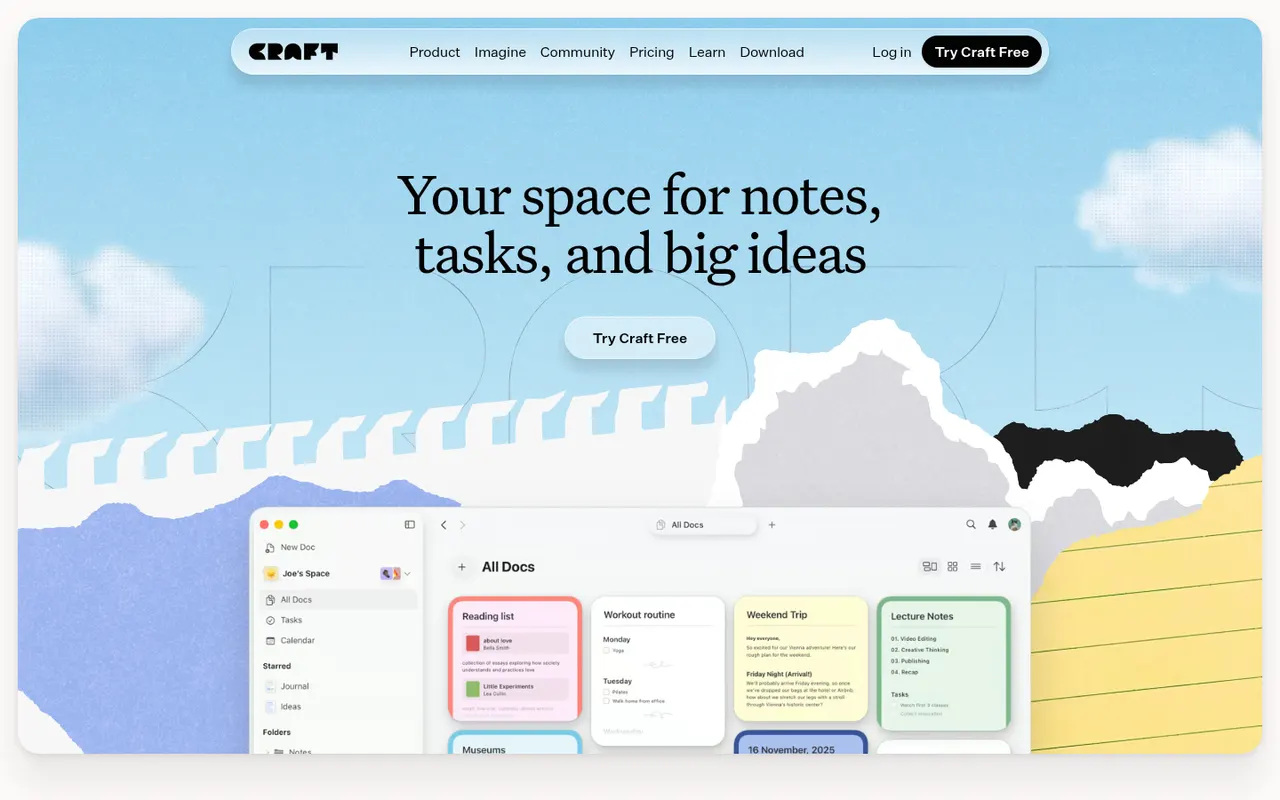
Cost / LicenseFreemiumProprietaryCategoriesCraft is a document and note-taking app with a native, polished design on Mac, iPhone and iPad, also available on Windows and the web. Notes are built from blocks and nested pages with backlinks, can be shared as public web pages or edited together in real time, and include AI writing help, tasks and daily notes.
12 Craft alternativesPros
- Polished native design on Mac, iPhone and iPad
- Block-based pages can be shared as public web pages
- Real-time collaboration plus built-in AI writing help
Cons
- The experience is best on Apple devices, other platforms feel secondary
- Advanced features and AI usage are reserved for paid plans
- Less suited to large databases than Notion-style tools
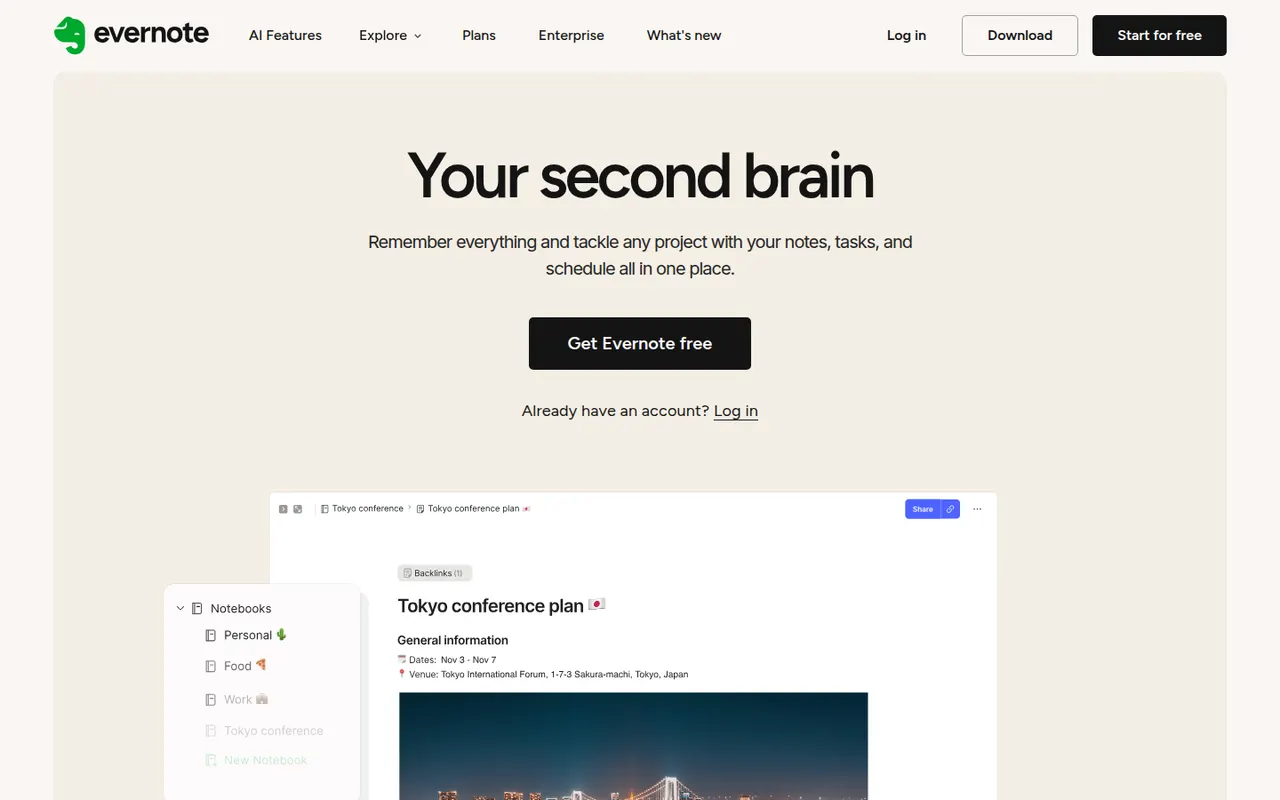
Cost / LicenseFreemiumProprietaryEvernote is a long-standing note-taking app, owned by Bending Spoons since 2023, that stores notes, web clips, PDFs, scans and audio in notebooks with tags and full-text search, including text inside images. Recent versions add tasks, calendar integration and AI features, while the free plan has become very limited compared with the paid tiers.
12 Evernote alternativesPros
- Mature web clipper and full-text search, even inside images
- Stores notes, PDFs, scans and audio in one place
- Tasks and calendar integration alongside notes
Cons
- The free plan is very limited compared with paid tiers
- Paid plans are expensive compared with many note apps
- Apps can feel heavier and slower than lighter note tools
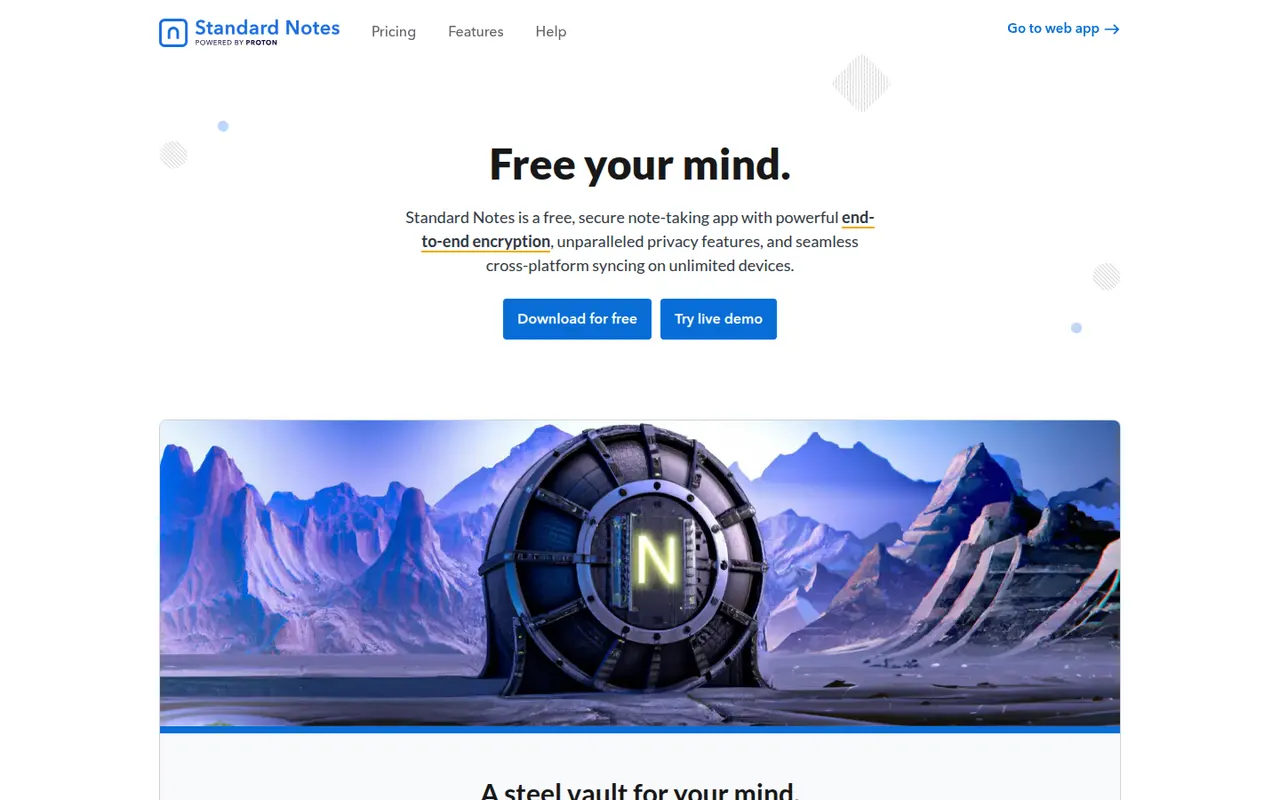
Cost / LicenseFreemiumProprietaryCategoriesStandard Notes is an open source note-taking app focused on privacy, with end-to-end encryption for every note and file and apps on all major platforms. Notes work offline and sync across devices, and paid plans add rich editors, file storage and longer revision history. The company became part of Proton in 2024, and the sync server can be self-hosted.
9 Standard Notes alternativesPros
- End-to-end encryption for every note and file
- Open source apps on all major platforms
- The sync server can be self-hosted
Cons
- Rich editors, file storage and longer history need a paid plan
- Collaboration features are minimal compared with mainstream apps
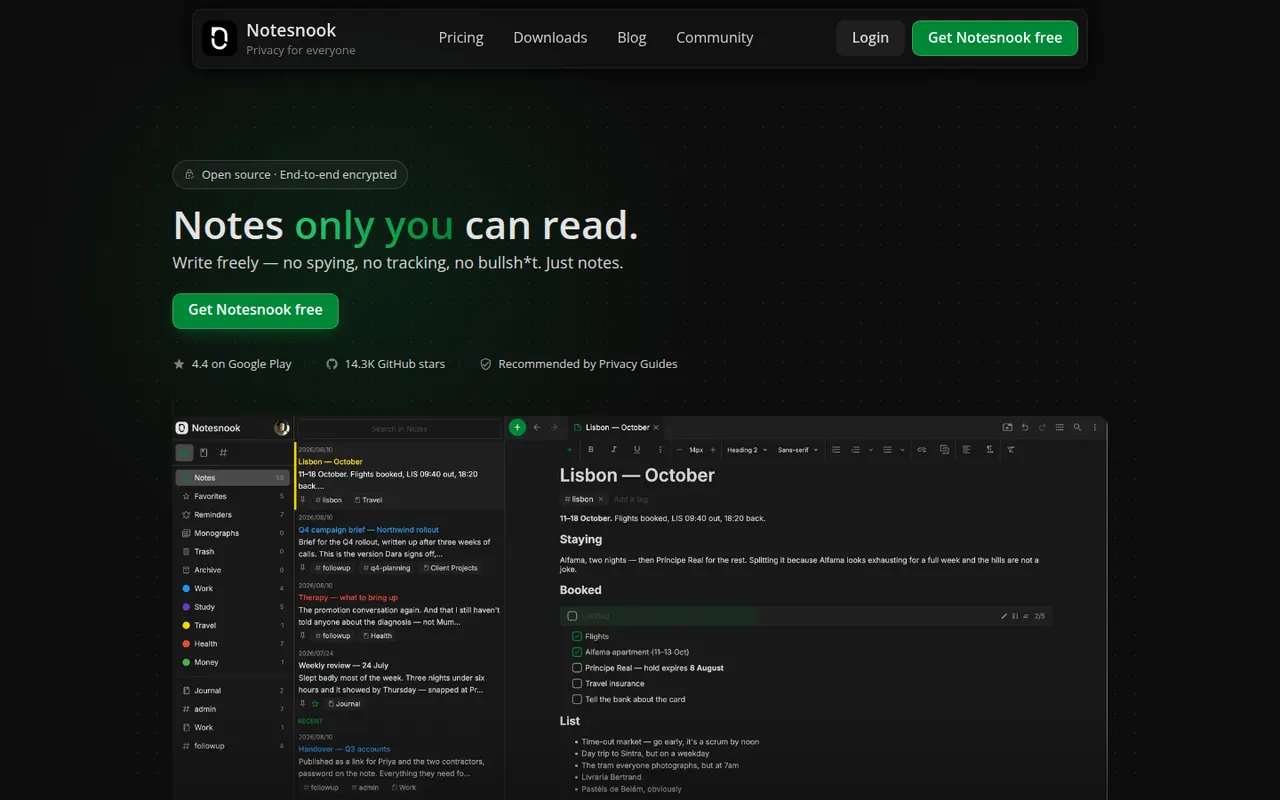
Cost / LicenseFreemiumOpen sourceCategoriesNotesnook is an open source note-taking app that encrypts every note end to end on your device before syncing it. It offers notebooks, tags, rich text with Markdown shortcuts, an app lock, a private vault and a web clipper, on the web, desktop and mobile. A free plan is available, and the sync server can also be self-hosted.
9 Notesnook alternativesPros
- Every note is end-to-end encrypted on your device before syncing
- Open source apps on web, desktop and mobile
- The sync server can be self-hosted
Cons
- Fewer integrations and plugins than mainstream note apps
- Some features are limited on the free plan
Cost / LicenseFreemiumOpen sourceCategoriesLogseq is a privacy-first outliner that stores notes locally in Markdown or Org files, with bidirectional links, journals and whiteboards.
7 Logseq alternativesPros
- Notes live in local Markdown or Org files that you fully own
- Bidirectional links, block references and daily journals
- Free and open source, with a plugin ecosystem
Cons
- Outliner-only structure is a poor fit for long-form writing
- Can slow down with very large graphs
- Syncing between devices takes extra setup
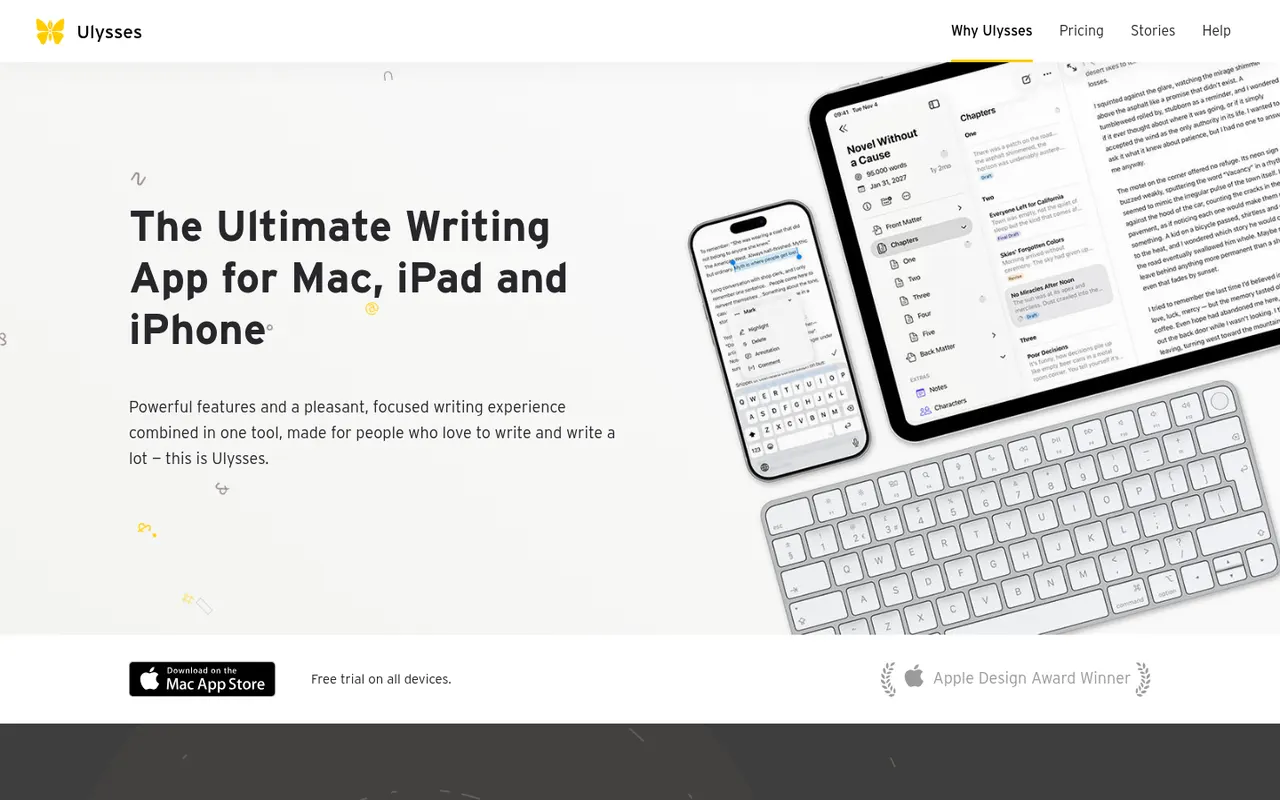
Cost / LicenseFreeOpen sourceCategoriesFeaturesUlysses is a writing app for Apple devices made by the German company Ulysses GmbH. Texts live in a single library synced through iCloud, are written in a Markdown-based markup and can be exported to PDF, Word or ePub or published directly to WordPress, Ghost and other platforms. It suits bloggers, authors and students and is sold as a subscription after a free trial.
8 Ulysses alternativesPros
- Single library synced across Mac, iPhone and iPad via iCloud
- Publishes directly to WordPress, Ghost and other platforms
- Distraction-free writing with Markdown-based markup
Cons
- Only available on Apple devices
- Sold only as a subscription
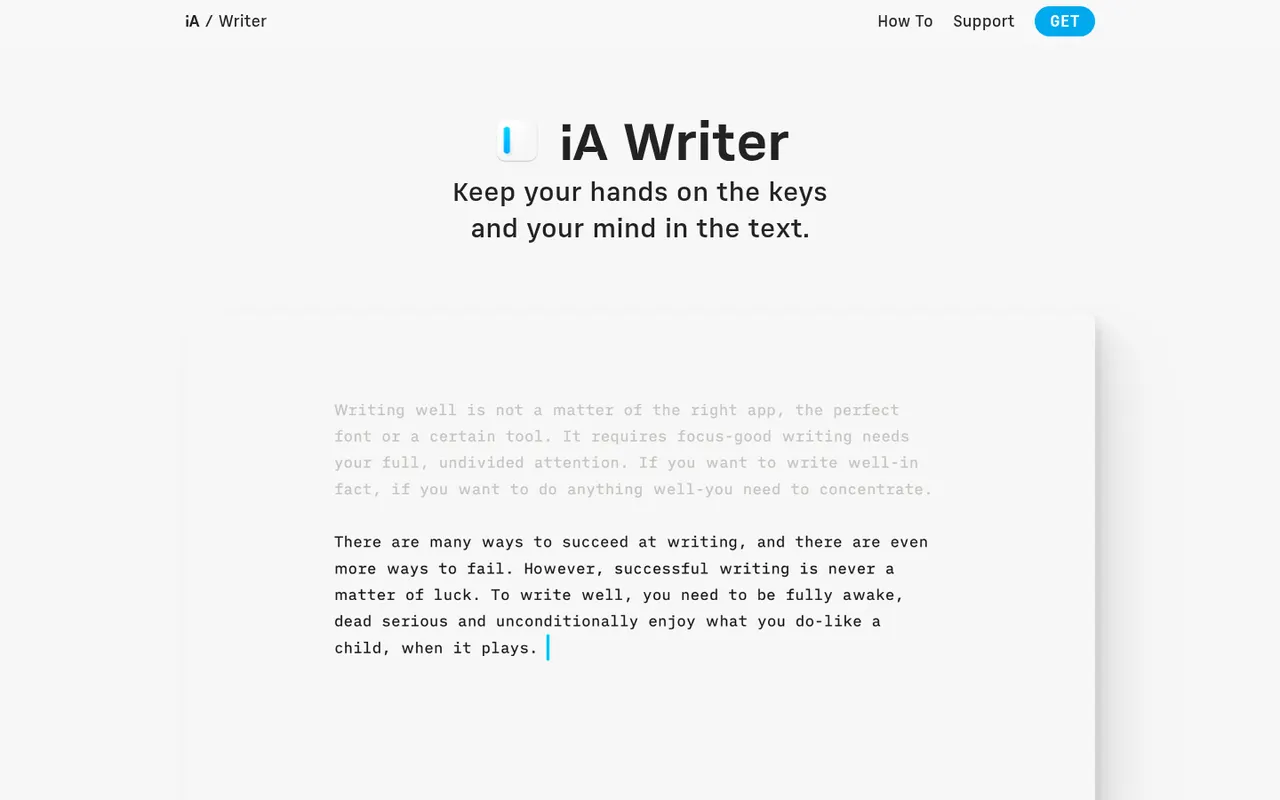
Cost / LicenseFree trialProprietaryCategoriesiA Writer is a minimalist Markdown editor from the design studio Information Architects. Its Focus Mode, syntax highlighting and style check help tighten prose, and it can mark text pasted from AI tools to keep track of what you wrote yourself. Files stay as plain text, locally or in iCloud and Dropbox, with export to HTML, PDF and Word. It is a one-time purchase per platform, after a free trial.
9 iA Writer alternativesPros
- Focus Mode and style check help tighten prose
- Plain-text Markdown files stored wherever you choose
- One-time purchase instead of a subscription
Cons
- A separate purchase is needed for each platform
- No real-time collaboration
- Formatting options are minimal by design
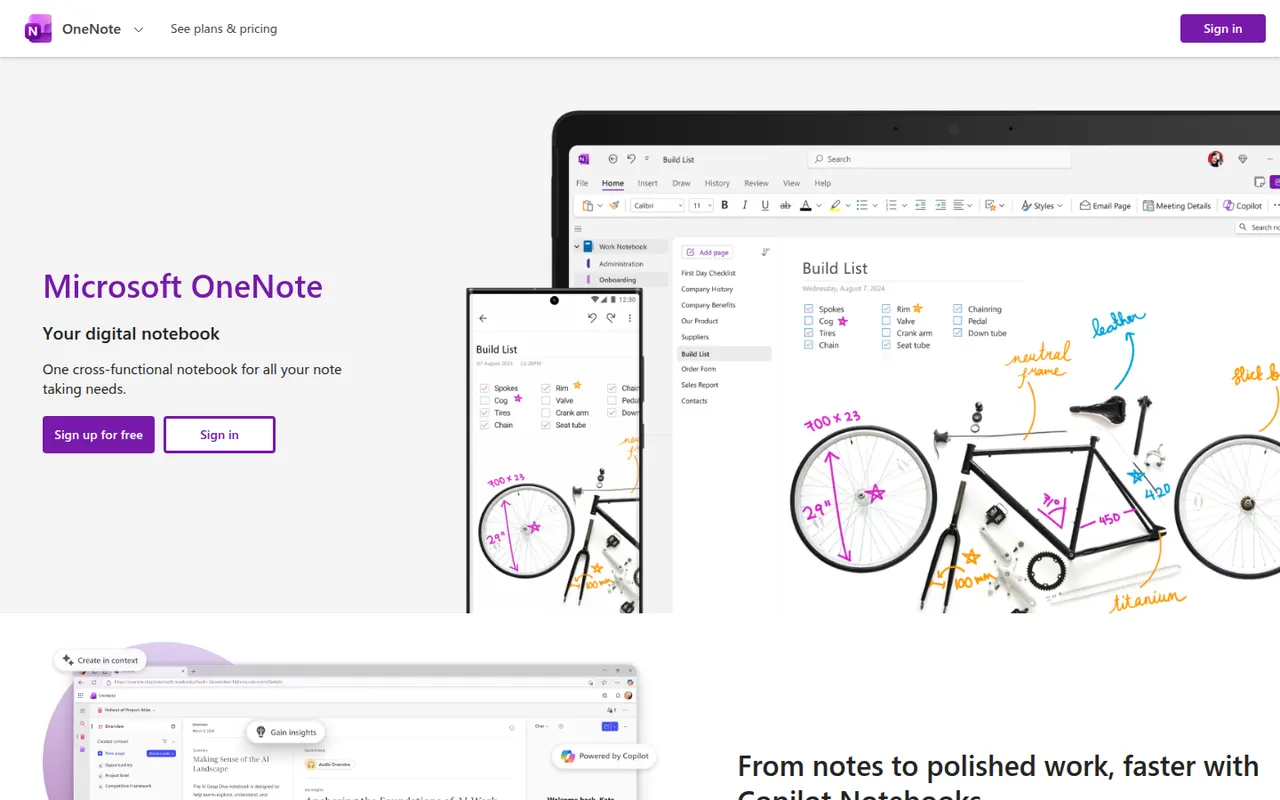
Cost / LicenseFree trialProprietaryCategoriesMicrosoft OneNote is a free digital notebook that organizes notes into notebooks, sections and pages, where text, images, drawings and handwriting can be placed anywhere on the page. It syncs through OneDrive, supports shared notebooks for classes and teams, and works closely with Outlook, Teams and the rest of Microsoft 365.
9 Microsoft OneNote alternativesPros
- Freeform pages for text, drawings and handwriting anywhere
- Free, with OneDrive sync on all major platforms
- Works closely with Outlook, Teams and Microsoft 365
Cons
- The freeform layout gets messy and is hard to export
- Sync can lag or conflict with large notebooks
- No native app for Linux desktops
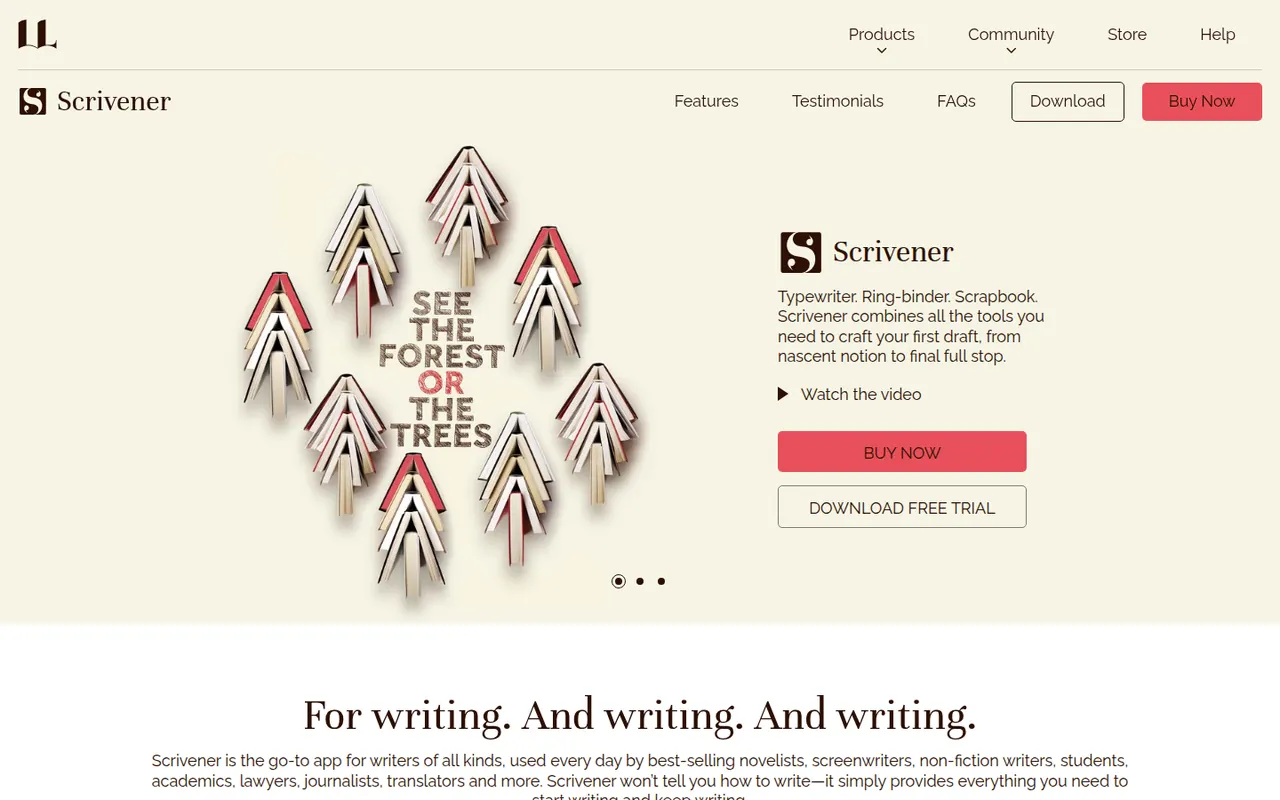
Cost / LicenseFreeProprietaryCategoriesScrivener, from Literature & Latte, is a writing tool for long-form projects such as novels, theses and screenplays. Its binder lets you split a manuscript into sections, rearrange them on a corkboard or outliner and keep research notes, PDFs and images next to the text, then compile everything into print, ebook or Word formats. It is a one-time purchase per platform with a free trial.
8 Scrivener alternativesPros
- Binder splits long manuscripts into easy-to-rearrange sections
- Research notes, PDFs and images kept next to the text
- Compile exports to print, ebook and Word formats
Cons
- Steep learning curve, especially for the compile feature
- A separate license is required for each platform
- Syncing with the iPhone app relies on Dropbox
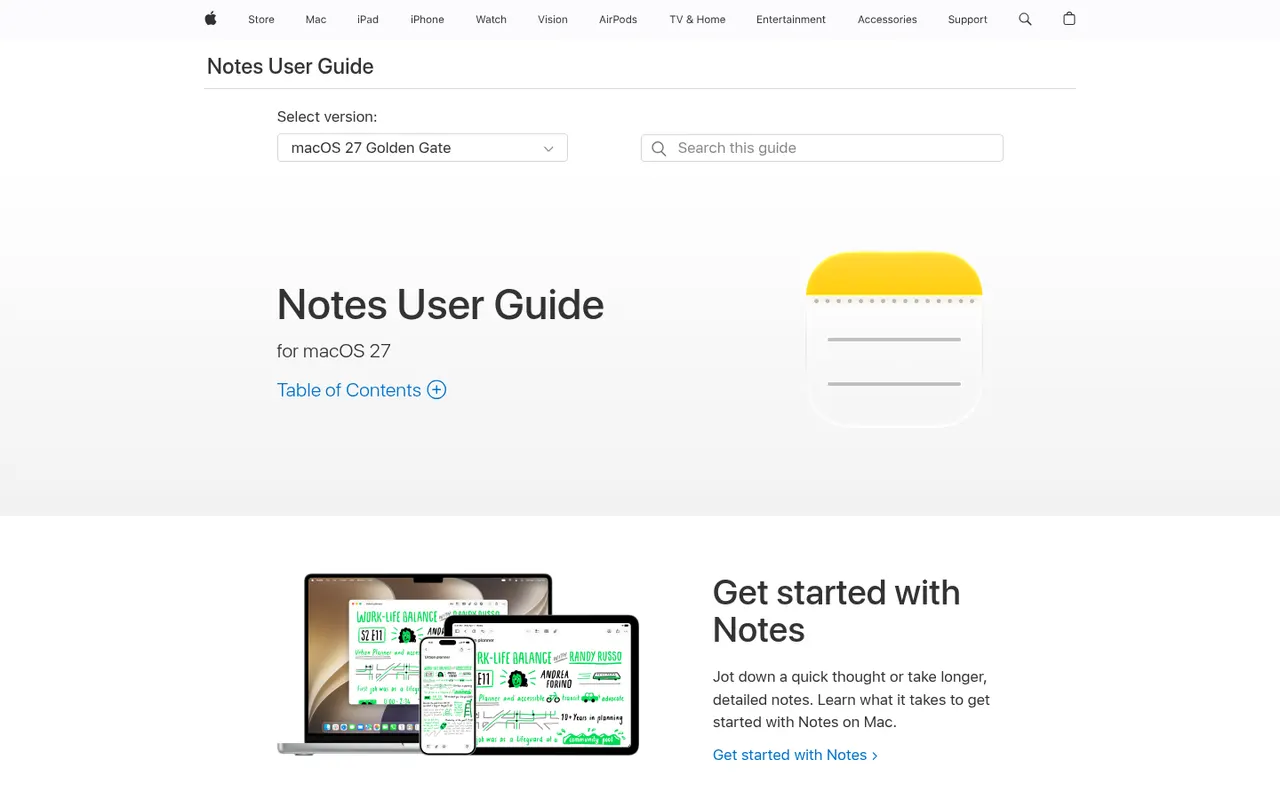
Cost / LicenseFree trialProprietaryCategoriesApple Notes is the free notes app included with iPhone, iPad and Mac, synced through iCloud and also reachable on the web at iCloud.com. It handles checklists, tables, Apple Pencil sketches, document scanning and searchable text in images, plus shared notes and folders, tags, smart folders and locked notes.
9 Apple Notes alternativesPros
- Free and built into every iPhone, iPad and Mac
- Document scanning, Pencil sketches and text search inside images
- Shared notes and folders with real-time collaboration
Cons
- No native apps for Windows or Android, only iCloud.com
- Fewer organization options than dedicated knowledge tools
Cost / LicenseFreeProprietaryCategoriesAnytype is a local-first workspace for notes, databases and collaboration, with peer-to-peer sync and end-to-end encryption.
10 Anytype alternativesPros
- Local-first data with end-to-end encrypted peer-to-peer sync
- Objects, types and relations enable flexible, database-like notes
- Works offline on desktop and mobile alike
Cons
- The object and type model takes time to learn
- No web app, only desktop and mobile clients
- Fewer integrations and plugins than mainstream workspaces
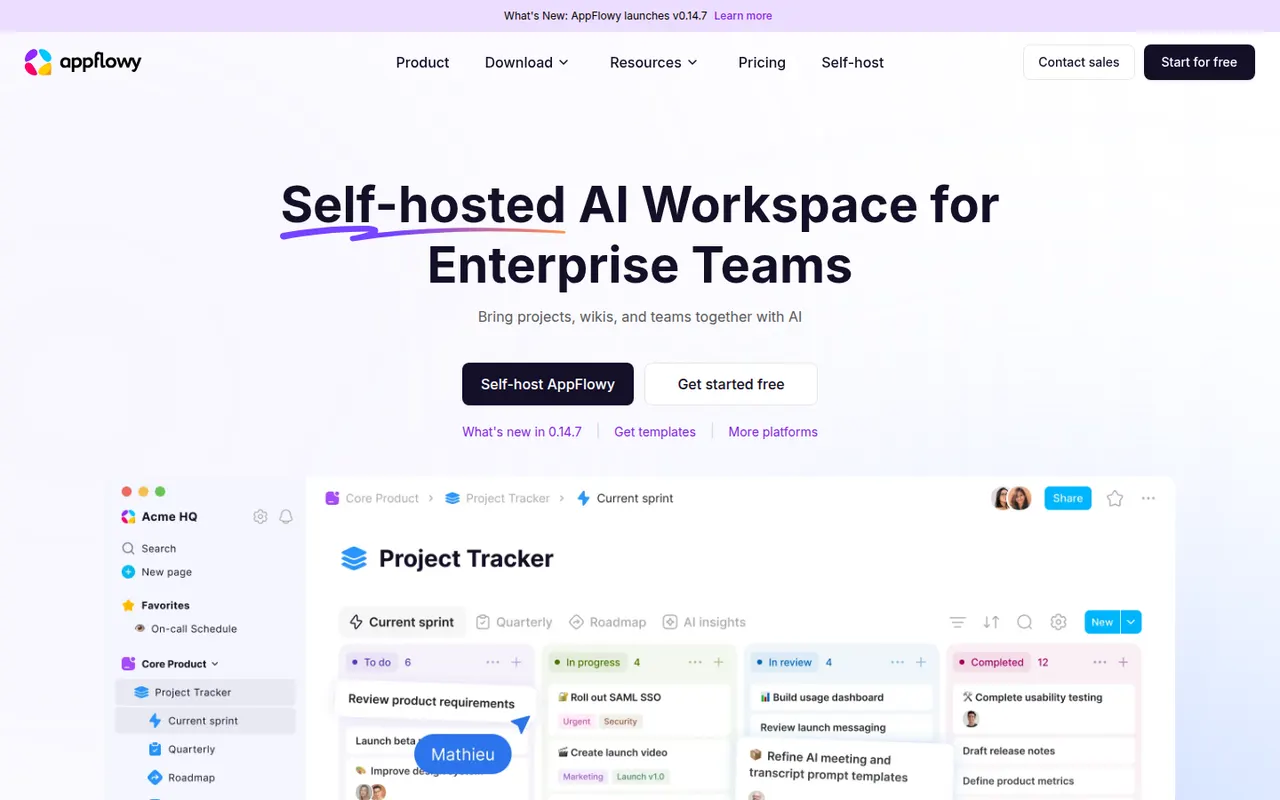
Cost / LicenseFreemiumSource availableCategoriesAppFlowy is an open source workspace for docs, databases and kanban boards that you can self-host, with AI features and offline support.
7 AppFlowy alternativesPros
- Open source Notion alternative that you can self-host
- Docs, databases and kanban boards in one workspace
- Offline support with apps on desktop and mobile
Cons
- Fewer templates and integrations than Notion
- Some features still feel less polished than in mature rivals
- Advanced AI features are reserved for paid plans
Cost / LicenseFreemiumOpen sourceCategories
































Obsidian vs its alternatives at a glance
Pricing, platforms and the key features of Obsidian, compared with its most popular alternatives.
| App | Pricing | Platforms | End-to-end encryption | Markdown support | Offline mode |
|---|---|---|---|---|---|
 Obsidian Obsidian | Freemium | Windows, Mac, Linux, iPhone, Android | |||
 Notion Notion | Freemium | Web, Windows, Mac, iPhone, Android | |||
 Joplin Joplin | FreemiumOpen source | Windows, Mac, Linux, iPhone, Android | |||
 Roam Research Roam Research | Free trial | Web, Windows, Mac | |||
 Capacities Capacities | Freemium | Web, Windows, Mac, Linux, iPhone, Android | |||
 Bear Bear | Freemium | Mac, iPhone |
Obsidian alternatives: frequently asked questions
What is the best alternative to Obsidian?
The most popular alternative to Obsidian is Notion: Connected workspace for docs, wikis and projects. Other great alternatives are Joplin, Roam Research, Capacities, and Bear.
Is there a free alternative to Obsidian?
Yes, 13 alternatives are free or have a free plan, including Notion, Joplin, Capacities, and Bear.
Is there an open source alternative to Obsidian?
Yes, 5 open source alternatives are listed, including Joplin, Standard Notes, Notesnook, and Logseq.
Is Obsidian free?
Obsidian has a free plan, with paid plans that unlock more features.
Compare Obsidian with its alternatives


Sponsored listings and products made by the publisher of this site are always labeled. How we rank · Know a good alternative? Submit it