
Notion alternatives
Top Note-taking & Knowledge Bases like Notion
The most popular alternative to Notion is Obsidian, which has a free version. Other great alternatives to Notion are Evernote, Craft, Microsoft OneNote, and Capacities.
Most alternatives to Notion are in the Note-taking & Knowledge Bases category, compared here by price, platform and features.
All Notion alternatives
Obsidian stores notes as plain Markdown files on your device, links them into a knowledge graph and extends with a large plugin ecosystem.
17 Obsidian alternativesPros
- Notes are plain Markdown files stored on your device
- Large ecosystem of community plugins and themes
- Graph view and backlinks for connected notes
Cons
- Official sync and publishing are paid add-ons
- Plugin-heavy setups take time to configure and maintain
- No real-time collaboration on notes
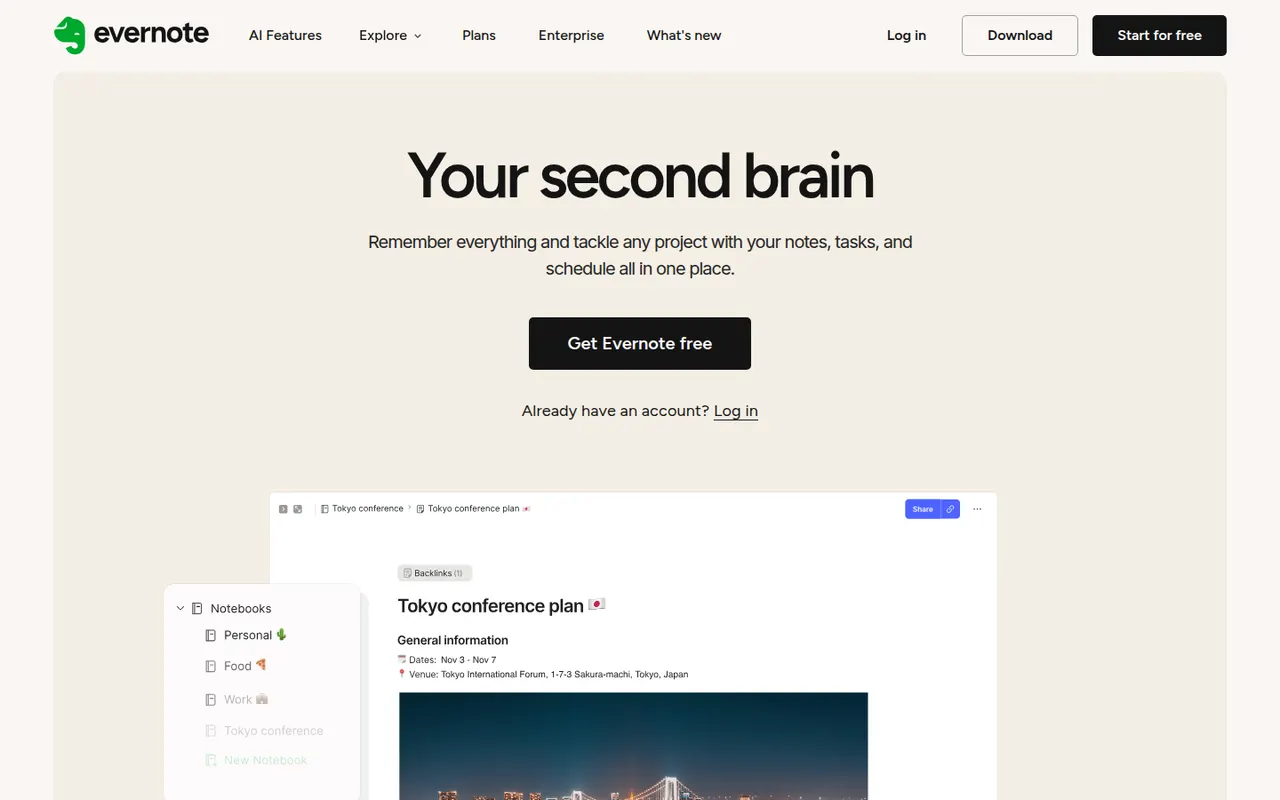
Cost / LicenseFreemiumProprietaryCategoriesEvernote is a long-standing note-taking app, owned by Bending Spoons since 2023, that stores notes, web clips, PDFs, scans and audio in notebooks with tags and full-text search, including text inside images. Recent versions add tasks, calendar integration and AI features, while the free plan has become very limited compared with the paid tiers.
12 Evernote alternativesPros
- Mature web clipper and full-text search, even inside images
- Stores notes, PDFs, scans and audio in one place
- Tasks and calendar integration alongside notes
Cons
- The free plan is very limited compared with paid tiers
- Paid plans are expensive compared with many note apps
- Apps can feel heavier and slower than lighter note tools
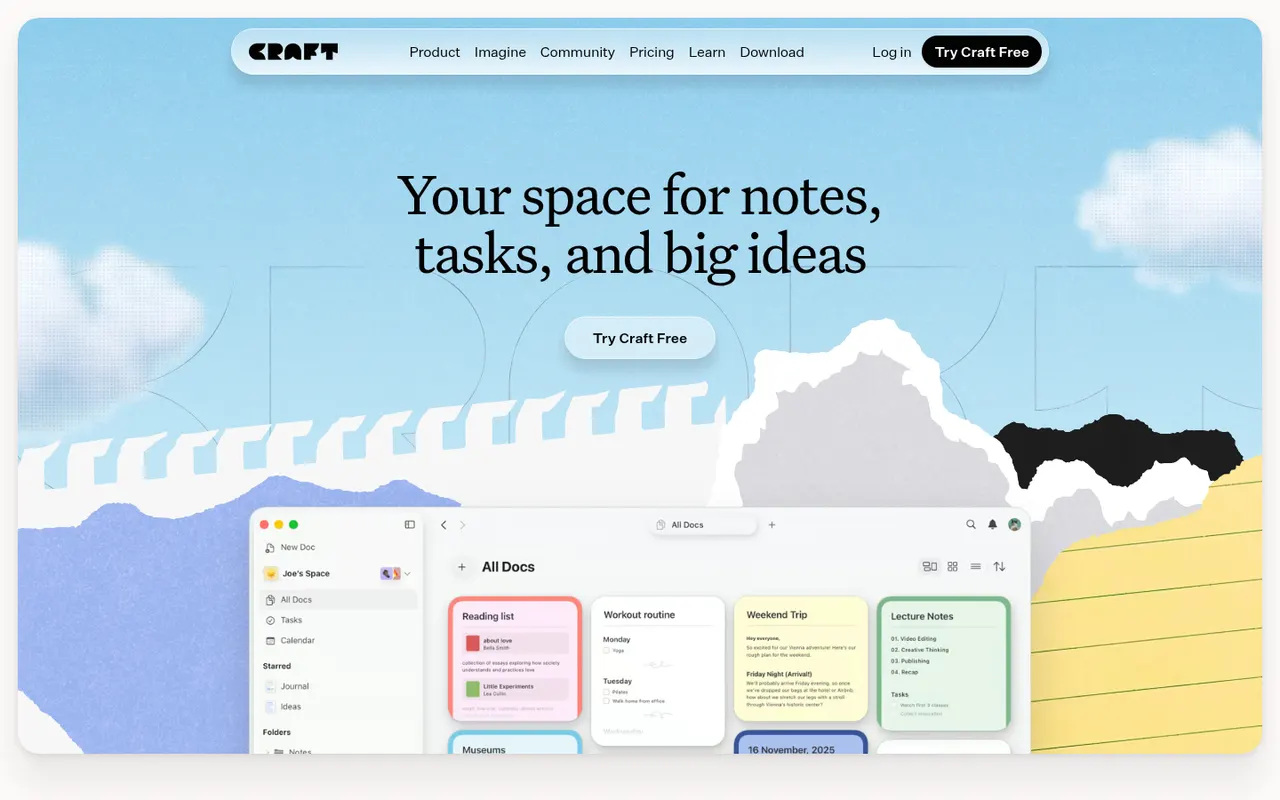
Cost / LicenseFreemiumProprietaryCategoriesCraft is a document and note-taking app with a native, polished design on Mac, iPhone and iPad, also available on Windows and the web. Notes are built from blocks and nested pages with backlinks, can be shared as public web pages or edited together in real time, and include AI writing help, tasks and daily notes.
12 Craft alternativesPros
- Polished native design on Mac, iPhone and iPad
- Block-based pages can be shared as public web pages
- Real-time collaboration plus built-in AI writing help
Cons
- The experience is best on Apple devices, other platforms feel secondary
- Advanced features and AI usage are reserved for paid plans
- Less suited to large databases than Notion-style tools
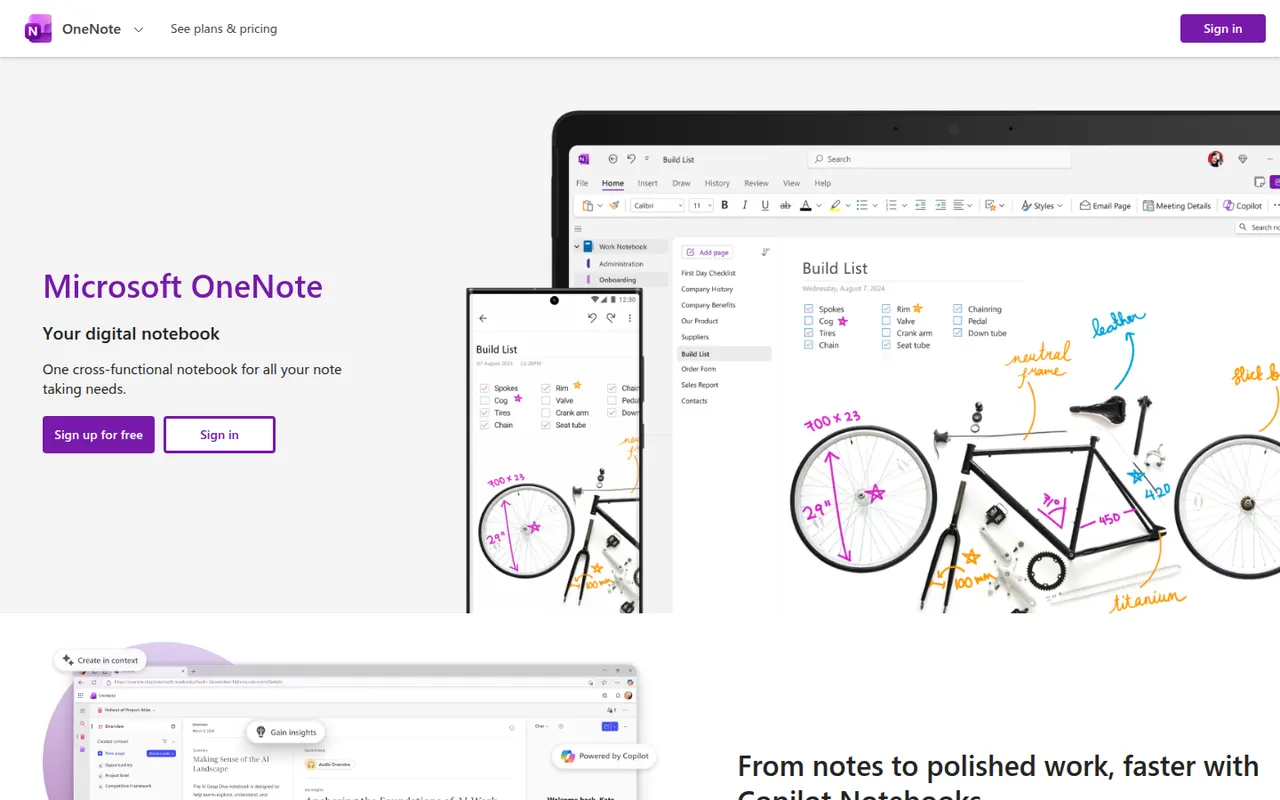
Cost / LicenseFreemiumProprietaryMicrosoft OneNote is a free digital notebook that organizes notes into notebooks, sections and pages, where text, images, drawings and handwriting can be placed anywhere on the page. It syncs through OneDrive, supports shared notebooks for classes and teams, and works closely with Outlook, Teams and the rest of Microsoft 365.
9 Microsoft OneNote alternativesPros
- Freeform pages for text, drawings and handwriting anywhere
- Free, with OneDrive sync on all major platforms
- Works closely with Outlook, Teams and Microsoft 365
Cons
- The freeform layout gets messy and is hard to export
- Sync can lag or conflict with large notebooks
- No native app for Linux desktops
Cost / LicenseFreeProprietaryCategoriesCapacities is a note-taking app that organizes knowledge as objects such as people, books, meetings and ideas, each with its own properties and templates, instead of folders. Objects link to each other through backlinks and a graph, daily notes collect everyday thoughts, and the Pro plan adds an AI assistant. It is developed by a small team in Germany.
8 Capacities alternativesPros
- Object types like people, books and meetings give notes structure
- Backlinks, graph view and daily notes connect ideas
- Available on web, desktop and mobile with sync
Cons
- The object-based approach takes time to get used to
- The AI assistant and some features need the Pro plan
- Cloud-based storage gives less control than local-first apps
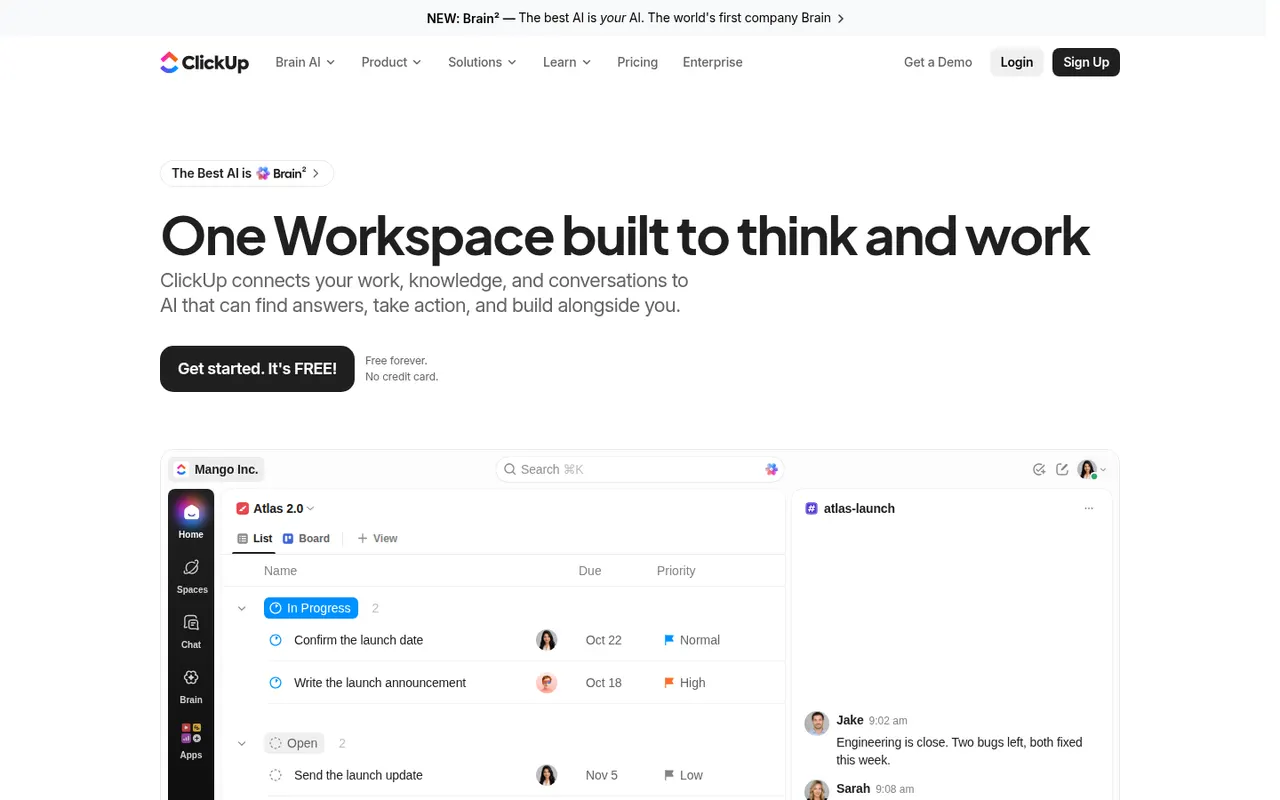
Cost / LicenseFreemiumProprietaryCategoriesClickUp combines tasks, documents, whiteboards, goals, chat and time tracking in a single workspace, with more than a dozen views including list, board, Gantt and calendar. Its depth and customization appeal to teams that want to replace several tools at once, and ClickUp Brain adds AI search, writing and summaries across the workspace.
12 ClickUp alternativesPros
- Tasks, docs, whiteboards, goals and chat in a single workspace
- More than a dozen views, from list and board to Gantt and calendar
- Deep customization of fields, statuses and automations
Cons
- The sheer number of features creates a steep learning curve
- The interface can feel slow and cluttered in large workspaces
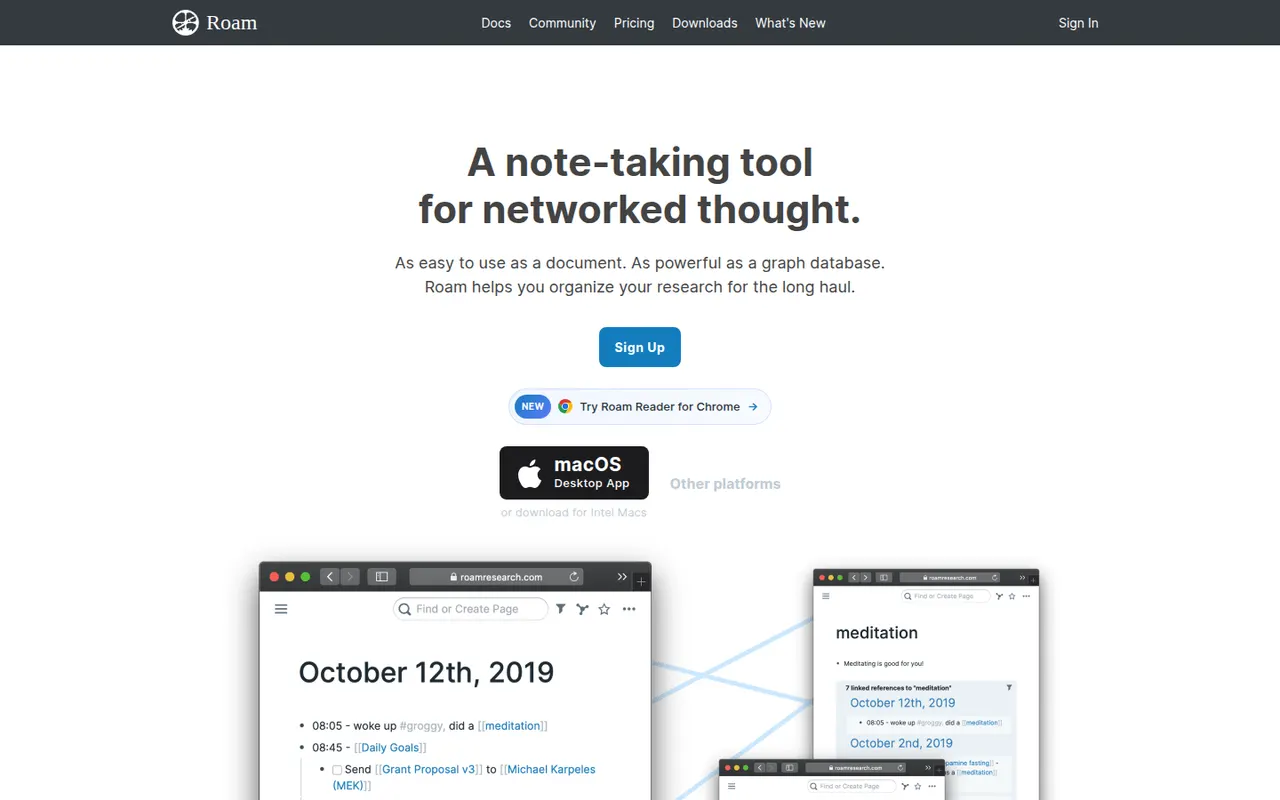
Cost / LicenseFreemiumProprietaryCategoriesRoam Research is an outliner for networked thought that helped popularize bidirectional links, block references and daily notes pages among researchers and writers. Every page and block can be linked and embedded elsewhere, a graph shows how ideas connect, and Roam Depot provides community extensions. It is a paid subscription after a trial period.
8 Roam Research alternativesPros
- Pioneer of block references and bidirectional links
- Daily notes pages make quick capture a habit
- Roam Depot adds community extensions
Cons
- Paid subscription after the trial, with no free plan
- The outliner and its conventions have a steep learning curve
- Mobile use is less comfortable than on desktop
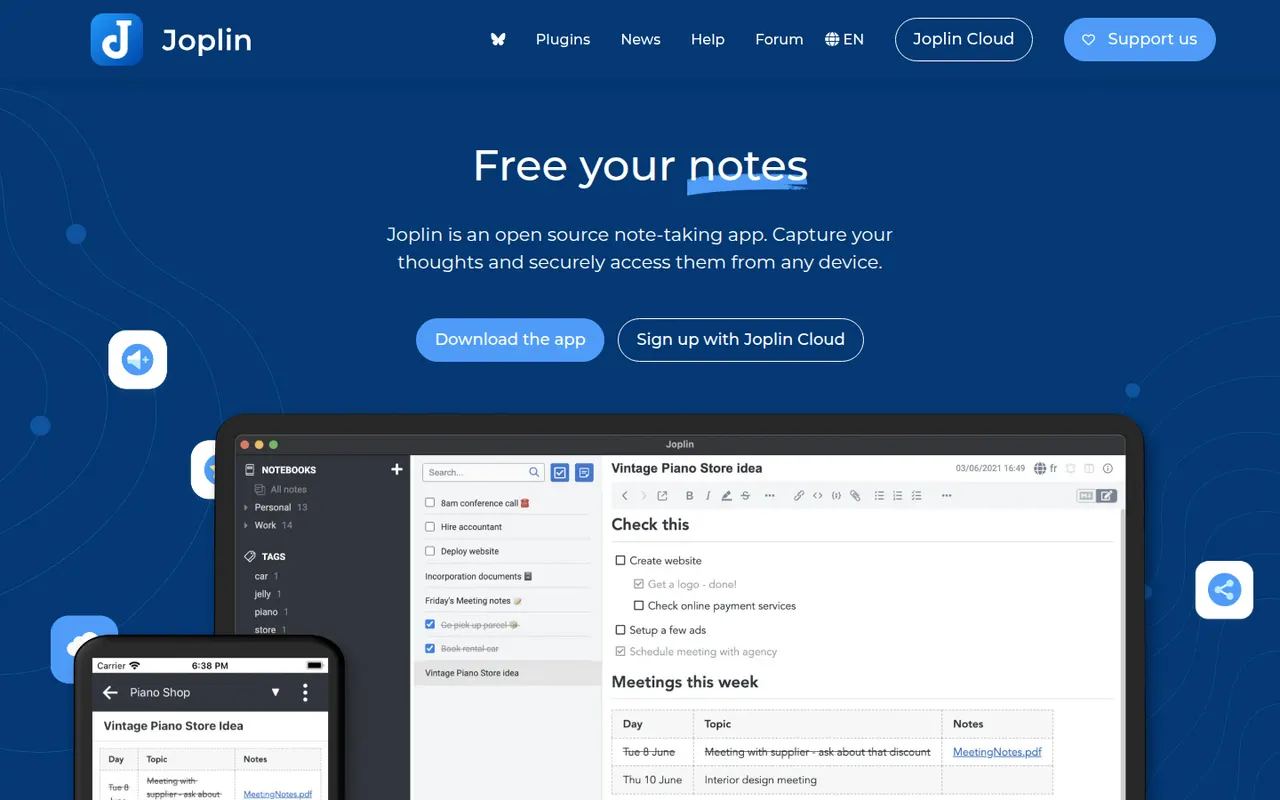
Cost / LicenseFree trialProprietaryCategoriesJoplin is an open source note-taking app with Markdown notes, notebooks, end-to-end encrypted sync and a web clipper.
11 Joplin alternativesPros
- Open source, with Markdown notes stored in an open format
- End-to-end encrypted sync via Dropbox, OneDrive, WebDAV or Joplin Cloud
- Web clipper and plugins extend the core app
Cons
- Interface feels dated next to newer note apps
- Sync setup takes more effort than turnkey services
- No web app for reaching your notes from a browser
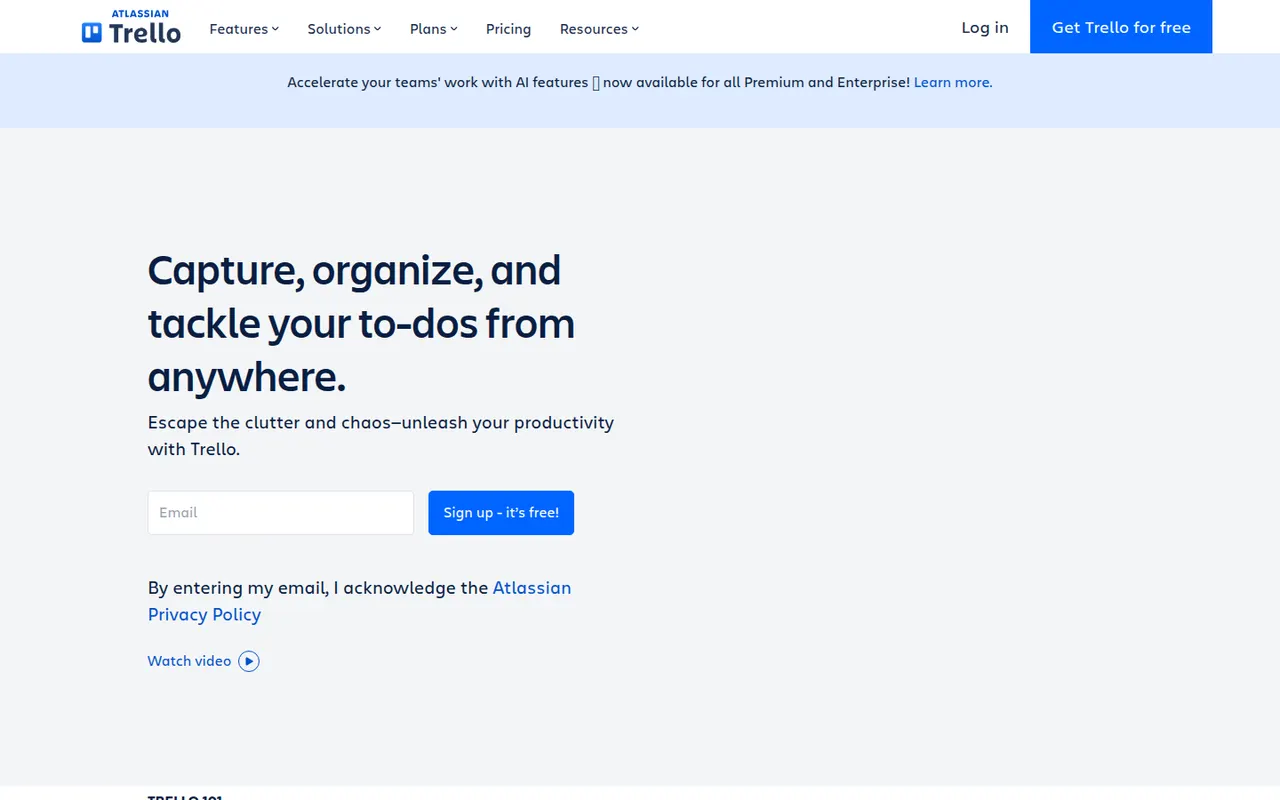
Cost / LicenseFreemiumOpen sourceCategoriesTrello organizes work on boards made of lists and cards that you drag from one stage to the next, a model that suits small teams, personal projects and simple workflows. Owned by Atlassian, it adds calendar, timeline and table views, Butler automations and Power-Ups that connect boards to Slack, Google Drive, Jira and many other tools.
12 Trello alternativesPros
- Simple card-and-list model anyone can learn in minutes
- Power-Ups connect boards to Slack, Google Drive, Jira and more
- Butler automations take care of repetitive card moves
Cons
- Gets hard to manage for large or complex projects
- Timeline, calendar and table views require a paid plan
- Reporting is limited without add-ons
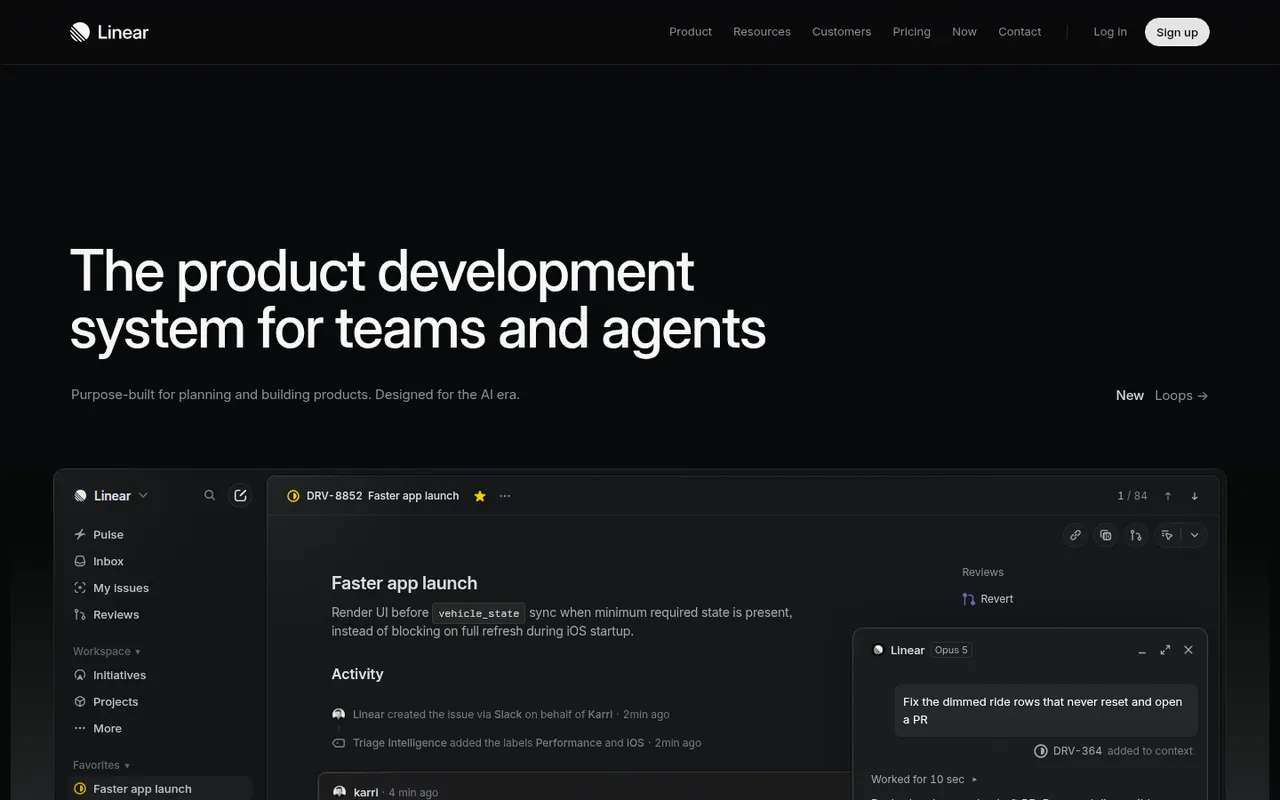
Cost / LicenseFreemiumProprietaryLinear is an issue tracker for software teams that emphasizes speed, keyboard shortcuts and an opinionated workflow with cycles, projects, roadmaps and triage. It syncs with GitHub and GitLab to update issues from pull requests, integrates with Slack and support tools, and exposes a GraphQL API for custom automation.
9 Linear alternativesPros
- Fast interface built around keyboard shortcuts
- GitHub and GitLab sync updates issues from pull requests
- Cycles, projects and roadmaps follow a clear, opinionated workflow
Cons
- The opinionated workflow leaves little room for custom processes
- Designed for software teams, less suited to other departments
- Cloud only, with no self-hosted option
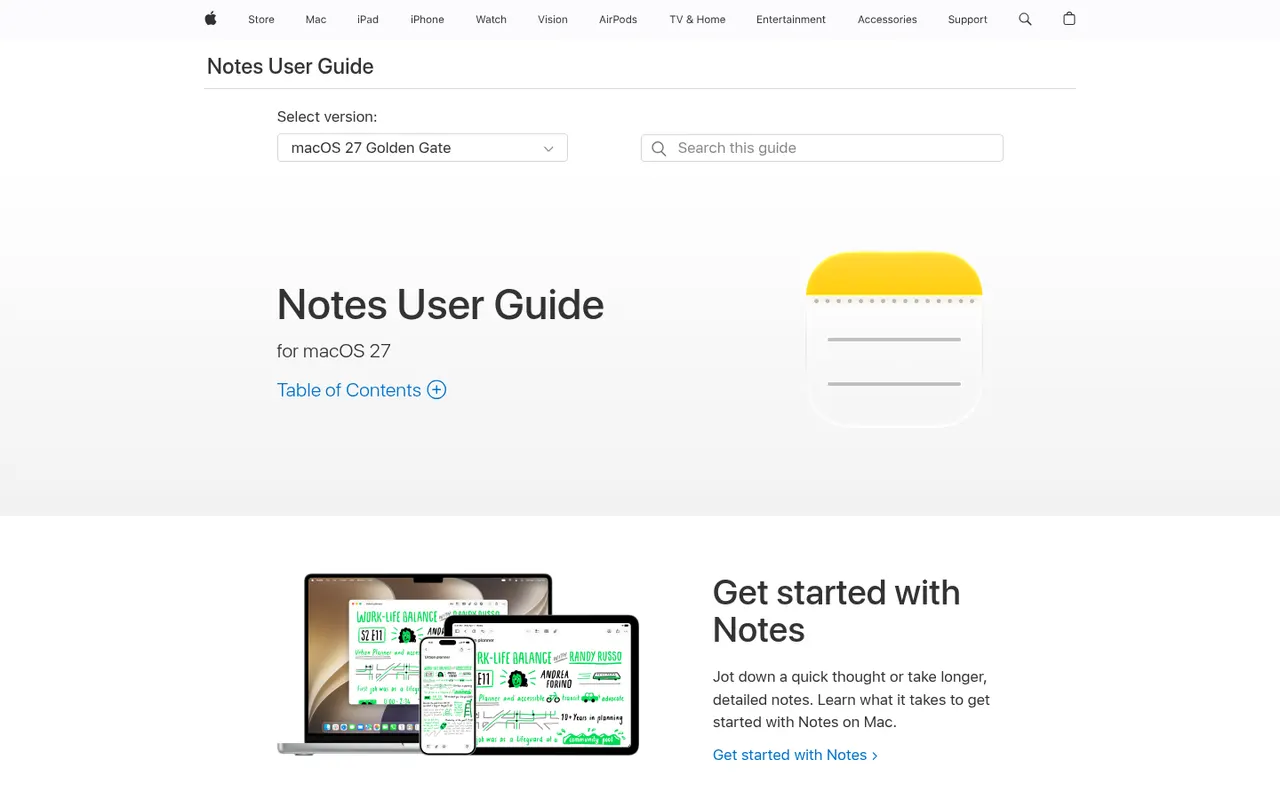
Cost / LicenseFreemiumProprietaryCategoriesApple Notes is the free notes app included with iPhone, iPad and Mac, synced through iCloud and also reachable on the web at iCloud.com. It handles checklists, tables, Apple Pencil sketches, document scanning and searchable text in images, plus shared notes and folders, tags, smart folders and locked notes.
9 Apple Notes alternativesPros
- Free and built into every iPhone, iPad and Mac
- Document scanning, Pencil sketches and text search inside images
- Shared notes and folders with real-time collaboration
Cons
- No native apps for Windows or Android, only iCloud.com
- Fewer organization options than dedicated knowledge tools
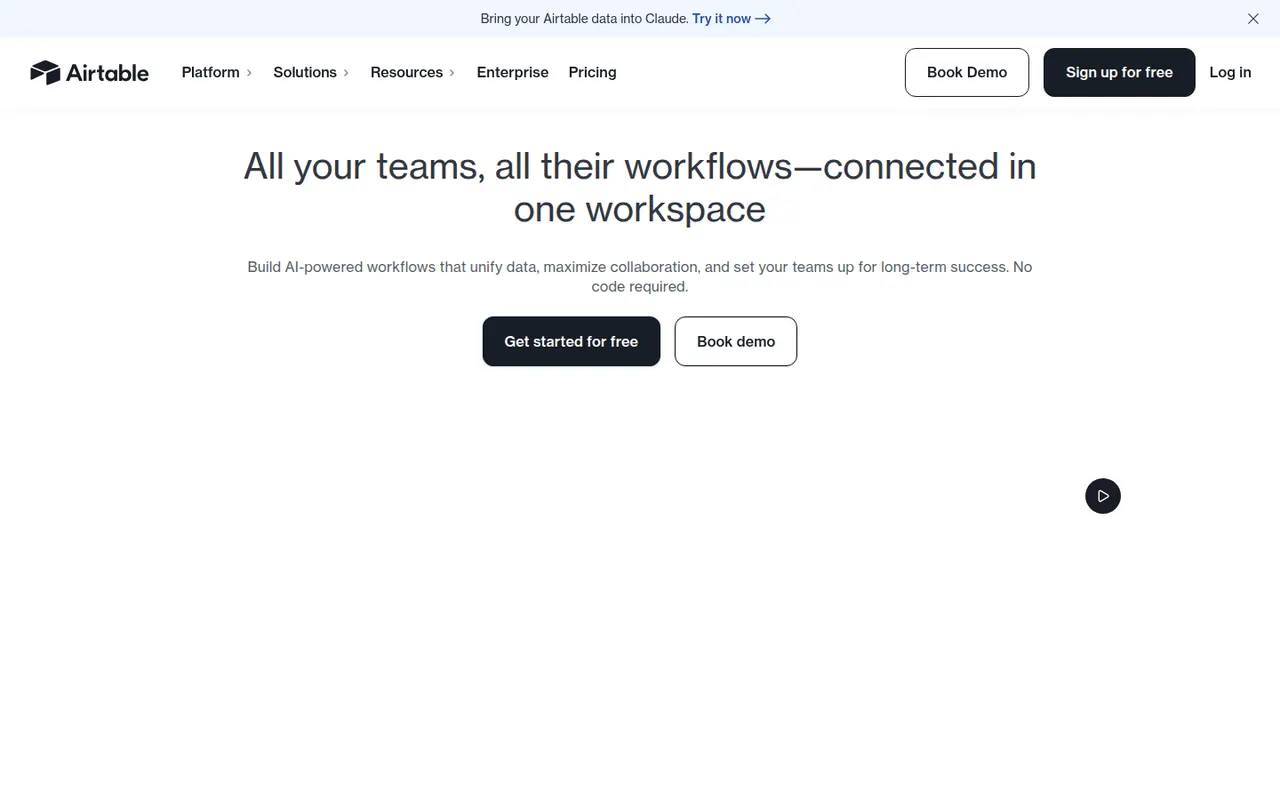
Cost / LicenseFreeProprietaryCategoriesAirtable combines the look of a spreadsheet with a relational database, letting teams link records across tables and view them as grids, kanban boards, calendars, galleries or forms. Interfaces, automations and AI features turn bases into lightweight internal apps for content calendars, product roadmaps or inventories. A free plan exists, with paid plans adding capacity and admin features.
12 Airtable alternativesPros
- Linked records give spreadsheet users real relational database power
- Grid, kanban, calendar, gallery and form views on the same data
- Interfaces and automations turn bases into lightweight internal apps
Cons
- Free plan limits on records and automations are reached quickly
- Paid seats get expensive for larger teams
- Complex bases can slow down and take effort to maintain
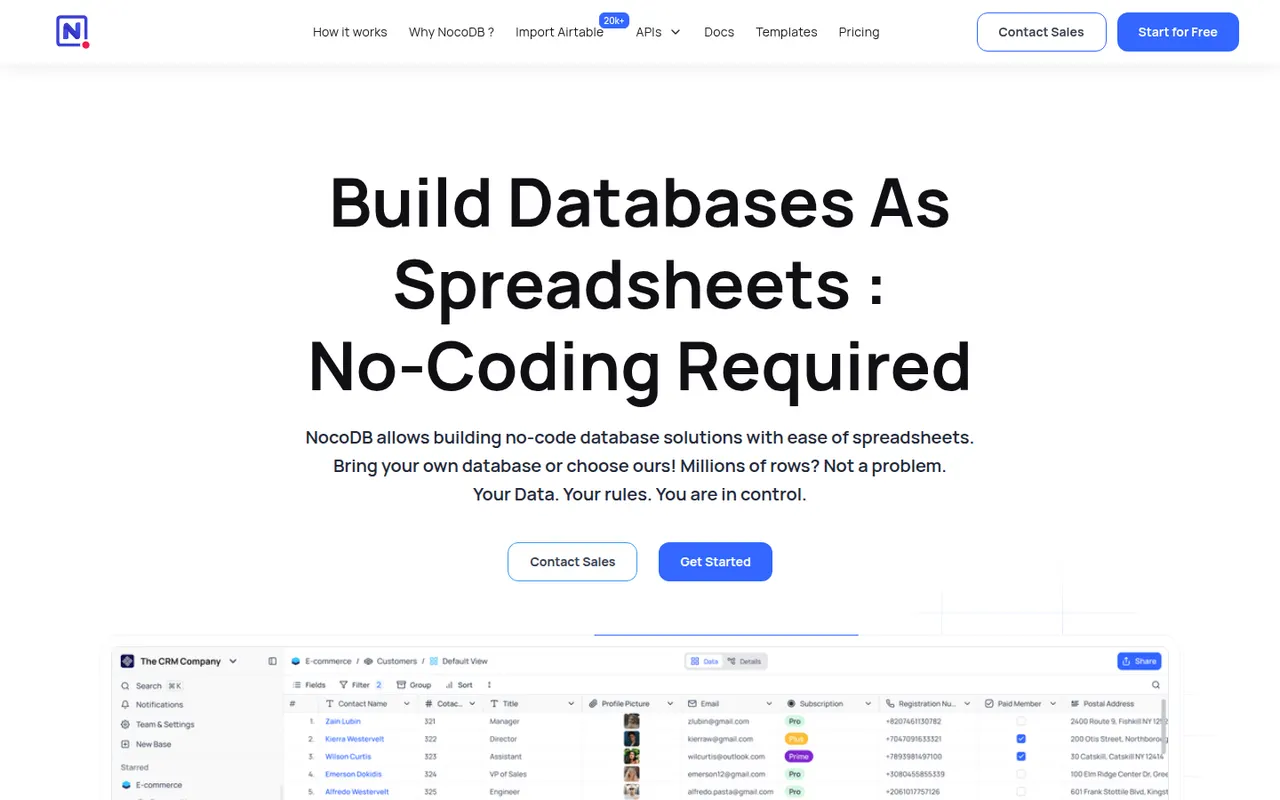
Cost / LicenseFreemiumProprietaryNocoDB is a no-code database platform that puts a spreadsheet-style interface on top of new or existing PostgreSQL and MySQL databases. Teams get grid, kanban, gallery, form and calendar views, role-based access and automatically generated REST APIs. It can be self-hosted with Docker or used as a cloud service, and its source code is published under the fair-code Sustainable Use License.
8 NocoDB alternativesPros
- Connects to existing PostgreSQL and MySQL databases
- Auto-generated REST APIs for every table
- Self-hostable with Docker for full control over data
Cons
- Fair-code license is not open source in the OSI sense
- Fewer native integrations and automations than Airtable
- Self-hosting requires technical skills to maintain
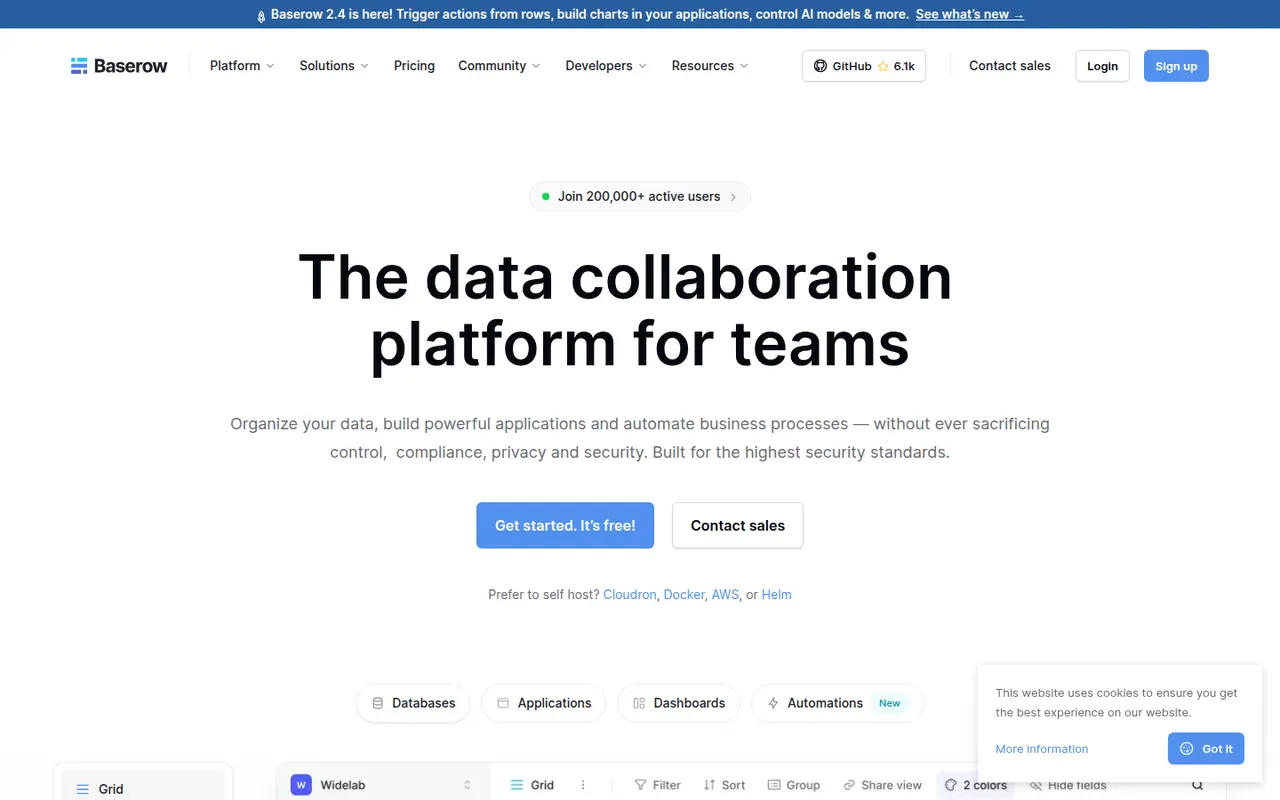
Cost / LicenseFreemiumSource availableCategoriesPlatformsBaserow is a no-code database from the Dutch company of the same name, with a spreadsheet-like interface, linked tables, multiple views and a REST API. It also includes an application builder and AI fields for turning data into internal tools. The core is open source under MIT and can be self-hosted; the cloud version, hosted in the EU, has a free plan and paid tiers.
8 Baserow alternativesPros
- Open source core that can be self-hosted at no cost
- Familiar spreadsheet-style interface with linked tables and views
- EU-hosted cloud option helps with GDPR requirements
Cons
- Smaller integration ecosystem than Airtable
- Some advanced features are reserved for paid plans
- Self-hosting requires server maintenance and updates
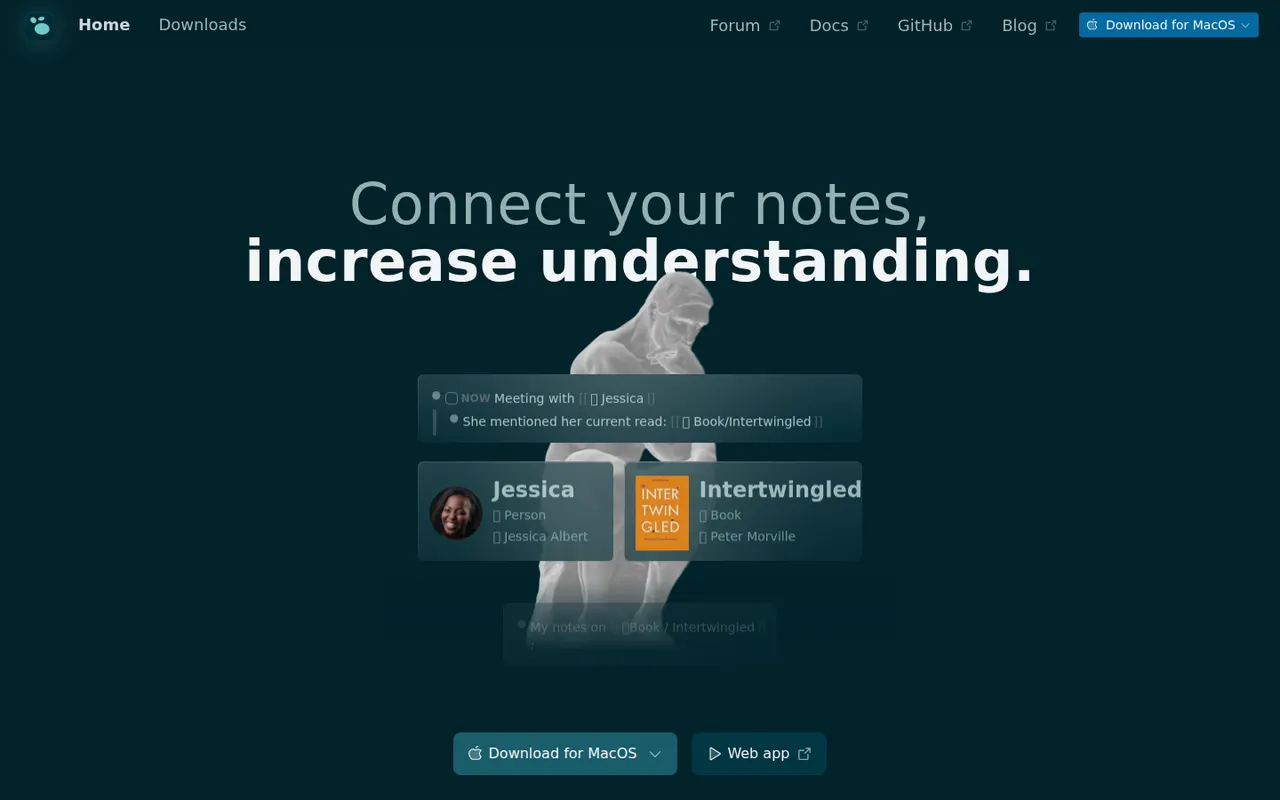
Cost / LicenseFreemiumOpen sourceCategoriesPlatformsLogseq is a privacy-first outliner that stores notes locally in Markdown or Org files, with bidirectional links, journals and whiteboards.
7 Logseq alternativesPros
- Notes live in local Markdown or Org files that you fully own
- Bidirectional links, block references and daily journals
- Free and open source, with a plugin ecosystem
Cons
- Outliner-only structure is a poor fit for long-form writing
- Can slow down with very large graphs
- Syncing between devices takes extra setup
Cost / LicenseFreeOpen sourceCategoriesFeaturesAnytype is a local-first workspace for notes, databases and collaboration, with peer-to-peer sync and end-to-end encryption.
10 Anytype alternativesPros
- Local-first data with end-to-end encrypted peer-to-peer sync
- Objects, types and relations enable flexible, database-like notes
- Works offline on desktop and mobile alike
Cons
- The object and type model takes time to learn
- No web app, only desktop and mobile clients
- Fewer integrations and plugins than mainstream workspaces
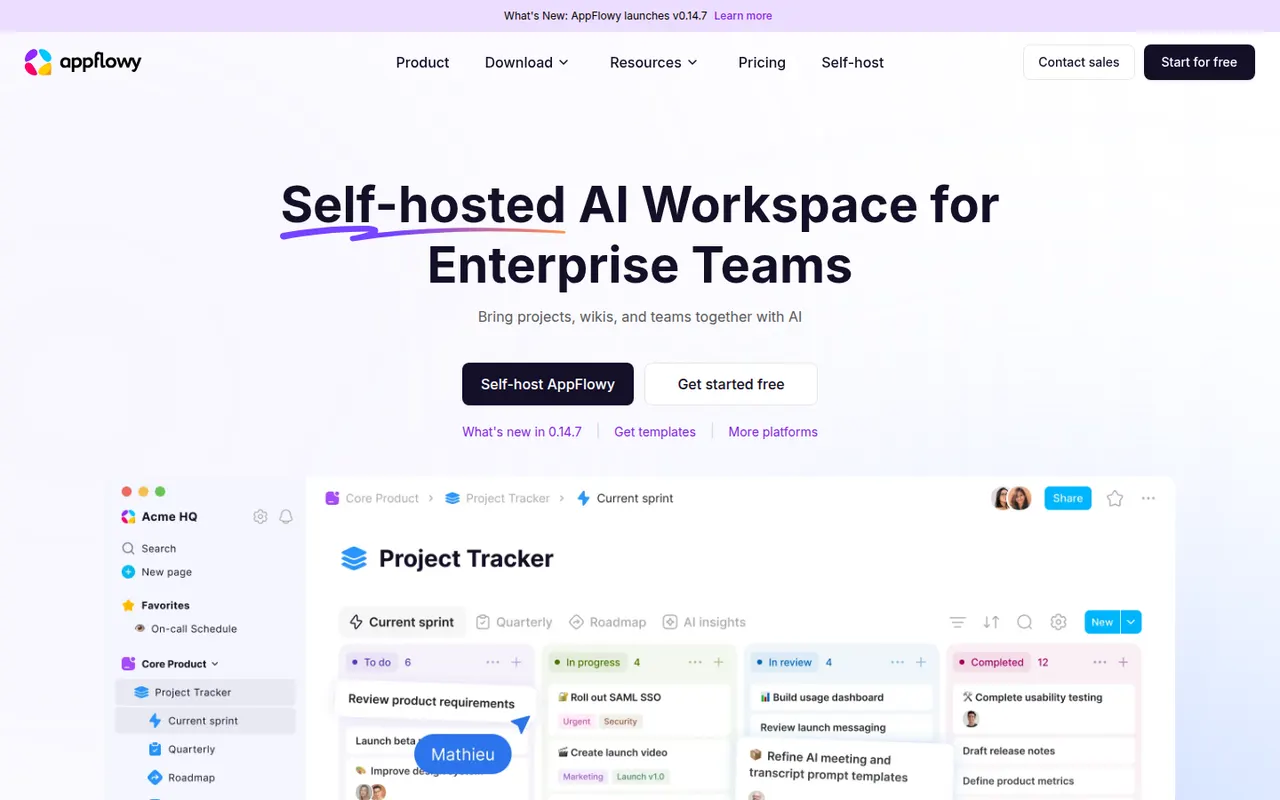
Cost / LicenseFreemiumSource availableCategoriesAppFlowy is an open source workspace for docs, databases and kanban boards that you can self-host, with AI features and offline support.
7 AppFlowy alternativesPros
- Open source Notion alternative that you can self-host
- Docs, databases and kanban boards in one workspace
- Offline support with apps on desktop and mobile
Cons
- Fewer templates and integrations than Notion
- Some features still feel less polished than in mature rivals
- Advanced AI features are reserved for paid plans
Cost / LicenseFreemiumOpen sourceCategories


































Notion vs its alternatives at a glance
Pricing, platforms and the key features of Notion, compared with its most popular alternatives.
| App | Pricing | Platforms | AI assistant | API access | Markdown support | Real-time collaboration | Templates |
|---|---|---|---|---|---|---|---|
 Notion Notion | Freemium | Web, Windows, Mac, iPhone, Android | |||||
 Obsidian Obsidian | Freemium | Windows, Mac, Linux, iPhone, Android | |||||
 Evernote Evernote | Freemium | Web, Windows, Mac, iPhone, Android, Browser extension | |||||
 Craft Craft | Freemium | Web, Windows, Mac, iPhone | |||||
 Microsoft OneNote Microsoft OneNote | Free | Web, Windows, Mac, iPhone, Android, Browser extension | |||||
 Capacities Capacities | Freemium | Web, Windows, Mac, Linux, iPhone, Android |
Notion alternatives: frequently asked questions
What is the best alternative to Notion?
The most popular alternative to Notion is Obsidian: Private, local-first knowledge base on Markdown files. Other great alternatives are Evernote, Craft, Microsoft OneNote, and Capacities.
Is there a free alternative to Notion?
Yes, 16 alternatives are free or have a free plan, including Obsidian, Evernote, Craft, and Microsoft OneNote.
Is there an open source alternative to Notion?
Yes, 4 open source alternatives are listed, including Joplin, Baserow, Logseq, and AppFlowy.
Is Notion free?
Notion has a free plan, with paid plans that unlock more features.
Compare Notion with its alternatives


Sponsored listings and products made by the publisher of this site are always labeled. How we rank · Know a good alternative? Submit it