Apps with CAD & parametric modeling
5 apps
Top CAD & parametric modeling apps ranked by the community
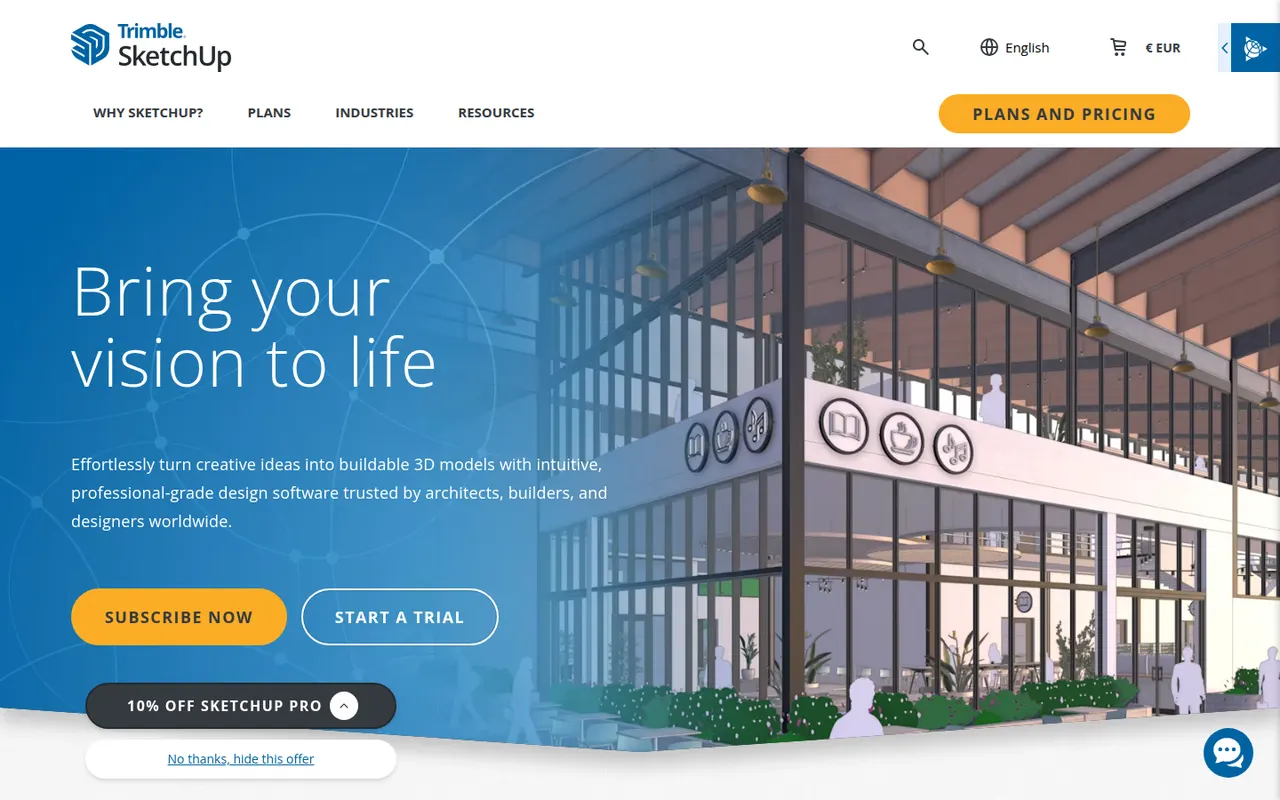
SketchUp is a 3D modeling tool from Trimble built around simple push-pull geometry, used by architects, interior designers, landscape designers and woodworkers. The 3D Warehouse offers a large library of ready-made models, and the Extension Warehouse adds plugins for rendering, layout and analysis. A free web version exists for personal use; paid plans add the desktop app, LayOut for 2D drawings and the iPad app.
8 SketchUp alternativesPros
- Push-pull modeling is quick to pick up for beginners
- 3D Warehouse offers a vast library of ready-made models
- Extensions add rendering, layout and analysis tools
Cons
- The free web version is limited to personal use
- Struggles with complex curved and organic shapes
- The desktop app and LayOut require a paid subscription
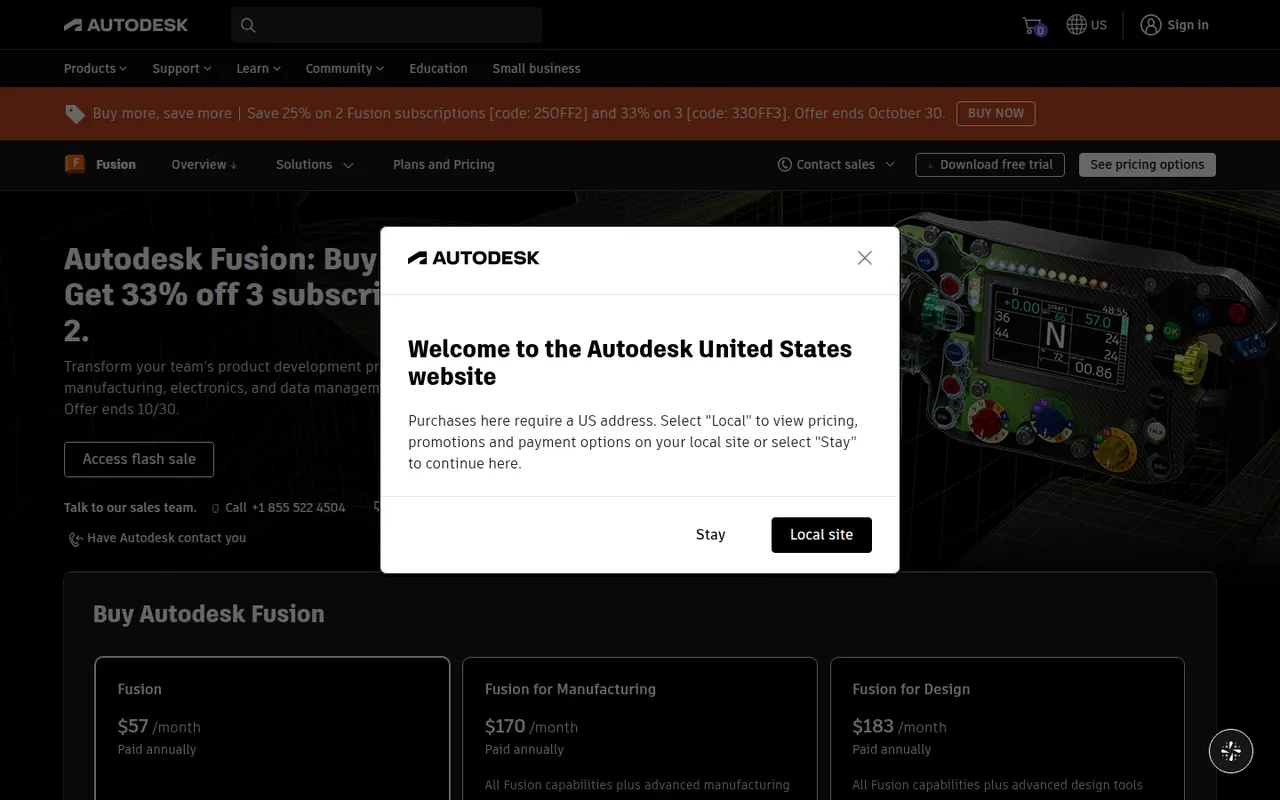
Cost / LicenseFreemiumProprietaryCategoriesAutodesk Fusion, formerly Fusion 360, is a product design and engineering platform that combines parametric and freeform 3D modeling, simulation, generative design, electronics design and CAM toolpaths for CNC machining. Projects are stored in the cloud with version history and team sharing. It is used by engineers, makers and small manufacturers, and a free personal-use license with reduced features is available.
6 Autodesk Fusion alternativesPros
- CAD, CAM, simulation and electronics design in one application
- Cloud storage with version history makes sharing designs simple
- Free personal-use license is a good fit for hobbyists and makers
Cons
- The free personal license is non-commercial and has reduced features
- Cloud-based file storage limits offline work and control over files
- Available on Windows and macOS only, with no Linux version
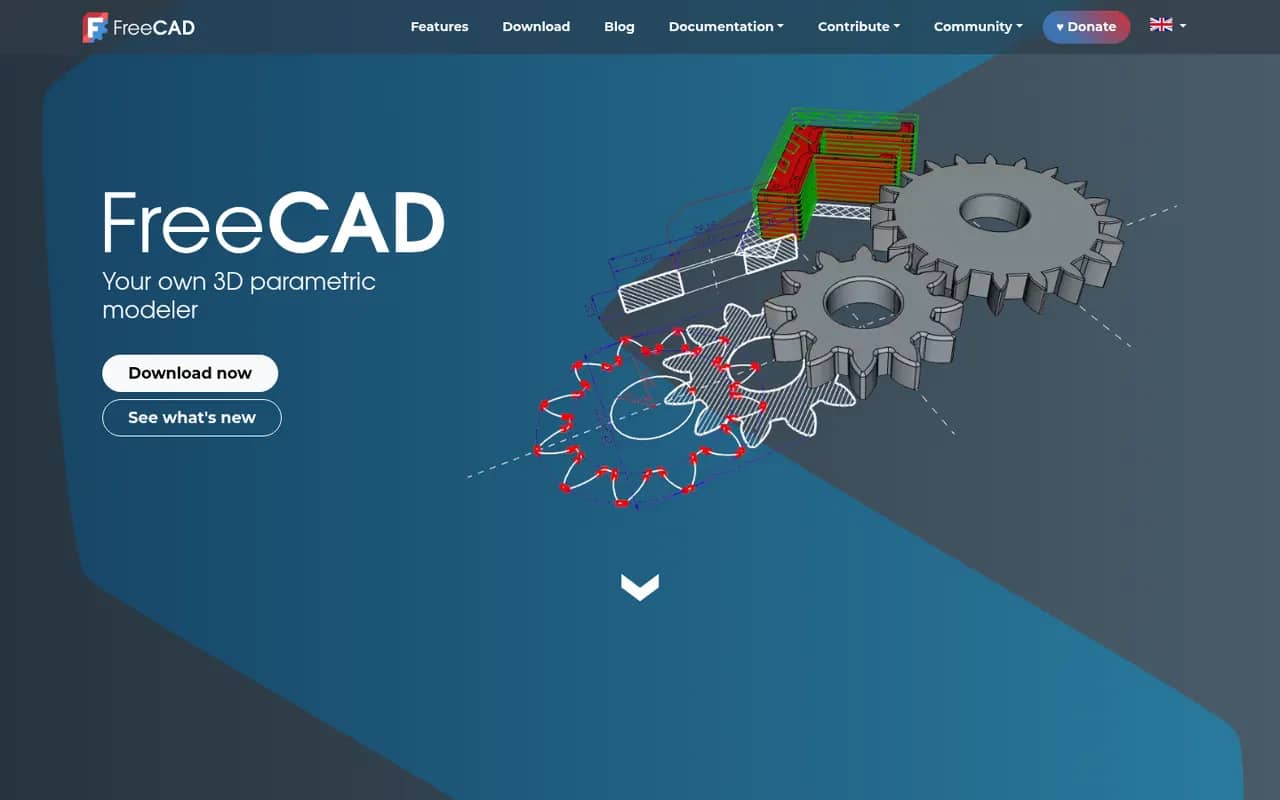
Cost / LicenseFreemiumProprietaryCategoriesFreeCAD is a free, open source parametric 3D modeler for mechanical engineering, product design, architecture (BIM) and 3D printing. It is organized into workbenches for part design, sketching, assemblies, technical drawings, finite element analysis and CAM, and can be fully scripted in Python. Version 1.0, released in 2024, added a built-in assembly workbench and fixes for the topological naming problem.
6 FreeCAD alternativesPros
- Free and open source parametric CAD with no license fees
- Workbenches cover parts, assemblies, drawings, FEM and CAM
- Fully scriptable in Python for automation and custom tools
Cons
- Interface feels less polished than commercial CAD packages
- Workflows differ between workbenches, which slows down learning
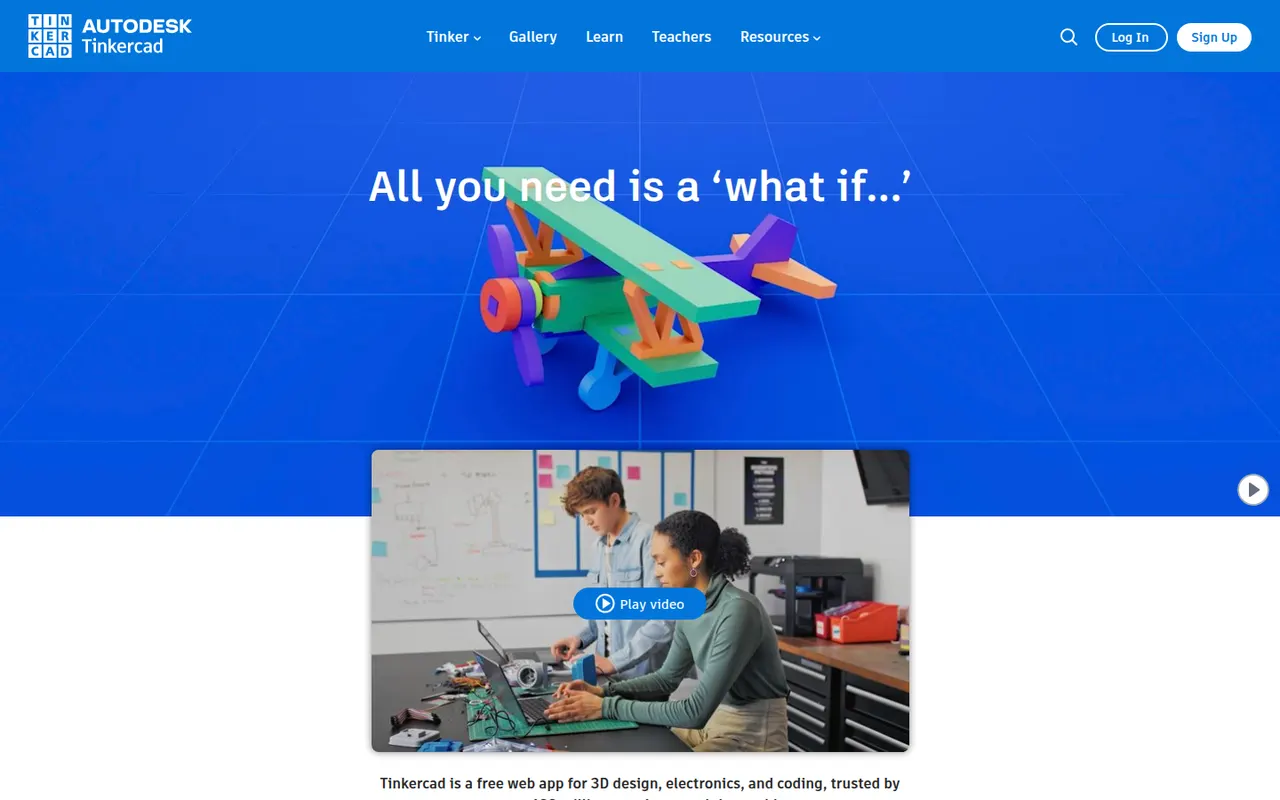
Cost / LicenseFreeOpen sourceCategoriesTinkercad is a free web app from Autodesk that teaches 3D design by combining basic shapes, making it a common first step into CAD for students, teachers and 3D printing hobbyists. Besides 3D modeling, it includes Circuits for simulating Arduino and electronics projects and Codeblocks for creating designs with block-based code. Classroom tools let teachers manage students, and an iPad app is available.
6 Tinkercad alternativesPros
- Completely free and runs in the browser
- Shape-based modeling is ideal for first steps in 3D design
- Circuits simulates Arduino and electronics projects
Cons
- Too basic for complex or precise engineering models
- Needs an internet connection and an Autodesk account
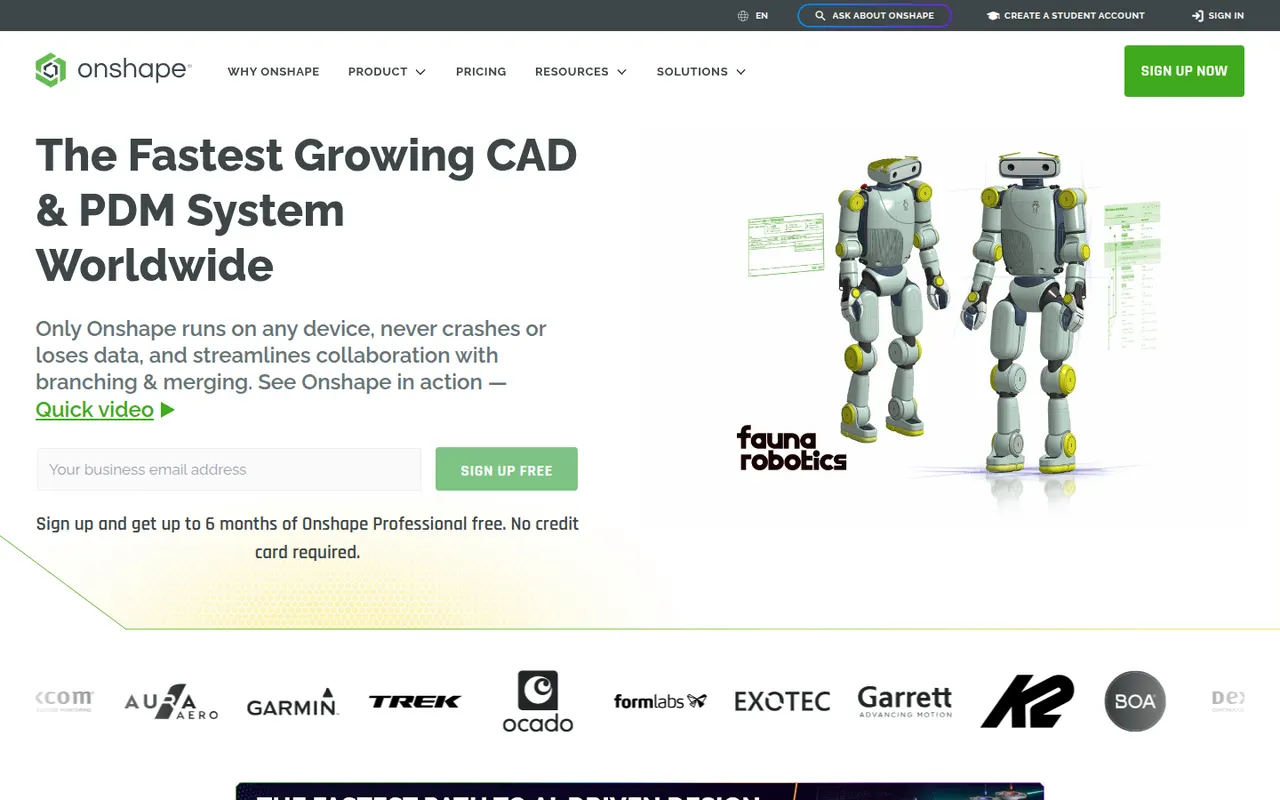
Cost / LicenseFreeProprietaryCategoriesOnshape is a professional 3D CAD system that runs entirely in the browser and on mobile devices, with no software to install and no files to manage. It combines parametric part and assembly modeling with Git-like branching, merging and version history, and lets several engineers edit the same design at once. Developed by PTC, it offers a free plan for hobbyists with public documents and paid plans for companies.
6 Onshape alternativesPros
- Runs entirely in the browser with nothing to install
- Built-in branching, merging and version history for designs
- Several engineers can edit the same model at the same time
Cons
- Documents created on the free plan are public
- Needs a reliable internet connection to work
- Professional plans weigh heavily on small companies' budgets
Cost / LicenseFreemiumProprietaryCategories