Apps with Cross-device sync
48 apps
Top Cross-device sync apps ranked by the community
Pages is Apple's free word processor for Mac, iPhone and iPad, also usable in the browser through iCloud.com. It mixes word processing with page layout, offering designed templates for reports, flyers and books, plus EPUB export. Documents sync via iCloud, can be edited with others in real time and can be exported to Word or PDF.
9 Pages alternativesPros
- Free on Mac, iPhone and iPad, with well-designed templates
- Combines word processing and page layout
- Exports to Word, PDF and EPUB
Cons
- Native apps only on Apple devices, others must use iCloud.com
- Word conversion can lose formatting in complex documents
- Fewer advanced features than Word for long documents
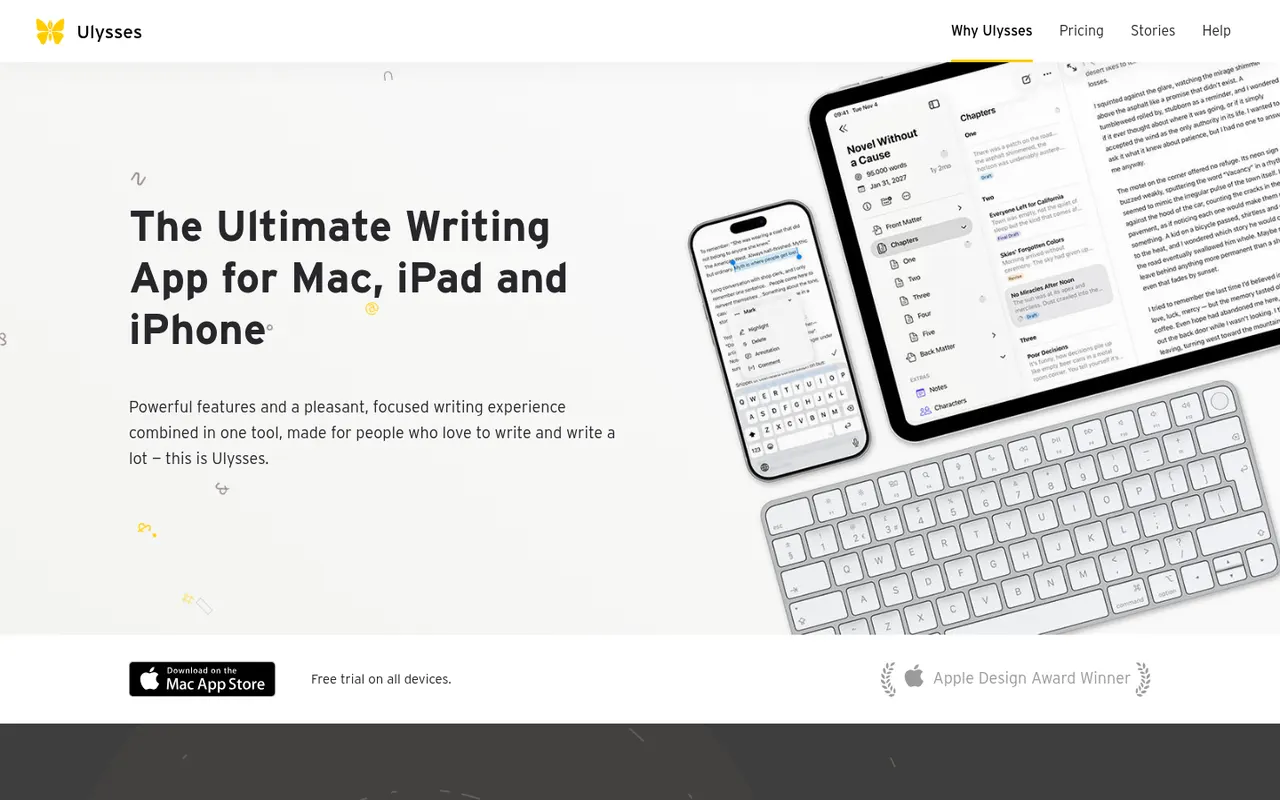
Cost / LicenseFreeProprietaryCategoriesUlysses is a writing app for Apple devices made by the German company Ulysses GmbH. Texts live in a single library synced through iCloud, are written in a Markdown-based markup and can be exported to PDF, Word or ePub or published directly to WordPress, Ghost and other platforms. It suits bloggers, authors and students and is sold as a subscription after a free trial.
8 Ulysses alternativesPros
- Single library synced across Mac, iPhone and iPad via iCloud
- Publishes directly to WordPress, Ghost and other platforms
- Distraction-free writing with Markdown-based markup
Cons
- Only available on Apple devices
- Sold only as a subscription
Cost / LicenseFree trialProprietaryCategoriesScrivener, from Literature & Latte, is a writing tool for long-form projects such as novels, theses and screenplays. Its binder lets you split a manuscript into sections, rearrange them on a corkboard or outliner and keep research notes, PDFs and images next to the text, then compile everything into print, ebook or Word formats. It is a one-time purchase per platform with a free trial.
8 Scrivener alternativesPros
- Binder splits long manuscripts into easy-to-rearrange sections
- Research notes, PDFs and images kept next to the text
- Compile exports to print, ebook and Word formats
Cons
- Steep learning curve, especially for the compile feature
- A separate license is required for each platform
- Syncing with the iPhone app relies on Dropbox
Cost / LicenseFree trialProprietaryCategoriesKeynote is Apple's presentation app, free on Mac, iPhone and iPad and usable in a browser through iCloud.com. It is known for clean themes and smooth transitions such as Magic Move, and offers presenter view, live video feeds and remote control from an iPhone. Decks can be co-edited via iCloud and exported to PowerPoint, PDF or video.
9 Keynote alternativesPros
- Polished themes and smooth transitions such as Magic Move
- Free on Mac, iPhone and iPad, with iCloud sync
- Exports to PowerPoint, PDF and video
Cons
- No native apps for Windows or Android, only the iCloud web version
- PowerPoint exports can shift fonts, layouts and animations
- Fewer third-party add-ons and integrations than PowerPoint
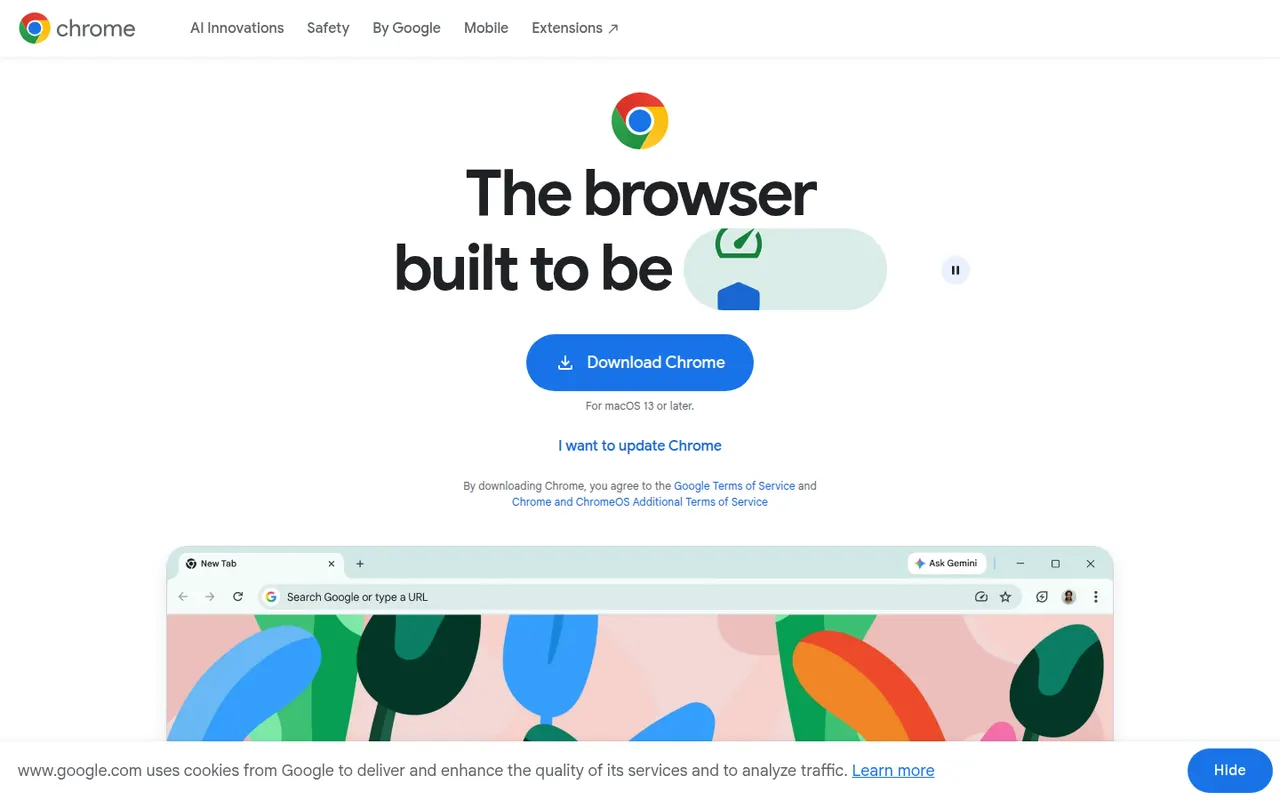
Cost / LicenseFreeProprietaryCategoriesGoogle Chrome is Google's web browser, built on the open source Chromium project and available on desktop and mobile. It syncs bookmarks, passwords, history and tabs through a Google account, gives access to the large Chrome Web Store extension catalog, and includes tab groups, Incognito mode, a built-in password manager and Gemini AI features in some countries.
11 Google Chrome alternativesPros
- Largest extension catalog through the Chrome Web Store
- Smooth sync of tabs, passwords and history across devices
- Excellent site compatibility, since most sites are tested on it
Cons
- Ties browsing closely to a Google account and its data collection
- Can be heavy on memory with many tabs open
- Manifest V3 has weakened ad blockers such as uBlock Origin
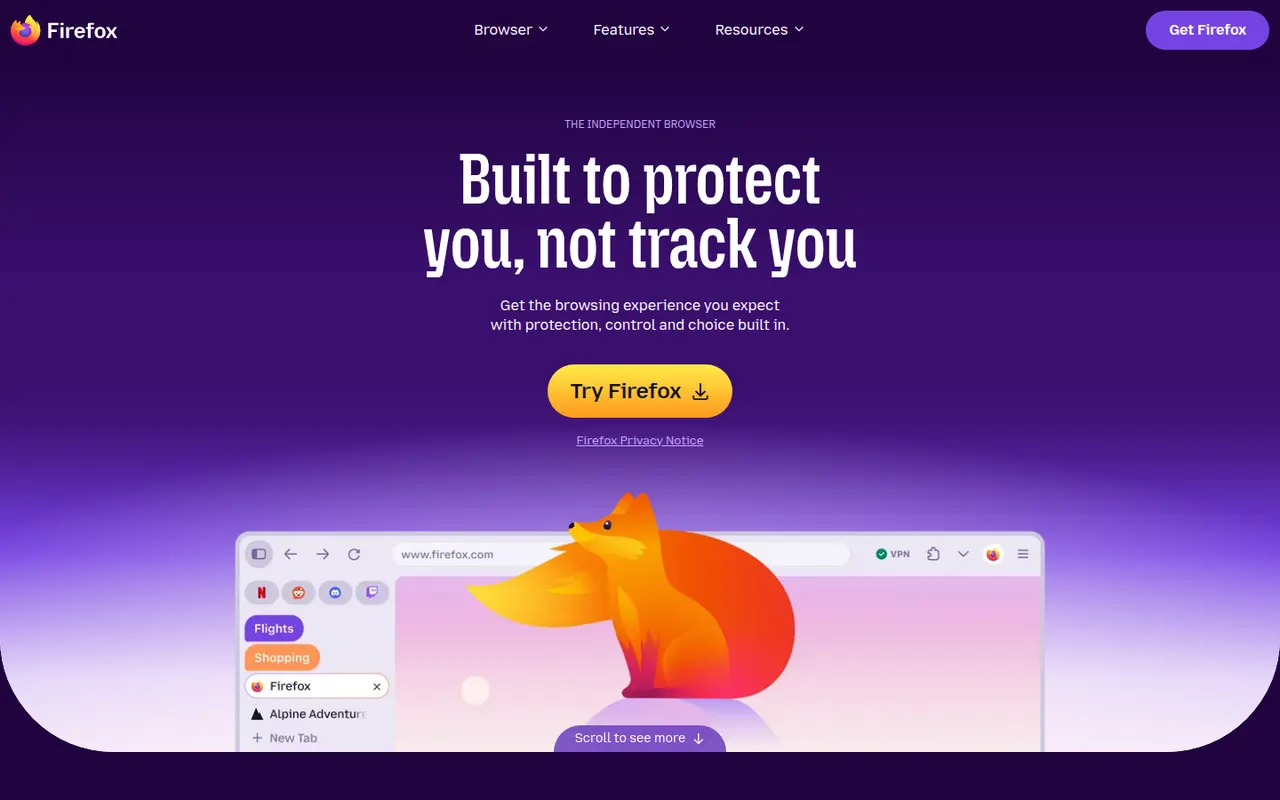
Cost / LicenseFreeProprietaryCategoriesFirefox is an open source web browser developed by Mozilla and one of the few major browsers not based on Chromium, running on its own Gecko engine instead. It blocks many trackers by default with Enhanced Tracking Protection, supports extensions on desktop and Android, and syncs bookmarks, passwords and tabs through a Mozilla account. Recent versions add vertical tabs and tab groups.
11 Firefox alternativesPros
- Independent Gecko engine, an alternative to Chromium browsers
- Enhanced Tracking Protection blocks many trackers by default
- Extensions supported on desktop and Android
Cons
- Some sites tested mainly in Chrome may misbehave
- No extensions on iPhone, where it runs on WebKit
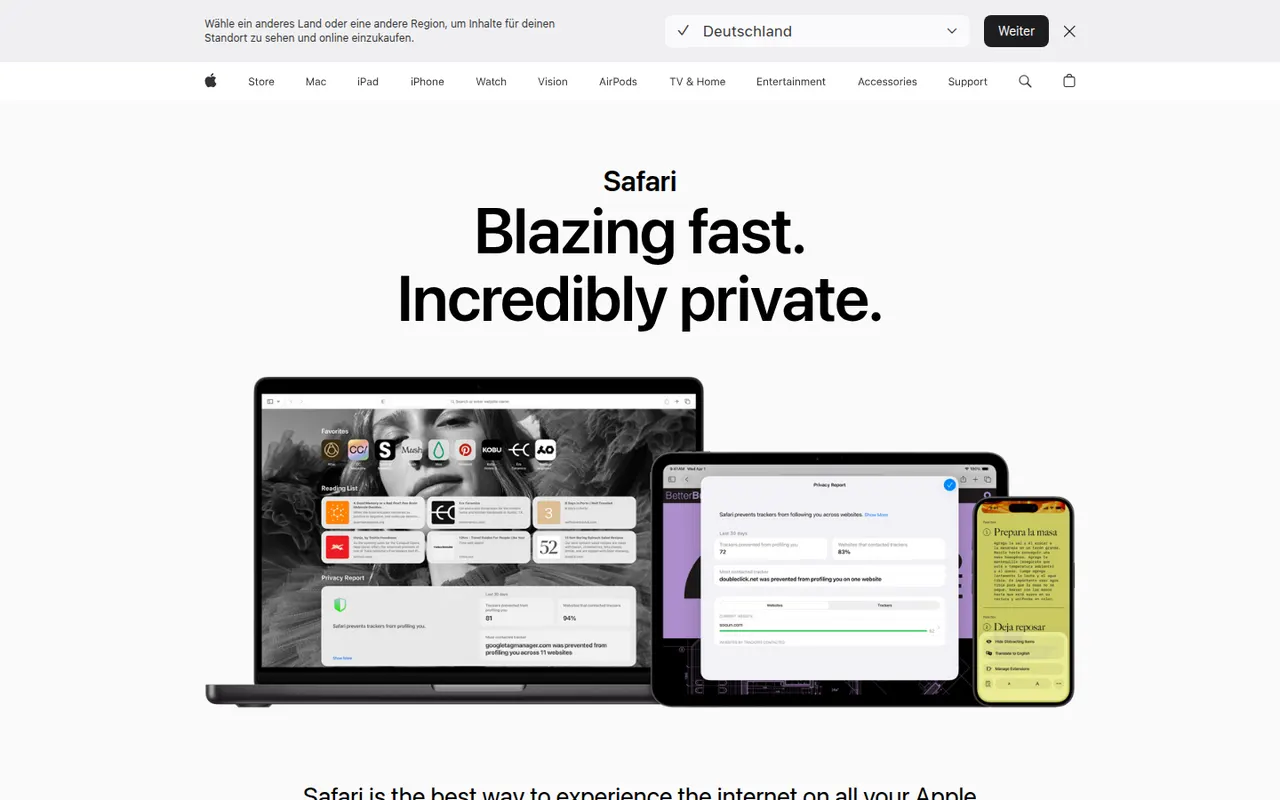
Cost / LicenseFreeOpen sourceCategoriesSafari is Apple's web browser, built on the WebKit engine and included with macOS, iOS and iPadOS. It relies on iCloud to sync tabs, bookmarks and passwords, limits cross-site tracking with Intelligent Tracking Prevention, and supports Tab Groups, profiles and Safari Web Extensions distributed through the App Store. It is tuned for energy efficiency on Apple hardware.
9 Safari alternativesPros
- Energy efficient on Mac, iPhone and iPad
- Intelligent Tracking Prevention limits cross-site tracking
- Seamless iCloud sync of tabs, bookmarks and passwords
Cons
- Only available on Apple devices
- Smaller extension catalog than Chrome or Firefox
- Some web features arrive later than in other browsers
Cost / LicenseFreeProprietaryCategoriesMicrosoft Edge is Microsoft's web browser, based on Chromium and preinstalled on Windows, with versions for macOS, Linux, iOS and Android. It runs Chrome Web Store extensions, offers vertical tabs, workspaces, tracking prevention and InPrivate browsing, and integrates Copilot in a sidebar to summarize pages and answer questions. Businesses also get an Internet Explorer mode for legacy sites.
9 Microsoft Edge alternativesPros
- Preinstalled on Windows and runs Chrome Web Store extensions
- Vertical tabs and workspaces built in
- Internet Explorer mode for legacy business sites
Cons
- Pushes Bing, Copilot and other Microsoft services insistently
- Default new tab page is cluttered with news and ads
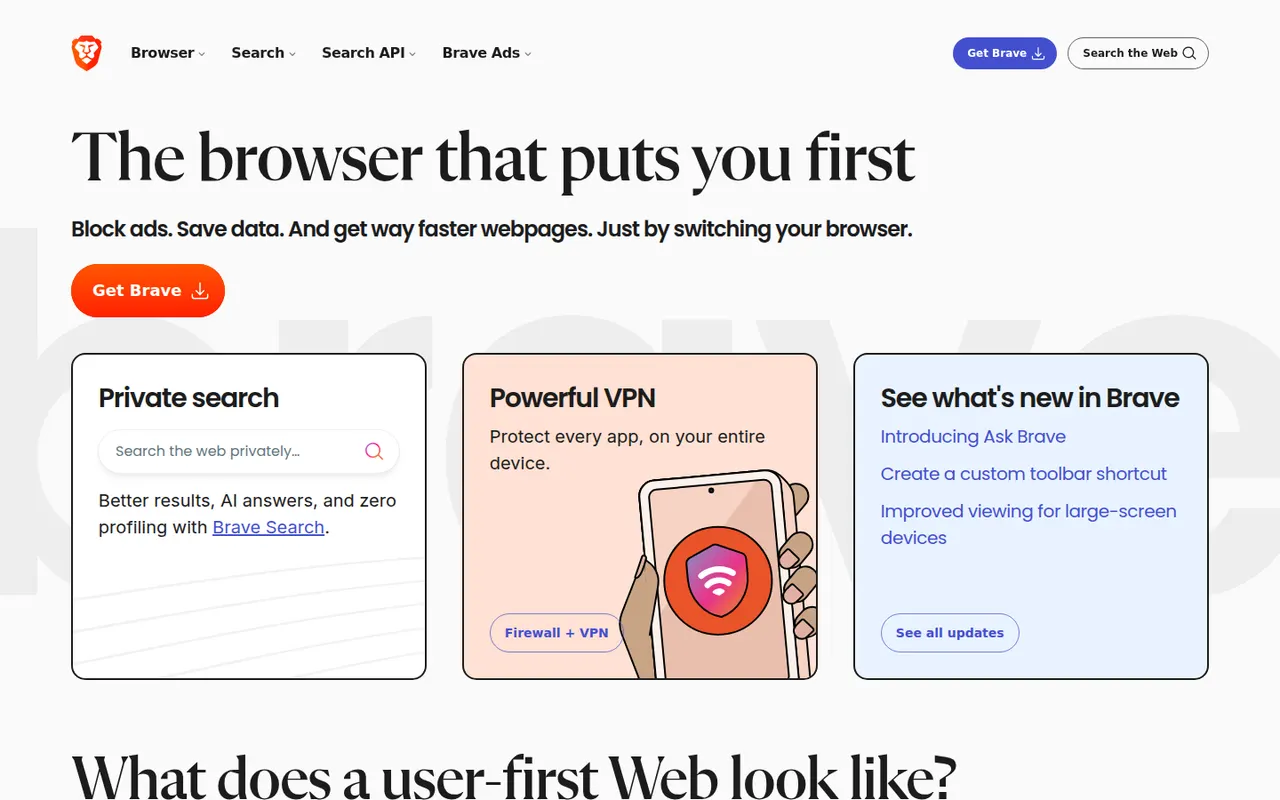
Cost / LicenseFreeProprietaryCategoriesBrave is an open source browser built on Chromium that blocks ads, trackers and fingerprinting by default through its Shields feature. It stays compatible with Chrome extensions on desktop and adds Brave Search, private windows with Tor, the Leo AI assistant and an opt-in rewards program based on privacy-preserving ads. A VPN and Leo Premium are offered as paid extras.
12 Brave alternativesPros
- Blocks ads, trackers and fingerprinting by default
- Compatible with Chrome extensions on desktop
- Private windows with Tor built in
Cons
- Crypto wallet, rewards and other extras clutter the interface
- Some sites break when Shields block their scripts
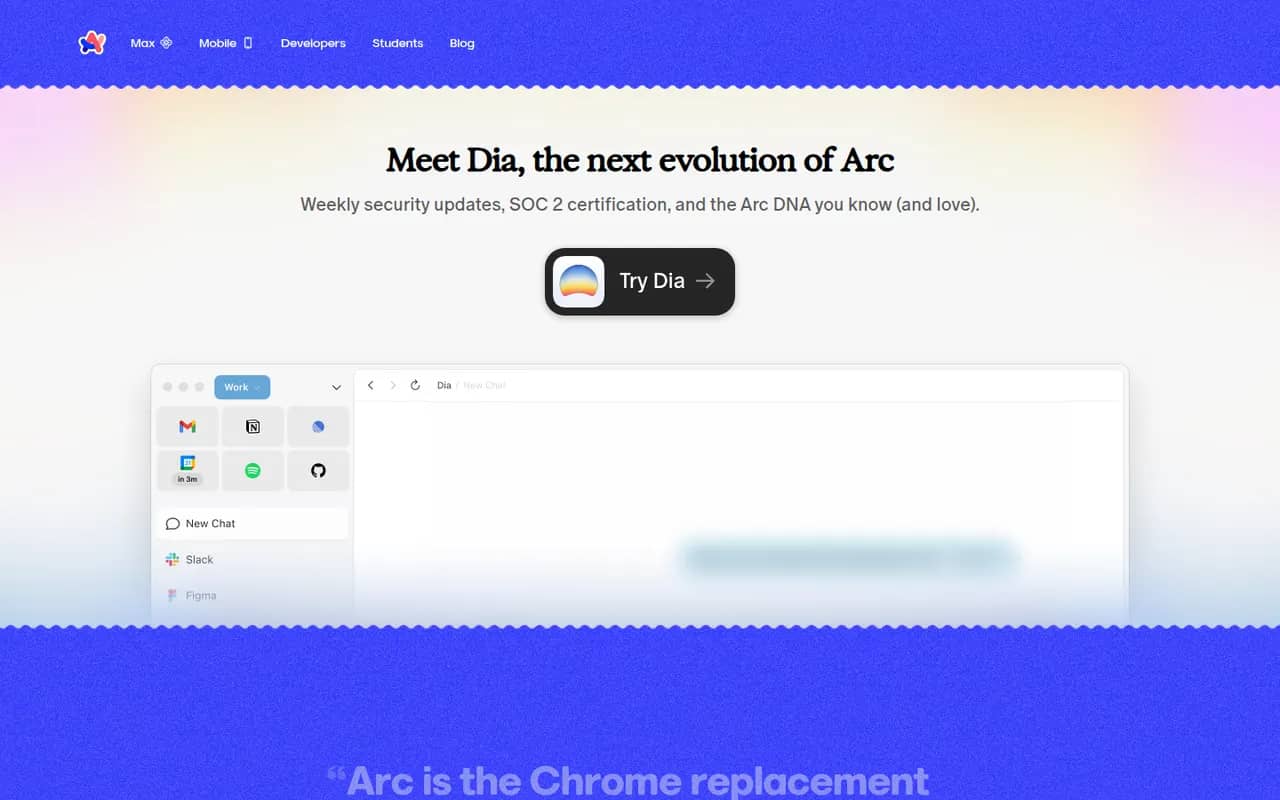
Cost / LicenseFreeOpen sourceCategoriesArc is a Chromium-based browser from The Browser Company that replaces the tab bar with a sidebar, where tabs are grouped into spaces and pinned items while unused tabs are archived automatically. It supports Chrome extensions, split view and Arc Max AI features on macOS and Windows. The company has since shifted its focus to Dia, so Arc mainly receives maintenance updates.
9 Arc alternativesPros
- Sidebar with spaces and pinned tabs keeps browsing organized
- Automatic archiving of unused tabs reduces clutter
- Supports Chrome extensions and split view
Cons
- Only receives maintenance updates since the focus moved to Dia
- Unconventional interface takes time to get used to
- No Linux version is available
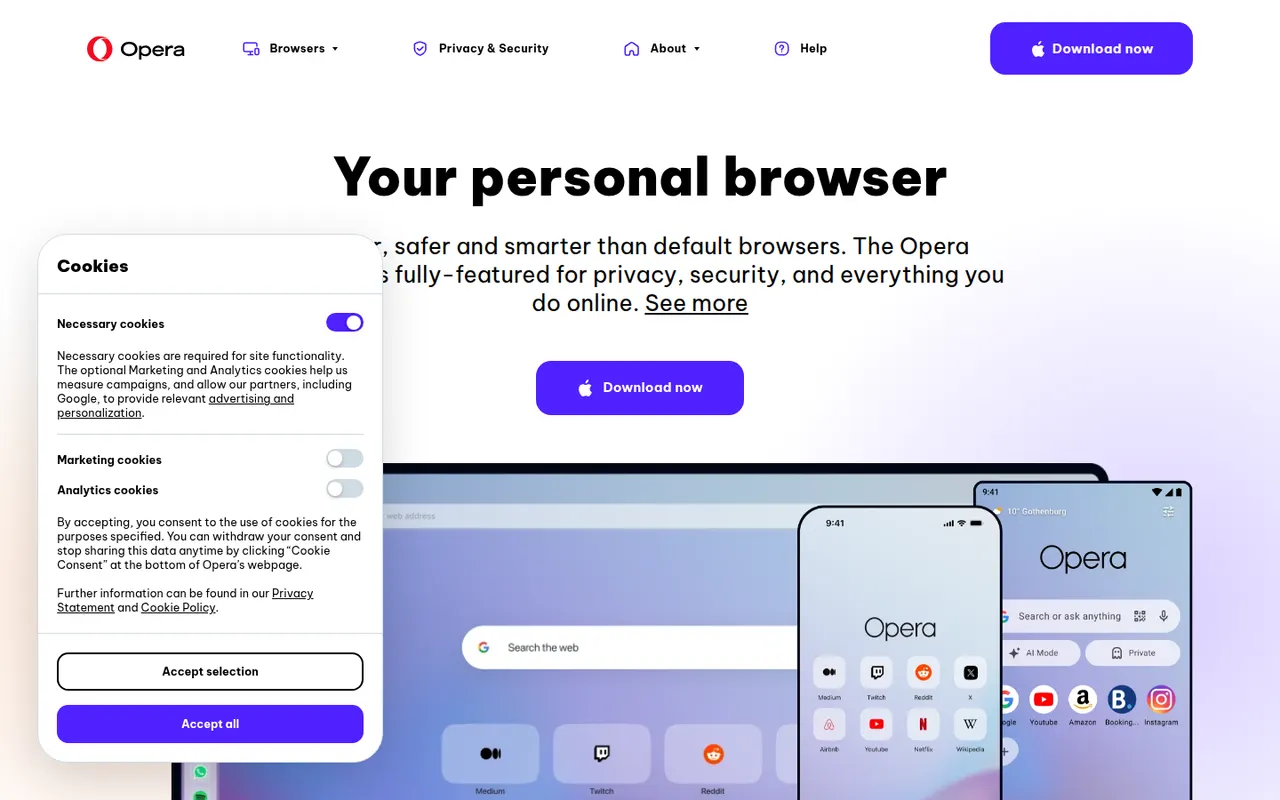
Cost / LicenseFreeProprietaryCategoriesOpera is a long-running web browser, now built on Chromium, that bundles features others leave to extensions: an ad blocker, a free browser VPN, messaging apps in the sidebar, workspaces, tab islands and the Aria AI assistant. It runs Chrome Web Store extensions and is available on desktop and mobile. The same company makes Opera GX, a variant aimed at gamers.
8 Opera alternativesPros
- Free built-in browser VPN and ad blocker
- Messaging apps and workspaces in the sidebar
- Runs Chrome Web Store extensions
Cons
- Built-in VPN only covers the browser, not other apps
- Many bundled features and promotions make the interface busy
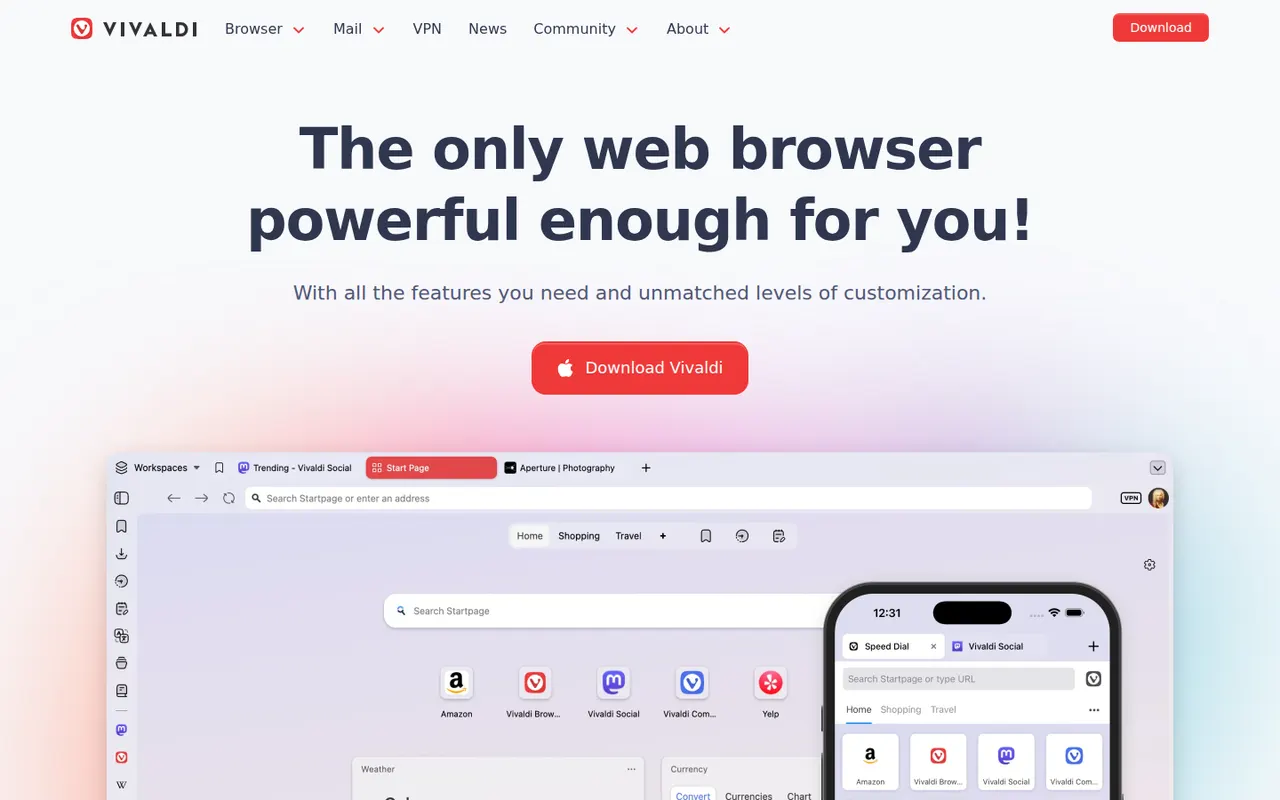
Cost / LicenseFreeProprietaryCategoriesVivaldi is a Chromium-based browser from Norway, created by a co-founder of Opera, in which almost every part of the interface can be customized. It offers tab stacking and tiling, workspaces, a built-in ad and tracker blocker, notes, and integrated mail, calendar and RSS reader, with end-to-end encrypted sync. Vivaldi has chosen not to build generative AI chatbots into the browser.
10 Vivaldi alternativesPros
- Almost every part of the interface can be customized
- Built-in mail, calendar, feed reader and notes
- Tab stacking and tiling for heavy multitaskers
Cons
- The sheer number of options can overwhelm new users
- Interface can feel less snappy than leaner browsers
- Its interface code is proprietary, unlike Brave or Firefox
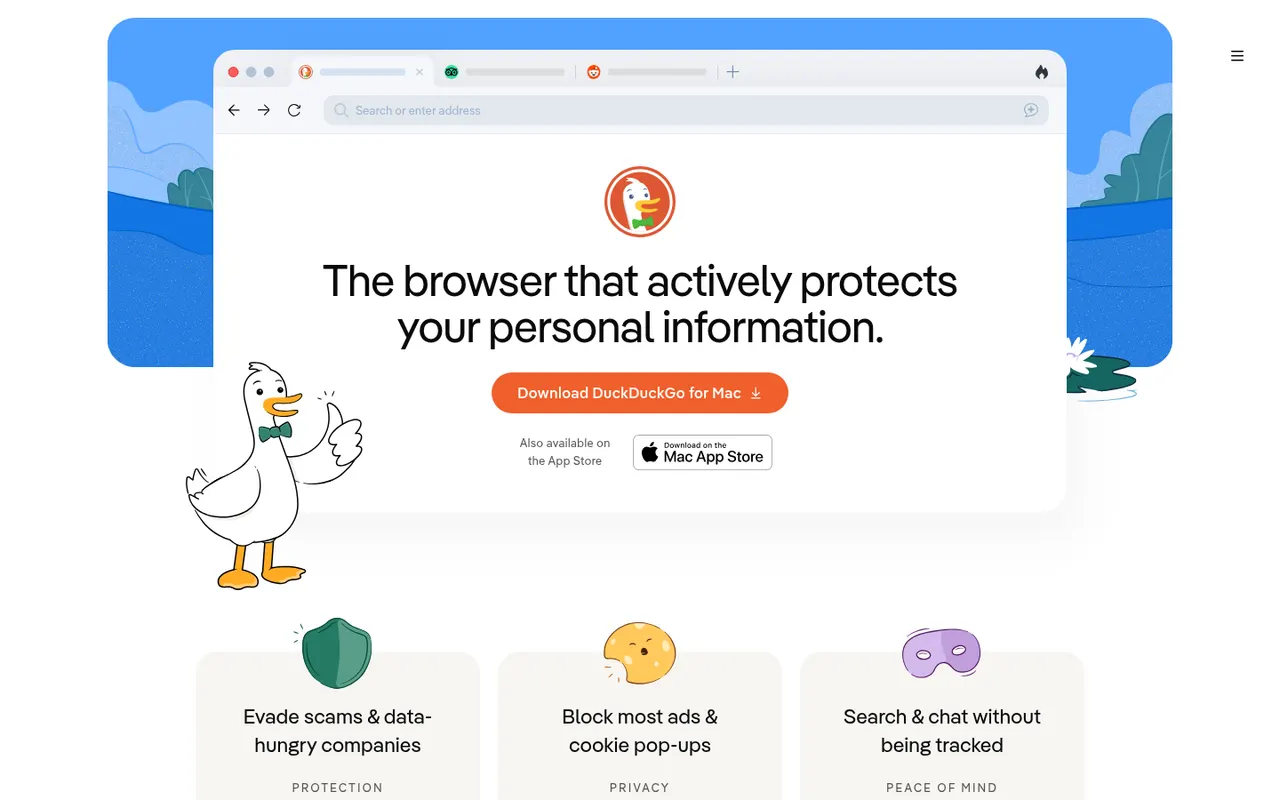
Cost / LicenseFreeProprietaryCategoriesThe DuckDuckGo browser is a free, privacy-focused browser for iPhone, Android, Mac and Windows that uses DuckDuckGo search and blocks hidden trackers by default. The Fire Button clears tabs and data in one tap, Duck Player shows YouTube videos without personalized ads, and Email Protection forwards mail through @duck.com aliases. It also offers private Duck.ai chat and end-to-end encrypted sync.
8 DuckDuckGo Browser alternativesPros
- Blocks hidden trackers by default with no setup
- Fire Button clears tabs and data in one tap
- Built-in email aliases and Duck Player for YouTube
Cons
- No support for third-party extensions
- Fewer customization options than mainstream browsers
- No Linux version is available
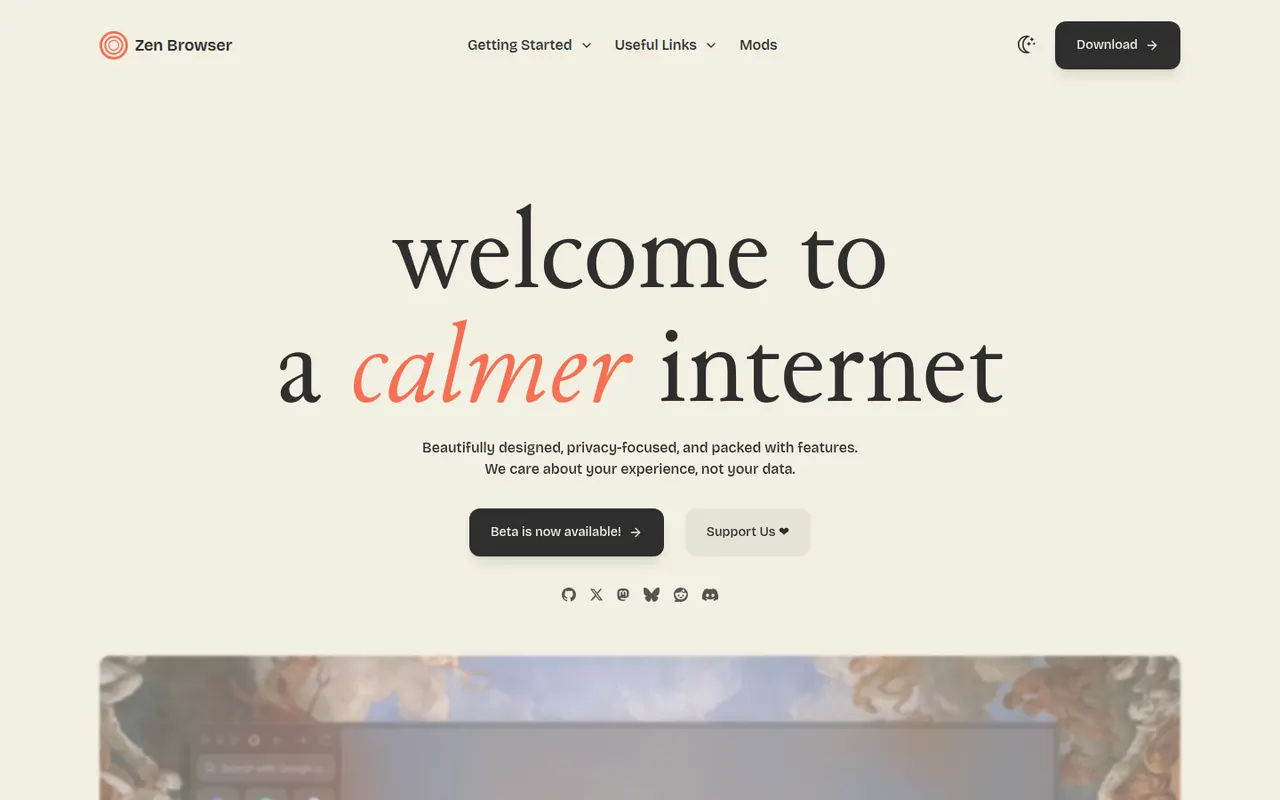
Cost / LicenseFreeProprietaryCategoriesZen Browser is a free, open source browser built on Firefox that brings an Arc-style layout to the Gecko engine: vertical tabs in a sidebar, workspaces, split view, pinned essentials and a compact mode that hides the interface. It works with Firefox add-ons and Firefox Sync, and is developed by a volunteer community for Windows, macOS and Linux.
7 Zen Browser alternativesPros
- Arc-style vertical tabs and workspaces on the Firefox engine
- Split view and compact mode for a clean workspace
- Works with Firefox add-ons and Firefox Sync
Cons
- Young volunteer-run project that still has rough edges
- No mobile version is available
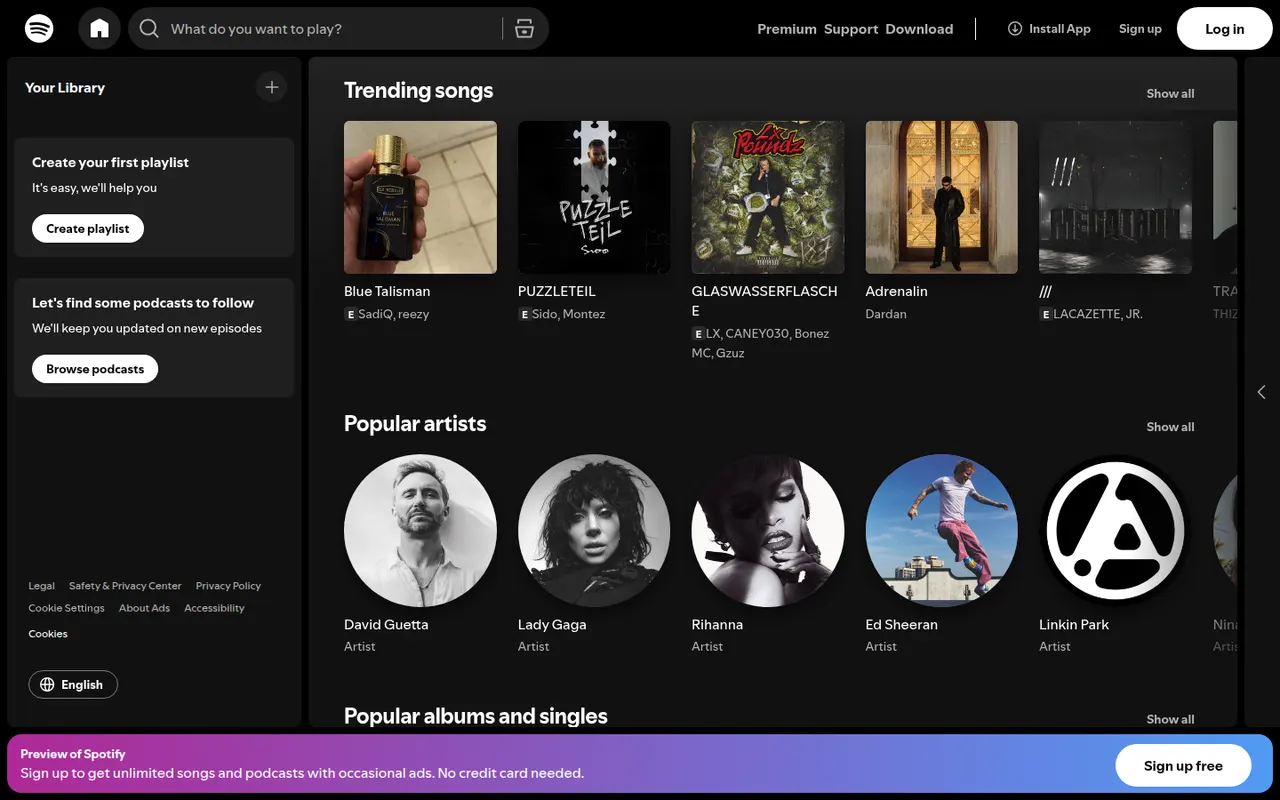
Cost / LicenseFreeOpen sourceCategoriesSpotify is a streaming service for music, podcasts and audiobooks, known for personalized playlists such as Discover Weekly and its recommendation features. The free tier is ad-supported with some playback limits, while Premium removes ads, allows offline downloads and includes lossless audio. Spotify Connect lets you move playback between phones, computers, speakers, TVs and cars.
9 Spotify alternativesPros
- Strong personalized playlists and recommendations, like Discover Weekly
- Spotify Connect hands playback between phones, speakers, TVs and cars
- Free ad-supported tier and apps on nearly every platform
Cons
- Free tier has ads and playback limits, especially on mobile
- Podcasts and audiobooks crowd the interface for music-only listeners
- Offline downloads require a Premium subscription
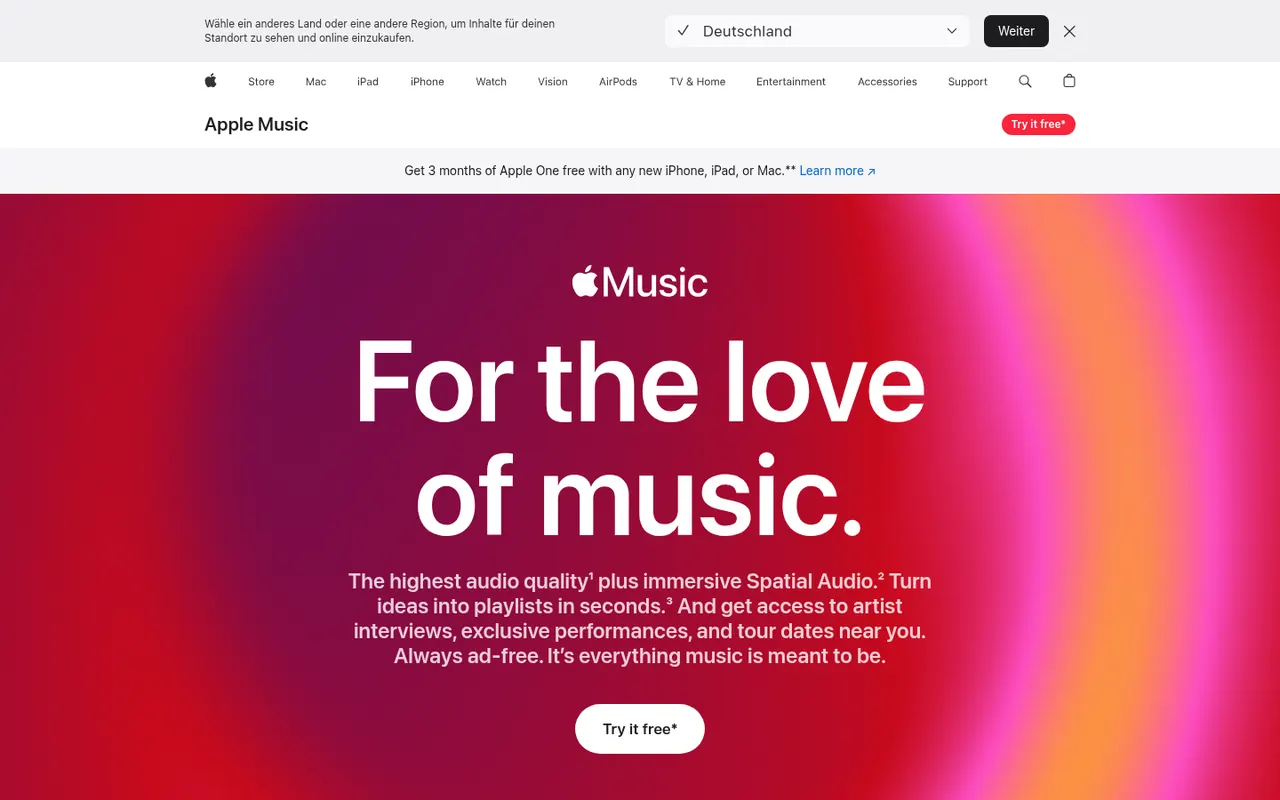
Cost / LicenseFreemiumProprietaryCategoriesApple Music is Apple's subscription streaming service with a large catalog, curated playlists, live radio stations and time-synced lyrics. Subscriptions include lossless audio and Dolby Atmos spatial audio at no extra cost, and the service works with Siri, the iCloud Music Library and Apple devices. It is also available on Android, Windows and the web, with a free trial for new subscribers.
9 Apple Music alternativesPros
- Lossless and Dolby Atmos spatial audio at no extra cost
- Time-synced lyrics, live radio and curated playlists
- Deep integration with Siri and Apple devices
Cons
- No free tier beyond the trial
- Best experienced on Apple devices, with other platforms feeling secondary
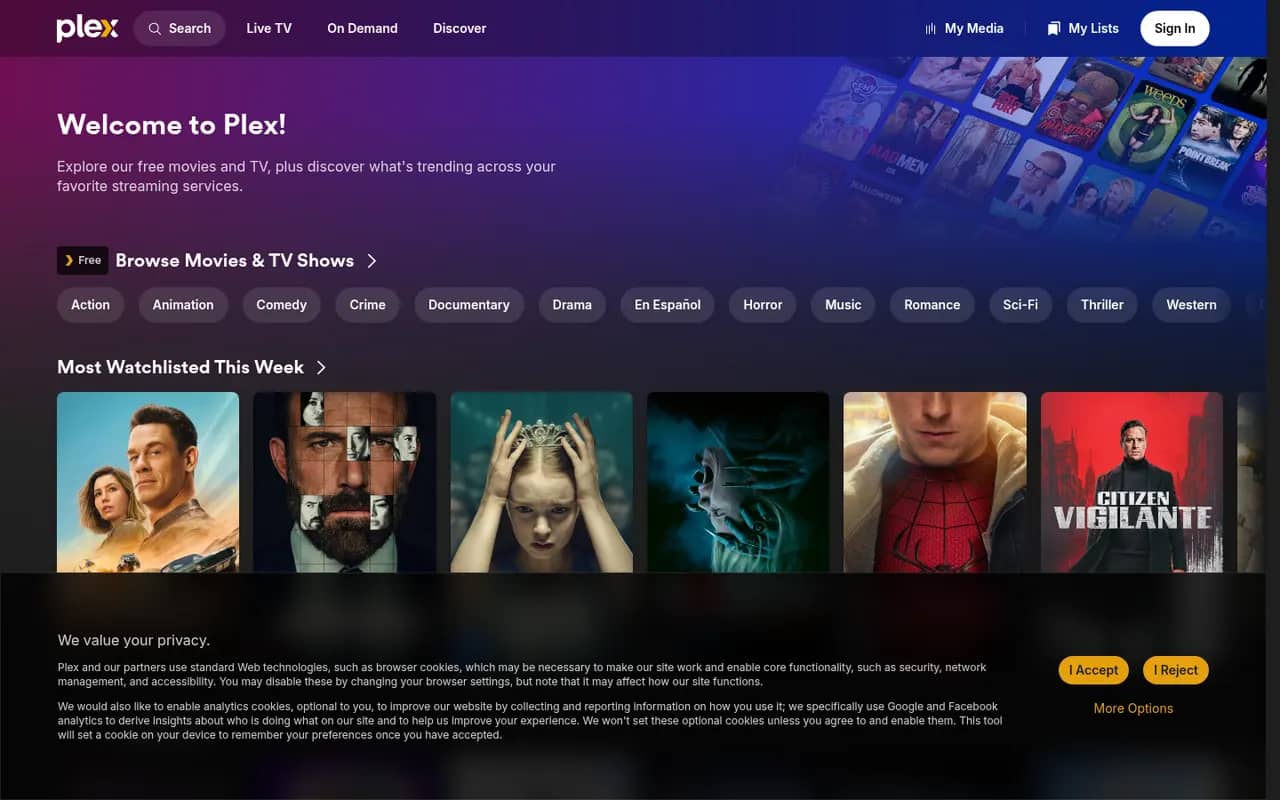
Cost / LicenseFree trialProprietaryCategoriesPlex is a media platform that organizes your movies, shows, music and photos with Plex Media Server and streams them to apps on phones, TVs, consoles and browsers. It fetches artwork and metadata, transcodes when needed and offers free ad-supported movies and live TV. Core features are free, while a Plex Pass subscription unlocks extras such as hardware-accelerated transcoding and remote playback of your own media.
9 Plex alternativesPros
- Polished apps on phones, TVs, consoles and browsers
- Rich artwork and metadata for movies, shows and music
- Free ad-supported movies and live TV alongside your own library
Cons
- Remote playback of your media and hardware transcoding need Plex Pass
- Requires a Plex account, with sign-in depending on Plex servers
- Ad-supported content clutters the interface
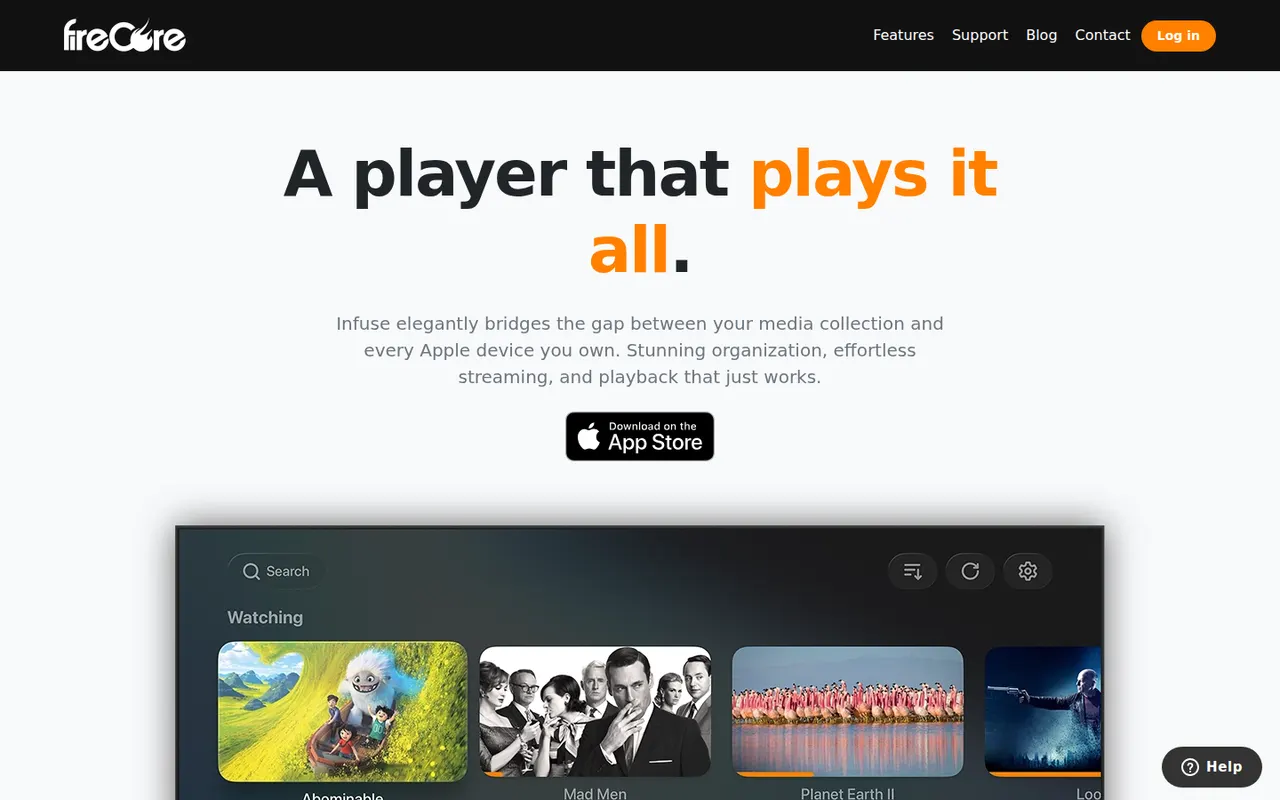
Cost / LicenseFreemiumProprietaryCategoriesInfuse is a video player for iPhone, iPad, Apple TV, Mac and Vision Pro that plays files from network shares, cloud drives and media servers such as Plex, Emby and Jellyfin. It fetches artwork and metadata, downloads subtitles from OpenSubtitles and syncs watch history with Trakt. Core playback is free, while Infuse Pro adds support for more formats, Dolby Vision and Atmos audio, and additional services.
7 Infuse alternativesPros
- Polished playback with artwork and metadata across Apple devices
- Connects to network shares, cloud drives, Plex, Emby and Jellyfin
- Trakt sync and automatic subtitles from OpenSubtitles
Cons
- Apple platforms only, with no Android or Windows app
- Some formats, Dolby Vision and Atmos require Infuse Pro
Cost / LicenseFreemiumProprietaryCategories