Apps with Multi-track timeline
17 apps
Top Multi-track timeline apps ranked by the community
Premiere Pro is Adobe's timeline-based video editor for film, television, YouTube and corporate work. It handles multi-camera editing, Lumetri color correction, speech-to-text captions and transcript-based editing, and connects with After Effects, Audition and Frame.io for review. It is sold as a Creative Cloud subscription for Windows and macOS.
9 Adobe Premiere Pro alternativesPros
- Widely used in professional video, so skills transfer easily
- Transcript-based editing and automatic captions speed up cuts
- Works smoothly with After Effects, Audition and Frame.io
Cons
- Subscription-only pricing adds up over time
- Can be unstable or sluggish on large projects
- Interface is complex for newcomers
Cost / LicenseFree trialProprietaryCategoriesDaVinci Resolve from Blackmagic Design combines video editing, its well-known color grading tools, Fusion visual effects and Fairlight audio post-production in a single application. The free version is unusually complete, while the paid Studio version adds AI tools, higher resolutions and frame rates, and extra effects. It runs on Windows, macOS, Linux and iPad.
10 DaVinci Resolve alternativesPros
- Free version is remarkably complete for professional work
- Renowned color grading tools used in film and television
- Editing, VFX and audio post-production in a single app
Cons
- Steep learning curve, especially for color and Fusion
- Needs a powerful GPU for smooth playback
- Some AI tools and higher resolutions require the paid Studio version
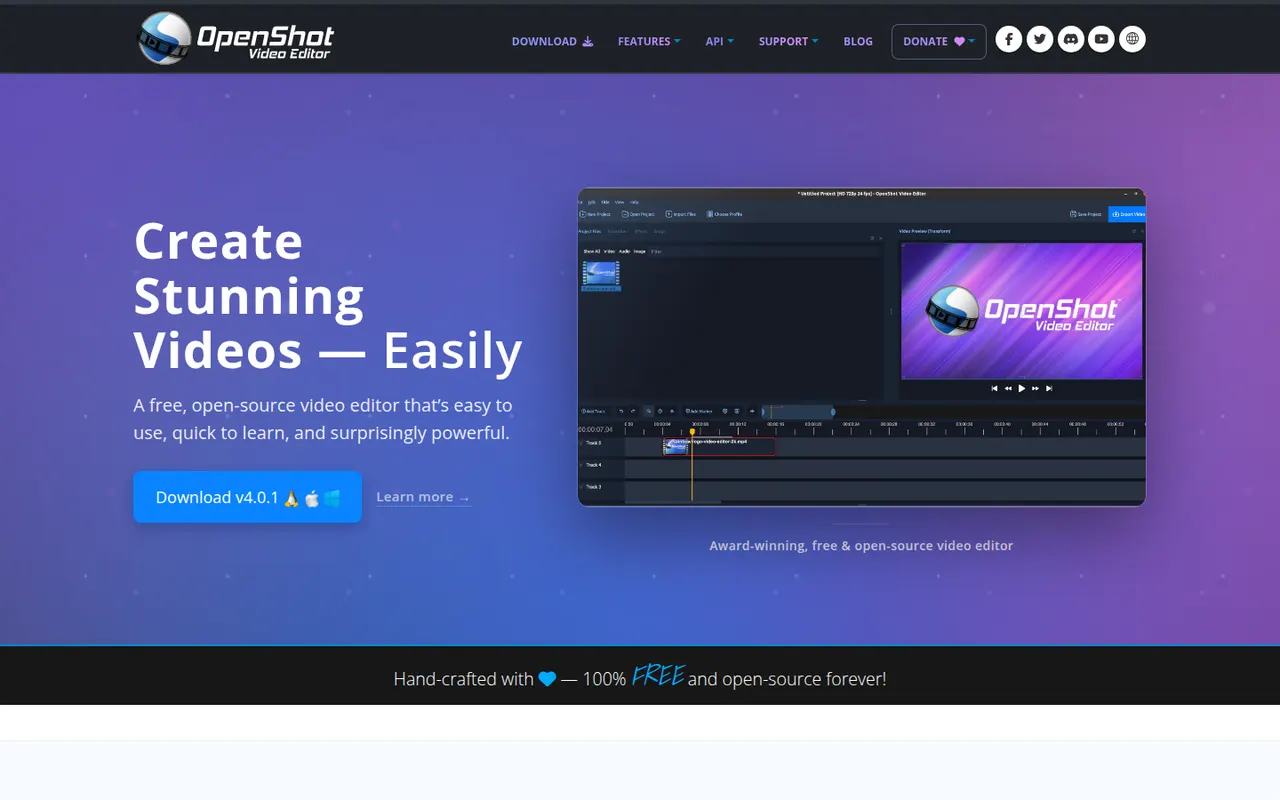
Cost / LicenseFreemiumProprietaryOpenShot is a free, open source video editor designed to be easy to learn. It offers a multi-track timeline with drag and drop, keyframe animations, transitions, title templates, chroma key and 3D animated titles rendered with Blender. It runs on Windows, macOS, Linux and ChromeOS and is a common choice for beginners who want a no-cost desktop editor.
8 OpenShot alternativesPros
- Simple drag-and-drop editing that beginners learn quickly
- Free and open source on Windows, macOS, Linux and ChromeOS
- Animated 3D titles rendered with Blender
Cons
- Performance and stability suffer on longer projects
- Limited advanced tools compared with DaVinci Resolve or Kdenlive
Cost / LicenseFreeOpen sourceCategoriesFilmora is a consumer video editor from Wondershare for YouTubers, educators and small businesses. It pairs a multi-track timeline with a large library of effects, templates and stock media, and adds AI tools such as auto captions, background removal, text-to-speech and audio denoising. It is available for Windows and macOS, with mobile apps; the free version adds a watermark on export.
11 Filmora alternativesPros
- Beginner-friendly interface with a gentle learning curve
- Large library of effects, templates and stock media
- AI tools for captions, background removal and audio denoising
Cons
- Free version adds a watermark to exports
- Some effects and AI features cost extra
- Not suited to complex professional projects
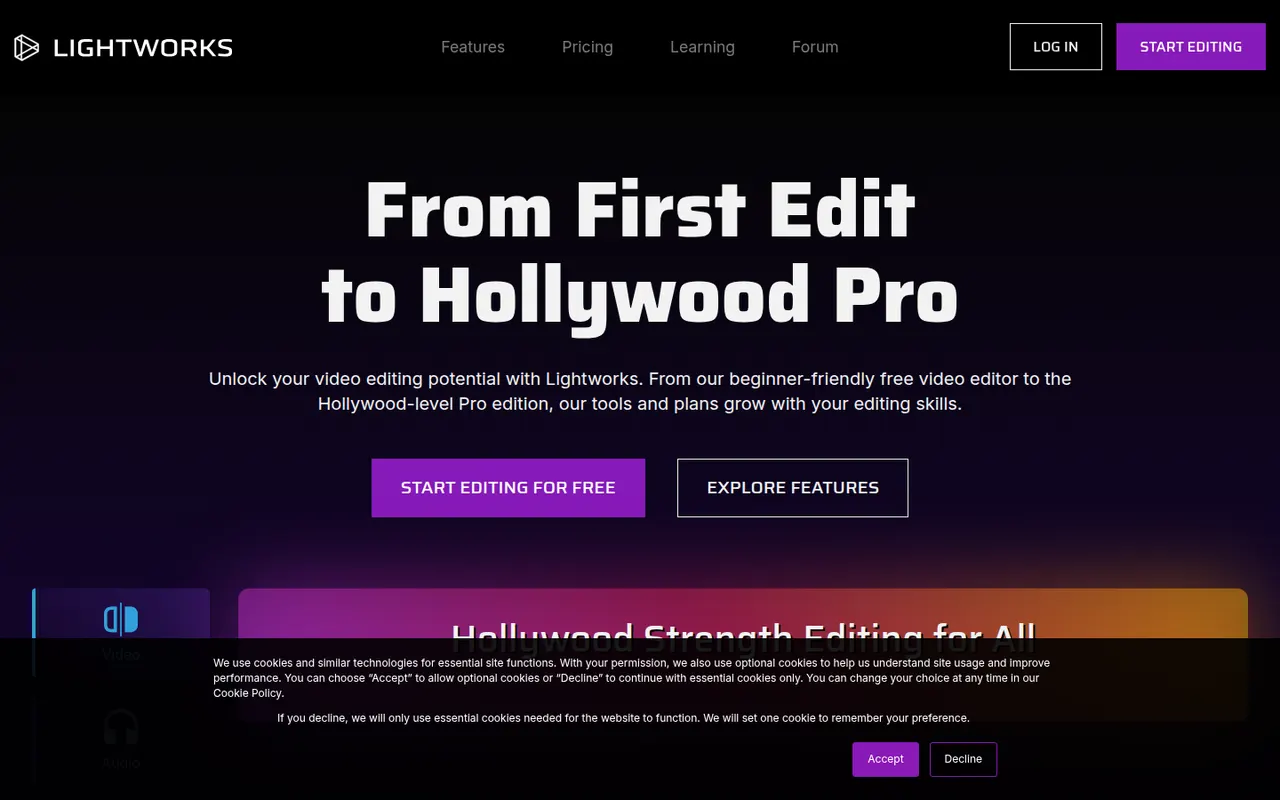
Cost / LicenseFreemiumProprietaryCategoriesLightworks is a long-standing non-linear editor that has been used on feature films and television, now developed by LWKS Software. It offers a multi-track timeline, precise trimming tools, color correction and wide format support on Windows, macOS and Linux. A free version lets anyone learn it with limited export options, while paid plans add higher resolution exports and pro formats.
7 Lightworks alternativesPros
- Pro-grade trimming tools with a film and TV pedigree
- Runs on Windows, macOS and Linux
- Free version is enough to learn professional editing
Cons
- Free version limits export resolution and formats
- Unconventional interface with a steep learning curve
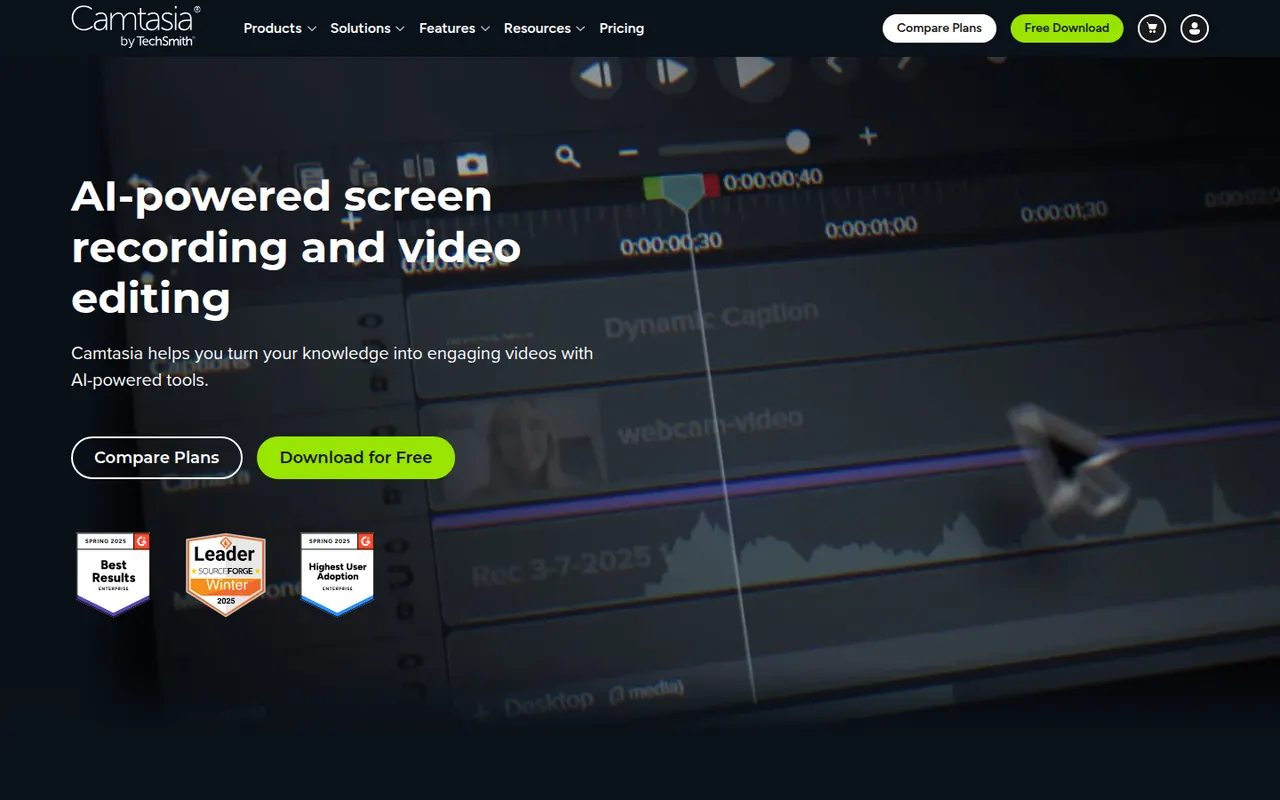
Cost / LicenseFreemiumProprietaryCategoriesCamtasia from TechSmith combines a screen and webcam recorder with a timeline editor tailored to tutorials, product demos and training videos. It provides callouts, cursor effects, zoom and pan animations, quizzes and templates, so non-editors can produce polished instructional content. It runs on Windows and macOS and is sold by subscription, with a free trial.
12 Camtasia alternativesPros
- Recorder and timeline editor tailored to tutorials
- Callouts, cursor effects and zooms without video editing skills
- Quizzes and templates for training content
Cons
- The subscription is expensive for occasional use
- Can slow down on long or complex projects
- Less flexible than a full video editor for advanced edits
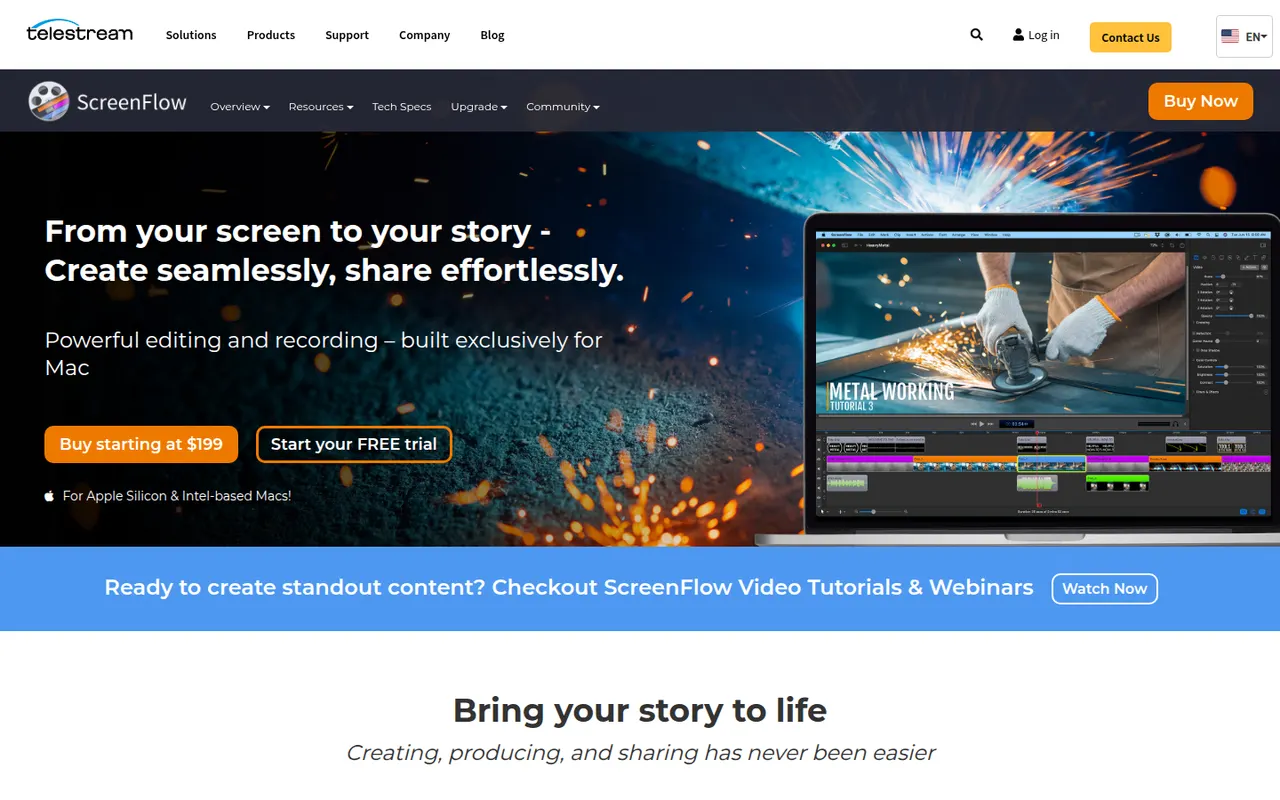
Cost / LicenseFree trialProprietaryCategoriesScreenFlow by Telestream is a Mac app for recording the screen, camera, microphone and a connected iPhone or iPad, then editing everything on a multi-track timeline. It adds callouts, text, transitions, freehand annotations and a stock media library, and is used for tutorials, courses and software demos. It is a paid app with a free trial that adds a watermark.
8 ScreenFlow alternativesPros
- Records the screen, camera and a connected iPhone or iPad
- Multi-track timeline with callouts, text and annotations
- Access to a stock media library from the editor
Cons
- Available on macOS only, with no Windows version
- Trial exports carry a watermark
- Effects take more manual work than newer automatic recorders
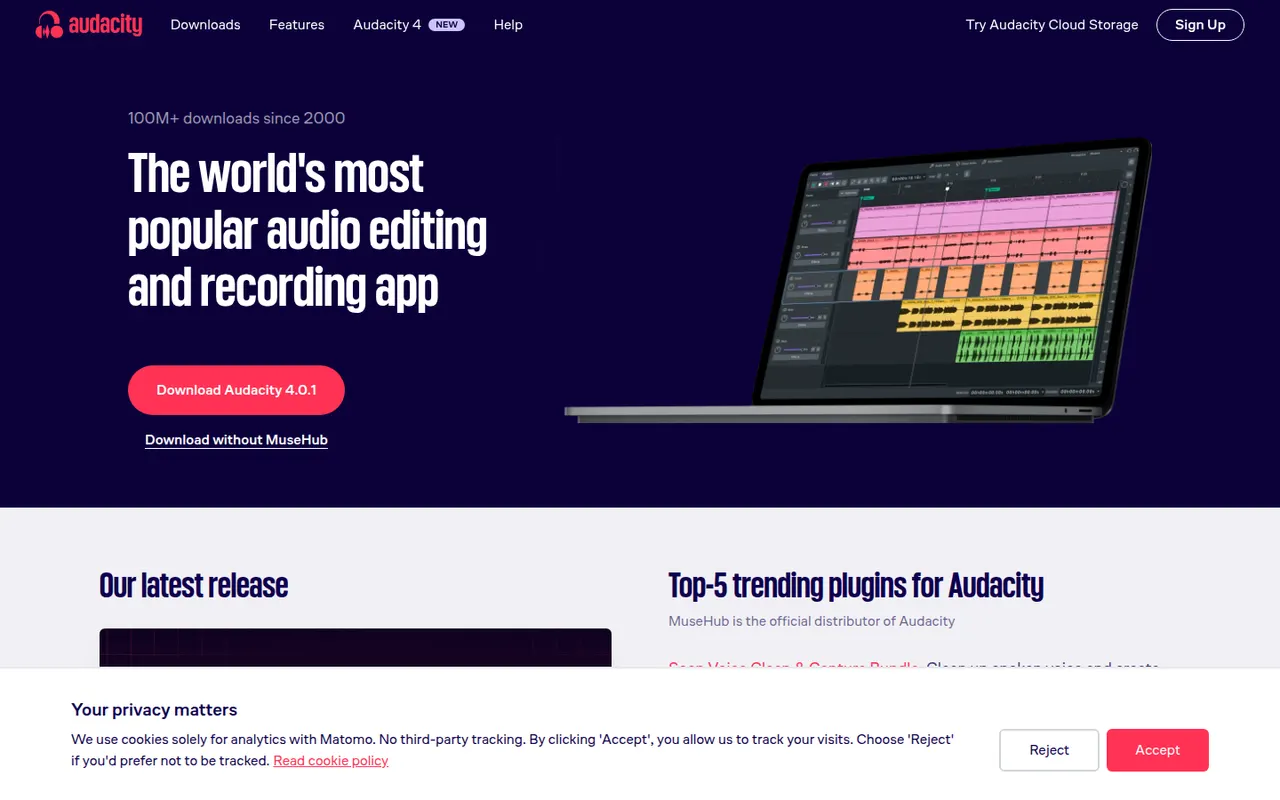
Cost / LicenseFree trialProprietaryCategoriesPlatformsAudacity is a free, open source audio editor for recording and editing voice, music and podcasts. It provides multi-track editing, noise reduction, effects, spectral views and support for VST3, LV2 and Audio Unit plugins, and it runs on Windows, macOS and Linux. Maintained by Muse Group with community contributors, it can optionally save projects to audio.com.
10 Audacity alternativesPros
- Completely free and open source on Windows, macOS and Linux
- Handles recording, cutting, noise reduction and effects for everyday jobs
- Supports VST3, LV2 and Audio Unit plugins
Cons
- Interface feels less polished than commercial audio editors
- Limited multitrack mixing and MIDI tools for music production
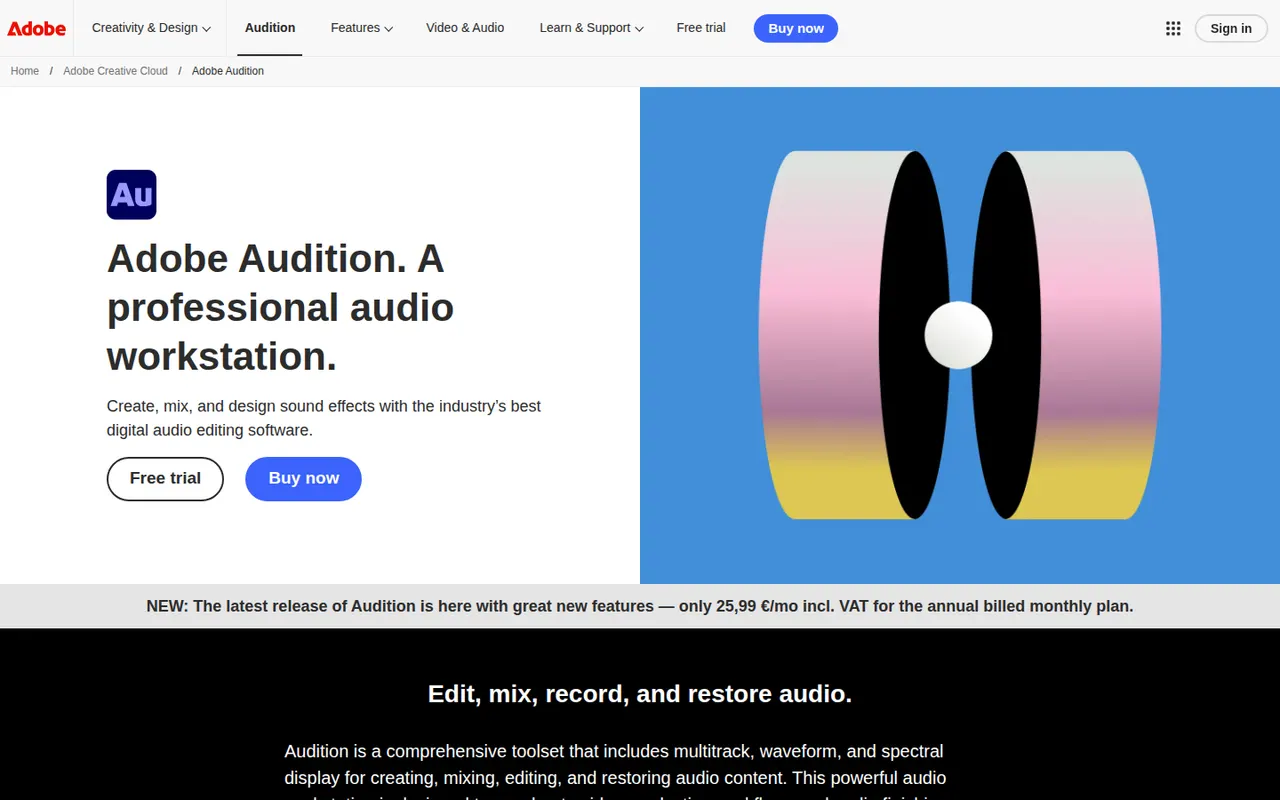
Cost / LicenseFreeOpen sourceCategoriesAdobe Audition is a digital audio workstation for editing, mixing and restoring audio, aimed at podcasters, broadcasters and video editors. It combines waveform and multitrack editing with a spectral frequency display, noise reduction, loudness tools and Essential Sound presets. It integrates with Premiere Pro and is included in Creative Cloud for Windows and macOS.
9 Adobe Audition alternativesPros
- Spectral frequency display allows precise noise and click removal
- Strong restoration and loudness tools for podcasts and broadcast
- Smooth round-trips with Premiere Pro for video projects
Cons
- Only available by subscription through Creative Cloud
- Little support for MIDI or music composition compared with a full DAW
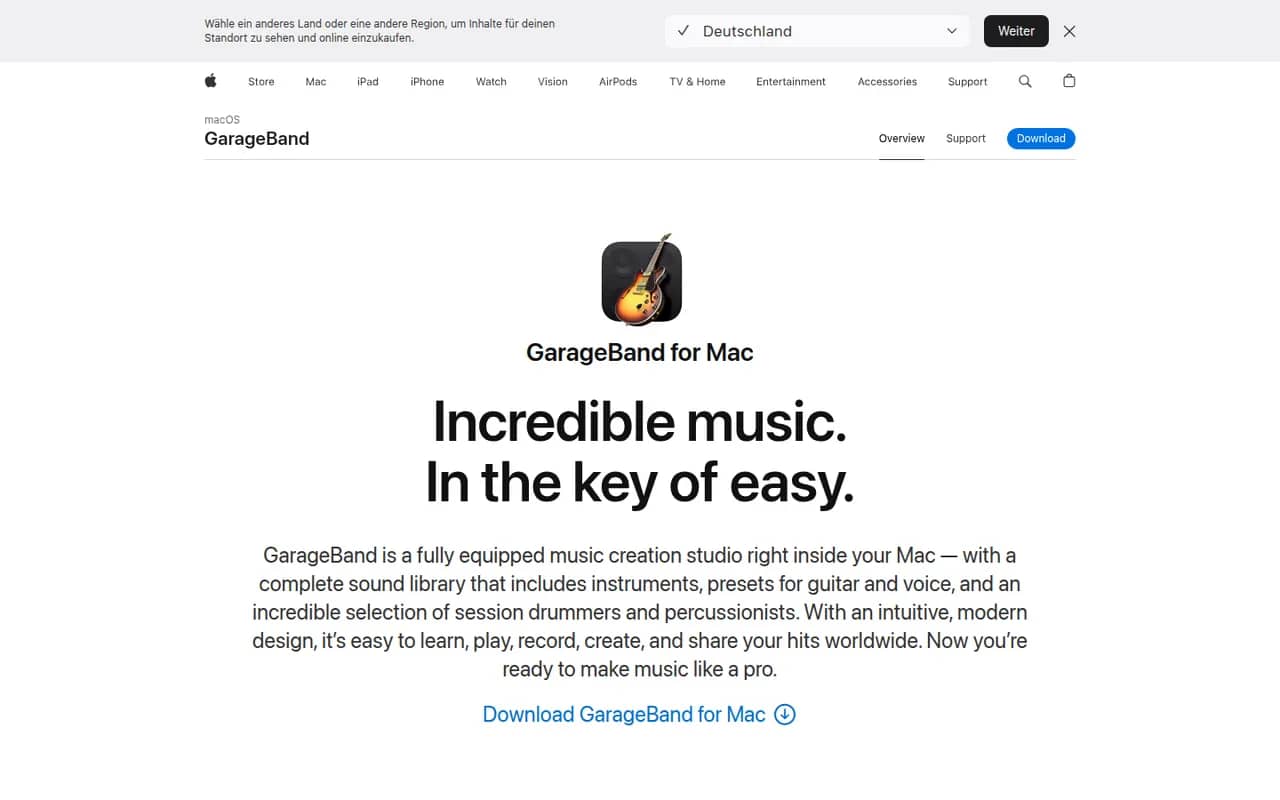
Cost / LicenseFree trialProprietaryCategoriesGarageBand is Apple's free app for making music and recording audio on Mac, iPhone and iPad. It includes virtual instruments, a sound library with loops, guitar amp simulations, a virtual drummer and multi-track recording, along with piano and guitar lessons on Mac. Projects open in Logic Pro when users need more advanced production tools.
8 GarageBand alternativesPros
- Free, with a friendly interface for beginners
- Virtual drummer, loops and amp simulations get ideas down quickly
- Projects open in Logic Pro when you need more power
Cons
- Apple devices only, with no Windows or Android version
- Limited mixing, automation and routing for serious production
Cost / LicenseFreeProprietaryCategoriesAbleton Live is a digital audio workstation for music production and live performance, especially common in electronic music. Its Session View lets artists launch clips and loops in real time alongside a traditional arrangement timeline, with built-in instruments, effects, MIDI tools and Max for Live in the Suite edition. It runs on Windows and macOS in Intro, Standard and Suite editions, with a free trial.
8 Ableton Live alternativesPros
- Session View makes clip launching and live improvisation natural
- Fast workflow for electronic music, sampling and warping audio
- Max for Live in Suite opens up custom instruments and devices
Cons
- Suite edition is expensive compared with many other DAWs
- Intro and Standard leave out many instruments and Max for Live
- No Linux version, only Windows and macOS
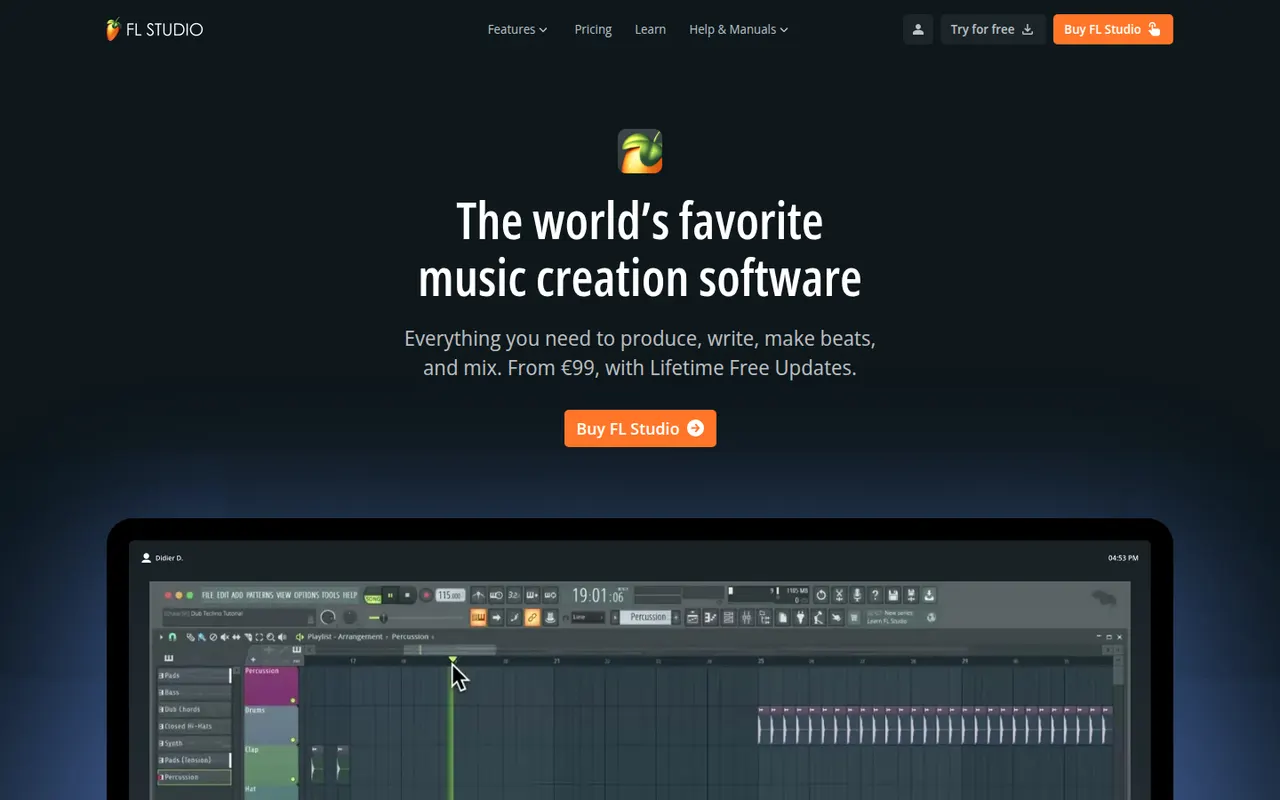
Cost / LicenseFree trialProprietaryCategoriesFL Studio is a digital audio workstation from Image-Line, known for its fast pattern-based workflow, step sequencer and piano roll, widely used by hip-hop and electronic producers. It includes many instruments and effects, supports VST plugins and runs on Windows and macOS. Every edition comes with lifetime free updates, and the trial is unlimited in time but cannot reopen saved projects.
7 FL Studio alternativesPros
- Step sequencer and piano roll make beat-making very fast
- Every edition comes with lifetime free updates
- Many instruments and effects included out of the box
Cons
- Recording and editing live instruments feels less natural than in linear DAWs
- The trial cannot reopen saved projects
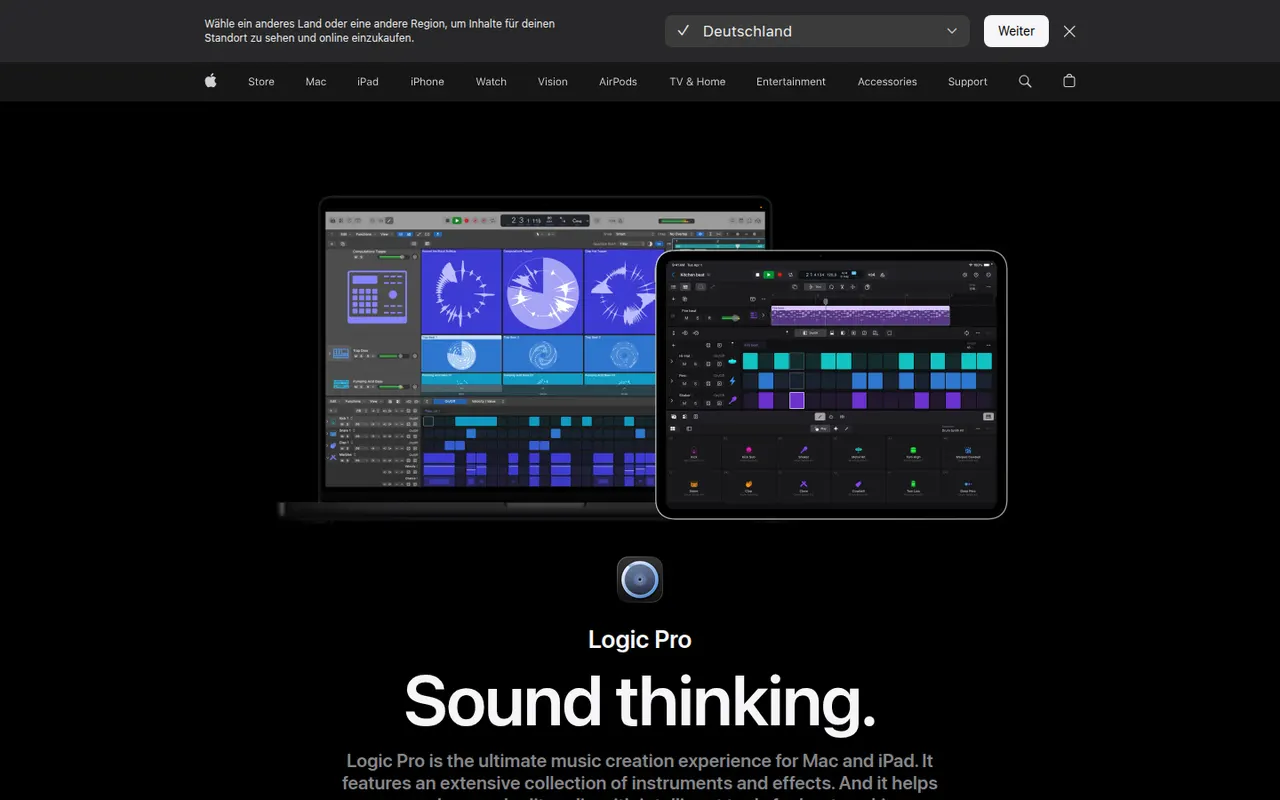
Cost / LicenseFree trialProprietaryCategoriesLogic Pro is Apple's digital audio workstation for recording, producing and mixing music on Mac, with a touch-optimized version for iPad. It ships with a large library of instruments, loops and effects, AI-assisted Session Players and stem splitting, plus Dolby Atmos spatial audio mixing. It opens GarageBand projects and is available on the App Store, with a free trial on Mac.
8 Logic Pro alternativesPros
- Huge bundled library of instruments, loops and effects
- The Mac version is a one-time purchase rather than a subscription
- Dolby Atmos mixing, Session Players and stem splitting built in
Cons
- Mac and iPad only, so projects cannot move to Windows collaborators
- Deep feature set takes time to master
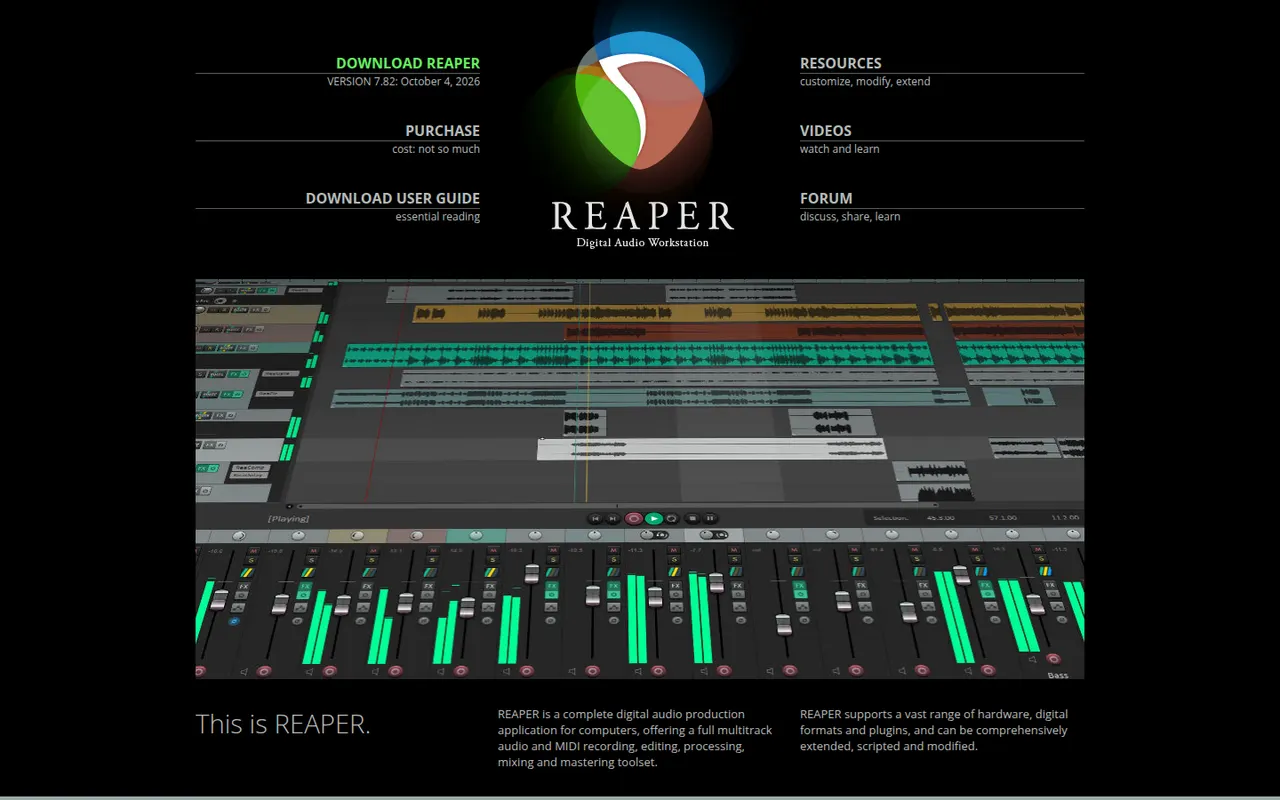
Cost / LicenseFree trialProprietaryCategoriesREAPER is a digital audio workstation from Cockos for recording, editing, mixing and mastering audio and MIDI. It is known for its small installer, efficient performance, deep customization through scripts and themes, and wide plugin support. It runs on Windows, macOS and Linux and offers a fully functional 60-day evaluation before a license is required.
11 REAPER alternativesPros
- Small, efficient app that runs well on modest hardware
- Deeply customizable with scripts, actions and themes
- Fully functional evaluation before you buy a license
Cons
- Default interface looks plain and takes setup to feel comfortable
- Few bundled instruments and sounds compared with other DAWs
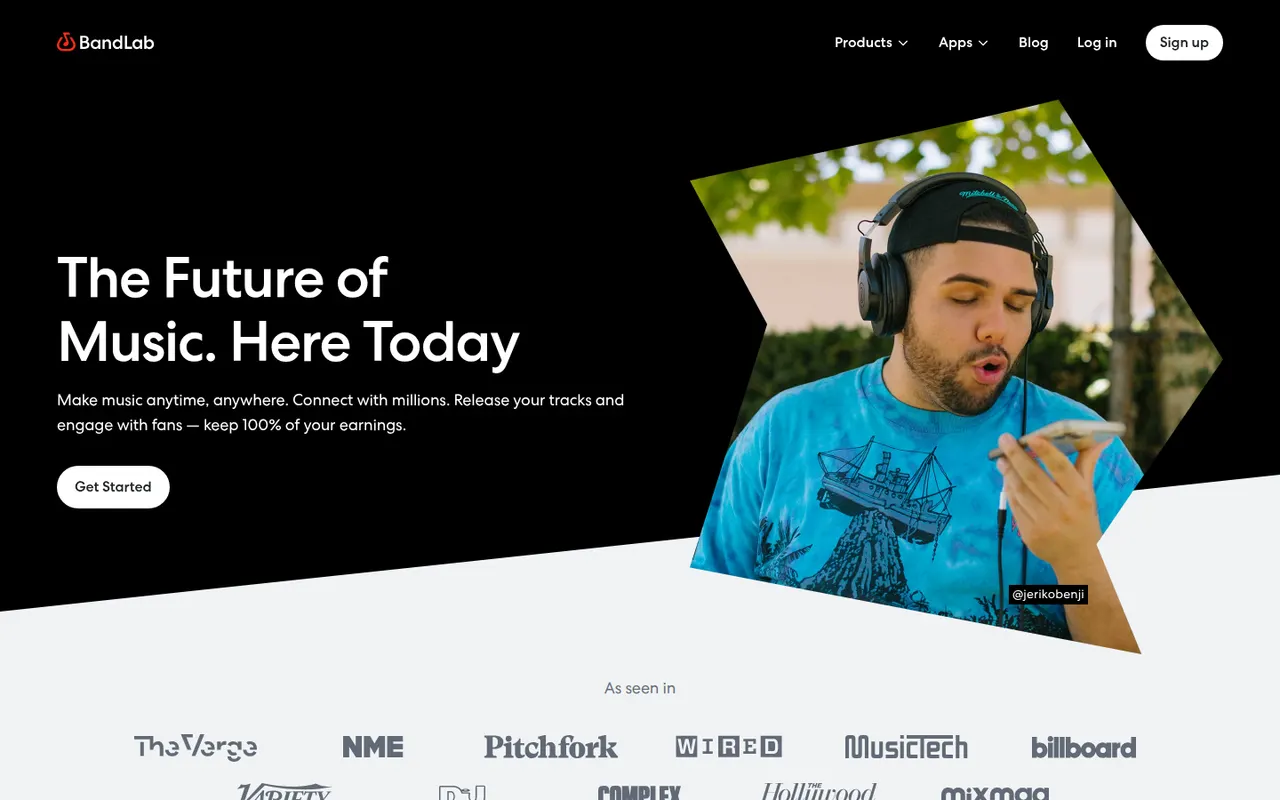
Cost / LicenseFree trialProprietaryCategoriesBandLab is a free, cloud-based music creation platform with a multi-track studio that works in the browser and on iOS and Android. Musicians can record, use loops and virtual instruments, collaborate on projects with others and publish songs to a built-in community. Core features are free, with an optional membership for extra tools and distribution services.
8 BandLab alternativesPros
- Free multitrack studio in the browser and on mobile
- Easy collaboration on songs with other musicians
- Built-in community to publish and discover songs
Cons
- Fewer advanced mixing and editing tools than desktop DAWs
- Cloud-based workflow depends on a good internet connection
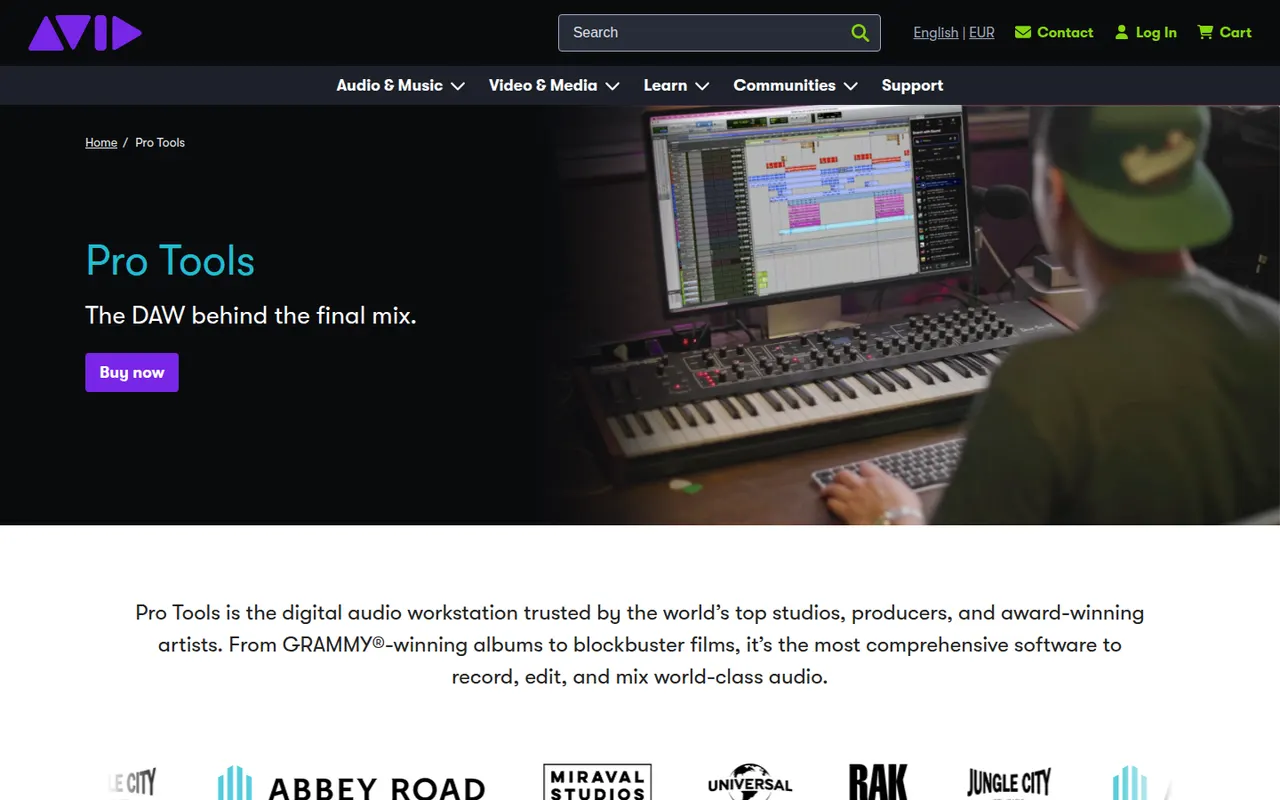
Cost / LicenseFreemiumProprietaryCategoriesPro Tools is Avid's digital audio workstation, long established in recording studios and in film and television post-production. It covers multitrack recording, precise audio editing, MIDI and mixing up to Dolby Atmos, and works with Avid control surfaces and AAX plugins. It runs on Windows and macOS, with a free Pro Tools Intro edition and Artist, Studio and Ultimate subscriptions.
6 Pro Tools alternativesPros
- Industry standard in recording studios and post-production
- Precise audio editing and a mature mixing workflow
- Tight integration with Avid control surfaces and Dolby Atmos mixing
Cons
- Paid editions are expensive, especially Studio and Ultimate
- Supports AAX plugins only, not VST
- The free Intro edition is limited in tracks and features
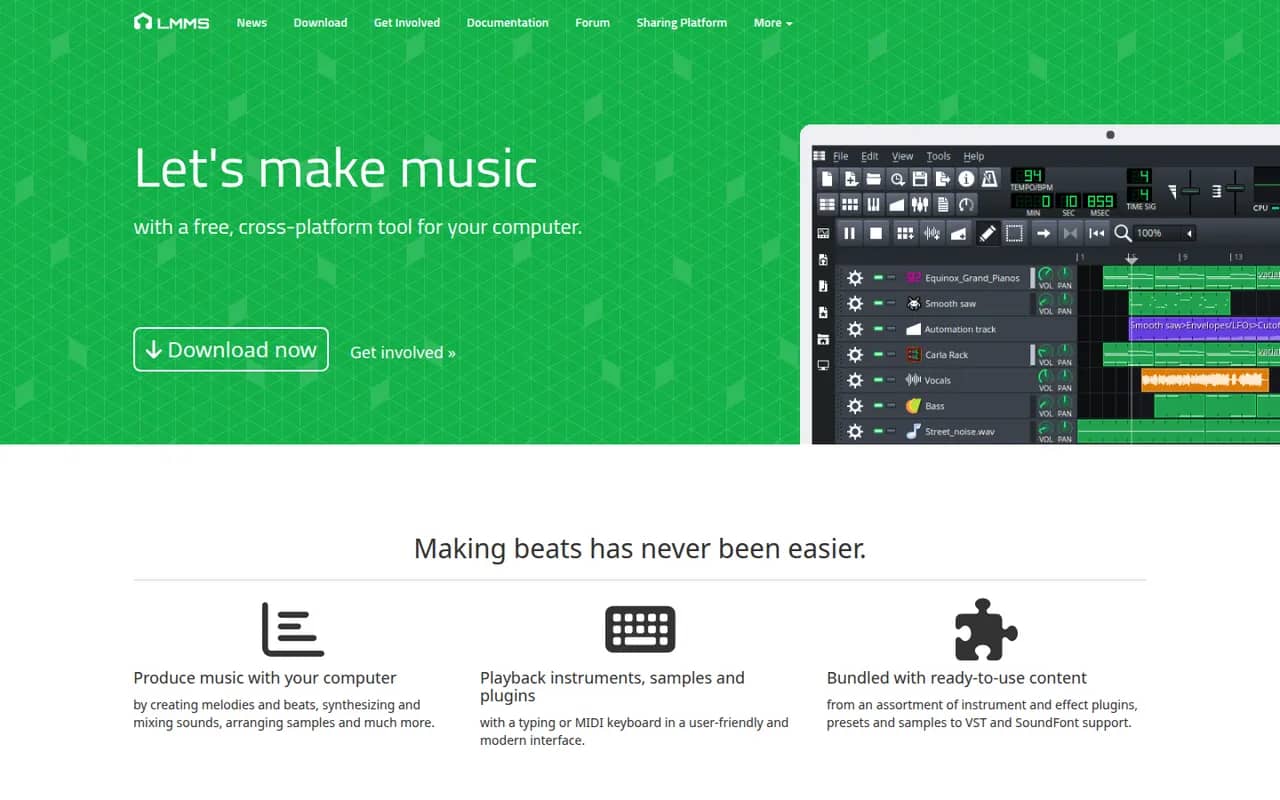
Cost / LicenseFreemiumProprietaryCategoriesLMMS is a free, open source digital audio workstation for composing music on Windows, macOS and Linux. It provides a song editor, a beat and bassline editor, a piano roll and built-in synthesizers and samplers, and it can load VST instruments on Windows and Linux. It is a common starting point for beginners and hobbyists who want a no-cost alternative to FL Studio.
8 LMMS alternativesPros
- Free and open source on Windows, macOS and Linux
- Beat and bassline editor and piano roll suit electronic music beginners
- Built-in synthesizers and samplers to start without extra plugins
Cons
- Audio recording is very limited, as it focuses on sequencing
- VST instruments are not supported on macOS
- Interface feels dated next to commercial DAWs
Cost / LicenseFreeOpen sourceCategories